Key takeaways
- AI Overview trackers collect data in three main ways: SERP API wrappers, DIY scraping with headless browsers, and monitoring of the real user interface.
- AI Overviews are not a ranked list, so the data model is different: presence, citations, and share of the answer rather than position 1 to 10.
- Some AI Overviews load in a second step, which means a single API call can miss them. SerpApi's page_token expires after 4 minutes.
- Location, device, and timing change what shows up. A tracker that ignores those variables gives you noise.
- Ask any vendor four questions: how it collects, from where, how often, and what it does when Google serves no AI Overview.
Why the collection method matters
Two trackers can report completely different numbers for the same keyword, and both can be "right." The difference usually sits in how the data was collected, not in the dashboard on top.
AI Overviews make this worse than classic rank tracking. As Omnia puts it, your "rank" in an AI Overview isn't fixed. You might show up for a prompt on one user's device and be omitted entirely on another's. Google generates these summaries with a customized Gemini model alongside its ranking systems, so the output is synthesized, not retrieved from a static list.
Google Search Console doesn't give you granular AI Overview mention data or the specific URLs referenced in the generated answers. That gap is why purpose-built trackers exist at all.
So what are these tools actually doing behind the scenes? Mostly one of three things.
What an AI Overview tracker needs to capture
Before comparing methods, it helps to know what the output should contain. A usable record per keyword, location, and device includes:
- Whether an AI Overview appeared at all (many queries don't trigger one).
- Whether your domain was cited.
- Which other domains were cited, and in what order.
- The answer text, so you can judge sentiment and framing.
- Timestamp, geo, and device, so runs are comparable.
One write-up on tracking from Segmetrics frames it as three separate questions: does it show up, does it cite you, and what does that do to traffic. Most tools only answer the first two. The third needs analytics and attribution on your side.
Method 1: SERP APIs
The most common approach. A vendor runs the search for you, parses the page, and returns JSON. You send a keyword and a location, you get structured fields back.
How the request flow works
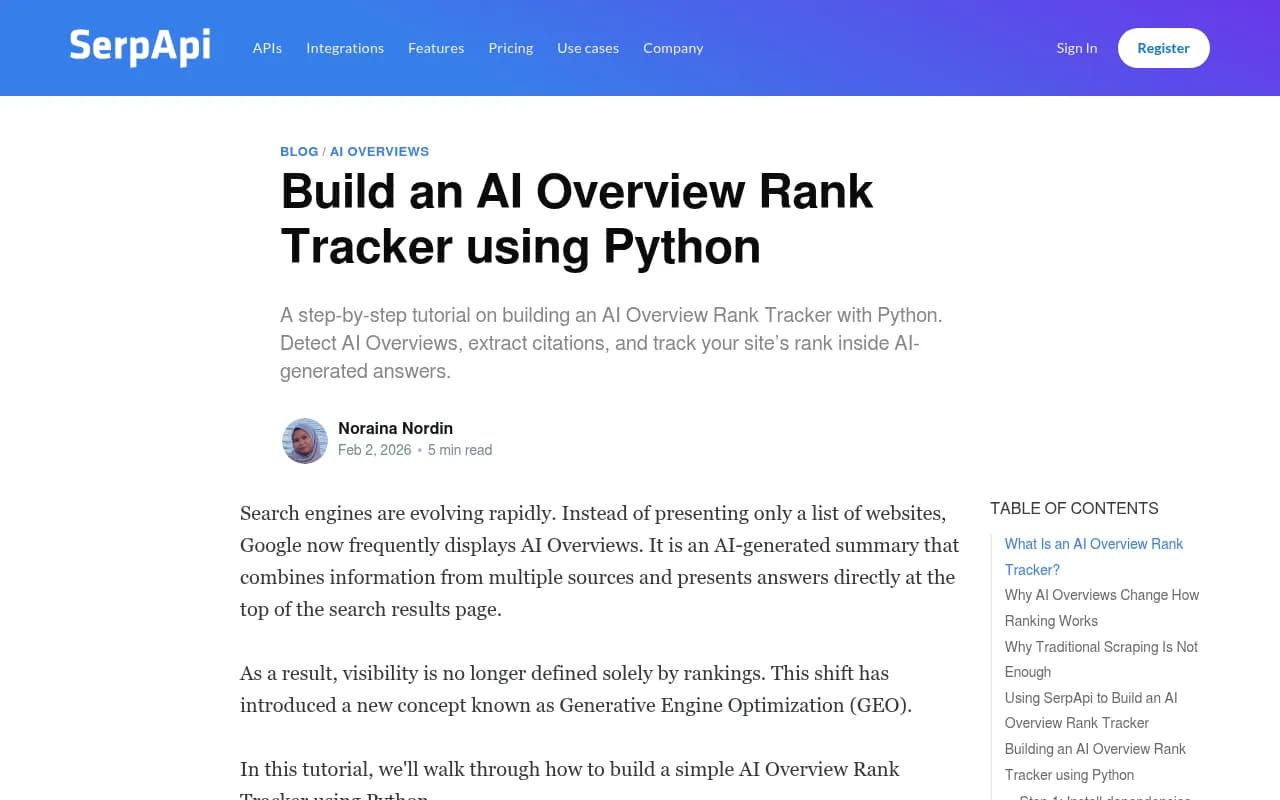
It sounds simple until the AI Overview is involved. Google sometimes returns the overview in a second step. According to SerpApi's documentation, the first response's ai_overview field then holds a page_token and a serpapi_link instead of the full content. You make an additional call to its AI Overview API to fetch it, and the page_token is valid for only 4 minutes. Miss that window and you re-run the search.
DataForSEO handles the same problem with parameters on its SERP API. load_async_ai_overview: true loads overviews that Google loads asynchronously, and expand_ai_overview: true expands the overview. Their example request targets location_code 2840 (US) and language_code "en".
Price matters at scale. DataForSEO's own update post lists a Standard request at normal priority at $0.0006, and adding the async AI Overview load bills another $0.0006, so $0.0012 per request. That is the vendor's figure and may have changed, so check before budgeting.
Strengths and weaknesses
| Aspect | What to expect |
|---|---|
| Setup | Fast. Keyword in, JSON out |
| Cost | Cheap per request, but multiplies with keywords, locations, and devices |
| Geo targeting | Via parameters such as uule or location_code |
| Reliability | Vendor handles proxies and parsing, but layout changes can break fields |
| Risk | Vendor continuity matters. Google sued SerpApi in December 2025 |
That last row is worth a pause. If your reporting pipeline depends on one scraping vendor, a legal or access problem on their side becomes your outage. Olostep's analysis of rank tracking APIs makes the same point and also notes that Google dropped the num=100 parameter in September 2025, so deep top-100 tracking now costs roughly ten times the requests.
For AI Overviews, the num change matters less than the second-step fetch, but both push costs up.
Four flavors of API
Olostep's breakdown is a useful way to sort the market:
- Live wrappers (SearchAPI, SerpApi): synchronous, good for on-demand dashboards, pricey for bulk.
- Dedicated rank APIs for scheduled tracking: cheap at scale, but you poll or use webhooks.
- Proxy or structured-data APIs (Olostep, ScrapingBee): you control DOM extraction.
- Rank tracking tools with APIs (Ahrefs, Semrush): quick reports, limited by plan pricing.
Olostep's checklist is blunt and correct: if your API only returns legacy organic positions, the data is flawed for 2026. The payload should include AI Overview presence, citation URLs, featured snippet ownership, and local pack visibility.
Method 2: DIY scraping
Some teams skip vendors and drive a headless browser (Puppeteer, Playwright) against Google directly. A thread on r/digital_marketing shows the typical frustration: someone using Puppeteer with headless Chrome finds the AI Overview box is "completely random."
That randomness is the real story. Reasons a DIY scraper returns inconsistent results:
- The overview loads asynchronously, so a fast parse sees nothing.
- Google doesn't show one for every query or session.
- Headless browsers are fingerprinted and may get different or blocked pages.
- Location comes from your IP unless you pay for geo-targeted proxies.
I would only build this if you have an engineer who enjoys maintenance, because selectors will break. The upside is full control of the DOM and no per-request vendor fee. If you want that control without writing the proxy layer, structured-data APIs sit in the middle.
Method 3: Real UI monitoring
This is what the third camp calls capturing the actual user-facing interface. seoClarity's comparison of scraping and APIs frames it as UI scraping versus API-based collection. UI collection simulates a logged-in user, issues the query as a person would, captures rendered output, citations, and interactive elements, then digitizes it into metrics. API collection returns structured responses that are simpler and developer-facing.
Their table summarizes the trade:
| UI collection | API-based collection | |
|---|---|---|
| Captures | Full user-facing output: citations, shopping results, formatting | Raw model text only |
| Accuracy | Mirrors what real users see | Simplified version |
| Difficulty | More technical effort | Easy, open to anyone |
Note the source has a stake: seoClarity sells a tracker built on UI collection. The logic is still sound for LLM chat products, where the interface adds its own behavior (shopping cards, browsing, model settings) that an API doesn't replicate. For Google AI Overviews the question is similar: does the vendor read what a browser renders, or a parsed approximation?
Promptwatch describes its approach the same way, collecting responses, citations, and click data from the actual interfaces of ChatGPT, Gemini, Perplexity, Claude, and AI Overviews, per country and language.
Why UI-level fidelity changes the numbers
The cited-source mix is not uniform across engines, and that's where shortcuts hurt. Promptwatch Data for Sep 28 to Oct 4, 2026 shows social platforms were 12.2% of Google AI Overviews citations, roughly 26 times ChatGPT's share, where all seven tracked social platforms together made up 0.46%. Inside AI Overviews, YouTube was 4.28%, Facebook 2.38%, and Reddit 2.15%.
The format mix moves too. In the July 2026 AI Overviews citation types report, listicles averaged 18.0% and product pages 16.3% for the month, but product pages led every day from July 28, ending at 17.9% against 16.2% for listicles. Listicles averaged about 26% in Q1.
A tracker that misparses citations, or misses the overview entirely, will under-count exactly these sources. If your strategy depends on video or product page citations, that matters.
Promptwatch is one platform built around real-UI collection, and it adds crawler logs and visitor analytics so you can connect citations to traffic.

Comparing the three methods side by side
| Factor | SERP API | DIY scraping | Real UI monitoring |
|---|---|---|---|
| Engineering effort | Low | High | Low if bought, high if built |
| Fidelity to what users see | Medium | Medium to high | Highest |
| Cost control | Per request | Proxy and maintenance | Platform subscription |
| Geo and device control | Parameters | Your proxies | Built into the tool |
| Main failure mode | Missed async overview, vendor risk | Blocks, broken selectors | Vendor opacity |
Variables that quietly distort the data
Whatever the method, check these.
Location
An AI Overview can differ by market. APIs take parameters like uule or location_code. Make sure the vendor targets the market you care about, not a default US datacenter.
Device
Mobile and desktop layouts differ. Track both if mobile drives your traffic.
Timing and run frequency
Because presence isn't deterministic, a single daily check can mislead. Repeat checks on important keywords and report rates, not single yes/no results. A reasonable way to express it: of the keywords where an AI Overview appeared, in what share were we cited?
The no-overview case
A good tracker records "no AI Overview shown" distinctly from "overview shown, not cited," because the fix is different.
Questions to ask a vendor
- Do you collect from the rendered interface, or from an API or parser?
- How do you handle overviews that load asynchronously?
- Which locations and devices are supported, and how is location set?
- How often is each keyword run, and can I export raw rows (timestamp, keyword, geo, device, citations, presence flag)?
- What happens to historical data when a layout changes?
The export question is underrated. As Omnia notes, image-only comparisons aren't enough. You want copy-and-paste datasets to merge with analytics and report against signups or demos.
Where trackers stop
Presence and citation are visibility. They are not revenue. Someone may click a citation, leave, return from an email nine days later, and convert six weeks on. A rank tracker sees one click. For that you need analytics or attribution tied to the visit, which is why some platforms add visitor analytics next to tracking.
Tools in this category worth browsing include Otterly.AI, Peec AI, and ZipTie:
Otterly.AI


If you want a wider list, the AI rank tracker directory at ai-rank-tracking directory covers more options.
Practical recommendations
- Need a quick prototype or custom dashboard: use a SERP API, handle the second-step overview fetch, and budget for per-request cost.
- Have engineers and unusual requirements: use a structured-data API or build your own, and plan for maintenance.
- Want numbers that reflect what users see, across several AI engines: choose a platform that monitors the real interface and exports raw data.
- Whatever you pick, spot-check manually. Search ten keywords yourself and compare against the tool. If they disagree often, the collection method is the first suspect.
One last point. Gaps remain in public information: I could not find current pricing for several vendors' AI Overview tracking, or published failure rates for bot blocking. Ask for both during a trial before you commit a budget.