Key takeaways
- Most automated SEO failures are setup failures: weak inputs, no review step, and no feedback loop after publishing.
- Google's scaled content abuse policy is method-neutral. It targets many pages made mainly to manipulate rankings, however they are produced.
- ChatGPT cites product pages (22.4%) and landing pages (16.8%) more than any editorial format, so blog-only automation misses the pages that matter.
- Publish in staged batches, refresh pages on a schedule, and monitor indexing, crawls and citations from day one.
Automation is not the problem. I have seen automated pipelines do good work: refreshing titles, fixing metadata, publishing a steady cadence of useful articles. I have also seen them quietly torch a domain. The difference is almost never the model. It is the setup around it.
This guide walks through eight mistakes that show up again and again, with a concrete fix for each. The research comes from programmatic SEO post-mortems, Google's own spam policy, and first-party citation data.

The pattern behind most failures
SEOmatic's breakdown of programmatic SEO problems groups the failures into three root causes: insufficient data, broken infrastructure, and no feedback loop. That framing holds for automated SEO in general, not just programmatic pages. Keep it in mind, because every mistake below maps to one of those three.
| Mistake | Root cause | Quick fix |
|---|---|---|
| 1. Automating without intent mapping | Insufficient data | Map each page type to an intent before generating |
| 2. Shipping unreviewed drafts | Insufficient data | Human review plus one original input per page |
| 3. Thin template pages | Insufficient data | Require unique data per page, or don't build it |
| 4. Broken canonicals and indexing rules | Broken infrastructure | Audit templates before scaling |
| 5. No internal linking plan | Broken infrastructure | Define link rules in the template |
| 6. Publishing everything at once | Broken infrastructure | Staged batches |
| 7. Publish and forget | No feedback loop | Scheduled refreshes |
| 8. No monitoring of crawls, indexing or AI citations | No feedback loop | Dashboards and alerts |
Mistake 1: automating without mapping content to intent
The classic failure. A tool generates 200 blog posts because blog posts are what it knows how to make. Meanwhile the pages that actually win are product pages, landing pages and comparisons.
Promptwatch Data's content type report (Sep 28 to Oct 4, 2026) shows ChatGPT's citations split like this:
| Content type | Share of citations |
|---|---|
| Product pages | 22.4% |
| Landing pages | 16.8% |
| Listicles | 13.6% |
| How-to guides | 8.7% |
| Documentation | 7.5% |
| Comparisons | 5.9% |
| News | 5.7% |
For commercial prompts, product pages, landing pages, listicles and comparisons add up to almost 70% of citations. A blog-only pipeline is aimed at the wrong target.
How to fix it
- List your page types (product, landing, comparison, how-to, docs) and assign each one a search intent: informational, navigational, transactional or commercial investigation.
- Decide which types your automation is allowed to touch. Many teams should automate how-tos and comparisons, but keep product and pricing pages human-owned.
- Check the intent against what already ranks. If the top ten are all comparison pages and you generate a how-to, you picked the wrong format.
Tools like Frase and MarketMuse help with SERP and topic research before generation.
Mistake 2: publishing drafts nobody has read
This is the one that gets sites hit. Google's spam policy defines scaled content abuse as many pages generated for the primary purpose of manipulating search rankings, "no matter how it's created." Its examples include using generative AI to produce many pages without adding value. The policy arrived with the March 2024 spam update and is method-neutral: it is about the intent and the value, not the tool.
Third-party write-ups claim the March 2026 core update hit sites publishing hundreds of unreviewed AI pages, with reported traffic losses of 50 to 80% within about two weeks. I could not verify that against a primary source, so treat the numbers as anecdotal. The patterns reported are worth noting though: 50 to 500 AI articles a day with no review, "Best [service] in [city]" templates where only the city changes, and dozens of language variants of the same thin text.
How to fix it
- Never publish a draft nobody has read end to end.
- Add something the model could not know: an expert quote, original data, a case outcome, a firsthand observation.
- Run the strip test. Remove the AI-written portion. If nothing of value remains, the page should not exist.
Volume alone is not the violation. Ecommerce catalogs and multi-location pages are fine when each page serves a distinct need.
Mistake 3: thin template pages that differ by one word
Programmatic SEO makes it easy to spin up pages from a pattern. It also makes it easy to build on a pattern with no real demand behind the modifier, or to produce pages that differ by a single word. SEOmatic lists both as top-two failures.
How to fix it
- Validate modifier demand before building. If nobody searches for the variation, the page is noise.
- Give every page its own data: local stats, specs, pricing, reviews, inventory. If you cannot, merge the variants into one stronger page.
- Keep a minimum uniqueness threshold in your template and block publishing when a page falls below it.
For keyword demand checks, Google Keyword Planner and Keyword Insights cover the basics and the clustering.

Mistake 4: broken canonicals, noindex rules and templates nobody audited
A template bug is a bug multiplied by your page count. One misconfigured canonical tag or a stray noindex can wipe out an entire batch. The beginner guides keep flagging the same issues: pages set to noindex, outdated sitemaps, redirect and canonical errors. If Google cannot crawl or index a page, it cannot rank it, no matter how good the content is.
How to fix it
- Crawl a sample of generated pages before launch and inspect canonicals, robots directives, status codes and rendering on mobile.
- Use the URL Inspection tool in Google Search Console for your key templates.
- Keep sitemaps clean and generated from the live page set.
Screaming Frog and Sitebulb are the usual choices for template-level crawl checks.

Mistake 5: no internal linking plan before publishing
Automated pages often launch as orphans. They sit in a sitemap, no other page links to them, and crawlers treat them as low priority. SEOmatic calls out "no internal linking structure before publishing" as its own mistake for a reason.
How to fix it
- Build link rules into the template: parent hub, sibling pages, and a link from at least one existing high-traffic page.
- Use anchor text that describes the target, not generic "read more".
- Run an orphan page check after every batch.
Mistake 6: publishing everything at once
This is the mistake I find most avoidable. You push 1,000 pages on day one. Three months later 200 are indexed and 800 sit in limbo, and you cannot tell which of five possible problems is responsible.
Stage it instead:
| Batch | Size | Check before the next batch |
|---|---|---|
| 1 | 10 to 20 pages | Indexing in Search Console, canonicals, internal links, mobile rendering |
| 2 | 50 to 100 pages | Impressions for target variations, no "Crawled - currently not indexed" pattern |
| 3 | Full scale | Only after batches 1 and 2 look healthy |
A template flaw caught at 20 pages costs you an afternoon. Caught at 1,000 pages, it costs you a quarter.
Also watch for cannibalization inside your own program. Generated pages that target near-identical queries compete with each other. CannyWizard finds that from your Search Console data.
Mistake 7: publish and forget
Automated pipelines love the "publish" step and ignore everything after it. But citations decay. Promptwatch Data's content half-life report tracked every page ChatGPT cited on July 6, 2026 for 90 days:
- After 30 days, ChatGPT still cited 78% of landing pages and 76% of docs.
- After 60 days, 69% of landing pages and 67% of docs were still cited.
- Product pages, reviews and how-tos each had 55% still cited at day 60, reaching their half-life after 74 to 77 days.
- News decays fastest: half of cited news pages were gone after 36 days.
The practical read: a pipeline that only creates new pages will watch its older citations slowly fall away. Promptwatch's advice is to keep prices, specs and positioning accurate on landing, docs and pricing pages, and to refresh listicles and guides before they drop out.
How to fix it
- Put a refresh date on every automated page and schedule the review, not just the creation.
- Prioritize by decay. News-style content needs the fastest cadence, landing and docs pages the slowest but with accuracy checks.
- Track changes on competitor pages and your own with Page Modified or Visualping.
The same point applies to content freshness more broadly: the lists of common mistakes from Blackbird Digital and InstaServ both flag failing to refresh content as a recurring cause of lost visibility.
Mistake 8: no monitoring after publishing
SEOmatic's last mistake is the one that explains the rest: no monitoring after publishing. If nobody is watching indexing, impressions, crawl errors and conversions, bad batches stay live for months.
In 2026 that monitoring has to include AI search. A page can rank fine in Google and never get cited in ChatGPT or AI Overviews. You want to know which pages AI systems crawl, which they cite, and which send actual visits.
What to watch
- Indexing coverage and impressions in Search Console and Bing Webmaster Tools.
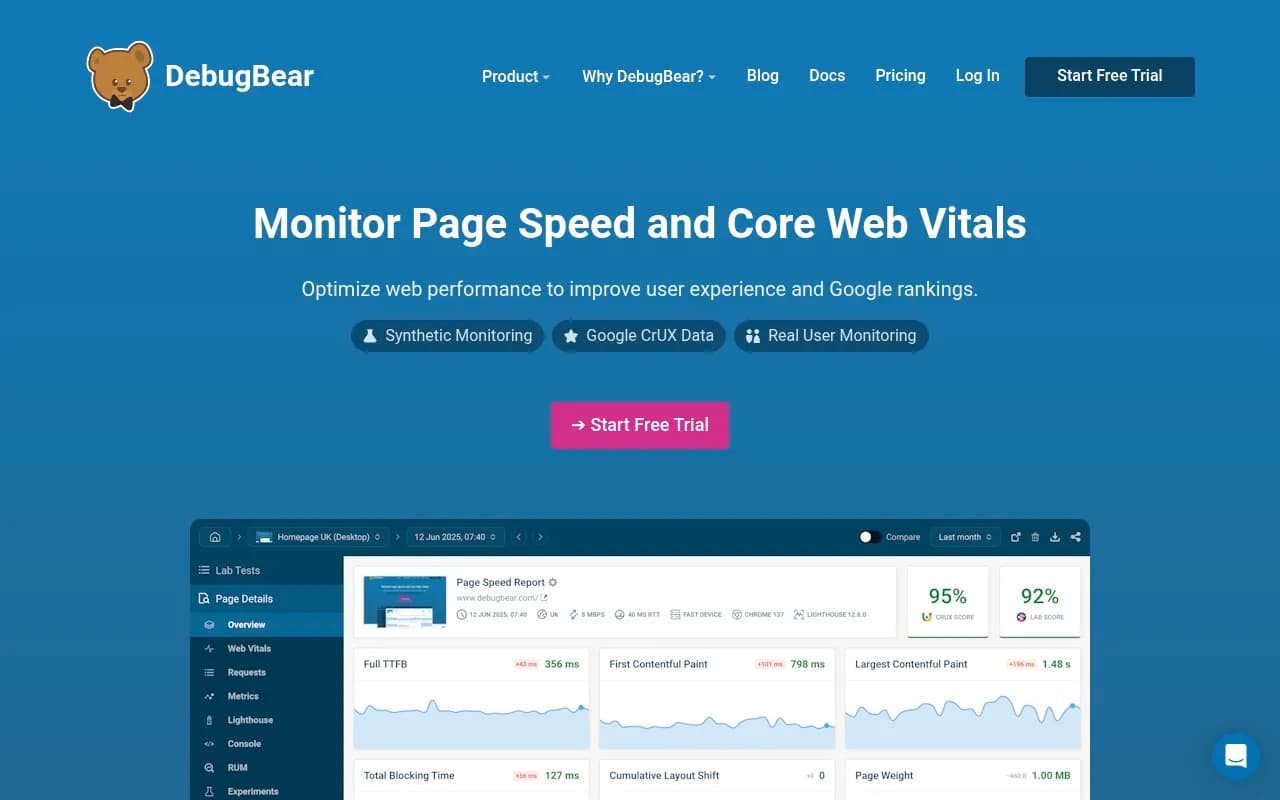
- Core Web Vitals at scale. Template performance problems multiply just like template bugs. Google PageSpeed Insights and DebugBear help here.
- AI visibility: mentions, citations, crawler activity and AI-referred traffic.
For the AI side, Promptwatch is one option that closes the loop beyond monitoring. It tracks citations across ChatGPT, Google AI Overviews and other models, shows IP-verified AI crawler logs and AI-referred traffic, and its Action Board turns gaps into a to-do list. That covers the "did the page get crawled, cited and clicked?" question that most automated pipelines never ask.

If you want to compare more options, the GEO software directory lists many of them. Monitoring-only tools such as Otterly.AI and Peec AI cover prompt tracking without the crawler and action layers.
Otterly.AI


Choosing automation tools that fit a safer setup
The tool matters less than whether it supports review, staging and refreshes. Quick comparison of categories:
| Category | Examples | Use it for | Watch out for |
|---|---|---|---|
| Content research and optimization | Frase, MarketMuse, Surfer SEO | Briefs, topic coverage | Optimizing to a score instead of intent |
| Bulk AI writers | Byword, Article Forge | Drafts for review | Publishing with no human pass |
| On-page automation | Alli AI, ClickRank AI | Metadata, fixes | Site-wide changes without a rollback |
| Technical audits | Screaming Frog, Sitebulb, ContentKing | Template QA, change tracking | Auditing once, not continuously |
| AI visibility | Promptwatch, Profound | Citations, crawler data | Tools that only report mentions |

Bulk writers are the riskiest category. Used as a drafting step inside a review workflow, they are fine. Used as a publish button, they are the pattern Google's policy describes.
A setup checklist you can run this week
- List page types and map each to an intent. Decide what automation may touch.
- Require one original input per page: data, quote, experience.
- Add a human read-through before anything goes live.
- Audit canonicals, robots rules, status codes and mobile rendering on a sample.
- Define internal link rules in the template.
- Launch 10 to 20 pages first, then 50 to 100, then the rest.
- Schedule refreshes by content type and decay rate.
- Monitor indexing, impressions, Core Web Vitals, AI crawls, citations and AI traffic weekly.
If you would rather hand parts of this to specialists, an agency like 1001 SEO Media covers technical SEO audits and AI search work without long contracts. But the checklist above is doable in-house.
The short version
Automated SEO fails when it replaces judgment instead of scaling it. Fix the inputs, add review, stage the rollout, refresh on a schedule, and measure what happens after publish. A pipeline built that way will hold up against core updates, because it publishes pages that do something useful.