Key takeaways
- Don't ask what can be automated. Ask what happens when the output is wrong. Five minutes of review means automate it hard. A bad change live on a ranking page means keep a person in the loop.
- Monitoring and analysis are safe to automate almost completely. Production needs review. Execution on live pages needs approval, logging and rollback.
- Strategy, link relationships, brand voice and final editorial sign-off stay human.
- Google's spam policies target scaled content "no matter how it's created", so volume without added value is a liability, not an advantage.
- Pick tools by the layer they automate (audit, fix, publish, track), not by the label on the box.
The one test that settles most decisions
Vendors use "SEO automation" for everything: a rank tracker, a crawl scheduler, an AI writer, and an agent that edits your live title tags. Those carry wildly different consequences when they misfire. A rank tracker that breaks costs you a stale dashboard. An execution agent that breaks can cost you 400 rewritten title tags and a quarter spent diagnosing the traffic drop.
So skip the tool-versus-tool debate and use one question: if this output is wrong, what does it cost?
- Costs a false alarm or five minutes of review: automate aggressively.
- Costs an editor's afternoon: automate the draft, keep a human reviewer.
- Goes live on a page that ranks, or touches money or reputation: keep a person approving it.
I like this test because it ignores hype. A fancy AI feature that only produces a report is low risk. A boring bulk-edit rule that writes to production is high risk. The framework from SEOBeni's 2026 automation guide splits work into layers by exactly this logic, and I've adapted it below.
The four layers, ranked by risk
Every SEO task sits in one of four layers. Risk rises sharply as you go up.
Layer 1: monitoring
Detecting that something changed. Crawl diffs, rank tracking, Search Console anomaly alerts, Core Web Vitals checks, log parsing, broken link detection. The output is a notification. A wrong output is a false alarm.
Automate all of it. There is almost no reason for a person to open a rank tracker daily to see whether anything moved.
Layer 2: analysis
Turning changes into explanations. Keyword clustering, cannibalization detection, internal link candidate lists, competitor gap analysis, reporting. The output is a document. A wrong output costs a review cycle.
Automate the collection and first-pass interpretation. A human should read the conclusions before anyone acts on them.
Layer 3: production
Making things that need approval. Content drafts, meta descriptions, schema markup, redirect maps, briefs. The output is a draft. A wrong output costs an editor's afternoon, or worse if it ships unread.
Automate the drafting. Never automate the "ship" button without a check.
Layer 4: execution
Changing the live site. Pushing titles, deploying schema, applying redirects, publishing articles. This is where one bad rule hits thousands of pages at once.
Automate only with an approval step, a change log, rollback, and a list of protected pages (your top earners, your checkout, your legal pages).
Task-by-task decision table
| SEO task | Automate? | Human role |
|---|---|---|
| Rank tracking and alerts | Fully | Respond to alerts |
| Crawls, broken links, indexation checks | Fully | Prioritize what to fix |
| Reporting and dashboards | Fully | Interpret, add context |
| Keyword research and clustering | Mostly | Choose which topics deserve a page |
| Content briefs and outlines | Mostly | Approve angle and intent |
| Article drafting | With review | Edit, fact-check, add experience |
| Meta titles and descriptions | With review | Spot-check samples, protect key pages |
| Schema markup | With validation | Validate before deploy |
| Internal link suggestions | Suggest, then approve | Accept or reject |
| Publishing to CMS | With approval gate | Final sign-off |
| Freshness monitoring (prices, specs, dates) | Fully | Decide what to update |
| Link building and outreach | No | Relationships, negotiation |
| SEO strategy and topic selection | No | Entirely human |
| Brand voice and editorial judgment | No | Entirely human |
One vendor listicle in my research put the split well: most of the content production loop can run on a schedule with checks built in, but strategy and authority cannot. Links are still earned by people, and which topics deserve a page is your call.
What to automate hard
Monitoring and reporting
This is the easiest win. Scheduled crawls, rank tracking, and Search Console alerts return hours every week. If you want a starting stack, Google Search Console is the free baseline, and a dedicated tracker such as AccuRanker handles daily positions.

For technical audits, crawlers like Screaming Frog and Sitebulb find issues but don't touch your site, which is exactly the safe behavior you want at this layer.

Glue work between systems
Moving Search Console data into a sheet, sending alerts to Slack, pushing a draft into the CMS. This is plumbing, and workflow tools handle it well. Zapier, Make and n8n are the usual picks, and Gumloop suits teams who want to build custom SEO workflows without code.



A tip from Make's own guide worth stealing: stage crawl, analyze and act on separate schedules, so a 10,000 URL crawl never collides with a per-page AI call. Each step stays retryable on its own.
Freshness monitoring
Promptwatch Data tracked every page ChatGPT cited on July 6, 2026 for 90 days, and the content half-life report shows how differently page types age. After 30 days ChatGPT still cited 78% of landing pages and 76% of docs. News decays fastest: half of cited news pages were gone after 36 days. Product pages, reviews and how-tos reached half-life at roughly 74 to 77 days.
That's a case for automating the detection of drift (old prices, stale specs, outdated dates) and flagging pages for refresh. Tools like Page Modified or Visualping can watch for changes. A person decides what actually gets updated.
What to automate with a human in the loop
Drafts and briefs
AI can build a brief from SERP data and produce a first draft quickly. Frase, Surfer SEO, Clearscope and NeuronWriter are common choices for briefs and on-page scoring.
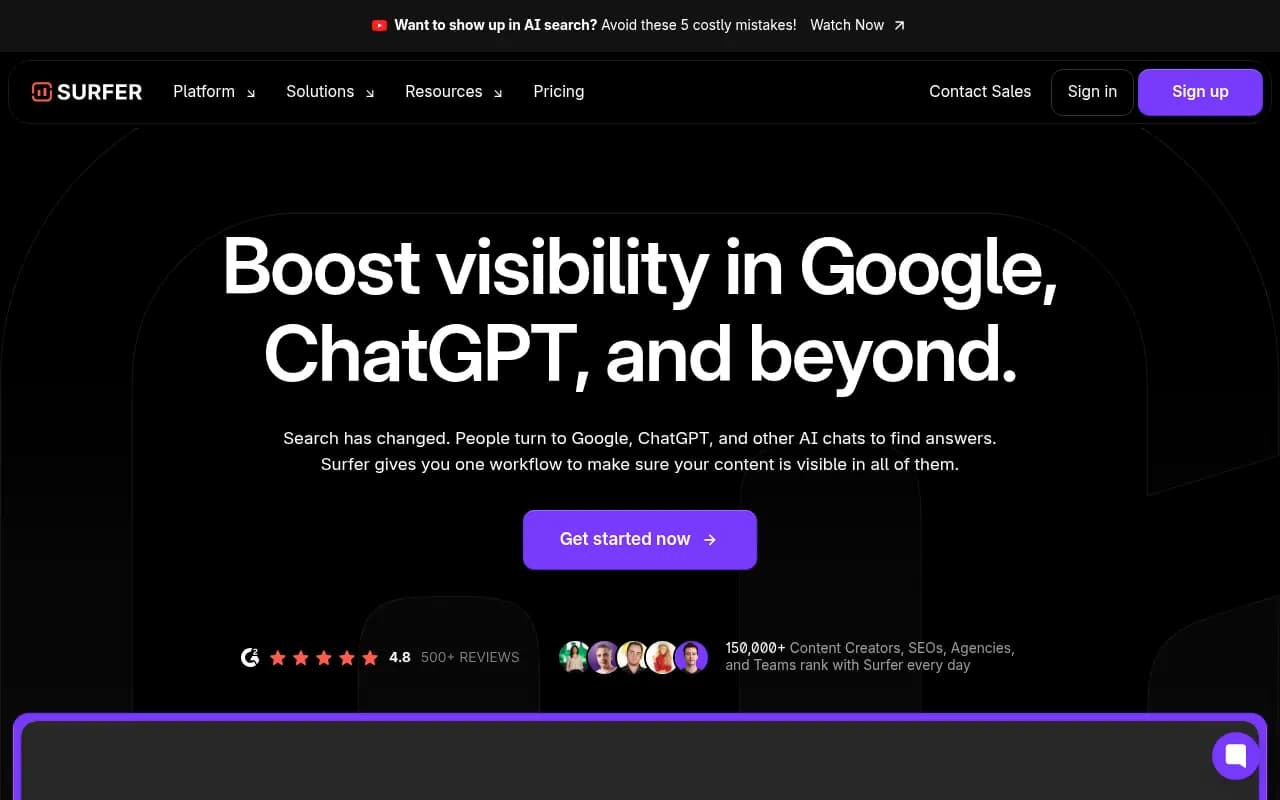

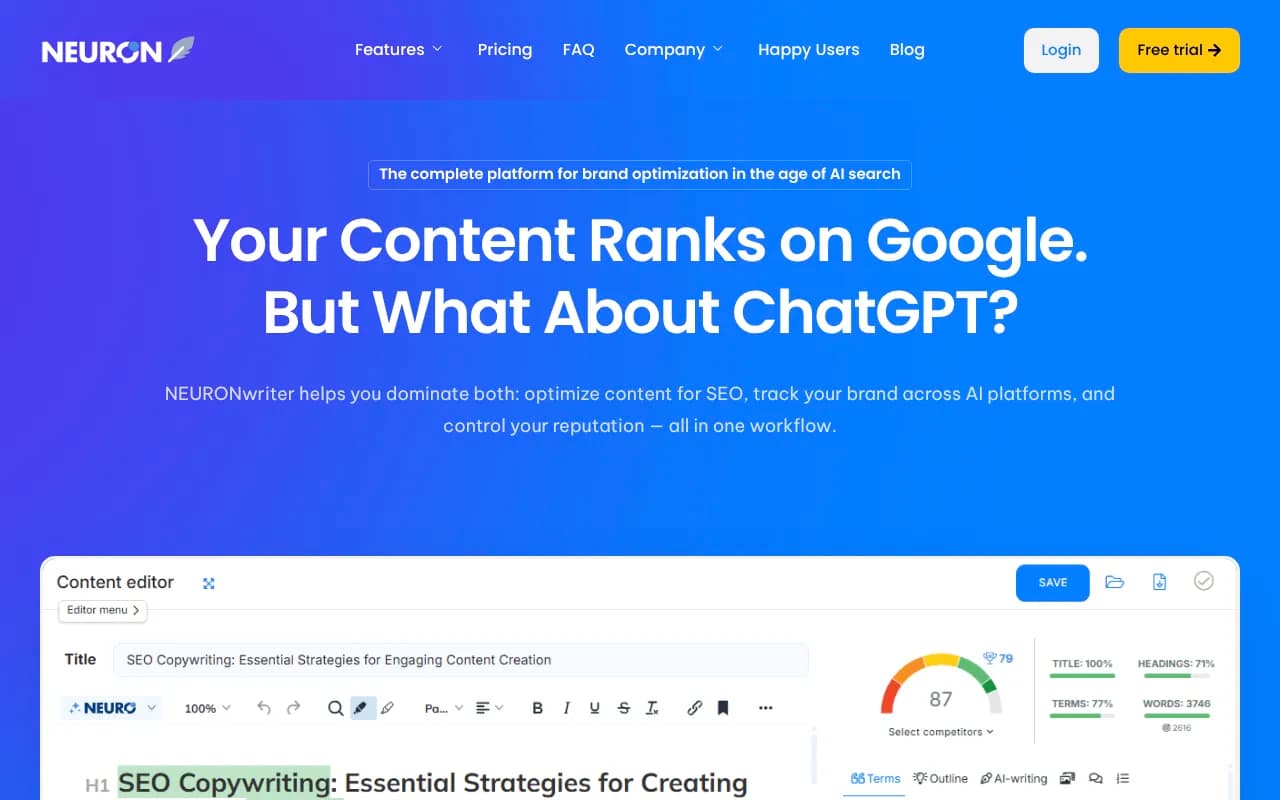
Be honest about what you get, though. One roundup of these tools notes drafts need significant human editing and, in some cases, there is no fact-check pass at all. If a tool automates drafting but not checking, the checking is still your job.
Metadata and schema at scale
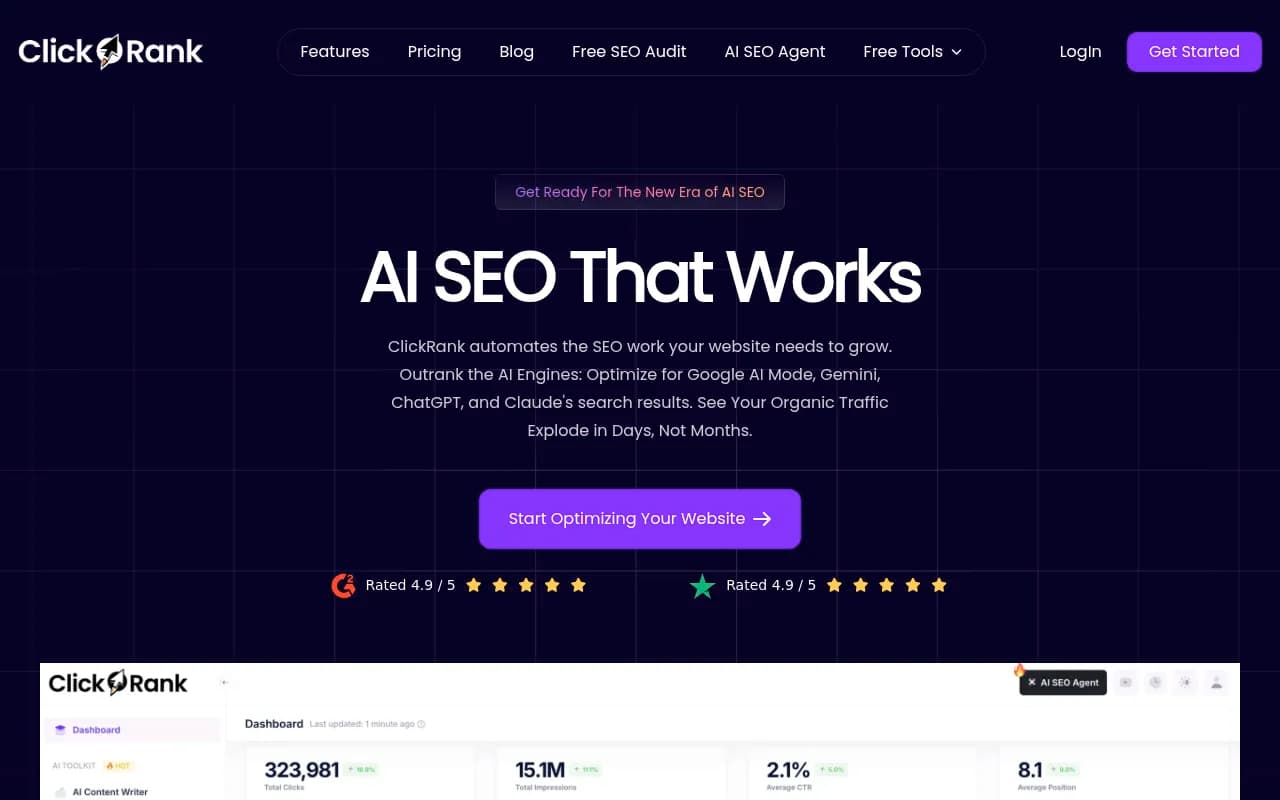
Bulk on-page tools such as Alli AI, ClickRank AI and Search Atlas can rewrite titles and deploy schema across a site. That is powerful and dangerous in equal measure. A template-wide rule can rewrite thousands of titles at once, so test on a sample of pages first and exclude your best performers.


Split testing helps here. SEO A/B testing platforms like SearchPilot and SplitSignal let you measure whether an automated change helped before it rolls out everywhere.

Publishing
Publishing is where multi-tool stacks break: if the software stops at the draft, someone still pastes it into the CMS. Automating it is reasonable, but put a review inbox in front of it. Don't go fully hands-off until you have months of evidence that the drafts are good.
What to keep human
Strategy and topic selection
Tools can tell you what's searchable. They can't tell you what's worth building a page about for your business, your margins, or your audience. Which topics earn a page is a judgment call about positioning.
Link building
Earning links still takes people. Outreach can be assisted, but the relationship, the pitch worth sending, and the negotiation are not scaffolding you can remove. No tool in the vendor roundups I reviewed claims to fully automate it responsibly.
Positioning pages, comparisons and reviews
Promptwatch Data's citation share by content type (Sep 28 to Oct 4, 2026) found product pages took 22.4% of ChatGPT citations and landing pages 16.8%, so about 39% of citations go to pages describing what a company sells. Comparisons were 5.9% and reviews 1.7%. The facts on those pages (pricing, specs, FAQ, schema) are good targets for automated QA. The positioning, the comparison framing and the review collection need human judgment.
Final editorial approval
Brand voice, accuracy and firsthand experience are what separate a useful page from filler. The Make guide says it plainly: final content approval, outreach relationships, strategic keyword selection and brand voice should stay with humans.
The content ceiling: Google's scaled content policy
There is a hard limit on how far the content end of automation can go. Google's spam policies define scaled content abuse as many pages generated for the primary purpose of manipulating search rankings and not helping users, "no matter how it's created". The listed examples include using generative AI to produce many pages without adding value, scraping feeds or search results to generate pages, and lightly modifying other people's content with automated techniques.
A few practical notes:
- The policy came in with the March 2024 spam update and is enforced both algorithmically and through manual actions in Search Console.
- One Google support thread describes a new domain with templated, similar AI-looking articles that received a site-wide manual action for scaled content abuse.
- Some third-party sources claim a March 2026 update crushed sites publishing hundreds of AI pages, with 50 to 80% traffic losses. I couldn't verify that against Google, so treat the number with suspicion. The direction of travel is clear regardless.
If you do get hit, check Search Console for a manual action first, compare URL-folder page sets for the four weeks before and after, then improve, merge or noindex thin pages and keep the ones that earned clicks.
This is why "articles per month" is a bad KPI. Measure engagement, conversions and citations instead.
Five ways automation goes wrong
The community threads and tool tests keep pointing to the same failures.
- Audit pileup. Scheduled audits surface issues faster than your team fixes them. Either automate the fix layer or cut the audit to issues you will actually fix.
- Fixes that vanish. Script- or snippet-delivered changes stop when the subscription stops. Know how your tool delivers changes.
- Template-wide blast radius. One bulk rule rewrites thousands of titles. Test on a sample.
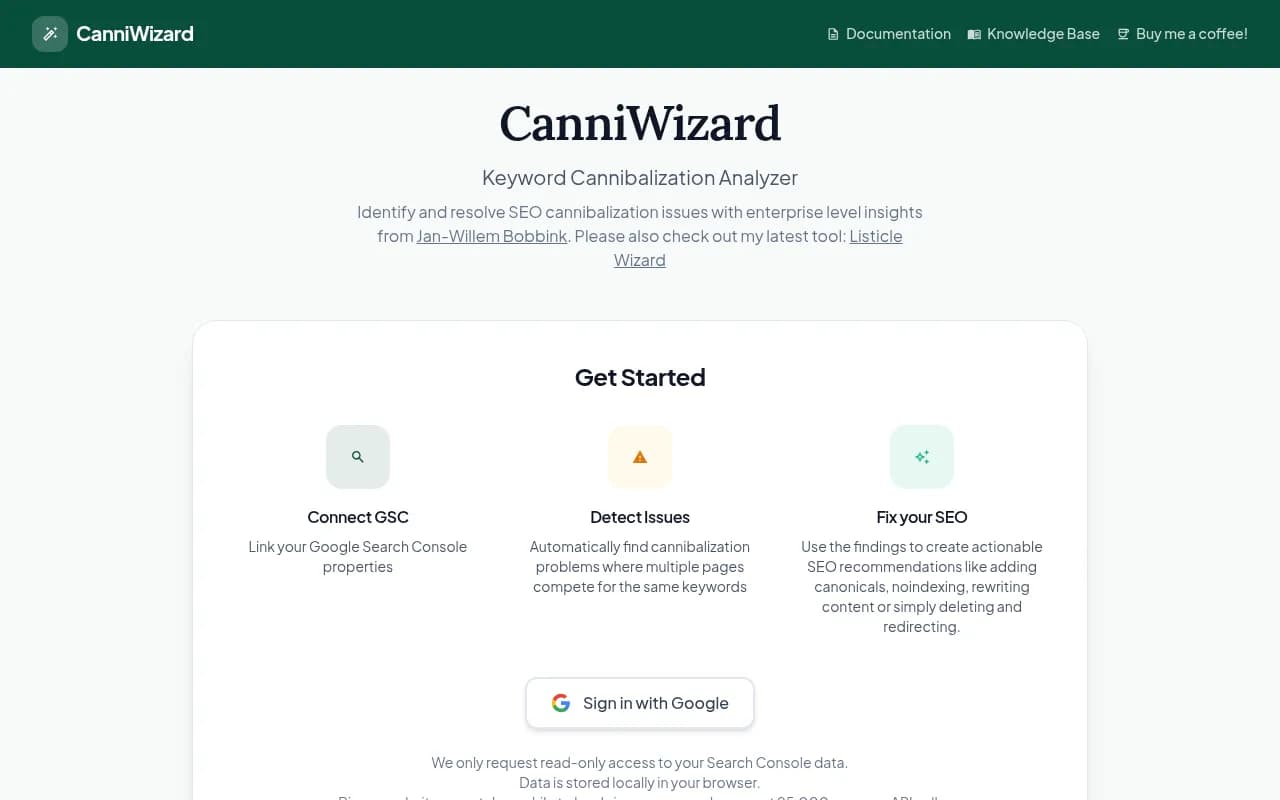
- Cannibalizing content. Publishing without a topic plan creates posts competing for the same query. Tools like CannyWizard help detect this after the fact.
- Billing surprises. Seats, credits and add-ons add up. Read the renewal terms.
Automation tools sorted by layer
The table below summarizes what each tool actually does, based on vendor positioning and the tool-by-layer testing in my research. Pricing and scoring in vendor roundups is self-reported, so confirm on each pricing page.
| Tool | Mainly automates | Changes your live site? | Best for |
|---|---|---|---|
| Semrush | Audit, tracking, reporting | No | Teams that want a person on every fix |
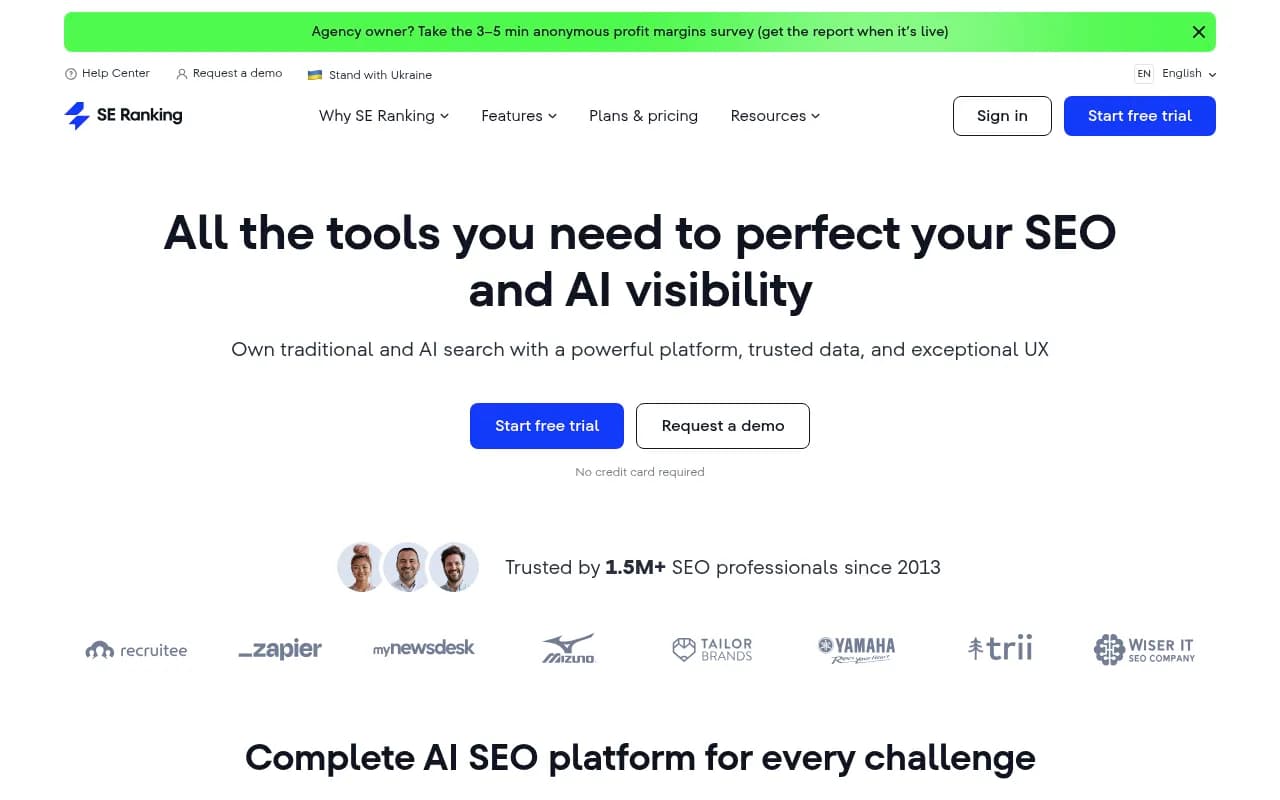
| SE Ranking | Audit, tracking, reporting | No | Budget all-in-one monitoring |
| Ahrefs | Audit, tracking, alerts | No | Backlink and research depth |
| Screaming Frog | Crawling | No | Technical audits |
| Search Atlas | Audit, fix, publish, track | Yes | Hands-on fix automation |
| Alli AI | Bulk on-page fixes | Yes | Large sites needing bulk edits |
| Surfer SEO | Content optimization | Content only | Drafts and on-page scoring |
| AirOps | Content publishing workflows | Via publishing | Content engineering teams |
| Zapier / Make / n8n | Glue workflows | Depends on build | Connecting tools together |


If you want to compare more options, the directory at surferstack.com covers SEO software by category.
Don't forget AI search visibility
A newer monitoring layer is how your brand shows up inside ChatGPT, Gemini, Perplexity and AI Overviews. This is a good candidate for automation because it needs daily tracking across many prompts, which no person will do by hand. Tools like Promptwatch can track this and also surface which pages get cited, so your team spends time on fixes rather than on checking answers manually.

The same rule applies. Let software watch and surface gaps. Let a person decide what to publish and what claims the brand is willing to make. For more options in this category, the GEO software directory at bestgeosoftware.com is a useful starting point.
A rollout plan that won't hurt you
- Start with Layer 1. Automate rank tracking, crawls, and alerts. Zero risk, immediate time saved.
- Add reporting. Have dashboards post to Slack on a schedule. Stop building PDFs by hand.
- Automate analysis. Clustering, cannibalization detection, internal link candidates. Read the output weekly.
- Automate drafts, not publishing. Route everything into a review queue with a named editor.
- Pilot execution on a sample. Pick 20 to 50 low-value pages, apply the rule, measure for a few weeks, then widen.
- Set protected pages and rollback. Before any bulk execution, list pages that must never be touched and confirm you can undo changes.
- Review weekly. Someone should set priorities, approve risky changes and check results every week. Automation removes repetitive work. It doesn't remove ownership.
The short version
Automate what detects, measure and drafts. Keep humans on what decides, persuades and goes live on pages that earn money. If you can't say what happens when a given automation is wrong, don't turn it on yet.
Start with monitoring this week, pilot one low-risk execution rule next month, and treat Google's scaled content policy as the ceiling on anything that publishes.