Key takeaways
- Botify exports are capped by plan and site size, and CSV exports are limited to 1 million rows and 10 columns each. Start exporting months before your contract ends.
- No source I found confirms that any competitor can import Botify crawl or log history. Plan on keeping your own archive instead of hoping for a migration wizard.
- Segments, Metrics Tables and custom dashboards are Botify-specific. You rebuild them in the new tool, so document them now.
- Run both platforms in parallel for at least one full crawl cycle and compare before you switch off Botify.
- Check Botify's contractual data-retention terms after cancellation. I could not find them published.
Why this migration is harder than a normal tool switch
Most SEO tool switches are painless. Your rankings are rebuilt from the new tool's own tracking, and nobody cares about last year's keyword positions in the old one. Botify is different because the value sits in the history: crawl snapshots that show when a template broke, and log data that shows how Googlebot's behaviour changed after a release.
That history does not travel by itself. I found no evidence that Lumar, OnCrawl, JetOctopus or any other platform imports Botify's crawl or log history directly. So the realistic goal is not a seamless import. It is a clean archive you own, plus a new platform that starts collecting fresh data as soon as possible.
One caveat on the sources behind this guide. Botify's support documentation on exports is dated May 9, 2025, but some of the other material, such as the Enterprise advanced exports post, dates to 2017 and the API docs live on an "old" developer site. Treat limits and endpoints as things to confirm with your Botify contact, not as gospel.
Step 1: Audit what you actually need to keep
Before you export anything, decide what is worth preserving. Exporting everything from every crawl is expensive and mostly pointless. A practical split:
- Keep in full: the last 3 to 4 crawls, a crawl from before any major past migration or redesign, and the latest crawl of each key segment.
- Keep summarized: monthly KPI trends such as crawl ratio, indexable page counts, and visits by segment.
- Keep for logs: aggregated Googlebot and AI crawler hits by page type and status code, per month. Raw log lines are only worth keeping if you still hold them in your own storage.
- Keep as documentation: your segmentation rules, Metrics Table definitions and dashboard layouts.
Botify can crawl up to 25 million pages per crawl and pull 500+ KPIs per page, according to Botify's own migration playbook. That is useful for scoping. If your site is large, a full archive of every field for every crawl will be enormous, which is another reason to be selective.
Step 2: Understand Botify's export options
According to Botify's export documentation, exports of varying limits are available on all plans, and your plan and site size cap how much you can take out. Export credits are handled through your SEO Success Manager (SSM), so open that conversation early.
| Method | Limits | Best for |
|---|---|---|
| URL Explorer / RealKeywords Explorer CSV | 1M rows, max 10 columns, download from Reports > DataExports within 29 days | Targeted per-crawl extracts |
| Automated exports (Pro and Enterprise) | Enabled through your SSM, runs after every crawl with metrics you choose | Building an archive going forward |
| LogAnalyzer "Export as CSV" | Separate flow from Explorer exports | Log summaries by segment, status code, bot |
| XML sitemap export | Up to 2M URLs from the SiteCrawler URL Explorer | Preserving URL lists |
| Charts | CSV or PNG, not stored in DataExports | Dashboard snapshots, save immediately |
| Custom reports | PDF only | Reference documentation |
| Enterprise advanced exports | Untruncated CSVs to an Amazon S3 bucket, 25M lines per file, set up by a CSM | Full link graphs and URL details |
| API urls/export endpoint | POST a BQL query, poll until DONE, download zipped CSV | Scripting exports across all analyses |
A few details that will bite you:
- The 10-column cap means a full crawl needs several exports per analysis, joined on URL afterwards.
- Multi-value fields such as multiple H1s per URL force a choice: keep only the first value, keep all as JSON in the CSV, or keep one row per value. Pick deliberately, because it changes the shape of the data your new tool or warehouse has to ingest. I would take one row per value for anything you plan to query later.
- Chart and custom report downloads do not show up in DataExports, so save them the moment you generate them.
Enterprise advanced exports
If you are on an Enterprise contract, ask about advanced exports. The feature delivers untruncated CSVs to an S3 bucket with no row limit, split into 25 million line files with a Manifest.txt listing the file URIs. A CSM has to configure the bucket. Datasets include all internal and external links, links to non-indexable URLs, redirects, broken links, URL details, canonical tags, and uncrawled URLs. The post describing this dates from September 2017, so confirm current terms and plan eligibility with Botify before you count on it.
Scripting exports through the API
For more than a handful of crawls, do not click through the UI. The API exposes an export endpoint at api.botify.com/v1/analyses/{username}/{project_slug}/{analysis_slug}/urls/export. The documented flow, from the old developer docs, is:
- List your analyses for each project.
- POST a BQL query for the columns you want.
- Poll the job status until it returns DONE.
- Download the zipped CSV from the returned URL.
Loop that across every historical analysis and several column groups, and write the files to cloud storage with a consistent naming scheme like project/analysis_date/columnset.csv.gz. Because the docs sit on the old developer site, test one analysis end to end before you build the loop.
Step 3: Archive your log data
Botify's LogAnalyzer collects logs automatically and tracks a long list of AI crawlers, with alerts built on your historical data, per Botify's log files write-up. That convenience is also the lock-in: if you never stored raw logs yourself, the aggregated history lives mostly inside Botify.
Do three things:
- Export LogAnalyzer aggregates. Use its own Export as CSV link for monthly views by bot, status code, page type and segment.
- Start storing raw logs yourself today. Point your CDN or server logs at a bucket you control (S3, GCS or similar). Your new platform will probably ingest from the same place anyway.
- Check retention. Botify's contractual data-retention terms after cancellation are not something I could find published. Ask in writing how long your data stays accessible after the contract ends.
If logs were the main reason you bought Botify, weigh that heavily when choosing a replacement. Some alternatives treat logs as a core feature and others as an afterthought.
Step 4: Document what you cannot export
Segmentation rules, Metrics Tables and custom dashboards are Botify-specific. Botify's playbook leans on segmenting by page type (product, category, articles) and building a migration dashboard in Metrics Tables. None of that moves over. Screenshot every dashboard, and write out each segment as plain logic, for example: "Product pages: URL matches /p/* and is indexable."
Also list your data connections: analytics, Search Console, and any BI feeds. One third-party comparison estimates 2 to 4 weeks of engineering or data-team time to scope and rebuild those connections through the new platform's API. I could only partially verify that source, but the range matches what most teams experience.
Step 5: Choose the replacement
Pricing for most of these tools is demo-gated, and I could not confirm current official figures for Botify, Lumar or OnCrawl. Third-party estimates exist (one puts Botify at roughly $30k to $60k a year for small deployments, with log volume as the main cost driver), but that is an estimate, not a price list. Get quotes.
| Platform | Crawl | Log analysis | Pricing visibility | Notes |
|---|---|---|---|---|
| Lumar | Enterprise-grade | Described as limited, not core | Demo-gated | Closest like-for-like enterprise crawler, formerly DeepCrawl |
| OnCrawl | Yes | Bundled, with GSC and analytics data | Demo-gated | Described as the cheaper option for crawl plus logs on very large sites |
| JetOctopus | Yes | Bundled | Public pricing, free trial | Good fit for teams that want to test before talking to sales |
| Screaming Frog | Desktop crawler | Separate Log File Analyser, free up to 1,000 events, then 99 GBP/year | Public | Cheap, but not a managed enterprise platform |
| Sitebulb | Desktop crawler | No | Public | Suggested when the complaint is Botify's complexity |
Lumar
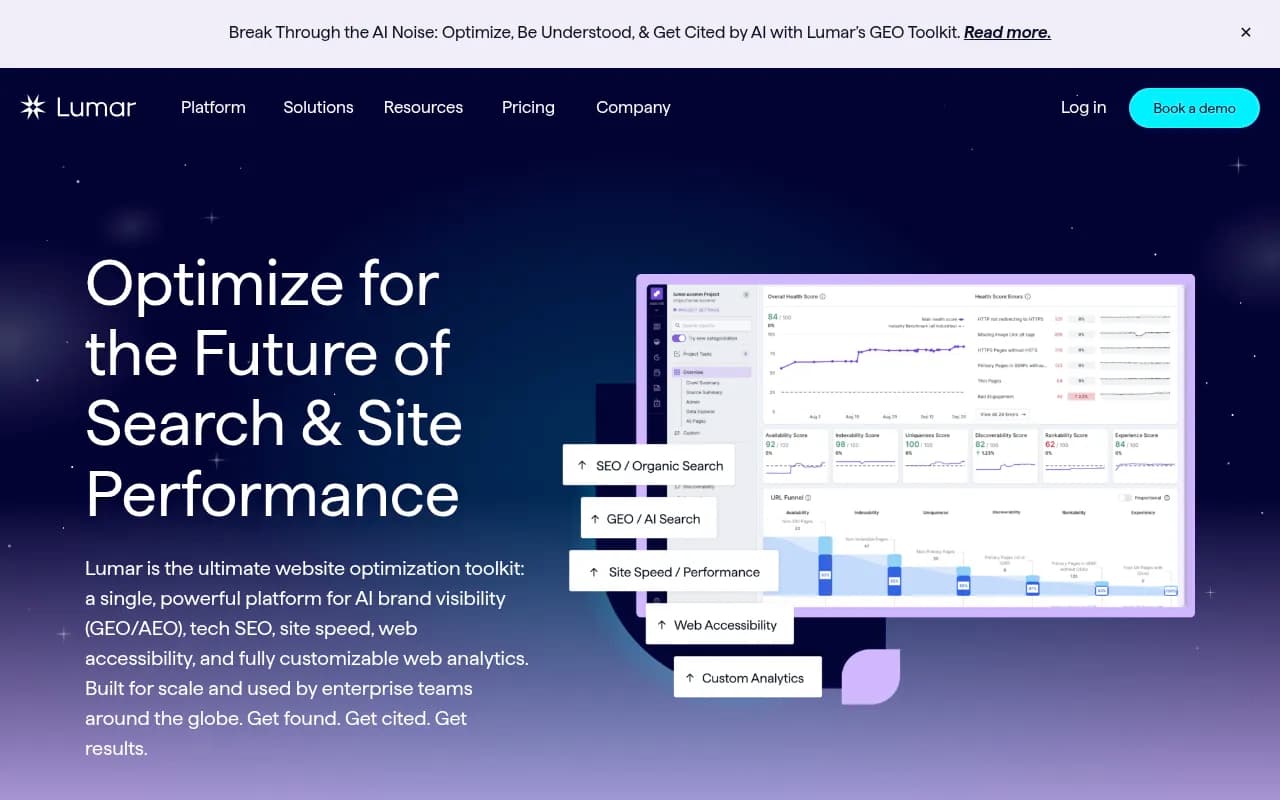
Lumar is the most like-for-like enterprise crawler. If you used Botify mostly as a crawler, expect the smoothest transition. If logs were the draw, look elsewhere or plan a separate log solution.
OnCrawl
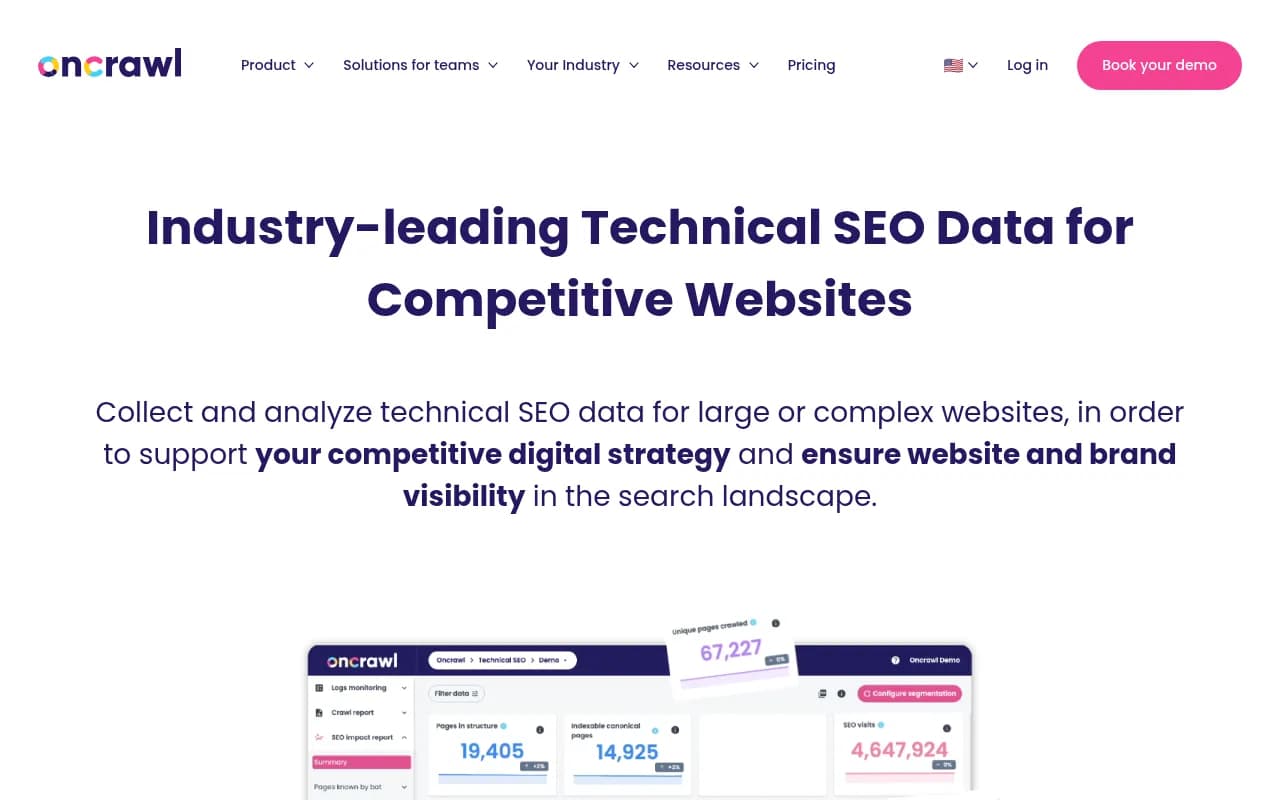
OnCrawl combines crawling, log analysis and Search Console and analytics data. It is the closest match to how Botify teams use crawl and logs together.
JetOctopus
JetOctopus bundles log analysis with crawling and publishes pricing, with a free trial. That makes a parallel run cheap to set up.
Screaming Frog and Sitebulb
Screaming Frog and Sitebulb fit smaller sites or teams that want desktop crawlers. Neither replaces Botify's scale or managed log pipeline, but both are a reasonable fallback if you were paying for far more platform than you used.

If you want to browse more options, the directory at surferstack.com lists crawlers and technical SEO platforms with reviews and comparisons.
Step 6: Run both platforms in parallel
This is the step most teams skip, and it is the one that prevents bad surprises.
- Start the new platform before you cancel Botify. Overlap by at least one full crawl cycle, ideally two.
- Crawl the same scope. Match start URLs, robots handling, crawl depth, user agent, and JavaScript rendering settings. Different defaults will make page counts disagree and send you chasing ghosts.
- Compare headline numbers. Total URLs, indexable URLs, status code distribution, canonical and duplicate counts. Expect small differences, investigate large ones.
- Recreate segments. Rebuild each documented segment and check that the page counts roughly match Botify's.
- Connect logs. Confirm that bot hit counts per day line up between the two tools for the overlap period.
- Rebuild the dashboards you actually use. Skip the ones nobody has opened in six months.
Botify's own migration playbook runs crawl, benchmark, crawl staging, compare, verify linking, update sitemaps. That sequence works just as well for a tool migration. Your benchmark is the Botify baseline, your staging site is the new platform's first crawl, and the comparison tells you whether the new data can be trusted.
Step 7: Plan the timeline
For teams using Botify mostly as a crawler, a third-party estimate says migration to a platform like Lumar or JetOctopus takes 2 to 4 weeks, including URL taxonomy rebuild and team training. That sounds right for crawl-only usage. If you also depend on log pipelines, BI integrations and automated exports, double it and start earlier.
A workable schedule:
- Months 3 to 2 before contract end: ask your SSM about export credits, automated exports and retention. Pick the replacement and start a trial.
- Month 2: script API exports, enable automated exports after each crawl, begin storing raw logs yourself.
- Month 1: run the parallel crawls, rebuild segments, compare numbers.
- Final two weeks: last full export, save all charts and PDFs, verify the archive opens and joins correctly, then cancel.
Step 7b: Verify your archive before you cancel
A backup you have never opened is not a backup. Before the contract ends:
- Open a sample of exported files and check row counts against what Botify displayed.
- Join the multi-export crawl files on URL for one analysis and confirm nothing is missing.
- Confirm the 29-day DataExports download window has not expired for anything you generated late.
- Store the archive in two places, and write a short README describing column sets, date, and multi-value handling.
Don't forget the AI side
If part of why you are switching is to understand how AI systems see your site, keep in mind that crawl and log tools answer technical questions, not citation questions. Tools like Promptwatch track how brands appear in ChatGPT, Google AI Overviews and Perplexity, and include IP-verified AI crawler logs, which can sit alongside your new crawler rather than replace it.

For context on why this matters, Promptwatch's data on ChatGPT citation share by content type found that product pages were the most cited content type (22.4% of citations, Sep 28 to Oct 4, 2026). Your crawl platform tells you whether those pages are reachable and indexable; an AI visibility tool tells you whether they get cited.
If you need help
A migration like this touches technical SEO, data engineering and reporting at the same time. If your team is stretched, an agency such as 1001 SEO Media can audit your current setup and handle the platform transition, but you can also do it in-house if you start early and follow the checklist above.
Final checklist
- Asked the SSM about export credits, automated exports, advanced exports and post-cancellation retention.
- Scripted API exports for every historical analysis worth keeping.
- Chosen a multi-value field format and documented it.
- Exported LogAnalyzer aggregates and started storing raw logs in your own bucket.
- Saved charts and PDFs manually, since they do not appear in DataExports.
- Documented segments, Metrics Tables and dashboards as plain logic.
- Ran the new platform in parallel for at least one crawl cycle.
- Verified the archive before signing off.
The uncomfortable truth is that Botify history is yours only if you take it out yourself. Do it while the contract is still running.