Key takeaways
- You can get meaningful AI visibility data without spending anything, using free-tier tools, manual prompt testing, and browser-based methods
- The biggest free wins come from Bing Webmaster Tools (which now shows AI citation data), Google Search Console (for AI Overviews traffic), and a handful of tools with genuine free tiers
- Manual prompt testing across ChatGPT, Perplexity, and Gemini takes about 30 minutes a week and gives you real signal about where you're visible and where you're not
- Free methods have real limits: no historical data, no automated tracking, no competitor benchmarking at scale
- When you're ready to move beyond DIY, paid tools like Promptwatch close the loop between finding gaps and actually fixing them
AI search is eating traditional search traffic. ChatGPT now handles over a billion queries a week. Perplexity has become the go-to research tool for a growing chunk of professionals. Google's AI Overviews appear on roughly half of all searches. If your brand isn't showing up in those AI-generated answers, you're invisible to a massive and growing audience.
The problem: most tools built to track this cost serious money. Platforms like Profound, AthenaHQ, and the enterprise tiers of Semrush and Ahrefs are priced for marketing teams with real budgets. If you're a solo founder, a small agency, or just starting to think about AI visibility, paying $500+ per month before you even understand the problem doesn't make sense.
The good news is that you can learn a lot for free. This guide covers every practical method available in 2026 -- from manual testing to free-tier tools to browser-based workarounds -- and is honest about where each approach breaks down.
What "AI search visibility" actually means
Before tracking anything, it helps to be clear on what you're measuring.
Traditional SEO visibility means your pages rank in Google's blue-link results. AI search visibility means something different: it's whether AI models cite your content, mention your brand, or recommend your product when users ask relevant questions.
The mechanics are different. AI models don't rank pages -- they synthesize answers from sources they've crawled and indexed. Whether you appear depends on whether your content is in their training data or retrieval index, whether it's authoritative enough to cite, and whether it directly answers the kinds of questions users are asking.
So "tracking AI visibility" means asking: when someone asks ChatGPT about my category, does my brand come up? When Perplexity answers a question my content should answer, does it cite my site? When Google generates an AI Overview for a relevant query, does my page appear in the sources?
Those are the questions this guide helps you start answering, without a paid subscription.
Method 1: Manual prompt testing (free, always)
The most direct way to check your AI visibility is to open the AI tools your customers use and ask the questions they're asking.
This sounds obvious, but most teams don't do it systematically. Here's a simple process:
Step 1: Build a prompt list. Write down 20-30 questions a potential customer might ask an AI assistant. Include category questions ("what's the best [product type] for [use case]"), comparison questions ("X vs Y"), and problem-based questions ("how do I solve [problem]"). These are your test prompts.
Step 2: Run them across multiple models. Test each prompt in ChatGPT (GPT-4o), Perplexity, Google Gemini, and Claude. Copy the responses into a spreadsheet. Note whether your brand is mentioned, whether your site is cited as a source, and what competitors appear instead.
Step 3: Track changes over time. Run the same prompts monthly. AI model behavior changes as they're updated and as their training data shifts. A prompt where you're invisible today might be one where you appear in three months -- or vice versa.
The limitation here is obvious: this doesn't scale. Running 30 prompts across 4 models manually every month is about 2-3 hours of work. You also can't automate alerts or track trends automatically. But for a small brand just getting started, this gives you real signal fast.
Tools you need: ChatGPT (free tier works), Perplexity (free tier works), Google Gemini (free), Claude (free tier works). Total cost: $0.
Method 2: Bing Webmaster Tools AI citation report (free)
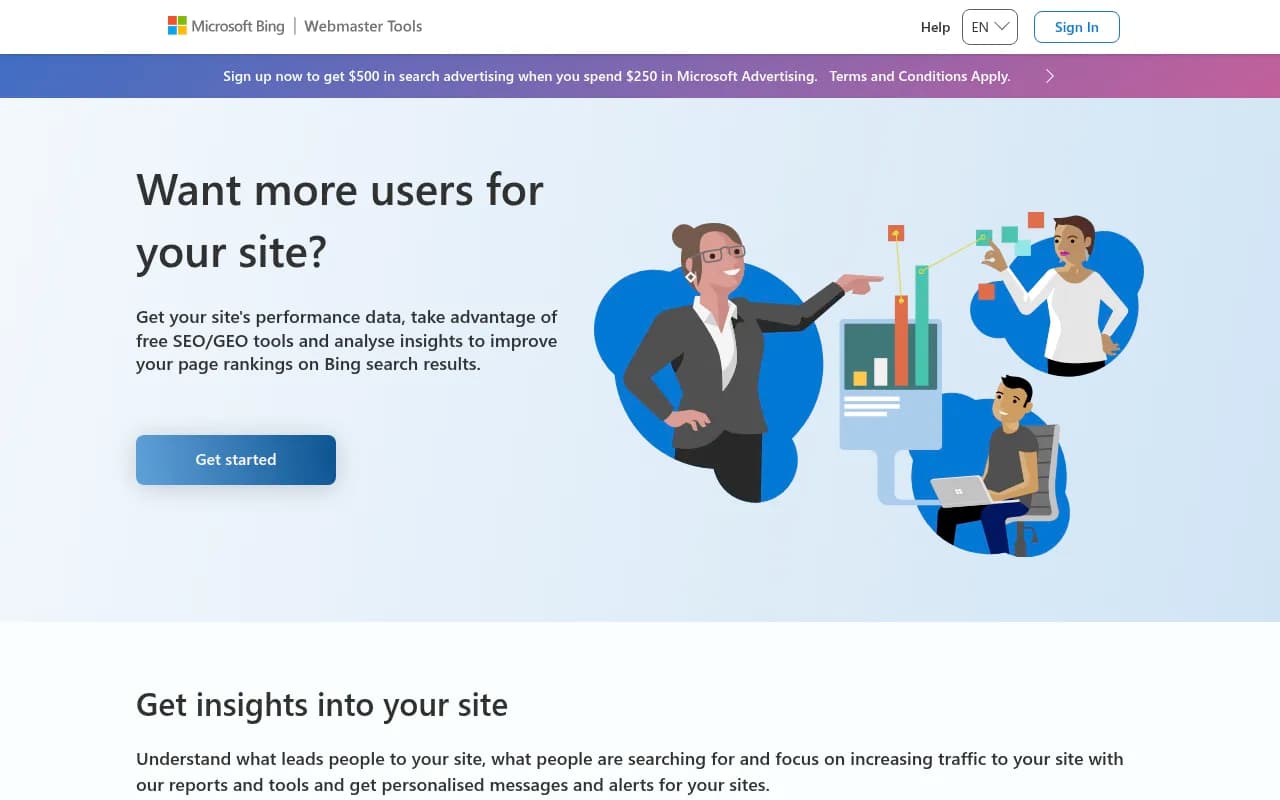
This is one of the most underrated free data sources available right now. Bing Webmaster Tools added an AI visibility report in 2026 that shows you how your site is being cited in Bing's AI-powered search features, including Copilot.
To access it:
- Go to Bing Webmaster Tools and verify your site (same process as Google Search Console)
- Navigate to the "AI Insights" or "Copilot" section (the exact label has changed with updates, but it's in the main left nav)
- You'll see which pages are being cited in AI-generated responses, how often, and for what types of queries
This is real citation data, not estimated. It's limited to Microsoft's ecosystem (Bing and Copilot), but Copilot is used by hundreds of millions of people through Windows and Edge, so it's not a small sample.
The data won't tell you about ChatGPT, Perplexity, or Google -- but it gives you a baseline. If certain pages are getting cited in Copilot, those same pages are likely strong candidates for citation in other AI models too, since they share similar content quality signals.
Method 3: Google Search Console for AI Overviews traffic (free)
Google Search Console doesn't directly show you when your content appears in AI Overviews, but it gives you useful proxy data.
In the Performance report, filter by "Search type: Web" and look for queries where your click-through rate has dropped significantly over the past 12 months despite stable or improving impressions. That pattern -- high impressions, declining CTR -- often signals that Google is now answering those queries with an AI Overview, reducing the need for users to click through.
More directly: Google added an "AI Overviews" filter to Search Console in late 2025. If your account shows it, you can see which queries triggered AI Overviews that included your content as a source. This is the most direct free data point for Google AI visibility.
Set up a custom segment: filter for queries where your content appeared in AI Overviews, then track impressions and clicks over time. It's not perfect -- Google's reporting here is still limited -- but it's free and it's real data.
Method 4: Free-tier AI visibility tools
Several dedicated AI visibility tools have launched free tiers that give you genuine monitoring without a credit card. The quality varies a lot, so here's what's actually worth using:
Otterly.AI
Otterly has a limited free trial that lets you track a small number of prompts across ChatGPT and Perplexity. It's monitoring-only -- you see where you appear, but there's no guidance on how to improve. Good for a quick snapshot of your current visibility.
Otterly.AI

LLM Pulse
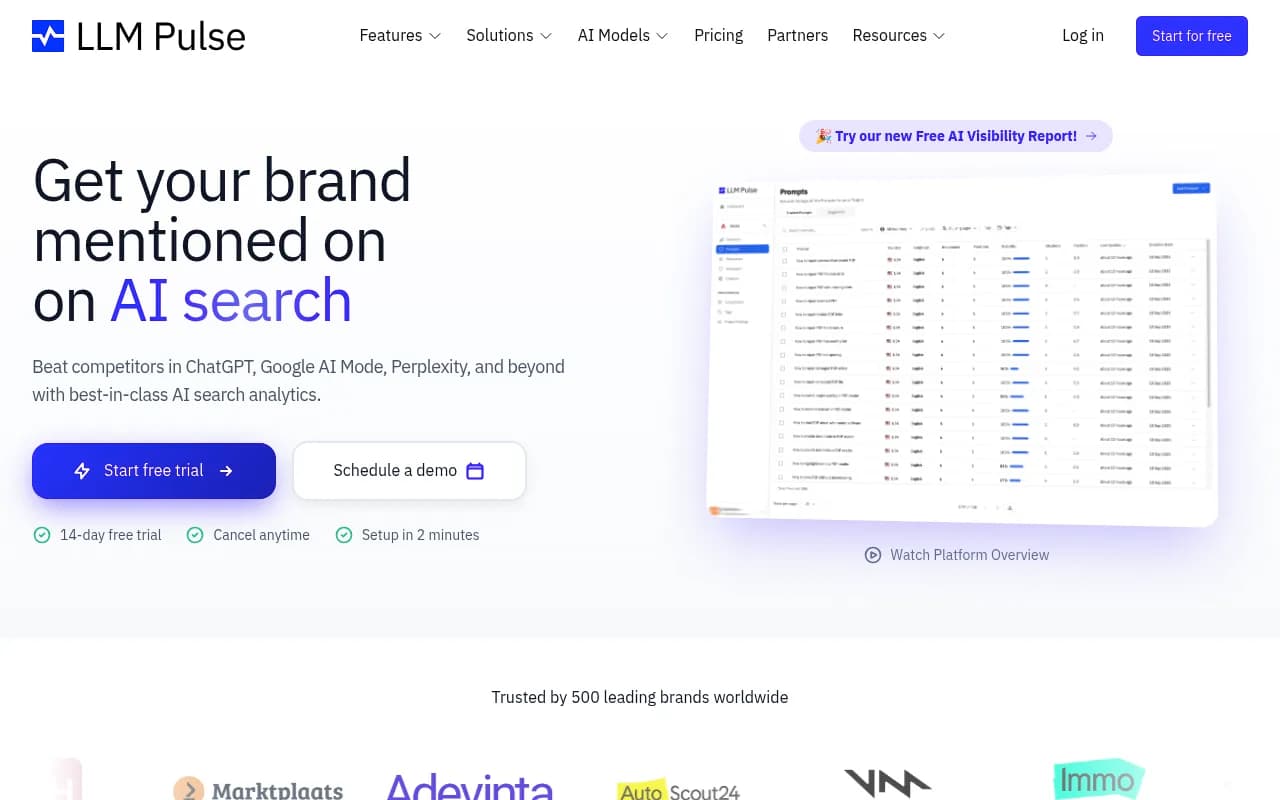
LLM Pulse tracks brand visibility across ChatGPT, Perplexity, and a few other models. The free tier is limited in prompt volume but gives you a real dashboard to work from.
Rankshift
Rankshift has a free entry point for tracking visibility across ChatGPT and Perplexity. Useful for checking whether your brand appears in responses to specific prompts.

Promptmonitor
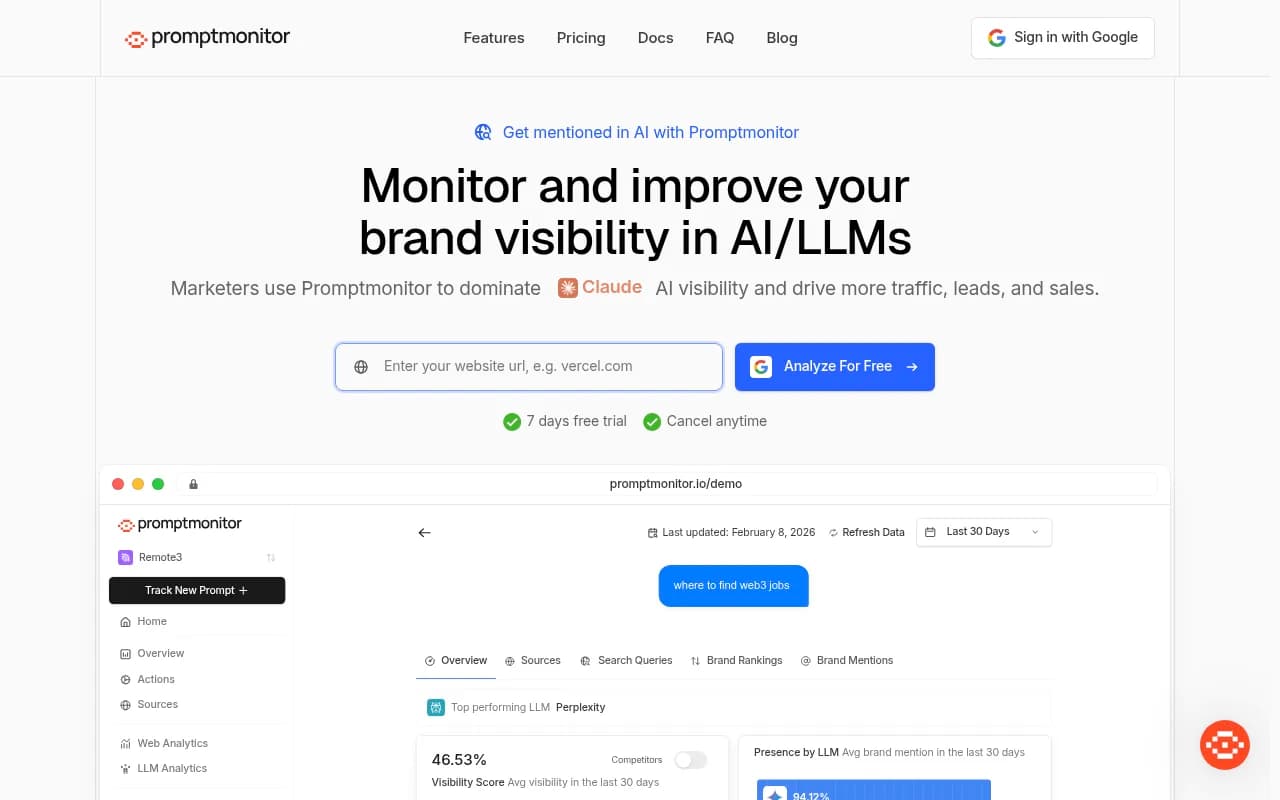
Basic monitoring across a handful of AI engines. The free tier is genuinely limited, but it's enough to verify whether you're appearing at all.
TrackMyBusiness
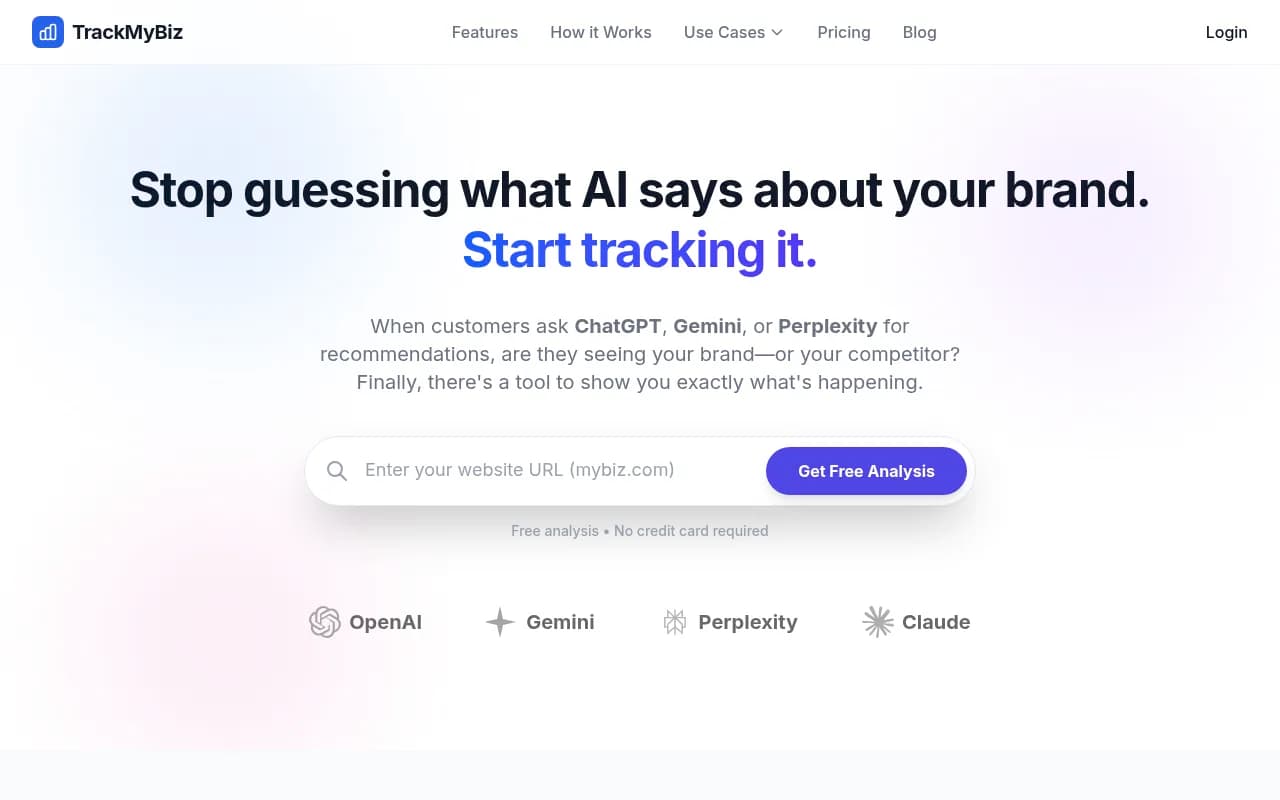
Tracks what ChatGPT, Gemini, and Perplexity say about your brand specifically. The free tier is narrow but useful for brand mention monitoring.
ProductRank
ProductRank is positioned as a free AI search discovery tool. It's worth testing if you're in a product category where AI shopping recommendations matter.
Method 5: DIY monitoring with Google Alerts + web scraping
This is more technical but costs nothing if you're comfortable with basic scripting.
Google Alerts for brand mentions: Set up Google Alerts for your brand name and key product terms. This won't catch AI-generated responses directly, but it will flag when third-party sites publish content that mentions your brand -- and those third-party mentions are often what AI models cite. If a major review site or industry publication mentions you positively, that's a citation source for AI models.
Scraping AI responses with Python: If you have basic Python skills, you can use the OpenAI API (very cheap, not free) or Perplexity's API to run your test prompts programmatically and log the responses. A simple script that runs 20 prompts weekly and saves the output to a spreadsheet costs maybe $2-5 per month in API fees. That's not free, but it's close.
Here's the basic structure:
import openai
import csv
from datetime import date

client = openai.OpenAI(api_key="your-key")

prompts = [
    "What is the best [your category] tool for [use case]?",
    "Compare [your brand] vs [competitor]",
    # add your prompts here
]

results = []
for prompt in prompts:
    response = client.chat.completions.create(
        model="gpt-4o",
        messages=[{"role": "user", "content": prompt}]
    )
    answer = response.choices[0].message.content
    mentioned = "your brand name" in answer.lower()
    results.append({
        "date": date.today(),
        "prompt": prompt,
        "mentioned": mentioned,
        "response": answer[:500]
    })

# Save to CSV
with open("ai_visibility_log.csv", "a") as f:
    writer = csv.DictWriter(f, fieldnames=results[0].keys())
    writer.writerows(results)
Run this weekly with a cron job and you have a basic longitudinal dataset. It won't match what a dedicated platform gives you, but it's yours and it's cheap.
Method 6: Reddit and forum monitoring (free)
This one is indirect but genuinely useful. AI models -- especially Perplexity and ChatGPT -- frequently cite Reddit threads, Quora answers, and industry forums when answering questions. If you want to understand what sources AI models are pulling from in your category, monitor those communities.
Specifically:
- Search Reddit for your category keywords and see which threads rank highly and get cited
- Look at what Perplexity cites when you run your test prompts -- those sources are your competitors for AI citations
- Use Reddit's free search or a tool like BuzzSumo's free tier to find high-engagement threads in your niche
If you find that a particular Reddit thread keeps getting cited by AI models when users ask about your category, that's a signal: either participate in that thread, or create content on your own site that answers the same question more authoritatively.
Comparison: free and DIY methods at a glance
| Method | Cost | Time per week | Models covered | Data quality | Scales? |
|---|---|---|---|---|---|
| Manual prompt testing | $0 | 2-3 hours | Any (manual) | High (real responses) | No |
| Bing Webmaster Tools | $0 | 15 min | Bing/Copilot | High (real data) | Somewhat |
| Google Search Console | $0 | 15 min | Google AI Overviews | Medium (proxy data) | Somewhat |
| Free-tier tools (Otterly, etc.) | $0 | 30 min | 2-4 models | Medium | Limited |
| Python API scraping | ~$5/mo | 1 hour setup | ChatGPT, others | High | Yes (with effort) |
| Reddit/forum monitoring | $0 | 30 min | Indirect | Low-medium | No |
Where free methods break down
Be honest with yourself about what free monitoring can and can't do.
No historical trending. Free tools and manual methods rarely give you a time-series view. You can see where you are today, but not whether you're improving or declining over time.
No competitor benchmarking. Knowing you appear in 40% of relevant AI responses means nothing without knowing your competitors appear in 80%. Free tools almost never give you comparative data.
No prompt volume data. Not all prompts are equal. Some questions get asked by millions of people; others get asked by dozens. Free methods don't tell you which prompts are worth winning.
No content gap analysis. The most valuable thing a paid platform does is tell you specifically what content you're missing -- which prompts your competitors win that you don't, and what you'd need to write to close those gaps. That requires processing millions of AI responses at scale, which free tools can't do.
No crawler monitoring. You can't see whether AI crawlers are actually visiting your site, which pages they're reading, and whether they're encountering errors. That data requires server-log integration or a dedicated crawler monitoring tool.
When to move to a paid tool
The free methods above are a genuine starting point. But there's a clear point where they stop being enough: when you need to act on the data, not just observe it.
If you're running manual tests and finding that competitors consistently appear where you don't, the next question is: what do I do about it? Free tools can't answer that. They show you the problem but not the fix.
That's where a platform like Promptwatch is different from the monitoring-only tools in this space. Most AI visibility tools -- including several with free tiers -- show you a dashboard and stop there. Promptwatch adds answer gap analysis (which specific prompts are your competitors winning that you're not?), content generation grounded in real prompt data, and page-level tracking that shows you when new content starts getting cited. It's the difference between knowing you have a problem and actually solving it.

Promptwatch's Essential plan starts at $99/month -- not free, but not enterprise pricing either. For a team that's already done the free-tier work and knows they have an AI visibility problem worth solving, that's a reasonable next step.
For pure monitoring on a budget, tools like Otterly.AI, LLM Pulse, and SE Ranking's AI tracker are worth comparing:
A practical starting routine for 2026
Here's what a realistic free AI visibility monitoring routine looks like, week by week:
Week 1 (setup, ~3 hours):
- Build your prompt list (20-30 questions your customers ask AI tools)
- Verify your site in Bing Webmaster Tools if you haven't already
- Check Google Search Console for AI Overviews data
- Sign up for free tiers of Otterly.AI and one other tool
- Run your full prompt list manually across ChatGPT, Perplexity, and Gemini; log results in a spreadsheet
Ongoing (monthly, ~2 hours):
- Re-run your prompt list manually; note any changes
- Check Bing Webmaster Tools for new citation data
- Review Google Search Console for AI Overviews impressions
- Look at what your free-tier tools are showing
Quarterly:
- Expand your prompt list based on new products, campaigns, or competitor moves
- Review which pages are getting cited and which aren't
- Decide whether the free approach is still giving you enough signal, or whether it's time to invest in a paid platform
Final thought
The honest reality is that free AI visibility monitoring is better than nothing, but it's not a strategy. It tells you where you are. It doesn't tell you why, it doesn't tell you what to do, and it doesn't help you do it.
Start free. Learn what you can. But treat it as a diagnostic phase, not a destination. The brands that will win AI search visibility in 2026 are the ones that move from observation to action -- finding the gaps in their content, filling them with content AI models actually want to cite, and tracking the results systematically. That loop is hard to run on free tools alone.