Key takeaways
- Google AI Mode is now a mainstream search surface, not a beta experiment — if you're not tracking it, you're flying blind on a significant share of search traffic
- Google Search Console has a native "AI Mode" filter under Search Appearance, giving you a free starting point for impression and click data
- Traditional rank tracking tools (AccuRanker, SE Ranking, etc.) don't capture AI Mode citations — you need purpose-built AI visibility tools for that
- Citation share, mention rate, and sentiment are the metrics that matter in AI Mode, not keyword position 1-10
- The gap between monitoring your visibility and actually improving it is where most brands get stuck — tools that close that loop are worth the investment
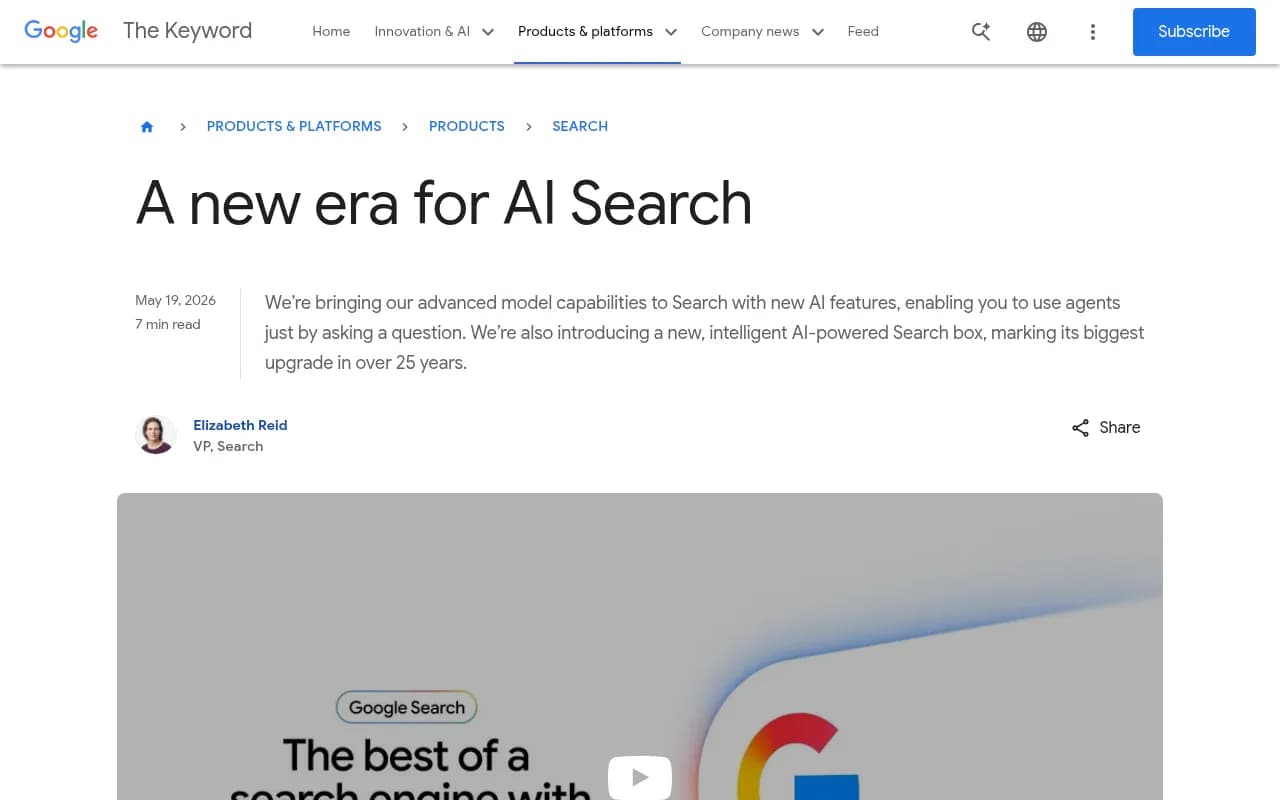
Google AI Mode went from limited rollout to mainstream search surface faster than most marketing teams could react. At Google I/O 2026, Elizabeth Reid (VP of Search) described it as "the biggest upgrade to the Search box in over 25 years" — and the data backs that up. AI Mode now handles a meaningful share of queries, particularly for research-heavy, comparison, and decision-stage searches.
The problem: most SEO teams are still measuring their AI Mode performance with tools built for a completely different era of search. Position 1 doesn't mean the same thing when the answer is a synthesized paragraph that cites three sources, not a blue link.
This guide walks through every method available for tracking your position in Google AI Mode — what's free, what's paid, what the metrics actually mean, and where most teams go wrong.
What "position" means in Google AI Mode
Before getting into tools, it's worth being precise about what you're actually measuring. In traditional search, position is simple: your URL ranks at position 3 for a given keyword. In AI Mode, the concept breaks down.
AI Mode generates synthesized responses. It might cite your site, paraphrase your content without linking to it, mention your brand name in a recommendation, or ignore you entirely. None of these outcomes map neatly to a "position."
The metrics that actually matter in AI Mode:
- Citation rate: How often does your domain appear as a cited source in AI Mode responses for a given set of prompts?
- Mention rate: How often is your brand name referenced in the response text, with or without a link?
- Share of voice: What percentage of relevant AI Mode responses include your brand vs. competitors?
- Sentiment in responses: When you are mentioned, is the framing positive, neutral, or negative?
- Prompt coverage: Across the set of queries relevant to your business, what fraction trigger a response that includes you?
These are fundamentally different from rank tracking. A brand can have excellent traditional SEO rankings and near-zero AI Mode visibility — and vice versa. The two don't correlate as cleanly as people expect.
Method 1: Google Search Console (free, limited)
Google Search Console added an AI Mode filter to its Search Appearance options, and it's the obvious first stop for anyone who wants free data.
How to access it
- Open Google Search Console for your property
- Go to Performance > Search Results
- Click "+ New filter" and select "Search Appearance"
- Choose "AI Mode" from the dropdown
This gives you impressions, clicks, and CTR data specifically for queries where your site appeared in AI Mode results. It's real data, it's free, and it updates regularly.
What GSC tells you (and what it doesn't)
GSC's AI Mode data shows you when your pages are being surfaced in AI Mode responses. That's genuinely useful for understanding which content is getting pulled into AI-generated answers.
What it won't tell you: whether you're being cited favorably, what competitors are being cited alongside you, how your brand is described in the response, or what prompts you're missing entirely. It's a starting point, not a complete picture.
The CTR data is also tricky to interpret. AI Mode responses often satisfy queries without a click — so a high impression count with low CTR might mean your content is being used heavily in synthesized answers, which is actually good, not a sign of poor performance.
Pairing GSC with Google Analytics
Cross-referencing your GSC AI Mode data with traffic in Google Analytics helps you understand whether AI Mode impressions are translating into visits. Look for referral traffic patterns that coincide with AI Mode impression spikes.
Method 2: Dedicated AI visibility tracking tools
For anything beyond basic impression data, you need tools built specifically for AI search monitoring. The market has grown quickly — there are now dozens of options ranging from simple brand mention trackers to full GEO platforms.
Here's how the main options compare:
| Tool | Google AI Mode tracking | Competitor comparison | Content optimization | Crawler logs | Price range |
|---|---|---|---|---|---|
| Promptwatch | Yes | Yes | Yes (Content Agents) | Yes | $99-$579/mo |
| Otterly.AI | Yes | Basic | No | No | Lower |
| SE Ranking (SE Visible) | Yes | Basic | No | No | Varies |
| Semrush | Partial | Basic | Basic | No | $$$ |
| Ahrefs Brand Radar | Partial | Basic | No | No | $$$ |
| LLM Pulse | Yes | Yes | No | No | Mid |
| Profound | Yes | Yes | No | No | $$$ |
| AccuRanker | Limited | No | No | No | Mid |
What to look for in an AI Mode tracker
The most important distinction is between monitoring-only tools and tools that help you act on the data. Most platforms in this space will tell you your citation rate went down. Fewer will tell you exactly which prompts you're losing, what content you need to create to win them back, and then help you create it.
Promptwatch is worth calling out here because it tracks Google AI Mode alongside 9 other AI engines, and it connects monitoring to action through its Answer Gap Analysis and Content Agents. If you're losing ground in AI Mode for a cluster of prompts, it shows you the specific content gaps and generates briefs to fill them.

For teams that just need basic monitoring, Otterly.AI covers Google AI Overviews and AI Mode with a simpler interface.
Otterly.AI

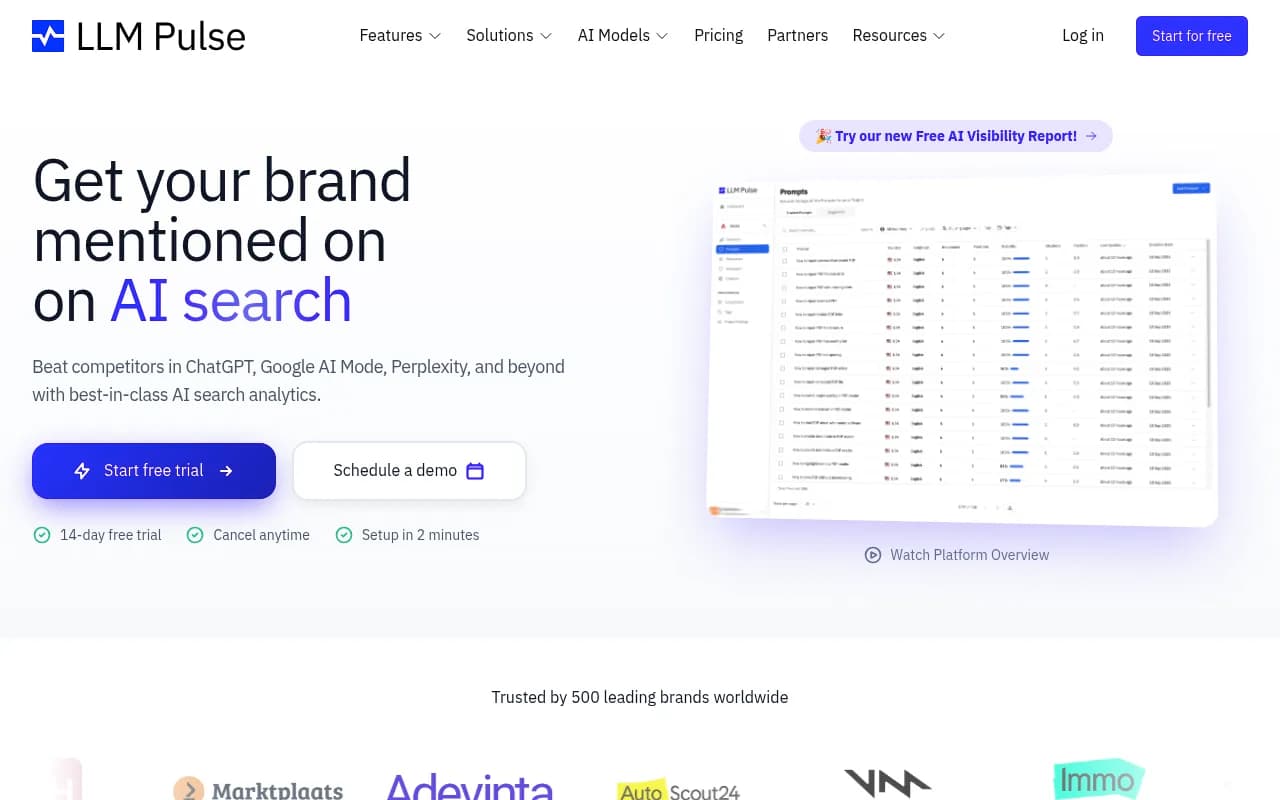
LLM Pulse tracks brand visibility across AI search engines including Google AI Mode, with competitor comparison features.
Method 3: Manual prompt testing
No tool replaces actually opening Google AI Mode and searching for your target prompts. Manual testing gives you qualitative context that dashboards can't capture: how your brand is described, what competitors appear alongside you, what sources are cited, and how the response is structured.
Build a prompt testing routine:
- Identify 20-50 prompts that represent your core use cases (product comparisons, "best X for Y" queries, how-to questions in your niche)
- Run each prompt in Google AI Mode weekly or bi-weekly
- Screenshot the responses and note: citation presence, brand mention, competitor mentions, response framing
- Track changes over time in a simple spreadsheet
This is time-consuming at scale, which is why dedicated tools exist. But for smaller sites or teams just getting started, manual testing builds intuition about how AI Mode behaves in your specific category that no dashboard can fully replicate.
Method 4: AI crawler log analysis
One signal that most teams overlook: AI crawlers visiting your site are a leading indicator of future citations. If Googlebot (specifically its AI-related crawl agents) is hitting your pages more frequently, that often precedes increased AI Mode visibility.
Server logs and crawler monitoring tools can surface this data. Look for user agents associated with Google's AI systems, track which pages they're crawling, and note any errors they're encountering.
Promptwatch's crawler log feature does this automatically, showing you which AI crawlers are hitting your site, which pages they read, and when those pages move from crawl to citation. Most standalone rank trackers don't offer this at all.
For technical SEO teams who want to dig into raw log data, Screaming Frog can help parse server logs for crawler activity.
Method 5: Competitor benchmarking
Your AI Mode visibility only matters in context. A 40% citation rate sounds good until you discover your main competitor is at 70% for the same prompt set.
Competitor benchmarking in AI Mode means tracking:
- Which prompts your competitors are cited for that you're not
- How competitors are described vs. how you're described
- Which external sources (Reddit threads, review sites, industry publications) are driving competitor citations
This last point is underappreciated. AI Mode doesn't just pull from brand websites — it synthesizes from Reddit discussions, YouTube videos, third-party reviews, and industry publications. If your competitor is being recommended on Reddit threads that AI Mode frequently cites, that's a distribution problem, not just a content problem.
Tools like Profound offer competitor comparison features at the enterprise level.
Profound

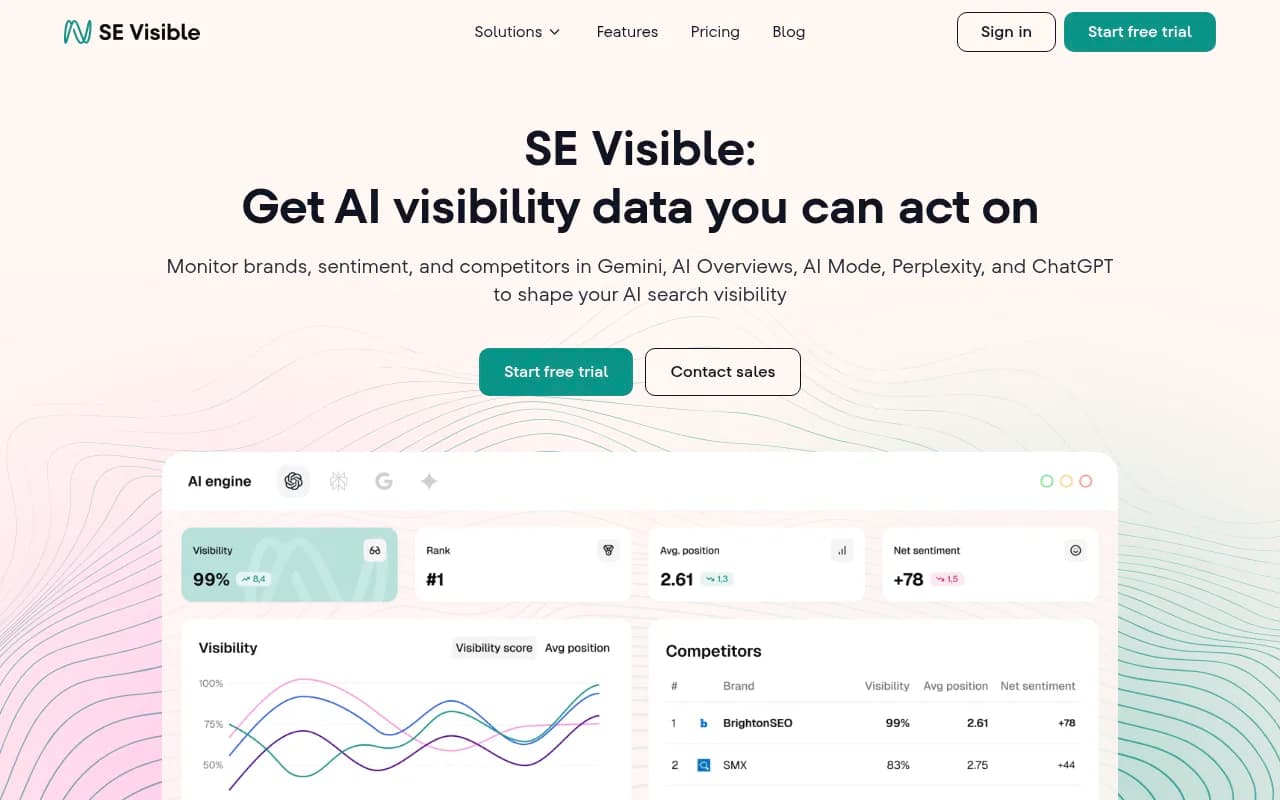
SE Ranking's SE Visible module covers AI search visibility with some competitor comparison capability.
What the data actually means: interpreting AI Mode metrics
Getting the data is step one. Understanding what it's telling you is harder.
High impressions, low clicks
As mentioned above, this is often a sign your content is being used in AI Mode synthesis. The AI is reading your page, extracting information, and presenting it in the response — but the user doesn't need to click through because the answer is already there. This isn't necessarily bad. It means your content is authoritative enough to be sourced. The question is whether that visibility is building brand awareness or just feeding the AI.
Inconsistent citation rates
AI Mode responses aren't deterministic. The same prompt can produce different responses on different days, in different locations, or for different user contexts. If your citation rate fluctuates significantly week to week, that's normal — don't over-index on single data points. Look at 4-week rolling averages instead.
You rank well traditionally but have low AI Mode visibility
This is the most common and most frustrating pattern. Traditional SEO and AI Mode visibility don't correlate as tightly as expected. AI Mode tends to favor content that directly answers specific questions, uses clear factual structure, and comes from sources with strong brand signals across the web (not just backlinks). A site with excellent technical SEO but thin, generic content often underperforms in AI Mode even with strong traditional rankings.
You're cited but described inaccurately
This happens. AI Mode sometimes paraphrases content in ways that misrepresent your product or service. If you spot this through manual testing or monitoring tools, it's worth investigating which pages are being sourced and whether the content is ambiguous or outdated.
Building a tracking workflow that actually works
Here's a practical workflow for teams that want to track Google AI Mode without drowning in data:
Weekly
- Check GSC AI Mode filter for impression and click trends
- Run manual tests on 5-10 high-priority prompts
- Note any significant changes in how your brand is described
Monthly
- Pull citation rate data from your AI visibility tool of choice
- Compare your share of voice vs. key competitors
- Identify prompts where you've lost ground and prompts where you've gained
- Review AI crawler activity for any crawl errors or new pages being indexed
Quarterly
- Audit your full prompt set — are you tracking the right queries?
- Review which content pieces are driving the most AI Mode citations and why
- Identify content gaps (prompts where competitors appear but you don't) and plan content to address them
- Measure whether AI Mode visibility is correlating with traffic or conversion trends
Common mistakes teams make
Tracking the wrong prompts. Most teams start by tracking branded queries ("What is [Company Name]?") and miss the high-value decision-stage prompts ("What's the best [product category] for [use case]?"). The latter is where AI Mode has the biggest commercial impact.
Treating AI Mode like traditional rank tracking. Checking your "position" in AI Mode is a category error. You're not ranked 3rd — you're either cited or you're not, and the quality of that citation matters as much as its presence.
Ignoring offsite signals. AI Mode citations come from across the web, not just your domain. If you're not tracking which third-party sources are influencing AI responses in your category, you're missing a major lever.
Optimizing for impressions without understanding sentiment. Being mentioned in AI Mode with a lukewarm or negative framing can actually hurt brand perception. Track how you're described, not just whether you appear.
Not connecting visibility to revenue. AI Mode tracking is only useful if it connects to business outcomes. Set up proper attribution so you can tie changes in AI Mode visibility to traffic, leads, or conversions.
Choosing the right tool for your situation
There's no single right answer — it depends on your team size, budget, and how seriously you're investing in AI search.
For solo marketers or small teams just getting started, Google Search Console's free AI Mode filter plus manual prompt testing covers the basics. Add a lightweight monitoring tool like LLM Pulse or Otterly.AI when you need more systematic tracking.
Otterly.AI
For growth-stage companies that want to move from monitoring to optimization, a platform with content gap analysis and generation capabilities makes sense. Promptwatch's Professional plan ($249/mo) covers 2 sites, 150 prompts, crawler logs, and 15 AI-generated articles per month — enough to run a real optimization program.
For enterprise teams managing multiple brands or sites, Profound or Promptwatch's Business/Enterprise tiers offer the scale and competitor benchmarking depth needed.
Profound
The one thing worth avoiding: paying for a monitoring-only tool and then having no clear path to act on what it shows you. The data is only as valuable as what you do with it.
The bottom line
Google AI Mode is no longer a niche feature to watch — it's a primary search surface for a growing share of queries, and its influence will only increase as Google continues integrating AI agents into Search (as announced at I/O 2026). Teams that build systematic tracking now will have a significant advantage over those who wait until AI Mode traffic becomes impossible to ignore.
Start with what's free (Google Search Console), add manual testing for qualitative context, and invest in a dedicated AI visibility platform when you're ready to move from observation to optimization. The brands winning in AI Mode right now aren't the ones with the best traditional SEO — they're the ones who understood the new metrics first and built content specifically designed to answer the questions AI Mode is already synthesizing responses for.