Key takeaways
- Zapier is the fastest to set up for simple GEO alert workflows, but its pricing scales badly and its logic ceiling is low
- Make handles multi-step GEO automation better than Zapier at a lower cost, with a visual canvas that makes branching logic manageable
- n8n is the right choice when you need full data control, complex business logic, or want to self-host your AI visibility pipeline
- None of these tools collect GEO data themselves — you need a platform like Promptwatch to generate the signals, then pipe them into your automation tool
- The best setup in 2026 is a GEO platform feeding structured data into whichever workflow tool matches your team's technical comfort
Why GEO automation is now a real marketing ops problem
A year ago, most marketing teams were still figuring out whether AI search visibility even mattered. Now it's a line item. Brands are tracking how often they appear in ChatGPT, Perplexity, Gemini, and Google AI Overviews — and they want that data to actually do something inside their marketing stack.
That's where workflow automation tools come in. The question isn't whether to automate your GEO reporting and response workflows. It's which tool to use.
Zapier, Make, and n8n are the three platforms most teams are evaluating. They're genuinely different products built for different kinds of teams, and the wrong choice will either limit what you can build or create more complexity than you need.
This guide breaks down how each tool handles GEO-specific automation, where each one breaks down, and how to pick the right one for your setup.
What GEO automation actually looks like
Before comparing tools, it helps to be concrete about what you're actually automating. GEO automation workflows typically fall into a few categories:
- Pulling AI visibility scores and citation data into a dashboard or spreadsheet on a schedule
- Triggering Slack or email alerts when your brand drops out of an AI response or a competitor appears
- Routing content gap reports to the right writer or content manager in your project management tool
- Logging citation changes to a CRM or data warehouse for trend analysis
- Kicking off content brief creation when a new prompt gap is detected
None of these workflows are exotic. But they do require your GEO platform to expose data via API or webhook — and they require your automation tool to handle that data reliably.

Promptwatch, for example, exposes citation data, visibility scores, prompt gaps, and crawler logs through its API, which means any of the three tools below can connect to it. The automation layer is about what happens after you have the data.
Zapier: fast to start, expensive to scale
Zapier has been the default automation tool for non-technical marketing teams for over a decade. Its core model is simple: a trigger fires, an action runs. You pick from a library of 7,000+ pre-built app connectors, and most common workflows take under 30 minutes to set up.
For GEO automation, Zapier works well for straightforward use cases. If you want to send a Slack message every time your weekly AI visibility report lands in Google Sheets, Zapier handles that cleanly. If you want to create a HubSpot task when a content gap alert fires, that's a five-minute build.
Where Zapier struggles is anything with conditional logic, data transformation, or multi-step branching. Want to route different types of citation drops to different Slack channels based on the AI model involved? That gets messy fast. Want to parse a JSON payload from a GEO API and extract specific fields before sending them to Airtable? You'll hit the limits of Zapier's formatter tools quickly.
The other problem is pricing. Zapier charges per task (each action in a workflow counts as a task), and GEO workflows that run frequently — say, hourly citation checks across 10 prompts — can burn through task limits faster than you'd expect. Teams that start on a free or starter plan often find themselves upgrading within weeks.

When Zapier makes sense for GEO:
- Your team is non-technical and needs something running in an afternoon
- Your workflows are simple: alert fires, notification sends, done
- You're already paying for Zapier for other workflows and want to consolidate
When it doesn't:
- You need complex conditional logic or data transformation
- You're running high-frequency checks across many prompts
- Budget is a concern at scale
Make: the visual canvas that handles real complexity
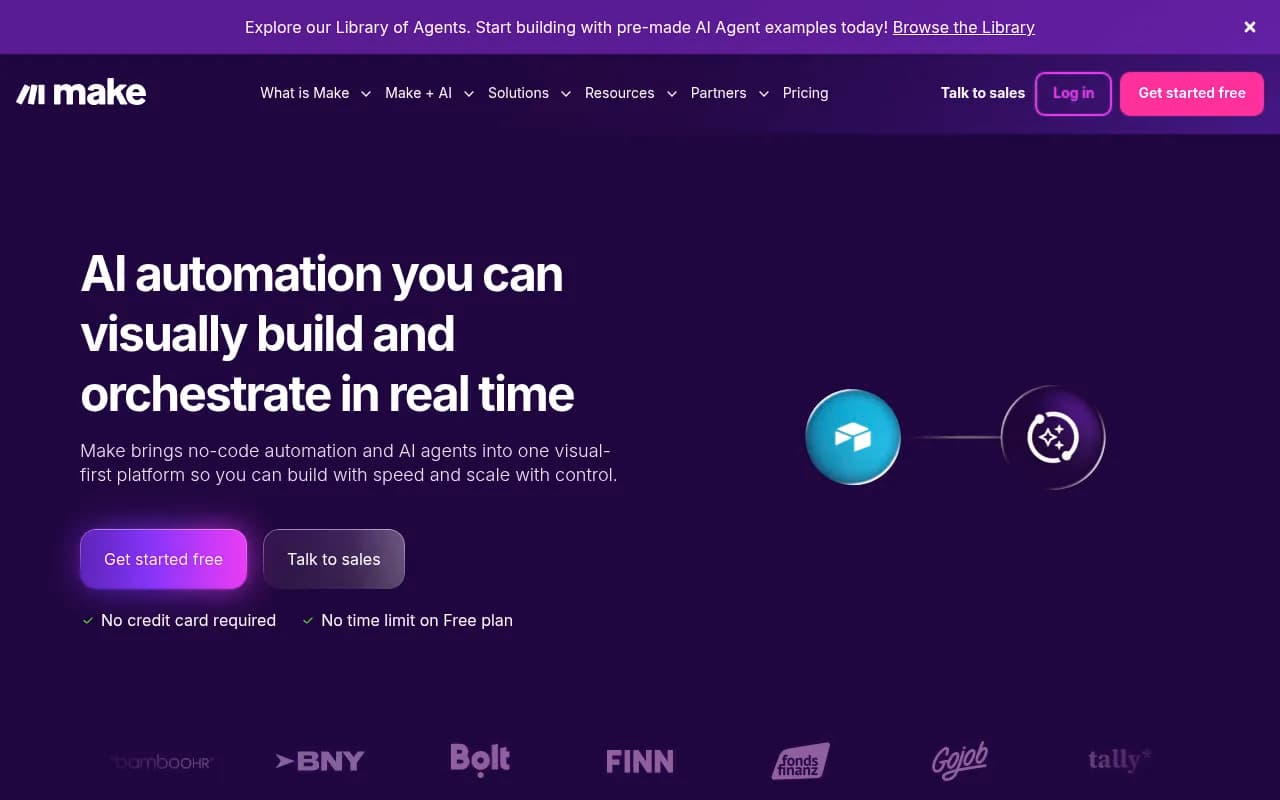
Make (formerly Integromat) sits between Zapier and n8n on the technical difficulty scale. Its canvas-based interface lets you see your entire workflow as a flowchart, which makes it much easier to build and debug multi-step logic than Zapier's linear editor.
For GEO automation, Make is genuinely strong. You can build workflows that pull data from a GEO platform API, filter results based on visibility thresholds, branch into different paths depending on which AI model is involved, transform the data, and push it to multiple destinations — all in a single scenario that you can actually read and understand.
Make also handles iterators well, which matters for GEO. If your platform returns an array of 50 prompts with visibility scores, Make can loop through each one, apply logic to each item, and take different actions based on the result. Zapier makes this awkward. Make makes it natural.
Pricing is more generous than Zapier. Make charges per operation (similar to tasks), but the rates are lower and the free tier is more useful. For most GEO automation use cases at a mid-size marketing team, Make's Core or Pro plan covers what you need without the sticker shock.
When Make makes sense for GEO:
- You need visual workflows with branching logic and data transformation
- You want better value than Zapier without needing to write code
- Your team has at least one person comfortable with slightly more technical tools
- You're building scenarios that involve iterating over datasets (like lists of prompts or citations)
When it doesn't:
- You need full data privacy and self-hosting
- Your workflows require custom code or complex business logic that goes beyond what a visual tool can express
n8n: open-source, self-hosted, and built for technical teams
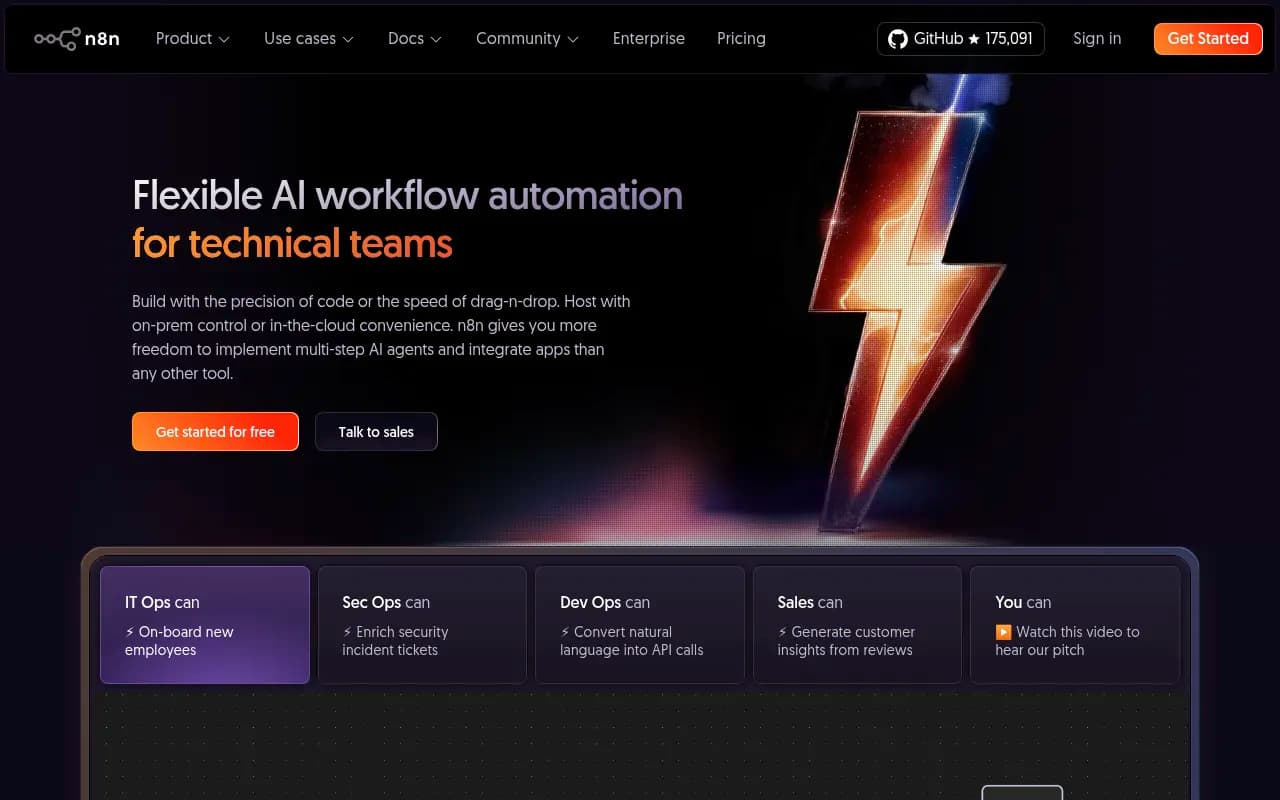
n8n is a different kind of tool. It's open-source, which means you can self-host it on your own infrastructure and keep all your data in-house. There are no per-task or per-operation charges on the self-hosted version — you pay for compute, not workflow runs.
Since n8n 2.0 launched in early 2026, it's also become one of the stronger platforms for AI-native workflows. It has over 70 dedicated AI nodes, native LangChain integration, and persistent memory across workflow executions. That matters for GEO automation because you can build workflows that don't just move data around — they can analyze it, generate content briefs, or run LLM calls as part of the automation chain.
For a technical marketing ops team or a developer-led agency, n8n is genuinely powerful. You can write JavaScript or Python directly inside nodes, connect to any API with full control over request headers and authentication, and build logic that would be impossible in Zapier or impractical in Make. The node-based interface takes some getting used to, but once you're comfortable with it, the flexibility is hard to match.
The catch is the learning curve. Non-technical users will struggle. And if you're going the self-hosted route, you need someone who can manage the infrastructure. n8n's cloud offering removes that burden, but it adds cost back in.
When n8n makes sense for GEO:
- Data privacy is non-negotiable (self-hosting keeps everything on your infrastructure)
- You need complex business logic, custom code, or LLM calls inside your workflows
- You want to build AI-native GEO pipelines that go beyond simple data routing
- You're a developer or have developer resources on your team
- You're running high-volume workflows where per-task pricing would be prohibitive
When it doesn't:
- Your team is non-technical and needs something working today
- You don't have infrastructure to manage
- Simple alert and notification workflows are all you need
Head-to-head comparison
| Feature | Zapier | Make | n8n |
|---|---|---|---|
| Setup speed | Fast (minutes) | Medium (hours) | Slow (days for self-hosted) |
| Technical skill required | Low | Medium | High |
| Visual workflow builder | Linear | Canvas (flowchart) | Node-based |
| Conditional/branching logic | Limited | Strong | Full |
| Data transformation | Basic | Good | Full (with code) |
| Self-hosting option | No | No | Yes |
| AI/LLM nodes | Basic | Moderate | 70+ dedicated nodes |
| Pricing model | Per task | Per operation | Per run (cloud) / free (self-hosted) |
| Cost at scale | High | Medium | Low (self-hosted) |
| App integrations | 7,000+ | 3,000+ | 400+ native + any API |
| Best for GEO use case | Simple alerts | Multi-step pipelines | Complex/AI-native workflows |
How to connect GEO data to your marketing stack
The workflow tool is only half the equation. You need a GEO platform that actually generates the data worth automating.
Most GEO monitoring tools expose some kind of API or webhook. What varies is the quality and depth of the data. A platform that only tells you "your brand appeared in 60% of responses this week" gives you a number. A platform that tells you which specific prompts you're missing, which competitors are winning those prompts, which pages are being cited, and what content you need to create — that's data you can actually act on.
Promptwatch is built around this kind of actionable output. Its Answer Gap Analysis surfaces the exact prompts where competitors are visible and you're not. Its Content Agents generate briefs and articles based on those gaps. Its crawler logs show which pages AI engines are reading and when. All of that data is accessible via API, which means you can pipe it directly into Zapier, Make, or n8n depending on your setup.
A practical GEO automation stack might look like this:
- Promptwatch runs daily visibility checks across your tracked prompts
- A webhook fires when a new content gap is detected or your visibility score drops below a threshold
- Make (or n8n) receives the webhook, parses the data, and routes it based on the type of gap
- A content brief is created in Notion or Asana and assigned to the relevant writer
- When the article is published, a separate workflow logs the publish date and starts tracking citation pickup
That's a real workflow. It's not complicated to build in Make, and it's even more flexible in n8n if you want to add LLM-based brief generation as a step.
Relay.app: worth mentioning as a fourth option
One tool that comes up in community discussions alongside these three is Relay.app. It's positioned as a "human-in-the-loop" automation platform — workflows can pause and wait for a human to review or approve before continuing. For GEO workflows where a content manager needs to sign off on a brief before it goes to a writer, that's a genuinely useful feature that Zapier, Make, and n8n handle awkwardly.
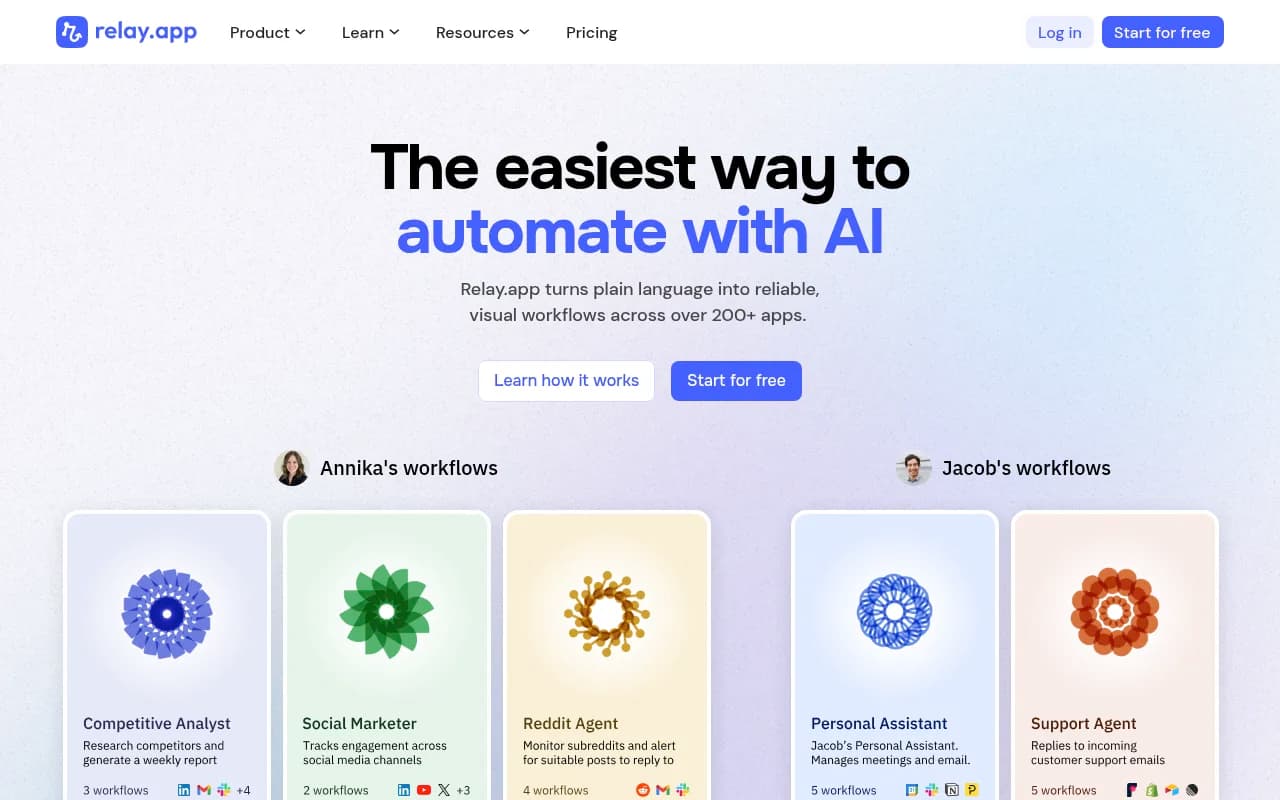
Relay is less mature than the other three and has fewer integrations, but it's worth evaluating if your GEO workflows involve approval steps.
Which tool should you actually use?
The honest answer depends on your team, not on which tool has the most features.
If you're a small marketing team without developer resources and you just need GEO alerts to show up in Slack or create tasks in your project management tool, start with Zapier. You'll be up and running today, and you can always migrate later.
If you're building more sophisticated GEO pipelines — routing different types of data to different destinations, transforming API responses, iterating over prompt lists — Make is the right call. It's more capable than Zapier, more affordable at scale, and the visual canvas makes complex workflows manageable without requiring code.
If you have developer resources, care about data privacy, or want to build AI-native GEO workflows that include LLM calls as part of the automation chain, n8n is the serious choice. The learning curve is real, but so is the ceiling.
What none of these tools do is generate GEO insights on their own. They move data and trigger actions. The intelligence has to come from somewhere — and that's where your GEO platform does the heavy lifting.
The teams getting the most out of GEO automation in 2026 aren't just tracking visibility. They're closing the loop: finding gaps, creating content, and confirming that new content gets picked up by AI engines. Workflow automation is what makes that loop run without manual intervention every step of the way.