Key takeaways
- Screaming Frog is still the best raw-data crawler for technical SEOs who know what they're looking for, but it requires significant interpretation time after the crawl.
- Sitebulb's hint system and visual reports make it the better choice for in-house teams and agencies that need to communicate findings to non-technical stakeholders.
- Lumar and OnCrawl are built for enterprise sites where continuous monitoring, data warehousing, and log file analysis matter more than one-off audits.
- JetOctopus stands out for large sites (10K+ URLs) that need fast crawling combined with server log analysis in one platform.
- None of these crawlers track AI crawler behavior in real time or show you how AI search engines like ChatGPT and Perplexity are reading your site -- that requires a separate layer of tooling.
Technical SEO crawlers have been around for over a decade. The core job hasn't changed much: find broken links, flag missing metadata, surface crawl issues. But in 2026, there's a new question every SEO team is asking: is my site actually readable by AI crawlers?
GPTBot, ClaudeBot, PerplexityBot, and Google's AI crawlers are hitting sites constantly. They behave differently from Googlebot. They have different rendering preferences, different crawl depths, and they're making decisions about which content to cite in AI-generated answers. A site that looks fine in Screaming Frog might be completely invisible to AI search engines.
This guide compares the five most widely used technical SEO crawlers in 2026, then explains what they can and can't tell you about AI crawler readiness.
The five crawlers at a glance
Before getting into specifics, here's a quick comparison across the dimensions that matter most in 2026:
| Tool | Best for | Crawl scale | JS rendering | Log file analysis | AI crawler visibility | Pricing model |
|---|---|---|---|---|---|---|
| Screaming Frog | Technical SEOs, raw data | Up to ~5M URLs (desktop) | Yes (Chrome) | Basic | None | £259/yr desktop |
| Sitebulb | Agencies, in-house teams | Up to ~5M URLs (desktop + cloud) | Yes (Chrome) | None | None | From £55/mo |
| Lumar | Enterprise, continuous monitoring | Unlimited (cloud) | Yes | Yes | None | Custom/enterprise |
| OnCrawl | Enterprise, data analysis | Unlimited (cloud) | Partial | Yes | None | Custom/enterprise |
| JetOctopus | Large sites, log analysis | 10K+ URLs (cloud) | Partial | Yes (core feature) | None | From ~$50/mo |
One thing immediately obvious: none of these tools track AI crawler behavior directly. We'll come back to that.
Screaming Frog SEO Spider
Screaming Frog has been the default technical SEO crawler since 2010. In 2026, it's still the most feature-complete desktop crawler available, and the free tier (500 URLs) remains genuinely useful for small sites.
The paid license costs £259/year and unlocks unlimited URL crawling, JavaScript rendering via Chromium, custom extraction with XPath and regex, Google Analytics and Search Console integration, and a CLI mode for automation.
Where Screaming Frog excels is raw configurability. You can set custom user agents (including GPTBot or ClaudeBot to simulate AI crawler behavior), define crawl scope with regex, extract any data point from the DOM, and pipe results into Python scripts or Google Sheets. Senior technical SEOs who live in spreadsheets love it.
The honest downside: the tool produces data, not answers. A 40,000-page crawl might flag 847 issues. Deciding which 12 of those actually matter for your specific site requires experience and time. That interpretation cost is real, and it's where teams without dedicated technical SEOs struggle.
JavaScript rendering is solid -- Screaming Frog uses an evergreen Chromium instance -- but crawling a large JS-heavy site is slow on desktop hardware. For sites over 500K URLs, you'll want to think carefully about whether a desktop tool is the right architecture.
One underused feature: you can set the user agent to GPTBot and crawl your own site to see what an AI crawler would encounter. It won't tell you everything, but it's a quick sanity check for robots.txt blocking and JS rendering issues.
Sitebulb
Sitebulb was built by people who used Screaming Frog every day and wanted something more opinionated. The core difference is the "Hints" system: instead of dumping raw data, Sitebulb interprets the crawl and surfaces prioritized recommendations with explanations written for humans.

This matters more than it sounds. Sophie Gibson, Technical SEO Director at StudioHawk, put it well: "Sitebulb Hints and issue prioritization has helped us spot those obvious things that are holding back client performance quicker. This means we can get results for our clients quicker."
Sitebulb also has better visualization tools -- crawl maps, internal link graphs, and site structure diagrams that are genuinely useful for presenting findings to clients or internal stakeholders who don't read CSV exports.
The Cloud version (launched a few years ago) lets you run crawls without tying up your laptop, schedule recurring audits, and collaborate with team members. It's a meaningful upgrade for agencies running audits at scale.
Where Sitebulb falls short: it doesn't have log file analysis, so you can't see what Googlebot (or GPTBot) is actually crawling versus what your crawl configuration found. The Hints system, while helpful, can be noisy on non-standard sites -- you'll sometimes get prioritized warnings about things that don't apply to your specific architecture.
Pricing starts around £55/month for the desktop version, with Cloud plans available separately. It's more expensive than Screaming Frog on an annual basis, but many teams use both.
Lumar (formerly Deepcrawl)
Lumar is what you reach for when the site is too large, too complex, or too business-critical for a desktop tool. It's a cloud-native enterprise platform that runs continuous crawls, integrates with your data warehouse, and connects to Google Analytics, Search Console, and various CI/CD pipelines.
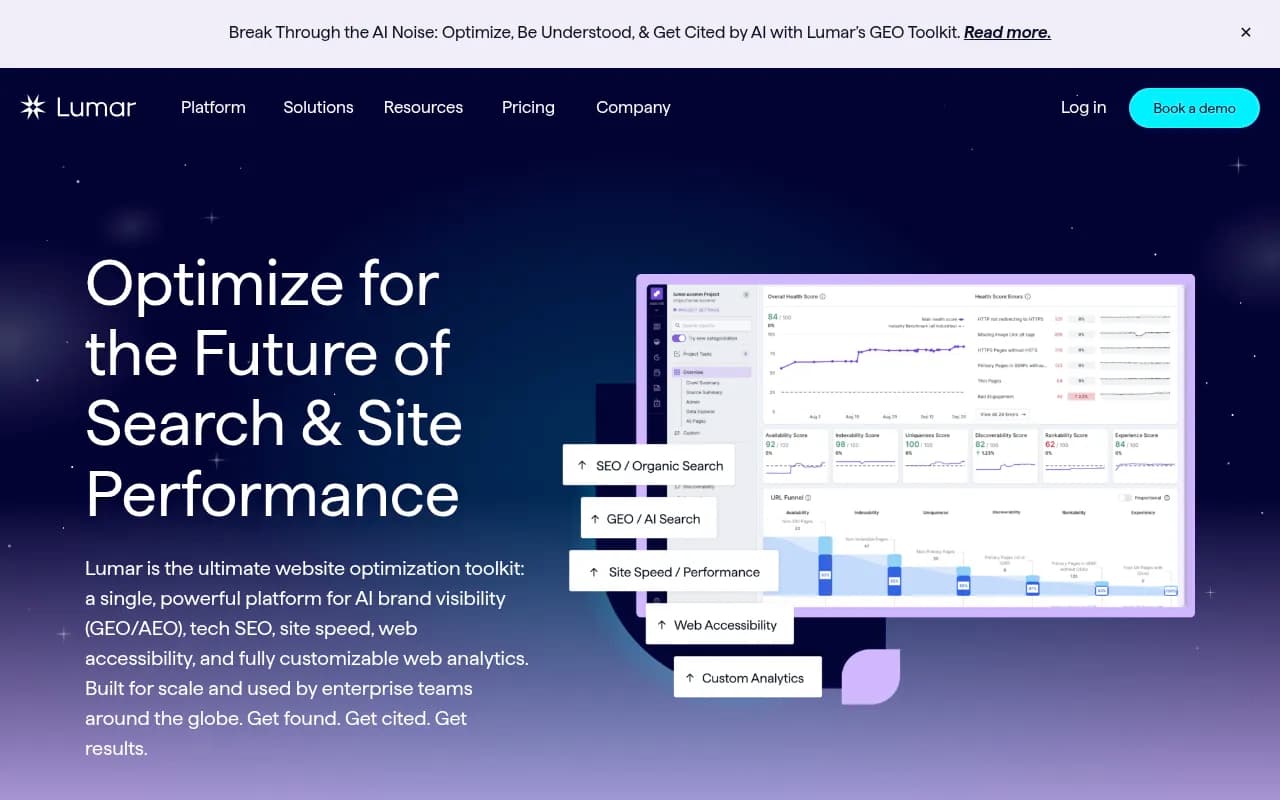
The core value proposition for enterprise teams: you don't run a crawl when you remember to. Lumar monitors your site continuously and alerts you when something changes. For large e-commerce sites or media properties where a misconfigured robots.txt can de-index thousands of pages overnight, that continuous monitoring is worth the price.
Lumar also has JavaScript rendering and log file analysis, which puts it ahead of both Screaming Frog and Sitebulb on the enterprise feature checklist. The reporting layer is more polished than either desktop tool, with dashboards designed for SEO directors and CMOs rather than just technical practitioners.
The honest trade-off: Lumar is expensive (pricing is custom/enterprise, typically in the thousands per month), and it's more than most teams need. If you're running audits on 10 sites a month for agency clients, Lumar's overhead -- onboarding, configuration, cost -- probably isn't justified. It's built for teams where a single site is a full-time job.
On AI crawler readiness specifically: Lumar can analyze log files to show you which crawlers are hitting your site, which technically includes GPTBot and ClaudeBot if they appear in your logs. But it doesn't have purpose-built AI visibility features -- it's showing you server logs, not AI search behavior.
OnCrawl
OnCrawl sits in a similar space to Lumar: cloud-native, enterprise-focused, strong on data integration. Its distinguishing feature is the depth of its data analysis layer. OnCrawl connects crawl data with log file data and Google Search Console data in a unified view, which lets you answer questions like "which pages are being crawled by Googlebot but not ranking?" or "which pages rank well but aren't being crawled efficiently?"
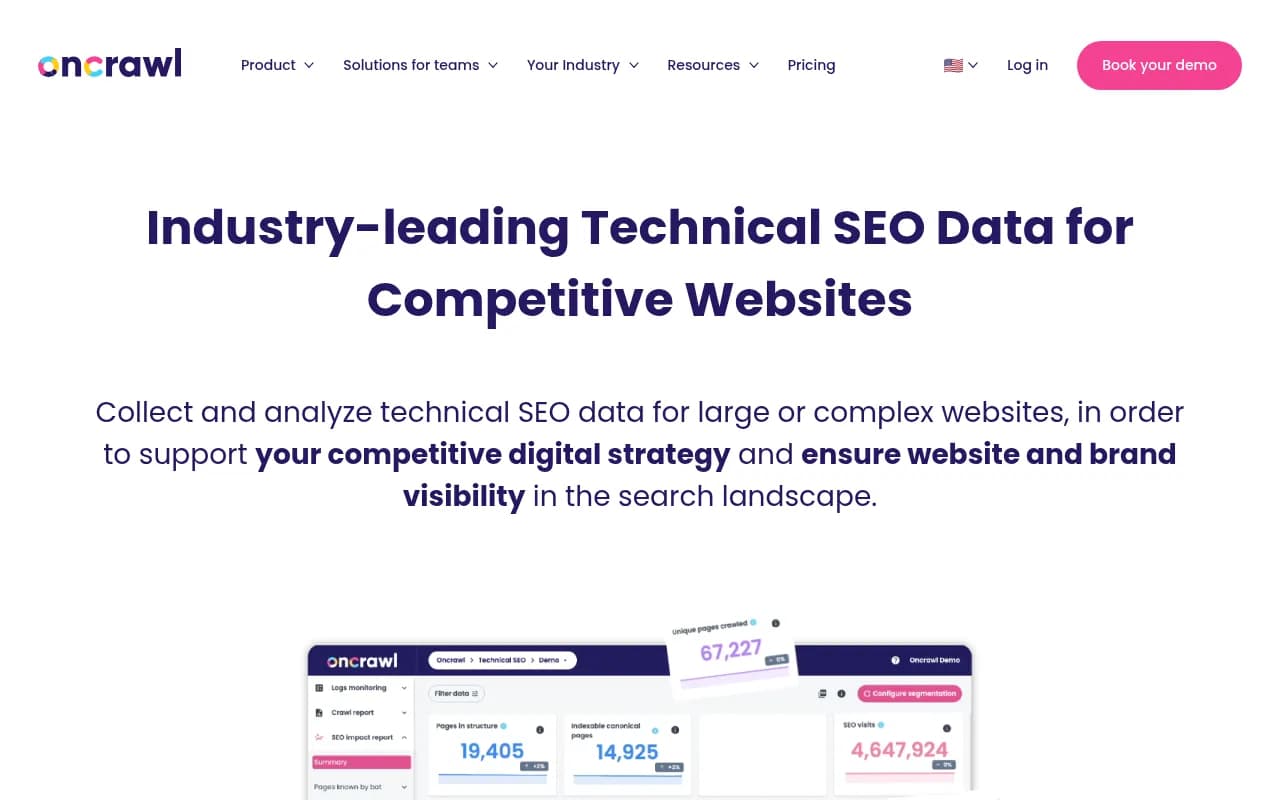
That triangulation -- crawl data + log data + ranking data -- is genuinely powerful for diagnosing crawl budget issues on large sites. It's the kind of analysis that used to require a data engineer and a lot of BigQuery queries.
OnCrawl also has an API and supports custom data exports, which makes it a reasonable choice for teams that want to build custom reporting on top of crawl data.
The weaknesses are similar to Lumar's: it's expensive, it takes time to configure properly, and the learning curve is steeper than desktop tools. JavaScript rendering is partial rather than full -- OnCrawl can handle JS, but it's not as comprehensive as Screaming Frog or Sitebulb's Chromium-based rendering.
For AI crawler readiness, OnCrawl's log file analysis can surface AI crawler activity if those bots appear in your server logs. But again, this is passive log analysis, not active AI visibility monitoring.
JetOctopus
JetOctopus is the most interesting tool in this comparison for teams that want log file analysis without enterprise pricing. It's cloud-based, handles sites with 10K+ URLs comfortably, and combines crawl data with server log analysis in a single platform.
The log file analysis is the headline feature. You upload your server logs (or connect via Cloudflare/Fastly integration), and JetOctopus shows you which bots are crawling which pages, how often, and with what response codes. This includes AI crawlers -- if GPTBot or ClaudeBot is hitting your site, you'll see it in the log analysis.
That's a meaningful capability gap versus Screaming Frog and Sitebulb. Knowing that GPTBot is crawling your site is one thing; knowing it's hitting your homepage 50 times a day but never reaching your product pages is actionable intelligence.
JetOctopus pricing starts around $50/month, which is significantly more accessible than Lumar or OnCrawl for mid-market teams. The UI is less polished than Sitebulb, and the hint/recommendation system isn't as developed, but the raw capability for large-site crawling and log analysis is strong.
Reddit's SEO community (r/seogrowth) has a recurring thread on this exact topic, and the consensus is roughly: Screaming Frog for most audits, JetOctopus when you need log analysis without enterprise pricing, Sitebulb when you need to present findings to clients.
How these tools compare on AI crawler readiness
Here's where things get honest. All five of these tools were built for traditional SEO crawling. None of them were designed to answer the question that's increasingly urgent in 2026: "How are AI search engines reading and citing my site?"
There are a few things these crawlers can help with indirectly:
- Setting your user agent to
GPTBotin Screaming Frog lets you simulate what an AI crawler sees, including robots.txt restrictions and JS rendering issues. - JetOctopus and Lumar's log file analysis can surface AI crawler activity if those bots appear in your server logs.
- Any of these tools can flag technical issues (slow pages, broken links, poor internal linking) that would hurt AI crawler efficiency.
But there's a lot they can't tell you:
- Which of your pages are actually being cited in ChatGPT, Perplexity, or Google AI Overviews
- Which prompts or queries your brand appears for in AI search results
- Which competitors are being cited instead of you, and why
- Whether your content structure is optimized for AI answer generation
- How your AI visibility is trending over time
For that layer of visibility, you need a purpose-built AI search monitoring platform. Promptwatch tracks exactly this -- which pages AI models are citing, which prompts trigger your brand, and where competitors are winning visibility you're not. It also logs AI crawler activity in real time through website integrations (Cloudflare, Fastly, server logs), which gives you the same log-level insight as JetOctopus but specifically for AI search engines.

The two layers are complementary, not competing. Use a technical SEO crawler to make sure your site is structurally sound and crawlable. Use an AI visibility platform to understand what AI search engines are actually doing with your content once they've crawled it.
Which crawler should you use?
The right answer depends on your team size, site scale, and what you're trying to accomplish.
| Situation | Recommended tool |
|---|---|
| Solo SEO or small agency, sites under 500K URLs | Screaming Frog |
| Agency presenting audits to clients | Sitebulb |
| In-house team, non-technical stakeholders | Sitebulb |
| Enterprise site, continuous monitoring needed | Lumar |
| Large site, need log analysis without enterprise cost | JetOctopus |
| Need crawl + log + ranking data in one place | OnCrawl |
| Need to understand AI search visibility | Promptwatch (separate layer) |
A few specific scenarios worth calling out:
If you're running 15+ audits a month for agency clients, you probably need both Screaming Frog (for deep technical work) and Sitebulb (for client-ready reports). Many agencies do exactly this.
If you're managing a single large e-commerce site with millions of SKUs, JetOctopus gives you the crawl scale and log analysis you need without the Lumar price tag. Worth evaluating before committing to enterprise pricing.
If your site is heavily JavaScript-rendered (Next.js, Nuxt, React SPA), Screaming Frog and Sitebulb's Chromium rendering is more reliable than OnCrawl's partial JS support. Test your specific setup before assuming any tool handles your framework correctly.
The AI crawler gap these tools don't fill
One thing worth sitting with: the technical SEO crawler market evolved to answer "can Googlebot crawl my site?" That question is still important. But in 2026, there's a parallel question -- "can GPTBot read my content, and is it actually using it?" -- that none of these tools were built to answer.
Server log analysis in JetOctopus or Lumar will show you that GPTBot visited a page. It won't tell you whether that page ended up cited in a ChatGPT response, or whether the AI model understood your content well enough to recommend your product over a competitor's.
That gap is real, and it's growing. AI search is driving meaningful traffic for many categories, and the sites winning that traffic aren't necessarily the ones with the cleanest technical SEO -- they're the ones whose content structure, authority signals, and entity coverage align with what AI models want to cite.
Technical SEO crawlers are a foundation. AI visibility platforms are the next layer. In 2026, serious SEO teams are running both.
Bottom line
Screaming Frog and Sitebulb handle the vast majority of technical SEO use cases. The choice between them comes down to whether you need raw data and automation (Screaming Frog) or guided interpretation and client-ready reports (Sitebulb).
For large sites that need continuous monitoring and log analysis, Lumar and OnCrawl are the enterprise options. JetOctopus is the most accessible path to log analysis for teams that don't have enterprise budgets.
None of these tools tell you what's happening in AI search. For that, you need a different kind of platform entirely.