Key Takeaways
- AI search traffic is real but invisible: ChatGPT, Perplexity, and AI Overviews drive millions of clicks monthly, but standard analytics tools don't capture them -- leaving brands blind to a growing revenue channel
- Attribution is the missing link in GEO: Tracking visibility (citations, mentions) is table stakes, but connecting those metrics to actual traffic and revenue separates leaders from monitoring-only platforms
- Five proven methods exist today: code snippet tracking, Google Search Console integration, server log analysis, UTM parameter injection, and referrer header detection -- each with tradeoffs in accuracy and implementation complexity
- Most platforms lack attribution entirely: of 12+ AI visibility tools analyzed, only a handful (Promptwatch, Analyze AI, Bear AI) offer built-in traffic attribution -- the rest stop at monitoring
- Early movers gain competitive advantage: brands that close the attribution loop now can optimize AI content based on revenue data, not guesswork, before competitors catch up
The AI Search Attribution Gap
You've optimized your content for AI search. You're tracking citations in ChatGPT, monitoring mentions in Perplexity, and watching your visibility scores climb across Google AI Overviews. Your GEO platform dashboard shows green arrows pointing up.
But when your CFO asks "How much revenue did AI search drive last quarter?" -- you have no answer.
This is the AI search attribution problem: the gap between knowing you're visible in LLMs and proving that visibility translates to traffic, leads, and revenue. It's the difference between a vanity metric and a business case.
Traditional web analytics weren't built for this world. Google Analytics sees a visitor land on your homepage but has no idea they came from a ChatGPT citation. Your marketing attribution tool credits "direct traffic" when the real source was a Perplexity recommendation. The data exists -- it's just invisible to your current stack.
For marketing teams, this creates a credibility problem. You're asking for budget to optimize for AI search while unable to prove ROI. For agencies, it's a retention risk -- clients won't renew contracts based on "we think this is working." For enterprise brands, it's a strategic blind spot in a channel that's already driving 10-30% of total search traffic for early movers.
The good news: attribution is solvable. Five proven methods exist today for connecting AI visibility to revenue, each with different tradeoffs in accuracy, implementation complexity, and data granularity. This guide breaks down all five, shows you which platforms support them, and helps you choose the right approach for your business.
Why Standard Analytics Miss AI Traffic
Before diving into solutions, understand why your current analytics stack fails at AI attribution.
Referrer headers are inconsistent or missing. When a user clicks a link in a traditional search result, the browser sends a referrer header (e.g. Referer: https://www.google.com/search?q=...) that tells your analytics where they came from. AI search engines handle this inconsistently:
- ChatGPT: Strips referrer headers entirely on most clicks. Your analytics sees these as direct traffic.
- Perplexity: Sometimes includes a referrer, sometimes doesn't -- depends on the user's browser and whether they clicked a citation or the "Visit" button.
- Google AI Overviews: Passes a referrer, but it looks identical to organic Google traffic. You can't distinguish AI Overview clicks from traditional SERP clicks without additional signals.
- Claude: No referrer headers. All traffic appears direct.
This isn't a bug -- it's a privacy and UX decision by AI platforms. They don't want to leak user queries or browsing patterns.
User agents don't identify the source. A visitor from ChatGPT uses the same browser user agent (Chrome, Safari, Firefox) as any other visitor. There's no "ChatGPT Browser" signature in the headers. You can't filter by user agent to isolate AI traffic.
UTM parameters aren't added automatically. Unlike paid ads or email campaigns where you control the link and can append ?utm_source=chatgpt, AI-generated citations link directly to your canonical URLs. You don't get to add tracking parameters.
Session attribution breaks down. Even if you could identify the entry point, traditional attribution models (first-touch, last-touch, multi-touch) weren't designed for AI search behavior. A user might:
- Ask ChatGPT for recommendations (sees your brand cited)
- Click through to your site (no referrer, logged as direct)
- Leave and Google your brand name (logged as branded search)
- Return via a retargeting ad (logged as paid)
- Convert
Your attribution tool credits the retargeting ad. ChatGPT -- the actual discovery moment -- gets zero credit.
This is why "AI visibility" without attribution is a half-solved problem. You're optimizing in the dark.
Method 1: JavaScript Code Snippet Tracking
The most accessible method: embed a lightweight JavaScript snippet on your site that detects AI traffic patterns and sends events to your analytics platform.
How it works:
The snippet runs on every page load and checks for signals that indicate AI search traffic:
- Referrer analysis: Looks for partial referrer strings that some AI platforms leak (e.g. Perplexity sometimes passes
perplexity.aiin the referrer) - Landing page patterns: Flags direct traffic to deep pages (not homepage) as potentially AI-driven, since users rarely type full URLs
- Session behavior: Tracks whether the visitor exhibits AI search patterns -- single-page sessions, high time-on-page, specific entry points that correlate with known AI citations
- Browser fingerprinting: Uses timing attacks and feature detection to identify traffic from embedded browsers (some AI platforms use custom WebView wrappers)
When the snippet detects a likely AI visitor, it fires a custom event to Google Analytics, Mixpanel, Segment, or your analytics tool of choice. You can then segment reports by traffic source and connect AI visits to downstream conversions.
Platforms that offer this:
Promptwatch provides a code snippet that tracks AI traffic and attributes it back to specific prompts and citations. Install once, get automatic detection across ChatGPT, Perplexity, Claude, and other LLMs.

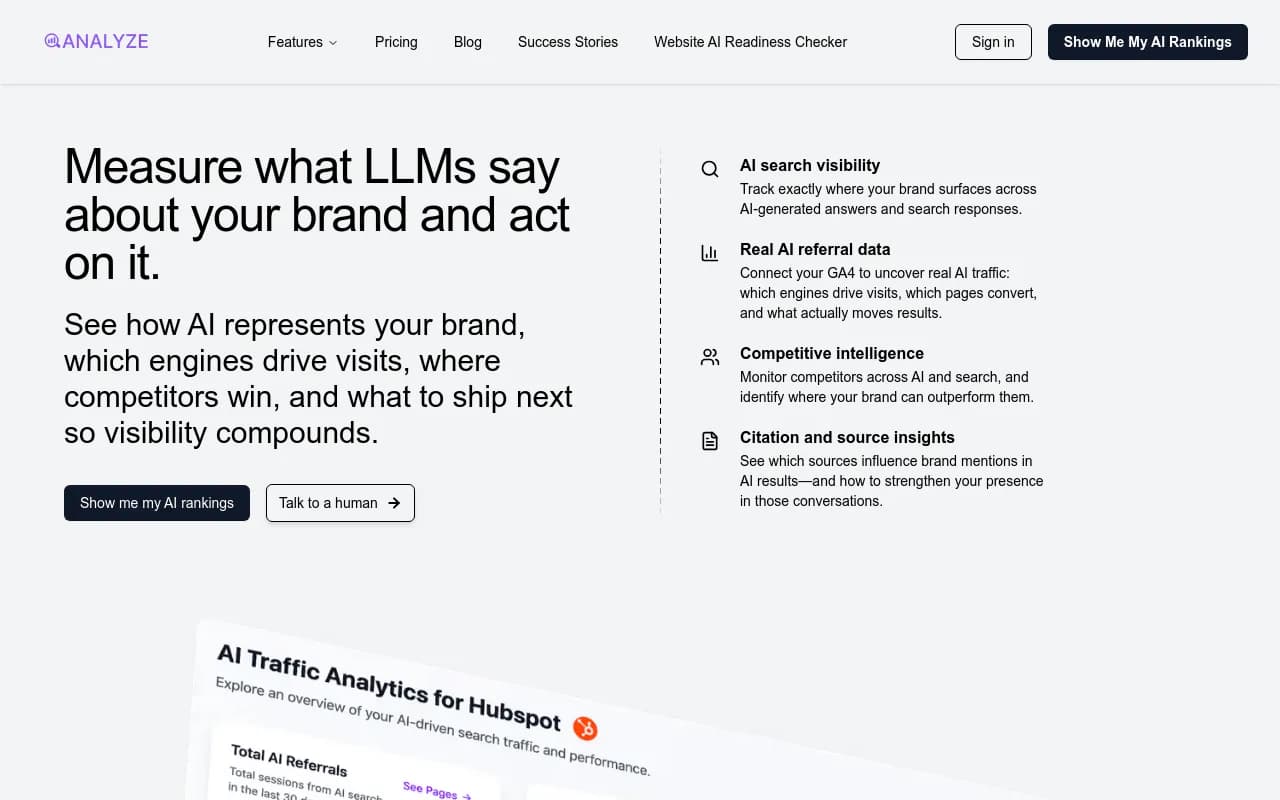
Analyze AI offers a similar snippet focused on tying visibility metrics (which prompts you rank for) directly to traffic and revenue.
Pros:
- Easy implementation: Copy-paste a script tag, no backend changes required
- Works with existing analytics: Integrates with Google Analytics, Mixpanel, Amplitude, etc.
- Real-time data: See AI traffic as it happens
- Visitor-level granularity: Track individual user journeys from AI search to conversion
Cons:
- Probabilistic, not deterministic: The snippet makes educated guesses based on signals, not definitive proof. Accuracy typically 70-85%.
- Requires JavaScript: Won't track users with JS disabled (rare but not zero)
- Privacy considerations: Some users or browsers may block tracking scripts
- Doesn't capture all AI platforms: Works best for mainstream LLMs, may miss niche or emerging AI search engines
When to use this method:
If you need quick setup, work with standard analytics tools, and can accept probabilistic accuracy. Ideal for most B2B SaaS, eCommerce, and content businesses that want to start measuring AI attribution today without engineering resources.
Method 2: Google Search Console Integration
Google Search Console (GSC) now reports AI Overview impressions and clicks as a separate dimension. If your AI traffic comes primarily from Google's AI-powered features, GSC integration provides deterministic data.
How it works:
GSC tracks when your pages appear in AI Overviews (the AI-generated summaries at the top of Google results) and logs clicks separately from traditional organic results. AI visibility platforms can pull this data via the GSC API and merge it with citation tracking.
You get:
- Impressions: How often your page appeared in an AI Overview
- Clicks: How many users clicked through from the AI Overview to your site
- Queries: Which search queries triggered AI Overviews featuring your content
- CTR: Click-through rate from AI Overviews vs. traditional results
This data flows into your GEO platform dashboard alongside ChatGPT and Perplexity tracking, giving you a unified view of AI search performance.
Platforms that support GSC integration:
Promptwatch connects to GSC and shows AI Overview performance alongside LLM citation data. You can see which pages drive AI traffic from Google and compare it to ChatGPT visibility.
Semrush has added AI Overview tracking to its core platform, pulling GSC data to show impressions and clicks.
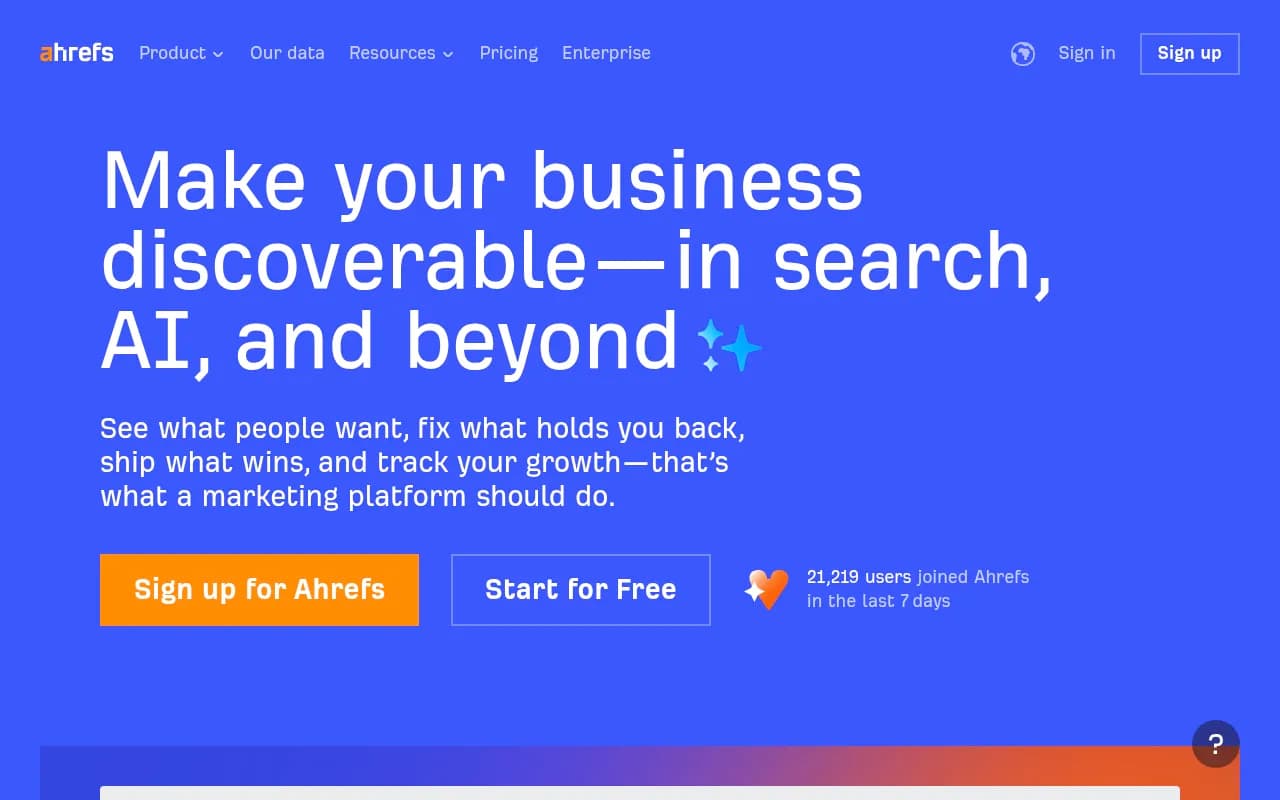
Ahrefs Brand Radar includes GSC integration but uses fixed prompts (you can't customize queries), limiting its usefulness for deep AI attribution.
Pros:
- Deterministic data: Google explicitly labels AI Overview clicks, no guessing required
- Official source: Data comes directly from Google, the most authoritative source
- Query-level insights: See exactly which searches trigger AI features
- Free data: GSC itself is free, no additional cost for the raw data
Cons:
- Google-only: Doesn't track ChatGPT, Perplexity, Claude, or other non-Google LLMs
- Limited to AI Overviews: Misses other Google AI features (AI Mode, SGE experiments, Gemini integrations)
- Delayed reporting: GSC data lags 24-48 hours, not real-time
- Requires verification: You must verify domain ownership in GSC and grant API access
When to use this method:
If Google AI Overviews represent a significant portion of your AI search traffic (common for informational queries and how-to content). Combine with other methods to cover non-Google LLMs.
Method 3: Server Log Analysis
The most accurate but technically complex method: analyze raw server logs to identify AI crawler activity and correlate it with traffic patterns.
How it works:
AI search engines don't just generate answers from thin air -- they crawl your website first. ChatGPT's crawler (OAI-SearchBot), Perplexity's crawler (PerplexityBot), and others hit your pages regularly to index content. These crawlers leave fingerprints in your server logs:
- User agent strings: Each crawler identifies itself (e.g.
Mozilla/5.0 (compatible; OAI-SearchBot/1.0; +https://openai.com/searchbot)) - IP ranges: Crawlers come from known IP blocks owned by OpenAI, Perplexity, Anthropic, etc.
- Request patterns: Crawlers exhibit distinct behavior -- rapid sequential requests, specific page targeting, predictable intervals
By parsing server logs, you can:
- Identify which pages AI crawlers read and how often
- Detect indexing issues (404s, slow responses, blocked resources) that prevent AI citation
- Correlate crawl activity with traffic spikes -- if Perplexity crawls a page heavily on Monday and you see a traffic spike Tuesday, you can infer causation
- Track crawler evolution -- when ChatGPT updates its crawler behavior, you'll see it in the logs before it impacts visibility
Advanced implementations combine log analysis with citation tracking: when your GEO platform detects a new citation in ChatGPT, it cross-references server logs to confirm the crawler read that page recently, validating the citation source.
Platforms that offer server log analysis:
Promptwatch includes AI Crawler Logs as a core feature (Professional plan and above). You get real-time logs of which AI crawlers hit your site, which pages they read, errors they encounter, and how often they return. The platform automatically correlates crawler activity with citation changes.
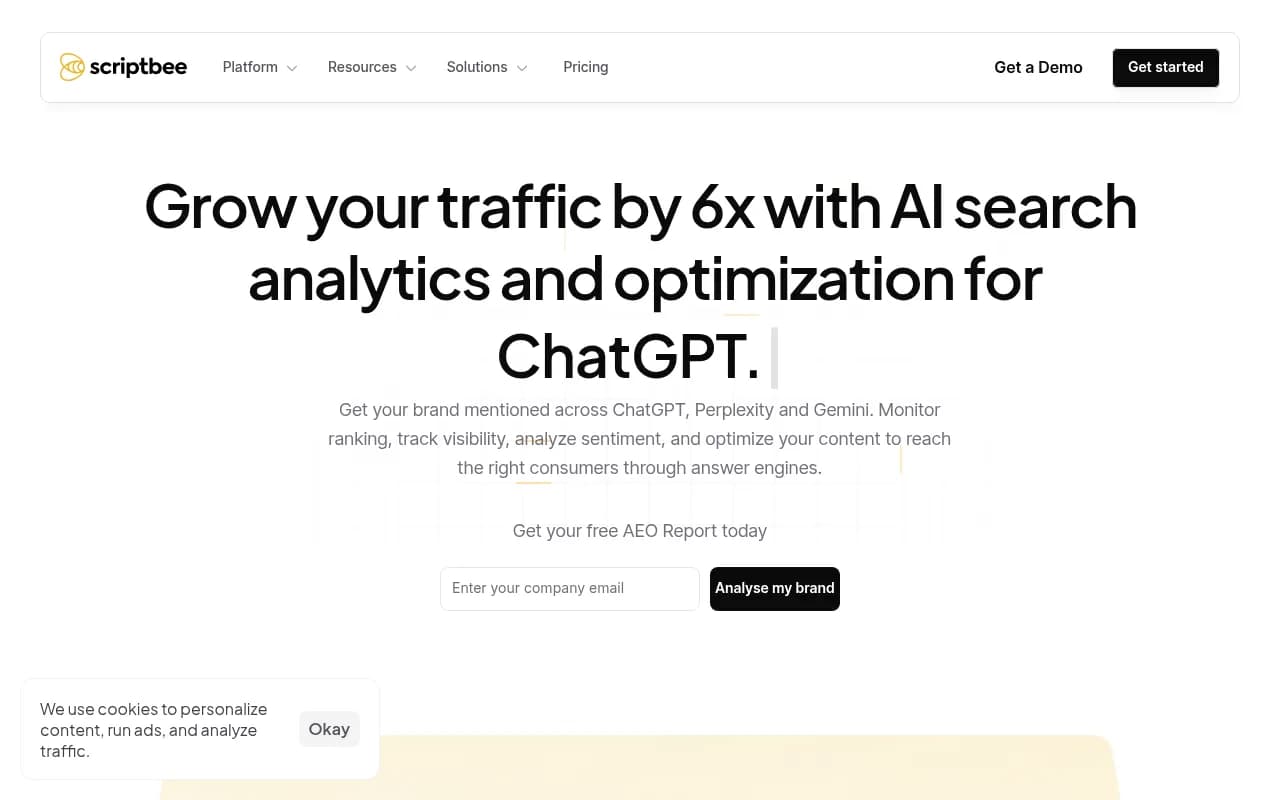
Scriptbee offers unlimited domain tracking with crawler monitoring, though it lacks the citation correlation features.
Pros:
- Highest accuracy: Server logs don't lie -- you see exactly what crawlers accessed
- Diagnostic power: Identify and fix indexing issues (blocked pages, slow responses, broken links) that hurt AI visibility
- No client-side dependencies: Works regardless of JavaScript, cookies, or browser settings
- Historical data: Analyze months or years of logs to understand long-term trends
Cons:
- Technical complexity: Requires log access, parsing infrastructure, and storage
- Doesn't directly track clicks: Logs show crawler activity, not user traffic. You must infer the connection.
- Privacy and compliance: Server logs contain IP addresses and request details, requiring careful handling under GDPR/CCPA
- Resource intensive: Parsing terabytes of logs for a high-traffic site demands significant compute
When to use this method:
If you have engineering resources, care deeply about accuracy, and want diagnostic insights into why AI engines do or don't cite your content. Best for enterprise brands and technical teams that already analyze server logs for SEO.
Method 4: UTM Parameter Injection
A creative workaround: dynamically inject UTM parameters into URLs that AI crawlers see, so when users click citations, your analytics can track the source.
How it works:
When an AI crawler visits your site, your server detects the crawler's user agent and serves a modified version of the page where all internal links include UTM parameters:
<!-- Normal user sees: -->
<a href="/pricing">View Pricing</a>

<!-- AI crawler sees: -->
<a href="/pricing?utm_source=ai_search&utm_medium=chatgpt&utm_campaign=citation">View Pricing</a>
The AI engine indexes the URL with UTM parameters. When it cites your page and a user clicks through, the UTM-tagged URL loads in their browser. Your analytics tool (Google Analytics, Mixpanel, etc.) reads the UTM parameters and attributes the visit to "ai_search / chatgpt / citation."
You can get granular:
utm_source=chatgptvs.utm_source=perplexityto distinguish platformsutm_medium=citationvs.utm_medium=recommendationto track different mention typesutm_campaign=product_comparisonto tie traffic back to specific content strategies
Implementation approaches:
- Server-side: Detect crawler user agents in your web server (Nginx, Apache) or CDN (Cloudflare Workers, Fastly VCL) and rewrite URLs on the fly
- Client-side: Use JavaScript to detect crawler-like behavior and modify links dynamically (less reliable)
- Static site generation: Pre-generate separate sitemaps for AI crawlers with UTM-tagged URLs
Pros:
- Works with existing analytics: No new tools required, UTM tracking is universal
- Deterministic attribution: When a UTM parameter appears, you know exactly where the traffic came from
- Flexible segmentation: Customize parameters to match your reporting needs
- Platform-agnostic: Works for any AI search engine that crawls your site
Cons:
- Requires server-side logic: Can't implement with a simple script tag, needs backend changes
- Crawler detection is imperfect: Some crawlers don't identify themselves, others spoof user agents
- URL pollution: UTM parameters clutter URLs and can cause duplicate content issues if not handled carefully (use canonical tags)
- Not all platforms support this: Some AI engines may strip or ignore query parameters when indexing
- Breaks caching: Serving different URLs to crawlers vs. users complicates CDN caching strategies
When to use this method:
If you have backend engineering resources, want deterministic attribution, and already use UTM tracking extensively. Best for technical teams comfortable with server-side logic and CDN configuration.
Important caveat: This method walks a fine line with cloaking policies. Serving different content to crawlers vs. users can violate search engine guidelines if done deceptively. As long as the only difference is UTM parameters (not content changes), you're generally safe -- but consult your legal and SEO teams first.
Method 5: Referrer Header Detection and Enrichment
The most straightforward method when it works: detect partial referrer headers from AI platforms and enrich them with additional context.
How it works:
Some AI search engines do pass referrer headers, just inconsistently or incompletely:
- Perplexity: Often includes
Referer: https://www.perplexity.ai/(no query details) - Google AI Overviews: Passes
Referer: https://www.google.com/search?q=...(looks like organic search) - Bing Copilot: Sometimes includes
Referer: https://www.bing.com/chat
Your analytics tool sees these referrers but may not categorize them correctly. Referrer detection involves:
- Pattern matching: Scan incoming referrers for AI platform domains (
perplexity.ai,bing.com/chat, etc.) - Enrichment: When detected, tag the session with custom dimensions ("AI Search", "Perplexity", "Conversational")
- Fallback logic: For missing referrers, combine with other signals (landing page, session behavior) to infer AI traffic
- Reporting: Segment analytics by AI source and track conversions
This can be implemented client-side (JavaScript reads document.referrer) or server-side (web server logs referrer headers).
Platforms that use referrer detection:
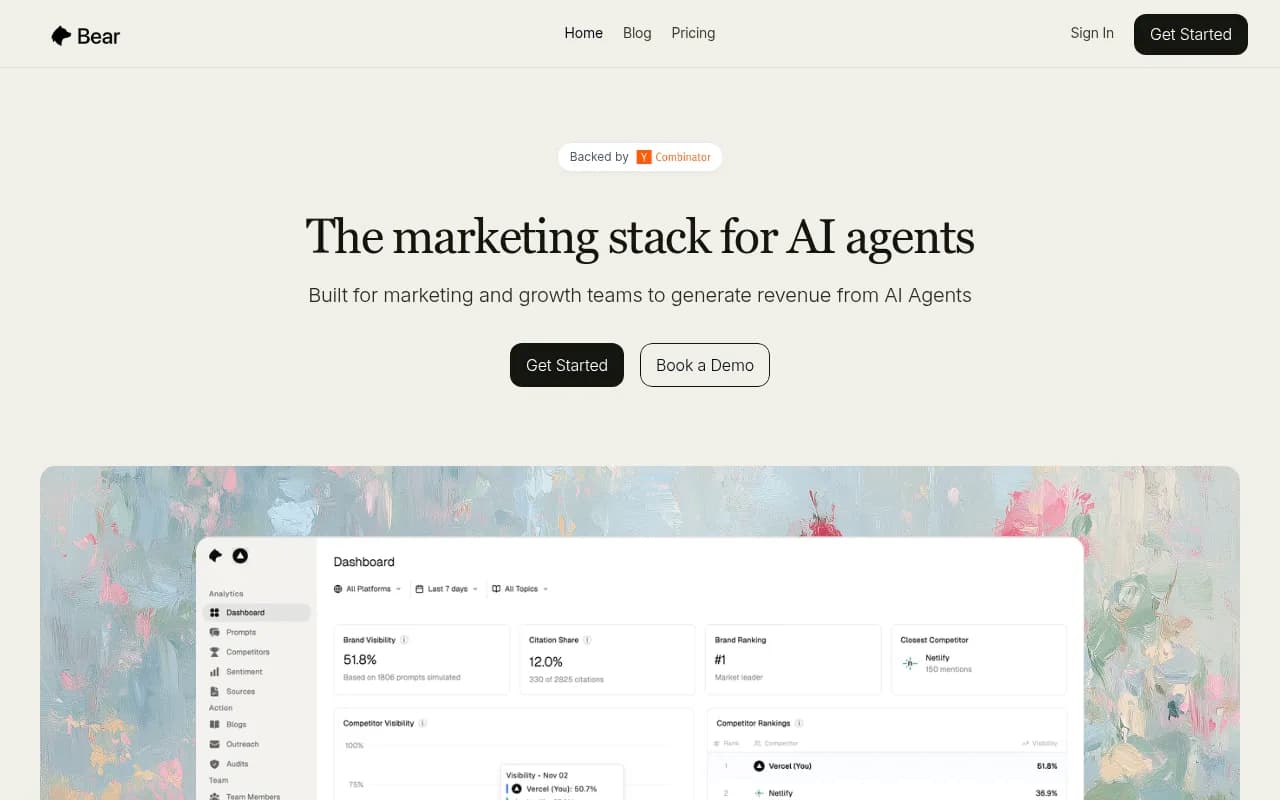
Most AI visibility platforms that offer traffic attribution use referrer detection as one input signal, combined with other methods. Promptwatch, Analyze AI, and Bear AI all parse referrers as part of their tracking.
Pros:
- Simple implementation: Read a header, match a pattern, done
- No server changes required: Can be done entirely in JavaScript
- Works with existing analytics: Tag sessions and use standard reporting
- Captures some traffic deterministically: When referrers are present, attribution is certain
Cons:
- Low coverage: Many AI platforms strip referrers entirely (ChatGPT, Claude)
- Ambiguous referrers: Google AI Overviews look identical to organic search
- Inconsistent behavior: Perplexity passes referrers sometimes, not always -- depends on user's browser and click path
- Doesn't scale to new platforms: Each new AI search engine requires updating your detection logic
When to use this method:
As a supplementary technique, not a primary solution. Combine referrer detection with code snippet tracking or server log analysis to maximize coverage. Use it to capture the "easy" traffic (Perplexity, Bing Copilot) while other methods handle the harder cases (ChatGPT, Claude).
Comparing the Five Methods
| Method | Accuracy | Implementation Complexity | Coverage | Real-time | Cost |
|---|---|---|---|---|---|
| JavaScript Snippet | 70-85% (probabilistic) | Low (copy-paste) | High (all platforms) | Yes | Low (often included in GEO tools) |
| Google Search Console | 100% (deterministic) | Low (API connection) | Low (Google only) | No (24-48hr lag) | Free (GSC) + platform cost |
| Server Log Analysis | 95%+ (near-deterministic) | High (log parsing infra) | High (all crawlers) | Yes (if real-time logs) | Medium-High (storage + compute) |
| UTM Injection | 100% (deterministic) | High (server-side logic) | Medium (crawler-dependent) | Yes | Medium (engineering time) |
| Referrer Detection | 100% when present (deterministic) | Low (header parsing) | Low (30-50% of traffic) | Yes | Low (DIY or included in tools) |
Recommendation: Most businesses should start with JavaScript snippet tracking for immediate results, then layer in Google Search Console integration for deterministic Google data. If you have engineering resources, add server log analysis for diagnostic power and maximum accuracy.
UTM injection and referrer detection are supplementary techniques -- use them to fill gaps, not as primary methods.
Which Platforms Offer Built-In Attribution?
Of the 12+ AI visibility platforms analyzed in 2026, only a handful offer true traffic attribution:
Tier 1: Full attribution with multiple methods
- Promptwatch: Code snippet tracking, GSC integration, and server log analysis (AI Crawler Logs). Ties visibility metrics (citations, prompts) directly to traffic and revenue. The only platform rated as a "Leader" in attribution capabilities.
Tier 2: Partial attribution with one method
- Analyze AI: Code snippet tracking that connects visibility to traffic, but lacks server log analysis and crawler diagnostics
- Bear AI: Focuses on converting AI agent traffic to revenue with basic tracking, but limited visibility metrics
- Scriptbee: Offers crawler log monitoring but doesn't tie it back to citations or traffic attribution
Tier 3: No attribution (monitoring only)
Most platforms fall here:
- Otterly.AI, Peec.ai, AthenaHQ, Search Party: Show you citations and mentions but can't connect them to traffic
- Profound, Scrunch: Strong feature sets but missing traffic attribution entirely
- Semrush, Ahrefs Brand Radar: Traditional SEO tools with AI monitoring bolted on, limited attribution (Semrush has GSC integration, Ahrefs doesn't)
This gap is why attribution is the differentiator in 2026. Monitoring-only tools tell you "you're visible" -- attribution platforms tell you "you're visible AND it drove $X in revenue."
Connecting Attribution to Revenue: The Full Loop
Tracking AI traffic is step one. Connecting it to revenue closes the loop.
The attribution chain:
- Visibility: Your content gets cited in ChatGPT, Perplexity, AI Overviews
- Traffic: Users click citations and land on your site (tracked via snippet, GSC, logs, etc.)
- Engagement: Visitors browse, read content, interact with CTAs
- Conversion: Visitors sign up, request demos, make purchases
- Revenue: Conversions generate pipeline and closed deals
Most GEO platforms stop at step 1. Attribution platforms reach step 2. To close the full loop to revenue (step 5), you need:
CRM integration: Connect your GEO platform to Salesforce, HubSpot, or Pipedrive. When a lead converts, tag them with AI search attribution data. Track which prompts and citations influenced the deal.
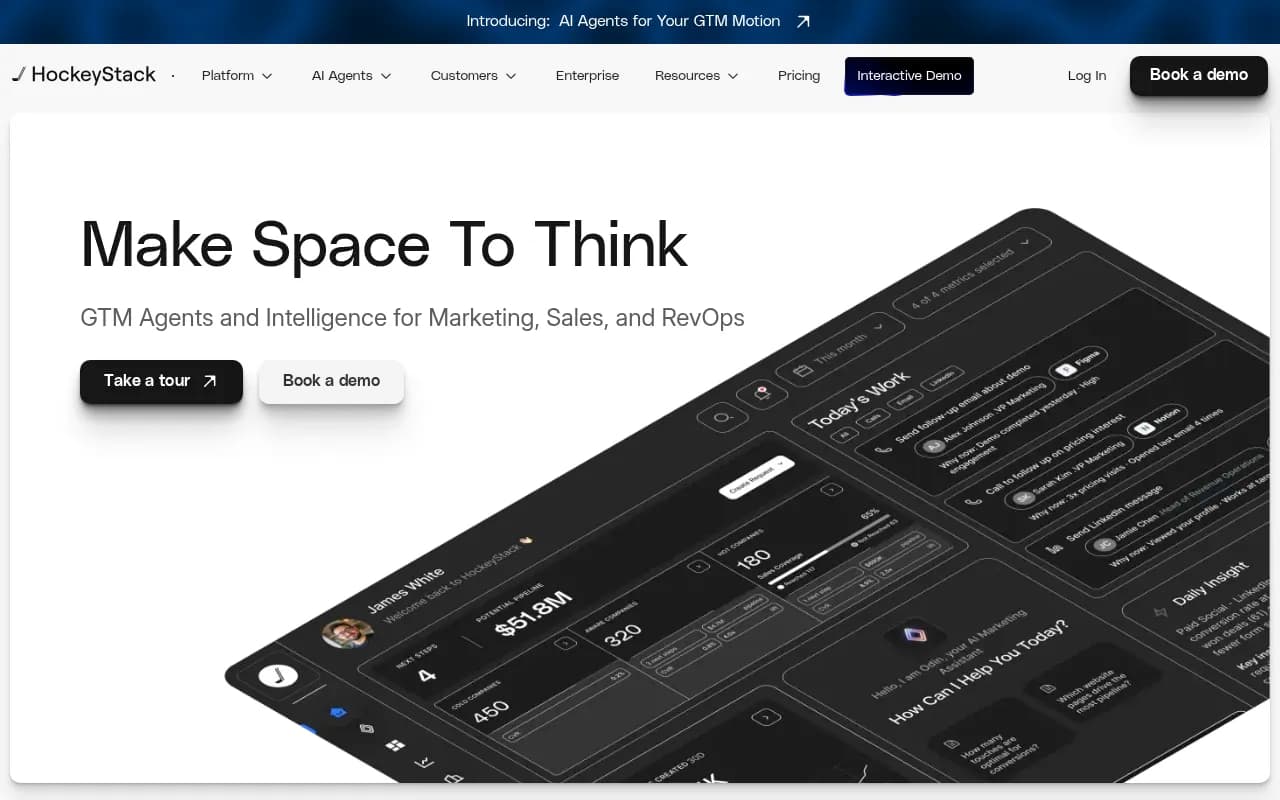
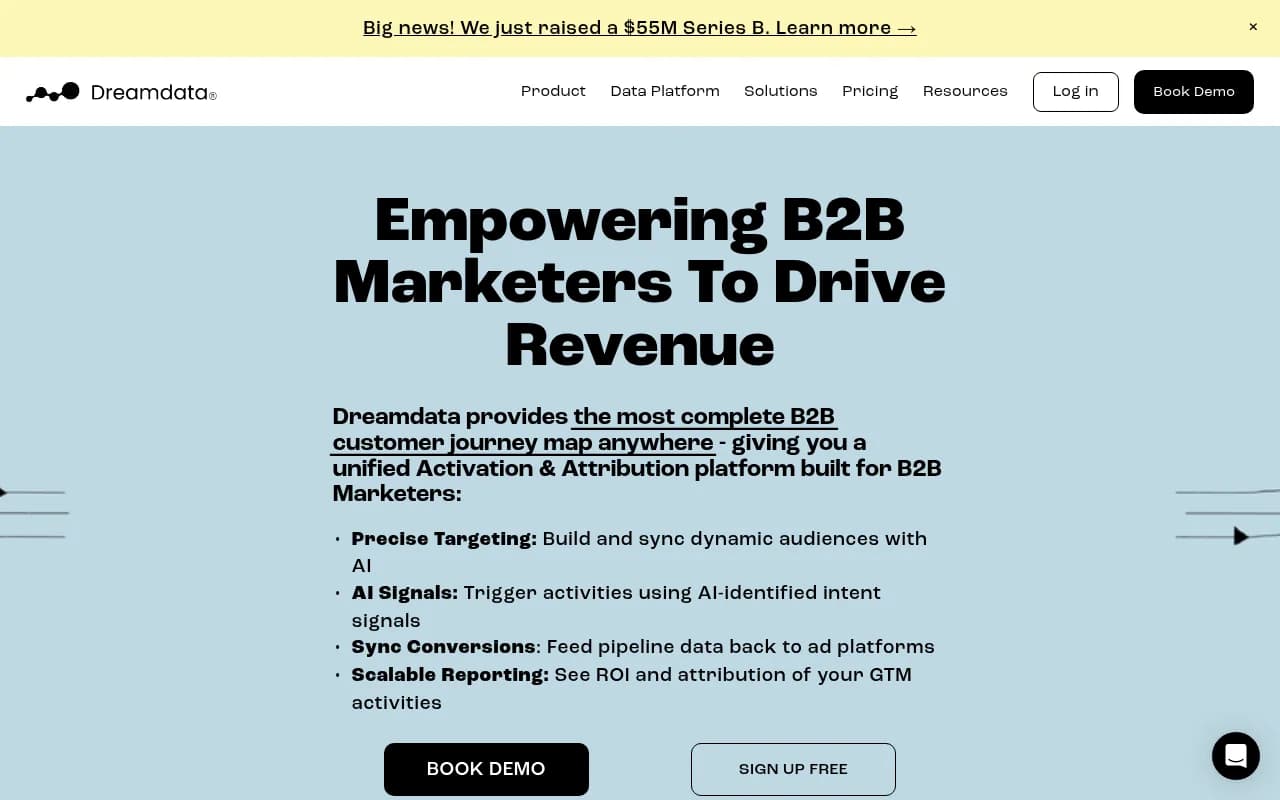
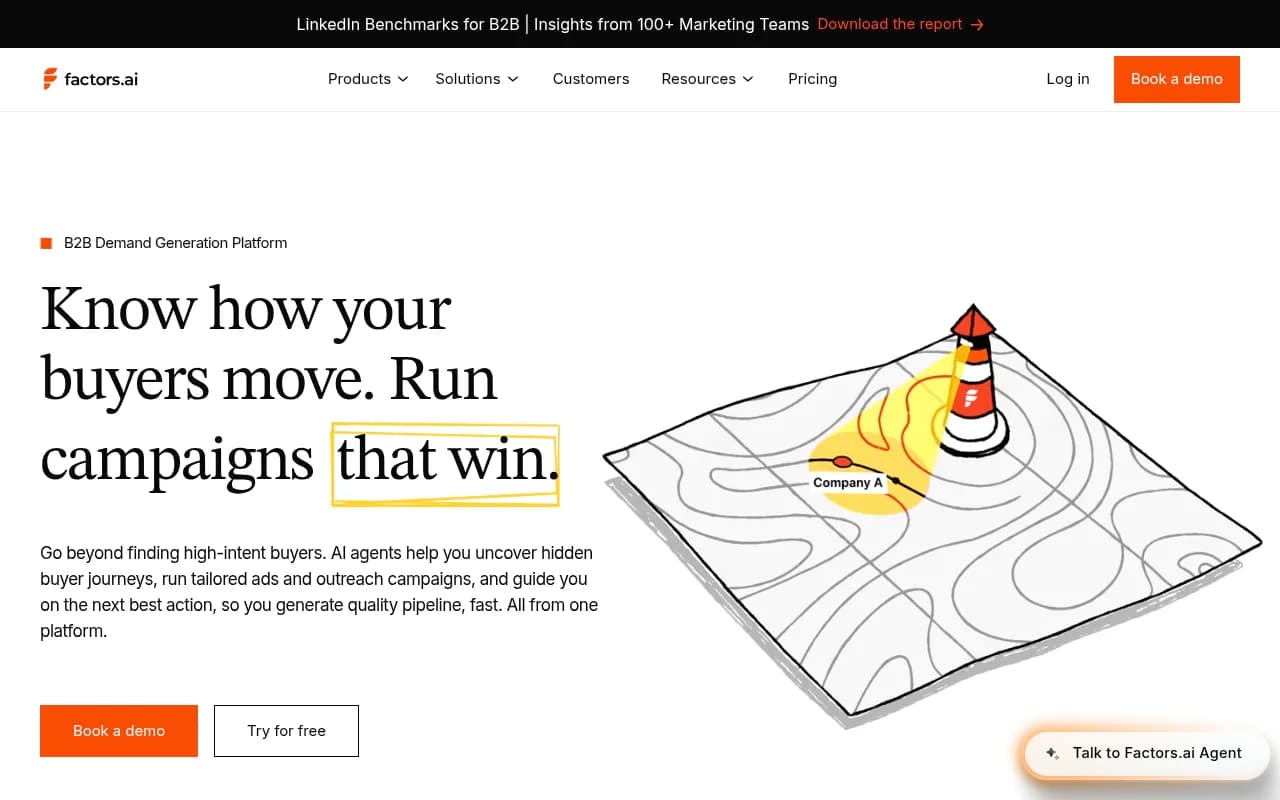
Marketing attribution tools: Use platforms like HockeyStack, Dreamdata, or Factors.ai to map the full customer journey. Feed AI traffic data into your attribution model so AI search gets credit alongside paid ads, email, and organic.
Revenue dashboards: Build custom reports (Looker Studio, Tableau, Mode) that show:
- AI search traffic by source (ChatGPT, Perplexity, etc.)
- Conversion rates from AI traffic vs. other channels
- Pipeline generated from AI-attributed leads
- Closed revenue from AI search
- ROI of GEO efforts (revenue / cost of optimization)
Promptwatchoffers Looker Studio integration and API access for building custom revenue dashboards. You can export citation data, traffic metrics, and conversion events to connect the dots.
Example revenue loop:
- Your GEO platform detects you're cited in ChatGPT for "best project management software for remote teams"
- Code snippet tracking shows 47 visitors from ChatGPT landed on your /features page this week
- 8 of those visitors signed up for a free trial (17% conversion rate)
- CRM data shows 2 trials converted to paid accounts ($5,000 MRR)
- Revenue dashboard attributes $5,000 to ChatGPT citation for that prompt
- You calculate ROI: $5,000 MRR / $500 GEO platform cost = 10x ROI in month one
This is the business case for AI search optimization. Without attribution, you're stuck at step 1 hoping visibility matters. With attribution, you prove it.
Common Attribution Challenges and How to Solve Them
Challenge 1: Multi-touch attribution
A user's journey rarely starts and ends with one AI search. They might:
- See your brand in ChatGPT (first touch)
- Google your brand name (middle touch)
- Click a retargeting ad (last touch)
- Convert
Traditional last-touch attribution credits the ad. First-touch credits ChatGPT. Multi-touch splits credit across all touchpoints.
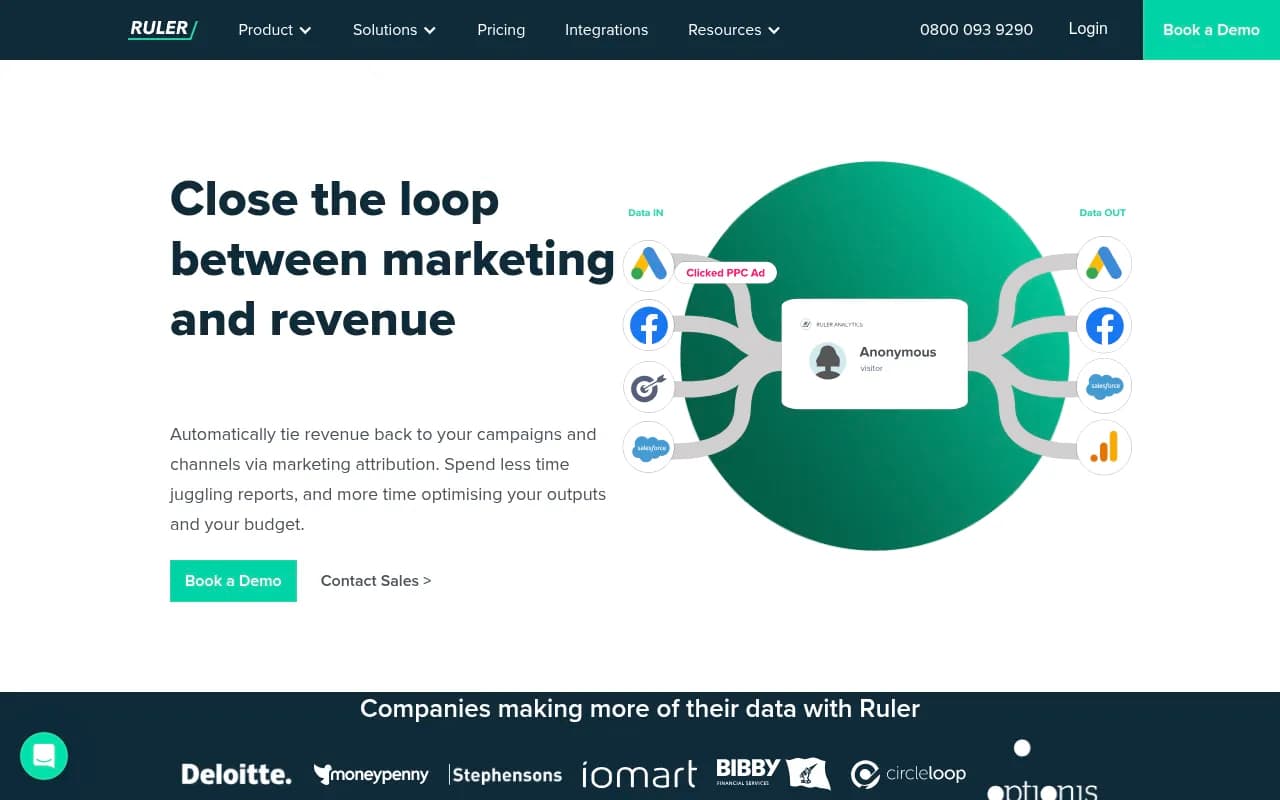
Solution: Use a marketing attribution platform (HockeyStack, Dreamdata, Ruler Analytics) that supports custom touchpoints. Feed AI traffic data as a distinct channel. Apply multi-touch models (linear, time-decay, U-shaped) to distribute credit fairly.
Challenge 2: Long sales cycles
B2B deals take months. A lead generated from AI search in January might not close until June. How do you connect the dots?
Solution: Tag leads with AI attribution data at the moment they enter your funnel (form fill, demo request, trial signup). Store this in your CRM as a custom field ("First Touch Source: ChatGPT", "Attribution Prompt: best CRM for startups"). When the deal closes months later, the attribution data persists.
Challenge 3: Anonymous traffic
Most AI search visitors don't convert immediately. They browse anonymously, leave, and return later via a different channel. You lose the AI attribution.
Solution: Use identity resolution tools (Clearbit, 6sense, Demandbase) to de-anonymize visitors and track them across sessions. When an anonymous AI visitor returns and converts, the tool stitches sessions together and preserves attribution.
Challenge 4: Dark social and word-of-mouth
AI search drives indirect effects. Someone reads a ChatGPT recommendation, tells a colleague, who then Googles your brand. The colleague converts, but ChatGPT gets no credit.
Solution: Accept that attribution is never perfect. Use surveys ("How did you hear about us?") and qualitative feedback to capture dark social influence. Combine quantitative attribution data with qualitative insights for a complete picture.
The Future of AI Search Attribution
Attribution methods will evolve as AI platforms mature:
Emerging trends:
- Official analytics APIs: AI platforms may eventually offer analytics dashboards (like Google Search Console) showing which sites get clicked from their responses. Perplexity has hinted at this. ChatGPT could follow.
- Standardized referrer headers: Industry pressure may push AI engines to adopt consistent referrer passing, similar to how social platforms standardized UTM tracking.
- AI agent tracking: As AI agents (autonomous bots that browse the web on behalf of users) become common, new attribution methods will emerge to track agent-driven traffic vs. human clicks.
- Blockchain-based attribution: Decentralized attribution protocols could provide tamper-proof records of AI citations and clicks, solving trust issues in multi-party attribution.
What to do now:
Don't wait for perfect attribution tools. Start measuring with the methods available today:
- Implement JavaScript snippet tracking this week (Promptwatch, Analyze AI, or DIY)
- Connect Google Search Console to capture AI Overview traffic
- Audit server logs to identify AI crawler activity and indexing issues
- Tag AI traffic in your CRM so you can track it through the funnel
- Build a revenue dashboard that ties AI visibility to pipeline and closed deals
The brands that solve attribution first will dominate AI search in 2026 and beyond. Everyone else will optimize blind.
Conclusion: From Visibility to Revenue
AI search visibility without attribution is a half-solved problem. You can track citations, monitor mentions, and watch your scores climb -- but until you connect those metrics to traffic and revenue, you're optimizing on faith.
The five methods covered here -- JavaScript snippets, Google Search Console integration, server log analysis, UTM injection, and referrer detection -- give you the tools to close the attribution gap. Most businesses should start with snippet tracking and GSC integration for quick wins, then layer in server logs for diagnostic power.
Choose a platform that supports attribution natively. Promptwatch leads the category with multiple methods built-in (code snippet, GSC, crawler logs) and the infrastructure to tie visibility to revenue. Monitoring-only tools (Otterly.AI, Peec.ai, AthenaHQ) leave you stuck at step one.
The AI search attribution problem is solvable today. The question is whether you'll solve it before your competitors do.