Key takeaways
- MCP (Model Context Protocol) lets AI assistants like Claude and Cursor connect directly to SEO, GEO, and content tools — no tab-switching, no CSV exports
- A well-designed MCP-first GEO stack covers four stages: prompt research, gap analysis, content creation, and visibility tracking
- The biggest mistake teams make is treating GEO as a monitoring problem. Tracking where you're invisible is step one. The real work is fixing it.
- Not every tool in your current stack has an MCP server. Knowing which ones do (and how deeply) determines what you can actually automate
- Tools like Promptwatch handle the GEO layer — tracking citations across ChatGPT, Perplexity, Claude, and others — while MCP-enabled SEO tools handle the content and research layer
What MCP actually is, and why it changes GEO work
In November 2024, Anthropic open-sourced the Model Context Protocol. The idea is simple: instead of building one-off integrations between AI assistants and every tool they might need, MCP creates a universal connector. One standard, any compatible tool.
By early 2026, the ecosystem has grown fast. Thousands of MCP servers now exist for databases, analytics platforms, CMS tools, and SEO software. The adoption curve has been steep because MCP solves a real problem: AI assistants are only as useful as the data they can reach.
For GEO work specifically, this matters a lot. Generative Engine Optimization requires you to juggle prompt research, competitor analysis, content creation, technical crawlability, and visibility tracking across 10+ AI models. That's a lot of context to maintain across separate browser tabs. MCP collapses it.
When your AI assistant has MCP connections to your research tools, your content platform, and your visibility tracker, you can describe what you want in plain English. The assistant calls the right tools, pulls live data, and executes multi-step workflows on your behalf. That's not a future promise — it's how teams are working right now.
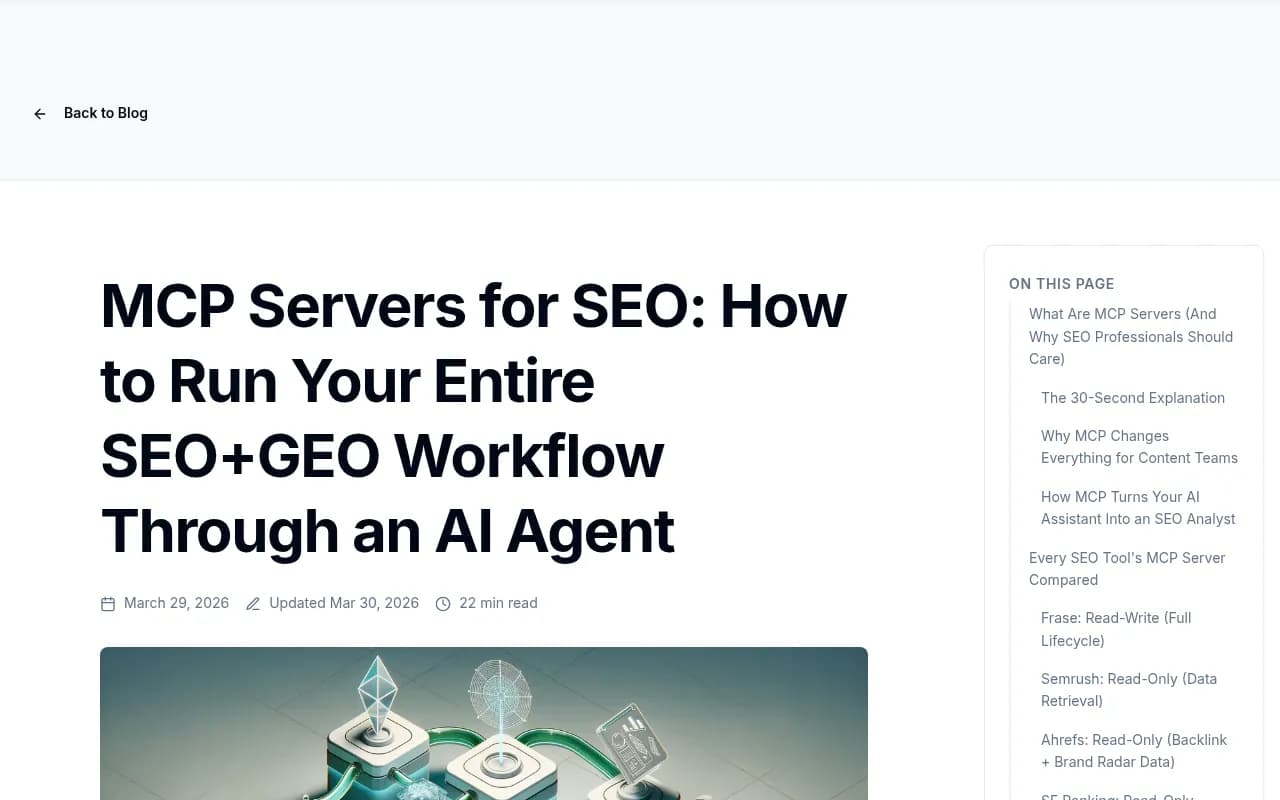
The Frase blog has a solid breakdown of how MCP servers connect to SEO workflows end-to-end.
The four-stage GEO workflow you're trying to automate
Before picking tools, it helps to be clear about what a complete GEO workflow actually looks like. There are four stages, and most teams only have tooling for two of them.
Stage 1: Prompt research
This is figuring out which questions people are asking AI models in your category. Not keyword research in the traditional sense — prompts tend to be longer, more conversational, and often framed as comparisons or recommendations. "What's the best project management tool for remote teams?" rather than "project management software."
You need volume estimates, difficulty scores, and an understanding of how one prompt fans out into related sub-queries. Without this, you're optimizing for prompts nobody actually uses.
Stage 2: Gap analysis
Once you know which prompts matter, you need to know which ones your competitors are visible for and you're not. This is where most teams get stuck. They can see they're invisible — they just don't know why, or what content would fix it.
Answer gap analysis is the bridge between "we're not being cited" and "here's the specific content we need to create." It's the most actionable part of the whole workflow.
Stage 3: Content creation
Creating content that gets cited by AI models is different from creating content that ranks in Google. AI models cite sources that directly, clearly, and authoritatively answer specific questions. Generic SEO filler doesn't cut it. You need content that's grounded in real citation data — what sources are AI models already citing, and why?
Stage 4: Tracking and attribution
Visibility scores are nice. Revenue attribution is better. The full loop connects AI citations to actual traffic and conversions, which requires either a code snippet, a GSC integration, or server log analysis. Most teams skip this step and then struggle to justify GEO investment internally.
Building the MCP-first stack: tools for each stage
Here's how to assemble a workflow that runs as much of this as possible through your AI assistant.
Research and content optimization layer
Frase has one of the most mature MCP implementations in the SEO/GEO space. Its server gives your AI assistant direct access to keyword research, SERP analysis, content briefs, and content scoring. You can ask Claude to "research the top 10 prompts in the project management category, generate a content brief for the highest-opportunity one, and score my draft against competitors" — and it executes that as a single workflow.
For content optimization specifically, Surfer SEO and MarketMuse both have strong content intelligence capabilities. MarketMuse is particularly good at topic modeling — understanding not just what to write, but how comprehensively to cover a subject.
Clearscope is another solid option if your team is already using it for traditional SEO content optimization. The scoring model translates reasonably well to AI-cited content.

GEO visibility tracking layer
This is where you need dedicated AI visibility tooling, not repurposed SEO tools. The question you're asking is different: not "where do I rank in Google?" but "which AI models cite me, for which prompts, and how does that compare to competitors?"
Promptwatch covers this end-to-end. It monitors 10 AI models (ChatGPT, Perplexity, Claude, Gemini, Google AI Overviews, DeepSeek, Grok, Mistral, Meta AI, Copilot), tracks citations at the page level, and — this is the part most tools skip — helps you act on what you find. The Answer Gap Analysis shows you exactly which prompts competitors are visible for and you're not. The built-in AI writing agent generates content grounded in 880M+ citations analyzed. And the traffic attribution layer connects visibility to actual revenue.

For teams that want additional monitoring coverage, Profound and AthenaHQ are worth knowing about. Both have strong enterprise feature sets, though neither goes as deep on the content creation and optimization side.
Profound


Technical crawlability layer
AI models can only cite content they can read. This sounds obvious, but a surprising number of sites have JavaScript rendering issues, crawl errors, or pages that AI crawlers simply can't access. Fixing these is often the fastest win in a GEO program.
Screaming Frog remains the standard for technical SEO audits and works well alongside MCP-connected workflows.
For sites built with JavaScript frameworks, Prerender.io and similar pre-rendering services make sure AI crawlers see your actual content rather than an empty shell.
Workflow automation layer
Once you have MCP connections to your core tools, you can use n8n or Zapier to build automated triggers — for example, automatically running a gap analysis whenever a competitor publishes new content, or triggering a content brief whenever your visibility score drops for a specific prompt.

Comparison: MCP-ready GEO tools in 2026
| Tool | MCP server | Stage covered | AI model coverage | Content generation | Best for |
|---|---|---|---|---|---|
| Frase | Yes (mature) | Research + content | N/A | Yes | Content teams |
| Surfer SEO | Yes | Content optimization | N/A | Yes | Writers and editors |
| MarketMuse | Partial | Research + content | N/A | Yes | Content strategy |
| Promptwatch | Via API | Gap analysis + tracking | 10 models | Yes (built-in) | Full GEO loop |
| Profound | Via API | Monitoring + tracking | 9+ models | No | Enterprise monitoring |
| AthenaHQ | No | Monitoring | Multiple | No | Monitoring-focused teams |
| Clearscope | No | Content optimization | N/A | No | Content quality |
| n8n | Yes | Automation layer | N/A | No | Workflow engineers |
What an actual MCP-first GEO session looks like
Here's a concrete example of how this plays out in practice. You're working in Claude with MCP connections to Frase and Promptwatch's API.
You open a new conversation and type: "I want to improve our AI visibility for project management software prompts. Start by pulling our current visibility scores across ChatGPT and Perplexity, then identify the three highest-opportunity gaps where competitors are being cited and we're not."
The assistant calls the Promptwatch API, retrieves your visibility data, runs the gap analysis, and surfaces three specific prompts. You then ask it to "generate a content brief for the highest-opportunity prompt, using Frase to pull SERP data and competitor analysis."
It does. You review the brief, make adjustments, and ask it to draft the article. The draft comes back grounded in the citation patterns that AI models actually respond to — not generic SEO content.
You publish. A week later, you ask the assistant to pull updated visibility scores for that prompt. You see the movement. You close the loop.
That's the workflow. It's not magic — it requires real setup, real content judgment, and real iteration. But the MCP layer means you're not manually stitching together five different tools every time you want to run this cycle.
The tools that don't have MCP servers yet
Honest caveat: not everything has an MCP server in 2026. Several major GEO and SEO tools still require you to export data and import it elsewhere, or use API integrations that need custom code.
This matters for workflow design. If your primary visibility tracker doesn't have an MCP server, you have two options: use its API directly (which requires some technical setup) or accept that part of the workflow will still involve manual steps.
Promptwatch exposes its data via API and Looker Studio integration, which means you can pull visibility data into your AI assistant's context even without a native MCP server. It's one extra step, but it's not a blocker.
The tools that are furthest along on MCP adoption tend to be the ones built for developer workflows — Frase, Firecrawl, and a handful of others. The pure GEO monitoring tools are catching up, but the ecosystem is still maturing.
Common mistakes when building this stack
A few patterns come up repeatedly when teams try to build MCP-first GEO workflows.
Treating monitoring as the goal. Knowing you're invisible is not the same as becoming visible. The teams making progress are the ones who've built the full loop: find gaps, create content, track results. Monitoring-only setups give you a dashboard full of bad news and no path forward.
Optimizing for the wrong prompts. Not all prompts are equal. High-volume prompts in competitive categories are hard to win quickly. The better play, especially early, is targeting prompts with real volume but lower competition — the ones where a well-crafted piece of content could realistically move the needle in 30-60 days.
Ignoring technical crawlability. You can create perfect content and still not get cited if AI crawlers can't read your pages. Run a crawl audit before you invest heavily in content creation. Fix rendering issues, check for crawl errors in your AI crawler logs, and make sure your most important pages are actually accessible.
Skipping attribution. If you can't show that GEO work is driving traffic and revenue, it's hard to justify continued investment. Set up attribution early — even a basic GSC integration that lets you identify AI-referred traffic is better than nothing.
Where the MCP ecosystem is heading
The MCP roadmap for 2026 points toward more autonomous agent behavior. Right now, most MCP workflows are still human-in-the-loop — you prompt the assistant, it executes, you review. The direction is toward agents that run these workflows on a schedule, surface anomalies, and take action without waiting to be asked.
For GEO specifically, that means automated competitive monitoring that flags when a competitor's visibility spikes, automated content briefs triggered by gap analysis, and automated reporting that connects visibility changes to traffic and revenue.
The teams building these workflows now — even in their current, more manual form — will be in a much better position when the automation layer matures. The tooling is moving fast. The underlying strategy (find gaps, create content, track results) stays constant.
Start with the strategy. Build the stack around it. The MCP connections make the execution faster, but they don't replace the thinking.