Payload Review 2026
Payload is a TypeScript-based, open-source headless CMS and application framework built natively for Next.js. Used by Microsoft, Sonos, and thousands of developers, it lets you define your content schema in code, skip building admin panels, and deploy anywhere. Free self-hosting or managed cloud fro
Key Takeaways:
- Code-first architecture: Define your entire content schema in TypeScript instead of clicking through UI builders -- developers get full control, marketers get a polished admin panel automatically
- Next.js native: The only major headless CMS built directly into Next.js, not bolted on -- seamless integration with App Router, Server Components, and the modern React ecosystem
- True flexibility: Open source (MIT license), self-host anywhere or use managed cloud, extend with custom React components, hooks, and plugins without fighting the framework
- Production-proven: Used by Microsoft, Sonos, Hello Bello, and Blue Origin -- handles everything from indie projects to Fortune 500 enterprise apps
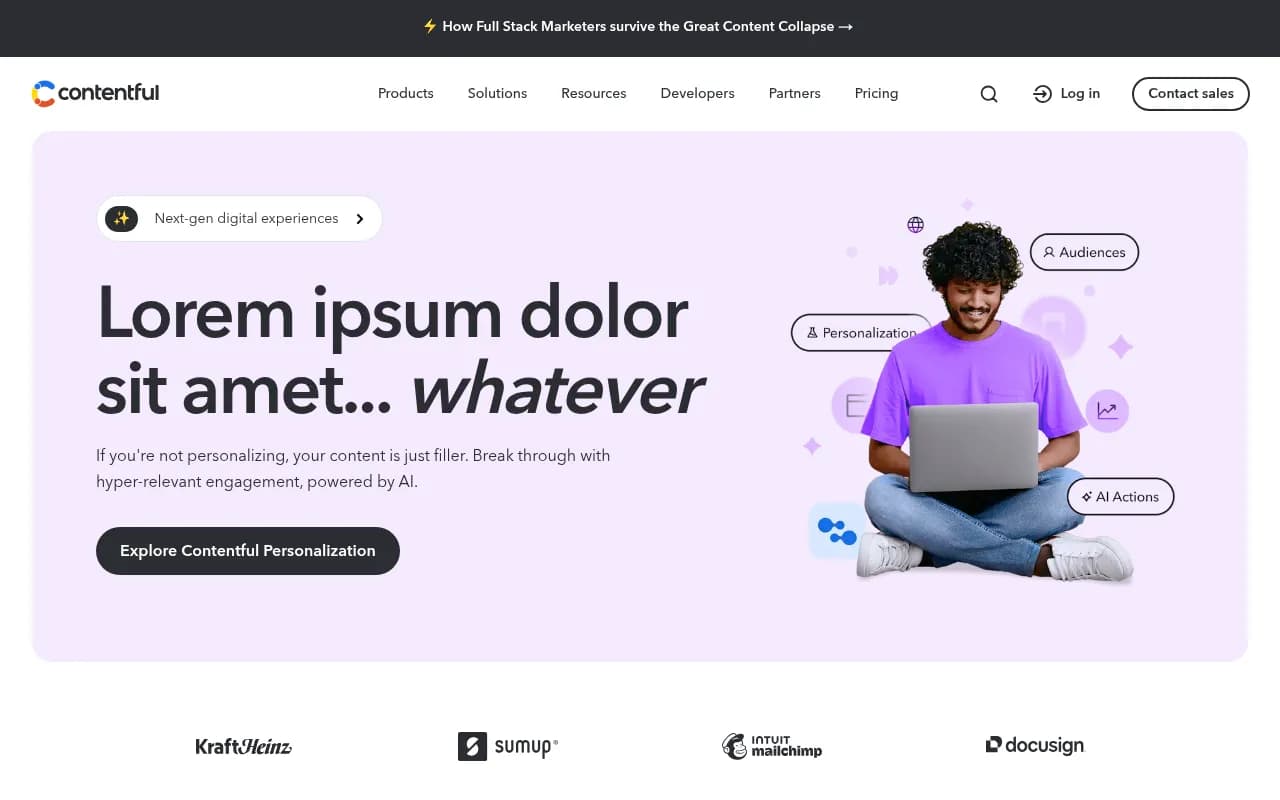
- Honest limitations: Smaller plugin ecosystem than WordPress, steeper learning curve than no-code tools like Contentful, requires JavaScript/TypeScript knowledge
Payload is an open-source headless CMS and application framework built with TypeScript and React, designed specifically for Next.js applications. Launched in 2020 by James Mikrut and Dan Ribbens, it has grown into a production-grade platform used by major enterprises like Microsoft, Sonos, and Bugatti, while remaining fully open source under the MIT license. The core philosophy: give developers complete control through code while automatically generating a powerful admin interface for content teams.
Unlike traditional CMSs that force you to configure everything through a web UI, or headless platforms that treat your content model as a black box, Payload takes a radically different approach. You define your entire content schema in TypeScript config files that live in your codebase. This means version control, code review, automated testing, and CI/CD for your content model -- not just your application code. For teams tired of clicking through Contentful's UI or wrestling with WordPress's database, this is a fundamental shift.
Code-First Content Modeling
Payload's defining feature is its code-based schema definition. Instead of building collections and fields through a web interface, you write TypeScript configuration files that describe your content structure. A blog post collection might define fields for title (text), slug (text with validation), author (relationship to users collection), publishedDate (date), featuredImage (upload relationship), content (rich text with custom blocks), and SEO metadata (group of fields). Each field type comes with granular options: validation rules, conditional logic, access control, custom components, hooks for transformation, and more.
This approach has massive advantages. Your content model is versioned in Git alongside your application code. You can review schema changes in pull requests. Automated tests can validate your configuration. Deploying a new environment means running your migrations, not manually recreating collections in a UI. For agencies managing dozens of client sites, this alone is worth the switch.
The schema you define automatically generates a full-featured admin panel. Payload analyzes your config and builds list views with filtering/sorting, detail views with field validation, relationship pickers, media libraries, and more. You're not building CRUD interfaces by hand or using a generic ORM -- Payload handles the entire admin layer while giving you escape hatches to customize anything.
Next.js Native Integration
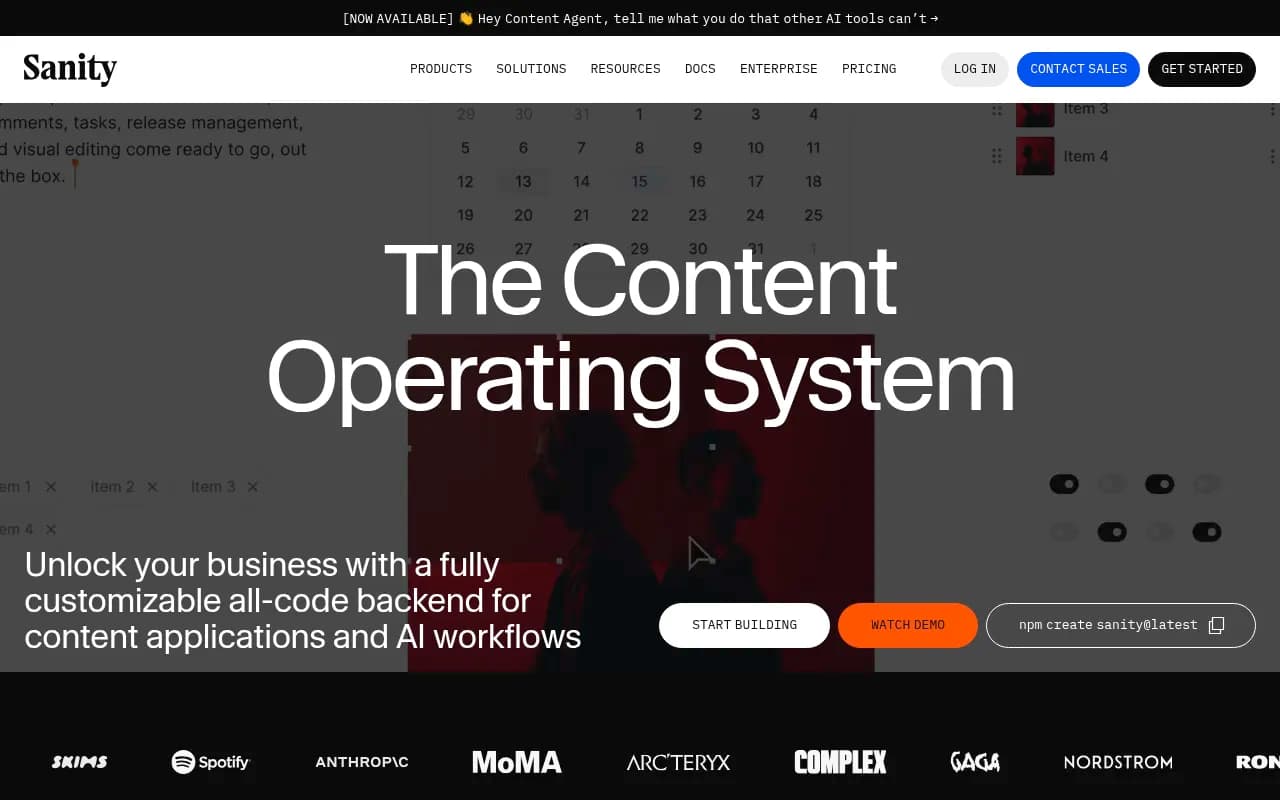
Payload 3.0 (released late 2024) is built directly into Next.js, not as a separate service you connect to. It runs as part of your Next.js application, sharing the same server, database connections, and deployment. This is fundamentally different from traditional headless CMSs like Contentful, Sanity, or Strapi that run as standalone APIs.
The integration is deep. Payload collections become Next.js API routes automatically. You can query Payload data directly in Server Components without HTTP requests. Live Preview (visual editing) works natively with Next.js's draft mode. Authentication, file uploads, and admin panel all run within your Next.js app. For developers already building with Next.js, this eliminates an entire layer of infrastructure.
You can still use Payload as a traditional headless CMS with a separate frontend if needed -- the REST and GraphQL APIs work exactly as you'd expect. But the Next.js-native path is where Payload shines. It's the only major CMS designed for the App Router, Server Components, and modern React patterns from day one.
Visual Editor and Live Preview
Payload's Visual Editor (enterprise feature) lets content teams see exactly how their changes will look on the live site as they edit. Unlike basic preview modes that open a new tab, Payload's implementation is bidirectional. Click an element on the preview, and the corresponding field highlights in the admin panel. Edit a field, and the preview updates in real time. Add a new block to a page builder, and it appears instantly in the preview with full interactivity.
This is built on Next.js's draft mode and Payload's Live Preview API. The preview iframe loads your actual Next.js frontend with draft content, not a simplified mockup. What content editors see is pixel-perfect to production. For marketing teams used to WordPress's visual editor or Webflow's designer, this bridges the gap between headless flexibility and visual control.
The Visual Editor also supports inline editing for certain field types. Click directly on a heading in the preview to edit its text, or drag to reorder blocks in a page builder. These changes sync back to Payload's database immediately. It's the closest thing to Webflow or Framer's editing experience, but with the full power of a code-first CMS underneath.
AI-Ready Content with Vector Embeddings
Payload 3.0 includes built-in support for vector embeddings and RAG (Retrieval-Augmented Generation) workflows. Enable the AI plugin on any collection, and Payload automatically generates vector embeddings for your content using OpenAI, Cohere, or custom embedding models. These embeddings are stored alongside your content and kept in sync as documents change.
This makes your content immediately queryable by semantic similarity, not just keyword matching. Build a chatbot that answers questions using your documentation. Create a recommendation engine that finds related products based on meaning, not tags. Implement AI-powered search that understands user intent. The vector database integration (supports Pinecone, Weaviate, Qdrant, and others) handles indexing and querying automatically.
For teams building AI features, this eliminates weeks of infrastructure work. You don't need to set up separate embedding pipelines, manage vector databases, or write sync logic. Payload handles it as part of the content lifecycle. Update a document in the admin panel, and its embeddings refresh automatically. This is a major differentiator vs competitors like Contentful or Sanity, which require custom integrations for AI workflows.
Flexible Field Types and Blocks
Payload includes 25+ built-in field types covering everything from simple text and numbers to complex relationships, arrays, and blocks. The Blocks field is particularly powerful -- it's a page builder system that lets content editors compose layouts from predefined components. Define a Hero block, Feature Grid block, Testimonial block, and CTA block in your config, and editors can mix and match them to build pages.
Each block is a TypeScript config with its own fields. A Hero block might have fields for heading, subheading, background image, CTA text, and CTA link. Payload generates the admin UI for adding, removing, and reordering blocks. On the frontend, you map block types to React components and render them in order. This gives you the flexibility of a custom page builder without the maintenance burden.
Relationship fields connect documents across collections. Link a blog post to its author (user), categories (taxonomy), and related posts (same collection). Payload handles the joins and provides a searchable picker UI in the admin panel. You can configure relationships as one-to-one, one-to-many, or many-to-many, with options for cascading deletes and referential integrity.
Array fields let you define repeating groups of fields. A Product collection might have an array of specifications, each with a label and value. Or a Team page might have an array of team members, each with a name, title, bio, and photo. Arrays can be nested inside blocks, groups, or other arrays for complex data structures.
Access Control and Authentication
Payload's access control system is function-based, not role-based. Instead of assigning users to roles with predefined permissions, you write JavaScript functions that return true or false for each operation (create, read, update, delete). These functions receive the current user, the document being accessed, and the request context, so you can implement any logic you need.
For example, a blog post might be readable by everyone, but only editable by its author or admins. A Product collection might be readable by authenticated users, but only writable by users with a specific permission flag. Access control functions can query the database, check external APIs, or run any async logic. This flexibility handles complex multi-tenant scenarios, customer portals, and enterprise permission models that role-based systems can't express.
Authentication is built in with support for local (email/password), OAuth (Google, GitHub, etc.), and custom strategies. Payload generates login/logout endpoints, password reset flows, and session management automatically. You can extend the User collection with custom fields (company, department, permissions) and use them in access control functions.
For enterprise deployments, Payload supports SSO via SAML or OIDC through custom auth strategies. Teams can integrate with Okta, Azure AD, or any identity provider. The auth system is pluggable -- if you need something custom, you can replace the entire authentication layer while keeping the rest of Payload.
File Uploads and Digital Asset Management
Payload's Upload collections handle file storage with support for local filesystem, AWS S3, Google Cloud Storage, Azure Blob Storage, and Cloudflare R2. Images are automatically processed with sharp for resizing, cropping, and format conversion. Define image sizes in your config (thumbnail, medium, large, hero), and Payload generates them on upload.
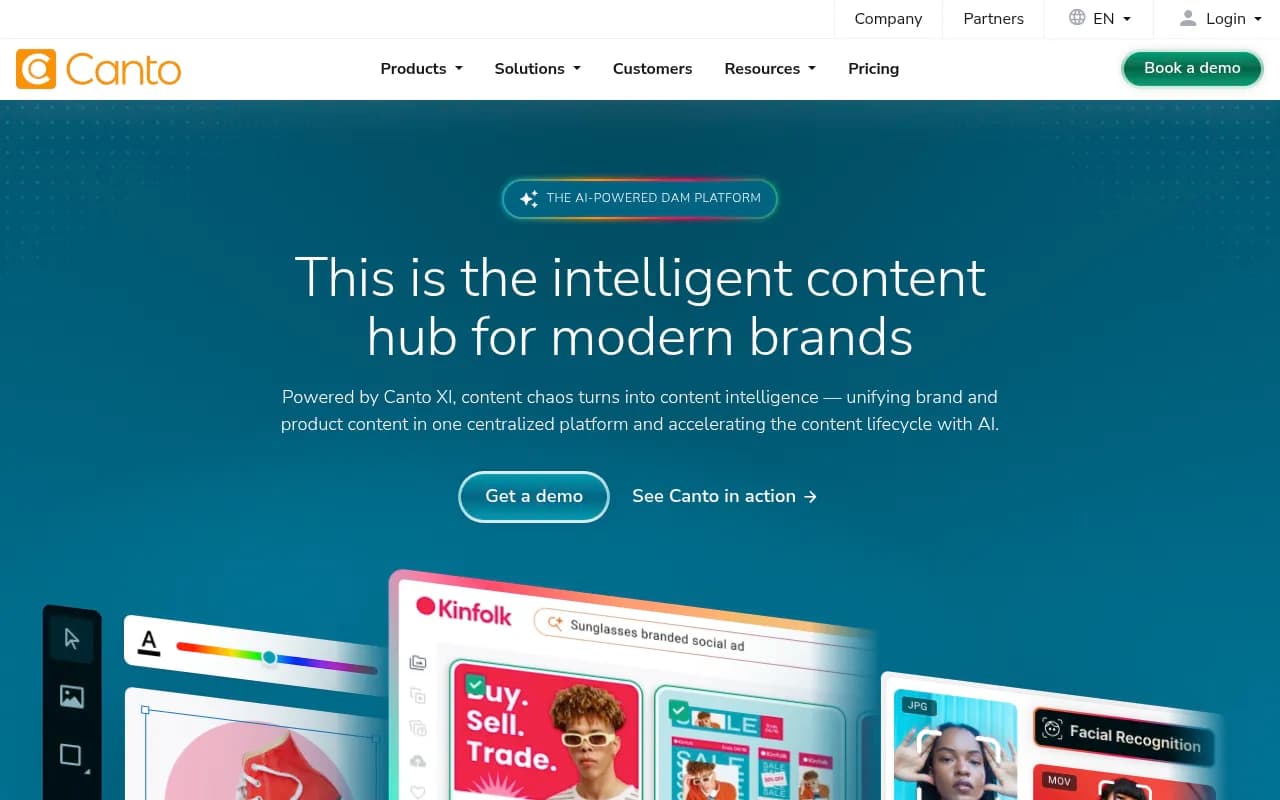
The admin panel includes a full media library with folder organization, search, filtering by file type, and bulk operations. Editors can drag and drop files, see previews, edit metadata (alt text, captions, credits), and insert images into rich text fields. For teams managing thousands of assets, Payload's DAM features rival dedicated tools like Cloudinary or Bynder.
Upload fields support access control just like other collections. Restrict certain files to authenticated users, or make some publicly accessible. You can add custom fields to uploads (photographer, license type, usage rights) and use them for filtering or reporting. Payload also tracks where each asset is used across your content, so you can see which pages reference a particular image before deleting it.
For video and large files, Payload supports chunked uploads and resumable transfers. The upload API is extensible -- you can add custom processing (video transcoding, PDF text extraction, image moderation) via hooks that run after upload.
Localization and Internationalization
Payload's localization system lets you define which fields are translatable and which locales your site supports. Enable localization on a Text field, and the admin panel shows a language switcher. Editors can enter translations for each locale, and Payload stores them in the same document. Querying content includes a locale parameter to fetch the right translation.
This works for all field types, not just text. Localize images (different hero image per region), relationships (link to localized versions of related content), or even blocks (different page layouts per locale). Fallback logic is configurable -- if a translation is missing, Payload can return the default locale or null.
For global teams, Payload supports locale-specific access control. Restrict certain users to editing only specific languages, or require approval workflows for translations. The localization API is flexible enough to handle complex scenarios like regional variants (en-US vs en-GB) or right-to-left languages.
Versioning and Draft/Publish Workflows
Payload includes built-in versioning for all collections. Every save creates a new version with a full snapshot of the document. The admin panel shows a version history with diffs, and editors can restore previous versions with one click. This is critical for content teams that need audit trails or want to experiment without fear of losing work.
Draft/publish workflows let editors save changes without publishing them live. A document can have a published version (visible on the frontend) and a draft version (only visible in the admin panel). Editors can preview drafts, make iterative changes, and publish when ready. This is separate from versioning -- you can have multiple draft versions before publishing.
For enterprise teams, Payload supports custom approval workflows via hooks. Require manager approval before publishing, send Slack notifications when drafts are ready for review, or integrate with external workflow tools. The versioning system is queryable via API, so you can build custom UIs for comparing versions or bulk restoring content.
Developer Experience and Extensibility
Payload is designed for developers who want control. The entire admin panel is built with React components that you can override. Don't like the default list view? Replace it with your own component. Need a custom field type? Write a React component and register it in your config. Want to add a custom dashboard? It's just a React page.
Hooks are the primary extension mechanism. Payload fires hooks at every stage of the content lifecycle: beforeValidate, beforeChange, afterChange, beforeRead, afterRead, beforeDelete, afterDelete. Use hooks to transform data, trigger external APIs, send notifications, or implement custom business logic. Hooks are async and can access the database, so you can implement complex workflows.
Payload's plugin system lets you package and share functionality. Plugins can add collections, fields, hooks, endpoints, and admin UI components. The ecosystem includes plugins for SEO (auto-generate meta tags), redirects (manage 301s), form builder (create contact forms), and more. You can also write private plugins for your organization to standardize patterns across projects.
The Local API (for server-side queries) and REST/GraphQL APIs (for client-side queries) are both fully typed with TypeScript. Your schema definition generates types automatically, so you get autocomplete and type checking when querying content. This eliminates an entire class of bugs and makes refactoring safe.
Who Is Payload For
Payload is built for developers who want a code-first CMS without sacrificing content editor experience. The ideal user is a JavaScript/TypeScript developer building a Next.js application who needs a backend for content, users, and files. This includes:
-
Agencies and freelancers building client sites who want a CMS they can customize without fighting. Payload's code-first approach means you can version control everything, deploy via Git, and avoid the "client broke the site by changing settings" problem. Agencies managing 10-50 client sites particularly benefit from Payload's consistency and extensibility.
-
SaaS companies that need a CMS for marketing pages, documentation, and blog, but also want to use the same system for application data (user-generated content, settings, workflows). Payload's flexibility means you can build your entire backend with one tool instead of stitching together a CMS, database, and custom API.
-
Enterprise teams with complex content models, multi-tenant requirements, or custom workflows that no-code tools can't handle. Companies like Microsoft and Sonos use Payload because it scales to their needs without vendor lock-in. The open-source license means you own your infrastructure and can customize anything.
-
Developers building headless eCommerce who want product management, order processing, and customer data in one system. Payload's flexibility handles complex product catalogs (variants, bundles, subscriptions) and custom checkout flows that Shopify or BigCommerce can't support.
Payload is NOT ideal for non-technical users who need a website builder (use Webflow or Framer), teams without JavaScript developers (use WordPress or Contentful), or projects that need a massive plugin ecosystem (WordPress has 60,000+ plugins, Payload has dozens). If your team doesn't write code, Payload's power becomes a liability.
Integrations and Ecosystem
Payload integrates with the Next.js and React ecosystem natively. Deploy to Vercel, Netlify, or any Node.js host. Use any database that Drizzle ORM supports (PostgreSQL, MySQL, SQLite, MongoDB). Connect to any storage provider (S3, GCS, Azure, Cloudflare R2, local filesystem). Payload doesn't lock you into specific vendors.
For external integrations, Payload's hooks and plugins make it straightforward to connect to:
- Analytics: Send events to Segment, Mixpanel, or Google Analytics when content is published
- Search: Sync content to Algolia, Meilisearch, or Elasticsearch for full-text search
- Email: Trigger campaigns in Mailchimp, SendGrid, or Resend when users sign up
- Webhooks: POST to Zapier, Make, or custom endpoints on content changes
- AI services: OpenAI, Anthropic, Cohere for embeddings and content generation
- CDN: Purge Cloudflare or Fastly cache when content updates
The plugin ecosystem is growing but still small compared to WordPress or Strapi. Popular plugins include SEO (meta tags, sitemaps), form builder (contact forms, surveys), redirects (301 management), nested docs (hierarchical content), and search (Algolia integration). You'll likely need to build custom integrations for niche services.
Payload's REST and GraphQL APIs are auto-generated from your schema. Every collection gets full CRUD endpoints with filtering, sorting, pagination, and population (joining relationships). The GraphQL API includes a playground for testing queries. Both APIs support authentication via JWT or API keys.
Pricing and Deployment Options
Payload is fully open source under the MIT license. You can self-host anywhere that runs Node.js (Vercel, Netlify, AWS, DigitalOcean, your own servers) at no cost. The codebase is on GitHub with 25,000+ stars and active development.
For teams that want managed hosting, Payload Cloud offers:
- Personal Plan: Free forever for individual developers. Includes 1 project, 1GB storage, 10GB bandwidth, and all core features. Perfect for side projects and learning.
- Standard Plan: $35/month. 3 projects, 10GB storage, 100GB bandwidth, custom domains, and email support.
- Pro Plan: $199/month. 10 projects, 50GB storage, 500GB bandwidth, priority support, and advanced features (Visual Editor, AI framework).
- Enterprise: Custom pricing. Unlimited projects, dedicated infrastructure, SLA, SSO, and white-glove support.
Payload Cloud handles infrastructure, backups, scaling, and updates automatically. It's built on Vercel's infrastructure for global edge deployment. For teams that want the benefits of self-hosting (control, no vendor lock-in) without the operational burden, Cloud is a solid middle ground.
Compared to competitors: Contentful starts at $300/month for teams, Sanity charges per user and API request (can get expensive), Strapi Cloud is $15-99/month but less feature-rich. Payload's pricing is competitive, especially considering the Visual Editor and AI features are included in Pro (competitors charge extra for similar capabilities).
Strengths
- Code-first flexibility: Define everything in TypeScript, version control your schema, and extend with custom code. No other major CMS gives developers this level of control while auto-generating a polished admin UI.
- Next.js native: The only CMS built directly into Next.js, not bolted on. Seamless integration with App Router, Server Components, and modern React patterns.
- Production-proven: Used by Fortune 500 companies and thousands of developers. The codebase is mature, well-documented, and actively maintained.
- True open source: MIT license means you own your infrastructure. No vendor lock-in, no usage-based pricing surprises, no forced upgrades.
- AI-ready: Built-in vector embeddings and RAG support. Your content is immediately queryable by semantic similarity without custom infrastructure.
Limitations
- Requires JavaScript knowledge: If your team doesn't write code, Payload's power becomes complexity. No-code tools like Contentful or WordPress are easier for non-technical teams.
- Smaller ecosystem: Dozens of plugins vs WordPress's 60,000+. You'll build more custom integrations than with established platforms.
- Learning curve: The code-first approach and TypeScript config take time to learn. Expect a week or two to become productive vs hours with simpler tools.
- Visual Editor is enterprise-only: The best content editing experience (inline editing, bidirectional preview) requires the Pro plan ($199/mo) or Enterprise. Competitors like Sanity include visual editing at lower tiers.
Bottom Line
Payload is the best choice for developers building Next.js applications who want a backend they can fully control without building everything from scratch. If you're tired of fighting with WordPress, paying Contentful's usage-based pricing, or wrestling with Strapi's limitations, Payload is the modern alternative. The code-first approach means you can version control your schema, customize anything, and deploy anywhere -- while content teams get a polished admin panel that rivals commercial CMSs. Best use case: agencies and SaaS companies building multiple Next.js projects who want a consistent, flexible backend they can standardize on.
Similar and alternative tools to Payload