Key takeaways
- ActiveCampaign has the deepest AI inside an automation builder, but its best predictive features sit on the $79/mo Pro plan.
- Brevo is the cheapest way to get AI writing help plus an MCP connection to ChatGPT and Claude, starting at $9/mo.
- GetResponse's most useful AI feature, Perfect Timing, predates ChatGPT. The newer generators are broad but shallow, and the entry plan limits them to 3 uses.
- Mailchimp is the easiest to learn, but generative AI starts at the $20/mo Standard plan and costs climb with your list.
- Most AI email features are subject lines and drafts. Predictive features need months of data before they do anything.
What AI in email marketing actually means
Every email platform now says it has AI. Most of the time that means a thin layer that writes subject lines. Useful, sure, but you could get the same thing from a general chatbot like ChatGPT in thirty seconds.
It helps to split AI features into four buckets before comparing anything:
- Generative: writes subject lines, emails, and sometimes whole flows from a brief. Works on day one.
- Predictive: picks a send time per contact or scores behavior. Needs real engagement history to be worth anything.
- Agentic: lets an AI agent build segments, draft sends, or run the account through a connector.
- Design: generates layouts and on-brand templates.
Most disappointment with AI email tools comes from buying one kind when you needed another. A tiny list does not benefit from predictive sending. A team drowning in manual automation work does benefit from an assistant that can build and critique sequences.
Quick comparison
Prices below come from each vendor's pricing page and assume roughly 1,000 contacts where it matters. Vendors change these often, so confirm before buying.
| Tool | Starting price | Free plan | Strongest AI feature | Best for |
|---|---|---|---|---|
| ActiveCampaign | $15/mo (annual) | No, 14-day trial | AI automation builder, sequence critique, predictive sending (Pro) | Teams with complex automations |
| Brevo | $9/mo | Yes | AI content generator, send time optimization, MCP for ChatGPT and Claude | Budget-conscious multichannel senders |
| GetResponse | $19/mo monthly, $15.58 annual | Yes (per third-party listings) | Perfect Timing send optimization | Solo operators, webinars, courses |
| Mailchimp | $20/mo Standard | Yes | Generative content, Intuit Assist, benchmarking | First-time email marketers |
ActiveCampaign
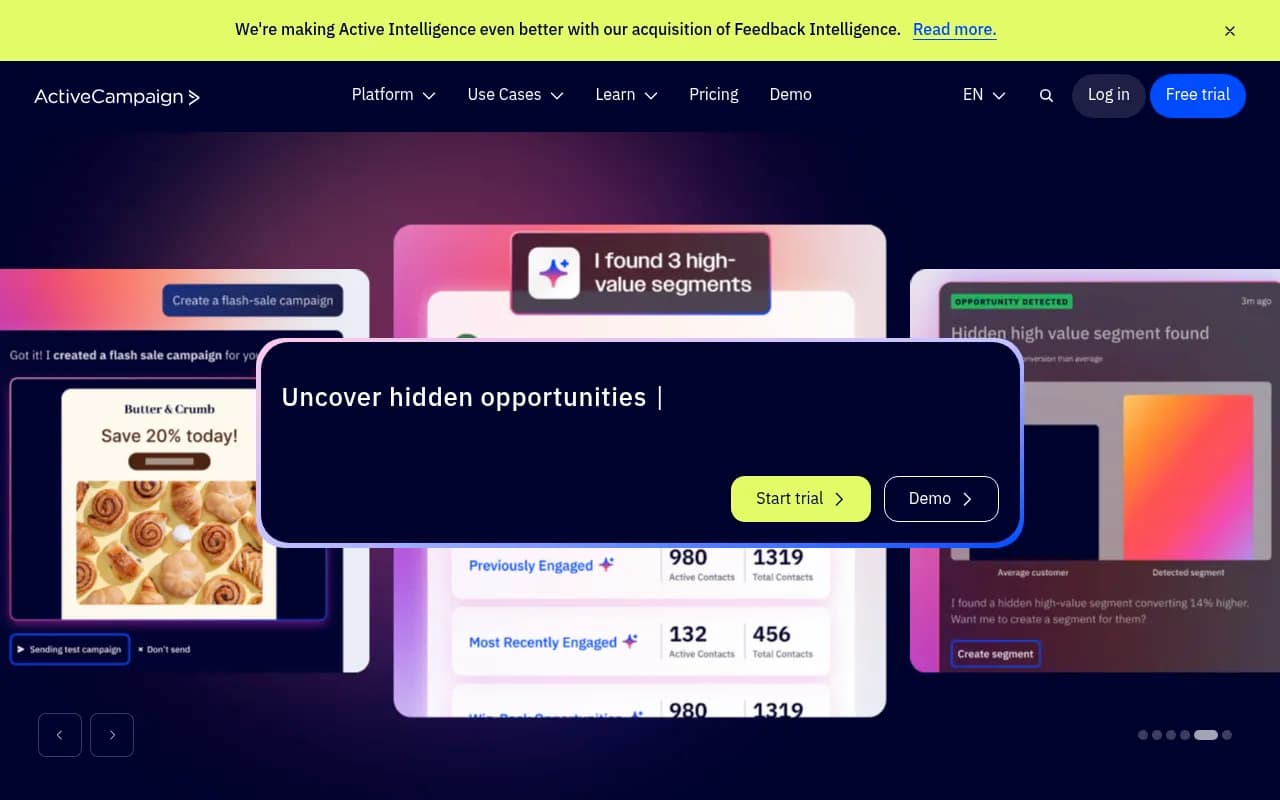
ActiveCampaign is the one on this list where AI is wired into the automation builder rather than sitting beside it.
What the AI does
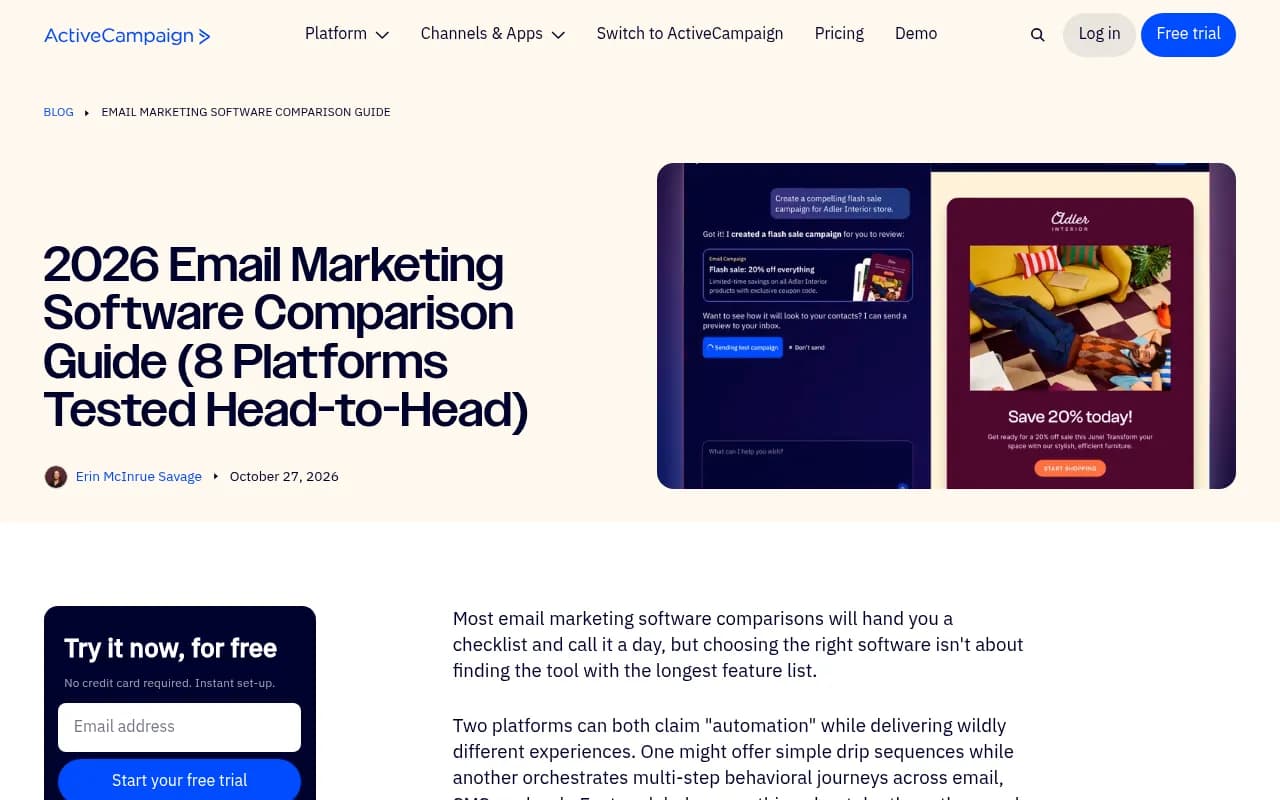
The Active Intelligence layer can build campaigns and automations from a prompt, draft emails, write subject lines, and suggest changes to what you already have. Venture Harbour tested it across eight areas and found the sequence critique the most useful part. Asked to improve an onboarding automation, it pulled a performance baseline, spotted an unfinished A/B test, and flagged a high unsubscribe rate and a missing preheader. When told to implement the fixes, it added goal exits, a day-seven re-engagement branch and a 48-hour resend to non-openers.
It was not flawless. The email draft ignored the tester's one-image, one-column instructions, it could not add A/B split actions itself, and the Claude connector could plan a 14-day activation sequence but not build it. So: it saves real time, and it still needs a human checking the output.
Pricing by tier
This is where you have to read carefully, because the AI you get depends heavily on the plan. Annual billing, 1,000 contacts:
| Plan | Price | Sends | AI and automation highlights |
|---|---|---|---|
| Starter | $15/mo | 10x contacts | AI-powered automation and campaign builders, 5 actions per automation, email only, no generative content or images |
| Plus | $49/mo | 10x contacts | Generative AI for content and images, unlimited actions, cross-channel, landing pages |
| Pro | $79/mo | 12x contacts | Predictive sending, conditional content, advanced segmentation, automations map |
| Enterprise | $145/mo | 15x contacts | SSO, HIPAA support, custom objects, dedicated team |
Every plan includes 500 AI credits, with more available to buy. SMS is a paid add-on, and ActiveCampaign does not offer month-to-month contracts, only annual commitments billed yearly or monthly.
Who it fits
If your team spends hours building sequences and digging into why they underperform, shortlist it. If you send one newsletter a month, you will pay for depth you never touch. Also note that EmailTooltester dings it for charging for inactive contacts like unsubscribes and bounces.
Brevo
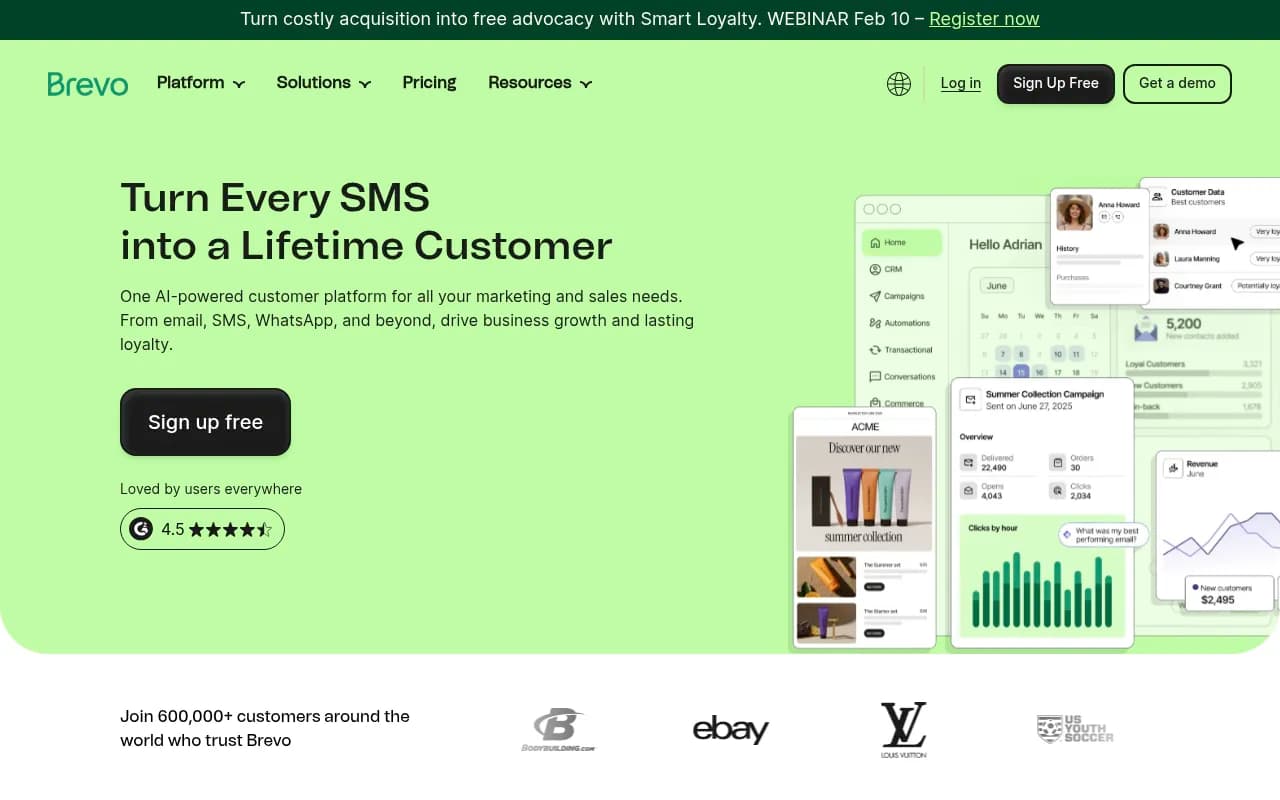
Brevo is the value pick. It is priced mostly by email volume rather than list size, and it covers email, SMS, WhatsApp and transactional sending in one place.
What the AI does
Brevo's AI assistant, Aura, generates and refines subject lines, copy and CTAs, with tone settings. Predictive send-time and behavior-based segmentation sit higher up the plan ladder. There is also an AI sales assistant for CRM work and a conversations agent that summarizes chats. Worth flagging: the research notes say Starter includes an MCP connection for ChatGPT and Claude, so you can manage campaigns and contacts from those tools. That is rare at this price.
Pricing by tier
| Plan | Price | What you get |
|---|---|---|
| Free | $0 | 500 contacts, 5,000 emails per month shown in the plan calculator |
| Starter | $9/mo ($8.08 annual) | From 5,000 emails, AI content generator, MCP for ChatGPT and Claude, segmentation |
| Standard | $18/mo ($16.17 annual) | Unlimited multi-step automations, A/B testing, AI send time optimization, web tracking, heatmaps |
| Professional | $499/mo | From 150,000 emails, 10 seats, WhatsApp, popups, push, contact scoring, Aura segmentation, AI Data Analyst |
| Enterprise | From $2,499/mo | SSO, dedicated IP, 1M+ contacts |
There is a big jump from Standard to Professional. If you want the heavier AI features like AI recommendations and the Data Analyst, you are paying for that jump. Removing the Brevo logo on Starter costs an extra $10.80/mo.
Who it fits
Small businesses and startups that want AI drafting help, multichannel messaging, and a low bill. If your automations get genuinely complicated, you will feel it is less powerful than ActiveCampaign. Venture Harbour's advice matches that: Brevo for budget, ActiveCampaign for depth.
GetResponse
GetResponse bundles email, landing pages, forms, webinars and funnels.

What the AI does
The feature worth naming is Perfect Timing, which sends each email when that recipient is most likely to engage. It was around long before ChatGPT and still works well. The rest (email generator, subject line generator, landing page builder, AI writing assistant) is broad but shallow: prompt in, content out, no learning from your account data. Higher tiers add AI product recommendations for ecommerce, which GetResponse says lifted sales for stores that use it, though that is the vendor's own claim.
Pricing by tier
| Plan | Price (1,000 contacts) | Notes |
|---|---|---|
| Starter | $19/mo, $15.58 annual | Unlimited sends, but AI email and subject line generators capped at 3 uses, 1 automation, no A/B testing or Perfect Timing |
| Marketer | $59/mo, $48.38 annual | Unlimited automations, segmentation, abandoned cart, A/B testing, Perfect Timing |
| Creator | $69/mo, $56.58 annual | Adds webinars, website builder, course creator up to 500 students |
| Enterprise | Custom | Dedicated IP, SSO, SMS, transactional email, AI product recommendations |
The 3-use cap on the Starter AI generators matters. If you are picking GetResponse for the AI, you will want Marketer. One quirk: the page's meta description claims plans from $13.30/mo, which does not match the on-page figure, so check at checkout.
Who it fits
Solo creators, course sellers and small teams that want webinars and landing pages in the same account. Third-party reviewers split on UI polish, and the AI is weakest outside launch-style campaigns.
Mailchimp
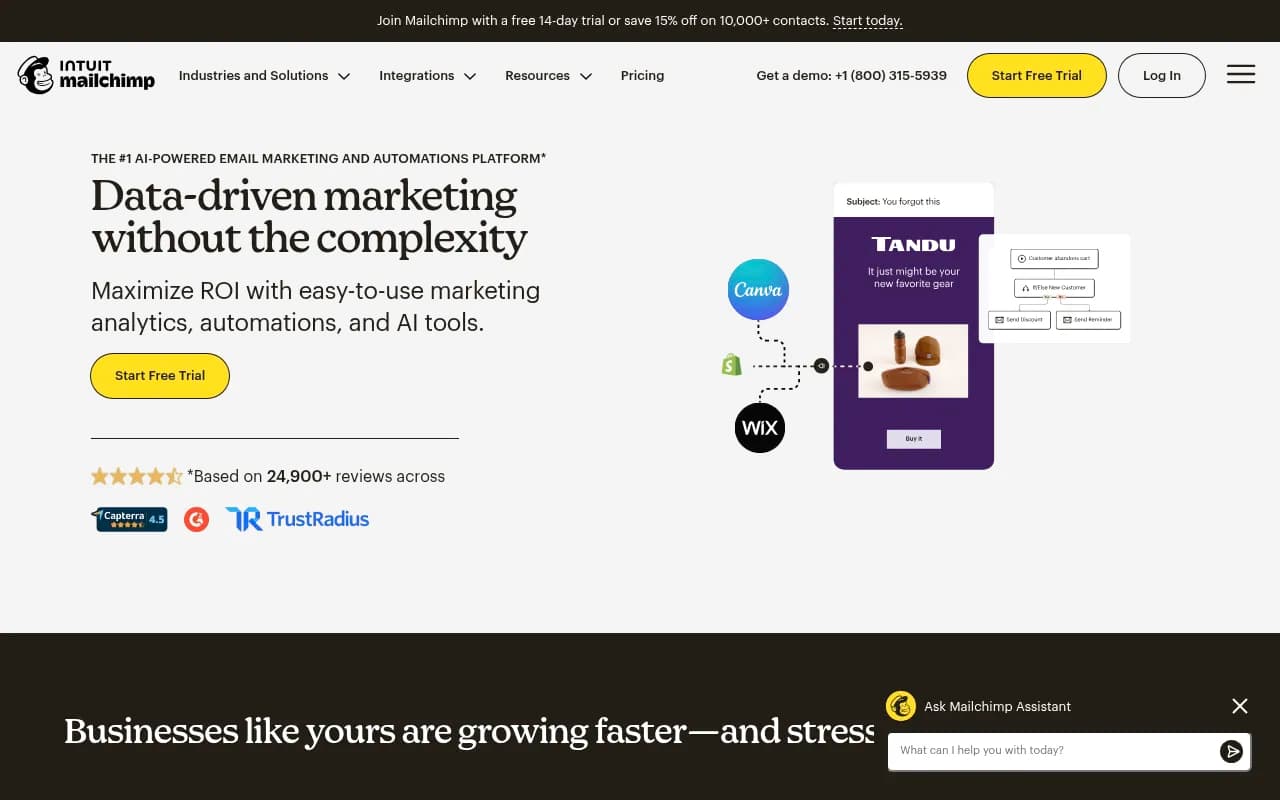
Mailchimp is the name most beginners know, and it now sits under Intuit.
What the AI does
Intuit Assist drafts full emails (subject lines, preview text, body copy) from a prompt, and a Content Optimizer suggests changes to readability, CTAs and layout. There is send-time optimization, next-action recommendations in the customer journey builder, and automated flow creation for things like welcome series and abandoned cart reminders. The benchmarking feature is underrated: it compares your metrics with similar businesses so a beginner can see what "good" looks like.
The send time optimization is audience-wide, not per-contact. That is a real step below ActiveCampaign Pro or GetResponse's Perfect Timing.
Pricing
| Plan | Price | Notes |
|---|---|---|
| Free | $0 | Basic features, tight limits, no support |
| Essentials | From $13/mo | Templates, A/B testing, simple automation |
| Standard | From $20/mo (500 contacts) | Generative AI, enhanced automations, custom-coded templates, popups, 14-day trial |
| Premium | Higher | Multivariate testing up to 8 variations, phone and 24/7 priority support, onboarding |
Generative AI starts at Standard. Sends are capped at 12x your maximum contact count, and overages apply. The recurring complaint is cost: plans scale with contact counts, and the climb gets steep once you outgrow a tier. Like ActiveCampaign, it also charges for inactive contacts.
Who it fits
First-time email marketers who want a familiar editor, 300 to 500+ integrations and decent AI help without learning a lot. Many people start here and migrate to something cheaper later.
Head-to-head: where each wins
| Question | Best pick | Why |
|---|---|---|
| Deepest AI inside automations | ActiveCampaign | Builds and critiques sequences, predictive sending on Pro |
| Cheapest useful AI | Brevo | AI content on a $9 plan, plus MCP for ChatGPT and Claude |
| Best per-contact send timing | GetResponse (Perfect Timing) or ActiveCampaign Pro | Both go per recipient |
| Easiest to learn | Mailchimp | Simple UI, benchmarking for beginners |
| Webinars and courses | GetResponse | Built in on Creator |
| Multichannel (SMS, WhatsApp) | Brevo | Included in its platform, though WhatsApp is on Professional |
| Built-in CRM | ActiveCampaign | CRM is part of the ecosystem, though it is an add-on on Plus |
How to choose
Start with what you actually do each week.
If you mostly send newsletters and a welcome email, you do not need predictive anything. Take Brevo or Mailchimp, use the AI for drafts, and move on.
If you maintain several customer journeys and your bottleneck is building and debugging them, ActiveCampaign is where AI pays for itself. Trial it on an automation you already understand, so you can judge its suggestions against known problems.
If you run launches, webinars or a course business, GetResponse gives you the surrounding tools. Budget for Marketer, not Starter.
Before paying extra for predictive features, check your data. Klaviyo's predictive analytics, for instance, needs at least 500 customers who have ordered and 180 days of history. Small lists get nothing out of it yet.
A short checklist
- Check which plan actually unlocks the AI you care about, since it is rarely the cheapest one.
- Count contacts including inactive ones, because ActiveCampaign and Mailchimp bill for them.
- Test the AI on a real campaign. Look for whether it follows your instructions, not whether the demo looks good.
- Ask whether an agent connector (MCP, Claude, ChatGPT) is included, since Brevo's and ActiveCampaign's differ in what they can actually do.
- Confirm contract terms. ActiveCampaign requires an annual commitment.
Other tools worth a look
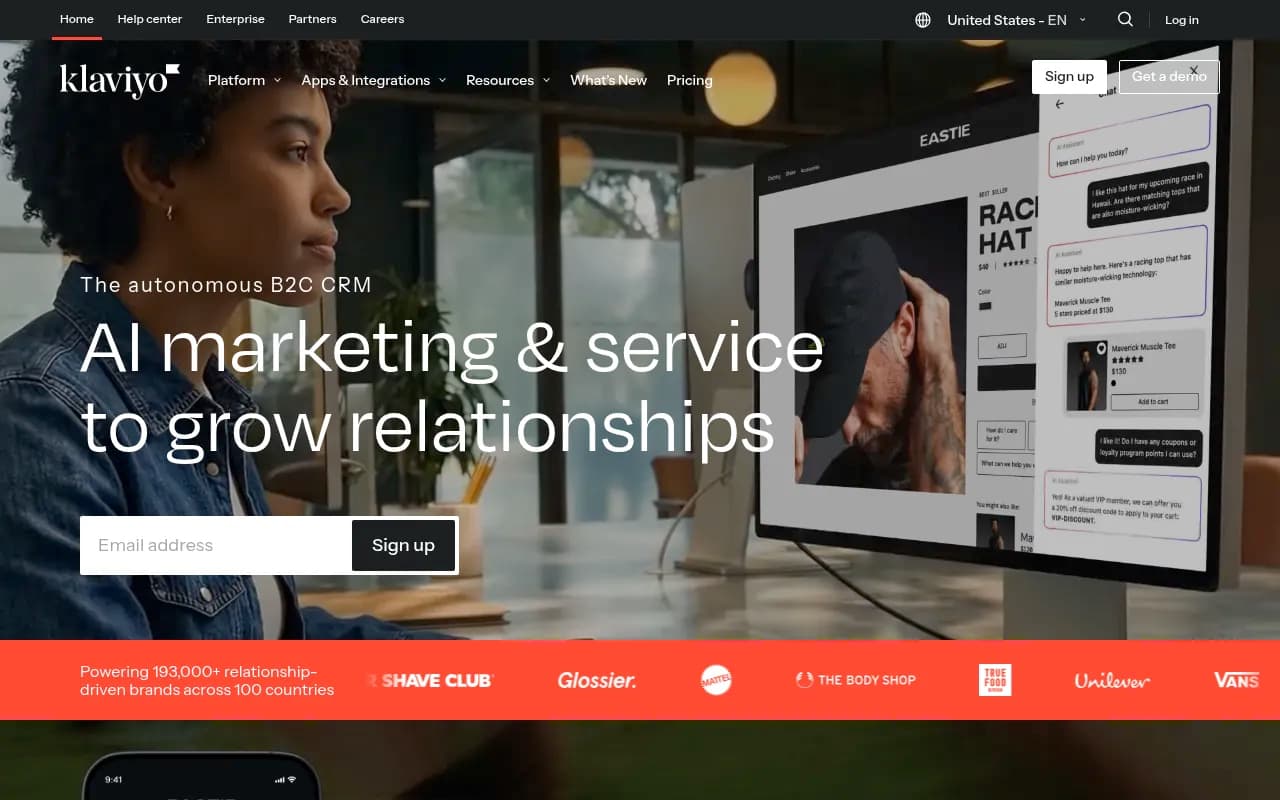
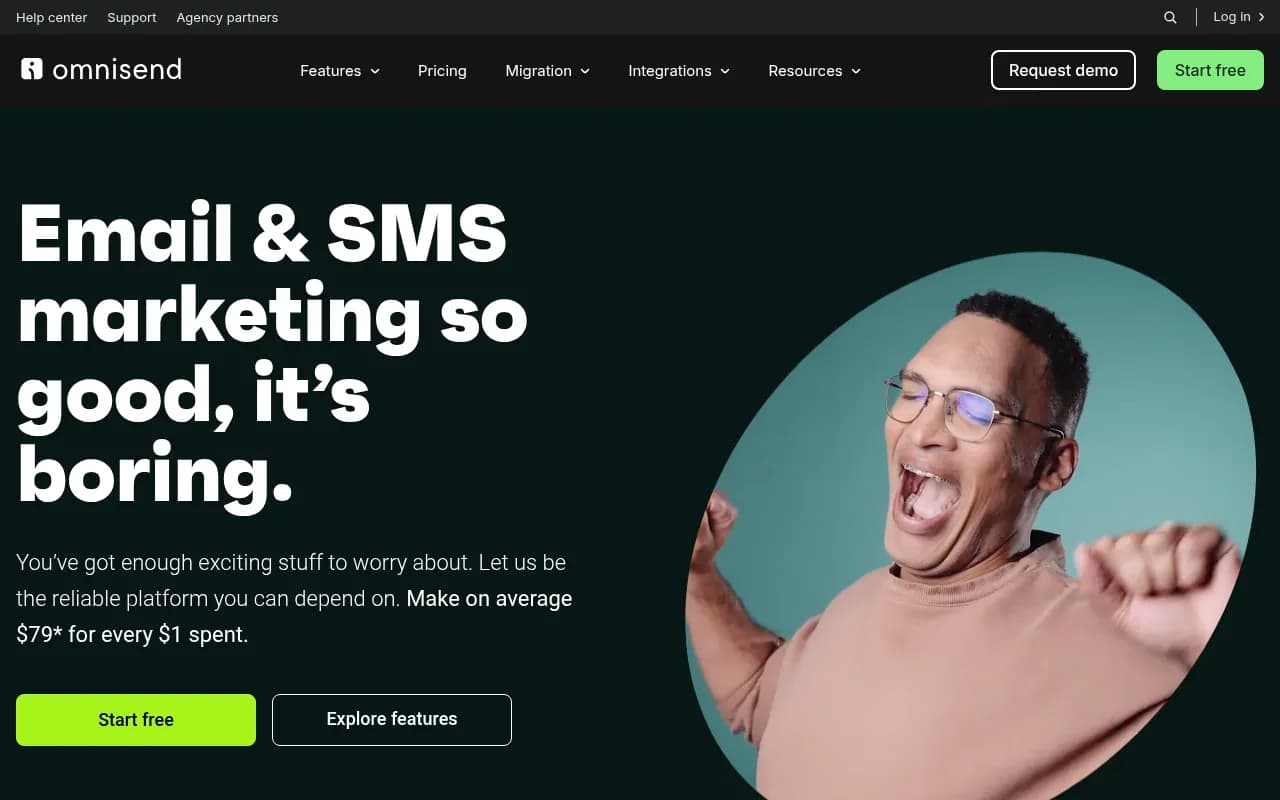
If none of the four fits, a few others come up repeatedly in the research. Klaviyo leads on ecommerce prediction, and Omnisend is the common ecommerce pick.
For creators, Kit and MailerLite are the usual simpler options.
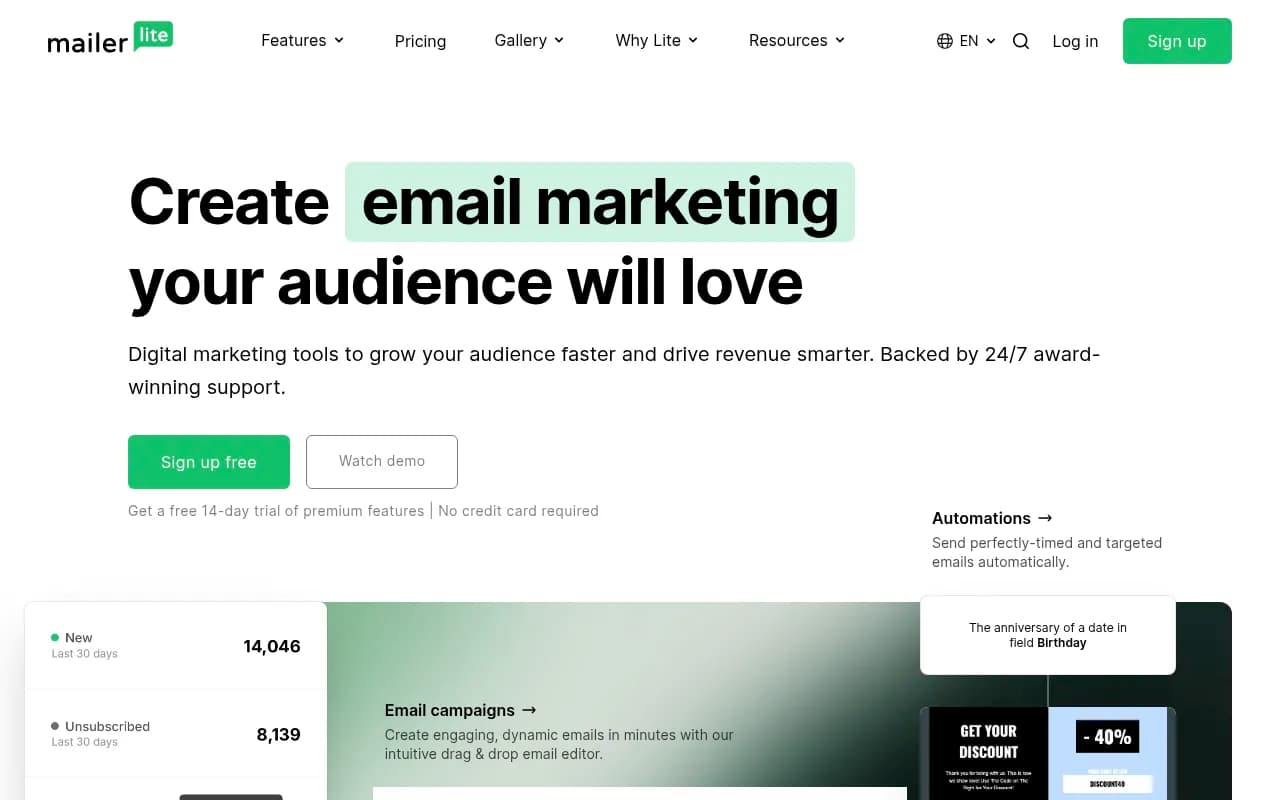
For a wider directory of options and reviews, browse surferstack.com.
The bottom line
I would not pick any of these purely on AI. The AI features are a tiebreaker, and the real differences are automation depth, price at your list size, and how annoying the pricing model gets as you grow. For depth, ActiveCampaign. For price, Brevo. For launches, GetResponse. For learning the ropes, Mailchimp. Run a trial on one real campaign before you commit, and check the pricing pages directly because every number above can shift.