Key takeaways
- Several GEO platforms can get you tracking AI visibility in under 15 minutes — no code, no crawl delays, just enter your brand and prompts
- The fastest tools to onboard are typically the monitoring-only ones; platforms with deeper features (crawler logs, content generation, traffic attribution) take slightly longer but pay off quickly
- Onboarding speed matters most when you're evaluating tools on a trial — slow setup eats your trial window
- Promptwatch sits in the "fast and full-featured" category: most users are tracking within 30 minutes, and the guided setup walks you through prompt selection, competitor setup, and your first visibility scan

Here's something nobody talks about when comparing GEO platforms: the time between "I signed up" and "I'm actually seeing data."
For traditional SEO tools, this was never a big deal. You install a crawler, wait 24 hours, get a site audit. Fine. But AI visibility tracking is different. You're not crawling your own site — you're querying live AI models with prompts, watching how they respond, and measuring whether your brand shows up. That should be fast. And for some tools, it is.
For others? You're filling out intake forms, waiting for a "setup call," or staring at an empty dashboard for three days wondering if something broke.
I've been through the onboarding flows of more than a dozen GEO platforms this year. Here's what I found.
Why onboarding speed actually matters for GEO tools
Most GEO platforms offer free trials. Typical trial windows are 7 to 14 days. If your onboarding takes two days of back-and-forth emails and a 45-minute demo call before you can run your first prompt, you've burned 20-30% of your trial window before seeing a single data point.
There's also a practical urgency angle. AI search is moving fast. Brands that were invisible in ChatGPT six months ago are now getting cited regularly — because their competitors published the right content. Every week you spend evaluating tools is a week you're not acting on the data.
The good news: the best platforms have figured this out. Self-serve onboarding with guided setup flows has become the norm for the faster tools. The laggards are mostly enterprise-first platforms that built their workflows around sales-led demos.
How I evaluated onboarding speed
For each platform, I measured:
- Time from signup to first prompt running (in minutes)
- Whether setup required human intervention (demo call, email confirmation, manual account provisioning)
- How many steps before you see actual visibility data
- Whether the platform guides you through prompt selection or drops you in a blank dashboard
I also noted whether the platform has a free tier or free trial, since that affects whether you can even test onboarding without a credit card.
The platforms, ranked by onboarding speed
Tier 1: Under 15 minutes to first data
These tools are built for self-serve. You sign up, enter your brand name and a few prompts, and you're watching AI responses within minutes.
Otterly.AI is probably the fastest onboarding I've seen. You enter your brand, pick a few competitor names, add some prompts, and the dashboard starts populating almost immediately. The tradeoff: it's monitoring-only. You'll see where you appear and where you don't, but there's no content gap analysis, no crawler logs, no help fixing what you find.
Otterly.AI

Peec AI is similarly fast. Clean interface, quick signup, and you're tracking mentions across ChatGPT and Perplexity within about 10 minutes. Same limitation — it's a tracker, not an optimizer.

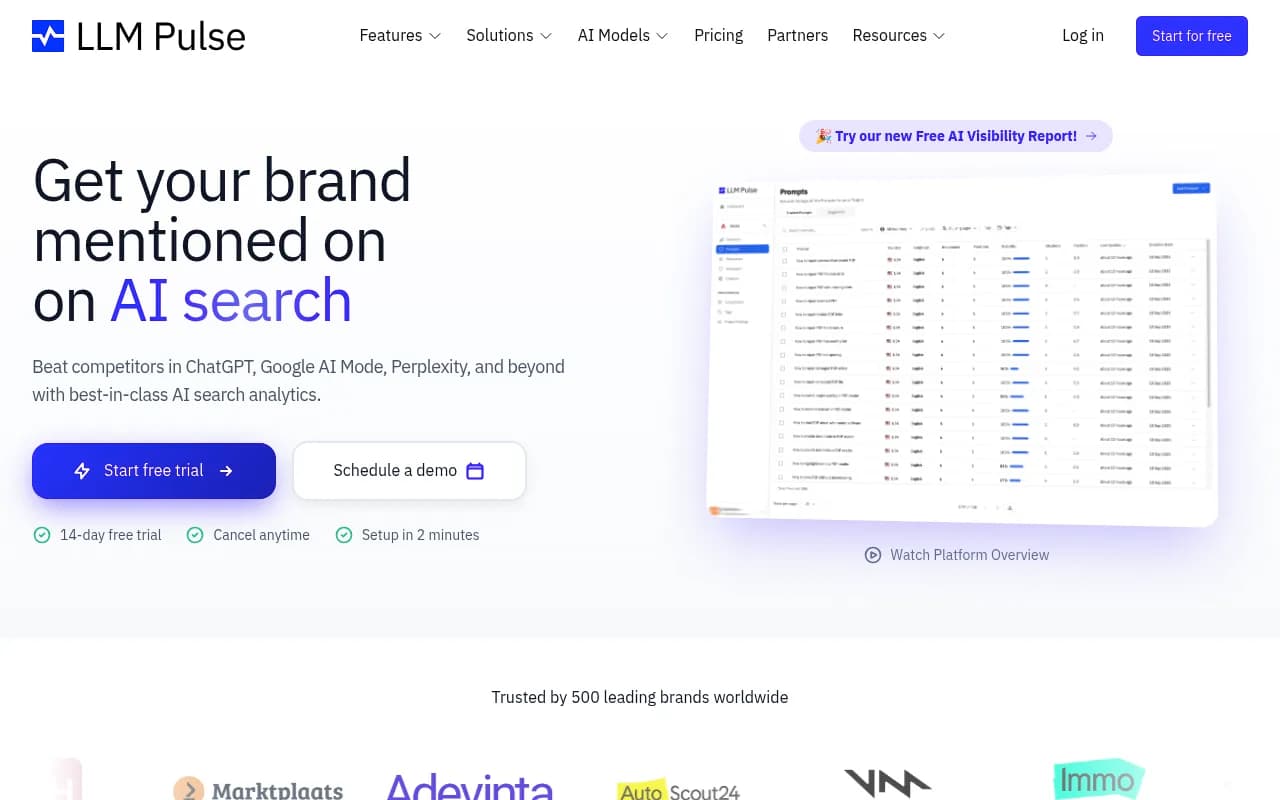
LLM Pulse falls in this tier too. Lightweight, quick to set up, good for teams that just want a pulse check on brand mentions without a lot of configuration overhead.
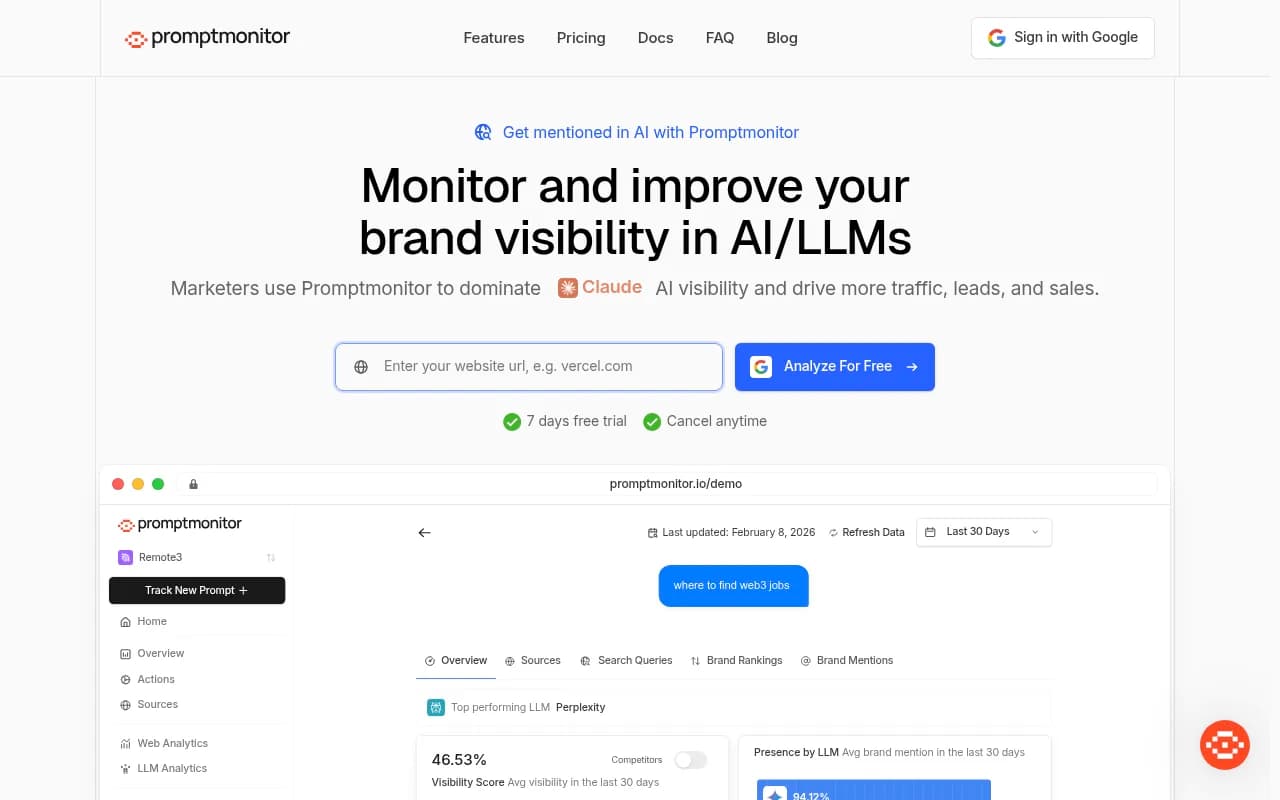
Promptmonitor is another fast-to-start option, though the feature depth is limited compared to full GEO platforms.
Tier 2: 15–45 minutes to meaningful data
This is where most of the serious platforms live. Setup is still self-serve, but there's more to configure — prompt libraries, competitor tracking, persona settings, region/language options. The extra time is worth it because you get much richer data.
Promptwatch lands here. Signup is instant, and the guided onboarding walks you through adding your domain, selecting prompts (with suggestions based on your industry), setting up competitor tracking, and running your first visibility scan. Most users are looking at real data within 20-30 minutes. The setup wizard is genuinely helpful — it doesn't just dump you in a blank dashboard.
What makes Promptwatch different from the Tier 1 tools isn't just the data depth. It's that the platform is built around doing something with what you find. The Answer Gap Analysis shows you which prompts your competitors rank for that you don't. The built-in AI writing agent then helps you create content to close those gaps. That's a different category of tool — and the slightly longer setup reflects that.
Rankshift is another solid option in this tier, with a clean onboarding flow and cross-model tracking across ChatGPT, Perplexity, and others.

Otterly.AI (mentioned above) can technically be set up faster, but getting meaningful competitor comparisons configured properly pushes it into this tier for most users.
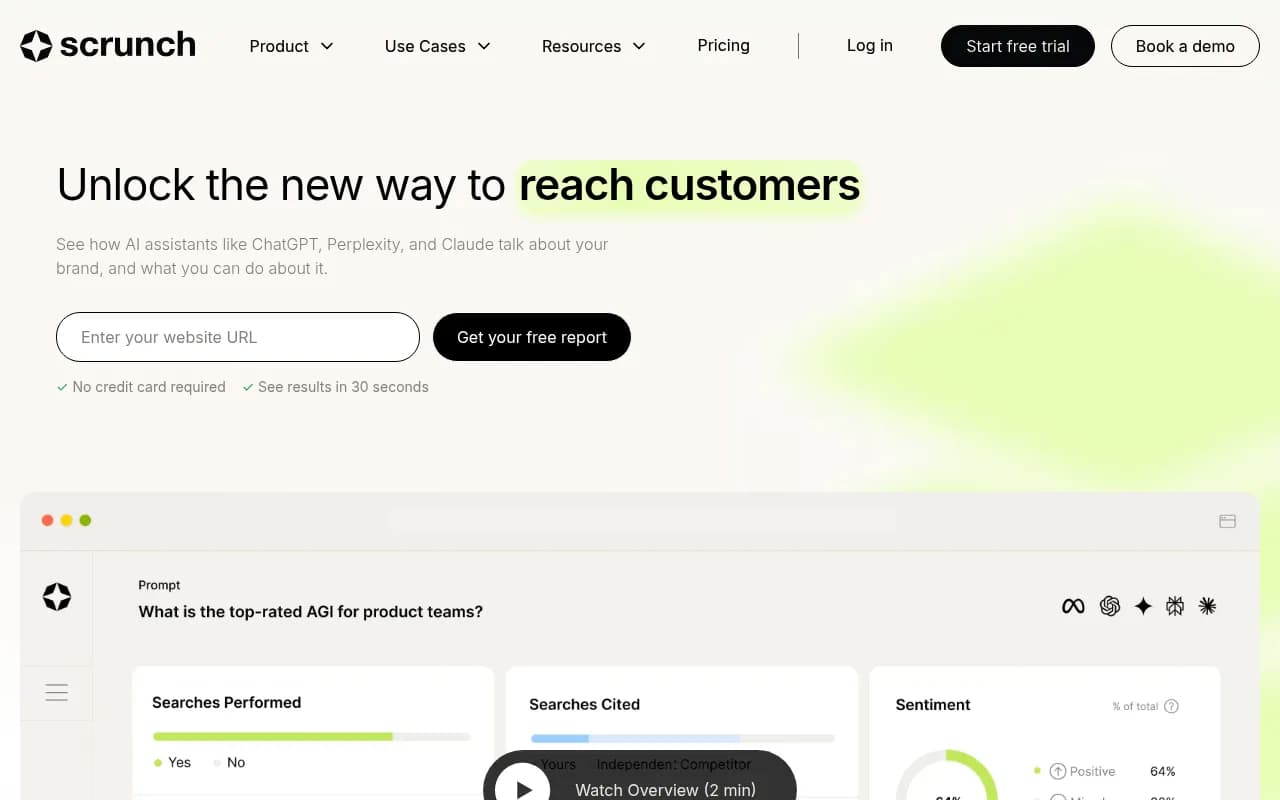
Scrunch AI has a reasonable self-serve flow, though some advanced features require more configuration time.
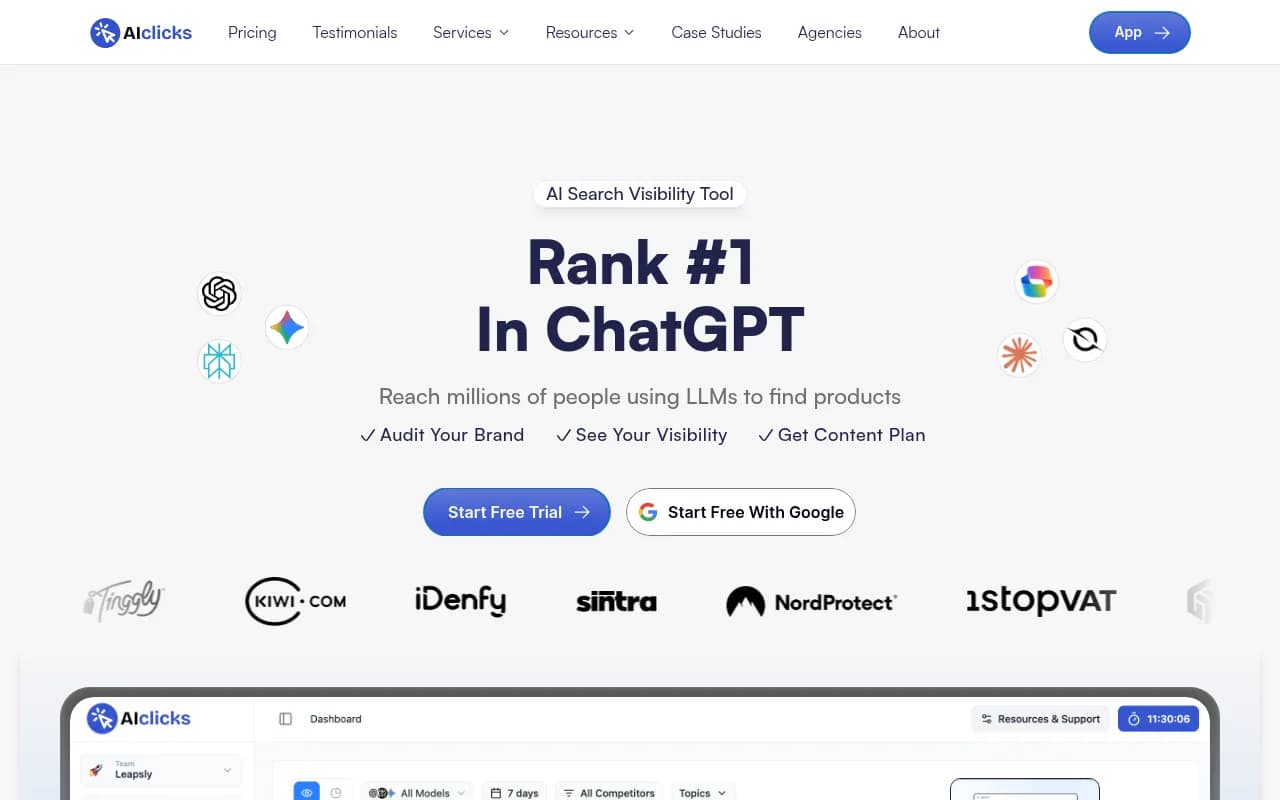
AIclicks is worth mentioning here — decent onboarding, tracks across multiple AI engines, and gets you to data without a lot of friction.
Tier 3: 45 minutes to several hours (or days)
These are typically enterprise platforms or tools that require more technical setup — crawler integrations, CMS connections, custom data pipelines, or a sales-assisted onboarding process.
Profound is a strong platform with deep data (400M+ prompt insights, SOC 2 Type II certified), but it's positioned at enterprise buyers. The onboarding experience reflects that — expect a demo call before you get full access.
Profound

AthenaHQ is another monitoring-focused enterprise tool. Setup is more involved, and the platform is designed for teams that want to do deep analysis rather than get up and running fast.

Semrush and Ahrefs both have AI visibility features now, but they're bolted onto platforms designed for traditional SEO. If you're already a Semrush or Ahrefs user, adding AI tracking is relatively fast. Starting fresh? The onboarding for the full platform is substantial.
Bluefish AI and Evertune are enterprise-grade platforms aimed at Fortune 500 brands. Both require sales engagement before you get access to the product.
Onboarding speed comparison table
| Platform | Time to first data | Self-serve? | Free trial | Best for |
|---|---|---|---|---|
| Otterly.AI | ~5 min | Yes | Yes | Quick brand monitoring |
| Peec AI | ~10 min | Yes | Yes | Simple mention tracking |
| LLM Pulse | ~10 min | Yes | Yes | Lightweight pulse checks |
| Promptwatch | ~20-30 min | Yes | Yes | Full GEO optimization cycle |
| Rankshift | ~20-30 min | Yes | Yes | Cross-model brand tracking |
| Scrunch AI | ~30-45 min | Yes | Yes | Mid-market monitoring |
| AIclicks | ~30-45 min | Yes | Yes | Multi-engine tracking |
| Profound | 1-2 days | Sales-assisted | Demo required | Enterprise visibility |
| AthenaHQ | 1-2 days | Partial | Demo required | Enterprise monitoring |
| Semrush | Varies (existing users: fast) | Yes | Yes | Traditional SEO + AI add-on |
| Bluefish AI | Days (sales process) | No | No | Fortune 500 enterprise |
| Evertune | Days (sales process) | No | No | Fortune 500 enterprise |
What slows down onboarding (and what to watch for)
A few patterns I noticed across the slower platforms:
Prompt selection paralysis. Some platforms drop you into a blank "add your prompts" screen with no guidance. If you don't already know which prompts to track, you'll spend 30 minutes guessing. Better platforms suggest prompts based on your industry or pull from a library.
Competitor research requirements. Several tools ask you to manually enter competitor domains and brand names before showing you any data. Fine in theory, but if you're not sure who your AI-search competitors are (hint: they're often different from your traditional SEO competitors), this step stalls you.
Crawl delays. A few platforms need to crawl your site before they can show citation data. That's a 24-48 hour wait before the dashboard has anything useful in it. Promptwatch handles this differently — it starts querying AI models immediately and surfaces citation data without requiring a full site crawl first.
"Book a demo" gates. The most frustrating pattern. You fill out a signup form, get redirected to a Calendly, and realize you can't actually touch the product until you've talked to a sales rep. This is fine for enterprise procurement but terrible for anyone who just wants to evaluate whether the tool is worth their time.
The onboarding-to-value gap
Fast onboarding is only half the story. The other half is how quickly you can act on what you find.
This is where monitoring-only tools fall short even when their onboarding is fast. You can be looking at your Otterly.AI or Peec AI dashboard in 10 minutes — but then what? You see that you're not appearing in ChatGPT for "best [your category] tool." Now you need to figure out why, what content to create, and whether it's working after you publish. Those tools don't help with any of that.
Platforms like Promptwatch are slightly slower to set up because there's more to configure — but you get the full loop: gap analysis, content generation, and tracking that closes back to actual traffic. That's a better return on the 20 extra minutes of setup time.
The mental model I'd suggest: if you're evaluating a GEO tool for the first time and just want to see what AI visibility tracking looks like, start with a fast Tier 1 tool. If you're actually trying to improve your AI visibility and measure the results, go straight to a platform that supports the full optimization cycle.
Practical tips for faster onboarding on any platform
Regardless of which tool you choose, a few things will speed up your first session:
- Have a list of 10-15 prompts ready before you sign up. Think about how your customers would ask an AI for a recommendation in your category. "Best [tool type] for [use case]" is a good template.
- Know your top 3-5 competitors by domain name. Most platforms need these upfront for comparison tracking.
- Decide on your primary region and language before you start. Multi-region setups take longer to configure.
- If the platform has a guided setup wizard, follow it completely before exploring the dashboard. Skipping steps to "just see the data" usually means you're looking at incomplete data.
- Check whether the platform has a Slack or Discord community. For newer GEO tools especially, community channels are often faster than official support for setup questions.
Which platform should you start with?
If you're new to GEO and just want to understand what AI visibility tracking looks like, Otterly.AI or Peec AI will show you the basics in under 15 minutes. No commitment, low friction.
If you're past the "what is this" phase and want to actually improve your AI visibility, Promptwatch is the right starting point. The onboarding is fast enough that you're not wasting your trial, and the platform gives you the full picture: where you're invisible, what content would fix it, and whether your efforts are working. The free trial is genuinely useful — you can run a full gap analysis and see your first content recommendations before you pay anything.
For enterprise teams with complex requirements, Profound or AthenaHQ are worth the longer evaluation process. Just budget for the sales cycle.
The GEO space is moving fast enough that the cost of slow evaluation is real. Pick a tool that gets you to data quickly, and start learning what AI models actually say about your brand.