Key takeaways
- Buffer and Later are the most affordable entry points, with free tiers that work for solo operators and very small teams
- Hootsuite and Sprout Social offer the most complete feature sets but cost significantly more — worth it if social is a core channel
- Metricool punches above its weight on analytics for the price
- SocialBee and FeedHive are strong picks if content recycling and AI-assisted writing matter to you
- Planable is the best option if client approvals and team collaboration are your main pain point
- Most tools now include some form of AI caption generation — the quality varies a lot
Managing social media for a small business is one of those tasks that sounds simple until you're actually doing it. You've got Instagram, LinkedIn, Facebook, maybe TikTok or X, each with its own quirks, posting rhythms, and audience. Logging into each one separately to post, check comments, and pull numbers is genuinely exhausting. It adds up fast.
Scheduling tools solve the obvious problem — you batch your content, set it and forget it, and stop living in five different apps. But the market has gotten crowded, and the pricing has gotten weird. Some tools charge enterprise rates for features small businesses will never use. Others are cheap but so limited you'll hit a wall within a month.
This guide cuts through that. These are the tools worth your time in 2026, organized by what they're actually best at, with honest notes on where each one falls short.
What to look for before you commit
Before jumping into specific tools, it's worth being clear about what actually matters for a small business context.
Platform coverage. Does it support the networks you use? Most tools cover the big ones (Instagram, Facebook, LinkedIn, X), but TikTok scheduling, Pinterest, and Threads support varies. Check before you sign up.
Post volume and account limits. Many tools tier their pricing around how many social profiles you can connect and how many posts you can schedule per month. A solo operator might be fine on a free plan; a small team managing three or four brands will need to do the math carefully.
Analytics depth. Basic tools show you likes and reach. Better tools show you what content performs, when your audience is online, and how your numbers trend over time. For a small business, even basic analytics are better than none.
Team features. If it's just you, this doesn't matter. But if you have a VA, a content creator, or a client who needs to approve posts, you'll want draft workflows and approval flows.
AI features. Almost every tool now has some form of AI caption generation or scheduling optimization. Some are genuinely useful; others feel bolted on. Worth testing during any free trial.
The tools worth considering in 2026
Buffer — best for simplicity and getting started
Buffer has been around long enough that it's easy to underestimate. It's not flashy, but it does the core job well: schedule posts across multiple platforms, see a clean calendar view, and get basic analytics without a learning curve.
The free plan covers three social channels and 10 scheduled posts per queue — enough for a solo operator just getting organized. Paid plans start at $6/month per channel, which is genuinely affordable. The AI assistant helps with caption variations, and the "Start Page" feature lets you build a simple link-in-bio page.
Where Buffer falls short: the analytics are fairly shallow on lower tiers, and there's no inbox management or social listening. It's a scheduling tool, not a full management platform. For many small businesses, that's fine.
Buffer is the right starting point if you want something that works without a setup headache.
Hootsuite — best for teams that need everything in one place
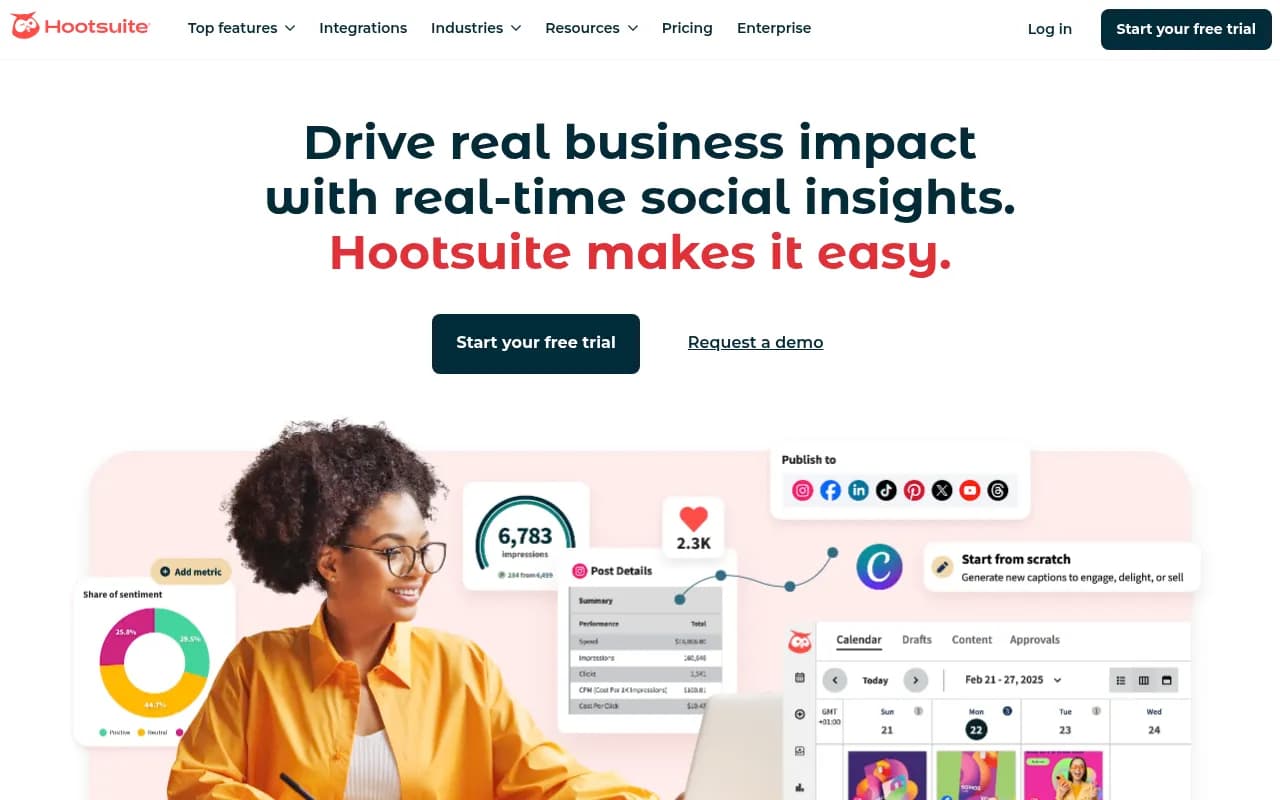
Hootsuite is the most feature-complete tool on this list. Scheduling, inbox management, social listening, team workflows, analytics, and now a solid AI writing assistant called OwlyWriter. If you want one tool that handles everything, this is it.
The catch is price. Hootsuite's plans start around $99/month, which is a real commitment for a small business. The value is there if social media is a primary channel for you — the analytics alone can justify the cost if you're running paid campaigns alongside organic. But if you're posting twice a week and checking comments occasionally, it's overkill.
One genuinely useful feature: Hootsuite's Bulk Composer lets you schedule up to 350 posts via CSV upload. If you're planning a month of content at once, that's a significant time saver.
Sprout Social — best for data-driven teams with a bigger budget
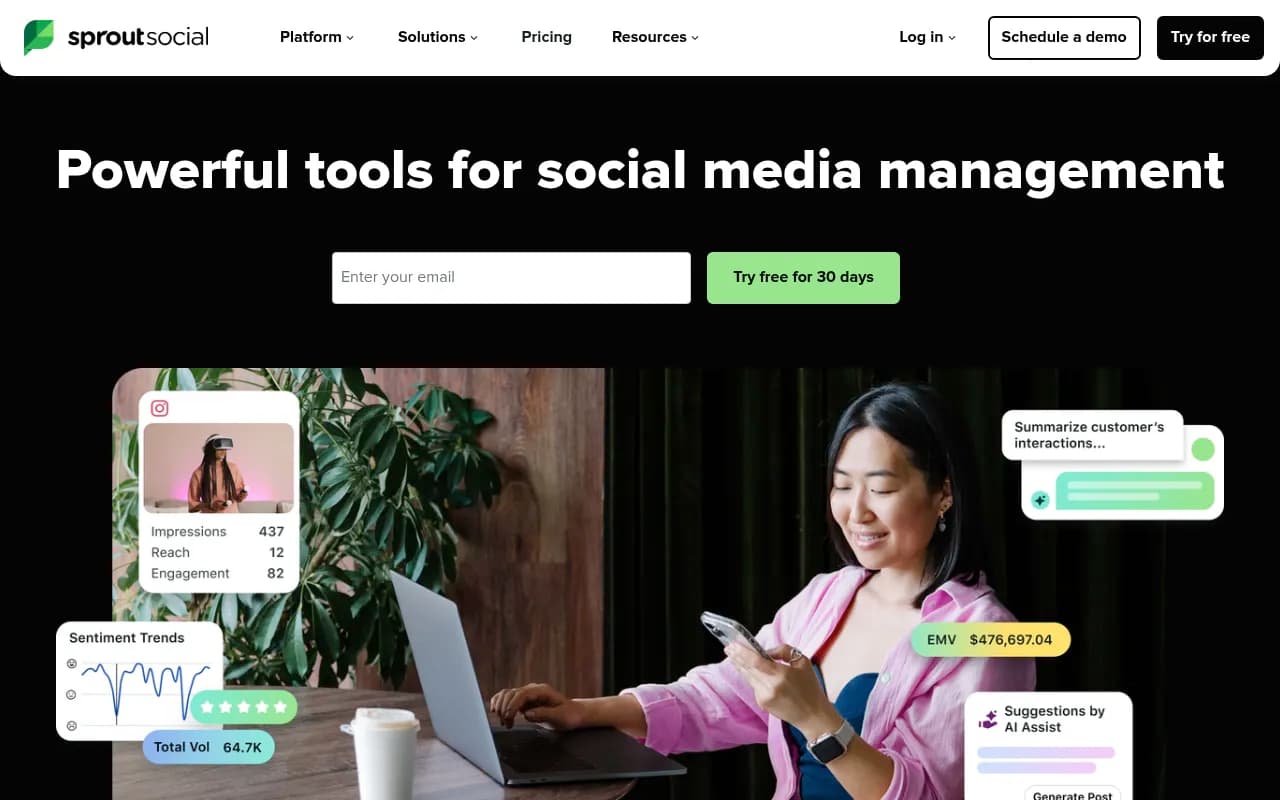
Sprout Social is premium in both features and price. It starts at $249/month per seat, which puts it out of reach for most solo operators and small teams. But if you're a growing business where social media directly drives revenue, the depth of data here is hard to match.
The standout feature is Optimal Send Times — Sprout analyzes your specific audience's engagement patterns and recommends when to post, not just generic "post on Tuesday at 10am" advice. The reporting is also genuinely excellent, with presentation-ready reports that don't require manual formatting.
For small businesses, Sprout is worth a look if you're managing social for multiple clients or if you're at the stage where you need to prove ROI to stakeholders. Otherwise, the tools below will serve you better at a fraction of the cost.
Later — best for visual content and Instagram-first brands
Later was built around Instagram and it shows. The visual content calendar is genuinely good — you can drag and drop posts, preview how your grid will look, and plan Stories alongside feed posts. It's the most intuitive interface for brands where aesthetics matter.
Later has expanded to cover most major platforms, and the free plan is usable (though limited to 30 posts per month per profile). Paid plans start at $25/month and add features like best time to post suggestions, hashtag analytics, and link-in-bio tools.
If your business is heavily visual — food, retail, fashion, interiors, anything where Instagram is your main channel — Later's grid preview and visual planning tools are worth the small premium over Buffer.

Metricool — best for analytics without the enterprise price tag
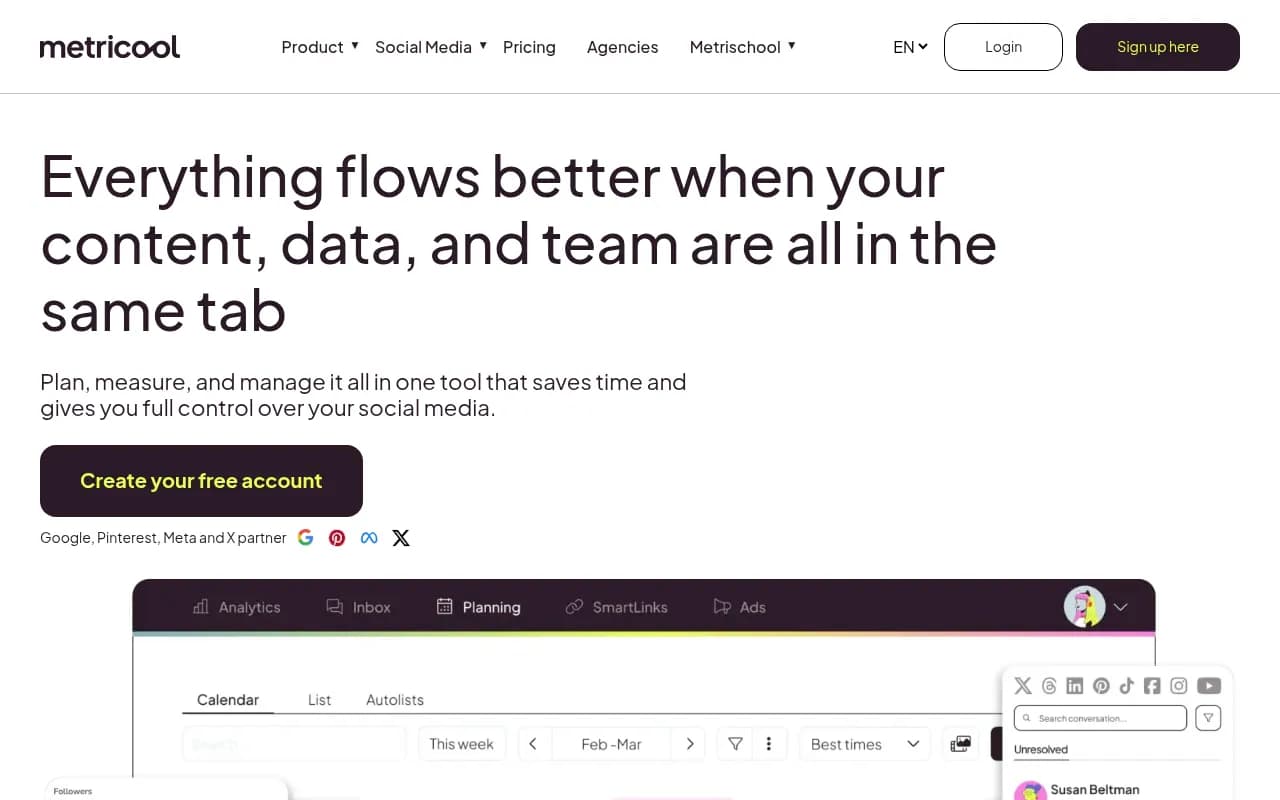
Metricool is the tool that most often surprises people. It's not as well-known as Buffer or Hootsuite, but the analytics are genuinely deep for the price. You get competitor analysis, detailed post performance breakdowns, and a unified dashboard that covers organic and paid social in one place.
The free plan is surprisingly generous: one brand, up to five social profiles, and 50 scheduled posts per month. Paid plans start at $22/month. For a small business that wants to understand what's working — not just schedule posts — Metricool is worth serious consideration.
It also covers more platforms than most tools at this price point, including Twitch and YouTube, which matters if you're a creator-type business.
SocialBee — best for content recycling and category-based scheduling
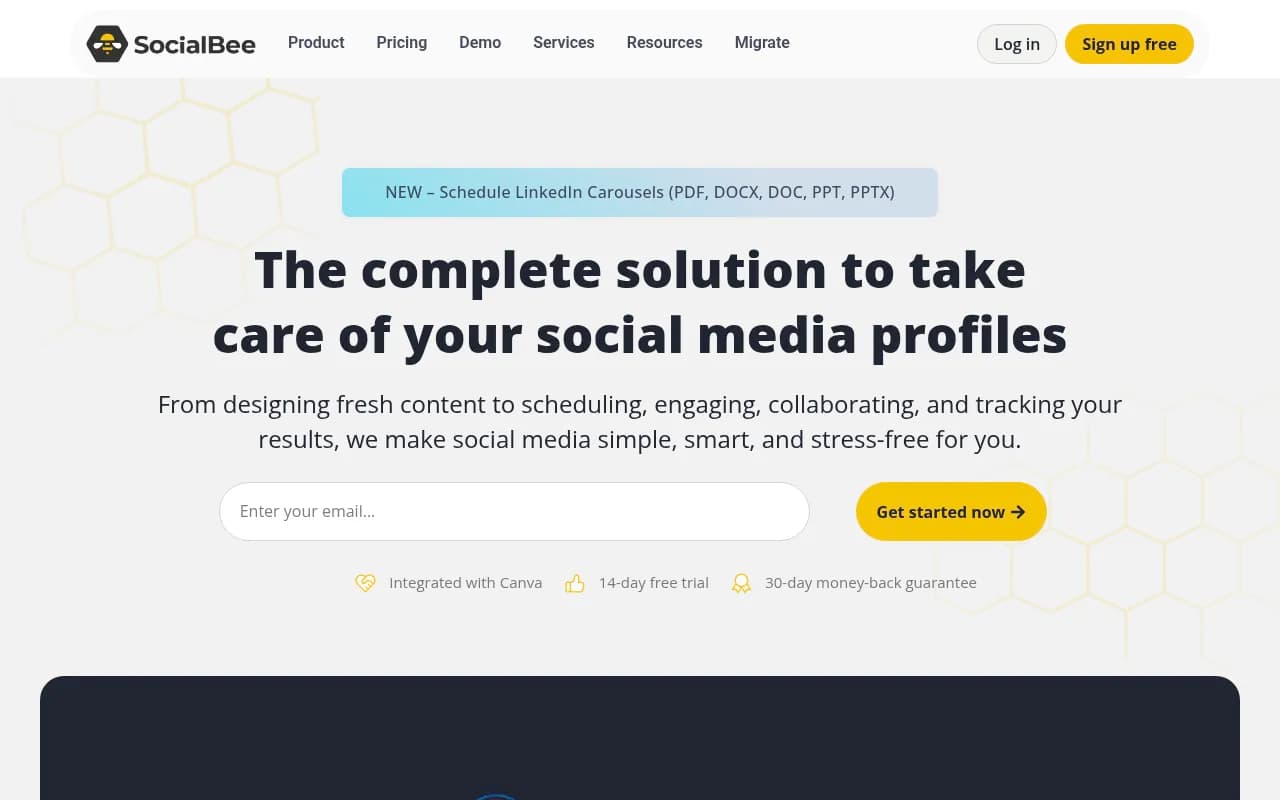
SocialBee takes a different approach to scheduling. Instead of a simple queue, it organizes your content into categories (promotional, educational, curated, etc.) and rotates through them automatically. This means your feed stays balanced without you manually managing the mix.
The content recycling feature is the real differentiator. Evergreen posts get reshared automatically, which is genuinely useful for small businesses that don't have time to create fresh content every day. The AI assistant can generate captions and content ideas, and the quality is better than most.
Plans start at $29/month. It's a bit more opinionated in how it works than Buffer or Later, so there's a learning curve, but the payoff is a more sustainable posting rhythm.
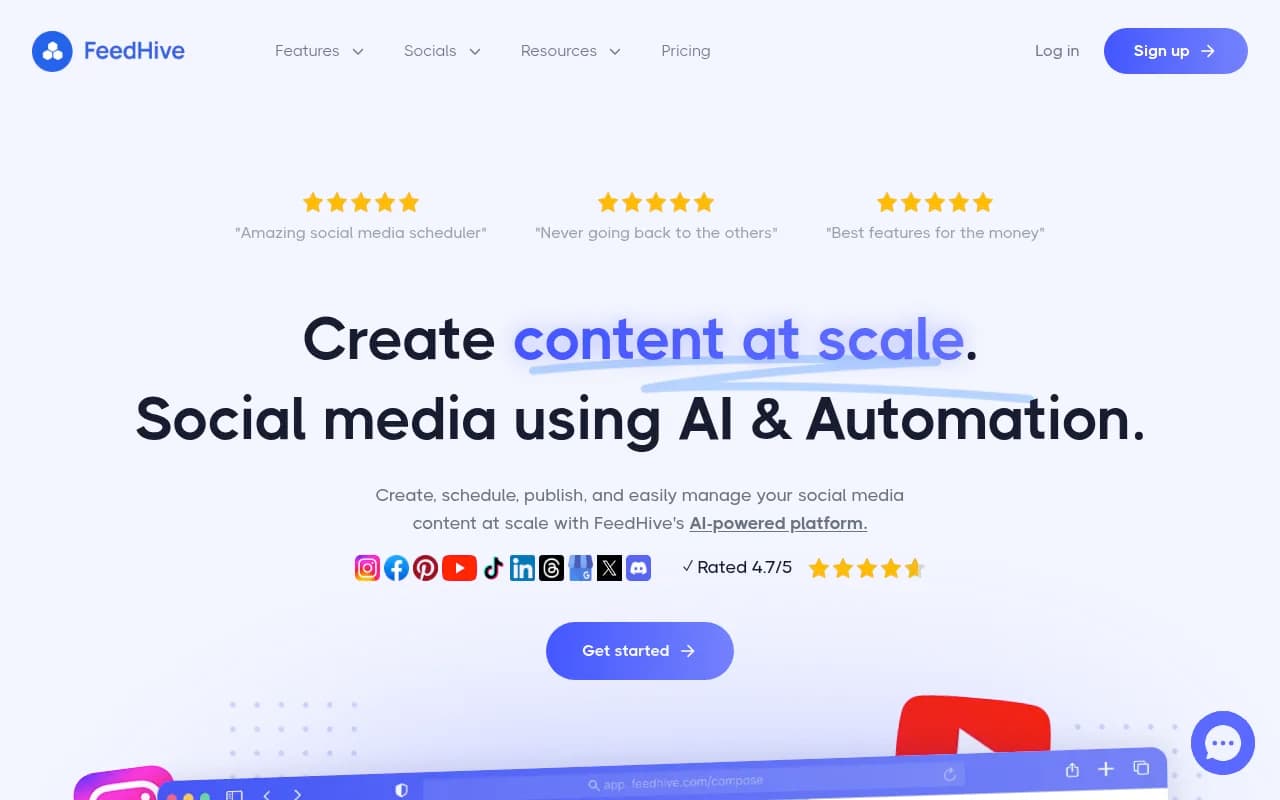
FeedHive — best for AI-assisted content creation
FeedHive leans into AI more than most tools on this list. The content recycling works similarly to SocialBee, but the AI features go further — it can suggest post variations, predict performance scores before you publish, and generate content based on your past top performers.
It's particularly good for X (Twitter) and LinkedIn, with thread scheduling and carousel post support. The interface is clean and the onboarding is fast.
Plans start at $19/month. For a small business owner who wants AI to do more of the heavy lifting on content ideation, FeedHive is worth trying.
Planable — best for agencies and client approval workflows
If you're managing social media for clients, or if you have a team where posts need to go through an approval process before publishing, Planable is built for exactly that. The collaboration interface is the best in this category — clients can leave comments directly on posts, approve or reject with one click, and see a realistic preview of how content will look on each platform.
The free plan allows 50 total posts (not per month — total), which is enough to evaluate it. Paid plans start at $33/month per workspace.
Planable isn't the right tool if you're working solo with no approval needs. But for agencies or small businesses with a marketing manager and a business owner who wants sign-off, it removes a lot of friction.

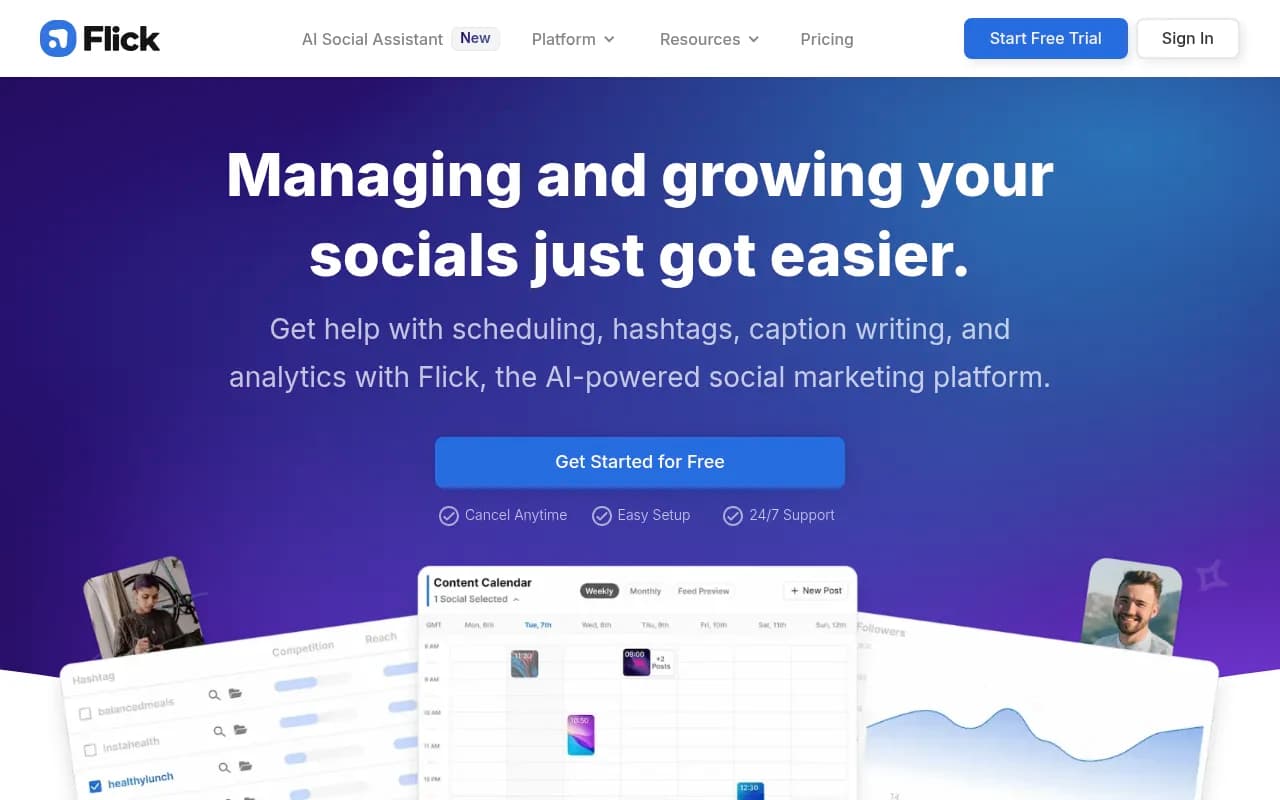
Flick — best for Instagram hashtag research and AI social writing
Flick started as a hashtag research tool and has evolved into a more complete social media assistant. The AI social media manager feature is genuinely useful — you can describe your brand, feed it content ideas, and get full post drafts with hashtag recommendations.
It's particularly strong for Instagram and is a good fit for personal brands, coaches, and small businesses where one person is doing everything. The hashtag analytics show you which tags actually drive reach, not just which ones have high post counts.
Plans start at $14/month. It's not the most full-featured scheduling tool, but for Instagram-focused businesses that want AI help with content creation, it's one of the better options.
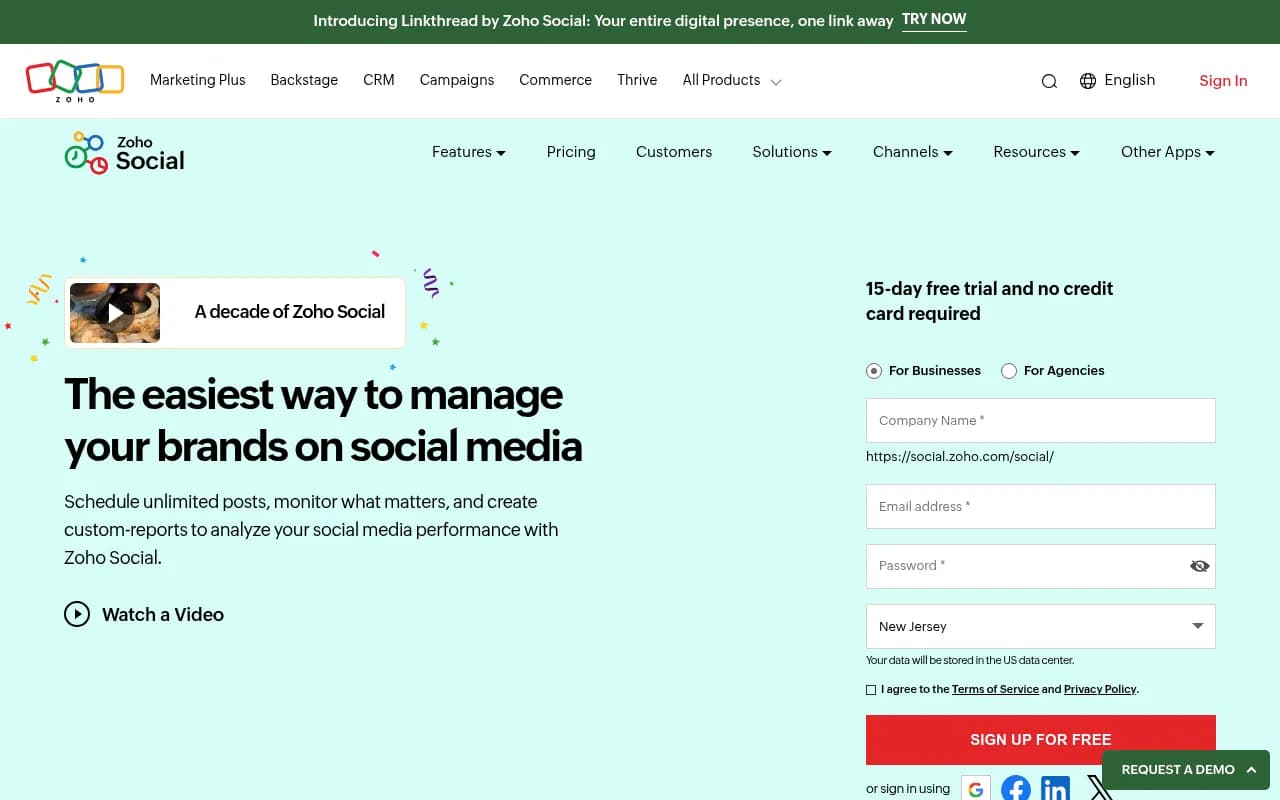
Zoho Social — best for businesses already in the Zoho ecosystem
If you're using Zoho CRM, Zoho Books, or other Zoho products, Zoho Social integrates with them natively. That means you can connect social media activity directly to CRM contacts and track how social interactions move through your sales pipeline — something most standalone scheduling tools can't do.
The scheduling features are solid, the analytics are decent, and the price is competitive starting at $15/month. Outside the Zoho ecosystem, it's a reasonable but not standout option. Inside it, the integrations make it the obvious choice.
Publer — best for link-in-bio and multi-format posting
Publer is a newer entrant that's been quietly building a strong feature set. It supports a wide range of post formats including carousels, Reels, Stories, and YouTube Shorts, and has a built-in link-in-bio tool. The AI assistant handles caption writing, and there's a media library for storing brand assets.
The free plan covers three accounts and 10 scheduled posts. Paid plans start at $12/month, making it one of the more affordable options with a solid feature set.

How the tools compare
| Tool | Starting price | Free tier | Best for | AI features | Team collaboration |
|---|---|---|---|---|---|
| Buffer | $6/mo per channel | Yes (3 channels) | Simplicity, getting started | Caption suggestions | Basic |
| Hootsuite | ~$99/mo | No | Full-featured management | OwlyWriter AI | Strong |
| Sprout Social | $249/mo per seat | No (30-day trial) | Data-driven teams | Optimal send times | Strong |
| Later | $25/mo | Yes (30 posts/mo) | Visual/Instagram brands | Best time suggestions | Basic |
| Metricool | $22/mo | Yes (5 profiles) | Analytics-focused teams | Limited | Basic |
| SocialBee | $29/mo | No (14-day trial) | Content recycling | Caption generation | Moderate |
| FeedHive | $19/mo | No (7-day trial) | AI content creation | Strong | Basic |
| Planable | $33/mo per workspace | Yes (50 posts total) | Client approvals, agencies | Preview tools | Excellent |
| Flick | $14/mo | No (7-day trial) | Instagram, personal brands | Strong | Basic |
| Zoho Social | $15/mo | Yes (limited) | Zoho ecosystem users | Basic | Moderate |
| Publer | $12/mo | Yes (3 accounts) | Multi-format posting | Caption generation | Basic |
Which tool should you actually pick?
Here's the honest answer: most small businesses will be well-served by Buffer or Later to start. They're cheap, they work, and you can always migrate to something more powerful later.
If you're growing and analytics matter, add Metricool to your shortlist. If you're creating a lot of content and want AI to help, try FeedHive or SocialBee. If you're an agency or have clients who need to approve posts, Planable is the clear choice.
Hootsuite and Sprout Social are genuinely excellent tools, but the price jump is significant. They make sense when social media is a primary revenue driver and you need the data to prove it.
One practical tip: most of these tools offer free trials. Run two or three in parallel for a week before committing. The "best" tool is the one you'll actually use consistently, and that often comes down to interface feel more than feature lists.
A note on AI features in 2026
Every tool on this list now has some form of AI caption generation. The quality ranges from "saves you 10 minutes" to "needs complete rewriting before it's usable." The tools that do it best — FeedHive, SocialBee, Flick — have trained their models on social-specific content and tend to produce outputs that sound less generic.
The more interesting AI feature is scheduling optimization. Tools like Sprout Social and Later analyze your specific audience's behavior to recommend posting times. This is more valuable than generic best-practice advice, especially if your audience has unusual patterns (B2B audiences behave very differently from consumer audiences, for example).
What AI can't do yet: replace the judgment calls about what to say, how to respond to comments, or when to stay quiet. The scheduling and drafting assistance is real and useful. The "AI will run your social media" promise is still mostly marketing.
The bottom line
The social media scheduling market has matured. You no longer have to choose between "cheap and limited" or "full-featured and expensive." Tools like Metricool, SocialBee, FeedHive, and Publer have closed the gap significantly, offering features that would have cost enterprise rates a few years ago at prices small businesses can actually afford.
Start with what solves your immediate problem. If it's just "I need to stop logging into five apps every day," Buffer or Later will do it. If it's "I need to understand what's working and post more consistently," Metricool or SocialBee are worth the extra few dollars a month. The right tool is the one that fits where you are right now, not where you hope to be in two years.