Key takeaways
- Docs are cited more than most teams assume. In Promptwatch Data's Sep 28 to Oct 4, 2026 window, documentation and help centers were the largest source type for software prompts at 2.64% of citations, and documentation made up 7.5% of all ChatGPT citations by content type.
- HTML still wins for AI search (99.94% of citations), but coding agents are different. Promptwatch saw Claude's and OpenAI's bots requesting
/docs/**/*.mdpaths in large numbers. - Publish both: clean, server-rendered HTML for humans and search-style retrieval, plus markdown endpoints for developer docs that agents fetch directly.
- Write for retrieval. Self-contained pages, exact names, working code, and explicit versions beat clever prose.
- Check your crawler logs. If you cannot see which agents read which pages, you are guessing.
Why documentation is the page type agents trust
A coding agent has a narrow job. It needs the right function signature, the right flag, the right config key. It does not want a story about your product. That is why docs get pulled in so often, and it is also why a bad docs site hurts more than a bad blog.
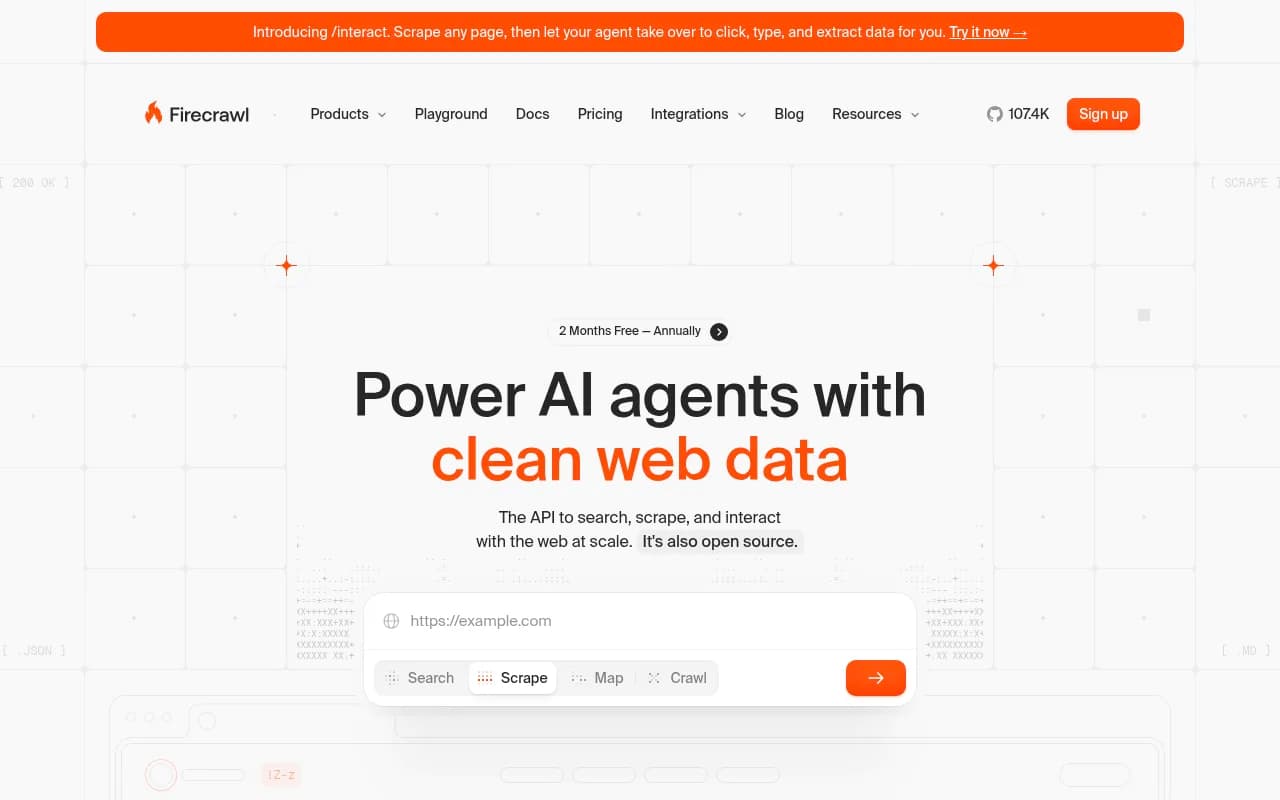
The pain on the other side is well documented. Firecrawl's August 2026 write-up on giving agents current documentation puts it bluntly: agents hallucinate APIs because training data went stale the moment the library shipped its next release, and the fix is retrieval, not a bigger model. They cite a 2024 study finding that around 20% of package names suggested by popular code models do not exist in the registry. If your docs are the thing that fixes that, you want to be the thing the agent retrieves.
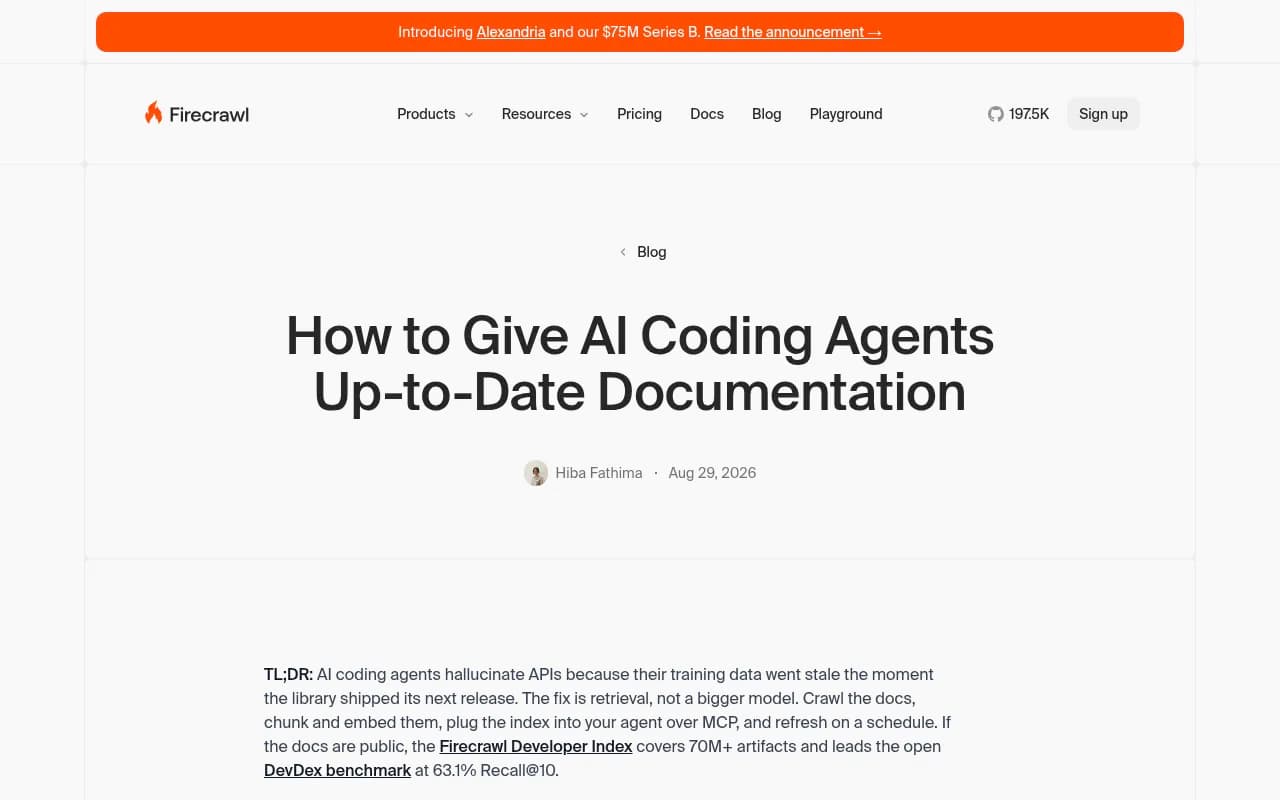
Two things happen when an agent needs docs. Either it searches the web and cites what it finds (ChatGPT Search, Codex and Claude Code with web access, OpenCode through Exa), or it pulls from an index someone connected over MCP. Your docs need to survive both paths.
What the citation data says
I'll be careful here. Promptwatch's reports measure ChatGPT search citations. They do not directly measure what Claude Code or Codex cite while coding. Still, they are the best first-party signal for how AI retrieval treats docs.
From Promptwatch Data's software prompt report (Sep 28 to Oct 4, 2026):
- GitHub was the most cited software domain at 1.2% of software citations, then learn.microsoft.com at 0.98% and G2 at 0.73%.
- docs.aws.amazon.com (0.41%) and docs.cloud.google.com (0.35%) also made the list.
- By source type, documentation and help centers took the largest share at 2.64%, ahead of vendor sites at 2.01% and review sites and analysts at 1.57%.
- Vendor pages plus docs earned 4.65%, about three times the share of review sites and analysts.
The content type report for the same week adds a useful wrinkle. Across all prompts, documentation was 7.5% of citations. For informational prompts like "how does X work," documentation climbed to 8.5% and how-to guides to 10.7%. Docs are not only a support channel. They get cited for explanation.
They also last. Promptwatch's half-life report found landing pages and docs stay cited longest, while news loses half its pages in about five weeks. Docs are slow-decay assets, which makes them worth the maintenance.
| Content type | Share of all ChatGPT citations | Share for informational prompts |
|---|---|---|
| Product pages | 22.4% | 19.1% |
| Landing pages | 16.8% | 13.9% |
| Listicles | 13.6% | 13.6% |
| How-to guides | 8.7% | 10.7% |
| Documentation | 7.5% | 8.5% |
| Comparisons | 5.9% | n/a |
| FAQ pages | 3.3% | n/a |
Source: Promptwatch Data, Sep 28 to Oct 4, 2026.
HTML or markdown? Both, for different readers
This is where people get confused, so here is the short version.
For AI search, HTML dominates. Promptwatch's markdown report (published Feb 19, 2026, covering the previous seven days) found HTML accounted for 99.94% of citations across ChatGPT, Claude, Perplexity and AI Overviews. Markdown was 0.05%. HTML was cited roughly 2,000 times as often. So do not build .md mirrors of your marketing pages hoping to win citations. That advice is dead on arrival.
For coding agents, the picture flips. The same report showed a big uptick in docs crawling by Claude's bot (which Promptwatch says powers Claude Code) and OpenAI's search bot (which it says powers Codex), and the crawl log table shows both requesting /docs/**/*.md paths. The top path pattern had 3,241 requests, followed by 2,870, 1,934 and 1,512. Markdown is cheaper to parse and keeps the context window clean, which is exactly what an agent mid-task wants.
So the rule that falls out of the data: keep HTML as the canonical, citable page, and reserve .md endpoints for developer documentation.
/docs/auth/api-keys          -> server-rendered HTML page
/docs/auth/api-keys.md       -> the same content as plain markdown
Both should return the same facts. If the markdown version drifts from the HTML version, you have created two sources of truth and an agent will find the wrong one.
Make the docs reachable first
Nothing below matters if the crawler cannot get in. I have seen docs sites that are beautiful and invisible, usually for boring reasons.
Check the access layer
- robots.txt: do not block the AI user agents you want. Search-style bots (OAI-SearchBot, Claude-SearchBot, PerplexityBot) and user-triggered fetchers (ChatGPT-User, Claude-User) matter for citations. Training crawlers are a separate decision you can make on policy grounds.
- Bot protection: a WAF or challenge page that blocks unknown user agents will quietly cut agents off. Allowlist verified bot IPs rather than disabling protection.
- Auth walls: if your quickstart sits behind a login, it does not exist for retrieval.
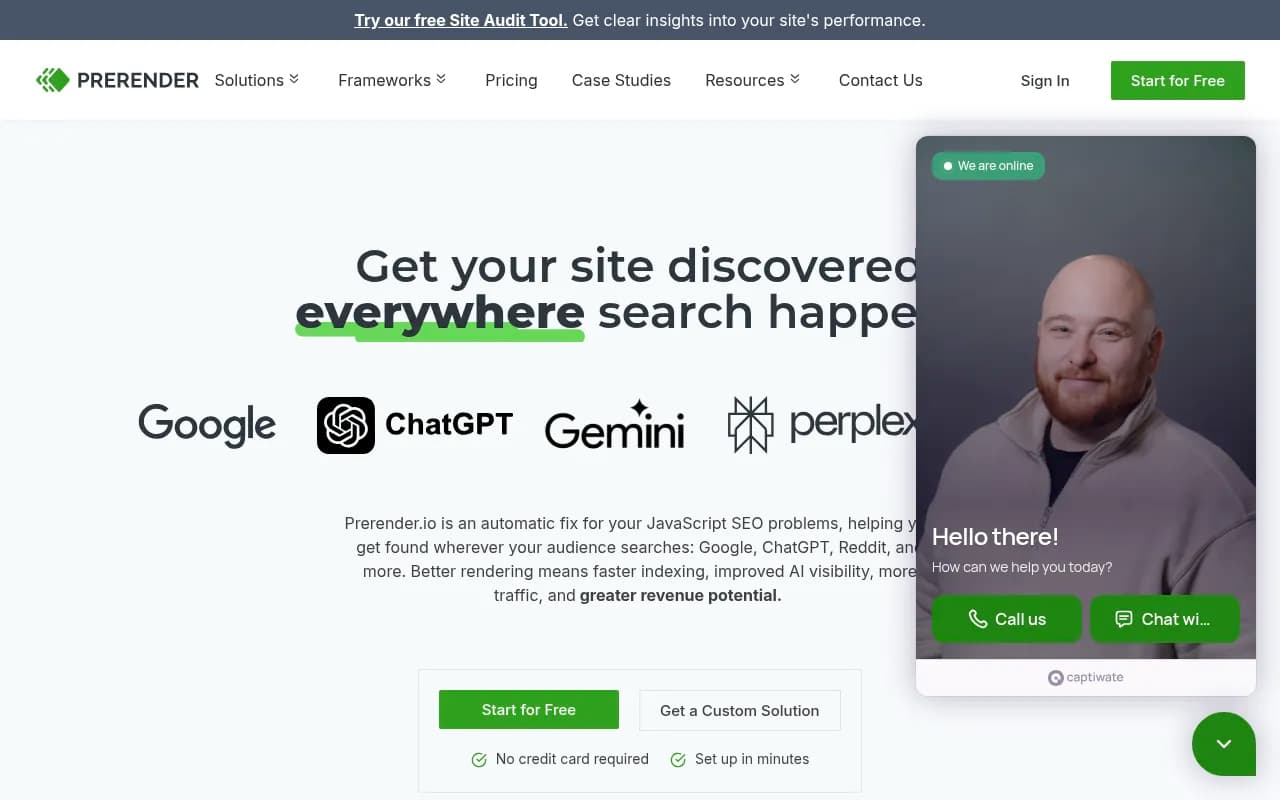
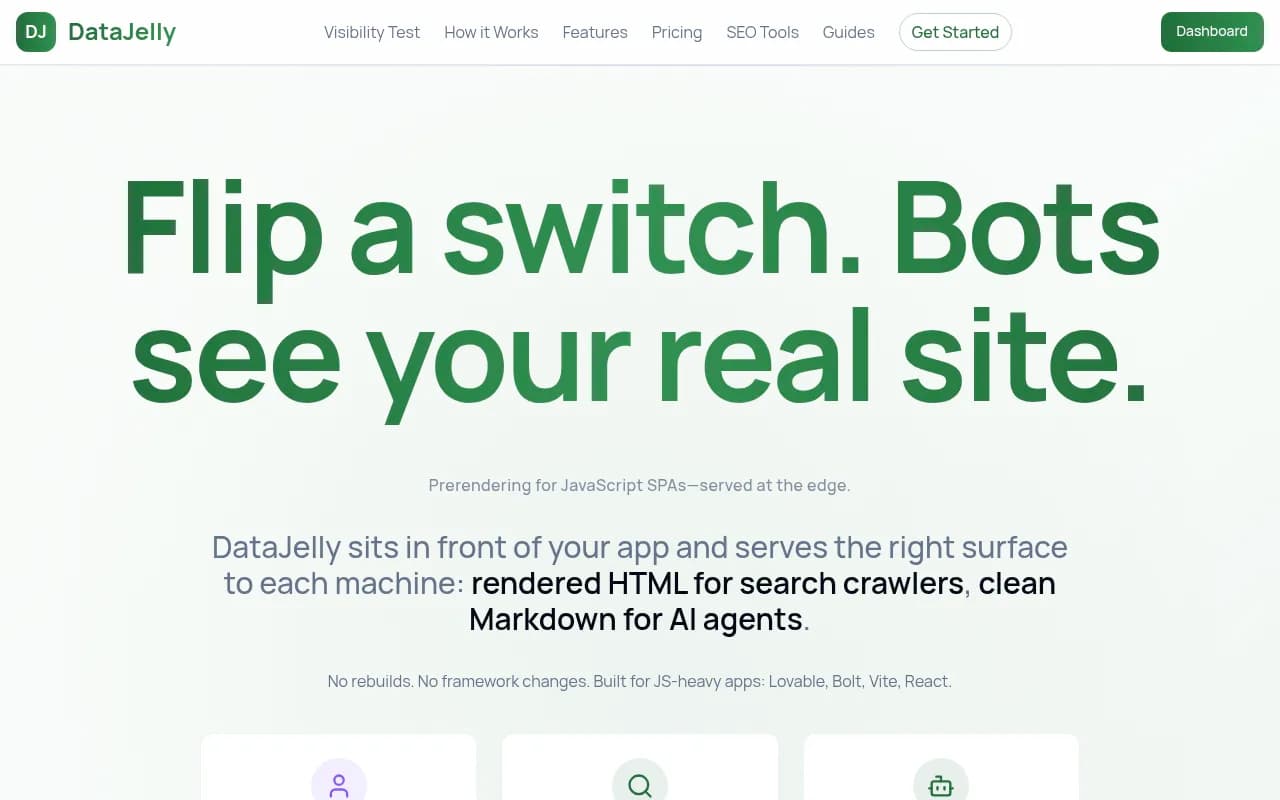
- JavaScript rendering: many docs frameworks render content client-side. Agents that fetch raw HTML get an empty shell. Server-render, or use a prerendering service. Tools like Prerender.io exist for this, and DataJelly does something similar.
- Status codes and redirects: long redirect chains and soft 404s waste fetches. Keep URLs stable. Docs have a long half-life only if the URLs survive.
Verify with logs, not hope
The only reliable way to know whether agents read your docs is crawler logs. Server logs filtered by user agent work, but spoofed bots pollute them. A platform that verifies bot IPs saves you from fake traffic. Promptwatch does this with IP-verified AI crawler logs, showing which pages GPTBot, ClaudeBot, OAI-SearchBot and others requested and which errors they hit.

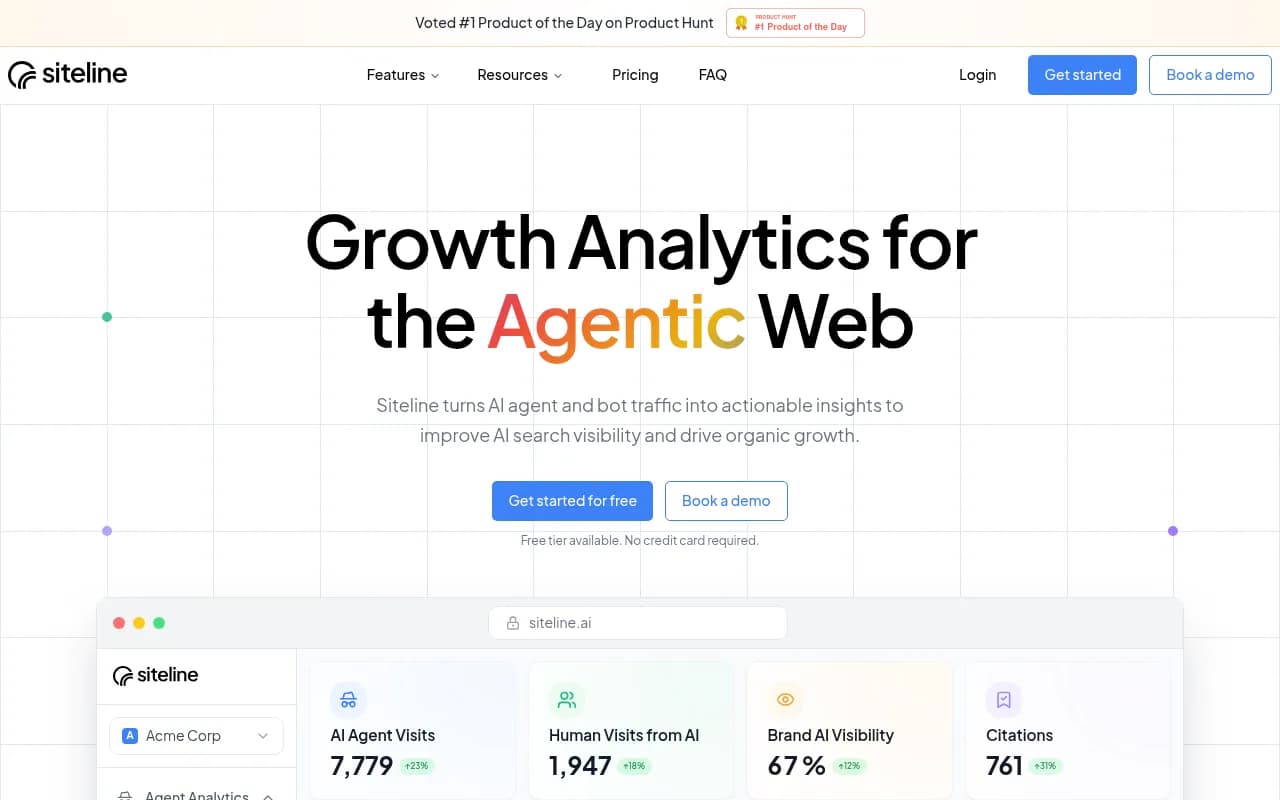
If you want a lighter option aimed purely at agent traffic, Siteline AI tracks AI agent traffic, and a classic crawler such as Screaming Frog will at least tell you what a non-JS fetch actually sees.
Write pages an agent can lift from
Agents do not read your docs top to bottom. They retrieve chunks. Every page should survive being cut out of context.
One task or one concept per page
A page titled "Authentication" that covers API keys, OAuth, and SSO is three pages pretending to be one. Split it. A retrieval system pulling the wrong third gives the agent the wrong answer, and the agent will use it with total confidence.
Put the answer first
Start with what the thing does and the minimal working example. Background comes after. An agent with a limited context window takes the first chunk that matches.
Use exact names everywhere
Use the literal function, flag, and config key names, in code font, every time. Do not say "the client" in one paragraph and "the SDK object" in the next. Synonym cycling that reads fine to a human breaks keyword and embedding matching.
Show complete, runnable code
Snippets with ... placeholders make agents invent the missing parts. Give a full example with imports, auth, and a realistic payload.
from acme import Client

client = Client(api_key="YOUR_API_KEY")

result = client.invoices.create(
    customer_id="cus_123",
    amount_cents=4900,
    currency="usd",
)
print(result.id)
Then state the output, the common error, and what it means. "Returns 402 if the card is declined" is the kind of line that gets cited.
State versions and dates
Put the version a page applies to near the top, plus a last-updated date. Stale docs are worse than no docs because the agent cannot tell they are stale. Keep deprecated pages up with a clear notice and a link to the replacement rather than deleting them.
Heading hierarchy and semantic markup
Promptwatch's advice from the markdown report applies to docs HTML too: clear heading hierarchy, semantic markup, server-rendered content. Use real h2 and h3 tags, real code and pre blocks, real tables for parameter lists.
Keep a parameter table
| Parameter | Type | Required | Default | Notes |
|---|---|---|---|---|
customer_id | string | yes | none | Must start with cus_ |
amount_cents | integer | yes | none | Minimum 50 |
currency | string | no | usd | ISO 4217 lowercase |
Tables like this get lifted whole. They are also easy to keep correct if you generate them from your OpenAPI spec.
The agent-facing files
A handful of conventions exist for talking to agents directly. I have not verified each vendor's current behavior against official docs, so treat this section as what to publish and then confirm against the Claude Code and Codex documentation.
- llms.txt: a plain index of your key docs pages with one-line descriptions. Cheap to make and harmless. Do not expect it to move ChatGPT search citations on its own; there is no strong evidence it does.
- AGENTS.md and CLAUDE.md: these live in a repository and give a coding agent project-specific instructions. They are for your own repo, not a replacement for public docs. If you ship an SDK, consider including a short one in the repo that points to your canonical docs URLs and lists the commands to run tests.
- MCP: if retrieval matters to your users, expose your docs over a hosted MCP server so Claude Code, Codex and Cursor can query them directly. Firecrawl's guide shows the other side of this, where a third party indexes public docs and connects them to agents via MCP. If you do not publish an index, someone else may, and theirs may be stale.
- OpenAPI spec: publish it at a stable URL. It is the most machine-readable description of your API you have.
Promptwatch has free helpers for the file side, including an LLMs.txt Generator and an Agentic Readiness Check that shows which AI crawlers can read your site and which agent standards you support.
Keep public GitHub presence
GitHub topped the software citation list at 1.2%. For developer tools, that is a strong hint: your README, examples folder and changelog get cited too. Promptwatch's own advice from that report is to publish docs and help pages ChatGPT can crawl and keep a public GitHub presence for developer tools. Make the README a good doc page, not a stub with a link.
Tools for the workflow
You do not need a huge stack. Here is how I would split it.
| Job | Option | Notes |
|---|---|---|
| See which AI bots read your docs, and what they cite | Promptwatch | IP-verified crawler logs plus citation tracking in one place |
| Agent traffic analytics | Siteline AI | Focused on AI agent traffic |
| Fix JS rendering for crawlers | Prerender.io, DataJelly | Useful if your docs site is client-rendered |
| Crawl your own docs as a bot would | Screaming Frog | Good for broken links, orphans, redirects |
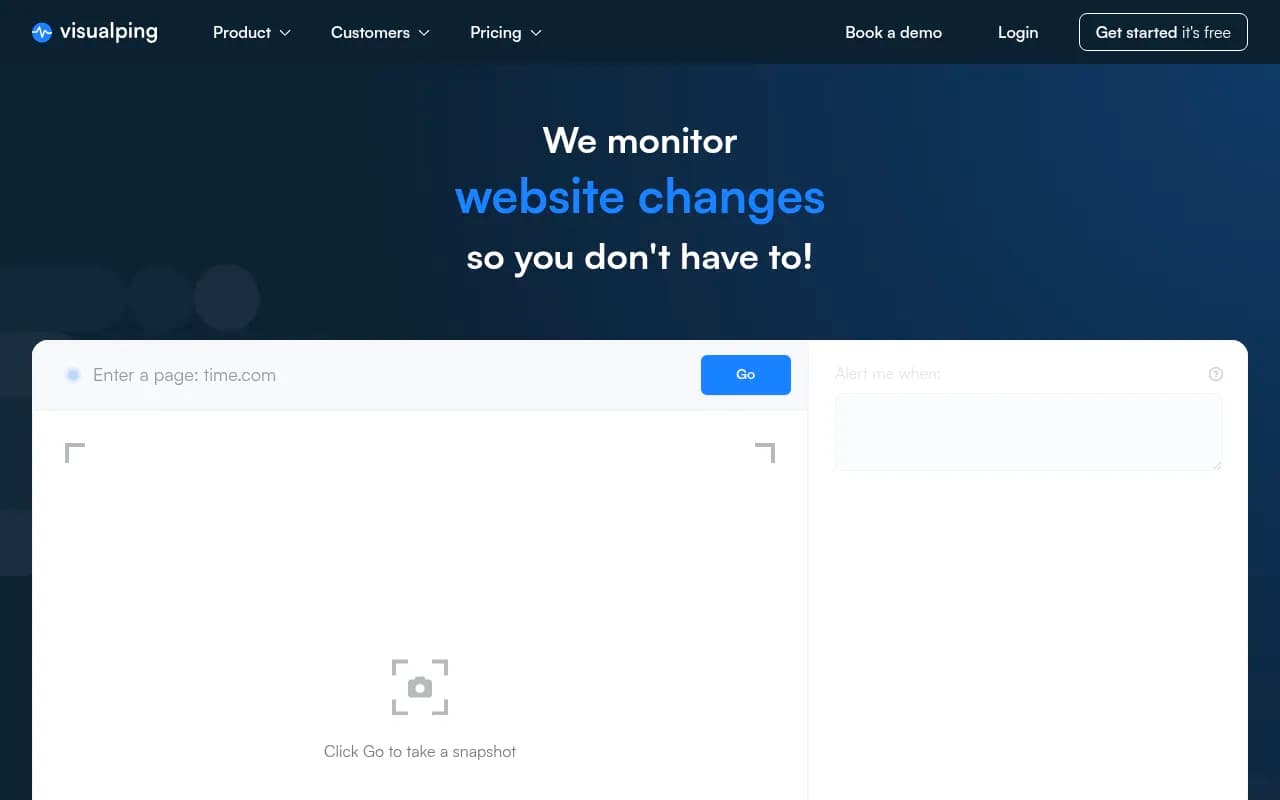
| Monitor docs pages for changes | Page Modified, Visualping | Catch silent edits and regressions |
| Index public docs for agents over MCP | Firecrawl | Crawl, chunk, serve through MCP |
If you are comparing AI visibility platforms for the tracking part, the directory at bestgeosoftware.com (https://bestgeosoftware.com) lists the options side by side. For tracking whether your docs get cited across ChatGPT, AI Overviews and others, Promptwatch also covers the coding agents Codex, Claude Code and OpenCode, which matters if developers are your buyers.
A practical checklist
- Fetch your top ten docs pages with curl and no JavaScript. If the content is missing, fix rendering first.
- Check robots.txt and your WAF against the search and user-triggered bots you want.
- Split any page that covers more than one task.
- Add a complete runnable example and a parameter table to each reference page.
- Add version and last-updated lines. Redirect or flag deprecated pages.
- Publish .md versions of docs pages, same content as the HTML.
- Add llms.txt and an OpenAPI link. Keep them current.
- Read the crawler logs weekly. Note which pages agents hit, which return errors, and which never get fetched.
- Watch citations. If a page is crawled but not cited, the content is the problem. If it is never crawled, access is.
That last split is the most useful diagnostic I know. Crawled but not cited means rewrite. Not crawled means plumbing.
What I would not bother with
I would not spend a week building markdown twins of every blog post, and I would not rewrite docs in a stilted "AI-friendly" voice. The data says markdown is 0.05% of AI search citations, and agents do fine with plain, precise human writing. Precision is the whole trick. The pages agents cite are the ones that answer one question, with the exact names, in runnable form, at a URL that still works next year.