Key takeaways
- You can build a decent local AI visibility baseline for free with a fixed prompt list, a spreadsheet, Google Search Console and GA4.
- A single answer is a thin sample. Run 20-40 prompts across 2-3 AI models for at least 30 days before drawing conclusions.
- Location, session history and account state change local answers, so log how you ran each check.
- Free checks go stale fast when platforms change. Pay for a tracker when you need repeatable, multi-location or competitor data.
- Several trackers (BrightLocal, Promptwatch) have free trials or free reports, so you can test before you commit.
Why check local AI visibility at all
People are asking chatbots who to call. BrightLocal's 2026 consumer survey found that 58% of consumers have already used AI to find or get a recommendation for a local business, and AI is now the fourth most common place to start a local search. Only 18% contact an AI-recommended business directly, while 75% go to Google to verify. So the practical goal is two-sided: show up in the AI answer and look solid when the person double-checks you on Google.
That doesn't mean you need a $200 a month subscription on day one. Plenty of local businesses just need to know three things. Do I get named at all? Who gets named instead? Is what the AI says about me even correct? You can answer those for free in an afternoon.
Step 1: build a small, realistic prompt list
The quality of a free check depends almost entirely on the prompts you pick. SE Ranking's guide on choosing prompts to track makes the point well: there is no reliable query volume or ranking position for prompts, so choosing the right ones matters more than tracking more of them. Most teams default to "best [category] tool" and cover only a thin slice of how people actually ask.
For a local business, start with 20 to 40 prompts and mix these types:
- Discovery prompts: "best plumber in [city]", "emergency dentist near [neighborhood]"
- Specific need prompts: "who fixes cracked phone screens same day in [city]"
- Comparison prompts: "[your business] vs [competitor] in [city]"
- Brand prompts: "is [your business] any good", "[your business] reviews"
- Trust prompts: "which [service] in [city] has the best reviews"
Write them the way a customer would type or say them, including typos and shorthand. Keep the list fixed once you start. If you change the wording every week, you can't compare anything.
There's also a useful hint in Promptwatch's query fan-out data. Average query length in ChatGPT's background searches fell to about 53 characters from April 2026, which suggests short queries like "[service] [city]" are close to how the model actually searches. That's my inference, not a Promptwatch finding, but it's a reasonable thing to include in your list. You can read the underlying numbers in Promptwatch's ChatGPT query fan-out data.
Step 2: run the checks and log everything
Open ChatGPT, Google AI Mode, Gemini and Perplexity (pick two or three, not all). Then run each prompt and record the result in a spreadsheet.
Suggested columns:
| Column | Why it matters |
|---|---|
| Date | Answers change, so you need a timeline |
| Prompt | Exact wording, fixed across runs |
| Model | ChatGPT, AI Mode, AI Overviews, Perplexity |
| Location and device | Local answers depend on where you ask from |
| Logged in or out | Account history can bias answers |
| Mentioned (Y/N) | Your core visibility metric |
| Position in the list | First recommendation is not the same as fifth |
| Competitors named | Shows who you're losing to |
| Cited URLs | Tells you which sources feed the answer |
| Accuracy notes | Wrong hours, wrong address, closed branch |
The account state column sounds fussy, but it matters. SE Ranking points out that the same question can return different brand recommendations depending on session context, location or history. Use a private window, state your location in the prompt, and keep the setup consistent from one run to the next.
Run each prompt more than once
Promptwatch's data shows why one answer is thin evidence. In its report on unique domains per ChatGPT response (Sep 28 to Oct 4, 2026), 47.6% of responses cited 10 or more different domains, and 66.1% cited at least 8. For organic prompts with no brand named, 52.5% cited 10 or more. That is a crowded, variable result set. Run your important prompts three times each and count a mention if it shows up in at least two. It's crude, but it beats trusting a single lucky or unlucky answer.
Step 3: score what you collected
Keep the scoring dull and simple. Three numbers are enough:
- Mention rate: the share of prompt runs where your business is named.
- Competitor share: how often each rival appears across the same runs.
- Accuracy rate: the share of mentions where the details are correct.
Then look at the cited URLs. For local queries they are often directories, review sites, your own site, and local news. If a competitor keeps winning, check whether they are cited from a review platform you've neglected. That's usually where the fix is, not in the AI model itself.
One caveat for honesty's sake: I'd treat a mention rate from fewer than 30 days of data as a rough sketch. SE Ranking recommends tracking for at least 30 days before drawing conclusions, and that matches my experience of how noisy these answers are.
Step 4: use Google's free data as your second signal
AI answers are one side of the story. The other is whether your site is findable and whether AI-referred visitors show up.
Google Search Console is free and tells you which queries bring impressions and clicks to your pages. Check queries containing your city and service. If you rank well for "[service] [city]" in Google, you're feeding the same index that AI Overviews and AI Mode draw from.
Google Analytics can show AI referral traffic. Create a segment or exploration filtered by referral sources such as chatgpt.com, perplexity.ai, gemini.google.com and copilot.microsoft.com. Note that referrer data is patchy. Promptwatch reports that ChatGPT stopped sending a referrer on October 8, 2026, so visits tagged with utm_source=chatgpt.com may be the only way to spot some of that traffic. Check Promptwatch's guide to attributing AI traffic for the details.
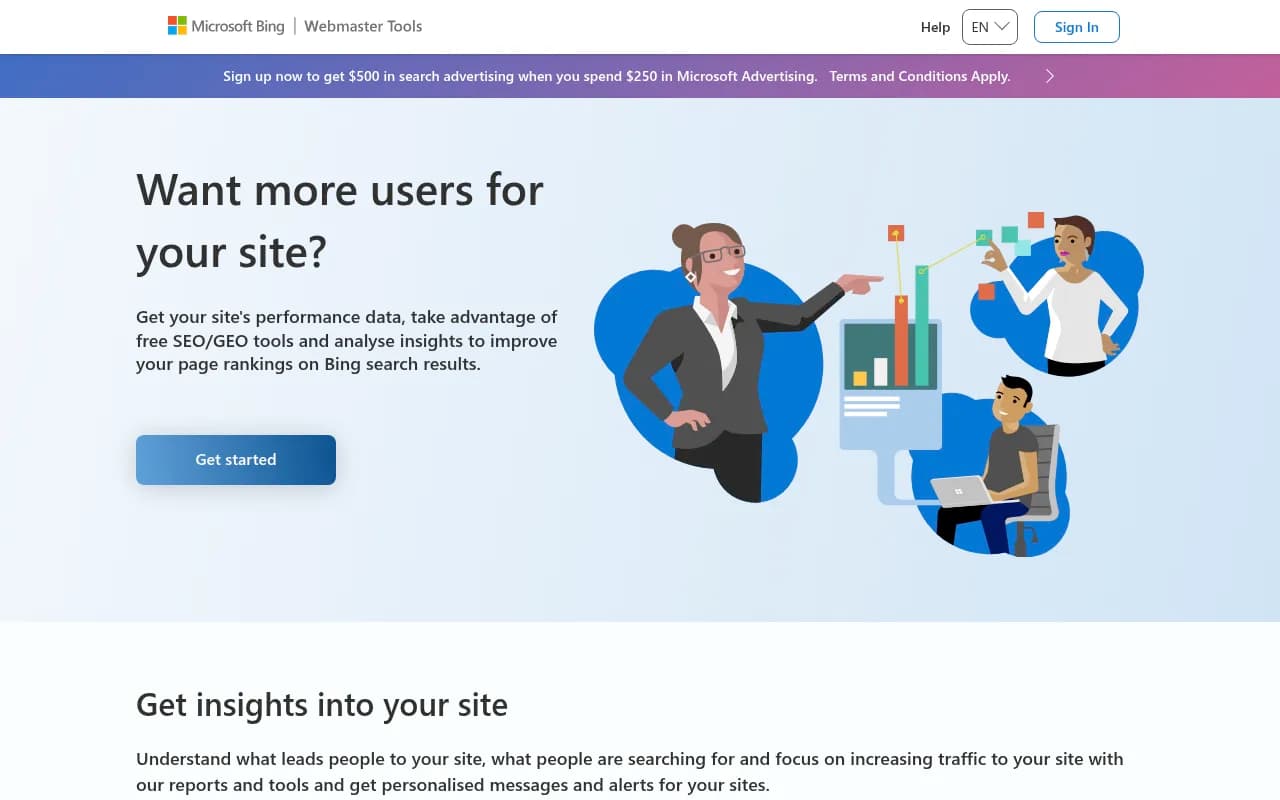
Bing Webmaster Tools is worth a few minutes too, because Copilot and some ChatGPT answers lean on Bing's index.
Step 5: check your crawlability and basics
AI answers can only use what they can read. Promptwatch's data shows ChatGPT began using the site: operator at scale on August 8, 2026, jumping from about 0.4% to about 17% of fanout queries overnight (report). Your own domain's crawlability and indexing now affect answers more directly. Free checks to run:
- Open your robots.txt and make sure you're not blocking AI crawlers by accident.
- Confirm your location pages are indexable, with a real address, phone number, hours and service area in plain HTML.
- Make sure your Google Business Profile, Bing Places and main directory listings all agree on name, address and phone.
- Use Promptwatch's free Agentic Readiness Check or AI Crawler URL Inspector to see which AI crawlers can read a page.
The AI Bots and Web Crawlers Directory also lists 400+ crawlers with robots.txt guidance if you want to understand what you're allowing.
Free and trial tools worth trying
A few free options exist, but be skeptical about what each one measures. The research for this guide shows free checkers such as Rank.ai and CitedSpy produce one-off answer excerpts and citations, and I haven't tested them myself, so treat that as a description and not a recommendation. WebAloha's advice is sound: before trusting any metric, ask to see the exact prompts, platforms, location, account state, raw answers and cited URLs behind it.
| Option | Cost | What you get | Limits |
|---|---|---|---|
| Manual spreadsheet log | Free | Full control over prompts and raw answers | Time-consuming, no automation |
| Google Search Console + GA4 | Free | Query data and AI referral traffic | Doesn't show AI answers themselves |
| Promptwatch free AI visibility report | Free, no login | How ChatGPT, Gemini and Perplexity talk about your brand, plus a crawler access check | One-off scan |
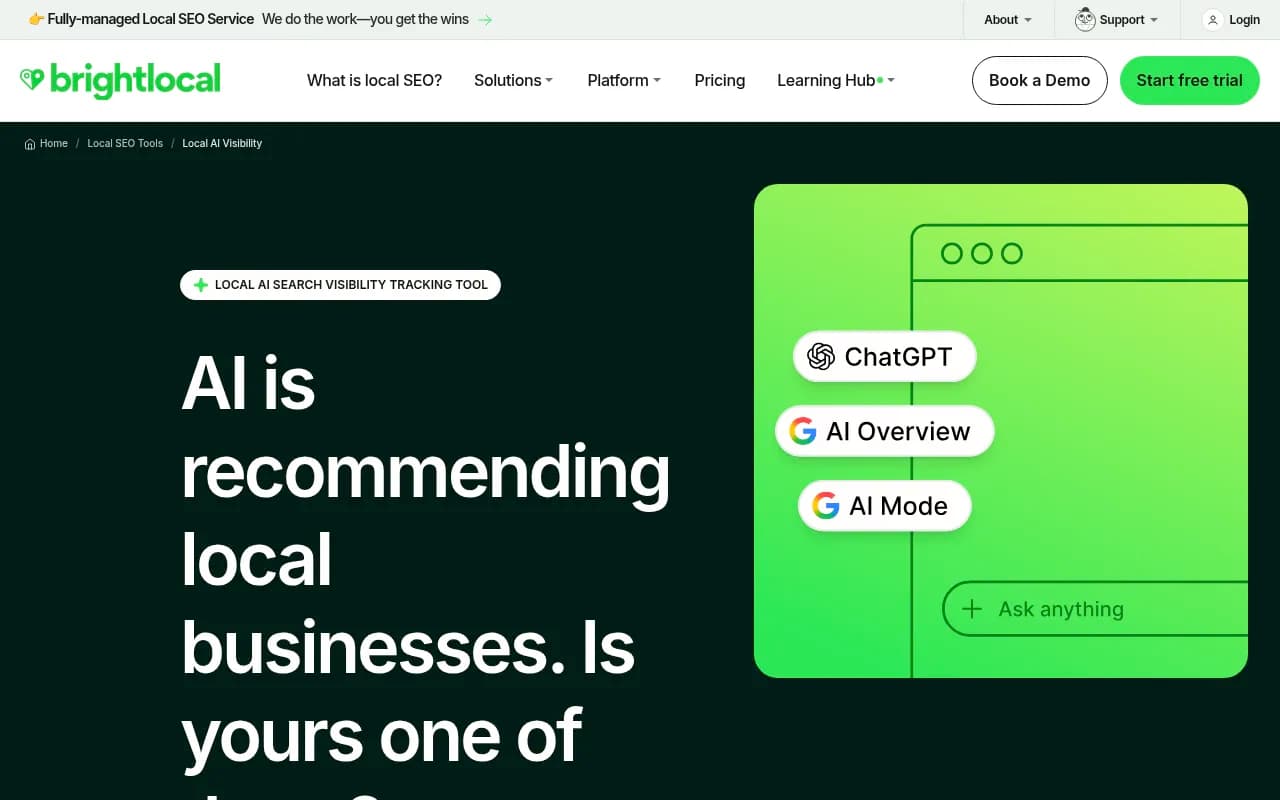
| BrightLocal Local AI Visibility | 14-day free trial, no card | Tracks ChatGPT, Google AI Mode and AI Overviews for local | Trial only |
| Serpwise Studio | Free desktop app | Prompt tracking and answer reading on your machine | Optional paid cloud platform for more |
| Promptwatch | 7-day free trial on monthly plans | Full tracking, crawler logs and content tools | Paid after trial |
The free AI visibility report
Promptwatch offers a free AI visibility report that scans how ChatGPT, Gemini and Perplexity describe your brand, with a visibility score and crawler access check. It's a good first pass before you build any spreadsheet, though it's a snapshot and not a monitor.

BrightLocal's trial
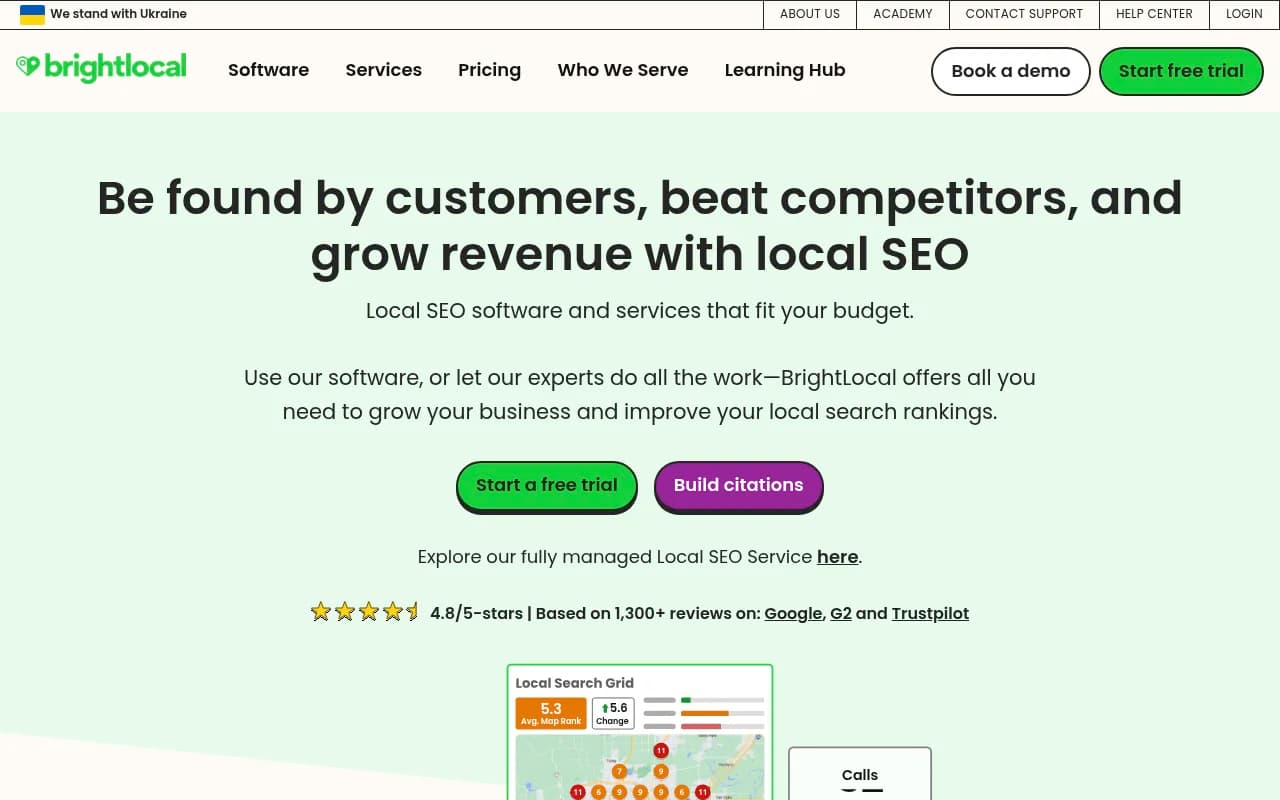
BrightLocal is built for local, and its Local AI Visibility product covers ChatGPT, Google AI Mode and Google AI Overviews with a 14-day trial that doesn't ask for a card. If you already use it for citations or rank tracking, this is the obvious place to start.
Other free-leaning options
If you want to browse more, a couple of tools in our catalog position themselves as free or low-cost. ProductRank and PromptReach both claim to be free, though I haven't verified what you get, so check what they actually deliver before relying on them.
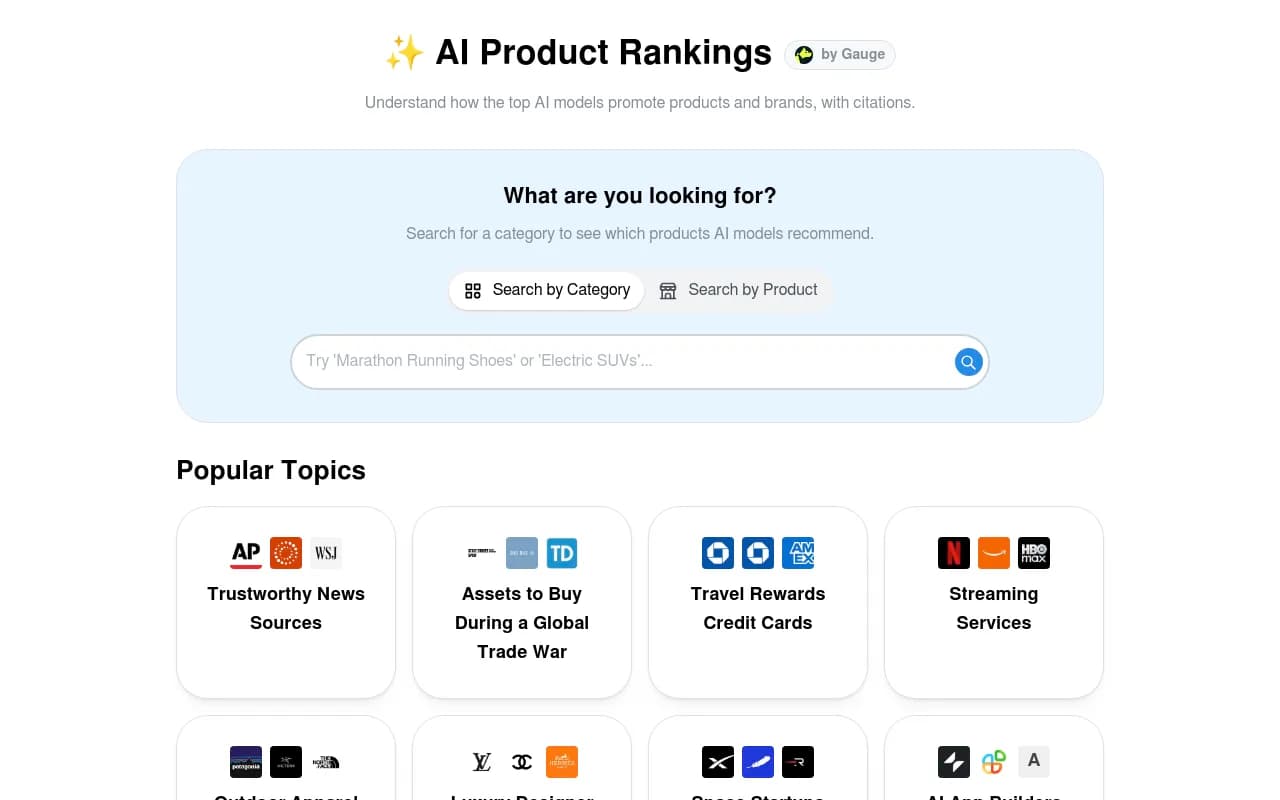
For a wider look at paid and free trackers, the directories at ai-rank-tools.com and bestgeosoftware.com are good places to compare.
What manual checks can't tell you
Be straight with yourself about the limits. A manual log has real blind spots:
- It goes stale. When ChatGPT changed its search behavior overnight on August 8, 2026, any one-off audit from the week before stopped describing reality. Promptwatch's reading is that continuous monitoring matters more than occasional audits.
- It can't see multiple locations. Checking "near me" from your laptop tells you about your laptop's location, not about the branch across town.
- It misses the cause. You can see that a competitor is cited, but not which crawler hit which page, or whether your page was read at all.
- It doesn't scale. Forty prompts across three models, run three times each, is 360 checks. That's a lot of copy and paste every month.
- It doesn't connect to revenue. Without visitor data tied to AI sources, you can't say whether visibility produced calls.
When it makes sense to pay
Stay on the free workflow if you have one location, a small prompt list and a monthly review cadence. Move to a paid tracker when any of these become true:
- You have multiple locations and need answers as if asked from each spot.
- You want daily or faster tracking, not a monthly snapshot.
- You need to prove impact on calls, forms or bookings.
- You manage clients and need reporting that doesn't live in a spreadsheet.
- You want to act on the findings, not just record them.
On that last point, many trackers only report a score. Promptwatch is built as a closed loop: it monitors prompts across ChatGPT, Gemini, Perplexity, Google AI Overviews, AI Mode and others using the real interfaces, traces which pages get cited, uses the Action Board and Content Agent to fix gaps, then checks results through IP-verified crawler logs and visitor analytics. For local specifically, Business and above include state and city tracking plus local GEO/SEO targeting that pins a monitor to exact coordinates (accuracy radius 20 m to 5 km), so ChatGPT, AI Overviews and AI Mode answer as if asked from that spot. Pricing starts at $95 a month for Essential and $579 a month for Business, and you should confirm current numbers at promptwatch.com/pricing. The 7-day free trial is the easy way to test whether the extra depth is worth it. There is no free plan.
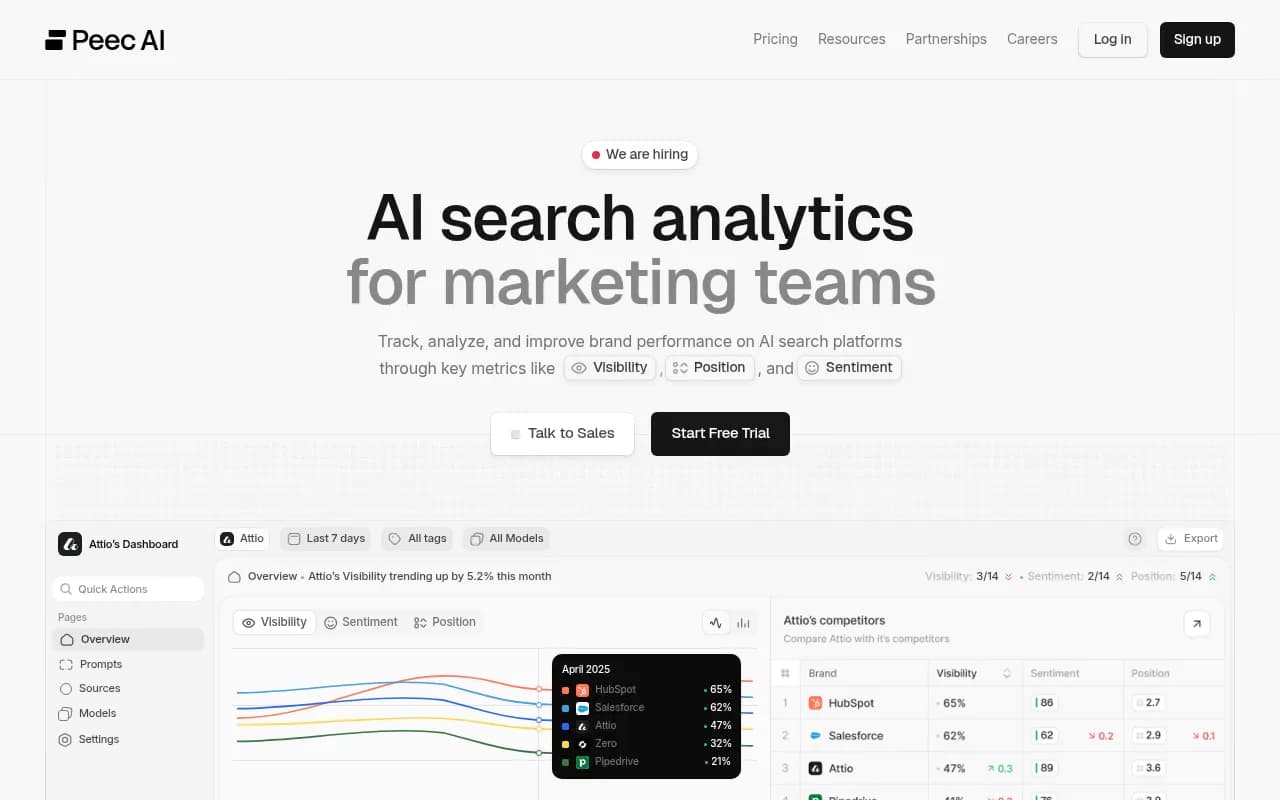
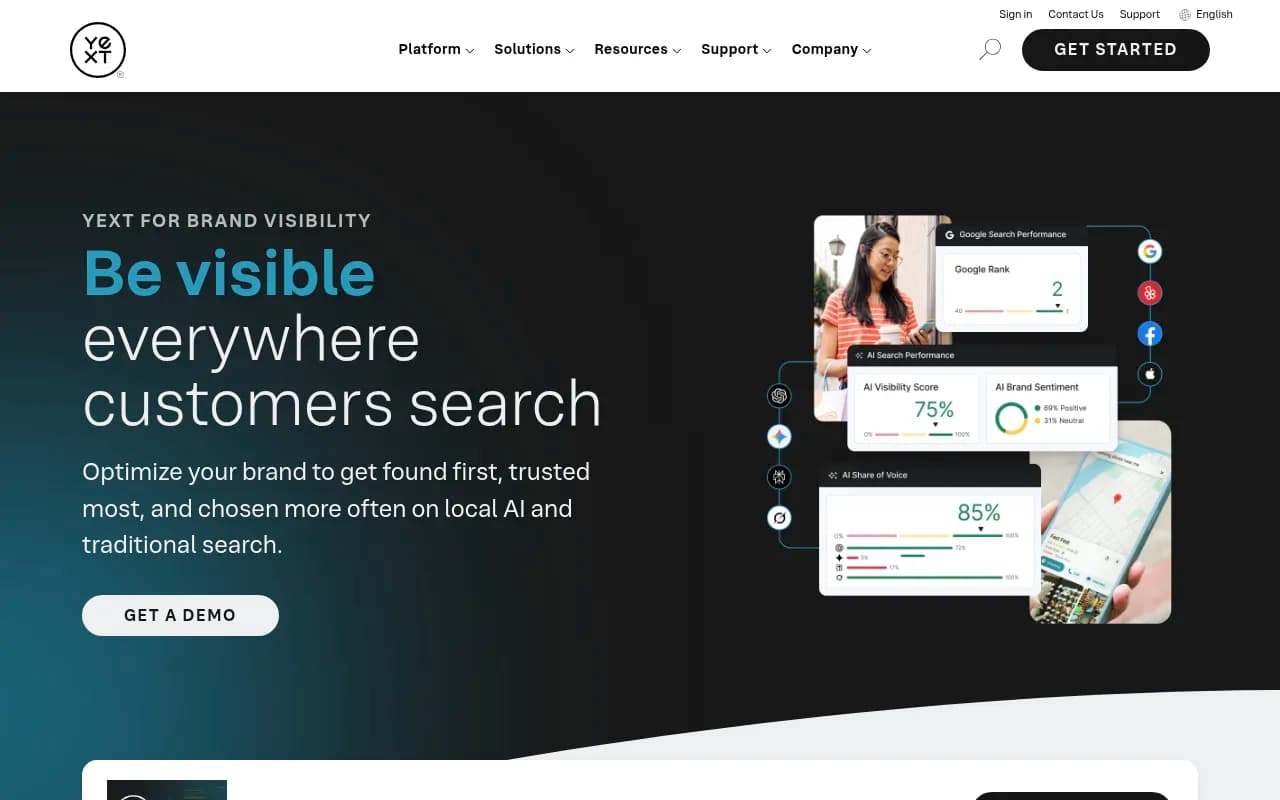
A few other trackers are worth a look depending on your needs. Otterly.AI, Peec AI and Rankshift are mainly monitoring tools, and for pure local reputation and listings work, Yext, Uberall and Chatmeter cover multi-location needs.
Otterly.AI


Questions to ask before you pay anyone
Whatever tool you pick, ask the vendor:
- Which exact prompts and how many runs sit behind each metric?
- Does it use the real consumer interface or only API responses? These can differ.
- How is location handled for local queries?
- Can I see the raw answer and cited URLs?
- What happens to my data if I cancel?
If the answers are vague, keep your spreadsheet.
A simple 30-day plan
Week 1: write 25 prompts, set up your spreadsheet, and run the free AI visibility report.
Week 2: run every prompt on two models, three runs each, and log mentions, competitors and cited URLs.
Week 3: fix the obvious gaps: wrong listings, blocked crawlers, thin location pages. Set up the GA4 AI referral segment.
Week 4: rerun the full list, compare mention rate and accuracy against week 2, and decide whether the manual effort or a trial of BrightLocal or Promptwatch makes more sense next.
By the end of that month you'll know whether AI visibility is a real channel for your business, and you'll have a concrete list of prompts to hand to whichever tool you pay for.