Key takeaways
- ChatGPT referral clicks show up in Google Analytics 4 (GA4) as sessions from a source containing "chatgpt". The check takes a few minutes and costs nothing.
- Some AI-driven visits are hidden inside Direct traffic, so a zero in the referral report doesn't prove zero influence.
- Service pages, landing pages, listicle mentions and review pages are the most likely entry points for a local business, so check those landing pages first.
- Analytics shows clicks, not mentions. To see whether ChatGPT names you at all, ask it directly or use a visibility tracker.
- Verify the exact GA4 menu labels in your own account. Google moves things around.
Why local businesses should look at this now
Someone types "who does roof repair in Tulsa" or "best HVAC company near me" into ChatGPT. It doesn't guess. It pulls from real websites, then cites some of them. When your page is one of the cited sources and the person clicks, that visit lands in your analytics as a referral from chatgpt.com.
Most owners never look. They stare at organic search numbers, wonder why things feel soft, and never open the report that would show a new source of visitors. The report is free and already in your dashboard.
A caution before we start. ChatGPT sends far fewer clicks than Google for most small sites. The point of this check isn't to find a flood. It's to find out whether you're getting any, which pages earn them, and whether those visitors do anything useful.
What you need before you start
- A website with Google Analytics 4 installed and collecting data. If GA4 isn't connected, you can't do the steps below, and history before installation doesn't exist.
- Admin or at least Viewer access to the GA4 property.
- Roughly 30 to 90 days of data. Shorter windows on a small local site produce noisy, near-empty results.
If you'd rather not use Google's tool, privacy-first analytics like Matomo can track referrers too, though the menu names differ.
Step 1: Check the Traffic acquisition report
This is the fastest route, and it's the one several practitioners recommend.
- In GA4, open Reports, then Acquisition, then Traffic acquisition.
- The first column defaults to Session default channel group. Click that column header (or use the dropdown) and switch the dimension to Session source. Some accounts show "Session source / medium", which works too.
- Set the date range to the last 90 days.
- Scan the list for anything containing "chatgpt", typically chatgpt.com. Older traffic may show under openai-related names, so scroll a bit.
- If you see it, note the session count and the engagement rate next to it.
Use the search box above the table and type "chatgpt" if your list is long. It's quicker than eyeballing.
One honest limitation: I haven't re-verified the current GA4 menu paths for this guide, and Google renames things regularly. If a label doesn't match, search the report library for "acquisition".
Step 2: See which pages ChatGPT visitors land on
Knowing you got 14 sessions is nice. Knowing which pages earned them is useful.
- Go to Reports, then Engagement, then Pages and screens. (Some accounts call it Landing page under the Engagement section. Either works for this purpose.)
- Click Add filter (or the comparison option).
- Set the dimension to Session source, the match type to Contains, and the value to chatgpt.
- Apply it and read the table by views and sessions.
The GoBIG Systems walkthrough takes the same route: Reports, Pages and screens, then a Session source contains "chatgpt" filter. Here is how that guide looks:
If you want more flexibility, build an Exploration. Nick Nolan's step-by-step on Medium starts with creating a new exploration in GA4, which lets you stack source, landing page and conversion events in one table.
Which pages should you expect to see?
Promptwatch Data looked at what ChatGPT cites across all industries for Sep 28 to Oct 4, 2026. Product pages were the most cited content type at 22.4% of classified citations, with landing pages at 16.8%. Listicles came in at 13.6%, how-to guides at 8.7%, and FAQ pages at 3.3%.
That report doesn't cover local businesses specifically, so treat the next part as my inference rather than a measured fact. For a local business, the equivalent pages are your service pages, your location or city landing pages, any "best X in city" listicles that mention you, your FAQ page, and review pages. If ChatGPT visitors are landing anywhere, it's probably there.
For prompts that name a business directly, the same report found reviews were 5.6% of citations, more than three times their share across all prompts. If someone asks ChatGPT about you by name, your reviews on third-party sites may be shaping the answer.
Step 3: Hunt for ChatGPT traffic hiding in Direct
Not every AI visit carries a referrer. Some people copy a URL out of a chat and paste it into a browser. Some apps strip referrer data. Those sessions land in Direct, or occasionally in Unassigned.
The eSEOspace guide suggests three useful signals:
- Landing page clustering. If Direct sessions land on deep service or FAQ pages instead of your homepage, someone likely pasted a specific link. Real direct visitors mostly type your brand name and hit the homepage.
- Time series correlations. Compare Direct sessions before and after you publish FAQs, comparison pages or how-tos. Annotate the dates and look for step changes.
- Server logs and CDN analytics. These help validate referrers and timing when GA4 is unclear.
To do the first one: open Traffic acquisition, click into the Direct channel, then add Landing page as a secondary dimension. A pile of Direct sessions on a page like "/emergency-ac-repair-dallas/" is a clue, not proof.
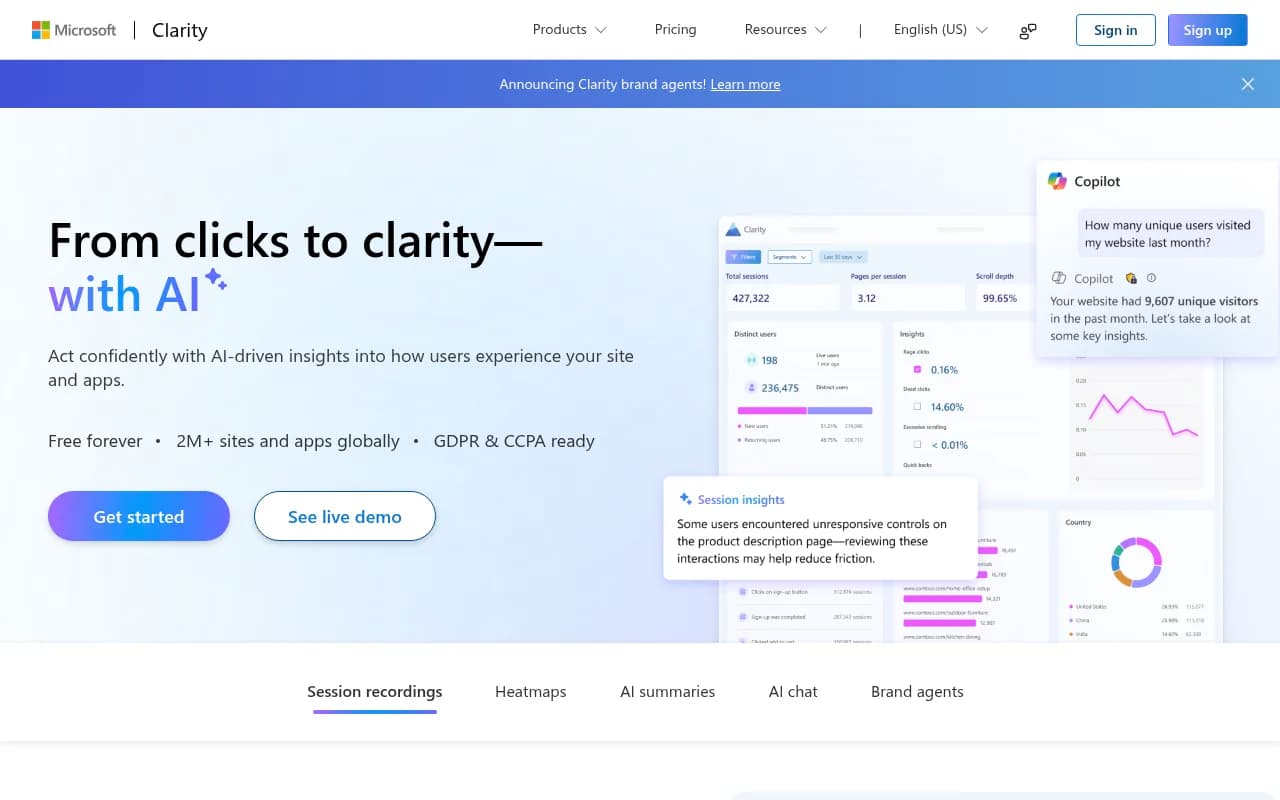
Behavior tools can help triangulate. Session recordings and heatmaps show whether odd Direct visitors act like people arriving from an answer they already read, which usually means fast, focused visits.
Step 4: Tag what you can with UTM parameters
Seer Interactive's guide to tracking ChatGPT and Claude traffic recommends making sure UTM-tagged URLs are embedded in the primary and secondary pages that AI tools might access. The idea is simple: if you control the link an AI tool picks up, you control how the visit is labeled.
A caveat. I didn't research how ChatGPT tags its own outbound links in detail, so don't assume a given UTM parameter is always present. Check your own data. If you see sessions with a source of chatgpt.com in GA4, that's the label to build filters around.
Useful places to add tracked links, if you control them:
- Your Google Business Profile website link, with a distinct campaign name.
- Press releases and directory listings you've submitted.
- Links in your own profiles on review sites.
Keep naming consistent. GA4 treats "ChatGPT" and "chatgpt" as different values if you tag by hand, so pick lowercase and stick to it.
Step 5: Judge the quality of the visits
Once you've found the traffic, ask whether it's worth anything. For a local business, the useful questions are:
- Engagement rate and average engagement time compared with organic search.
- Whether these sessions trigger the events you care about: phone-tap clicks, form fills, direction requests, booking button clicks.
- Whether they're new users or repeat visitors.
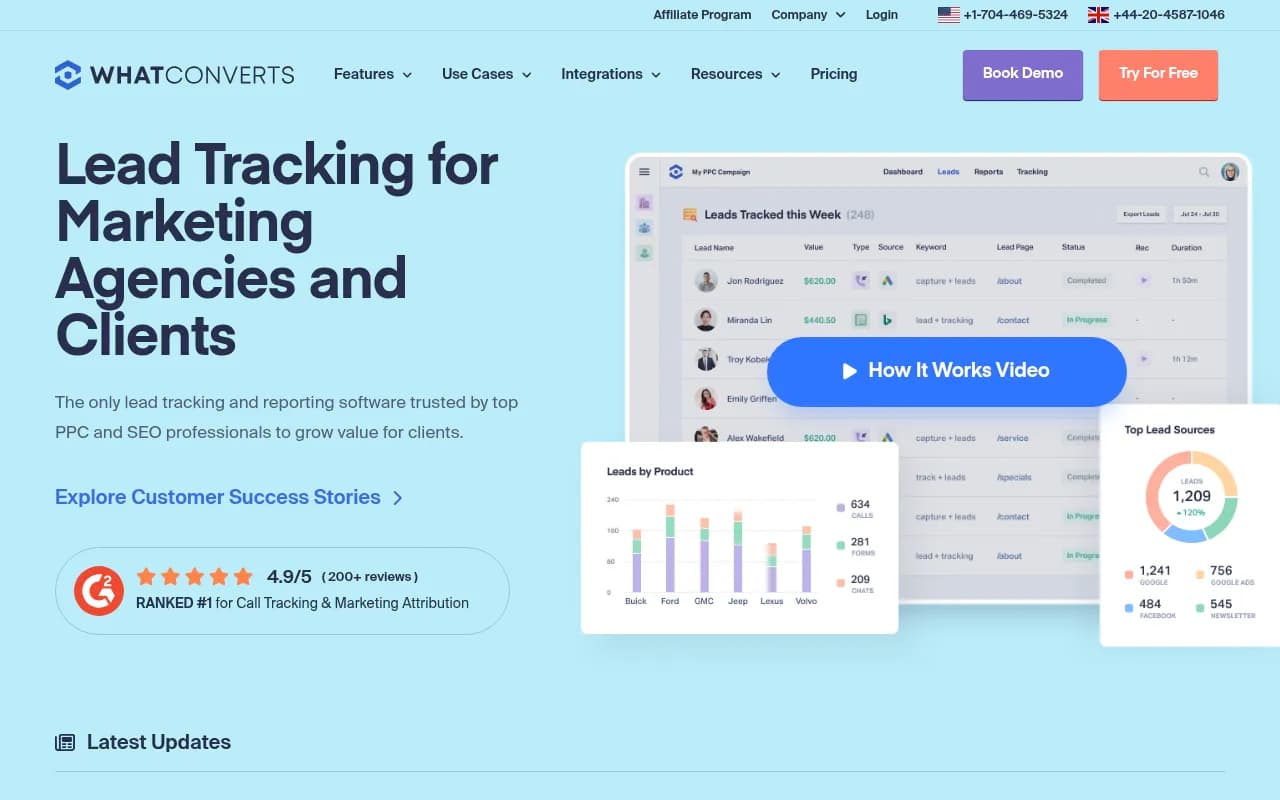
If you haven't set up key events in GA4 for calls and forms, do that first. Traffic without conversion tracking is a vanity number. For call tracking that ties leads to the source, a lead-attribution tool can fill the gap.
Promptwatch's published case studies suggest AI visitors can convert well. Crisp reported twice the conversion rate from AI traffic compared with traditional channels. Those are SaaS numbers, not plumber numbers, so measure your own.
Step 6: Check whether ChatGPT mentions you at all
Analytics only shows people who clicked. ChatGPT can recommend you and never send a click, because the person calls the number it shows or searches your name later.
The simplest manual test, floated in small business owner groups, is to open a fresh chat and ask: "tell me about [your business name]." Then try the questions a customer would actually ask:
- "Best [service] in [city]"
- "Who should I call for [problem] near [neighborhood]"
- "[Your business] reviews"
- "[Your business] vs [competitor]"
Run each in a new chat, since results change by phrasing. Write down whether you're named, in what position, and what sources are cited. If the sources are directories and review sites rather than your own pages, those are the places to fix first.
The tool in the catalog that does this job for a chat-style check is ChatGPT itself:
Manual checks don't scale past a handful of prompts, and ChatGPT's answers vary between sessions. That's where tracking tools come in.
Where ChatGPT clicks tend to go in 2026
One finding worth knowing before you spend time on social profiles. In Promptwatch Data for Sep 28 to Oct 4, 2026, social platforms made up only 0.46% of ChatGPT's citations. Reddit's share of ChatGPT citations collapsed from roughly 4% to 0.5% on August 14, 2026. Google AI Overviews behaves differently: social platforms earned 12.2% of its citations in the same week, with YouTube at 4.28% and Facebook at 2.38%.
Practical meaning for a local business: ChatGPT referral clicks are now more likely to go to your own site and the listicle and review pages it cites. Facebook, Instagram and YouTube matter more for Google's AI surfaces, so check those channels separately rather than assuming one pattern.
These numbers change month to month, so reread the reports if you're making a decision from them.
Tools that go beyond a manual check
GA4 answers "did anyone click." Other tools answer "are we being named" and "what do the AI crawlers see." Here's how the options fit a local business.
| Tool | What it helps with | Best for |
|---|---|---|
| Google Analytics | Referral sessions, landing pages, conversions | Everyone, first step |
| Google Search Console | Google search performance per page, to compare with AI traffic | Finding pages that rank but never earn AI clicks |
| Promptwatch | AI visibility tracking, citations, crawler logs, AI visitor analytics, content actions | Businesses that want to track and fix AI visibility |
| BrightLocal | Local listings and local rankings | Citation and listing consistency |
| Birdeye | Reviews and AI answer appearances | Review-heavy local businesses |
| Whitespark | Local citation building | Fixing directory data that AI pulls from |
Promptwatch is the one I'd point you to if you want to go past analytics. It tracks how your brand shows up in ChatGPT, Google AI Overviews, Perplexity and other models, shows which pages get cited, logs which AI crawlers visit your site, and ties AI visits to actual traffic. It then suggests and drafts content fixes. There's a free plan to test with, and paid plans start at $95 per month. Confirm current pricing at promptwatch.com/pricing.

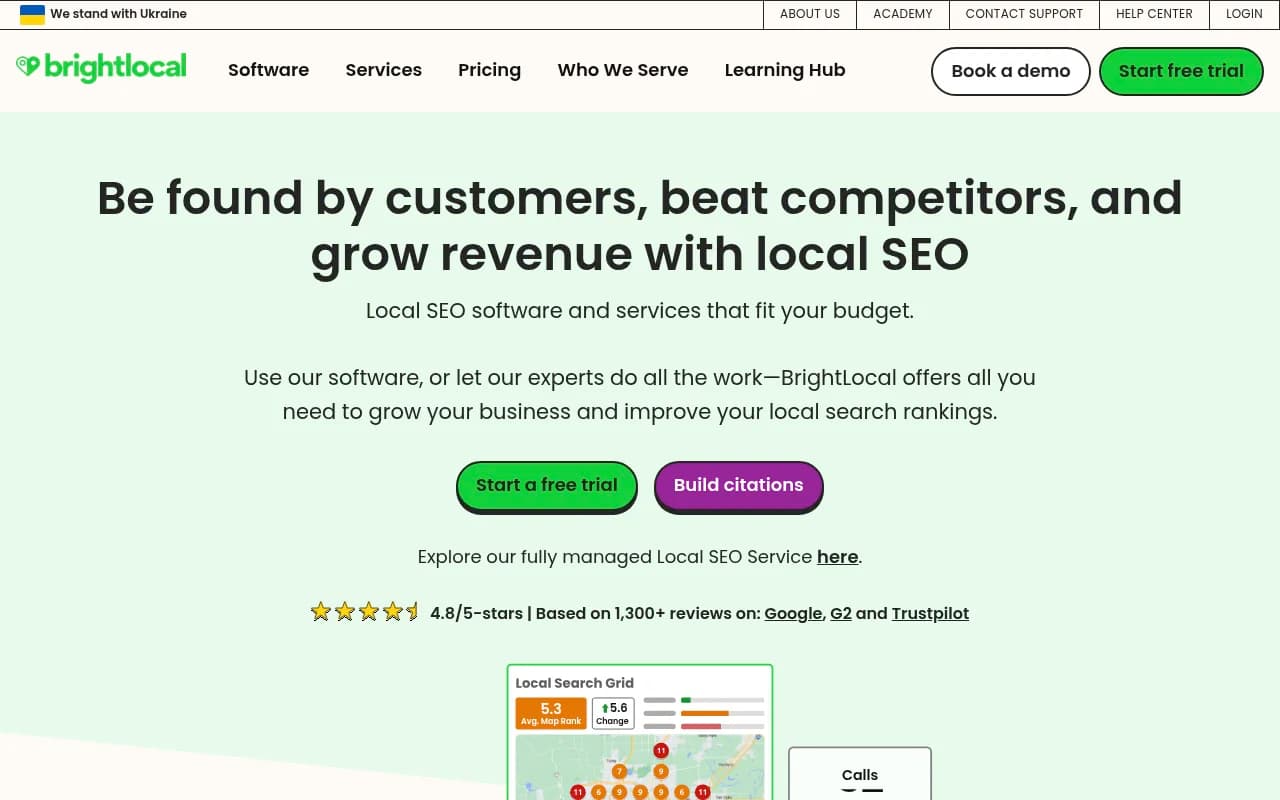
For local-specific work, a local SEO platform covers the listing and review side that AI engines often draw from.
Search Console is worth connecting because it shows which pages already rank in Google. Pages that rank but never earn an AI citation are your best content-fix candidates.
If you want to browse more options, the GEO software directory at bestgeosoftware.com lists dozens of trackers, and ai-rank-tools.com covers AI rank tracking specifically.
Common reasons you see nothing
If the report comes back empty, the cause is usually one of these:
- GA4 wasn't installed until recently, so there's no history.
- The date range is too short for a site with low traffic.
- ChatGPT doesn't cite you for the prompts your customers use. That's a visibility problem, not a measurement problem.
- The visits are real but untagged and sitting in Direct.
- Your site blocks AI crawlers, or can't be read by them, so it never gets cited. Check your robots.txt and any security plugin that blocks bots.
- Your pages are thin. A single "Services" page with two sentences gives ChatGPT little to cite.
The robots.txt one catches people more than you'd think. A well-meaning bot-blocking setting can stop AI systems from ever reading your pages.
A simple monthly routine
Keep this short, or you won't do it.
- Open Traffic acquisition, switch to Session source, search "chatgpt", and record sessions and engagement.
- Run the Pages and screens filter and note the top three landing pages.
- Check Direct for odd spikes on deep pages.
- Ask ChatGPT five customer-style questions and write down whether you're named.
- Compare against last month in a simple spreadsheet.
That's about 20 minutes. After three months you'll know whether this channel is real for your business and which pages deserve attention.
What to do with the results
If you find traffic, double down on the pages earning it: expand them, add an FAQ block, keep the address, hours and service area accurate, and collect fresh reviews. Promptwatch's advice for branded prompts is to make sure your homepage and service pages answer questions about pricing, features and who it's for, collect reviews on trusted sites, and add an FAQ page. That translates cleanly to local: what you charge, where you work, and who you serve.
If you find nothing, don't panic. Many small sites get nothing yet. Fix the basics (crawlability, clear service pages, consistent listings), then re-check in 60 days.
Businesses that want help with this rather than doing it themselves can hire a specialist. 1001 SEO Media is an agency that works on technical SEO and AI search visibility, and it publishes this site.
The short version: open GA4, filter for "chatgpt", look at the landing pages, then test your own name in a fresh chat. That gets you a real answer today.