Key takeaways
- Disappearing from Google AI Overviews after a content update is common -- but not always caused by the update itself. Algorithm changes, technical errors, and SERP feature shifts are frequent culprits.
- Start with Google Search Console to confirm whether your traffic drop correlates with AI Overview changes or something else entirely.
- AI Overviews favor content that directly answers questions, uses clear structure, and demonstrates authority. Vague rewrites often cause drops.
- Recovery is possible, but it takes systematic diagnosis before you start changing things. Fixing the wrong problem makes it worse.
- Dedicated AI visibility tools can show you exactly which prompts you've lost and what competitors are being cited for instead.
You updated your content. Maybe you tightened the copy, restructured the page, or refreshed some outdated stats. Then you checked your traffic a week later and noticed something uncomfortable: the AI Overview mentions that used to pull visitors to your site are gone.
This happens more often than people realize in 2026. Google's AI Overviews now appear on roughly 60% of search queries, according to data from Ekamoira's December 2025 analysis. That means losing a mention isn't a minor inconvenience -- it can meaningfully cut organic traffic for high-value terms.
The good news: these drops are usually recoverable. The bad news: most people try to fix them without properly diagnosing what actually went wrong first, which wastes weeks.
Here's how to do it right.
Step 1: Confirm the AI Overview is actually the problem
Before touching anything, verify that AI Overviews are genuinely responsible for your traffic drop. This sounds obvious, but a lot of traffic losses get misattributed.
Open Google Search Console and look at your performance data for the period around your content update. Filter by your key pages and check whether impressions and clicks dropped at the same time you published the update.
Then manually search your most important keywords and check whether:
- An AI Overview now appears where it didn't before
- An AI Overview still appears, but your site is no longer cited in it
- No AI Overview appears at all for that query
These are three different problems with three different solutions. Don't conflate them.
Also check for other possible causes: a Google core update, a technical issue like a broken canonical tag, or a sudden drop in backlinks. Tools like Ahrefs or Semrush can help you rule these out quickly.
If the timing lines up precisely with your content update and the AI Overview for your target query no longer cites your page, you have a clear diagnosis. Move to step 2.
Step 2: Understand why AI Overviews drop pages after updates
Google's AI Overviews pull from pages that best answer the query at the moment the model evaluates them. When you update content, a few things can cause you to lose that citation:
You removed the direct answer. This is the most common cause. In an effort to make content "flow better" or sound less like an FAQ, writers often remove the clean, direct answer that the AI Overview was citing. The model needed that specific sentence or paragraph. Now it's gone.
You changed the page's topical focus. If you rewrote a page to target a slightly different angle, the page may no longer be the best match for the original query. The AI Overview will find a page that is.
You introduced ambiguity or hedging. AI Overviews tend to cite content that makes clear, confident statements. If your rewrite added a lot of "it depends" qualifications without also providing a clear answer, the model may prefer a more direct source.
Technical changes blocked recrawling. If you accidentally changed a noindex tag, altered your robots.txt, or introduced a redirect chain during the update, Google may not have recrawled the new version yet. The AI Overview is still evaluating an older cached version -- or no version at all.
The content became thinner. If you cut word count significantly or removed supporting sections, the page may no longer have enough depth to be considered authoritative on the topic.
Step 3: Audit the specific page that lost its mention
Pull up the page that lost its AI Overview citation and compare it to the version that was being cited. If you use a CMS with version history, this is straightforward. If not, check the Wayback Machine at web.archive.org for a cached version.
Look for:
- The exact sentence or paragraph that the AI Overview was quoting or paraphrasing
- Any structured content (numbered lists, definition-style answers, comparison tables) that you removed
- Whether the H2/H3 heading structure still clearly signals what questions the page answers
- Whether the introduction still contains a direct, concise answer to the primary query
Then search the query yourself and read the current AI Overview carefully. What is it citing? What source is it using instead of you? Read that competing page. It will tell you exactly what yours is now missing.
Run a technical crawl with Screaming Frog or a similar tool to check for any accidental technical issues introduced during the update: broken internal links, missing schema markup, slow page load times, or crawlability problems.
Step 4: Reconstruct what the AI Overview needs
Once you know what was lost, the fix is usually straightforward -- but it requires restraint. The instinct is to rewrite everything. That's usually wrong.
Instead, focus on restoring or improving the specific elements that AI Overviews reward:
Direct answers near the top of the page. The AI Overview often cites content from the first few hundred words. If your direct answer to the primary query is buried in paragraph seven, move it up. A clear one or two sentence answer near the top, followed by supporting detail, is the structure that gets cited most often.
Question-and-answer structure. Use H2 or H3 headings phrased as questions that your target audience actually asks. Then answer each question directly in the first sentence of that section. This is not just good for AI Overviews -- it's good content structure generally.
Factual specificity. Vague claims don't get cited. "Studies show that..." without a specific number or source is less likely to be pulled than "According to [specific source], X% of users do Y." If you removed specific data points during your rewrite, put them back.
Schema markup. FAQ schema, HowTo schema, and Article schema all help Google understand your content's structure. If your update removed or broke existing schema, restore it.
Tools like Surfer SEO and Clearscope can help you analyze whether your updated page covers the topic with enough depth compared to pages currently being cited.

Step 5: Track your AI Overview visibility systematically
Manual checking is fine for diagnosing a single page, but it doesn't scale. If you're managing multiple pages or want to catch drops before they become traffic problems, you need proper tracking.
Promptwatch is built specifically for this. It monitors your visibility across Google AI Overviews and nine other AI models, shows you which prompts you're being cited for, and -- critically -- shows you which prompts competitors are visible for that you're not. That gap analysis is what makes it possible to prioritize recovery efforts instead of guessing.

The AI crawler logs feature is particularly useful after a content update: you can see exactly when Google's AI crawlers last visited your updated pages, whether they encountered any errors, and how frequently they're returning. If your updated page hasn't been recrawled since you published the fix, you'll know -- and you can request indexing through Search Console to speed things up.
Other tools worth knowing about:
Otterly.AI

Otterly.AI tracks brand mentions across ChatGPT, Perplexity, and Google AI Overviews. It's a solid monitoring option if you want a simpler dashboard focused on visibility tracking.
Semrush has added AI Overview tracking to its platform. It's useful if you're already using it for traditional SEO and want to keep everything in one place, though its AI search features are less deep than dedicated GEO tools.
Step 6: Rebuild authority signals around the updated page
Sometimes the content itself is fine, but the page lost authority signals during or after the update. This happens when:
- Internal links to the page were removed during a site restructure
- The page URL changed and redirects weren't set up properly
- External sites that linked to the old version now hit a 404 or redirect
Check your internal link structure. Make sure your most important pages are linked from relevant hub pages, your navigation, and contextually within related content. AI Overviews tend to favor pages that the rest of the web treats as authoritative -- and internal linking is part of that signal.
If the URL changed, verify that the 301 redirect is in place and that Google has recrawled and reindexed the new URL. Use Search Console's URL Inspection tool to check the current index status.
Step 7: Create supporting content to reinforce the topic
If your page lost its AI Overview mention because a competitor now has more comprehensive coverage, the fix isn't just editing your existing page. You may need to build out the topic cluster around it.
AI Overviews often synthesize information from multiple sources. If your site only has one page on a topic and a competitor has five interlinked pages covering every angle, the competitor's content ecosystem looks more authoritative.
Identify the related questions that your target query branches into. Tools like AlsoAsked and AnswerThePublic are useful here -- they show you the sub-questions that users ask around your primary topic.
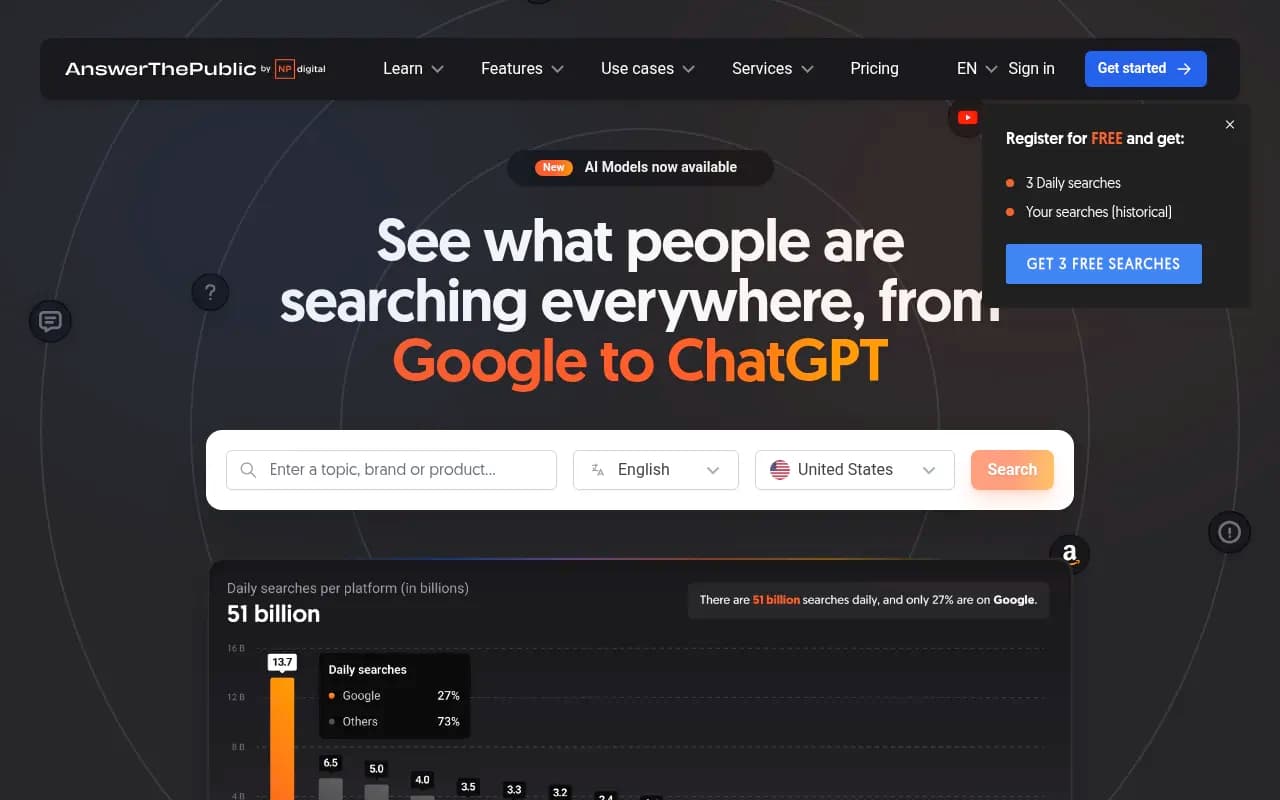
Create or update supporting pages that answer those sub-questions, then link them back to your main page. This builds topical depth that AI Overviews reward.
How long does recovery take?
Honestly, it varies. Some pages recover within days of being recrawled. Others take two to four weeks. A few factors affect the timeline:
- How frequently Google's AI crawlers visit your site (check this in your crawler logs if you have access)
- Whether you've requested reindexing through Search Console
- How competitive the query is and how many strong alternatives exist
The LinkedIn case study referenced in our research data showed a page moving from position 6 to position 1 in under a month after systematic content recovery work. That's on the faster end, but it's achievable when the diagnosis is correct and the fixes are targeted.
A quick comparison: tools for tracking AI Overview recovery
| Tool | AI Overview tracking | Gap analysis | Content generation | Crawler logs | Best for |
|---|---|---|---|---|---|
| Promptwatch | Yes (+ 9 other AI models) | Yes | Yes | Yes | Full recovery workflow |
| Otterly.AI | Yes | Limited | No | No | Simple monitoring |
| Semrush | Partial | No | Yes (separate tool) | No | Teams already using Semrush |
| Google Search Console | Indirect | No | No | No | Free baseline tracking |
| Ahrefs | Partial | No | No | No | Traditional SEO + some AI data |
The pattern here is clear: most tools will tell you that you've lost visibility. Fewer will tell you why, and even fewer will help you fix it. If you're serious about recovering and staying visible in AI Overviews, you need a tool that closes the loop between diagnosis and action.
The mistake most people make
They panic, rewrite everything, and break what was working on other pages in the process. Or they focus entirely on the content while ignoring the technical side -- and the updated page never gets recrawled.
Slow down. Check the data first. Find the specific thing that changed. Fix that thing. Then track whether it worked before making more changes.
AI Overviews are not a black box. They have clear preferences: direct answers, structured content, factual specificity, and topical authority. When you lose a mention after an update, it's almost always because one of those things got worse, not better. Identify which one, fix it, and give Google's crawlers time to see the change.