Key takeaways
- A social media content calendar is only as useful as the strategy behind it — start with goals and audience, not with dates and post slots.
- Pick 2-3 platforms your audience actually uses rather than spreading thin across every network.
- Weekly planning cadences beat monthly ones: they're easier to adjust and keep content fresher.
- Scheduling tools like Hootsuite, Buffer, Later, and SocialBee handle publishing automation, but your calendar still needs a human layer for approvals and creative decisions.
- Batch content creation (planning 2-4 weeks ahead) is the single biggest time-saver for lean marketing teams.
Running social media for a brand without a calendar is like cooking dinner without a recipe. You might pull something together, but it's stressful, inconsistent, and you'll forget an ingredient half the time. A content calendar fixes that — not by removing creativity, but by giving it structure.
This guide walks through every step of building a social media content calendar in 2026: the strategy work that has to happen first, how to structure the calendar itself, which scheduling tools are worth using, and how to keep the whole system running without burning out your team.
Step 1: Define your goals and know your audience
Before you open a spreadsheet or sign up for a scheduling tool, spend an hour on this. What do you actually want social media to do for the business?
Common goals include:
- Drive traffic to a website or landing page
- Generate leads or email signups
- Build brand awareness in a new market
- Support a product launch or seasonal campaign
- Retain and engage existing customers
Each goal changes what you post, how often, and where. A SaaS company trying to generate leads on LinkedIn posts very differently from a DTC brand trying to build community on Instagram.
Audience clarity matters just as much. If you don't know who you're talking to, you'll write for everyone and connect with no one. Build a simple persona: job title or life situation, platforms they use, what they care about, what they scroll past.
Step 2: Choose your platforms (and be ruthless about it)
One of the most common mistakes marketing teams make is trying to maintain a presence on every platform. The result is mediocre content everywhere instead of great content somewhere.
In 2026, the platform landscape looks like this:
| Platform | Best for | Content format |
|---|---|---|
| B2B, thought leadership, hiring | Text posts, carousels, short video | |
| Visual brands, DTC, lifestyle | Reels, Stories, carousels | |
| TikTok | Gen Z, entertainment, product discovery | Short-form video |
| X (Twitter) | Real-time commentary, tech, media | Short text, threads |
| Local business, community, ads | Mixed, Groups | |
| YouTube | Long-form education, tutorials | Long video, Shorts |
| DIY, food, home, fashion | Static images, idea pins |
Pick two or three based on where your actual customers spend time. Then commit to those properly before expanding.
Step 3: Audit what you already have
If you've been posting at all, audit it before building a new calendar. Look at the last 3-6 months and ask:
- Which post types got the most engagement (saves, shares, comments)?
- Which platforms drove actual traffic or conversions?
- What content flopped, and why?
- Are there content gaps — topics your audience cares about that you haven't covered?
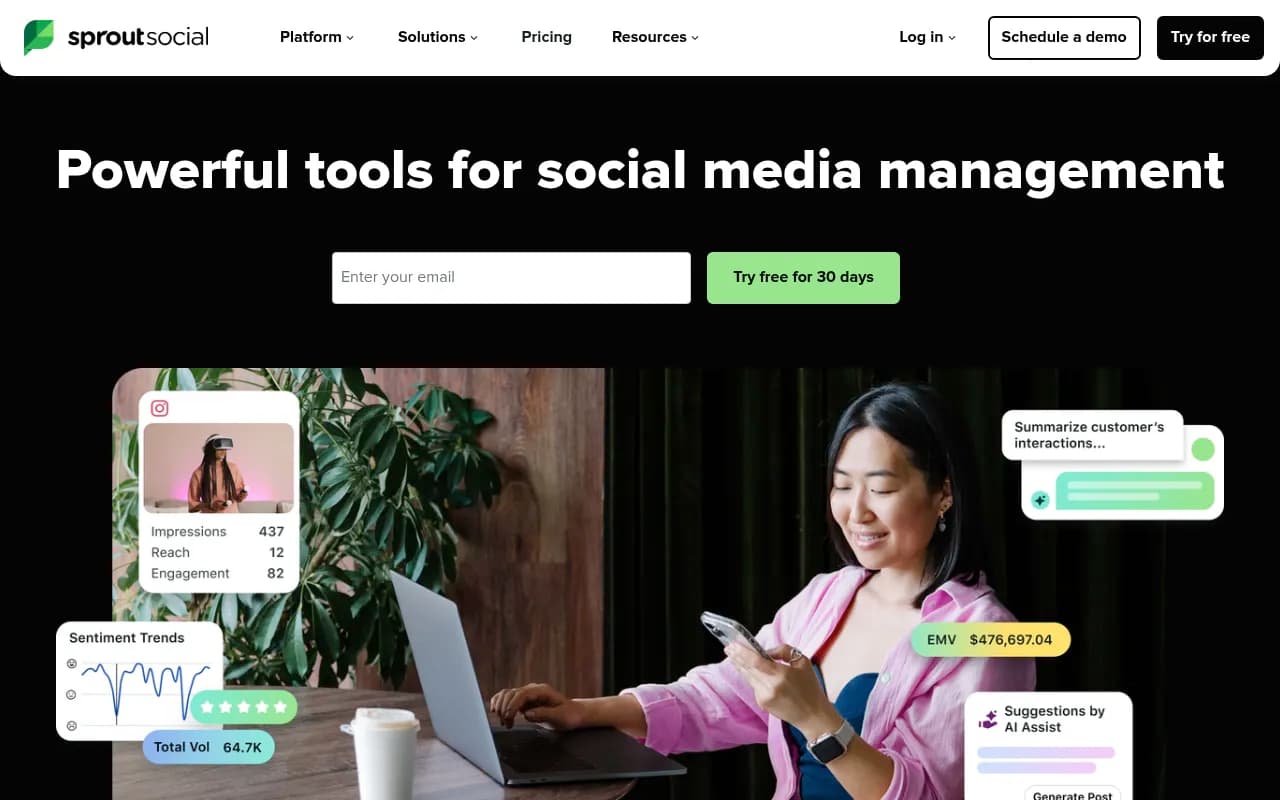
This takes maybe two hours and saves you from repeating mistakes in your new calendar. Most scheduling tools have built-in analytics for this. Sprout Social, for example, gives you detailed engagement breakdowns by post type and time of day.
Step 4: Build your content pillars
Content pillars are the 3-5 recurring themes your brand posts about. They give your calendar structure and prevent "blank screen syndrome" — that paralysis when you sit down to plan content and have no idea where to start.
For a B2B software company, pillars might look like:
- Product tips and tutorials
- Industry news and commentary
- Customer stories and case studies
- Behind-the-scenes team content
- Educational content (how-tos, frameworks)
For a fitness brand, they might be:
- Workout content
- Nutrition and recipes
- Client transformations
- Motivational content
- Product features
The 80/20 rule applies here: roughly 80% of your content should provide value (education, entertainment, inspiration) and 20% can be direct promotion. Audiences tolerate a sales pitch when they're getting genuine value the rest of the time.
Step 5: Set your posting frequency
How often should you post? The honest answer: consistently, at whatever frequency you can sustain with quality.
Posting every day for two weeks then going silent for a month is worse than posting three times a week reliably. Algorithms reward consistency, and so do audiences.
A realistic starting point for most marketing teams:
| Platform | Recommended frequency |
|---|---|
| 3-5x per week | |
| 4-7x per week (mix of feed + Stories) | |
| TikTok | 5-7x per week |
| X | 1-3x per day |
| 3-5x per week | |
| YouTube | 1-2x per week |
Start conservatively. It's much easier to increase frequency once you have a system than to scramble when you've overcommitted.
Step 6: Build the actual calendar
Now you're ready to build the calendar itself. There are two main approaches: a spreadsheet/project management tool, or a dedicated social media scheduling platform.
Option A: Spreadsheet or project management tool
A Google Sheet or Notion database works fine, especially for smaller teams. Your calendar should include at minimum:
- Post date and time
- Platform
- Content pillar / category
- Post copy (draft)
- Visual asset (link or attachment)
- Status (draft / in review / approved / scheduled / published)
- Link (if applicable)
- Notes
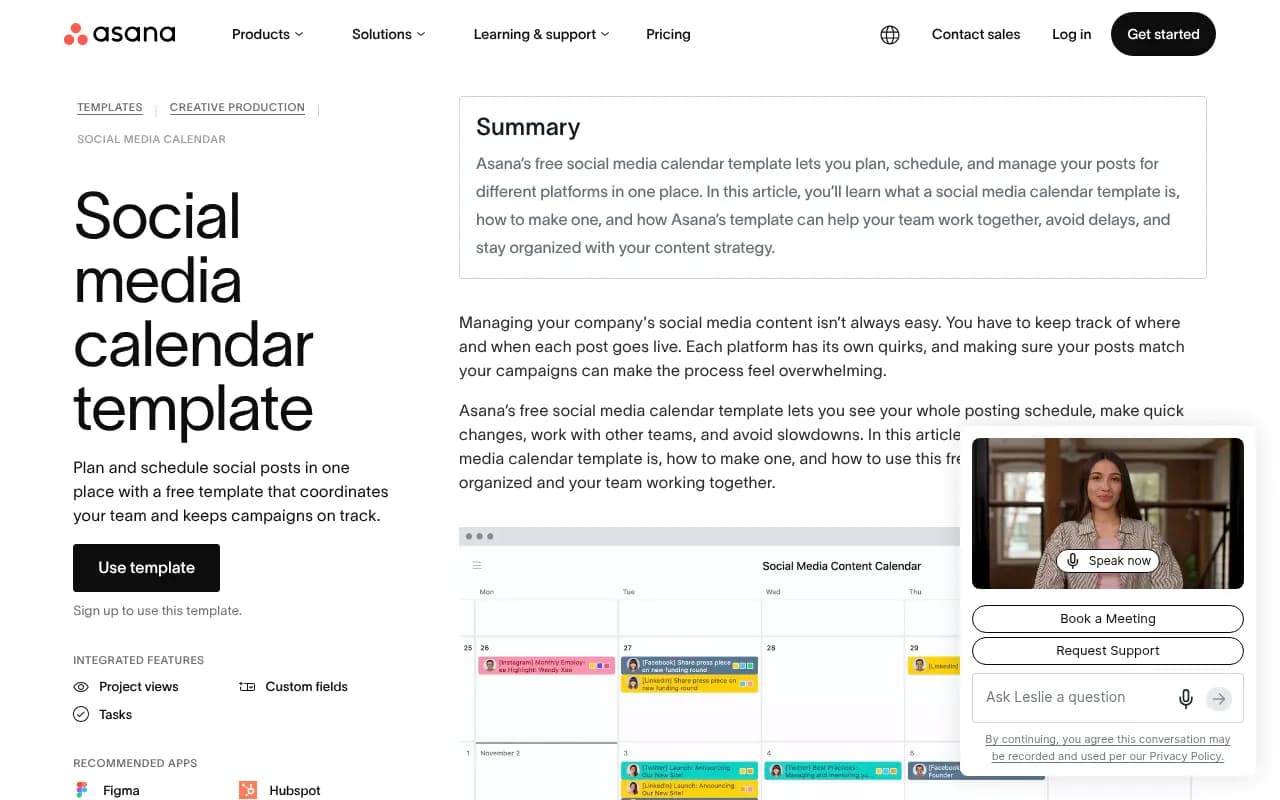
Asana's free social media calendar template is a solid starting point if you want something pre-built that integrates with your existing project management workflow.
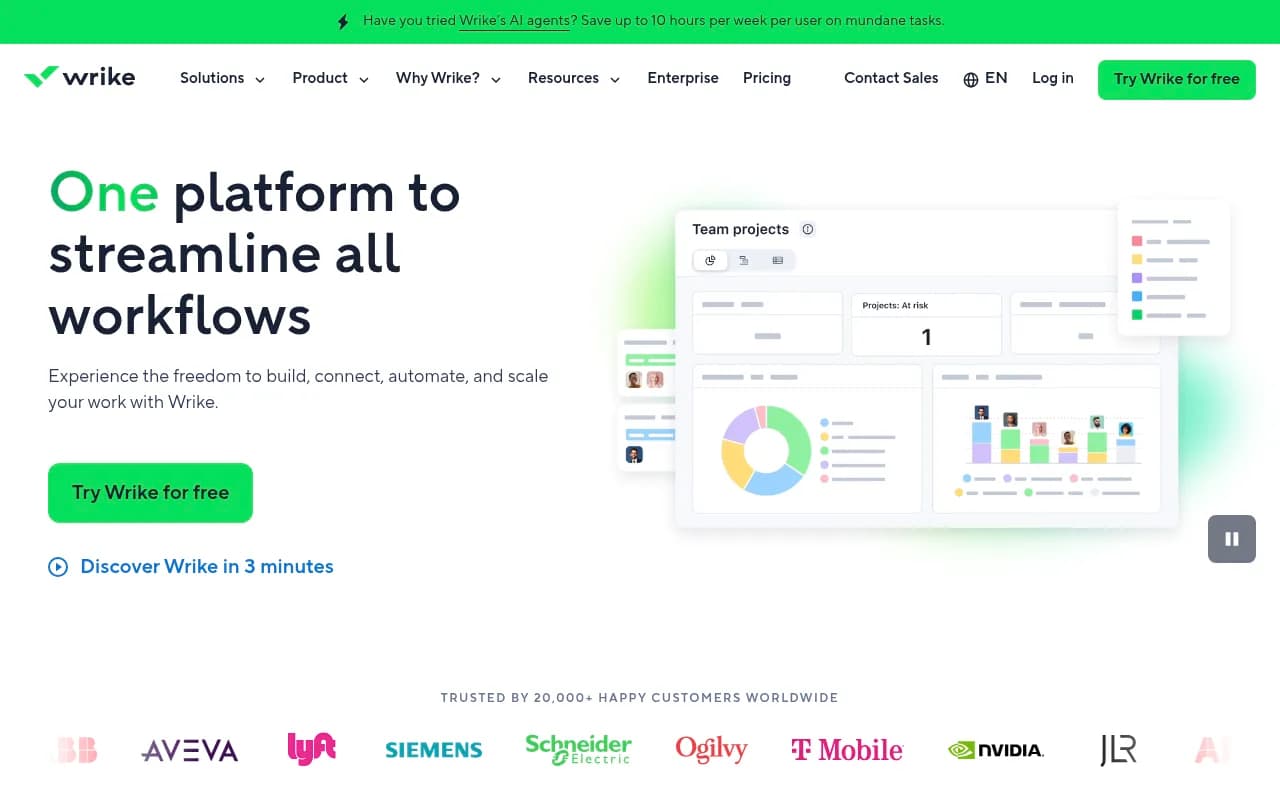
Wrike is another strong option for teams that want more robust project management features alongside their content calendar — task assignments, approval workflows, and timeline views all in one place.
Option B: Dedicated scheduling platform
For teams posting across multiple platforms at any real volume, a dedicated tool pays for itself quickly. The main players in 2026:
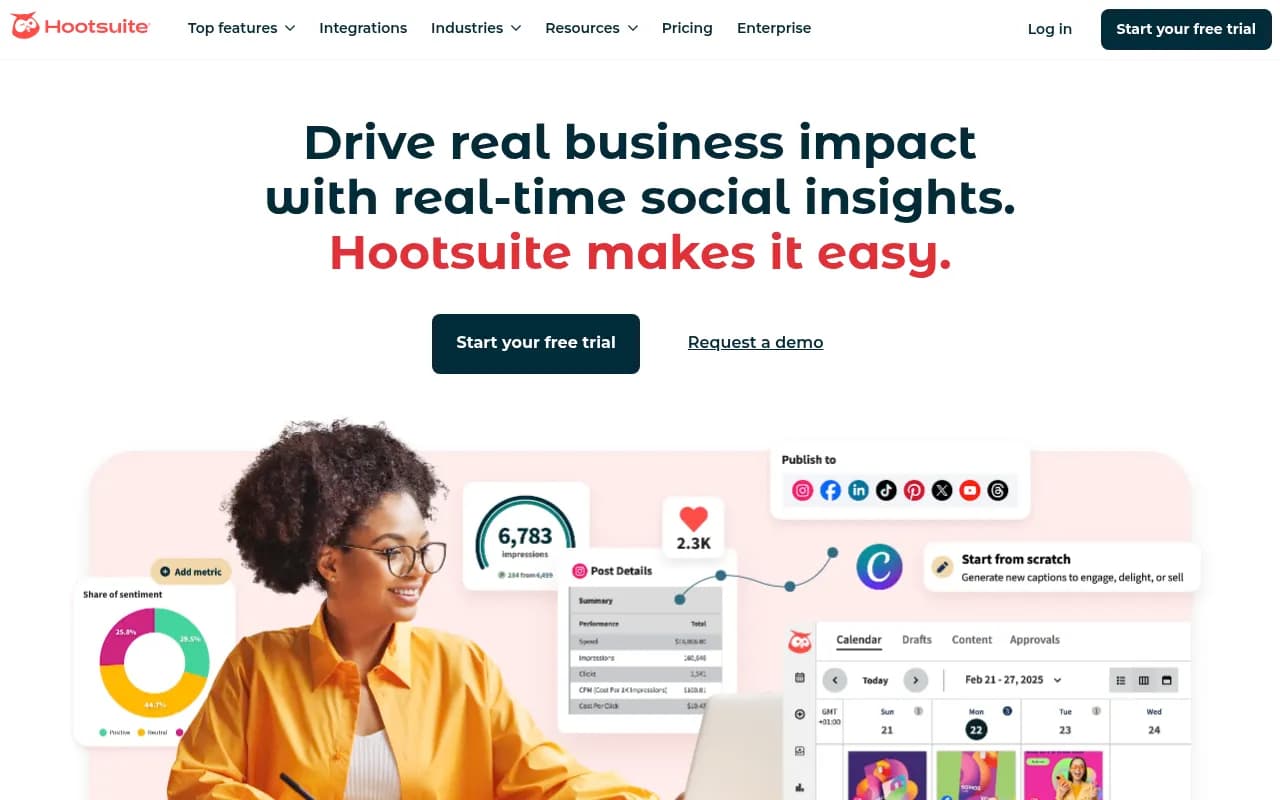
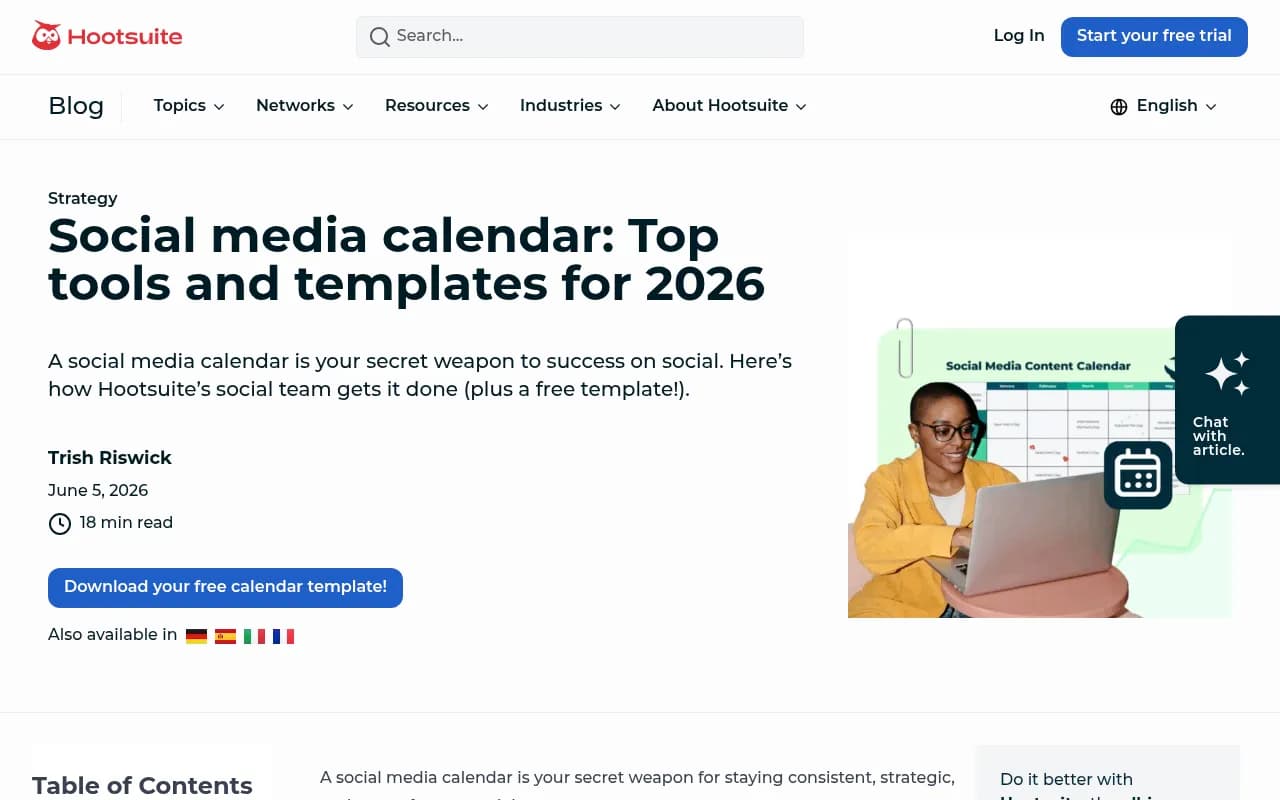
Hootsuite is the most feature-complete option for enterprise teams. It handles scheduling across all major platforms, has solid analytics, and includes a content calendar view that makes it easy to see your whole month at a glance. The Hootsuite team recommends a weekly planning cadence — plan the next 7 days each Monday, adjust as news or opportunities arise.
Buffer is the simpler, more affordable alternative. It's clean, easy to use, and does the core job well: schedule posts, see a calendar view, review basic analytics. Good for teams that don't need enterprise features.
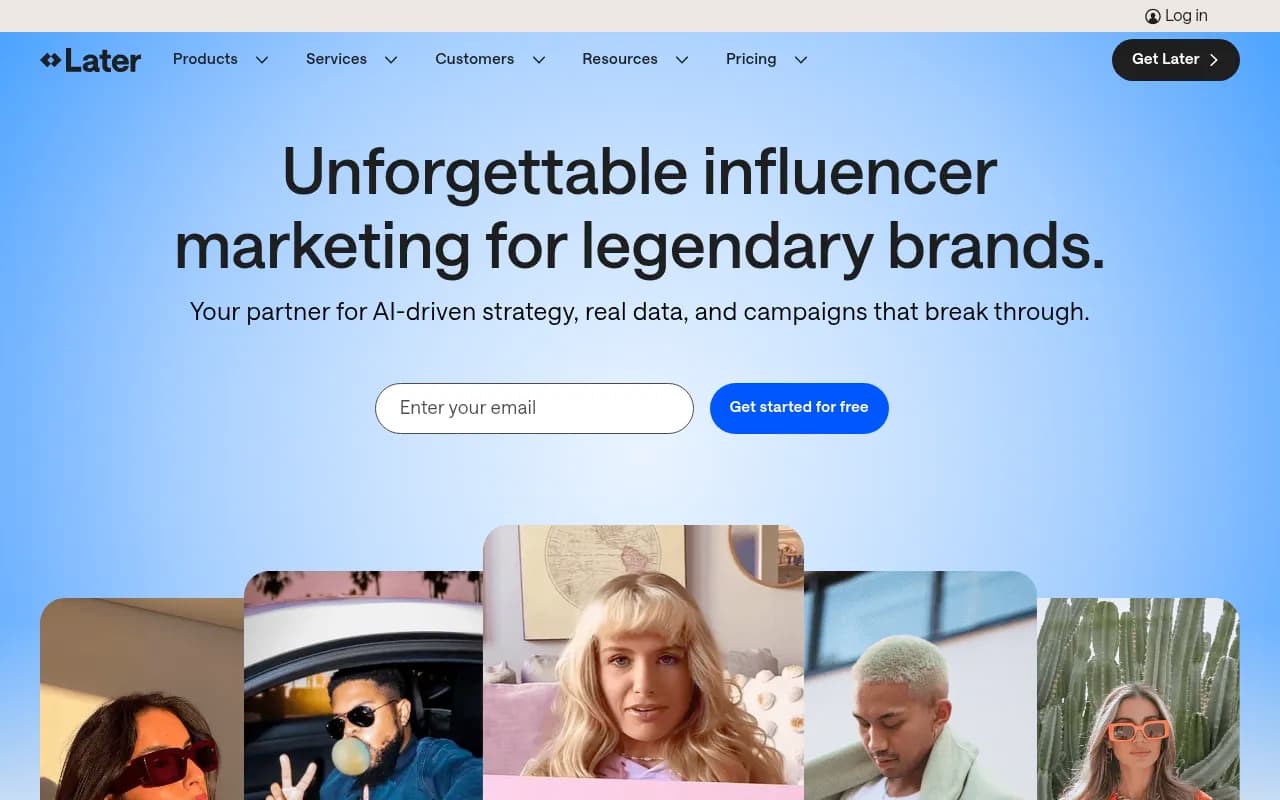
Later is particularly strong for visual-first brands on Instagram and TikTok. Its drag-and-drop visual calendar makes it easy to see how your feed will look before posts go live.
SocialBee adds content recycling to the mix — you can set evergreen posts to republish automatically on a schedule, which is useful for content that stays relevant over time (like product features or FAQ posts).
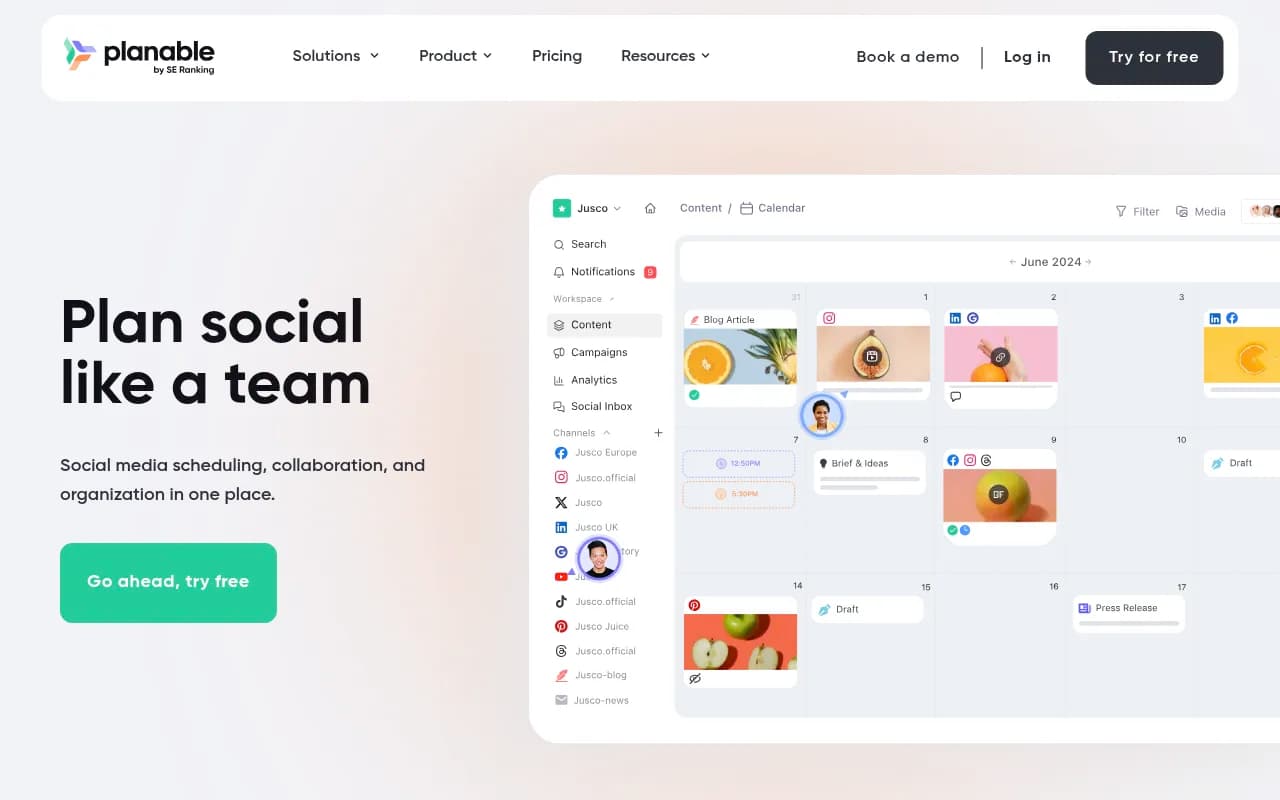
Planable is the best option if client approvals are a pain point. It's built around collaboration: clients can comment, approve, or request changes directly in the platform without needing a login to your scheduling tool.
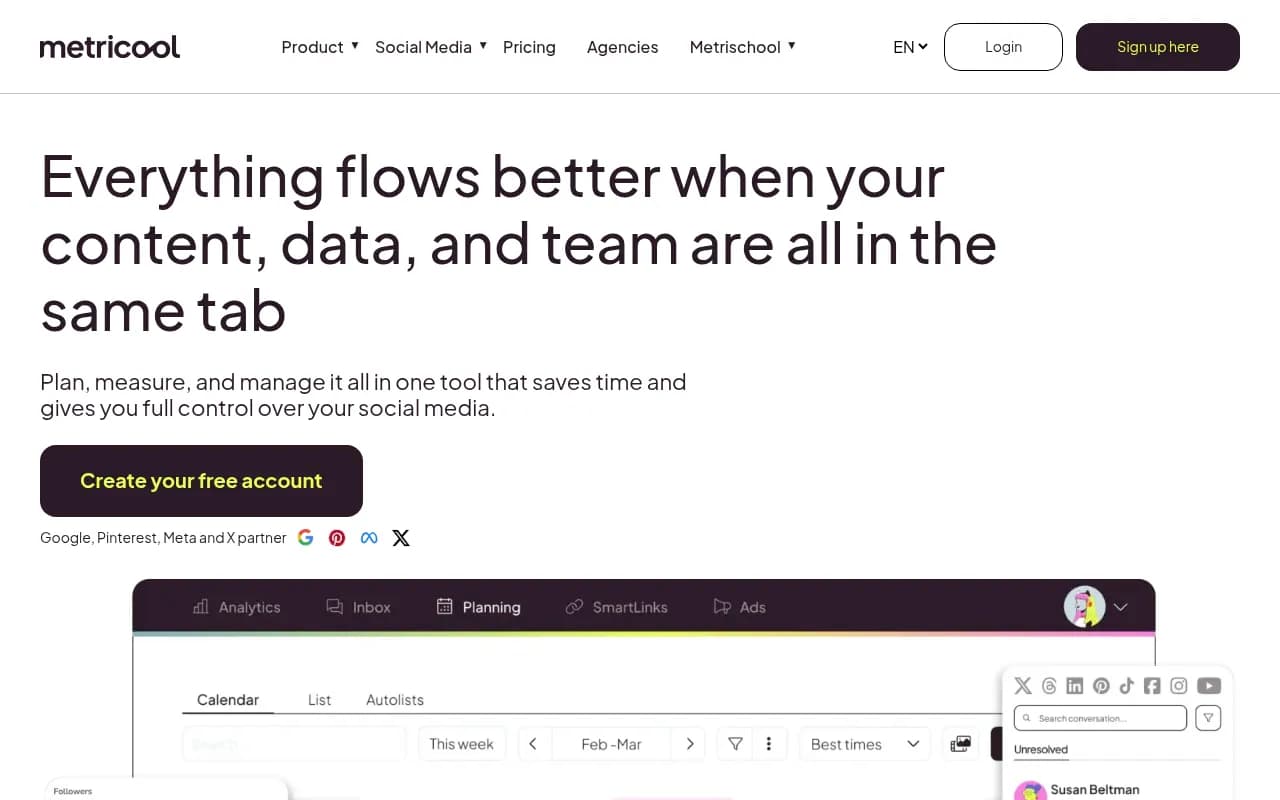
Metricool sits in the middle ground — solid scheduling, decent analytics, and a unified inbox for comments and DMs. Good value for mid-size teams.
Here's a quick comparison:
| Tool | Best for | Approvals | Analytics | Price range |
|---|---|---|---|---|
| Hootsuite | Enterprise teams | Yes | Advanced | $99+/mo |
| Buffer | Small teams, simplicity | Basic | Basic | Free–$12/mo |
| Later | Visual brands (Instagram/TikTok) | Basic | Good | $18+/mo |
| SocialBee | Content recycling | Yes | Good | $29+/mo |
| Planable | Agency/client workflows | Yes (core feature) | Basic | $33+/mo |
| Metricool | Mid-size teams | Yes | Good | Free–$22+/mo |
| Sprout Social | Enterprise + analytics | Yes | Advanced | $249+/mo |
Step 7: Plan content in batches
Batching is the highest-leverage habit for social media teams. Instead of creating content day by day, block time once a week (or once every two weeks) to plan and create everything in one session.
A typical batching workflow:
- Review the upcoming 2 weeks on your calendar
- Identify key dates, campaigns, or product moments to anchor content around
- Draft copy for each post
- Brief the design team or create visuals (Canva AI is fast for this)
- Get approvals
- Schedule everything in your tool
This approach saves a lot of context-switching. Writing 10 LinkedIn posts in one sitting is faster than writing one post every day for 10 days, because you're in the right headspace and you can see patterns across the batch.
Step 8: Set up your approval workflow
For teams with more than one person involved in social media, a clear approval workflow prevents mistakes and keeps everyone aligned.
A simple workflow:
- Copywriter drafts post
- Designer adds visual
- Marketing manager reviews and approves (or requests edits)
- Post gets scheduled
For agencies managing client accounts, Planable or a shared Notion workspace with comment threads works well. The key is that everyone knows who has final approval authority and what the turnaround time is.
Step 9: Build in flexibility for real-time content
A calendar is a plan, not a prison. Leave 20-30% of your posting slots unscheduled so you can react to:
- Breaking industry news
- Viral trends or memes relevant to your brand
- Product announcements or launches
- User-generated content worth reposting
- Timely responses to community conversations
The brands that feel most authentic on social aren't posting 100% pre-planned content. They mix planned posts with genuine reactions to what's happening in their world.
Step 10: Track performance and iterate
A content calendar without analytics is just a to-do list. After each month, review what worked:
- Which posts got the most engagement?
- Which drove the most clicks or conversions?
- Which platforms are performing best?
- Are you hitting your posting frequency targets?
Most scheduling tools include this data. For deeper analysis, Google Analytics (with UTM parameters on your links) shows you which social posts actually drive traffic and conversions.
Use what you learn to adjust your content pillars, posting frequency, and content mix for the next month. The calendar should get better over time, not stay static.
Useful tools for content creation
The calendar is the system. But you still need to fill it with content. A few tools that speed up the creation side:
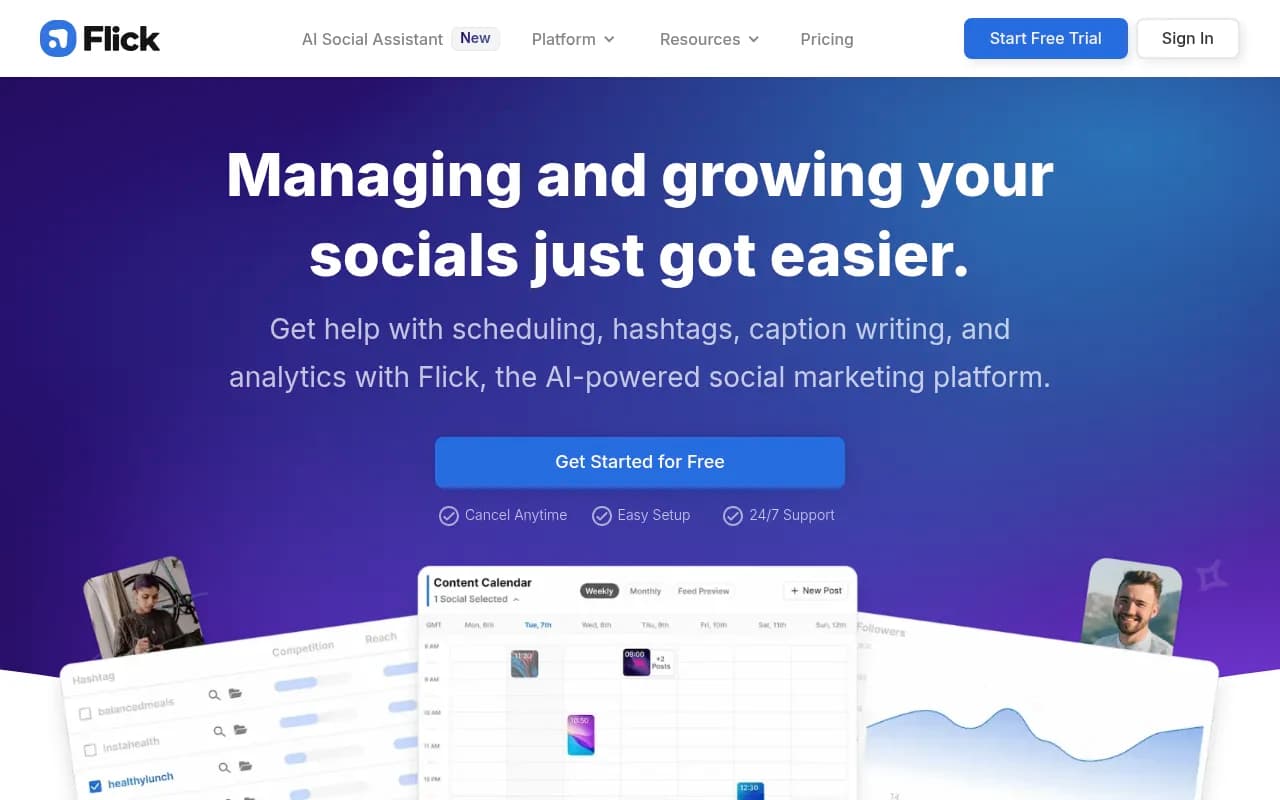
Flick has an AI copilot specifically for social media — it helps generate post ideas, write captions, and suggest hashtags based on your brand voice.
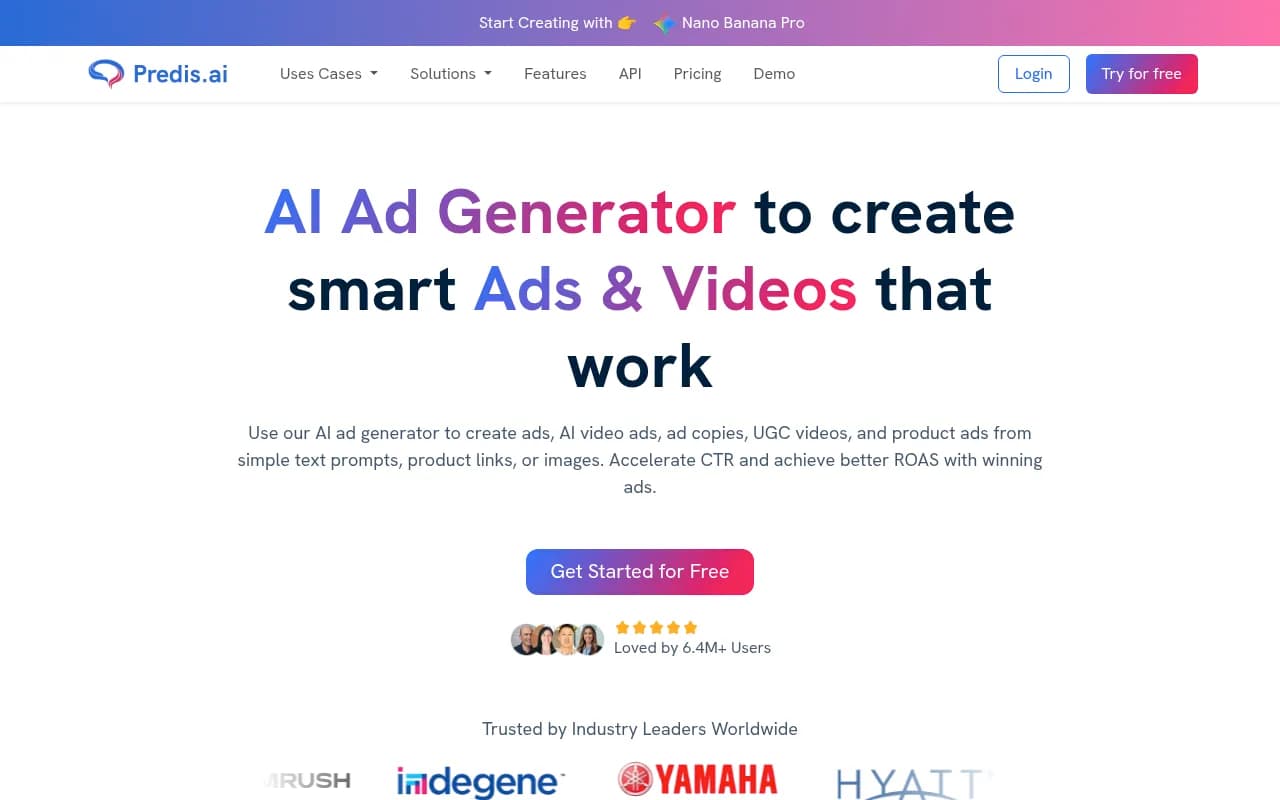
Predis AI generates social media videos and graphics from text prompts, which is useful when you need visual content fast and don't have a designer available.
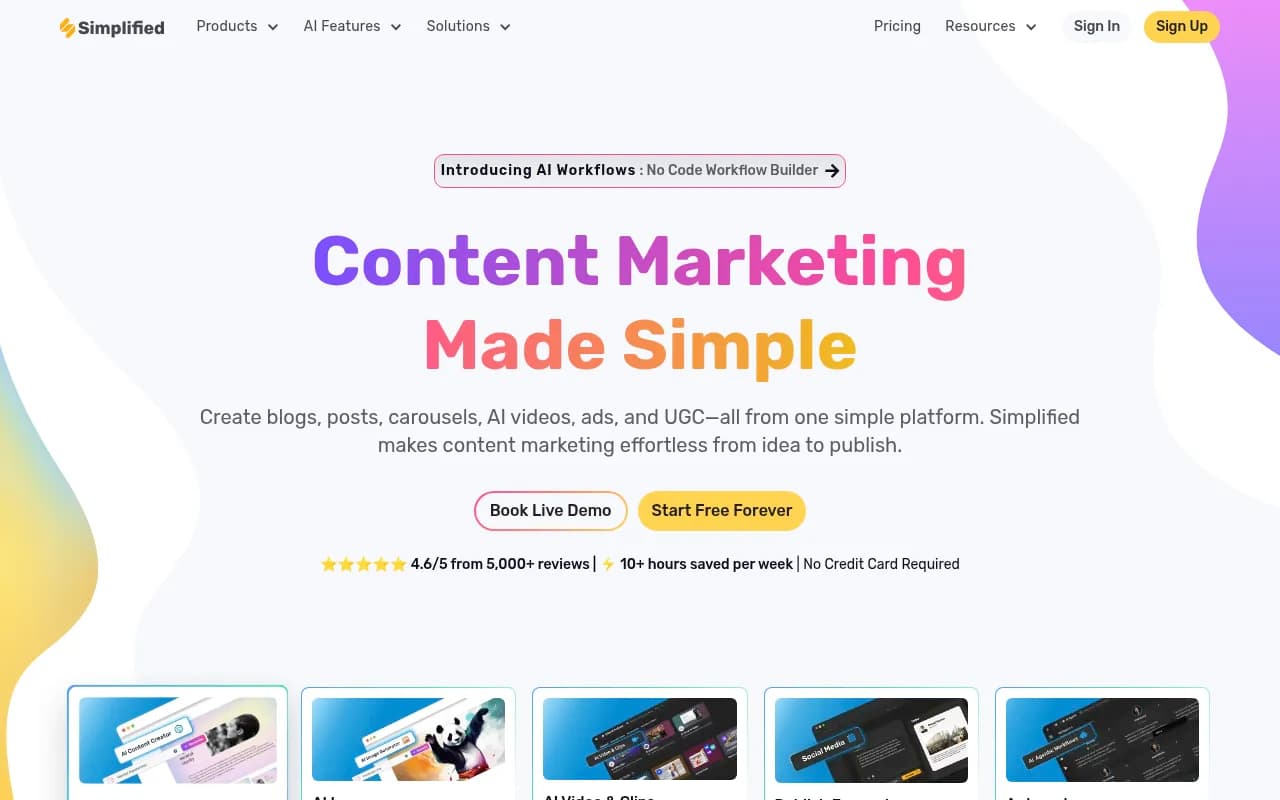
Simplified is an all-in-one platform that combines design, video, and AI writing — useful for teams that want everything in one place rather than juggling multiple tools.
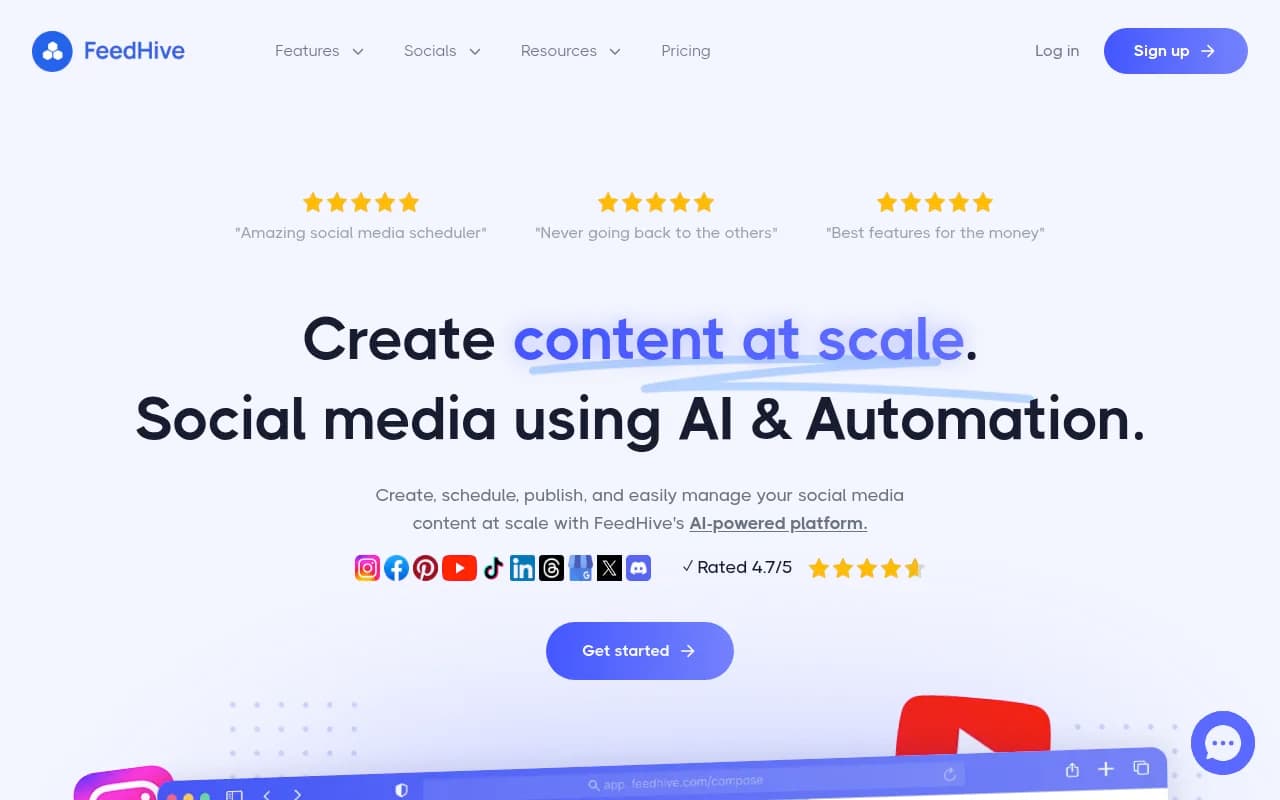
FeedHive adds AI-assisted content suggestions and performance predictions on top of scheduling, so you can see which posts are likely to perform well before they go live.
Common mistakes to avoid
A few things that consistently derail content calendars:
Overplanning too far ahead. Planning 3 months of content in detail sounds organized, but social media moves fast. A post that was timely in January might feel tone-deaf in March. Plan in detail 2-4 weeks out, and keep further-out slots as rough ideas.
Ignoring the data. If you're not looking at analytics monthly, you're flying blind. The calendar should evolve based on what's actually working.
Treating every platform the same. A LinkedIn post and an Instagram caption are different formats for different audiences. Don't just copy-paste the same text everywhere.
No one owns it. A content calendar needs a single owner — someone who's responsible for keeping it updated, chasing approvals, and making sure things get scheduled. Without that, it quietly falls apart.
Making it too complicated. As one marketing professional put it on Reddit: "Most people overthink content calendars — a basic spreadsheet does 90% of what's needed." Start simple. Add complexity only when you genuinely need it.
Putting it all together
The best social media content calendar is the one your team actually uses. That might be a Google Sheet with five columns. It might be Hootsuite with automated scheduling and approval workflows. The format matters less than the discipline of planning ahead, creating content in batches, and reviewing what's working.
Start with your goals, pick your platforms, build your pillars, and choose a tool that fits your team's size and workflow. Then commit to the weekly cadence: plan Monday, create Tuesday-Wednesday, schedule Thursday, review Friday.
That rhythm, done consistently, is what separates brands that feel like they have their act together on social from the ones that are always scrambling.