Key takeaways
- Google AI Overviews now appear on nearly half of all searches, making visibility monitoring a core marketing task, not an optional one.
- Manual checking doesn't scale — automated alerts are the only reliable way to catch drops or gains before they affect revenue.
- The best alert setups combine a dedicated AI visibility platform (for citation tracking) with a workflow automation tool (for notifications).
- Knowing you've lost visibility is only half the job. The other half is knowing what to do about it.
- Several purpose-built tools now handle AI Overview monitoring with alert capabilities, ranging from free options to enterprise platforms.
Why monitoring Google AI Overviews is different from traditional rank tracking
If you've been tracking traditional search rankings for years, you might assume the same tools and workflows apply to AI Overviews. They mostly don't.
Traditional rank tracking checks a URL's position for a keyword. AI Overviews are different: Google's AI synthesizes an answer from multiple sources, and whether your site gets cited depends on dozens of factors that change constantly — the phrasing of the query, the freshness of your content, how well your page directly answers the question, and how Google's underlying Gemini model weights different sources on any given day.
According to data from Bain & Company, over 60% of searches now end without a click because the AI Overview answers the question directly. That means your citation presence in AI Overviews is increasingly where the brand impression happens, even if no traffic follows.
The practical implication: a drop in AI Overview citations can hurt brand awareness and consideration before it ever shows up in your Google Analytics data. You need to catch these changes early.
What you actually want to monitor
Before setting up alerts, be specific about what changes matter to you. There are a few distinct things worth tracking:
Citation presence: Is your domain being cited in AI Overviews for your target queries? This is the most fundamental metric.
Citation position: AI Overviews typically show 3-8 source links. Being the first or second cited source is meaningfully different from being buried at the end.
Query coverage: How many of your tracked queries trigger an AI Overview at all? Google rolls these out and pulls them back by query type, so this fluctuates.
Competitor citation changes: If a competitor suddenly starts appearing in AI Overviews where you used to, that's worth knowing immediately.
Content-level changes: Which specific pages on your site are being cited, and when does a page lose or gain citation status?
Most generic SEO rank trackers won't give you all of this. You need tools built specifically for AI search visibility.
Step 1: Choose your monitoring tool
This is the most important decision. The tool you pick determines what you can alert on and how granularly.
Here's a comparison of the main options:
| Tool | AI Overview tracking | Custom alerts | Competitor tracking | Content-level data | Price range |
|---|---|---|---|---|---|
| Promptwatch | Yes (all 10 AI models) | Yes | Yes | Yes (page-level) | From $99/mo |
| Otterly.AI | Yes (limited) | Basic | Limited | No | Lower tier |
| Semrush | Partial (fixed prompts) | Basic | Yes | No | From $139/mo |
| SE Ranking | Yes | Yes | Yes | Partial | From $65/mo |
| Profound | Yes | Yes | Yes | Partial | Higher tier |
| AccuRanker | Traditional + some AI | Yes | Yes | No | From $129/mo |
For teams that need to act on what they find, not just observe it, Promptwatch is worth a close look. It tracks AI Overview citations at the page level, shows you which prompts your competitors are winning that you're not, and has content generation tools built in so you can respond to gaps immediately.

For teams primarily focused on traditional SEO with AI Overview monitoring as a secondary need, SE Ranking or Semrush are reasonable starting points.
For pure AI visibility monitoring without the content layer, Otterly.AI covers the basics.
Otterly.AI

Step 2: Define your prompt set
Automated alerts are only as useful as the queries you're tracking. Most teams make the mistake of tracking too few queries (just branded terms) or too many (hundreds of generic keywords where they have no realistic chance of citation).
A practical approach:
Start with 20-50 queries that represent your core use cases. These should be the questions your customers actually ask when they're in a buying or research mindset. Think "what is the best [your category] for [specific use case]" rather than just "[your brand name]."
Include a mix of:
- Branded queries (your company name, product names)
- Category queries (where you compete for unbranded visibility)
- Comparison queries ("X vs Y" where you're one of the options)
- Problem-based queries (the questions your product solves)
If you're using Promptwatch, its Prompt Intelligence feature gives you volume estimates and difficulty scores for each query, which helps you prioritize. There's no point setting up alerts for a query that almost never triggers an AI Overview.
Step 3: Configure baseline measurements
Before you can alert on changes, you need a baseline. Run your full prompt set through your monitoring tool and record:
- Which queries currently trigger AI Overviews
- Which ones cite your domain
- Which specific pages are cited
- Where competitors appear
This baseline is your reference point. Alerts fire when something deviates from it.
Most dedicated tools handle this automatically once you add your prompts. But it's worth manually reviewing the baseline data before trusting alerts — you'll often find queries where your current "citation" is actually a mention in a Reddit thread or a third-party listicle, not your own domain.
Step 4: Set up the alerts themselves
Within your AI visibility platform
Most platforms have native alert functionality. In Promptwatch, you can configure email or Slack notifications when:
- Your citation rate drops below a threshold (e.g., below 70% for branded queries)
- A competitor gains citations for a query where you were previously cited
- A specific page loses citation status
- New queries start triggering AI Overviews in your tracked set
The threshold approach is more useful than simple "any change" alerts. If you're being cited in 85% of your tracked queries and it drops to 60% overnight, that's a fire drill. A single query fluctuating is noise.
Connecting to Slack or email via Zapier
If your platform doesn't have native Slack integration, or you want to route alerts into a specific channel with custom formatting, Zapier makes this straightforward.
A basic workflow:
- Trigger: New row in a Google Sheet (if your tool exports data) or a webhook from your monitoring platform
- Filter: Only proceed if the change exceeds your threshold
- Action: Post a formatted message to a Slack channel or send an email
Here's what a useful Slack alert message looks like:
AI Overview Alert — [Date]
Query: "best project management software for remote teams"
Change: Citation LOST (was page 2, now not cited)
Competitor gained: Notion (now cited in position 1)
Affected page: /blog/remote-team-tools
Action needed: Review content gap
The key is including enough context that whoever receives the alert knows immediately what happened and what to do next, without having to log into the platform.
For page-level monitoring
If you want to track changes to the pages themselves (not just whether they're cited), ContentKing is worth adding to your stack. It monitors your site in real time and alerts you when page content, metadata, or status codes change.
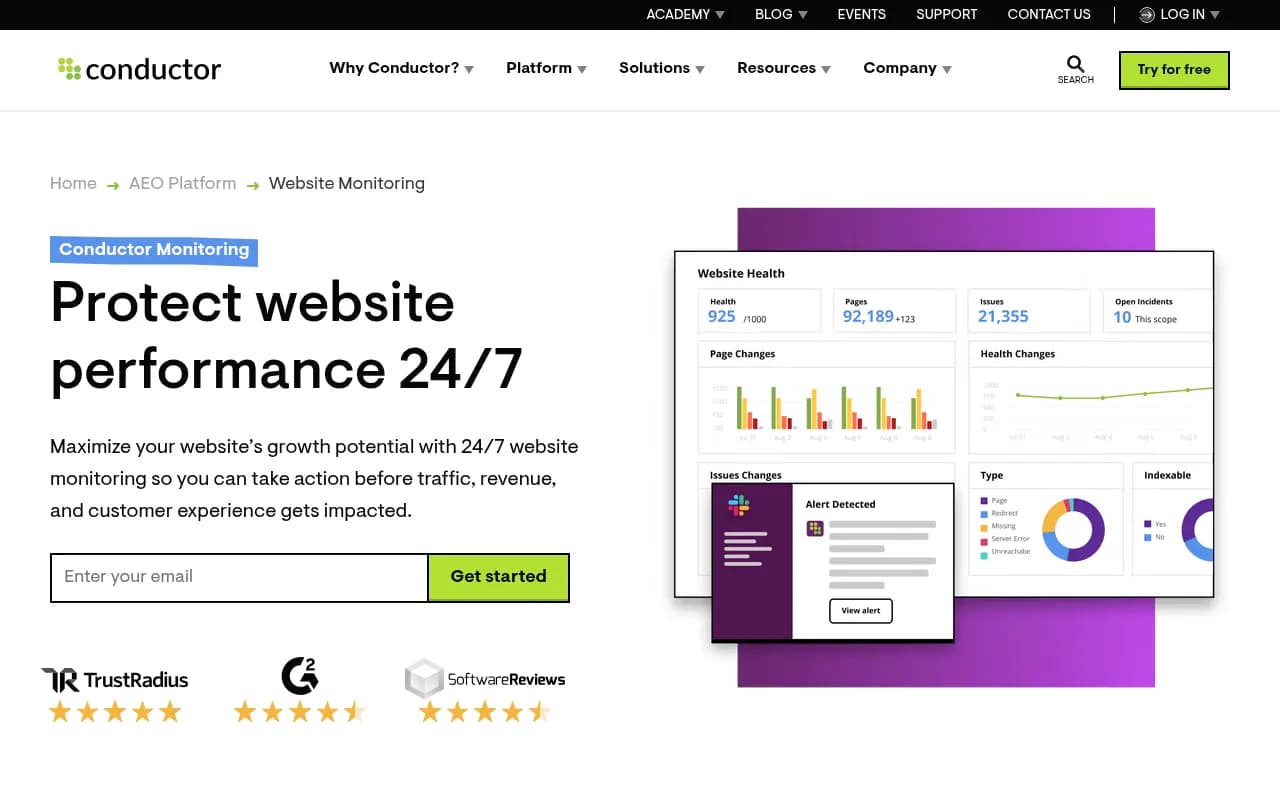
This matters because sometimes you lose AI Overview citations not because Google changed something, but because someone on your team edited a page and accidentally removed the content that was being cited.
Step 5: Build a response workflow
An alert with no response plan is just anxiety. Before you go live with monitoring, decide in advance what you'll do when each alert type fires.
A simple decision tree:
If branded query citation drops: → Check if the page is still indexed (Google Search Console) → Check if the page content changed recently (ContentKing) → Check if a competitor's page now answers the question better → If content issue: update the page within 48 hours → If competitor issue: flag for content gap analysis
If category query citation drops: → Pull the current AI Overview response and read it → Identify which source is now being cited instead of you → Analyze what that source does differently (structure, directness, freshness) → Create a content brief to address the gap
If competitor gains citation on a query you weren't tracking: → Add the query to your tracking set → Evaluate whether this is a winnable query → If yes, create content targeting it
Promptwatch's Answer Gap Analysis is useful here — it shows you exactly which prompts competitors are winning that you're not, and its Content Agents can generate briefs grounded in that data.
Step 6: Set alert frequency and review cadence
Not all alerts need to be real-time. Over-alerting causes alert fatigue, which means people start ignoring them.
A practical cadence:
- Real-time / same-day: Branded query citation drops, major competitor gains on your core terms
- Weekly digest: Overall citation rate changes, new queries added to AI Overviews in your category, page-level citation changes
- Monthly review: Trend analysis, competitor heatmap comparison, prompt coverage changes
Most platforms let you configure this. If yours doesn't, use Zapier or Make to batch daily data into a weekly summary email.
Step 7: Track the impact of your responses
This is the step most teams skip, and it's the one that turns monitoring into a real competitive advantage.
When you update a page or publish new content in response to an alert, log it. Then track whether that page's citation status changes in the weeks that follow. This creates a feedback loop: you learn which types of content changes actually move the needle on AI Overview citations, and which don't.
Promptwatch's Agent Analytics shows the timeline from publish to crawl to citation — you can see exactly when GPTBot or Google's AI crawler picked up your updated content and when it started appearing in responses. That kind of data is what separates teams that are guessing from teams that are learning.
Common mistakes to avoid
Tracking too many low-value queries. If you're monitoring 500 queries but only 50 of them actually matter to your business, you'll spend most of your time chasing noise. Start narrow and expand.
Ignoring the "why." An alert that says "you lost a citation" is only useful if you investigate why. Build the investigation step into your process, not just the notification.
Treating AI Overviews like traditional rankings. A position 1 ranking is stable for weeks. AI Overview citations can change daily based on query phrasing, model updates, and content freshness. Don't panic at every fluctuation — look for sustained trends.
Not monitoring competitors. Your visibility doesn't exist in isolation. A drop in your citations often corresponds to a gain for a competitor. You need both sides of the picture.
Setting alerts but not acting on them. This sounds obvious, but many teams set up monitoring, get alerts, and then have no clear owner for the response. Assign someone. Make it part of their job description.
Putting it together: a minimal viable alert setup
If you're starting from scratch and want the simplest setup that actually works:
- Sign up for a dedicated AI visibility tool (Promptwatch, SE Ranking, or Otterly.AI depending on your budget and needs)
- Add 30-50 target queries covering branded, category, and comparison terms
- Set a weekly digest alert for citation rate changes
- Set an immediate alert for drops below 50% on branded queries
- Connect to Slack via the platform's native integration or Zapier
- Assign one person as the alert owner with a defined response checklist
That's it. You don't need a complex stack to start. The goal is to stop finding out about AI Overview changes through a traffic drop two weeks later, and start finding out within hours.
From there, you can layer in page-level monitoring, competitor heatmaps, and content gap workflows as your process matures.
The brands winning in AI search right now aren't the ones with the most sophisticated monitoring setup. They're the ones who find out about changes fast and respond faster.