Key takeaways
- Google Search Console now has Generative AI performance reports (launched June 3, 2026) covering AI Overviews and AI Mode impressions by page, country, device and date. There is no city or region dimension.
- Bing Webmaster Tools' AI Performance report shows Copilot and Bing AI citations, grounding queries, and since June 2026 an intent category called "local". It has no click data.
- Neither tool tells you what a searcher in a specific city actually saw. Geo-targeted prompt tracking fills that gap.
- The practical stack is Search Console + Bing + a prompt tracker + GA4 or Clarity for AI-referred visits, reviewed on a fixed monthly rhythm.
- Watch for noise: some AI prompts that show up in your Search Console data may come from AI visibility tools, including your own.
Why local AI search needs a different measurement setup
Local search used to be straightforward to measure. You tracked map pack positions, checked your Google Business Profile insights, and looked at rankings from a few zip codes. AI answers broke most of that. A person asks "best emergency plumber near me" in ChatGPT, Copilot or Google AI Mode, gets a synthesized answer with a handful of cited sources, and may never see a ranked list at all.
The problem is that no single tool covers the whole picture. Search Console tells you about impressions in Google's generative features. Bing tells you about citations. Prompt trackers tell you what the answer actually says from a given location. Each one has a blind spot, and the blind spots do not overlap much, which is exactly why you want all three.
I would rather be upfront about the limits here. As of the research behind this guide, I found no first-party data set that isolates local-intent citations across AI engines, and Google's reports do not break down by city. So the approach below is a stitched-together workflow, not a single dashboard.
What Google Search Console gives you for AI search
On June 3, 2026, Google announced Search Generative AI performance reports in Search Console, with dedicated reports for Search and Discover.
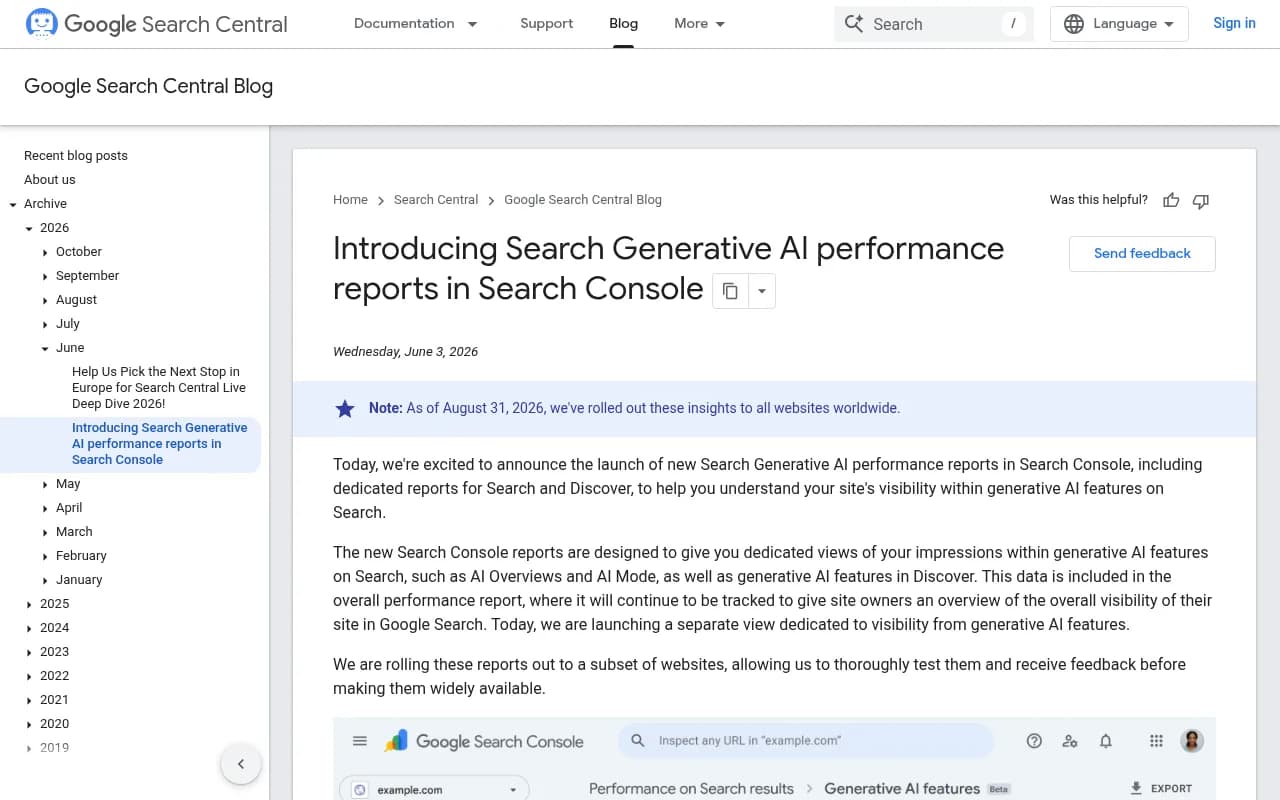
The reports show impressions inside generative AI features such as AI Overviews and AI Mode. The available dimensions are:
- Impressions
- Pages
- Countries
- Devices (Search report only)
- Dates, at hourly, daily, weekly and monthly granularity
The same data also stays inside the overall performance report. Google is rolling the reports out to a subset of sites first, so your property may not show them yet, and Google says more metrics may arrive later.
What it cannot tell you
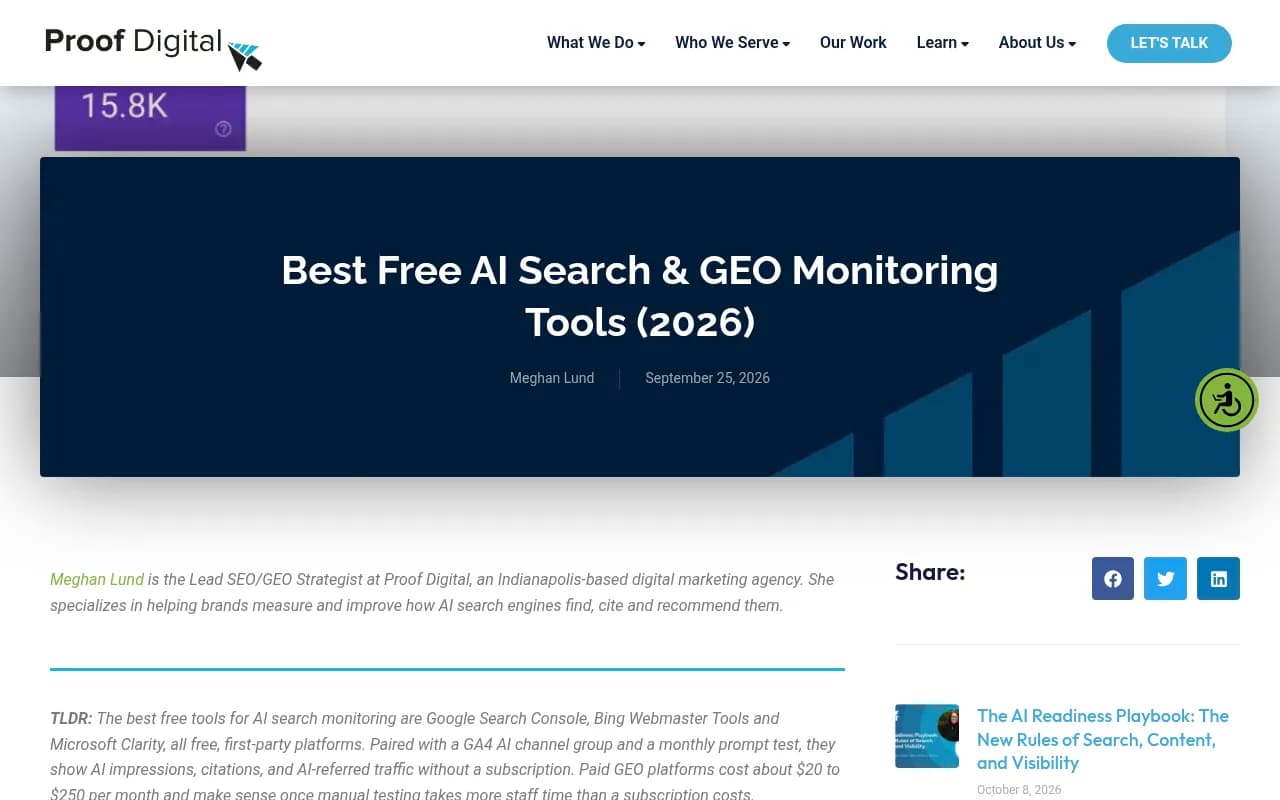
Proof Digital's September 2026 roundup of free monitoring tools summarizes the report's main limitation as impressions only, with no queries or clicks. Google's own announcement lists no query or click dimension either. For local work there is a second gap: country is the most granular location filter. You cannot ask "how many AI impressions did my Denver page get versus my Austin page by city?"
You can work around part of this by using page-level data. If you have one landing page per location (and you should), page impressions become a rough proxy for location-level AI exposure. A page at /locations/denver/ with rising generative AI impressions tells you something even without a city filter.
Setting it up
- Open Search Console and check whether the Generative AI reports appear in your property's Performance section.
- Set the date range wide enough to see trends. A 3-month window is a reasonable start.
- Filter by page, using a URL pattern for your location pages.
- Export weekly or monthly numbers to a spreadsheet so you keep history.
- Compare generative AI impressions with the regular Search performance report for the same pages.
That last comparison is the useful one. Pages that earn regular impressions but little AI exposure are candidates for rewriting. Pages with strong AI impressions and weak clicks may be answering the question inside the AI response without giving the user a reason to visit.
What Bing Webmaster Tools adds
Microsoft launched AI Performance in Bing Webmaster Tools as a public preview in February 2026. According to CXL's walkthrough, it covers citations in Microsoft Copilot, Bing's AI answers and select partner integrations.
The core metrics are Total Citations, Average Cited Pages (unique pages cited per day), Cited Pages, Grounding Queries and Visibility Trends. A citation is not an impression or a click, and Bing provides no click or conversion data in this report.
Grounding queries, and why they matter locally
Grounding queries are the retrieval queries the AI used to find sources. CXL notes they are sampled and are not necessarily what users typed. Still, they show the language the AI uses when it goes looking for pages like yours, and for local businesses that language often includes the city, neighborhood or "near me" phrasing.
In June 2026 Microsoft added four features:
- Intents, which sorts queries into informational, commercial, navigational, research, creation and local
- Topics, which groups related grounding queries into themes
- Citation Share, your share of citations for a given grounding query
- Compare, which lines up two periods
The local intent category is the single most useful addition for this guide. Filter to it and you see which of your pages get cited when Bing's AI decides a question has local intent. An October 2026 beta called Topics Portfolio goes further, showing topic demand, how many sources compete, and queries where others get cited and you do not.
CXL's small test found its ten most-cited pages averaged around position 5 in organic search, but the author explicitly cautions that this does not establish a general rule. Treat it as a hint to check your own data, not a law.
Why you still need prompt tracking
Here is the gap. Search Console gives you impressions without queries or cities. Bing gives you citations without clicks. Neither shows the actual answer text, which businesses were named, in what order, or whether the answer for "dentist in Leeds" differs from the one for "dentist in Manchester".
Prompt tracking answers those questions. You define a set of local prompts, run them on a schedule against the AI engines, and record which brands get mentioned, cited and recommended. Done well, it is the only way to see competitors' local visibility at all.
A YouTube walkthrough on tracking AI visibility makes a point I agree with: tracking fails when your prompt list is a handful of guesses. Prompts should represent how real customers phrase things, which is where Search Console and Bing grounding queries come back in. Use them as raw material.
Building a local prompt set
- Start with your top Search Console queries for each location page.
- Add Bing grounding queries from the local intent filter.
- Write variants: "near me", city name, neighborhood, "open now", price or service qualifiers.
- Include competitor-comparison prompts ("X vs Y in [city]").
- Keep a stable core of 20 to 50 prompts so trends are comparable, and rotate a smaller experimental set.
Picking a tracker
The tool landscape is crowded. Proof Digital puts paid GEO platforms at roughly $20 to $250 a month and says they make sense once manual testing costs more staff time than a subscription. I could not find a current side-by-side price comparison, so check each vendor's pricing page directly.
Promptwatch is one option worth looking at for this workflow, because it tracks the real interfaces of ChatGPT, Google AI Overviews, AI Mode, Gemini, Perplexity and Copilot by country on every paid plan, with state and city tracking from the Business tier. It also pulls Google Search Console and Bing Webmaster data into the same view as AI crawls and citations, which saves you from maintaining the spreadsheet join yourself.

Other trackers in the catalog include Peec AI, Otterly.AI, Rankshift and LLM Pulse. Most are monitoring-focused, so check whether they support location targeting before committing.

Otterly.AI


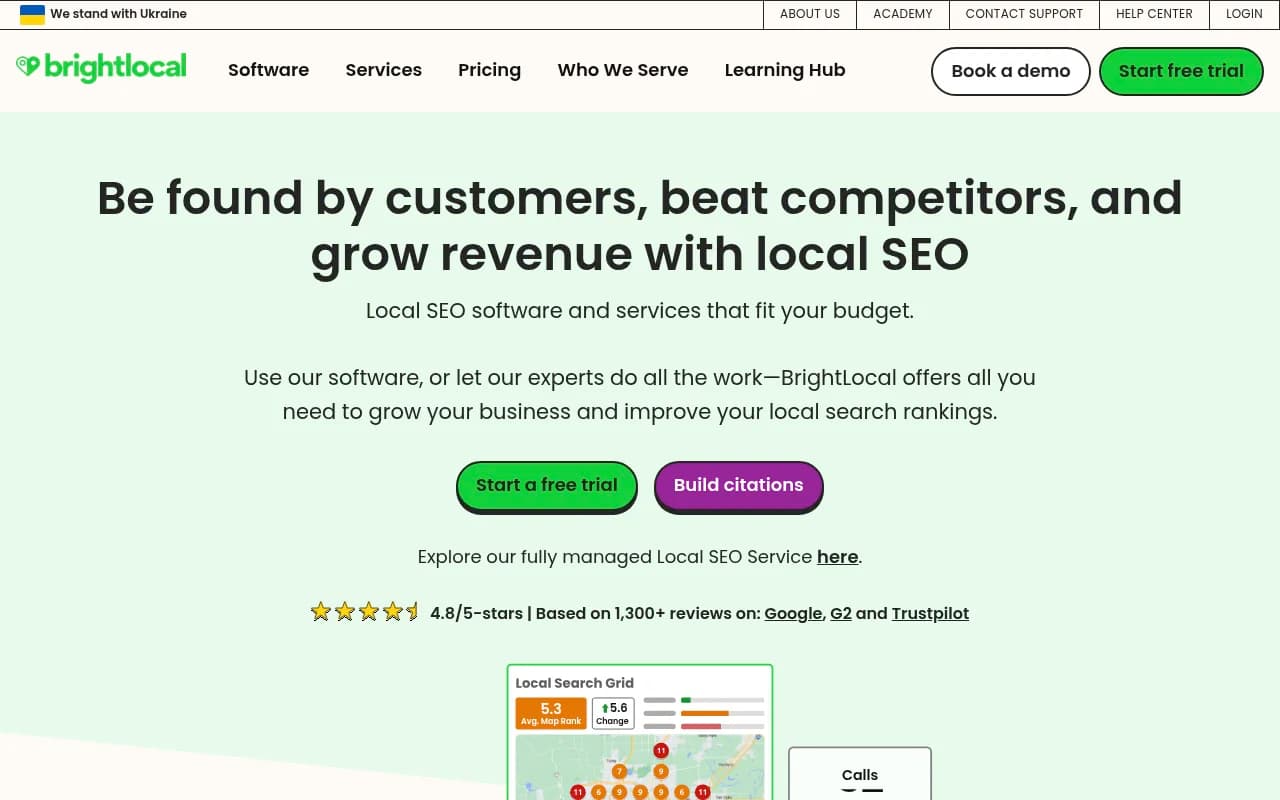
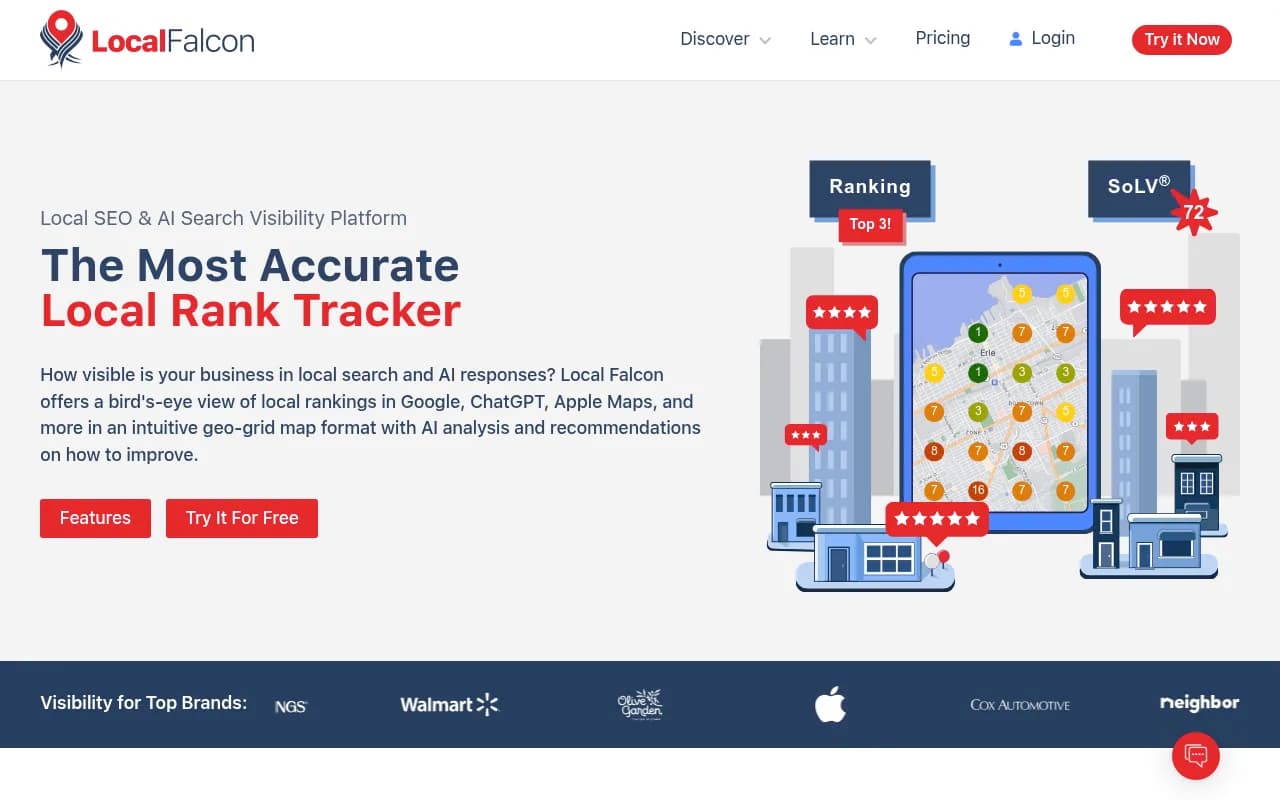
For the traditional local side, tools like BrightLocal and Local Falcon still handle map pack and geo-grid tracking, which AI trackers do not replace.
If you want a wider look at what is out there, the GEO software directory at bestgeosoftware.com lists dozens of options.
The free stack versus the paid stack
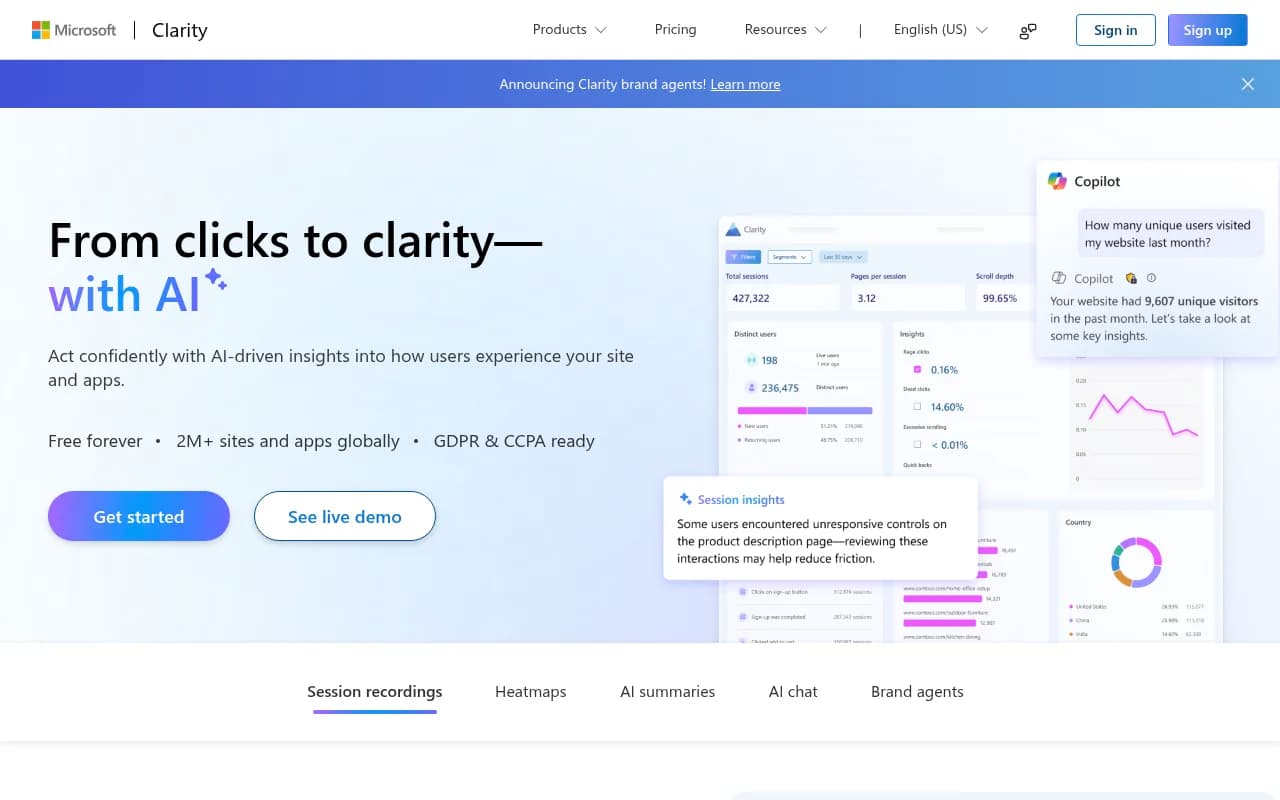
Proof Digital recommends combining Search Console, Bing Webmaster Tools and Microsoft Clarity's AI traffic channels, plus a GA4 AI channel group and a monthly manual prompt test across ChatGPT, Gemini, Perplexity, Copilot and Claude. Their summary of blind spots is accurate:
| Source | What it shows | Biggest blind spot | Local usefulness |
|---|---|---|---|
| Google Search Console (Generative AI reports) | AI Overviews and AI Mode impressions by page, country, device | No queries, clicks or city | Page-level proxy for location pages |
| Bing Webmaster Tools (AI Performance) | Copilot and Bing AI citations, grounding queries, intents | No clicks or traffic | Local intent filter is directly useful |
| Microsoft Clarity | AI-referred visits | Misses AI features inside search engines | Shows landing behavior of AI visitors |
| GA4 AI channel group | AI-referred sessions and conversions | Attribution is partial | Ties AI visits to calls and form fills |
| Manual monthly prompt test | Actual answers across engines | Time-consuming, hard to repeat exactly | Can test any city by hand |
| Paid prompt tracker | Scheduled, multi-location answer tracking | Cost | Only scalable way to compare cities and competitors |
My view: the free stack is enough for a single-location business and for the first quarter of any program. Once you have more than a handful of locations, manual prompt testing stops being realistic and a tracker earns its fee.
A monthly workflow that holds together
Week 1: pull the first-party data
Export generative AI impressions from Search Console for each location page. Export Bing citations, cited pages and the local intent view. Record both in a single sheet with one row per location page.
Week 2: run the prompts
Run your local prompt set from a tracker, or by hand if you are on the free stack. If by hand, keep conditions identical each run: same prompts, same logged-out state, same device type, same location setting. Proof Digital stresses this, and it is right. A prompt run from a different city or while logged in is a different experiment.
Week 3: connect the dots
For each location, ask:
- Does the page have AI impressions in Google but no Bing citations? Check Bing indexing and structured data.
- Is the page cited in Bing's local intent view but absent from your tracked prompts? Your prompt set may be missing a phrasing.
- Is a competitor named in answers for your city while your page gets no citations? Compare their page content, reviews and listings with yours.
- Are you mentioned but never cited? That points to a content or crawlability problem rather than a coverage problem.
Week 4: act and log
Pick two to three fixes per month. Update the location page, add local FAQs, fix listings inconsistencies, or publish a page for a service-area query you found in the grounding data. Note the date so you can see the effect in the next cycle.
Local-specific tips
One page per location, with real local content
Search Console's page dimension is your only route to location-level signals, so give every location a distinct URL. Thin template pages with the city name swapped in are a poor use of that structure. Add genuine details: staff, local service area, local reviews, photos, hours.
Do not rely on Reddit for local AI visibility
Promptwatch Data found that social platforms were only 0.46% of ChatGPT citations from Sep 28 to Oct 4, 2026, down from 5.8% in the earlier report, with Reddit falling from 5.19% to 0.09%. Google AI Overviews behaved differently in the same period, with social platforms at 12.2% of citations (YouTube 4.28%, Facebook 2.38%, Reddit 2.15%, Instagram 1.61%, LinkedIn 1.55%). See the full social media citations by AI model report. The report's takeaway for Google-oriented local buyers is YouTube first, then complete and active public Facebook and Instagram profiles. That is worth acting on if your customers lean on Google's AI features, and a reason to treat ChatGPT and Google as separate optimization targets.
Watch which content types get cited
Promptwatch Data shows product pages are the most cited content type in ChatGPT at 22.4% of citations (Sep 28 to Oct 4, 2026), followed by landing pages and listicles. For a local service business, that suggests well-built service and location landing pages deserve more attention than blog posts. Details are in the ChatGPT citation share by content type report.
Mind your listings and directories
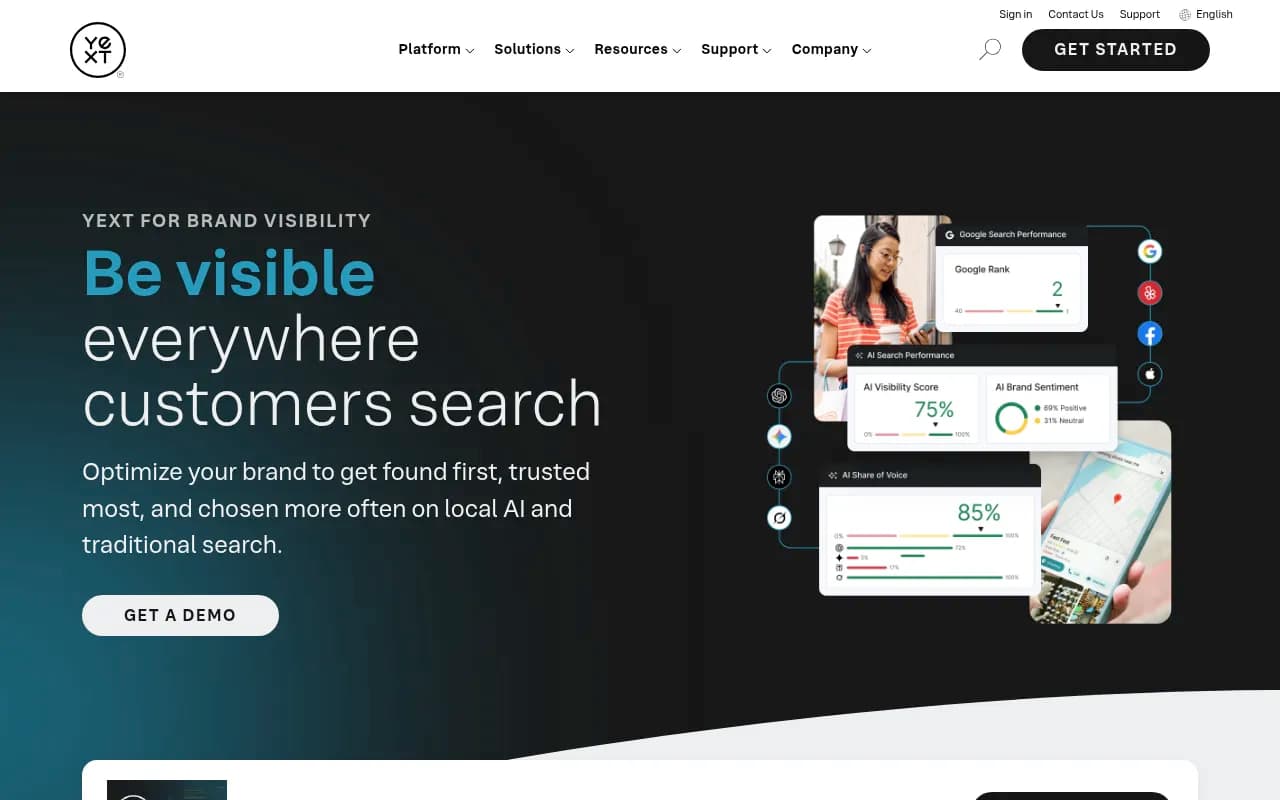
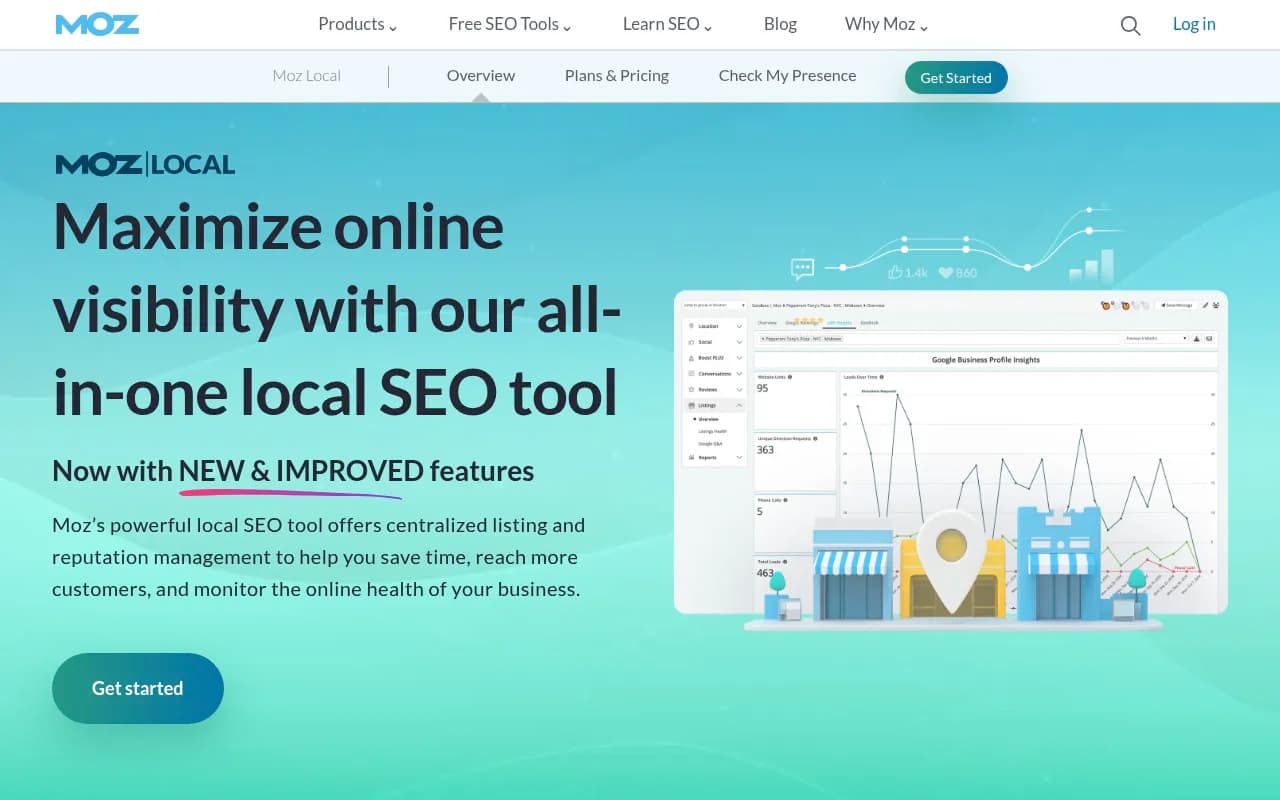
AI answers for local queries lean on aggregators and listing-style sources. If your name, address and phone data is inconsistent across platforms, fix that before anything else. Multi-location tools like Yext, Uberall, Synup and Moz Local handle this at scale.
Avoiding bad data
Two traps are worth knowing about.
First, tool-generated prompts. A LinkedIn post by Whittingham-Sidge points out that some AI prompts appearing in your Search Console data could come from AI visibility tools, including your own. I only saw a summary of the argument, but the practical consequence is clear: if you run a tracker that issues prompts through real interfaces, annotate when you started and do not treat every new query in your data as organic demand.
Second, mistaking citations for traffic. Bing citations and Google AI impressions are exposure measures. The only way to see whether they lead to calls, bookings or form fills is in your analytics. Set up a GA4 channel group for AI referrers and track conversions by landing page. Use call tracking if phone calls are your main conversion.
What to report to stakeholders
Keep the report short. For each location, show:
- Generative AI impressions in Search Console (trend)
- Bing citations, with local-intent citations broken out
- Prompt visibility: share of tracked prompts where the brand is mentioned, and cited
- AI-referred sessions and conversions from analytics
- Top competitor named most often in your city's answers
Five numbers per location is plenty. If your agency or team cannot produce those consistently, add more tooling before adding more metrics. For teams that would rather hand this off, an SEO and GEO agency such as 1001 SEO Media can set up and run the reporting alongside the optimization work.
Summary
Local AI search measurement in 2026 is still a patchwork. Search Console shows Google AI exposure by page and country. Bing shows citations and has a local intent filter. Prompt tracking shows what people in a given place actually get told. Analytics shows whether any of it brings business. Start with the free tools, build a stable prompt set from your own query data, and add a paid tracker when the number of locations makes manual checks impractical. Then review monthly, change a few things, and check whether the numbers moved.