Key takeaways
- A single-point rank check tells you little about local visibility. Use a geo-grid scan for the local pack and a fixed prompt set for AI answers, then put both in one report.
- Google Business Profile calls, direction requests and website clicks matter more than pack position. Treat rankings as a leading indicator, not the result.
- AI engines cite very different numbers of sources: ChatGPT about 5 per answer, Google AI Overviews and Perplexity about 10. Read each engine on its own terms.
- Most teams need two or three tools stitched together. Few products cover both the map grid and AI answers well, so plan the report layout before you buy anything.
- Review weekly, act monthly. Daily local rank data is noisy, and weekly deltas are the sweet spot.
Why one report is worth the trouble
Local search has split into at least three surfaces: the Google local pack (the three-listing map unit), Google AI Overviews and AI Mode, and chat assistants like ChatGPT and Perplexity. A customer might check all of them before calling you. Your reporting probably covers one.
The usual failure looks like this. The SEO person has a rank tracker that says you hold position 2 in the pack. Someone in marketing pastes a ChatGPT screenshot into Slack showing a competitor being recommended. Nobody reconciles the two, so nobody knows whether things are improving.
A single weekly report fixes that. It does not need to be fancy. It needs the same metrics, the same locations and the same prompts every week, so changes mean something.
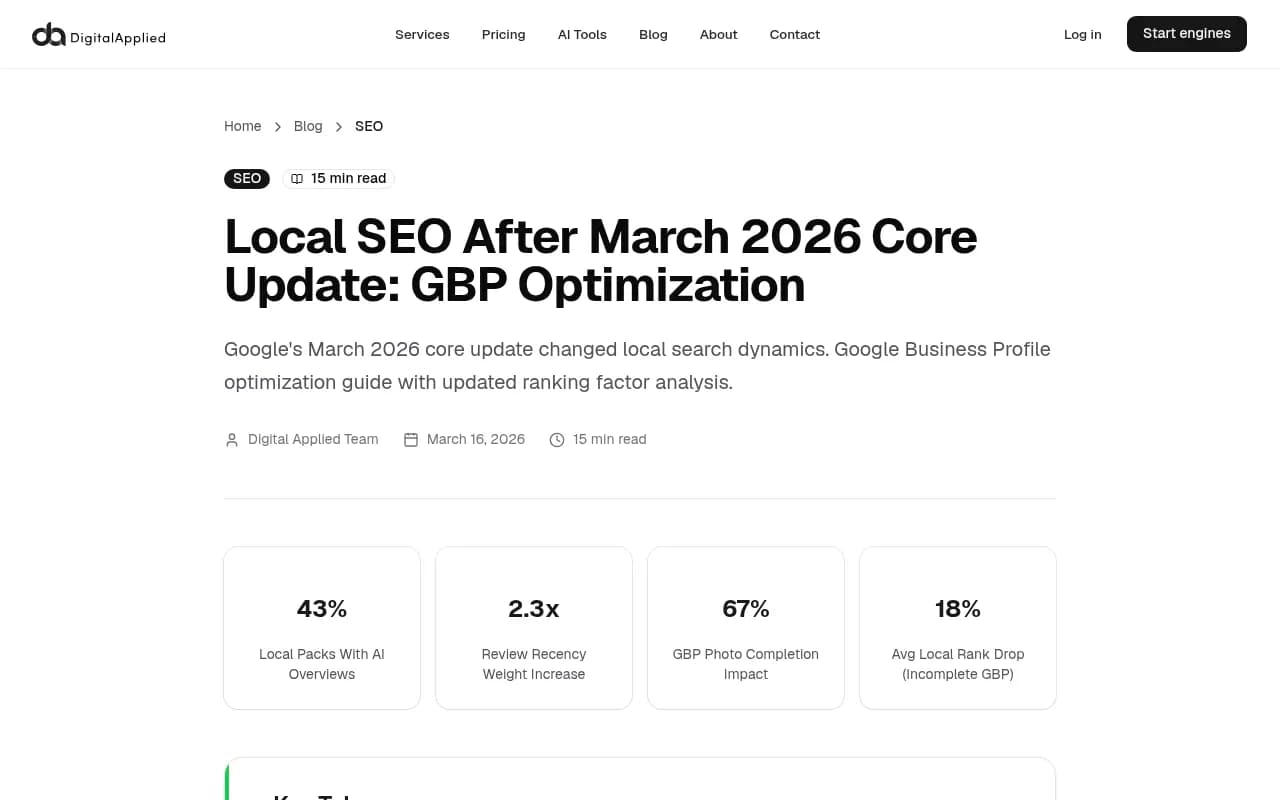
The stakes are real. BrightLocal found that 31% of US consumers used ChatGPT and 23% used Google's AI Mode for business recommendations in the past year. Digital Applied's write-up of the March 2026 core update also reports that 43% of local packs now carry AI Overviews. I would treat that single number with some caution, since I could not verify the methodology, but the direction matches what most local SEOs are seeing.
What the report should contain
Keep it to one page. Four blocks cover it.
Block 1: local pack visibility
Local rankings change from street to street, so a single check from your office address is close to useless. A geo-grid scan checks your position from a grid of points across your service area and shows where you appear and where you vanish. Digital Applied makes the same point: hyperlocal grid tracking gives a far more accurate picture than single-point checks.
Metrics to log each week:
- Average grid rank for your top two or three keywords
- Share of grid points where you are in the top 3
- Number of grid points where you do not appear at all
- Top competitor in the pack and their grid share
Block 2: Google Business Profile outcomes
GBP's own performance report shows calls, direction requests and website clicks. These matter more than rankings, because rankings do not pay invoices. Add UTM tags to the profile's website link so visits show up separately in Google Analytics 4.
It also pays to log profile hygiene, because the March 2026 update reportedly punished incomplete profiles. Digital Applied cites an average 18% local rank drop for incomplete GBPs and a 2.3x increase in review recency weighting. Track:
- New reviews this week and owner response rate
- Date of the most recent review
- Photos added
- Profile fields still empty (hours, services, attributes)
Block 3: AI recommendations
This is the block most reports lack. Build a fixed set of 15 to 30 prompts that a local customer would plausibly type, for example "best emergency plumber in [city]" or "dentist near [neighborhood] that takes walk-ins". Run the same set every week and log:
- Whether your business is mentioned
- Position in the answer (first named, third named, not named)
- Whether your own site or GBP is cited as a source
- Which competitors are named instead
- Sentiment of the description
Block 4: actions and notes
Two or three lines: what moved, why you think it moved, what you will do this week. Without this block the report is a data dump.
Read each AI engine on its own terms
Don't average all AI engines into one score. They behave differently, and Promptwatch Data on average sources per response shows why: ChatGPT cites about 5 sources per answer when it searches the web, while Google AI Overviews and Perplexity cite about 10. Perplexity's count barely moves day to day, which makes it a decent test bench. If your citations there change, it is probably your content and not engine noise. Copilot, by contrast, swung from under 2 to nearly 17 sources per response within a few weeks, so do not read a weekly Copilot wobble as a result of your own work.
Social sources matter too, and they matter differently per engine. In Promptwatch's data for Sep 28 to Oct 4, 2026, social platforms made up just 0.46% of ChatGPT citations but 12.2% of Google AI Overviews citations. For a local business, that means a complete, active Facebook page and Instagram profile can help in AI Overviews, while leaning on Reddit for ChatGPT visibility is a poor bet. Promptwatch's report on Reddit citations dropping in ChatGPT shows reddit.com's share falling from about 4% to 0.5% on August 14, 2026.
One gap to be honest about: Promptwatch Data does not currently publish a local-specific citation report, so the numbers above are general, not local-only. Use them as directional guidance and verify against your own prompts.
The tool options
No single product nails every block. Here is how the main categories break down.
| Job | What to look for | Example tools |
|---|---|---|
| Geo-grid local pack scans | Grid of points, scheduled rescans, competitor view | Local Falcon, Local Rank Tracker, BrightLocal |
| Local rank plus AI tracking in one place | Maps, organic and AI prompts in one dashboard | Rankability, Nightwatch, Local Dominator |
| AI answer tracking | Real prompt runs, citations, competitor mentions | Promptwatch, Peec AI, Otterly.AI |
| GBP and listings | Profile data, reviews, listing sync | BrightLocal, Whitespark, Yext |
| Reporting layer | Scheduled PDFs, merged data sources | Whatagraph, Looker Studio, Google Analytics |
Geo-grid scanners
Local Falcon is the one many local SEOs reach for when they want visual grid heatmaps.
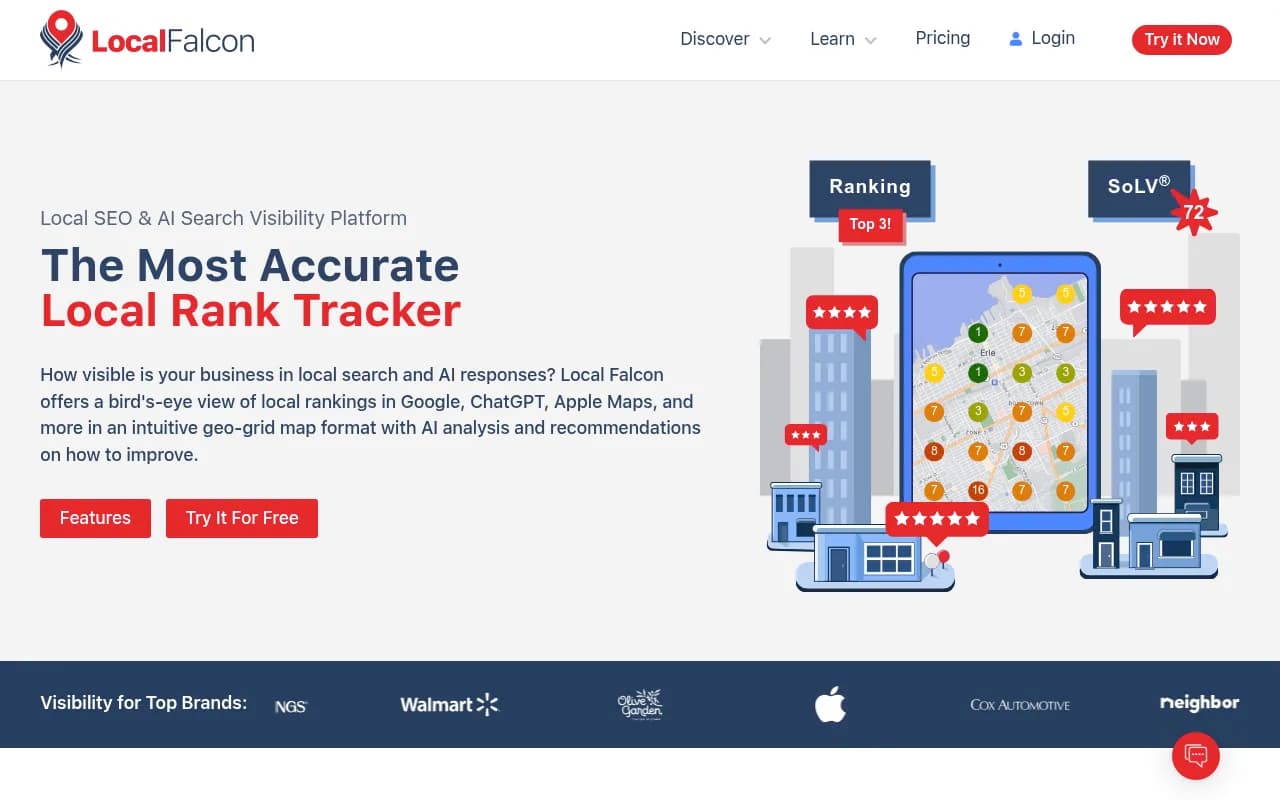
Local Rank Tracker covers similar ground for pack position tracking.
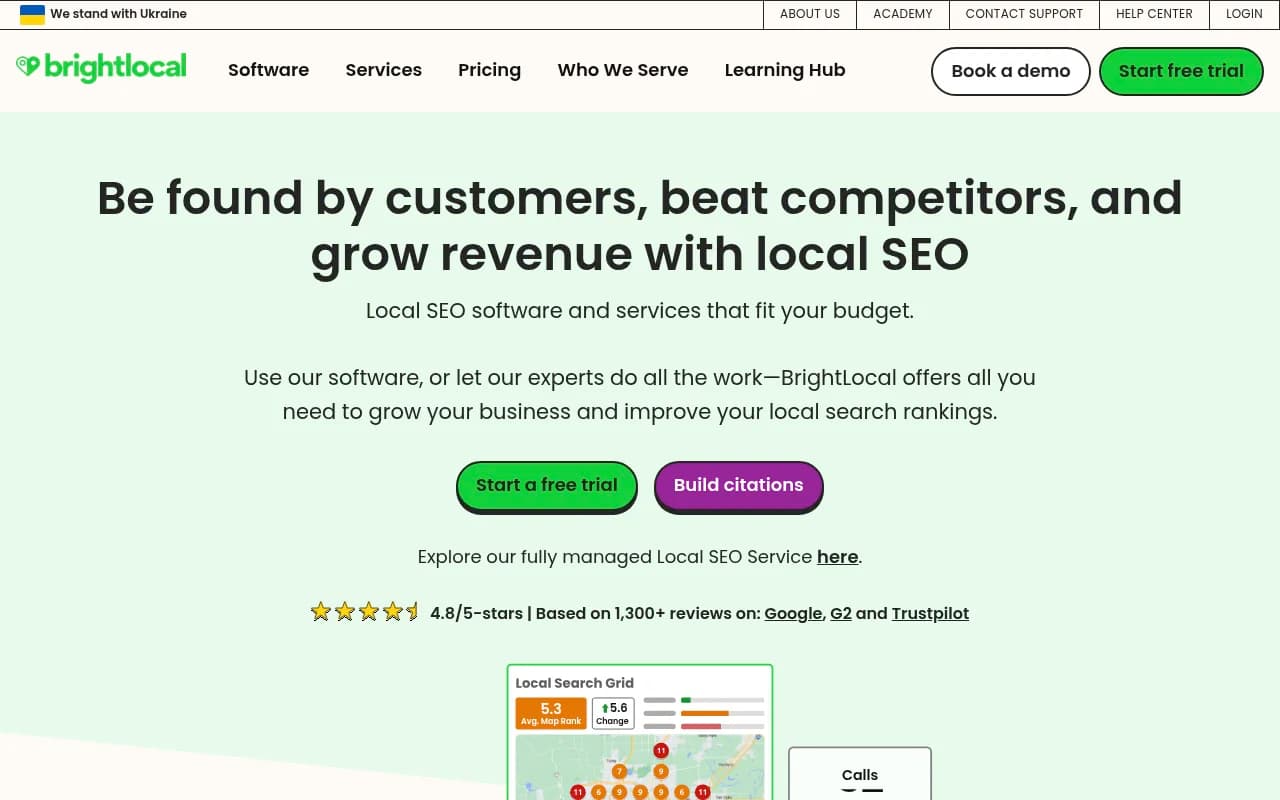
BrightLocal is a broader local SEO platform with rank tracking, citations and review monitoring, which is handy when one person owns several locations.
Tools that try to do both
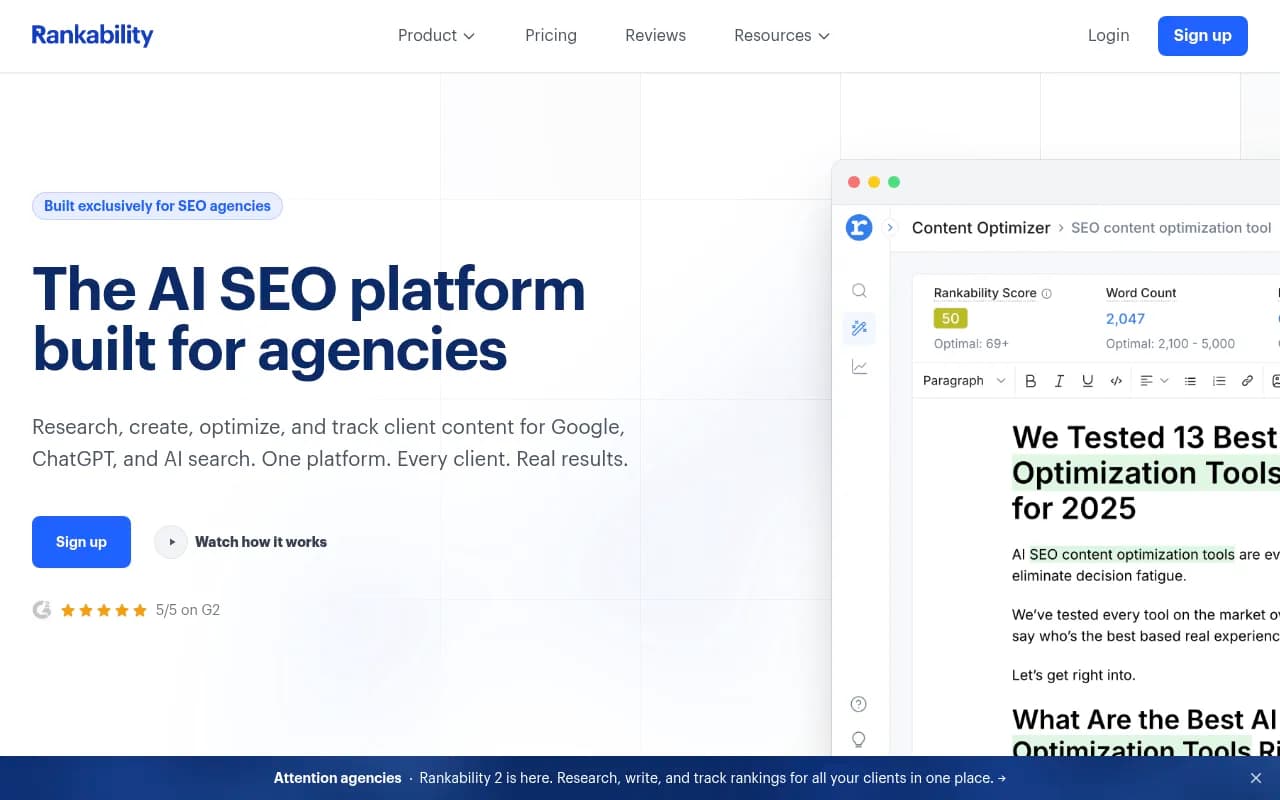
Some vendors now bundle maps tracking and AI tracking. Rankability pitches itself at agencies that want local, traditional Google and AI-search visibility connected to reporting.
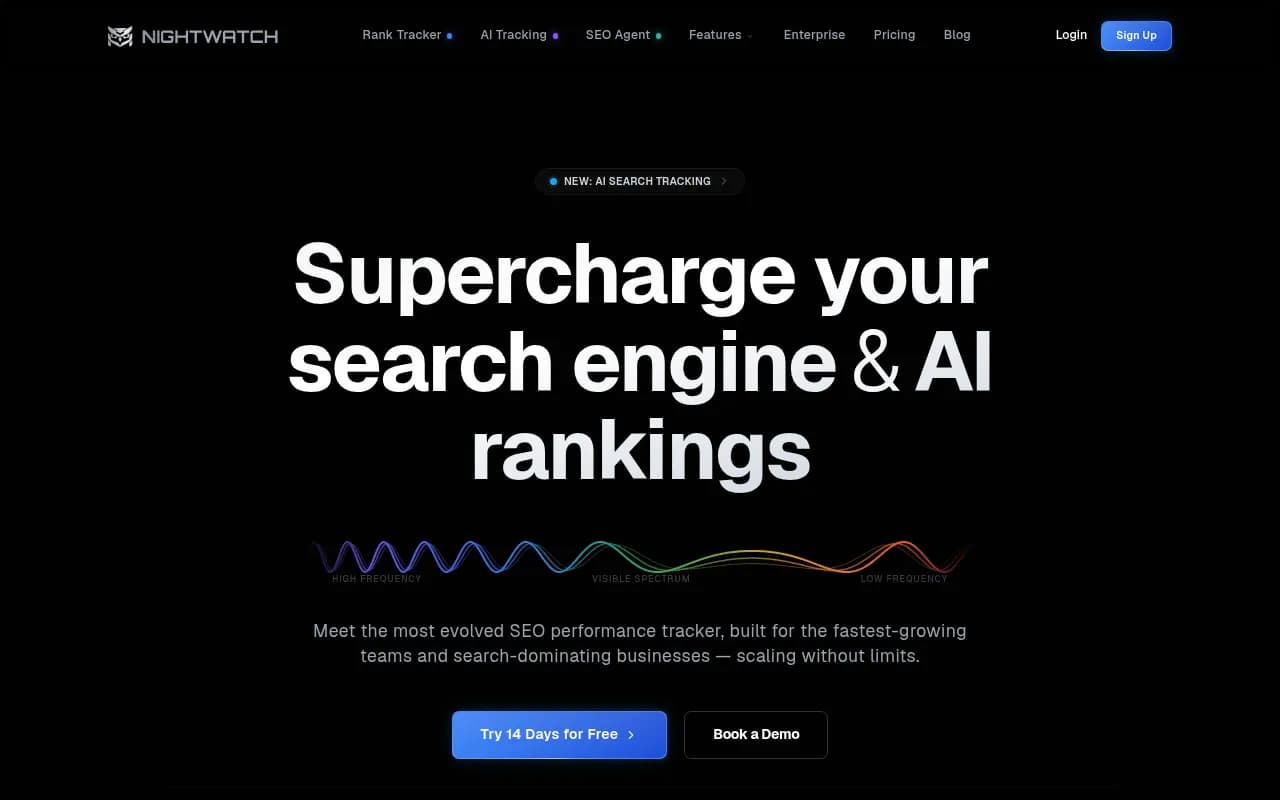
Nightwatch says it tracks rankings across Google, Bing, ChatGPT, Claude, Gemini and Perplexity from one place.
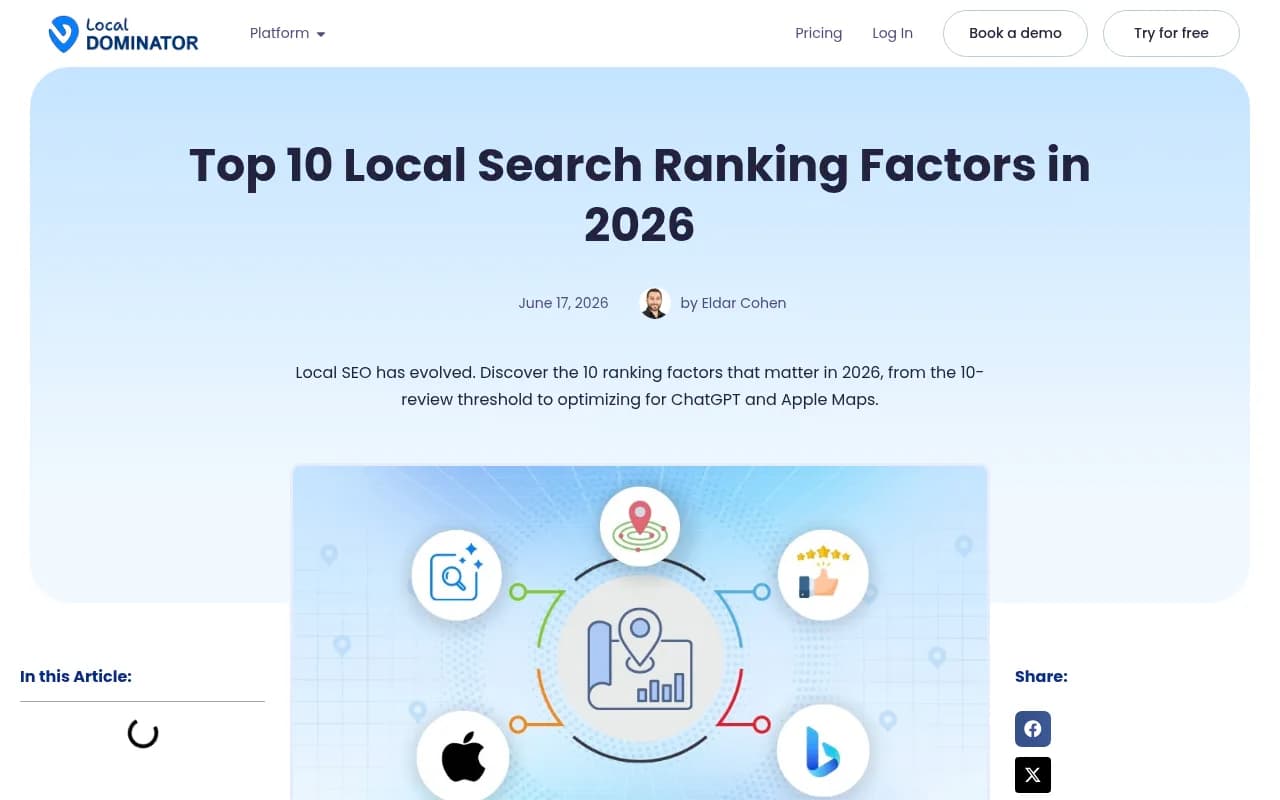
Local Dominator has an AI Tracker aimed at showing whether ChatGPT and Perplexity cite your business or recommend competitors, alongside its grid features. Their 2026 ranking-factors guide also argues that local visibility now spans Google Maps, Apple Business Connect and AI platforms at once, which is a fair framing for what this report needs to cover.
I have not verified current pricing or the depth of the AI features in any of these, so check each vendor's site before committing. "Bundled" often means a lighter version of each capability than a dedicated tool gives you.
Dedicated AI visibility tracking
If the AI block is where you need depth, a dedicated platform is worth a look. Promptwatch tracks real ChatGPT, Google AI Overviews, AI Mode, Gemini and Perplexity interfaces by country, and its Business plan adds state and city tracking plus local GEO/SEO targeting at exact coordinates, so a monitor can answer as if asked from a specific street corner. That is useful for "near me" prompts, where the answer depends on where the asker stands. It also logs which of your pages AI crawlers actually read and which get cited, which tells you why you are missing, not just that you are.

Lighter options exist for smaller budgets.

Otterly.AI

For a wider view of what is out there, the directories at ai-rank-tools.com and bestgeosoftware.com list AI tracking and GEO tools by category.
A weekly report template
Here is a layout that fits on one page or one dashboard. Copy it into a sheet, Looker Studio, or whatever your reporting layer is.
| Section | Metric | This week | Last week | Change |
|---|---|---|---|---|
| Local pack | Avg grid rank, keyword 1 | |||
| Local pack | % of grid in top 3 | |||
| Local pack | Grid points with no listing | |||
| GBP | Calls | |||
| GBP | Direction requests | |||
| GBP | Website clicks (UTM-tagged) | |||
| GBP | New reviews / response rate | |||
| AI answers | Prompts where brand is mentioned (of N) | |||
| AI answers | Prompts where own site is cited | |||
| AI answers | Top competitor named most often | |||
| Notes | What changed, what we do next |
A few rules that keep it honest:
- Same day, same time, every week. Run scans mid-week so weekend traffic patterns do not skew things.
- Same prompt set. Add new prompts in a separate section for a month before merging them into the baseline.
- Same grid size and radius. Changing the grid mid-stream makes week-over-week comparison meaningless.
- Report the mention rate as a fraction ("9 of 20 prompts"), not a vague score. Fractions are harder to inflate.
Setting up the pipeline step by step
Step 1: define locations and keywords
Pick one to three keywords per location. Resist the urge to track 40. Choose the money terms: the category name plus city, and the "near me" variant. For multi-location brands, start with your five most valuable locations and expand later.
Step 2: run a baseline grid scan
Run a scan today before changing anything. Local Dominator's advice here is simple and right: establish your current ranking first, then measure against it. A 5x5 or 7x7 grid with a radius that matches how far customers actually travel is a sensible start.
Step 3: write your AI prompt set
Mix three prompt types: organic discovery ("best [service] in [city]"), brand-specific ("is [your business] any good"), and competitor comparison ("[you] vs [competitor]"). Add the neighborhoods you care about. Then check whether the tool can run them from the right location.
Step 4: connect GBP and analytics
Pull GBP performance data weekly. Confirm your UTM-tagged GBP link is producing a separate source in GA4 so you can see profile-driven visits apart from organic.
Step 5: build the one-page view
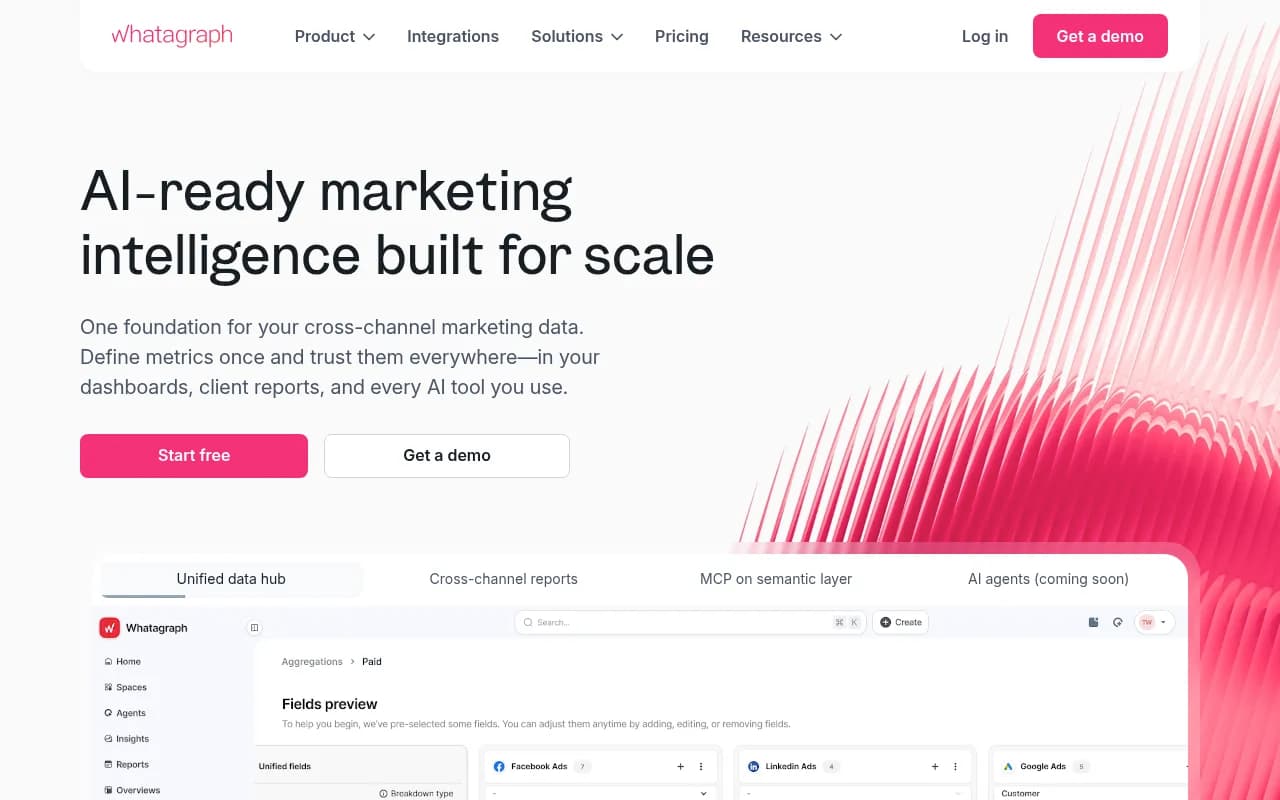
If your tools have scheduled email reports, use them as raw material. ProRankTracker, for instance, recommends setting up automated email reports to watch AI platforms and traditional Google rankings together. If your tools do not export cleanly, a shared spreadsheet filled in by hand in 20 minutes each Monday is a perfectly respectable version one. A reporting tool like Whatagraph can take over once the layout is stable.
Step 6: schedule the review
Put a 15-minute weekly slot in the calendar. Look at deltas, not absolutes. Pick one action. Move on.
Interpreting the numbers
The point of combining the two data sets is that they explain each other.
- Strong pack, weak AI mentions. Your GBP is doing its job but AI engines cannot find corroboration elsewhere. Look at third-party listings, reviews on several platforms and local content on your site. Reviews on sites like Trustpilot do not directly drive Google's local ranking, but they feed the prominence signals AI tools read when summarizing your reputation.
- Weak pack, strong AI mentions. Often a proximity problem. You are well regarded but far from the searcher. Check the grid for dead zones and consider whether a new location, service-area page or profile is justified.
- Both weak. Start with profile completeness, review recency and response rate, then hyper-local content (neighborhood references, city-specific service descriptions).
- Both strong but calls flat. Check conversion: call tracking, hours accuracy, booking links.
Be skeptical of sudden single-day rank drops. Blu Mint points out that poisoned SERPs can report losses that never happened. If a daily check collapses, rescan before reacting. This is another reason weekly beats daily.
Mistakes that wreck local reports
- Tracking from one point. It flatters you if the point is your front door.
- Changing prompts every week. You will never know whether movement is real.
- Treating AI answers as stable. They vary from run to run. Look at trends over several weeks and ideally multiple runs per prompt.
- Ignoring Apple Maps and Bing. Apple Business Connect now feeds Siri and other Apple surfaces, and Bing data matters for some assistants. A quick manual check once a month is enough for most small businesses.
- Reporting rankings without business results. If calls and direction requests are not in the report, the report will get ignored.
What to do when you have limited time
If you run a single-location business with a few hours a month, here is the minimum viable version:
- One geo-grid scan per week for your top keyword
- GBP calls, directions and website clicks pulled monthly, with weekly review counts
- Ten AI prompts run by hand in ChatGPT, Perplexity and Google, logged in a sheet
That is enough to spot trends. Automate the prompt runs once the sheet gets tedious.
If you manage many locations or clients, the calculus changes. Agencies tend to pay for a grid tool, an AI tracker and a reporting layer, then white-label the output. Businesses that would rather hand the whole thing off can look at an SEO and GEO agency such as 1001 SEO Media, which covers local SEO, technical work and AI search visibility with monthly reporting.
Bottom line
Build the report before you shop for tools. Decide which four blocks you need, which locations and prompts go in, and who reads it on Monday. Then pick the cheapest combination that fills the blocks reliably: a grid scanner, an AI prompt tracker, GBP exports and a spreadsheet. Run it for six weeks before judging anything, because the first few weeks only establish the baseline.