Key takeaways
- Prompt tracking, citation analysis, site audits and AI traffic reporting can all be set up by a marketer in an afternoon. Most of it is account creation and pasting a tag.
- The hard parts for non-developers are crawler logs and CMS publishing, and both are now mostly connector setups (Cloudflare, WordPress plugin, Webflow, Framer) rather than code.
- Monitoring-only tools answer "was I mentioned?" Tools that also give you tasks, content and traffic attribution save more time for a small team.
- Budget roughly $80 to $250 a month for a solid starting point. Check every price on the vendor's own page, because they change.
- Check robots.txt and your CDN or WAF rules first. It costs nothing and is the most common reason a brand is invisible to AI.
What "no developer" actually means here
Most AI visibility guides assume you have someone who can edit server config, deploy a Worker, or wire up an API. Plenty of marketing teams don't. You might have a WordPress site run by an agency, a Webflow site you edit yourself, or a Shopify store, and a developer who answers tickets in two weeks.
So the useful question is not "which tool has the most features." It is "which parts of this can I finish myself, today, without filing a ticket."
I split the work into five jobs:
- Tracking whether AI answers mention you
- Seeing which sources AI cites
- Checking whether AI crawlers can read your site
- Measuring traffic and conversions from AI
- Fixing gaps with new or refreshed content
Jobs 1, 2 and 4 are genuinely no-code. Job 3 is where people get stuck. Job 5 depends on how your CMS connects.
Job 1: Track your brand in AI answers
This is the easy one. You enter a list of prompts your customers might ask, pick the models, and the tool runs them daily and records whether you appear, where, and with what sentiment.
The prompts matter more than the tool. Start with 30 to 50 across three groups: generic category questions ("best CRM for a 10-person agency"), comparison questions ("X vs Y"), and brand questions ("is X worth it"). Don't copy keyword lists straight over. People phrase AI prompts as full questions.
The tools worth looking at, by budget:
- Entry level: Otterly.AI and Peec AI. Peec AI's starter tier was listed at roughly $80 a month for 50 prompts in a Triple Whale roundup, but I haven't verified that against Peec's own pricing page, so confirm before you budget.
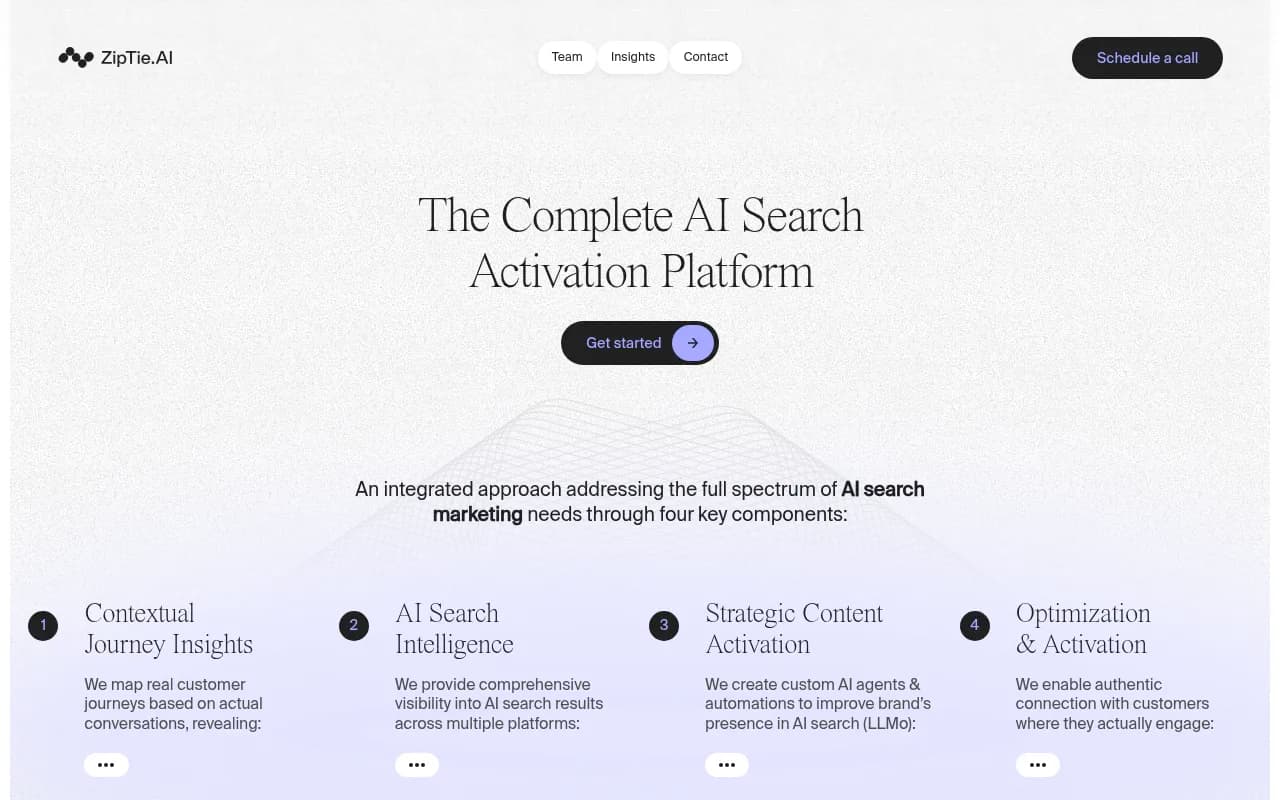
- Mid-market: ZipTie for deeper analysis and reporting, and Semrush or Ahrefs Brand Radar if you already pay for those suites.
- Full platforms that also help you act on the data: Promptwatch, covered below.
Otterly.AI


A caution on cheap trackers. They answer "was I mentioned?" well. They mostly stop there. If you are a team of one or two, the report is not the bottleneck, the follow-up work is. Keep that in mind when you compare prices.
It also matters whether the tool scrapes the real interface or calls an API. User-facing answers and citations can differ from API output, so ask how each vendor collects its data.
Job 2: See which sources AI cites
Mentions are the headline number. Citations tell you what to do about it. If ChatGPT recommends a competitor and cites a comparison article, a Reddit thread and their docs, you now have a shopping list.
Promptwatch Data is useful for calibrating expectations here. In Promptwatch's average sources per response data, ChatGPT cited about 5 sources per web-search answer, while Google AI Overviews and Perplexity each cited about 10. Perplexity's count is so steady that Promptwatch suggests using it as a test bench for GEO changes. That's a practical tip for a small team: make a change, watch Perplexity, and you get a cleaner signal than from the noisier engines.
The type of page matters too. Promptwatch's ChatGPT content type data shows product pages were the most cited type (22.4% of citations, Sep 28 to Oct 4, 2026), followed by landing pages and listicles. If your product pages are thin, that is a better first fix than another blog post.
None of this needs a developer. You read a report and decide what to write or fix.
Job 3: Check whether AI crawlers can reach your site
This is where non-developers usually stall, so it deserves care.
If an AI crawler is blocked, nothing else you do matters. The block can sit in robots.txt, in a CDN rule, or in a WAF setting that treats unfamiliar bots as threats. Marketers rarely see any of these.
What you can do alone
- Open yoursite.com/robots.txt and read it. Look for Disallow rules aimed at GPTBot, ClaudeBot, PerplexityBot, OAI-SearchBot or a blanket block on unknown agents.
- Run a free check. Promptwatch offers an Agentic Readiness Check and an AI Crawler URL Inspector that show which AI crawlers can read a given page.
- Ask whoever manages your CDN (often a one-line request) whether bot protection is blocking AI user agents.
Crawler logs without code
Real crawler logs show which bots visited, what they read and where they hit errors. This used to mean parsing server logs. Now several platforms connect through Cloudflare, Vercel, Fastly or a WordPress plugin. Promptwatch's crawler analytics is a connector setup rather than code, which is what makes it realistic for a marketer, provided you have login access to the CDN.
The data is worth looking at. Promptwatch's AI crawler traffic report found OpenAI accounted for 79.8% of IP-verified AI crawler requests in the week of Aug 31 to Sept 6, 2026, down from 94.8% in mid-June. Its advice is simple: compare that mix to your own logs, and if a provider is big in the data but near zero in yours, you are probably blocked for it.
There is also a newer wrinkle. Promptwatch's Meta-WebIndexer data shows that bot going from about 2% to nearly 38% of tracked crawler requests between mid-July and August 9, 2026. If your allowlist was written a year ago, it probably doesn't know about it.
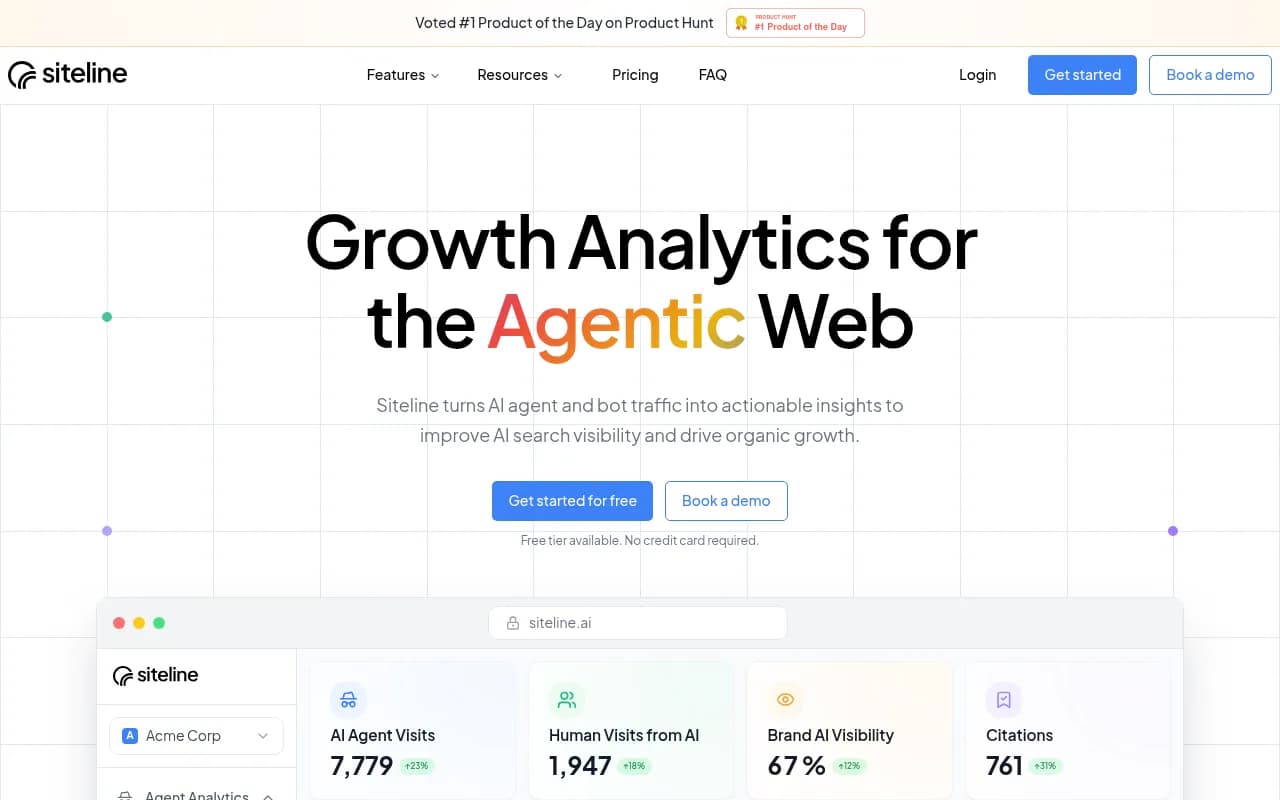
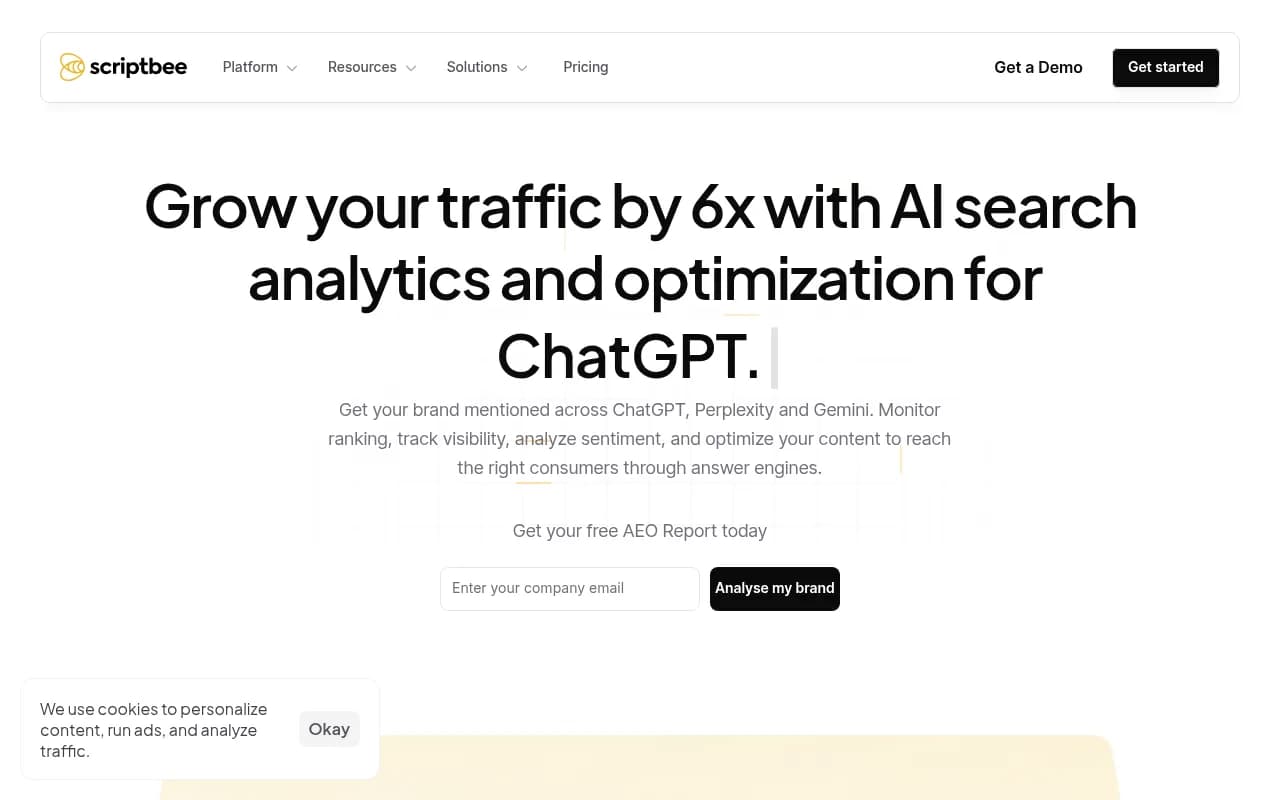
Other tools in the catalog that touch crawler visibility include Siteline AI, Scriptbee and xSeek.
Job 4: Measure AI traffic and conversions
Mentions don't pay salaries. Visits and signups do. This job is more doable than people expect, because it is a tracking tag.
You have three practical routes:
- Google Analytics. Filter referral traffic for chatgpt.com, perplexity.ai, gemini.google.com, claude.ai and copilot.microsoft.com. Free, imperfect, and some AI traffic arrives with no referrer at all.
- A visibility platform with its own visitor analytics, installed via a script, a Google Tag Manager template or a WordPress plugin. Marketers can usually do the GTM version themselves.
- A dedicated AI traffic tool such as Analyze AI or Bear AI.
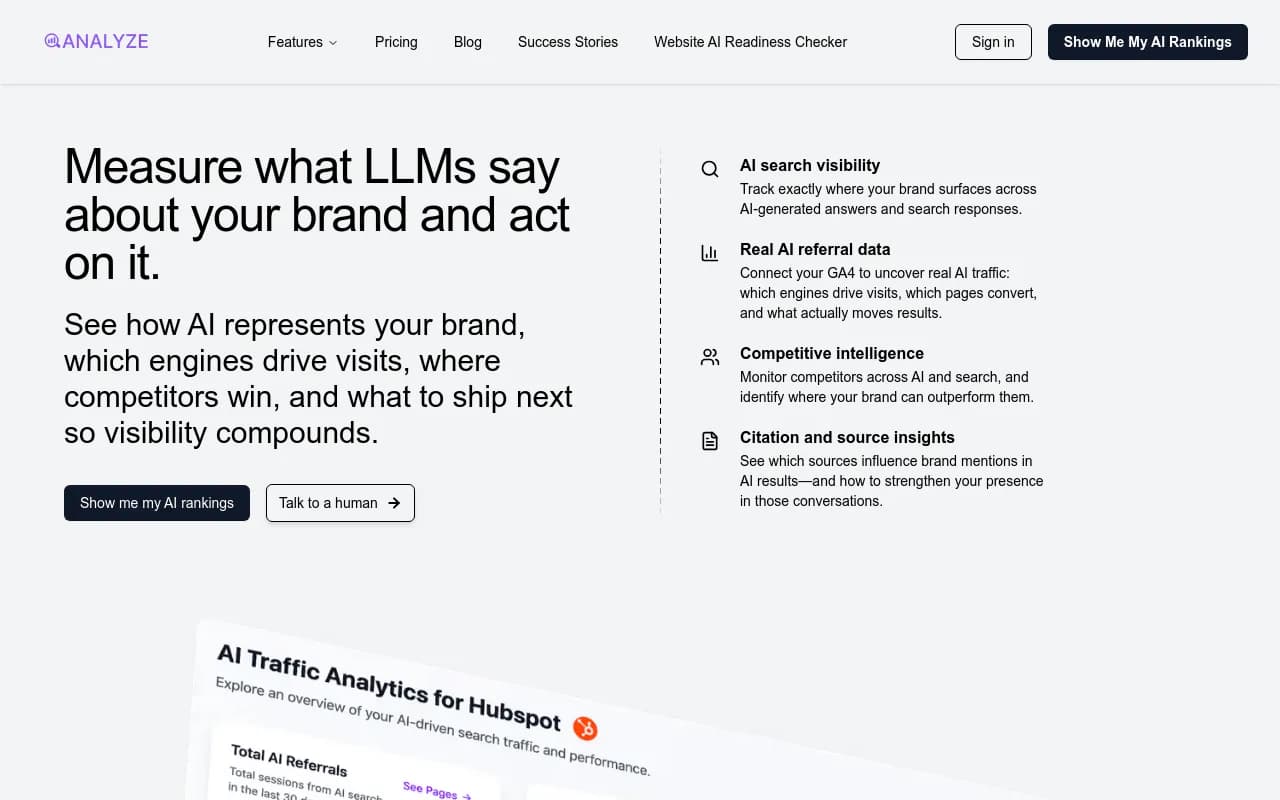
The number to watch is conversion rate, not volume. Crisp reported 2x higher conversion rates from AI traffic than from traditional channels, according to Promptwatch's case study. Volume from AI is still small for most sites, so quality is the argument that wins budget.
Job 5: Fix the gaps
This is the part monitoring tools skip. You know you are missing from 20 prompts. Now somebody has to write the pages, update the old ones, and publish them.
For a marketing team without developers, the question is how content gets from draft to live site. Options:
- Export Markdown or HTML and paste it into your CMS. Works everywhere, costs time.
- Direct CMS publishing. WordPress, Webflow and Framer connections exist in some platforms, so a marketer can approve a draft and it goes live.
- A separate content tool such as AirOps, Frase or Surfer SEO, which write and optimize but don't know what AI currently cites.
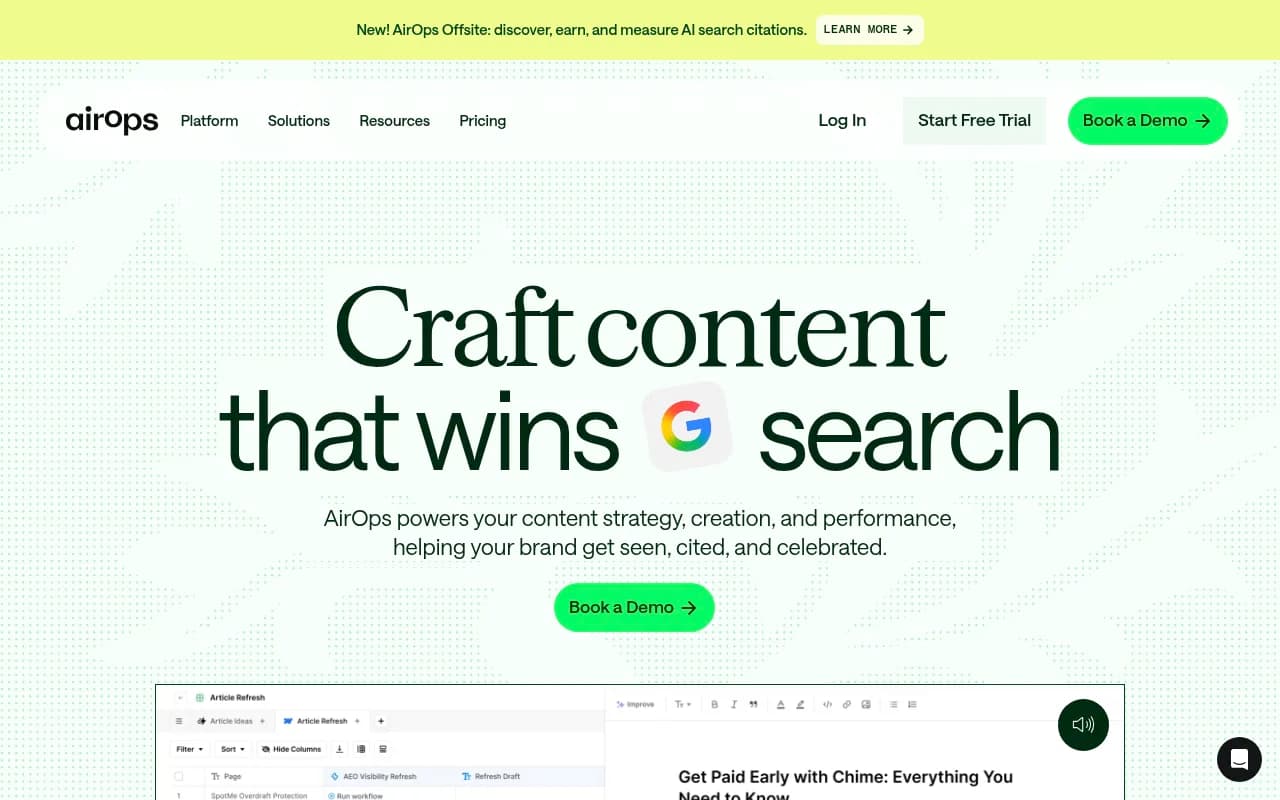
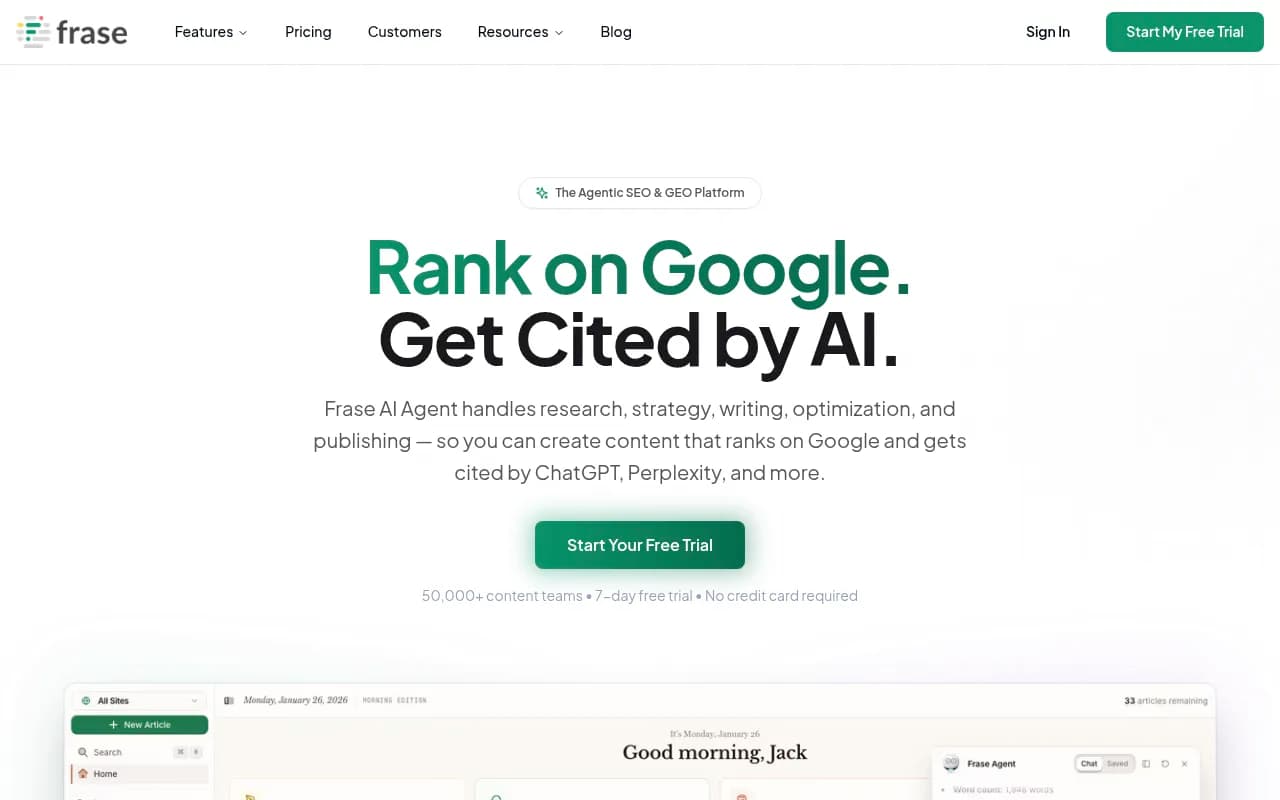
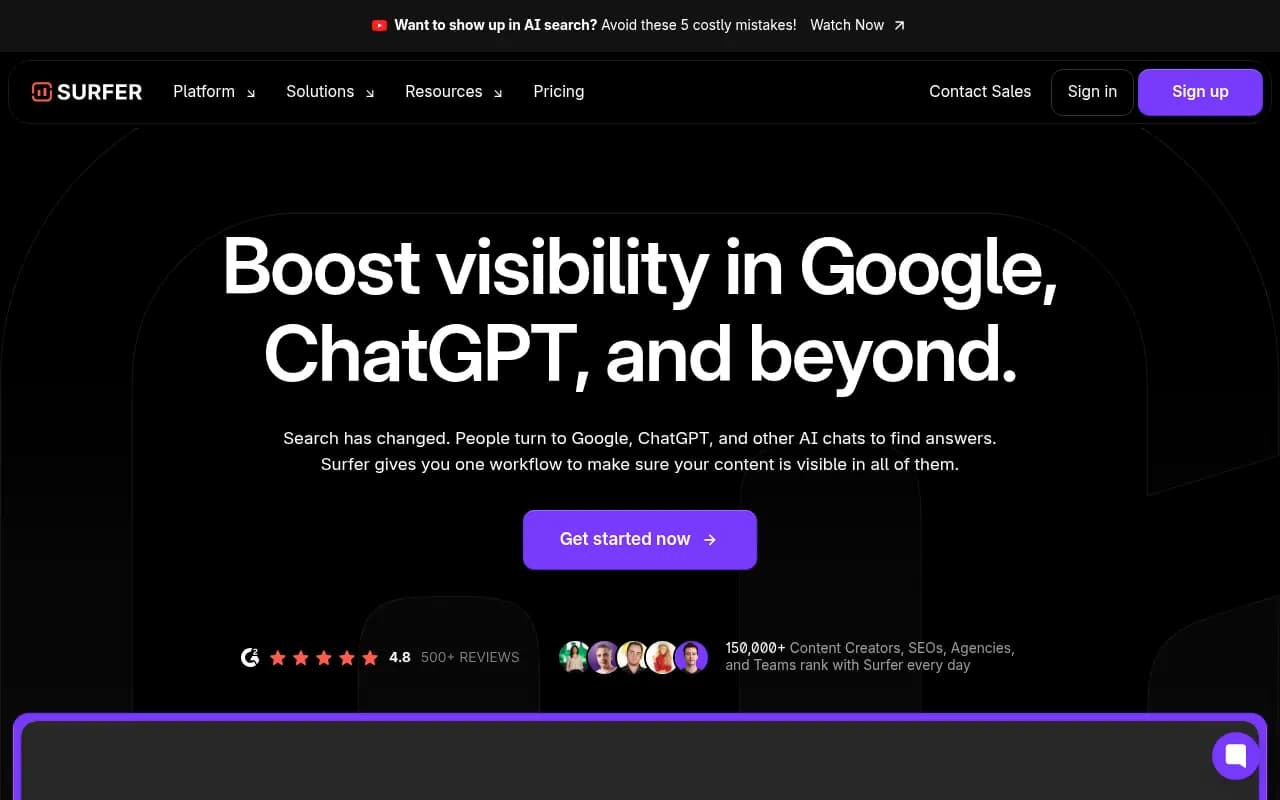
The gap between "content tool" and "visibility tool" is real. A writing tool produces an article. It doesn't tell you which prompt it should win, whether AI crawlers fetched it, or whether it ever got cited. That feedback loop is the point.
Where Promptwatch fits for a team of one to five
Promptwatch is the platform I'd look at first if you want all five jobs under one login. It tracks real ChatGPT, Google AI Overviews, AI Mode, Gemini, Perplexity and Copilot interfaces, shows prompt volumes and difficulty, and has crawler logs plus visitor analytics. On the fixing side, the Action Board produces a prioritized to-do list and the Content Agent plans, writes and publishes to WordPress, Webflow or Framer, with a review inbox so you stay in control.

That is the practical argument for non-developers: fewer logins, and the connectors replace the code you can't write. It is rated 4.7/5 on G2 and is ISO/IEC 27001 certified, which helps if procurement asks.
Pricing, so you can plan (confirm at promptwatch.com/pricing): Essential is $95 a month for 50 prompts and all models, Professional is $245 for 150 prompts, and Business is $579 and adds the automated Content Agent. There's a free Explore plan limited to ChatGPT and 10 prompts, plus a 7-day trial on monthly paid tiers. If you only want a first look, the free AI Visibility Report needs no login.
Comparison: what you can set up alone
| Task | Setup effort | Developer needed? | Tools to consider |
|---|---|---|---|
| Prompt tracking | Under an hour | No | Otterly.AI, Peec AI, ZipTie, Promptwatch |
| Citation analysis | Same login as tracking | No | Promptwatch, Semrush, Ahrefs Brand Radar |
| robots.txt and bot checks | 30 minutes | Rarely, only for CDN rule changes | Free readiness checkers |
| Crawler logs | 1 to 2 hours | Only if you lack CDN access | Promptwatch, Siteline AI |
| AI traffic reporting | 1 hour | No, if you can use GTM | GA, Promptwatch, Analyze AI |
| Content publishing | Hours to days | No for WordPress, Webflow, Framer | Promptwatch, AirOps |
A realistic first week
Here is the order I'd follow if I were on a three-person marketing team.
- Day 1: read your robots.txt and run a free crawler check. Fix blocks first.
- Day 1: run a free AI visibility scan to get a baseline.
- Day 2: write 40 prompts from sales calls, support tickets and Search Console queries. Load them into your tracker.
- Day 3: add the traffic tag via GTM and set up an AI referral segment in analytics.
- Day 4: connect your CDN for crawler logs, or ask for the access you need.
- Day 5: review citations and list the five pages that need work.
After that, check weekly, not daily. Daily numbers wobble. Microsoft Copilot's average citation count swung from under 2 to nearly 17 sources within a few weeks in Promptwatch's data, so judge it on monthly trends.
What still needs a human with technical skills
Be honest with yourself about the limits.
- JavaScript-heavy sites that render content client-side can be invisible to crawlers. Pre-rendering services exist, but setting one up is a developer task.
- Structured data and llms.txt work are easier with a plugin or a generator, but custom schema often needs code.
- API and MCP integrations are available in some platforms. Skip them until the basics work.
If you'd rather hand the whole thing to specialists, an agency is a legitimate route. 1001 SEO Media runs technical SEO and GEO work for teams that don't want to build this capability in-house.
Picking a tool: five questions
- Does it monitor real interfaces or only APIs?
- Can I install it without touching code?
- Does it tell me what to do next, or only what happened?
- Does it connect to my CMS so I can publish from it?
- What does it cost per tracked prompt once I add a second brand or country?
AirOps makes a related point in its own guide: teams of five or more should look hard at governance, approval workflows and shareable reporting, which most monitoring-only tools lack. That is fair advice, and it matters earlier than people expect.
For wider browsing, the GEO software directory lists many more options by category, and the AI rank tracking directory covers the monitoring-only end.
Reference reading
Two roundups are useful second opinions. Zapier's list of nine AI visibility tools, researched by Maddy Osman, groups tools by use case and is easy to skim:
The accessibilitychecker.org guide covers ten picks from free to enterprise and includes a section on what AI visibility tools can't see, which is worth reading before you buy anything:
The short version
You can run an AI visibility program without a developer. Start with the free checks, track a focused prompt set, add a tracking tag, and connect your CDN or CMS only when you're ready. The tool you choose should cut your weekly workload, not add a reporting chore, so favor the ones that hand you actions and publishing connectors over the ones that hand you a chart.