Key takeaways
- A handful of open-source GEO trackers (Elmo, GEO/AEO Tracker, OneGlanse, Canonry, Gego, GetCito) are mature enough to run real monitoring on your own infrastructure, though you pay with setup time and API keys.
- Free tiers from commercial vendors are small (roughly 10 to 25 prompts) but fine for a baseline and for deciding whether GEO deserves a budget.
- Several of the most useful GEO checks cost nothing: server-log analysis, robots.txt review, Search Console and Bing data, and a spreadsheet of manual prompt checks.
- Free and self-hosted tools mostly monitor. Turning findings into published content is where paid platforms earn their price.
What "free" actually means in GEO
The phrase covers three different things, and mixing them up leads to bad decisions.
- Open source: the code is public, usually on GitHub, and you run it yourself. The software is free. The model API calls that power it are not.
- Free tiers: a hosted product with a small cap on prompts, engines, or features.
- DIY methods: checks you do with tools you already have, like server logs and a spreadsheet.
All three are legitimate. They solve different problems, so it helps to know which one you need before you start installing things.
The open-source GEO trackers
A note on sourcing before the list. The figures below come from a comparison published by Elmo, which is itself one of the projects ranked. Treat the star and commit counts as vendor-authored and probably stale by the time you read this, and check each repo yourself. Licenses and features also change, so confirm them on GitHub before you commit.
| Tool | License | Self-host | Engines covered | Best for |
|---|---|---|---|---|
| Elmo | MIT | Yes | ChatGPT, Claude, Perplexity, Gemini, Google AI Overviews | A full platform you own and can audit |
| OneGlanse | MIT | Yes | ChatGPT, Gemini, Perplexity, Claude, Google AI Overview | Capturing answers from the actual web UIs, not just APIs |
| GEO/AEO Tracker | MIT | Yes, local-first | ChatGPT, Perplexity, Gemini, Copilot, AI Overview, Grok | A single-user dashboard with your own keys |
| Canonry | Source-available (FSL, later Apache 2.0) | Yes | Gemini, ChatGPT, Claude, Perplexity, local LLMs | Agent-first workflows and server-log AI traffic attribution |
| Gego | GPL-3.0 | Yes, via Docker | OpenAI, Anthropic, Google, Perplexity, Ollama | Scheduled tracking from a CLI or REST API |
| GetCito | MIT | Yes | ChatGPT, Gemini, Claude, Perplexity, AI Overviews | Teams wanting a transparent tracker, with managed services as an option |
Elmo
Elmo is the most active of the group by the numbers in that comparison: hundreds of commits, ten contributors, and regular releases since mid-2025. If you want something that feels like a product rather than a weekend project, start here. The tradeoff is the same for all of these: you deploy it, you patch it, and you pay for whatever model calls it makes.
GEO/AEO Tracker
This one is deliberately small. It stores everything in the browser (IndexedDB), has no database to run, and uses your own API keys. It is a one-person tool. I like that it exists, because for a freelancer or a founder checking 20 prompts a week, a team platform is overkill. Do not expect shared dashboards or client reporting.
OneGlanse
The interesting angle here is capturing answers from the web interfaces rather than the APIs. That matters because what a user sees in ChatGPT or AI Overviews can differ from what the API returns. The catch: the project is young, has a single lead developer, and showed no recent commits in the comparison. Check the repo's activity before you build a workflow on it.
Canonry, Gego and GetCito
Canonry leans toward agent-driven workflows and can attribute AI traffic from server logs, which is a genuinely useful feature that most trackers skip. Gego is the pick if you want to schedule runs from a command line or REST API and pipe results somewhere else. GetCito is MIT-licensed and free to self-host, with the same team selling managed GEO services if you outgrow the DIY route.
One more name worth knowing is OpenSight, an MIT-licensed visibility tracker that also offers a free hosted tier. I have not verified it beyond that description.
The honest cost of self-hosting
| Open source, self-hosted | Managed, paid | |
|---|---|---|
| Setup | You deploy and maintain it | Sign up and start tracking |
| Data ownership | Prompts and history stay with you | Lives in the vendor dashboard |
| Engine coverage | Depends on maintainers (or you) | Vendor handles updates |
| Running cost | Free software plus model API usage | Subscription |
The hidden line item is engine upkeep. AI interfaces change constantly, and a scraper or parser that worked in March can break by June. If nobody on your team enjoys fixing that, a free tier is the safer route.
Free tiers from commercial tools
The research for this guide surfaced several free options. I could not verify the current limits on all of them, so confirm on each vendor's pricing page.
| Tool | What the free option looks like | Good for |
|---|---|---|
| Geostar | Free tier reported at about 25 tracked queries, ChatGPT and Perplexity, monthly citation reports, up to 2 competitors | Testing whether GEO matters in your niche |
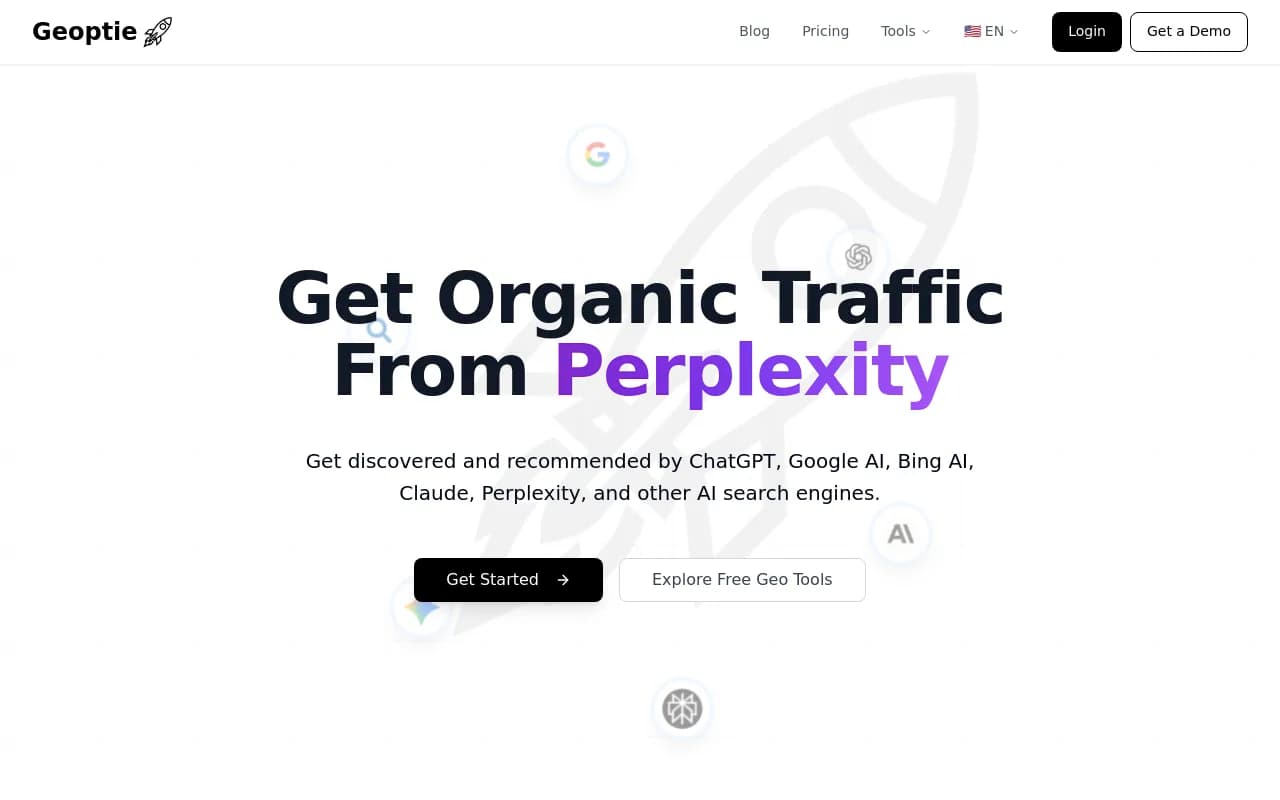
| Geoptie | Free GEO audit | A quick one-off readiness check |
| HubSpot AEO Grader | Free grader | A narrow, one-time snapshot |
| AthenaHQ | Reported free Essential tier | Small prompt sets |
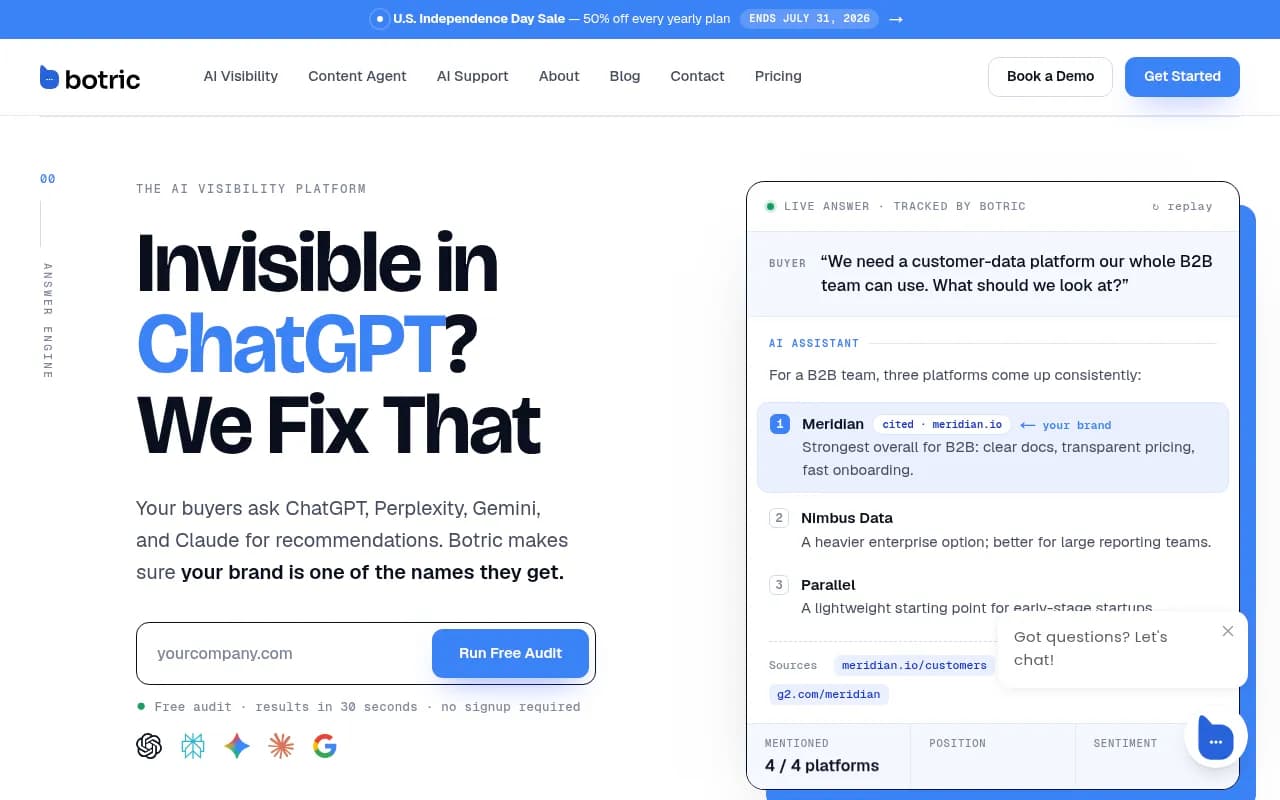
| Botric | Free plan, paid tiers reported from $15/month | A cheap step up |
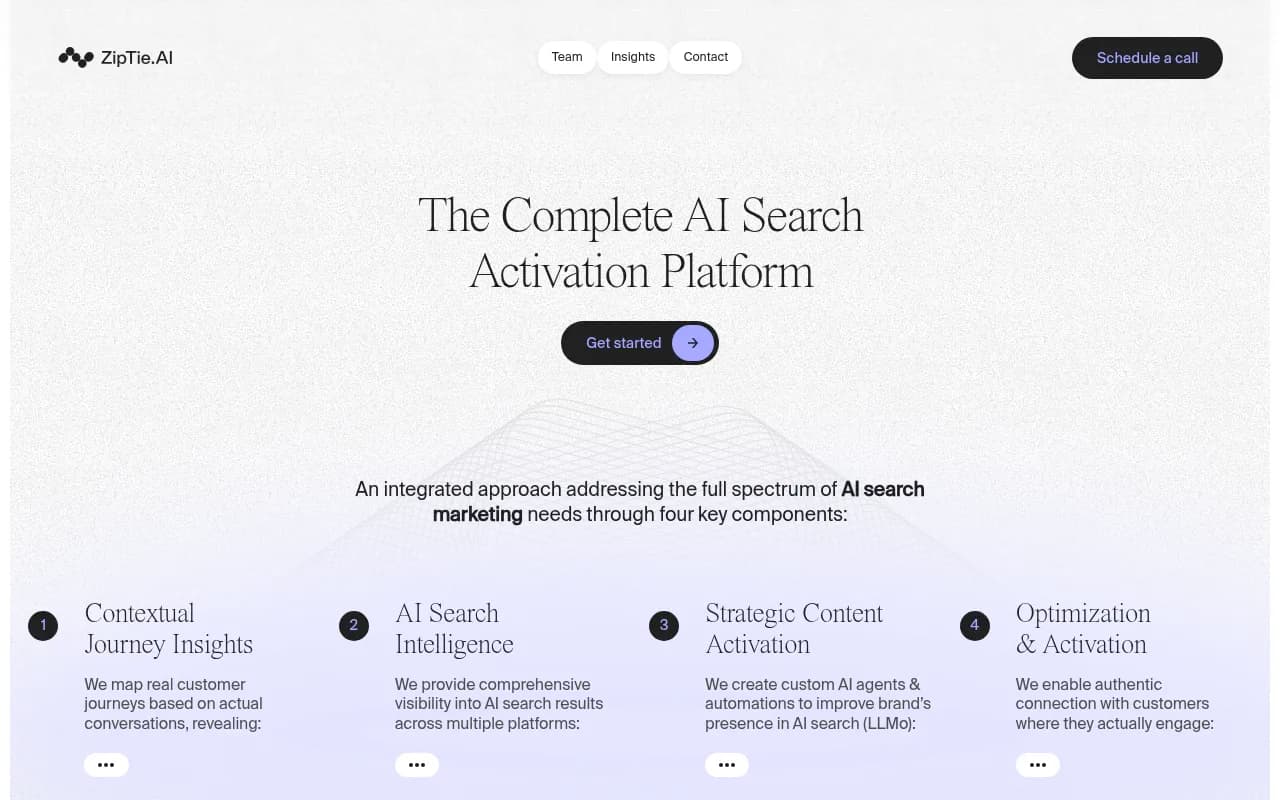
| ZipTie | 7-day trial, 25 daily prompts across ChatGPT, AI Overviews and Copilot, no card | A short, structured baseline |
A few of the entries above are worth a look in our catalog:

Otterly.AI sits just outside the free category. It has no permanent free plan as far as the sources agree, but its entry plan is cheap and it runs a short trial, so it works for a low-cost first baseline.
Otterly.AI

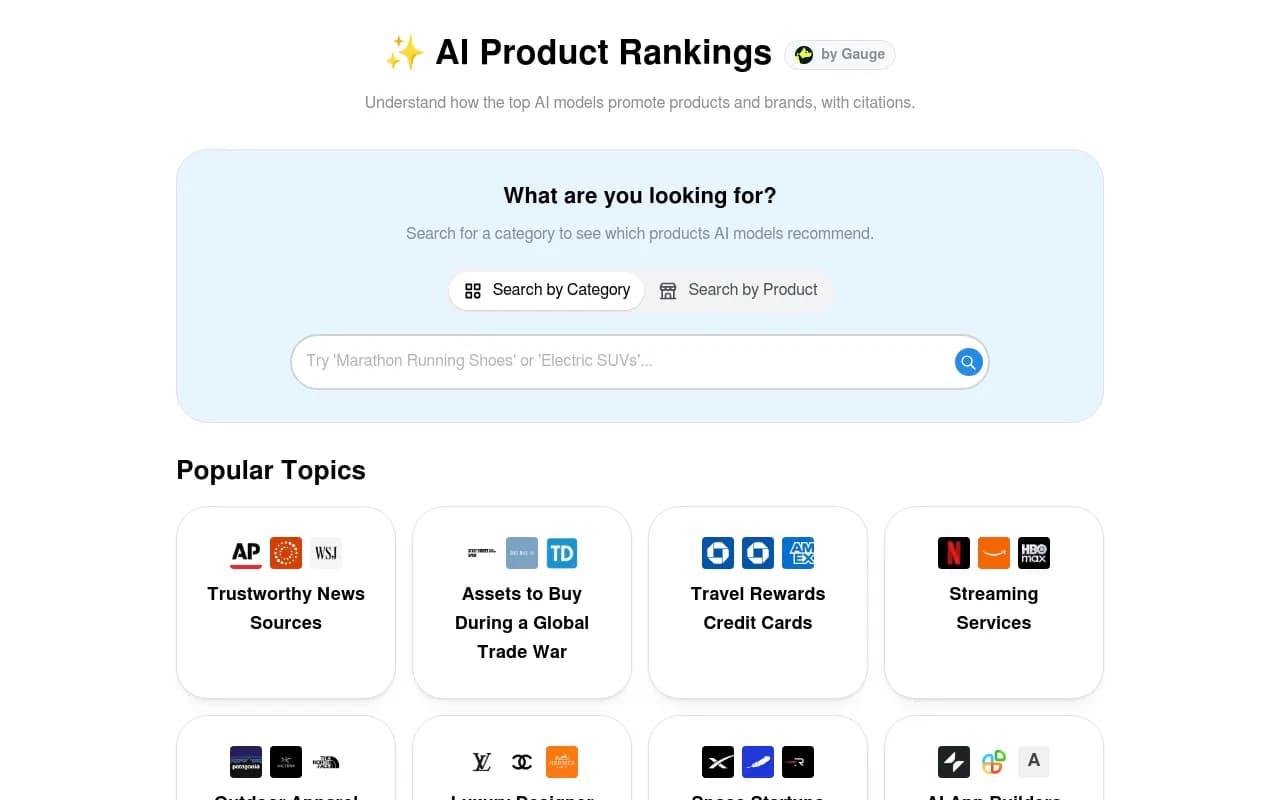
The research also lists a few free-leaning options such as ProductRank and PromptReach in our catalog, which are worth a quick test if you are shopping around:

DIY GEO checks that cost nothing
This is the part most roundups skip, and it is arguably the most valuable.
Read your server logs
AI crawlers leave footprints. If GPTBot, OAI-SearchBot, ClaudeBot or PerplexityBot never touch your site, you will not get cited no matter how good your content is. Promptwatch's AI crawler traffic data (IP-verified requests, June 8 to September 6, 2026) shows OpenAI accounting for 79.8% of verified AI crawler requests in the week of August 31 to September 6, down from 94.8% in early June. You can read the full breakdown in Promptwatch Data's AI crawler traffic report.
The free check is simple. Pull your logs, filter by the major AI user agents, and compare the mix to that benchmark. If a provider is large in the report and near zero in your logs, you are probably blocked by robots.txt, a CDN rule, or a WAF. Tools like Canonry can automate part of this.
Audit robots.txt and your CDN rules
Open your robots.txt and look for blanket Disallow rules or bot-specific blocks you forgot about. Then check Cloudflare or whatever sits in front of your site, because bot-protection defaults sometimes block legitimate AI crawlers. This takes ten minutes and fixes more problems than any dashboard.
Use Search Console and Bing Webmaster Tools
Both are free, and both tell you which pages are indexed and which queries trigger impressions. Copilot draws on Bing, so a page missing from Bing's index is unlikely to show up there. Promptwatch's average sources per response data makes the same point and advises judging Copilot on monthly trends rather than weekly snapshots, since its source count swung from under 2 to nearly 17 within a few weeks.

Run a manual prompt spreadsheet
For a small prompt set, a spreadsheet beats most tools. List 20 to 30 prompts your buyers would ask. Once a week, run each in ChatGPT, Perplexity and AI Overviews. Log whether you are mentioned, whether you are cited, and who else appears. It is tedious, and that is exactly why it forces you to read the answers instead of staring at a score.
A useful trick from the same Promptwatch dataset: Perplexity cites almost exactly 10 sources per answer every day, so it works as a stable test bench. If your pickup there changes after you edit a page, the edit is more likely the cause than random engine noise. ChatGPT cites roughly 5 sources per web-search answer, which means fewer slots and more competition for each one.
Check your technical basics
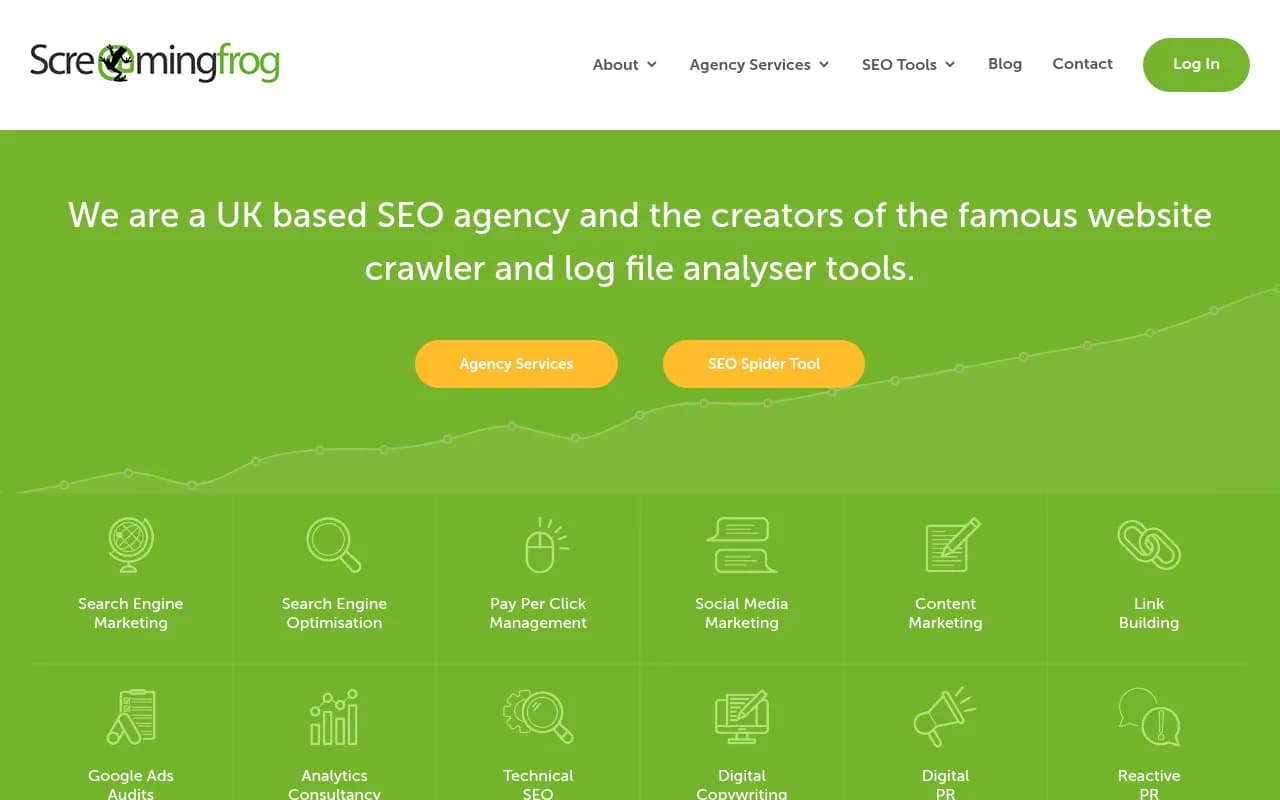
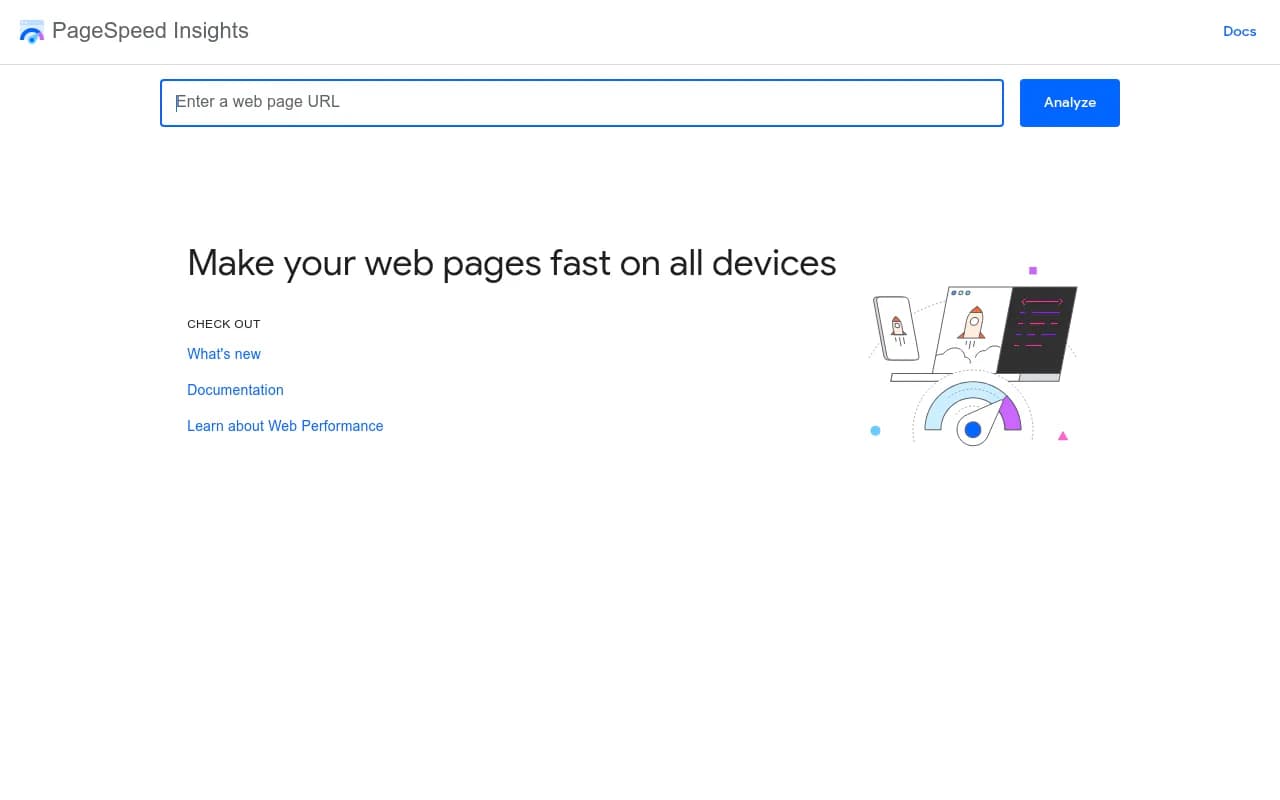
Free crawlers and audits cover the rest. Screaming Frog's free tier crawls up to 500 URLs, and Google PageSpeed Insights is free.
If you are building your own monitor, an API-based crawler like Firecrawl or a workflow tool like n8n (open source and self-hostable) can handle the plumbing. One of the sources reports that Olostep's batches endpoint handles up to 100,000 URLs in 5 to 7 minutes, with a free tier of 500 requests for testing the approach.
What the data says about where to focus
Free tools give you a signal. Knowing what to do with it is the harder bit. A few findings from Promptwatch Data are worth keeping next to your spreadsheet:
- Product pages are the most cited content type in ChatGPT, at 22.4% of citations from September 28 to October 4, 2026. Landing pages and listicles follow. See the content type report.
- Landing pages and docs stay cited longest, while news lost half its pages within 36 days in the content half-life study. Evergreen pages are the better bet for a limited budget.
- Almost half of ChatGPT responses cite 10 or more unique domains in the unique domains report, so there is room to be one of several sources rather than the only one.
- Sites with domain rank 46 to 75 earned almost half of ChatGPT citations in August 2026, while DR 91 to 100 fell to about 3%, per the domain rank report. Smaller sites are not shut out.
That last one should encourage anyone working on a shoestring.
Where free runs out
I would not pretend free tools are enough forever. Three limits show up quickly.
First, scale. 10 to 25 prompts is a sample, not a picture. Once you want to track dozens of topics across countries and personas, you hit caps or you spend your weekends maintaining infrastructure.
Second, attribution. Knowing you were cited is different from knowing it drove visits or conversions. Connecting crawls, citations, and real traffic takes either a lot of glue code or a platform that does it.
Third, action. Monitoring tells you a gap exists. Someone still has to research it, write the page, publish it, and check whether it worked. Most open-source trackers stop at the first step.
When teams reach that point, a platform like Promptwatch is one option, since it combines tracking with crawler logs, traffic attribution, and a content agent that drafts and publishes against the gaps it finds. It has a free Explore plan (1 project, 10 prompts, ChatGPT only) if you want to see the interface first, and paid plans start at $95/month. Check promptwatch.com/pricing for current numbers.

If you want to compare more options before spending anything, the GEO software directory at bestgeosoftware.com lists a wide range of trackers and optimizers.
A practical free stack by situation
| Your situation | Suggested free stack |
|---|---|
| Solo founder or freelancer | GEO/AEO Tracker, a prompt spreadsheet, Search Console |
| Small team, some engineering time | Elmo or Gego self-hosted, Bing Webmaster Tools, server-log checks |
| Just testing if GEO matters | Geostar or Geoptie free options, then a 7-day trial of one paid tool |
| Technical SEO first | Robots.txt and CDN audit, Screaming Frog free tier, Canonry for log attribution |
| Agency evaluating clients | Free audits for pitches, then a paid agency plan once you have more than a few clients |
A realistic four-week plan
- Week one: audit robots.txt, CDN rules, and server logs. Fix any AI crawler blocks.
- Week two: write your 25 prompts, set up either a self-hosted tracker or a free tier, and record a baseline.
- Week three: refresh the two or three pages closest to being cited, focusing on product, landing, and documentation pages.
- Week four: rerun the same prompts, compare against the baseline, and decide whether the signal justifies paying for more coverage.
That last decision is the real purpose of going free first. You are not trying to build a permanent monitoring stack out of GitHub repos. You are buying evidence that AI search is worth the budget, at the cost of some patience.
Summary
Open-source trackers like Elmo, GEO/AEO Tracker and Canonry give you real monitoring with full control, in exchange for setup time and API spend. Free tiers from Geostar, Geoptie and others are enough for a baseline. And the unglamorous checks, server logs, robots.txt, Bing and Search Console, often reveal the biggest problems at no cost. Start there, measure for a month, and only then decide what deserves a subscription.