Key takeaways
- Amplitude and Mixpanel are the closest competitors in this space -- the main difference is pricing model (MTUs vs events) and how much you care about experimentation built-in
- PostHog is the only open-source option and the best fit for engineering-led teams that want everything in one place without vendor lock-in
- Heap's auto-capture is genuinely useful for teams that can't instrument everything upfront -- but it comes with data volume trade-offs
- FullStory is a session replay and digital experience platform first; calling it a "product analytics" tool is a stretch
- None of these five platforms track how your product appears in AI search engines like ChatGPT or Perplexity -- that's a separate problem requiring a different category of tool
Picking a product analytics platform in 2026 is harder than it should be. Every vendor claims to do everything, pricing pages are deliberately confusing, and the "free tier" usually runs out right when your team starts doing anything interesting.
This guide cuts through that. I've looked at Amplitude, Mixpanel, PostHog, Heap, and FullStory as they actually work today -- not as their marketing pages describe them. The goal is to help you figure out which one fits your team's actual situation, not which one has the most impressive feature list.
One thing worth flagging upfront: this comparison focuses on traditional product analytics (funnels, retention, user behavior on your product). If you're also thinking about how your SaaS brand appears in AI-generated answers on ChatGPT, Perplexity, or Google AI Mode -- that's a different category entirely, and I'll touch on it at the end.
What these tools actually do
Before comparing them, it's worth being clear about what "product analytics" means in practice. These platforms help you answer questions like:
- Where are users dropping off in my onboarding flow?
- Which features do retained users actually use?
- How does cohort A compare to cohort B on 30-day retention?
- What path do users take before they convert (or churn)?
They're not web analytics tools. Google Analytics tells you how people find your site. Product analytics tools tell you what people do inside your product.
With that said, the five platforms in this comparison don't all do the same thing equally well -- and a couple of them have started blurring into adjacent categories.
The platforms at a glance
| Platform | Best for | Pricing model | Open source | Session replay | Experimentation |
|---|---|---|---|---|---|
| Amplitude | Mid-market to enterprise, growth teams | Monthly tracked users (MTUs) | No | Add-on | Yes (built-in) |
| Mixpanel | Self-serve product teams, B2B SaaS | Events-based | No | Yes (2024+) | Yes (beta) |
| PostHog | Engineering-led teams, startups | Events-based | Yes | Yes | Yes |
| Heap | Teams that can't instrument upfront | Sessions-based | No | Yes (via Contentsquare) | No |
| FullStory | UX/CX teams, qualitative research | Sessions-based | No | Yes (core product) | No |
Amplitude
Amplitude has been the default choice for growth-focused product teams for years. Its funnel analysis, retention charts, and behavioral cohorts are genuinely best-in-class. The Amplitude Compass feature, which automatically surfaces which behaviors correlate with retention, is one of the more useful AI-assisted features in this space.
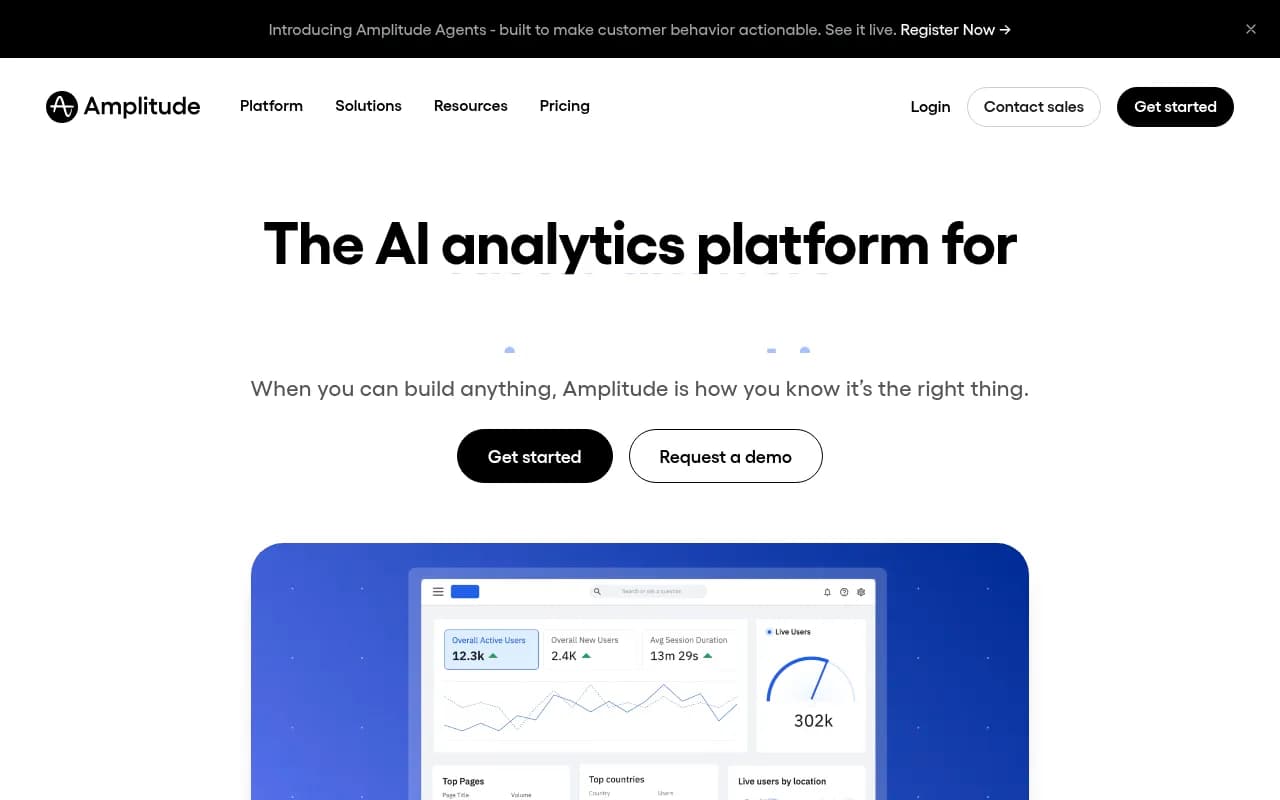
The pricing model is where things get complicated. Amplitude charges by monthly tracked users (MTUs), which sounds fine until your user base grows. A product with 100,000 MAUs can easily end up paying $2,000-$5,000/month before you've unlocked experimentation or advanced data governance features. The free tier is limited to 50,000 MTUs, which is generous for early-stage teams but disappears fast.
What Amplitude does well:
- Behavioral cohorts and user-level analysis
- Built-in A/B experimentation (Amplitude Experiment)
- Strong data governance and schema management
- Solid integrations with data warehouses (Snowflake, BigQuery, Redshift)
Where it struggles:
- Pricing scales aggressively with growth
- The interface has a learning curve -- new analysts often need weeks to get comfortable
- Session replay is an add-on, not native
The honest summary: Amplitude is the right call if you have a dedicated analytics function, care about experimentation, and are willing to pay for depth. It's probably overkill for a 5-person startup.
Mixpanel
Mixpanel and Amplitude are genuinely close. If you put their funnel analysis side by side, you'd struggle to pick a winner on features alone. The real differences are in pricing structure and philosophy.
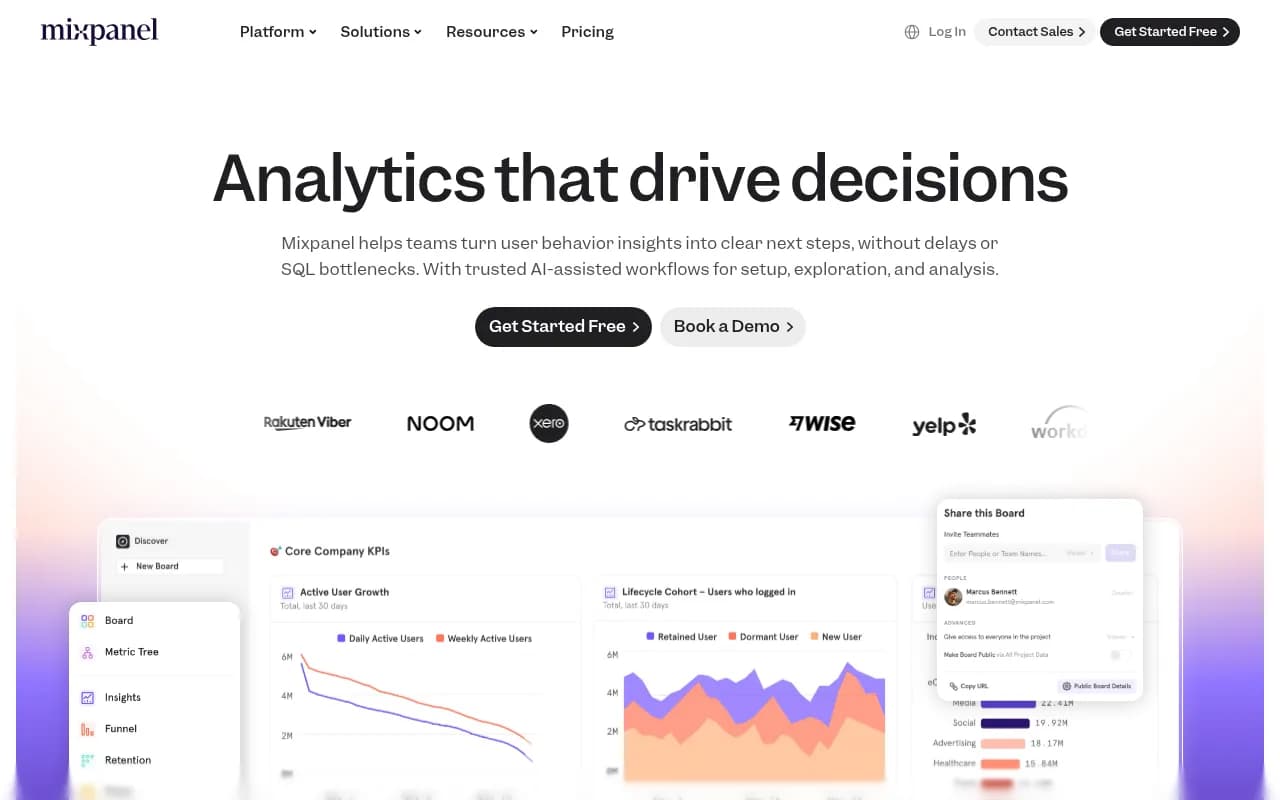
Mixpanel charges by events, not users. This matters because some products have lots of users who don't do much (low event volume), while others have fewer users who generate enormous event streams. Depending on your product's behavior, Mixpanel can be significantly cheaper or significantly more expensive than Amplitude.
The self-serve experience is better. Mixpanel's interface is faster to learn, and the query builder is more intuitive for non-technical users. Their free tier is also more generous -- 20 million events/month, which is enough for most early-stage products to get real value.
Mixpanel added session replay in late 2024, which closes one of the main gaps it had versus competitors. Their AI features (Spark, their natural language query interface) are useful but not yet at the level where you'd call them transformative.
What Mixpanel does well:
- Event-based pricing that can be more predictable
- Fast, self-serve interface
- Strong mobile analytics
- Generous free tier
Where it struggles:
- Experimentation is still in beta and not as mature as Amplitude's
- Data governance features lag behind Amplitude at enterprise scale
- Less depth on behavioral cohort analysis for complex products
The honest summary: Mixpanel is the better default for most B2B SaaS teams that want fast, self-serve analytics without a dedicated data analyst on staff.
PostHog
PostHog is the outlier in this comparison. It's open-source, self-hostable, and tries to be an all-in-one product stack: analytics, session replay, feature flags, A/B testing, surveys, and a data warehouse -- all in one platform.
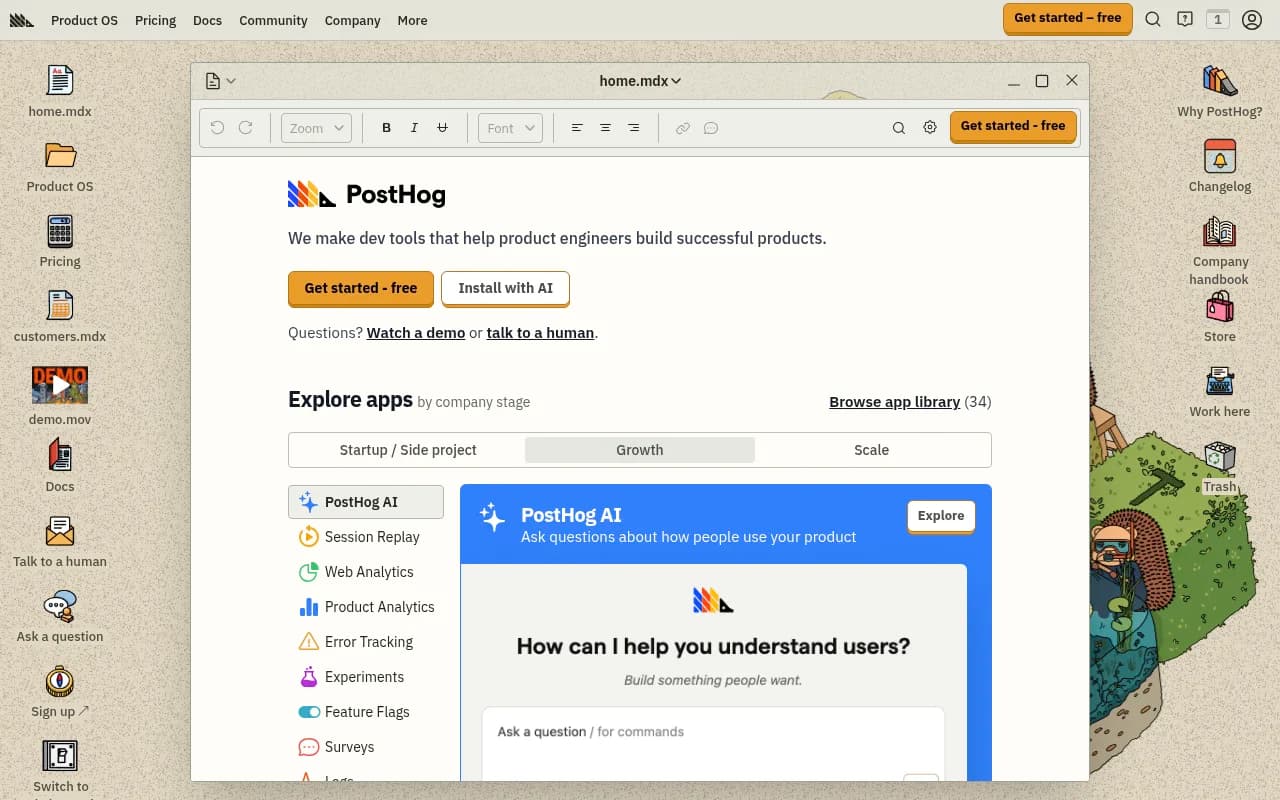
For engineering-led teams, PostHog is genuinely compelling. You can self-host it on your own infrastructure (which solves data residency and privacy concerns), and the event-based pricing on the cloud version is competitive. The free tier is 1 million events/month, which is the most generous of any platform in this comparison.
The tradeoff is that PostHog requires more technical setup than Amplitude or Mixpanel. The interface is less polished. And if you're a product manager who wants to run analyses without involving engineering, you'll hit friction faster.
What PostHog does well:
- Open-source with self-hosting option (GDPR-friendly)
- All-in-one: analytics + replay + flags + experiments in one tool
- Generous free tier
- Strong developer experience and SDK support
- Transparent pricing with no MTU games
Where it struggles:
- Interface is more technical and less polished
- Behavioral cohort analysis isn't as deep as Amplitude
- Less suited for non-technical product managers working independently
The honest summary: PostHog is the right call for startups with strong engineering culture, teams with data residency requirements, or anyone who wants to avoid vendor lock-in. It's not the right call if your PM team needs to move fast without engineering support.
Heap
Heap's core differentiator is auto-capture: it records every click, tap, form submission, and page view automatically, without requiring you to instrument events upfront. This sounds like a superpower, and in some ways it is.
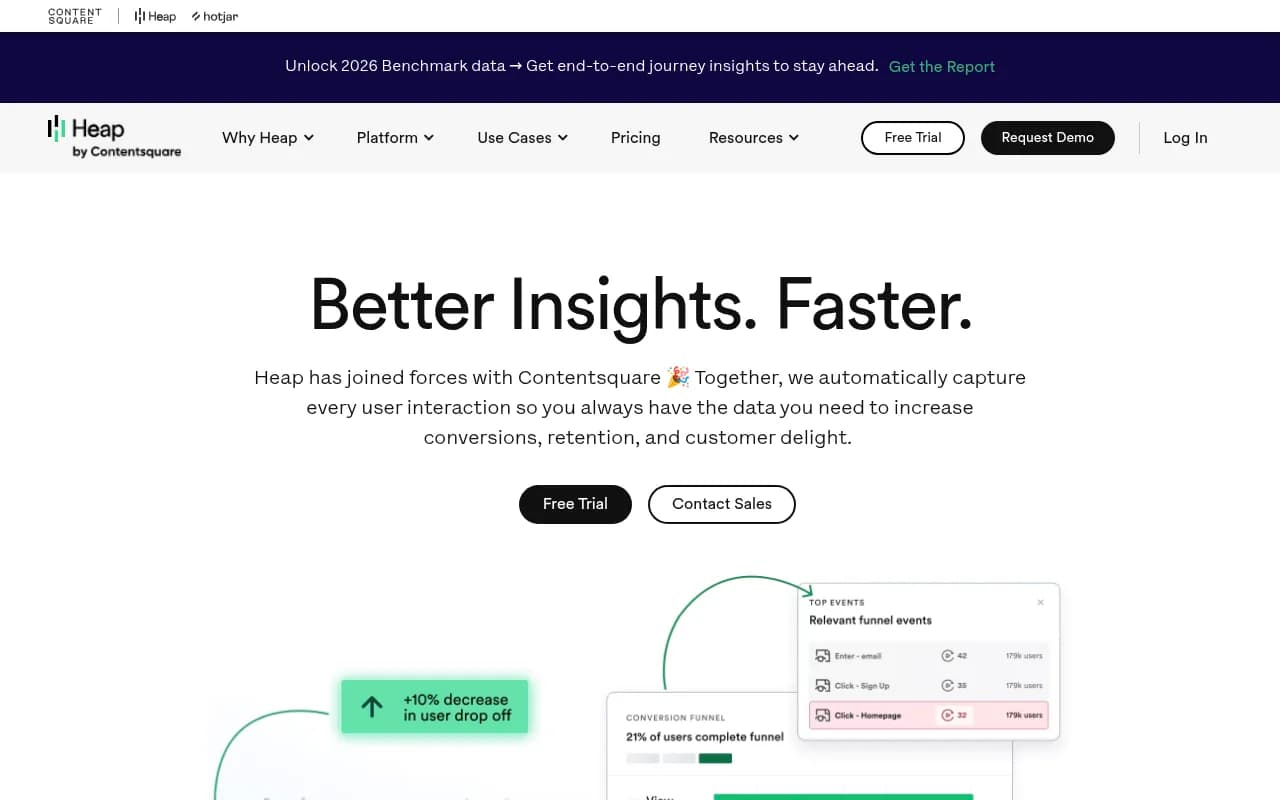
The practical benefit is that you can go back in time and analyze user behavior for events you didn't know you'd care about. If you realize three months in that you should have been tracking a specific button click, Heap already has that data. Amplitude and Mixpanel require you to instrument events before they start collecting data.
Heap was acquired by Contentsquare in 2023, which brought session replay and heatmap capabilities into the platform. The combined product is more complete than Heap was on its own.
The downside of auto-capture is data volume. Capturing everything means storing everything, and that gets expensive. Heap's pricing is session-based, and costs can surprise teams as usage grows. The data model is also harder to work with -- auto-captured events need to be cleaned and organized before they're useful, which creates its own overhead.
What Heap does well:
- Retroactive analysis -- go back and analyze events you didn't plan for
- No upfront instrumentation required
- Good for teams early in their analytics journey
- Session replay and heatmaps via Contentsquare integration
Where it struggles:
- Data volume costs can escalate quickly
- Raw auto-captured data needs significant cleanup to be useful
- Less depth on cohort analysis and experimentation
- The Contentsquare acquisition has created some product integration complexity
The honest summary: Heap is best for teams that are just starting to build an analytics practice and can't afford to instrument everything perfectly upfront. It's less suited for mature analytics teams who know exactly what they want to measure.
FullStory
FullStory is the most different platform in this comparison. It's primarily a session replay and digital experience analytics tool, not a product analytics platform in the traditional sense.
FullStory captures detailed session recordings, rage clicks, dead clicks, and user frustration signals. Its AI-powered anomaly detection can surface UX problems you didn't know to look for. For UX research teams, customer support, and anyone trying to understand qualitative user behavior, it's excellent.
But if you need funnel analysis, retention curves, or behavioral cohorts, FullStory is the wrong tool. It's not built for that. Teams that use FullStory typically pair it with another analytics platform (often Amplitude or Mixpanel) rather than replacing it.
What FullStory does well:
- Session replay with excellent search and filtering
- Frustration signal detection (rage clicks, error clicks)
- DX Data -- structured behavioral data from session recordings
- Good for customer support and UX research workflows
Where it struggles:
- Not a replacement for funnel/retention/cohort analytics
- Pricing is opaque and typically enterprise-level
- Requires pairing with another tool for quantitative analysis
The honest summary: FullStory belongs in a different category from the other four. If you're evaluating it as a primary product analytics tool, you're probably looking at the wrong thing. If you want qualitative session data to complement your existing analytics stack, it's strong.
Head-to-head: which team should use which tool
| Scenario | Best fit |
|---|---|
| Early-stage startup, small engineering team | PostHog (free tier, self-hostable) |
| B2B SaaS, non-technical PM team | Mixpanel (self-serve, intuitive) |
| Growth team with experimentation needs | Amplitude (built-in A/B testing) |
| Enterprise with data governance requirements | Amplitude or Mixpanel (enterprise tier) |
| Team that can't instrument events upfront | Heap (auto-capture) |
| UX/CX team doing qualitative research | FullStory (session replay focus) |
| GDPR-sensitive or data residency requirements | PostHog (self-host) |
| Budget-constrained team with high event volume | PostHog or Mixpanel |
Pricing reality check
Pricing in this category is notoriously hard to compare because every platform uses a different metric. Here's a rough guide to what you'd actually pay at different scales:
| Platform | Free tier | ~10K MAU estimate | ~100K MAU estimate |
|---|---|---|---|
| Amplitude | 50K MTUs/month | Free | $2,000-$5,000+/mo |
| Mixpanel | 20M events/month | Free | $500-$2,000/mo |
| PostHog | 1M events/month | Free | $450-$1,500/mo |
| Heap | Limited | ~$3,600/yr | Custom/enterprise |
| FullStory | Limited trial | Custom | Custom |
These are rough estimates -- actual costs depend heavily on your product's event volume, session count, and which features you need. Always run a proof of concept before committing.
The AI capabilities question
Every platform in this comparison has added "AI features" in the past 18 months. Most of them are natural language query interfaces -- you type a question in plain English and the tool generates a chart. Amplitude has Amplitude AI, Mixpanel has Spark, PostHog has Max.
These features are genuinely useful for reducing the time it takes to build a report. But they're not transformative yet. The underlying data model and analysis depth still matter more than whether you can ask a question in natural language.
One thing none of these platforms do: track how your SaaS brand appears in AI-generated search results. If a potential customer asks ChatGPT "what's the best product analytics tool for B2B SaaS?" -- you have no visibility into whether your product is mentioned, how it's described, or which competitors are being recommended instead.
That's a different problem from product analytics, and it requires a different category of tool. Platforms like Promptwatch are built specifically for this -- tracking brand visibility across AI search engines like ChatGPT, Perplexity, Claude, and Google AI Mode, and helping you create content that improves how AI models describe your product.

It's worth thinking about both layers: what users do inside your product (Amplitude, Mixpanel, PostHog, Heap) and how potential users discover your product through AI search (a GEO/AI visibility platform). In 2026, the second question is becoming as important as the first for SaaS growth teams.
The open-source angle
If you're evaluating PostHog, it's worth knowing that there are other open-source or privacy-first alternatives worth considering alongside it.
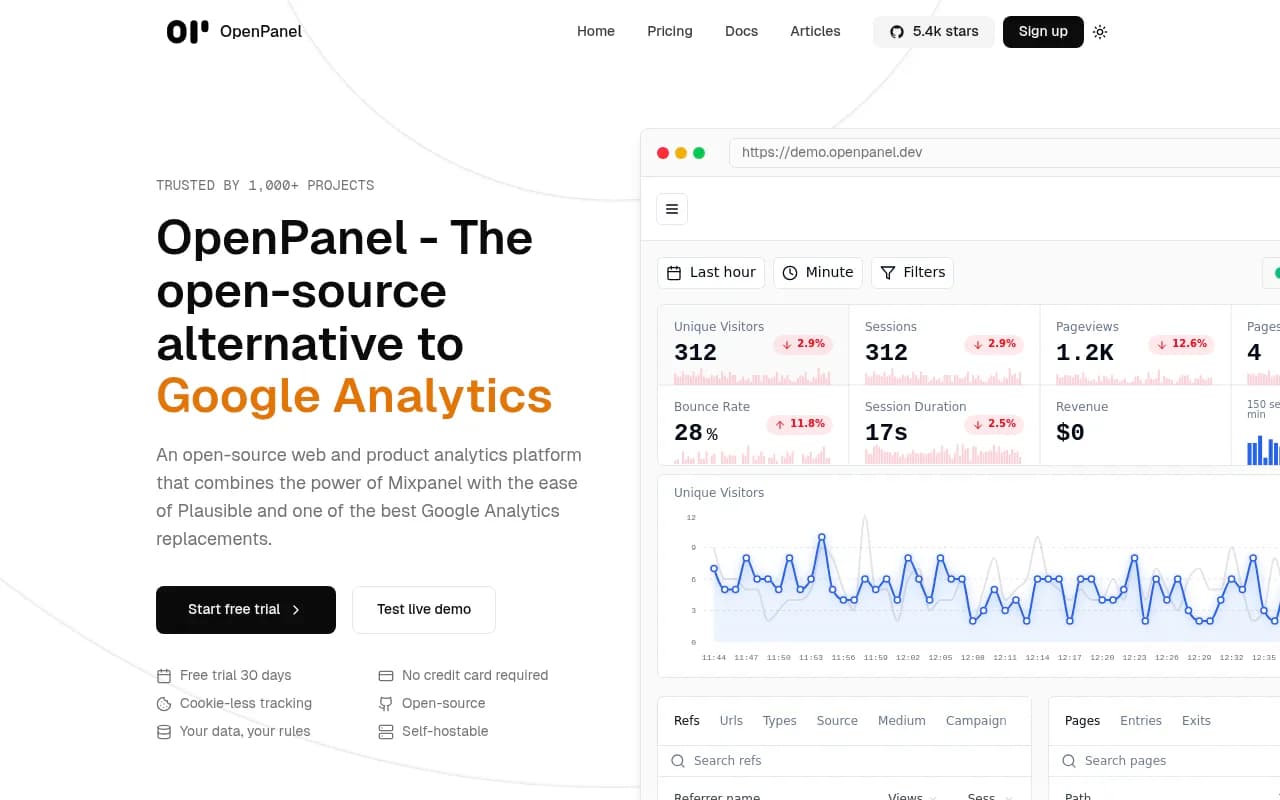
OpenPanel is a newer entrant that combines Mixpanel-style event analytics with a privacy-first approach and open-source codebase. It's less mature than PostHog but worth watching.
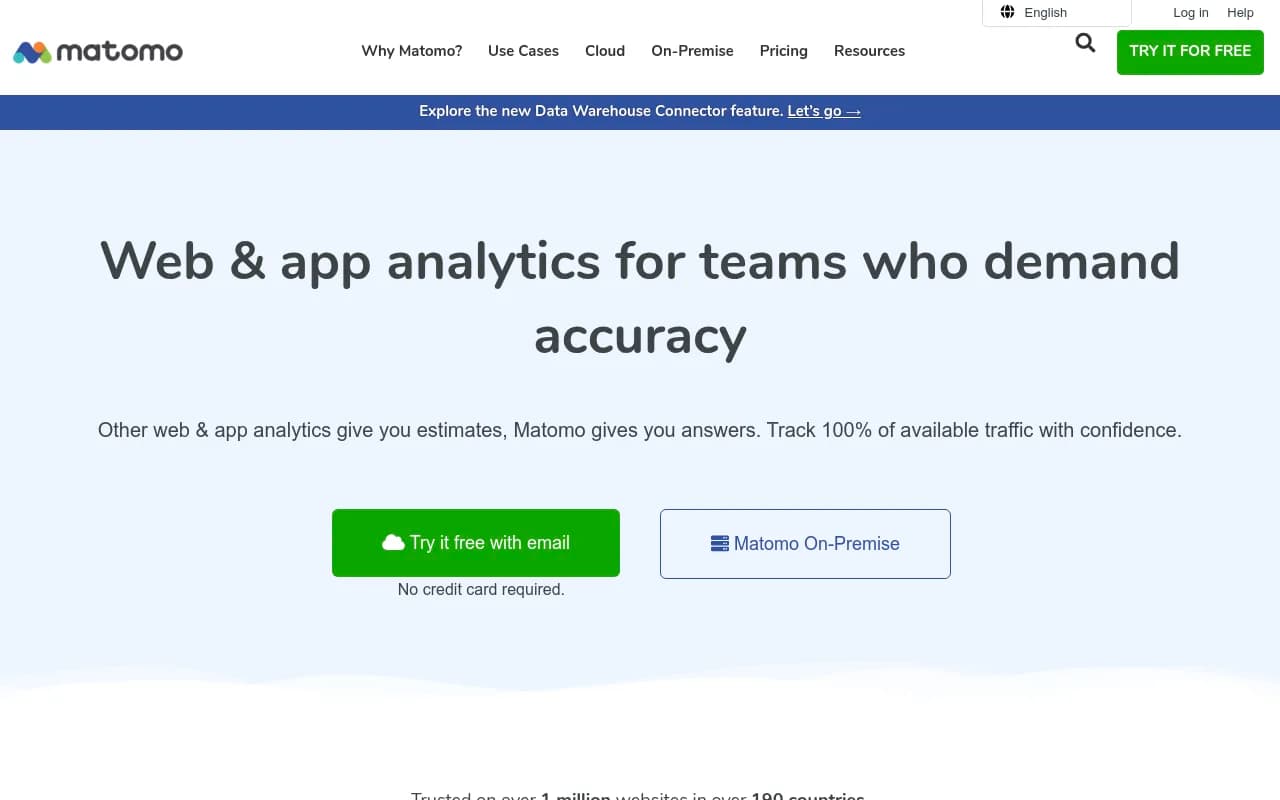
Matomo is another option for teams that need full data ownership, though it's more web analytics than product analytics.
What to actually do next
If you're starting fresh, the decision tree is simpler than it looks:
- Are you engineering-led and want to self-host? Use PostHog.
- Do you need built-in experimentation and have budget? Use Amplitude.
- Do you want the fastest self-serve setup with a generous free tier? Use Mixpanel.
- Can't instrument events upfront and need retroactive analysis? Try Heap.
- Need qualitative session data to complement your existing stack? Add FullStory.
Most teams end up with two tools: a quantitative analytics platform (Amplitude, Mixpanel, or PostHog) plus a session replay tool (FullStory, or the replay features built into Mixpanel/PostHog). That combination covers most of what a product team needs.
The worst outcome is spending three months evaluating all five platforms and shipping nothing. Pick the one that fits your current team size and instrumentation capability, get it running, and revisit in a year when you have real data about what you actually need.