Key takeaways
- A spreadsheet works for the first 20 to 30 prompts and one or two engines. It stops working when you need daily data, several engines, or proof of traffic.
- AI engines cite different numbers of sources and change behavior often, so manual snapshots are noisy. Promptwatch Data shows ChatGPT averaging about 5 sources per web-search answer, while Google AI Overviews and Perplexity sit near 10.
- The queries ChatGPT actually runs differ from the prompts you type, and a sheet of prompt text cannot see that.
- Upgrade when the weekly refresh eats more than a few hours, when leadership asks about revenue, or when you cannot say why a page is or is not cited.
- Monitoring-only tools solve the data collection problem. Platforms that also show crawler logs, traffic, and content fixes solve the next problem too.
Why almost everyone starts with a spreadsheet
I have no problem with the spreadsheet start. It is free, everyone knows how to use it, and it forces you to decide which prompts matter before you pay for anything. A typical setup has a tab of 20 to 30 prompts, a column for each engine (ChatGPT, Gemini, Perplexity, AI Overviews), and someone pasting in whether the brand was mentioned, in what position, and which URLs were cited.
That works for a few weeks. Then it starts to creak, and the creaking is predictable.
Where the spreadsheet process breaks
Manual snapshots are noisy
AI answers vary run to run, and the engines themselves behave differently. Promptwatch Data's sources-per-response report is built on 26B+ data points from the real interfaces of ChatGPT, Gemini, Perplexity, Claude and AI Overviews. It shows ChatGPT citing about 5 sources per web-search answer, with the average drifting as models and retrieval change. AI Overviews cites about 10 and holds steady. Perplexity cites almost exactly 10 every day. Copilot swung from under 2 to nearly 17 sources within a few weeks, then settled low.
Now picture your sheet. You ran a prompt on Tuesday, got cited, and logged a win. Was that a real gain or engine noise? With one data point per week you cannot tell. The Promptwatch report itself suggests judging engines like Copilot on monthly trends rather than weekly snapshots, which is hard to do by hand across five engines and dozens of prompts.
The prompt is not the query
This one catches teams off guard. A single ChatGPT prompt can trigger web searches behind the scenes, called query fan-outs. Promptwatch's query fan-out data measured an average of 2.15 fan-outs per response in early December 2025 and about 1.84 by early March 2026. Average query length fell from about 117 characters to the high 80s, and then to about 53 characters in April.
The point is not the specific numbers. The searches ChatGPT runs are short, they change, and they are not what you typed. A spreadsheet that records only prompt text misses the layer where your content actually gets retrieved. It is also not a stable layer: on August 8, 2026, ChatGPT started using the site: operator at scale, jumping from about 0.4% to about 17% of fan-out queries overnight, according to Promptwatch Data.
Citation behavior changes faster than you refresh
A few things that moved in 2026 alone:
- Average citations per ChatGPT response dropped around the GPT-5.3 rollout on March 4, 2026 (report).
- Reddit's share of ChatGPT citations fell from about 4% to about 0.5% on August 14, 2026 (report).
- Of the pages ChatGPT cited on July 6, 2026, news lost half its pages within 36 days, while landing pages and docs stayed cited longest (report).
A monthly manual refresh will not catch a one-day change like the Reddit drop. You will see the effect weeks later and have no idea when it started.
You cannot segment by intent without effort
What gets cited depends on what kind of prompt it is. In Promptwatch's content type data for Sep 28 to Oct 4, 2026, product pages were 22.4% of ChatGPT citations, landing pages 16.8%, and listicles 13.6%. But for commercial prompts, product pages rose to 26.0% and landing pages to 20.6%. For informational prompts, how-tos (10.7%) and docs (8.5%) mattered more. For branded prompts, reviews rose to 5.6%.
So a single blended score in your sheet hides the story. You need to tag each prompt by intent and compare within those groups. Doable in a spreadsheet, but it adds columns, formulas, and maintenance to something that was supposed to be simple.
It stops at "was I mentioned?"
The biggest limit is not data collection. A sheet can say you were cited or not. It cannot tell you whether AI crawlers can read your site, which pages they fetched, what traffic arrived, or what to write next.
Signs it is time to upgrade
A rough checklist. If two or three of these are true, you have outgrown the sheet.
| Signal | What it looks like | Why a spreadsheet fails |
|---|---|---|
| Time cost | The weekly refresh takes more than 3 to 4 hours | Time goes to copying answers, not to analysis |
| Scale | More than 50 prompts, or more than 2 engines or countries | Manual runs multiply, consistency drops |
| Noise | You cannot tell a real change from engine variance | Weekly snapshots, not daily trends |
| Attribution | Leadership asks what AI visibility is worth | No traffic or conversion data |
| Diagnosis | You are not cited and do not know why | No crawler logs or site audit |
| Action | The sheet ends in a list of problems nobody works on | No content or task workflow |
| Clients | You report on several brands or markets | Copy-pasted tabs and version chaos |
What to look for in a replacement
Most vendor listicles on this topic are written by vendors, and each ranks itself first. Brandlight's "8 best" post favors Brandlight, Profound's agency post favors Profound, and so on. That is normal, but treat the rankings as marketing. A better approach is to decide what you need, then check which tools do it.
Good questions to ask:
- Does it track the real user interfaces of the engines, or only API outputs? User-facing answers and citations can differ from API results.
- Can it run daily and show trends, so you stop reading noise?
- Does it show query fan-outs, prompt difficulty, or volumes, or only a yes/no mention?
- Does it audit whether AI crawlers can read your site? A tool with no site audit measures the symptom and skips the cause.
- Can it connect AI visibility to traffic and conversions?
- Does it help you fix gaps, or just report them?
- What does pricing look like at your real prompt count? Check the vendor's pricing page, since plans change often.
The tool options, grouped by what they do
Lightweight monitoring trackers
These replace the spreadsheet's data entry. You enter prompts, they run them on a schedule, and you get mention and citation dashboards. They are the cheapest step up and fine if your main pain is manual copying.
Peec AI and Otterly.AI are the names that come up most for small teams.

Otterly.AI

Other trackers in this tier include Rankshift, LLM Pulse, and Gumshoe AI.

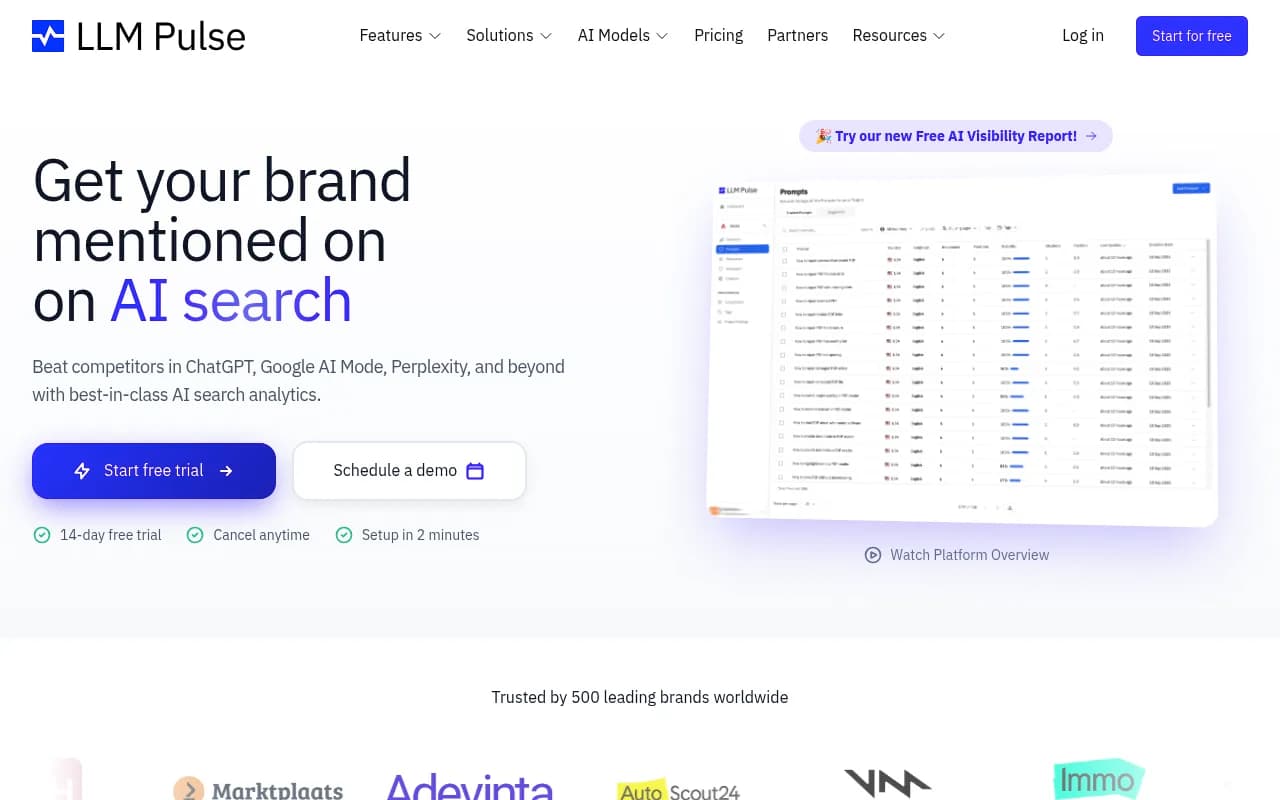
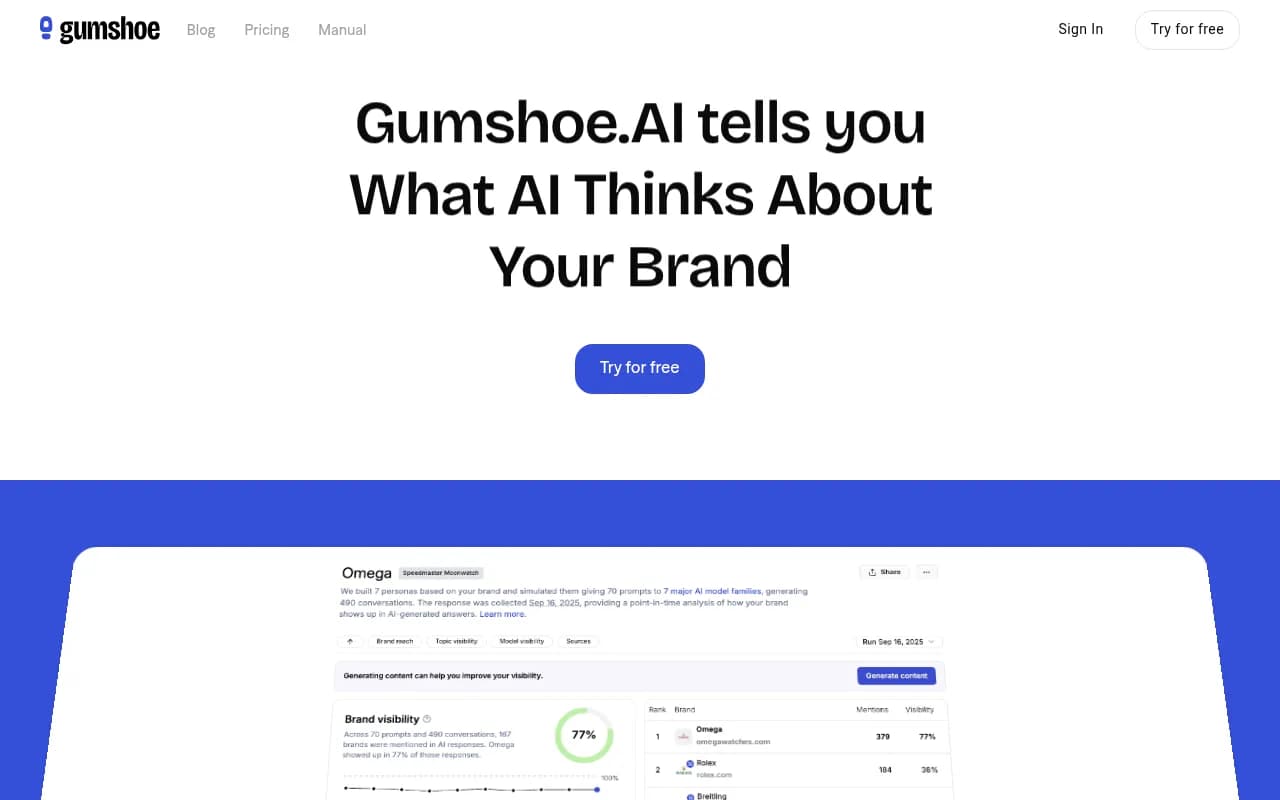
The limit is what I mentioned above: most stop at "were you mentioned?" If you are not sure you will need crawler data, traffic attribution, or content help, they are a reasonable first upgrade. If you already know you will, you may pay twice.
Enterprise monitoring platforms
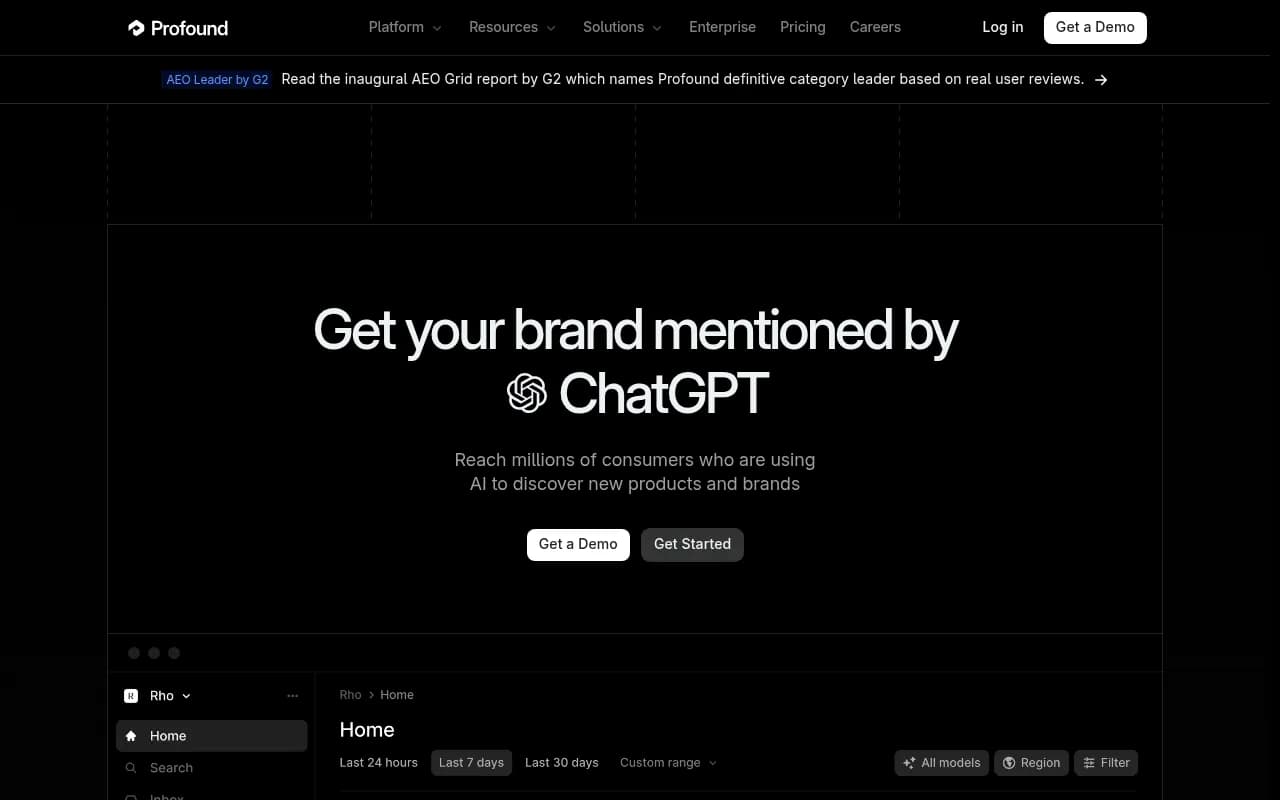
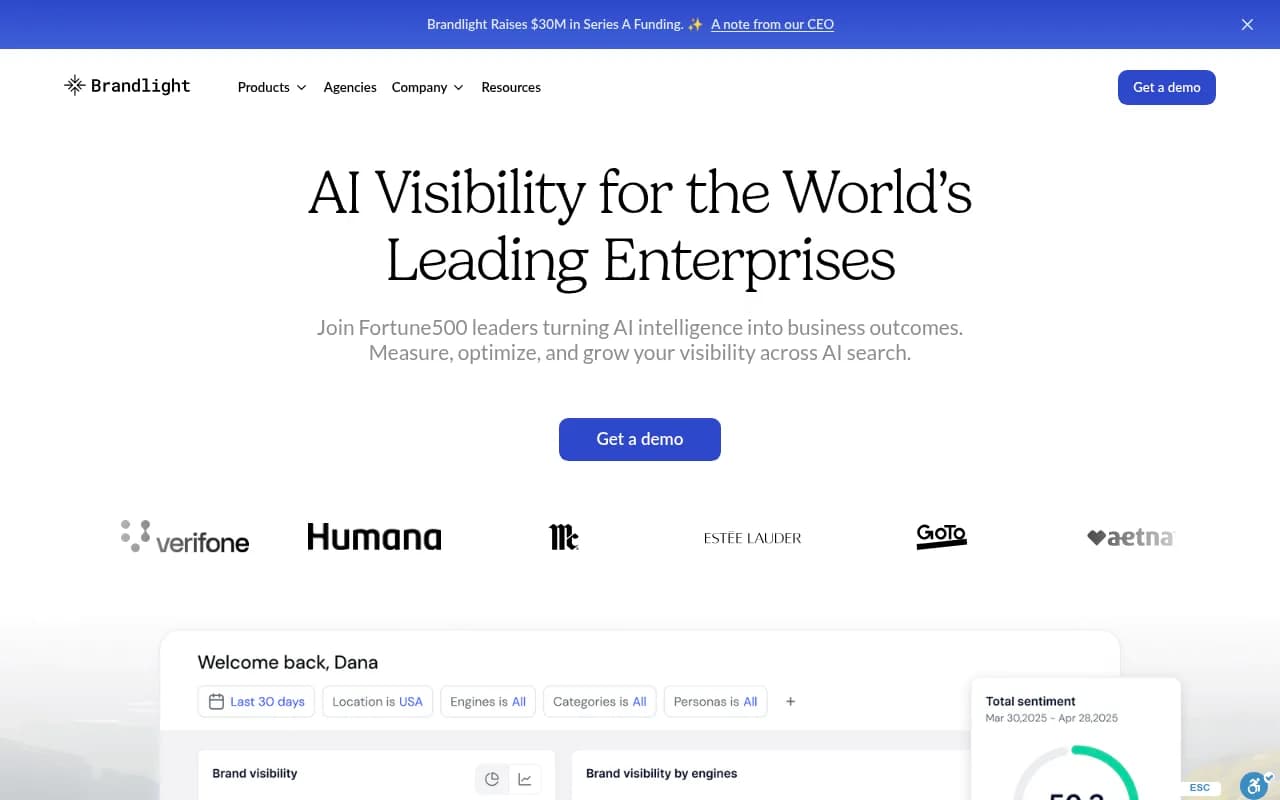
Profound, Brandlight, and Evertune target larger brands and agencies with multi-brand setups, pitch environments, and heavier reporting. Expect higher price points and sales-led buying.
Profound
SEO suites adding AI tracking
If your team already lives in Semrush or Ahrefs, adding AI tracking there is convenient. The tradeoff is depth: these suites tend to use fixed prompt sets and have shallower AI-specific data than dedicated platforms.

End-to-end platforms that close the loop
This is where I would point a team that is tired of the sheet and also tired of dashboards that end in a to-do list. Promptwatch tracks the real interfaces of ChatGPT, Google AI Overviews, AI Mode, Gemini, Perplexity, Copilot, Meta AI, and others, with prompt volumes, difficulty scores, and query fan-outs. It also includes IP-verified AI crawler logs, weekly site audits, and visitor analytics that attribute traffic and conversions to AI platforms.

The action side is what separates it from trackers. A content gap analysis maps your pages against the prompts AI answers, the Action Board turns findings into a prioritized to-do list, and the Content Agent can plan, write, and publish to WordPress, Webflow, or Framer, with a review inbox if you want a human in the loop. Published pages are then tracked through crawls, citations, and AI traffic.
There are public results behind this. Crisp reported 2x higher conversion rates from AI traffic compared with traditional channels. TreeHouse, the company behind Pararius, grew AI search to roughly 25% of organic conversions by fixing crawler access and publishing proprietary data.
The free Explore plan tracks ChatGPT only with 10 prompts, which is about the size of a starter spreadsheet. Paid plans start at $95 per month (Essential, 50 prompts, all models) with a 7-day free trial on monthly plans, and agency plans start at $199. Confirm current numbers at promptwatch.com/pricing.
Other platforms worth a look
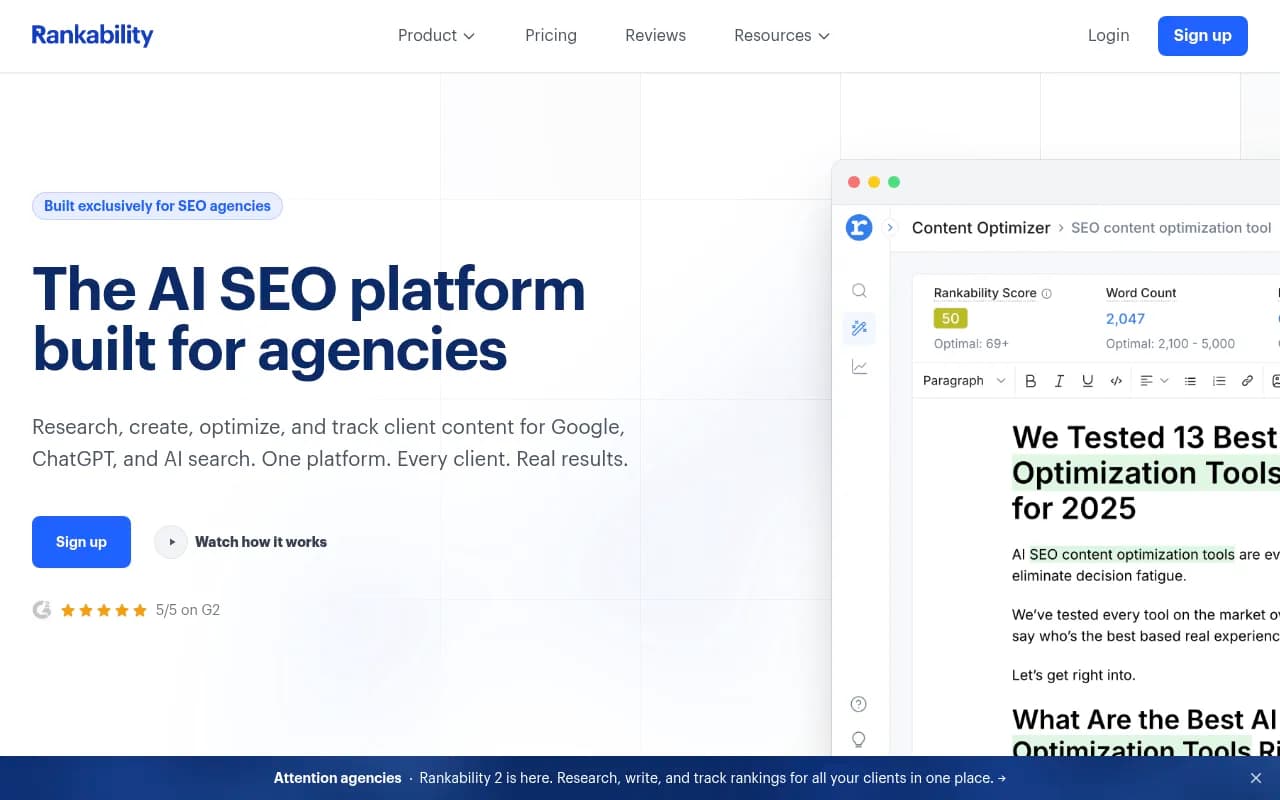
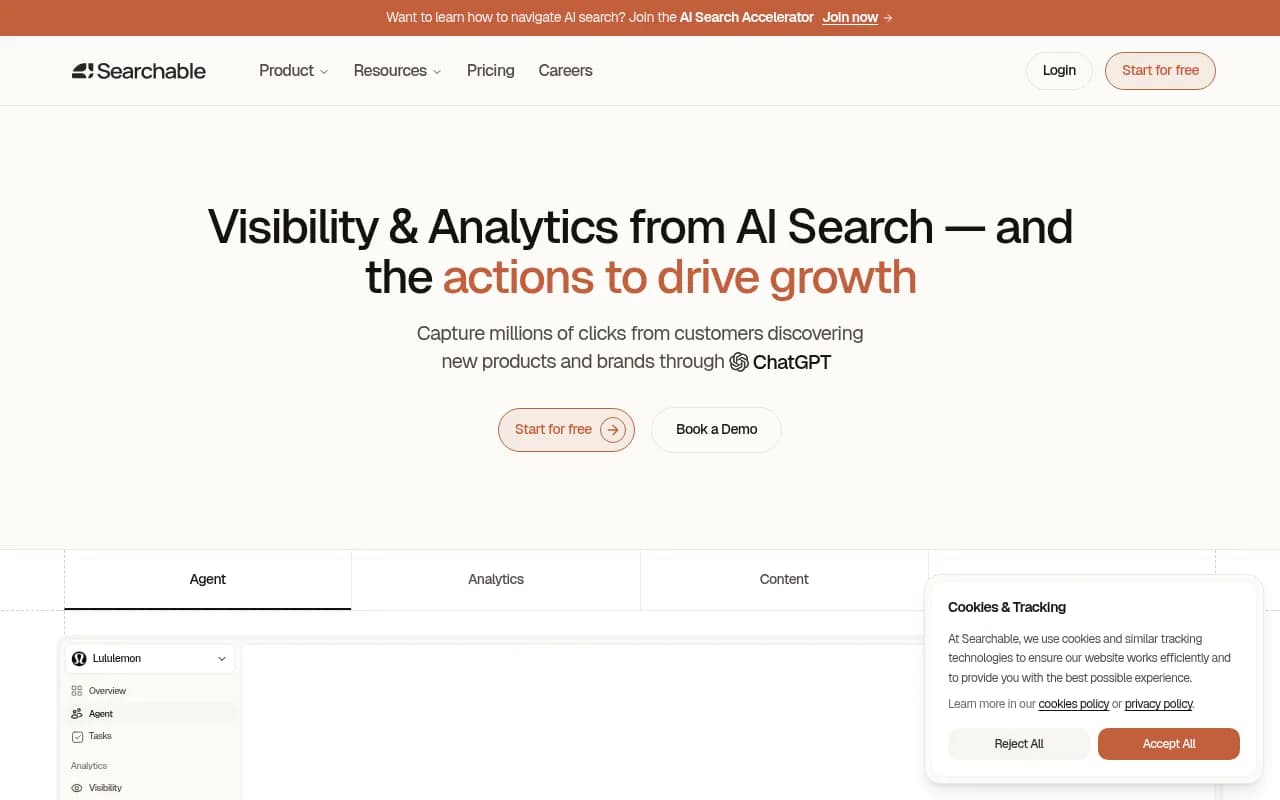
A few others sit between trackers and full platforms: ZipTie for deep analysis, AthenaHQ with its action center, Scrunch for agencies, Rankability for teams bundling SEO and AI, and Searchable with built-in content generation.

For a wider survey, the GEO software directory at bestgeosoftware.com and the AI rank tracker listing at ai-rank-tools.com cover far more tools than fit here.
Comparison at a glance
| Option | Replaces data entry | Daily trends | Crawler logs | AI traffic attribution | Content workflow | Typical fit |
|---|---|---|---|---|---|---|
| Spreadsheet | No | No | No | No | No | First 20 to 30 prompts |
| Light trackers (Peec, Otterly) | Yes | Yes | Mostly no | Mostly no | Limited | Small teams, budget |
| Enterprise monitors (Profound, Brandlight) | Yes | Yes | Varies | Varies | Varies | Large brands, agencies |
| SEO suites (Semrush, Ahrefs) | Partly | Partly | No | No | Separate tools | Teams already on the suite |
| Promptwatch | Yes | Yes | Yes, IP-verified | Yes | Yes, with CMS publishing | Teams that want to act and prove revenue |
A sensible upgrade path
You do not have to jump straight to the top of the table.
- Stay on the sheet while you learn. Pick 20 to 30 prompts, split them by commercial, informational, and branded intent, and run them weekly. This tells you which prompts matter.
- Move to automated tracking when the refresh hurts. The trigger is usually time, or the first time someone asks whether a swing is real. Daily data answers that.
- Add crawler and traffic data when you cannot explain results. If you are not cited, the first question is whether AI bots can read your pages. If you are cited, the next is whether anyone clicks.
- Add a content workflow when the backlog grows. Findings that sit in a sheet do not move rankings. Pair gap analysis with a publishing process, whether that is your own team or an agent.
Keep the spreadsheet for one thing: the prompt strategy. A written list of the prompts, personas, and intents you care about is useful even after you move to a platform. You will import it on day one.
Common mistakes when upgrading
- Buying on the vendor's own ranking. Every vendor listicle puts the vendor first. Run a trial with your own prompts instead.
- Importing every prompt you ever wrote. Start with the 30 that map to revenue. Add more once you see the data.
- Ignoring the technical layer. Mentions without self-citations usually point to a content or crawlability problem, not a visibility problem.
- Judging by a week of data. Engines vary. Give any tool at least a few weeks before concluding anything.
- Skipping a process owner. A tool without someone responsible for acting on it just becomes a fancier spreadsheet.
If you would rather hand strategy and execution to specialists, an agency can run this for you. 1001 SEO Media covers technical SEO, content, and generative engine optimization, and uses Promptwatch as its AI visibility platform.
Bottom line
A spreadsheet is the right first tool and the wrong fifth one. Upgrade when the refresh costs hours, when engine noise hides real changes, or when someone asks for revenue numbers you cannot produce. If a monitoring dashboard is all you need, a light tracker will do. If you want to see why you are or are not cited, and then fix it and measure the result, pick a platform that covers crawlers, traffic, and content too. Start with the Promptwatch free tier or a trial of any tool above, load your best 30 prompts, and compare a month of daily data against your sheet.