Key takeaways
- Google Analytics is the obvious first stop for most teams — free, widely supported, and good enough for the majority of marketing use cases. The gap vs Adobe is real but so is the price difference.
- Amplitude and Mixpanel are the go-to alternatives for product teams that need event-based analytics and behavioral funnels without Adobe's complexity or cost.
- PostHog is the best pick for engineering-led teams that want open-source flexibility, self-hosting, and a genuinely generous free tier.
- Pendo is the right call when you need analytics and in-app guidance in one platform — particularly for SaaS companies focused on adoption and retention.
- Matomo wins on data ownership and privacy compliance. If GDPR is a serious concern and you want to self-host, nothing else comes close.
- Microsoft Clarity is completely free and surprisingly capable for behavior analytics (session replay, heatmaps). It's not a full Adobe replacement, but it's a useful complement to any stack.
Why people leave Adobe Analytics
Adobe Analytics is genuinely powerful. The attribution modeling is deep, the segmentation is flexible, and if you're running a large enterprise with complex multi-channel journeys, it can do things most tools can't. But the reasons people look for alternatives are just as real.
The cost is the obvious one. Adobe doesn't publish pricing, but estimates consistently land between $100,000 and $500,000+ per year depending on traffic volume and contract terms. That's before implementation costs, which often run another $50K–$200K if you're using a partner agency. For a lot of companies, the total spend on Adobe Analytics is larger than their entire marketing technology budget was a few years ago.
Then there's the complexity. Adobe Analytics requires significant technical investment to set up correctly. Variables, eVars, props, processing rules — the data model is powerful but unforgiving. Teams frequently end up with messy implementations that produce unreliable data, which defeats the purpose. And the interface, while improved in recent years, still has a learning curve that frustrates non-technical users.
Finally, there's the question of fit. Adobe Analytics was built for large enterprises running high-traffic websites. If you're a SaaS company that cares about product engagement, a mid-market brand that wants clean behavioral data, or a team that needs to move fast without a dedicated analytics engineer, Adobe is often the wrong tool regardless of budget.
Here's a look at the best alternatives, organized by what they're actually good at.
Google Analytics
Google Analytics is the default starting point for most teams considering a move away from Adobe, and for good reason. It's free up to 10 million events per month, it integrates natively with Google Ads and Search Console, and the GA4 interface has matured considerably since its rocky launch. Most marketing teams already know it.
The honest comparison: GA4 covers the core marketing analytics use case well. Traffic sources, conversion tracking, audience segments, basic funnel analysis — it handles all of this without any licensing cost. For teams that were using Adobe Analytics primarily for website traffic reporting and campaign attribution, GA4 is a legitimate replacement.
Where it falls short compared to Adobe: the attribution modeling in GA4 is less configurable, the custom dimensions system is simpler, and the raw data access (via BigQuery export) requires some technical setup. The interface can also feel inconsistent — some reports are excellent, others feel unfinished.
The enterprise tier, Google Analytics 360, starts at around $50,000/year and adds higher data limits, SLA guarantees, and tighter integration with Google Marketing Platform. It's a fraction of Adobe's cost for comparable enterprise features, though Adobe's segmentation and processing capabilities are still more flexible at the high end.
Pricing: Free (standard) / ~$50,000/year (360 enterprise tier)
Best for: Marketing teams that primarily need traffic and campaign analytics, especially if you're already invested in Google's ad ecosystem. Not ideal if you need deep product analytics or behavioral data.
Amplitude
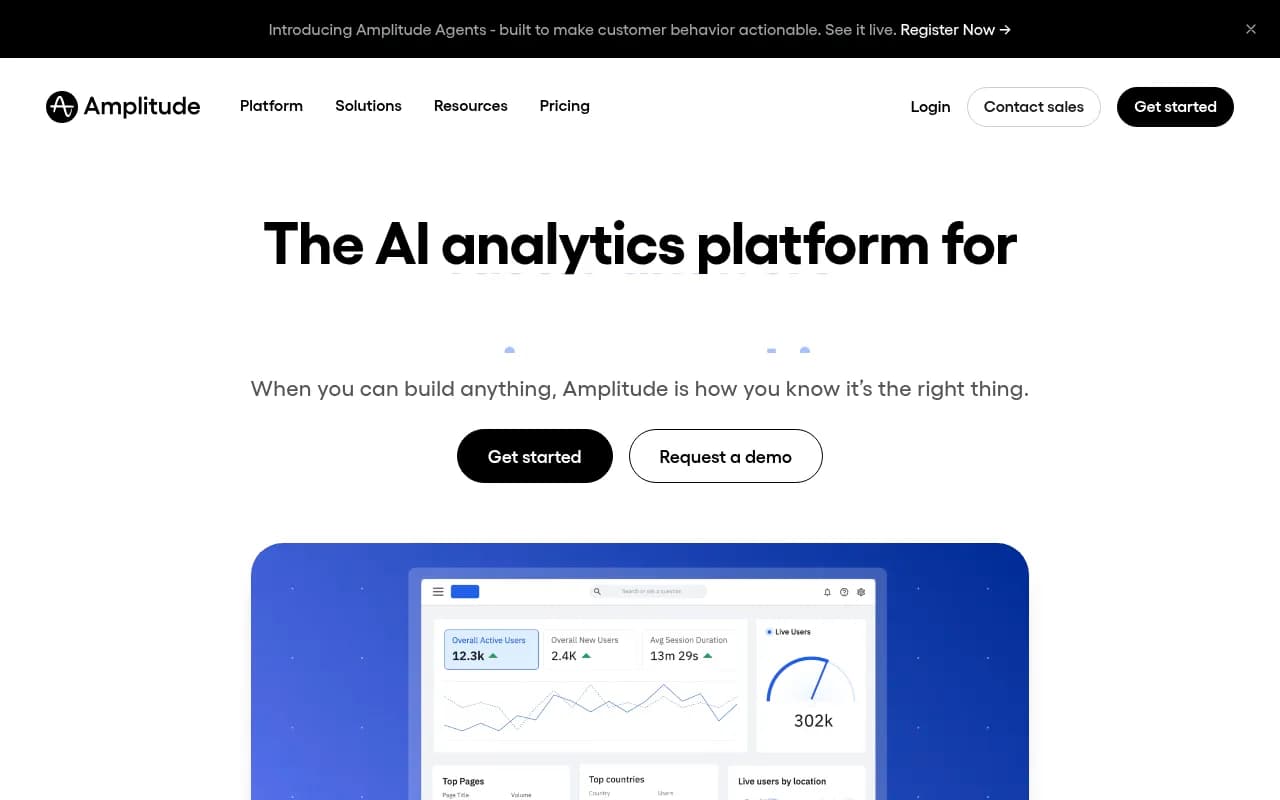
Amplitude is where most product-focused teams land when they outgrow Google Analytics or want something purpose-built for understanding user behavior inside a product. It's event-based, which means you track specific actions users take (clicked button, completed onboarding, upgraded plan) rather than pageviews, and it's built around answering questions like "what do users who retain long-term do differently in their first week?"
Compared to Adobe Analytics, Amplitude is narrower in scope but deeper in product analytics. Adobe tries to cover everything from web traffic to customer journey attribution across marketing channels. Amplitude focuses on what happens inside your product and how user behavior connects to retention and revenue. The two tools aren't really competing for the same job — but if your primary need is product analytics rather than marketing analytics, Amplitude wins on usability and speed.
The free tier (up to 10,000 monthly tracked users) is genuinely useful for early-stage teams. The Plus plan at $49/month covers up to 300,000 MTUs, which works for many growth-stage companies. Enterprise pricing scales into the tens of thousands per year, but it's still well below Adobe's floor.
One thing worth noting: Amplitude has been investing heavily in AI-powered analysis. Their AI agents can surface anomalies and suggest next steps without you having to build every query manually. It's not magic, but it does reduce the time from question to answer.
Pricing: Free tier / Plus from $49/mo / Growth and Enterprise on request
Best for: Product and growth teams at SaaS companies or consumer apps who need behavioral analytics, funnel analysis, and retention tracking. Not a direct Adobe replacement for marketing attribution.
Mixpanel
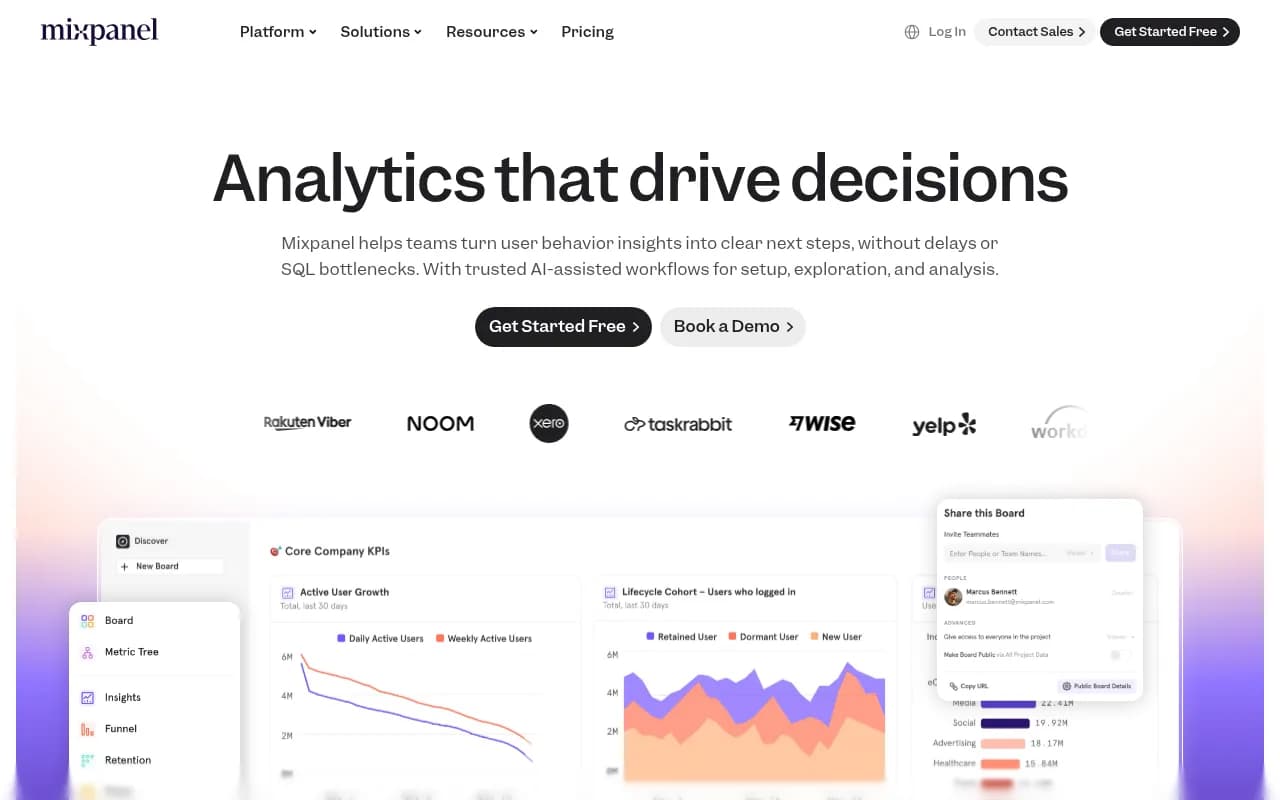
Mixpanel and Amplitude are often compared in the same breath, and the honest answer is that they're quite similar at the feature level. Both are event-based, both do funnels and retention analysis well, and both have free tiers that are genuinely usable. The differences come down to pricing model, interface preferences, and a few specific capabilities.
Mixpanel's pricing is event-based rather than user-based, which can work out cheaper or more expensive depending on your data volume and user count. At $0.28 per 1,000 events with volume discounts, it's predictable if you have a good sense of your event volume. The free tier at 1 million events per month is more generous than Amplitude's free tier in many scenarios.
The interface is generally considered cleaner and more approachable than Adobe Analytics, and Mixpanel has been adding features quickly — session replay, heatmaps, feature flagging, and A/B testing are all now part of the platform. This consolidation is useful if you want to reduce the number of tools in your stack.
Where Mixpanel lags Adobe: enterprise-grade multi-channel attribution, integration with offline data sources, and the kind of raw processing power Adobe brings to very large datasets. But for most product analytics use cases, Mixpanel is more than capable.
Pricing: Free (1M events/mo) / Growth from $24/mo / Enterprise custom
Best for: Product teams that want event-based analytics with a clean interface and predictable pricing. Good fit for companies that want to consolidate analytics, session replay, and experimentation in one tool.
PostHog
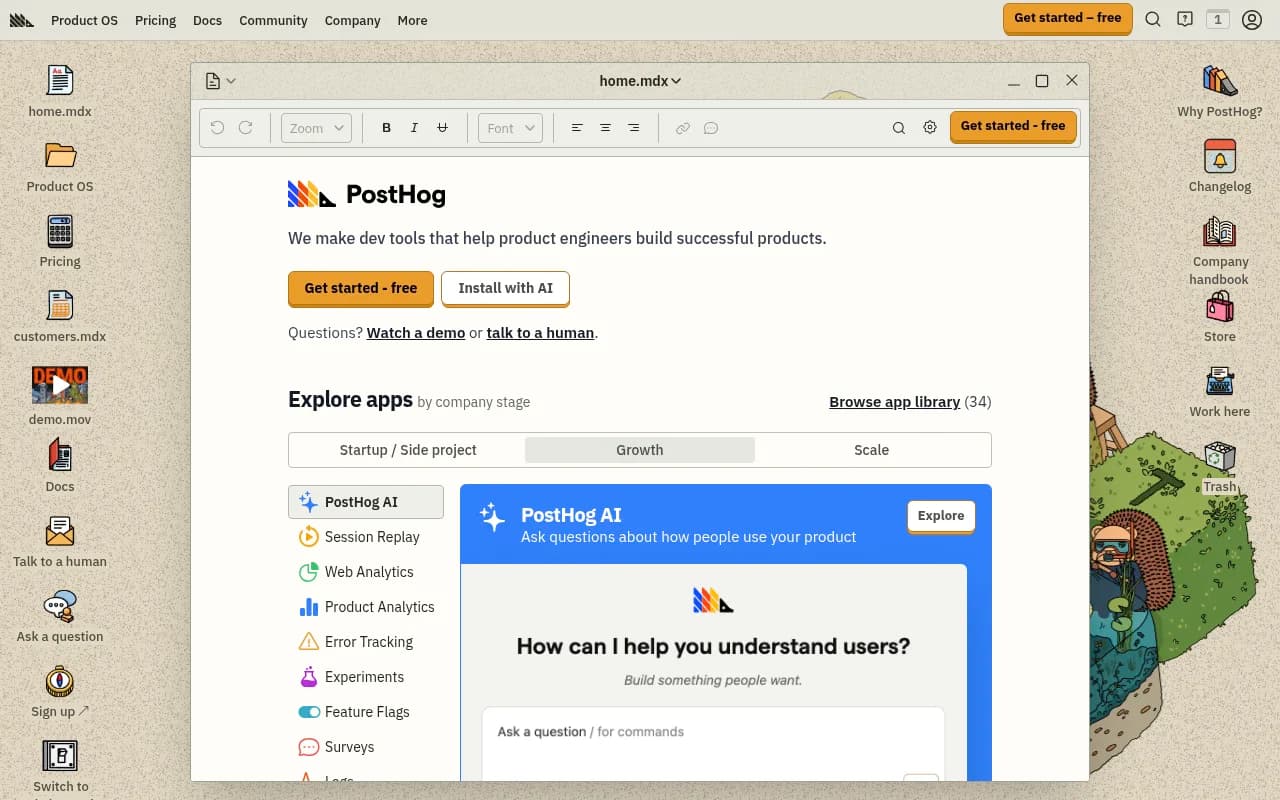
PostHog is the most interesting option on this list if you're an engineering-led team. It's open source, self-hostable, and covers an unusually wide surface area: product analytics, session replay, feature flags, A/B testing, error tracking, surveys, and a built-in data warehouse. The free tier is genuinely generous — 1 million events, 5,000 session replays, and 1 million feature flag requests per month, all free.
The comparison to Adobe Analytics is almost apples and oranges. Adobe is an enterprise marketing analytics platform with a massive price tag and a focus on cross-channel attribution. PostHog is a developer-first product analytics platform that you can self-host for free. They serve different teams with different priorities.
What PostHog does better than Adobe: it's faster to implement (there's even an AI-powered setup wizard), the pricing is transparent and usage-based, and the breadth of tools in one platform means engineers don't have to stitch together five different products. The open-source nature also means you can inspect the code, customize it, and avoid vendor lock-in.
What it doesn't do: PostHog isn't built for marketing attribution across paid channels, it doesn't have Adobe's depth on multi-touch attribution modeling, and the interface is more technical than business-user-friendly. If your analytics team is non-technical, there will be a learning curve.
PostHog's self-hosted option is free forever, which is a meaningful differentiator for companies with strict data residency requirements.
Pricing: Free tier (cloud) / Self-hosted free (open source) / Usage-based cloud pricing above free tier
Best for: Engineering and product teams who want open-source flexibility, self-hosting, and a wide toolkit without paying enterprise prices. Especially good for startups and scale-ups.
Pendo
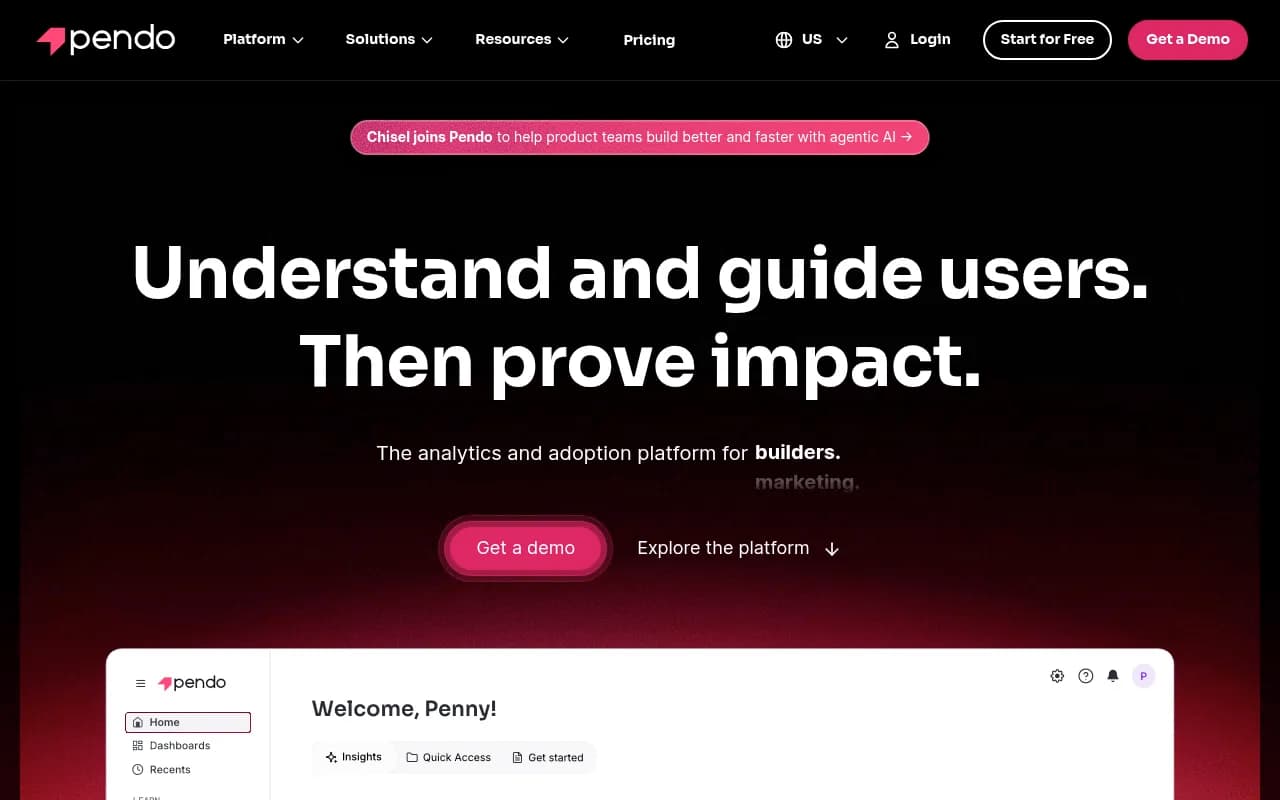
Pendo occupies a different niche than most tools on this list. It's not just analytics — it's analytics plus in-app guidance. You can track what users do, and then directly respond with tooltips, walkthroughs, banners, and surveys without writing code. For SaaS companies focused on user adoption and reducing churn, that combination is genuinely valuable.
Compared to Adobe Analytics, Pendo is narrower in scope (it's focused on product experience, not marketing attribution) but adds capabilities Adobe doesn't have at all. Adobe can tell you that users are dropping off at a certain step; Pendo can tell you that and then let you deploy an in-app guide to fix it, all in the same platform.
The analytics side of Pendo is solid for product use cases — funnel analysis, retention, feature adoption tracking, and NPS surveys are all well-implemented. The AI features (churn prediction, AI-powered segmentation) have improved noticeably in recent releases. Pendo also has a B2B-specific focus that shows up in features like account-level analytics and customer success integrations.
The pricing is the main friction point. The free tier covers up to 500 MAUs, which is fine for testing but not for real usage. Paid plans start around $7,000–$10,000 per year and scale up quickly. It's not Adobe expensive, but it's not cheap either.
Pricing: Free (500 MAUs) / Base ~$7K-$10K/year / Core ~$20K-$30K/year / Enterprise custom
Best for: SaaS product teams that need both usage analytics and in-app guidance in one platform. Particularly strong for companies focused on onboarding, feature adoption, and reducing churn.
Fullstory
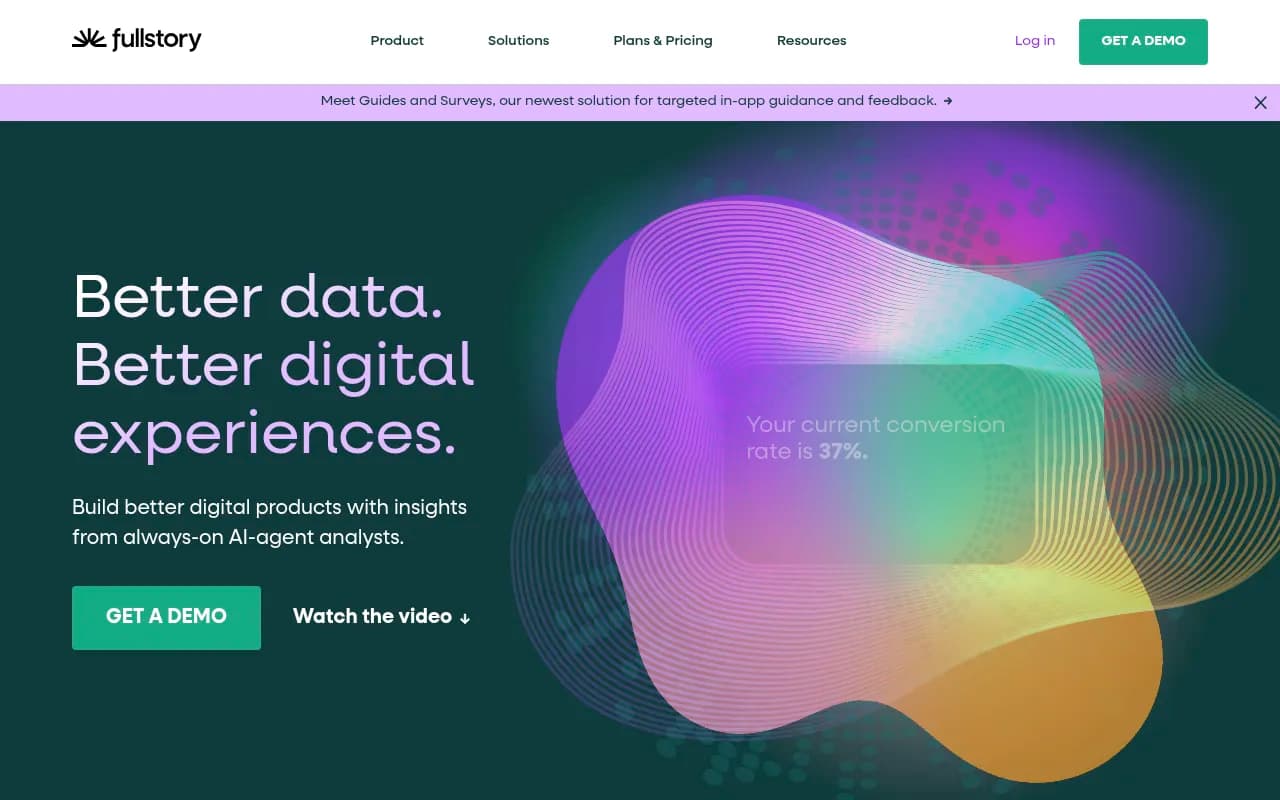
Fullstory's core proposition is behavioral data — specifically, capturing every user interaction automatically and using AI to surface friction points. You don't have to decide in advance what to track; Fullstory records everything and lets you query it retroactively. That's a meaningful difference from event-based tools where you have to instrument everything upfront.
The comparison to Adobe Analytics is partial. Fullstory doesn't do marketing attribution or traffic source analysis the way Adobe does. What it does better than Adobe is qualitative behavioral analysis: session replay, rage click detection, frustration signals, and AI-powered journey analysis. It's the tool you reach for when you know something is wrong in your conversion funnel but you don't know why.
Fullstory has been adding product analytics capabilities (funnels, retention, cohort analysis) and recently launched in-app guides and surveys, which puts it in more direct competition with Pendo. The AI layer (StoryAI) is genuinely useful for getting answers from behavioral data without building every query manually.
The pricing floor of around $10,000/year puts it in mid-market territory. It's not a budget option, but it's well below Adobe's range.
Pricing: From ~$10,000/year / Typical customers $300–$1,000/month
Best for: Teams that need deep behavioral analytics and session replay, particularly for diagnosing conversion problems. Good complement to a marketing analytics tool rather than a full Adobe replacement.
Matomo
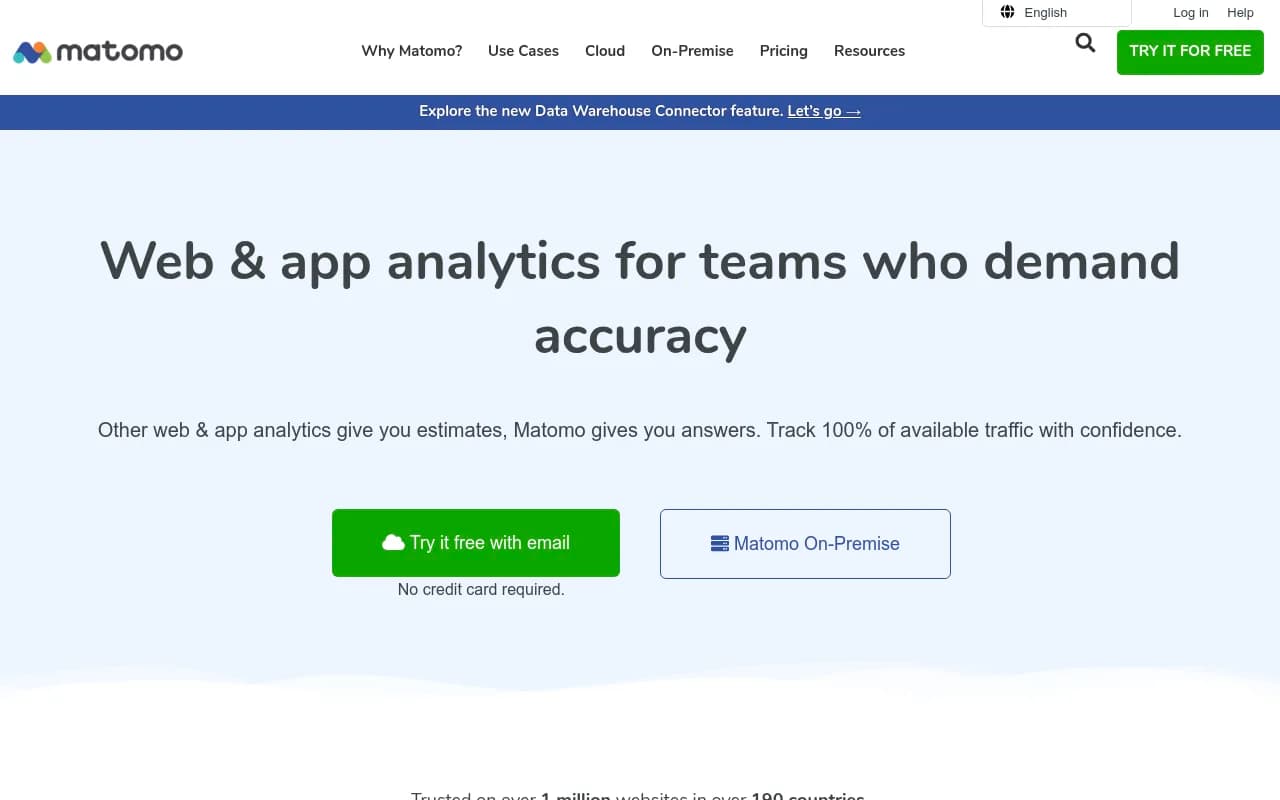
Matomo is the privacy-first alternative, and it takes that positioning seriously. Unlike Google Analytics (which sends your data to Google) or Adobe Analytics (which stores data on Adobe's infrastructure), Matomo gives you complete data ownership. The self-hosted version is free forever and runs on your own servers. No data sampling, no third-party access, and GDPR/CCPA compliance without requiring consent banners in many jurisdictions.
The feature set covers standard web analytics well: traffic reports, goals and conversions, ecommerce tracking, funnel analysis, heatmaps, and session recordings. It's not as deep as Adobe on attribution modeling or as focused as Amplitude on product analytics, but it covers the core web analytics use case competently.
The self-hosted version is genuinely free — you pay for hosting, not the software. The cloud version starts at €19/month for 50,000 hits, scaling up to €579/month for 10 million hits. Premium plugins (heatmaps, session recordings, A/B testing) cost extra, typically €199–€349/year each, which can add up.
For organizations where data sovereignty is non-negotiable — government agencies, healthcare, financial services, companies operating under strict EU data regulations — Matomo is often the only viable option. The United Nations and European Commission both use it.
Pricing: Self-hosted free / Cloud from €19/mo / Premium plugins extra
Best for: Organizations with strict data privacy requirements, teams that need GDPR compliance without consent banners, and anyone who wants complete data ownership. Also good for developers who want to self-host and avoid ongoing SaaS costs.
Heap (by Contentsquare)
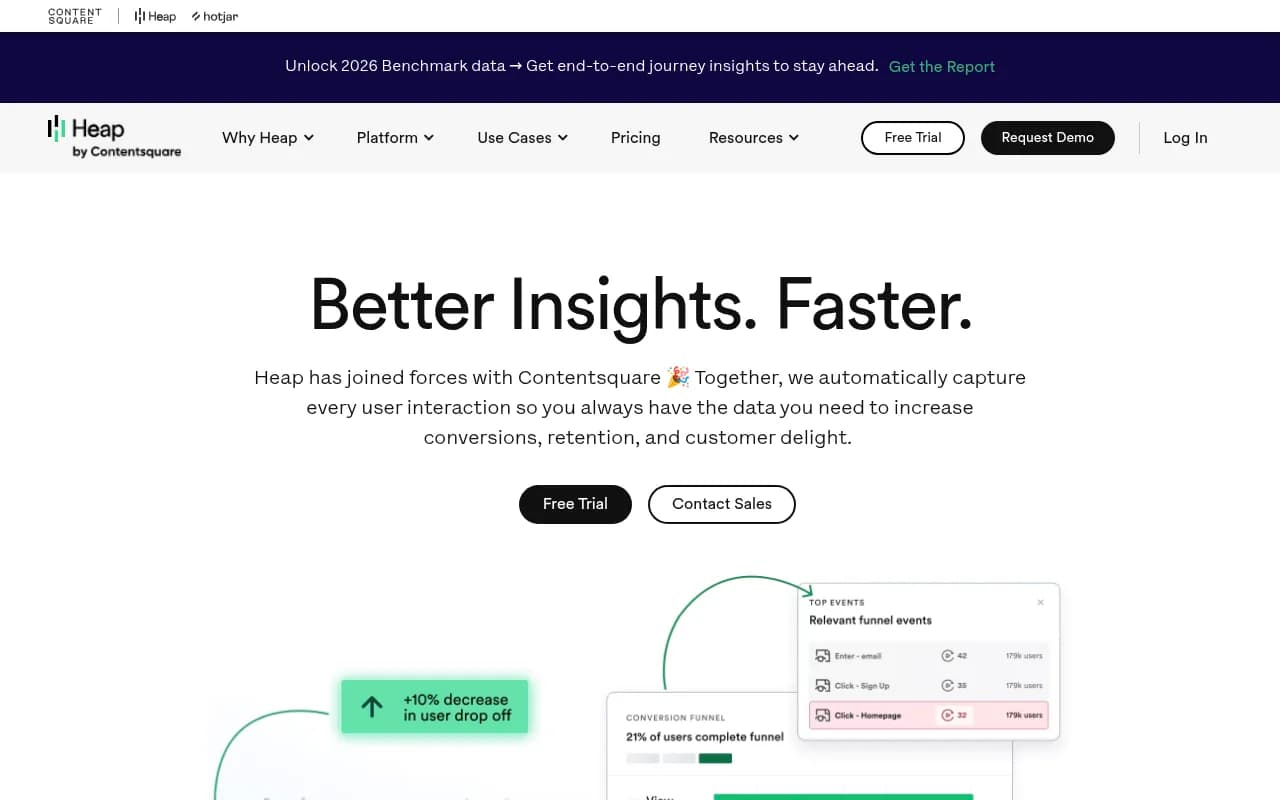
Heap's defining feature is auto-capture: install one snippet and it records every click, tap, form submission, and page view automatically. You don't have to decide what to track before you start. This is a direct response to one of the most common analytics problems — you realize you need data on a specific user action, but you didn't instrument it, so you have no historical data.
Compared to Adobe Analytics, Heap is much easier to implement and doesn't require an analytics engineer to maintain. The retroactive analysis capability means you can ask questions about past user behavior even if you didn't think to track it at the time. That's genuinely useful.
Heap was acquired by Contentsquare in 2023, which has brought session replay and experience analytics capabilities into the same platform. The combined offering covers product analytics, behavioral analysis, and qualitative research in one place.
The free tier covers 10,000 sessions per month, which is enough for small teams to evaluate it properly. Paid plans start around $3,600/year for the Growth tier, with Pro and Premier pricing on request.
Where Heap falls short: the auto-capture approach can generate a lot of noisy data that requires cleanup, and the AI-powered analysis (CoPilot) is still maturing. It's also not a marketing attribution tool — like most product analytics platforms, it doesn't replace Adobe's cross-channel attribution capabilities.
Pricing: Free (10K sessions/mo) / Growth from ~$3,600/year / Pro and Premier on request
Best for: Product and growth teams that want retroactive analytics without heavy instrumentation. Good for teams that have been burned by missing event tracking in other tools.
Contentsquare
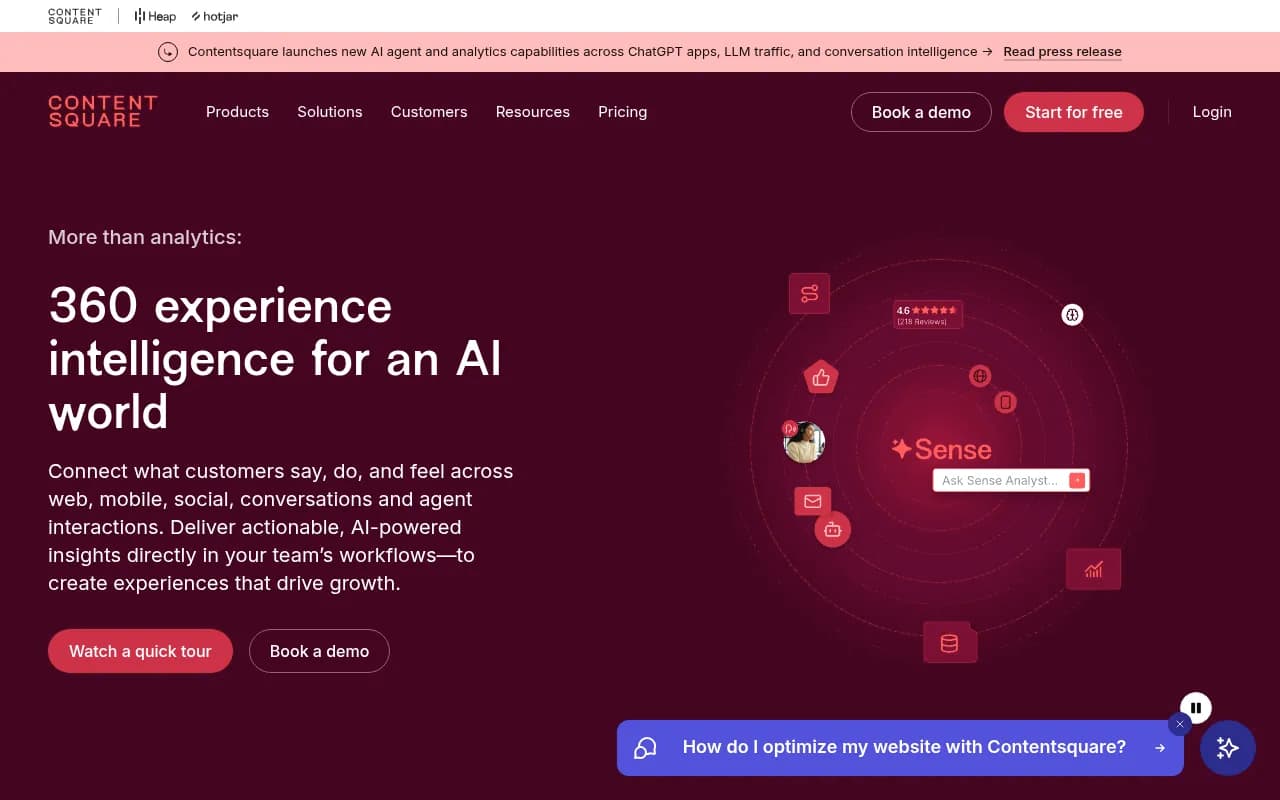
Contentsquare is the enterprise experience intelligence platform that now sits above Heap (which it acquired) and Hotjar (also acquired). The core platform combines experience analytics, product analytics, session replay, heatmaps, voice of customer tools, and conversation intelligence in one place. It's built for large brands that want to understand and optimize digital journeys at scale.
The comparison to Adobe Analytics is interesting because Contentsquare and Adobe actually overlap in the enterprise market. Both serve large brands, both have significant implementation requirements, and both are expensive. The difference is focus: Adobe is stronger on marketing attribution and cross-channel data, while Contentsquare is stronger on behavioral and experience analytics — understanding how users interact with your site, not just where they came from.
Contentsquare's AI layer (Sense) has been expanding quickly, and the platform recently added capabilities for tracking AI agent interactions and LLM traffic, which is a forward-looking differentiator. The 4.7 rating on both G2 and Gartner suggests enterprise customers are generally satisfied.
The pricing is enterprise-level — the free tier exists but is limited, and serious usage starts around $10,000/month. This isn't a budget alternative to Adobe; it's a different kind of enterprise tool.
Pricing: Free tier available / Enterprise from ~$10,000/month
Best for: Large enterprise brands that want deep behavioral and experience analytics. A good complement or alternative to Adobe if your primary need is understanding user experience rather than marketing attribution.
Microsoft Clarity
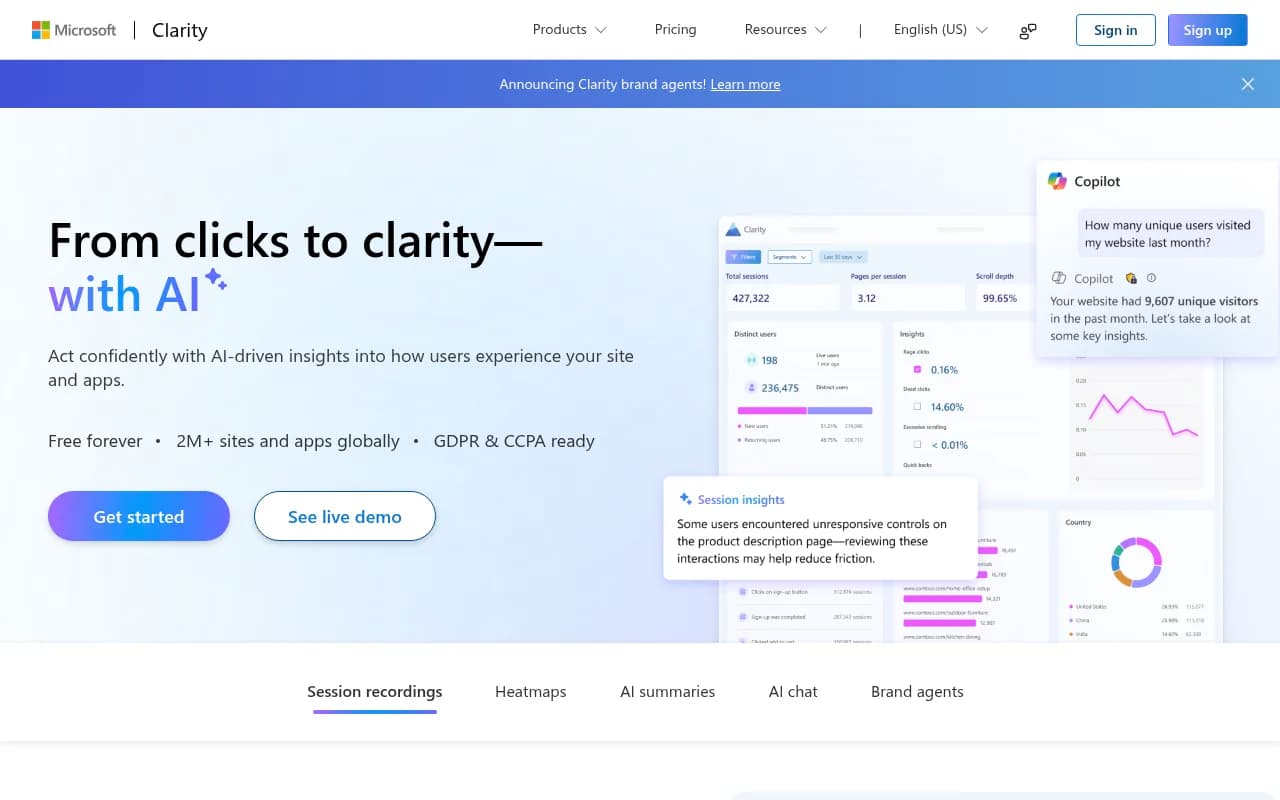
Microsoft Clarity is the wildcard on this list. It's completely free, with no traffic limits and no paid tiers. It does session recordings, heatmaps, AI summaries, and AI chat. It's used by over 2 million sites globally. And it integrates directly with Google Analytics, so you can use it alongside GA4 without any conflict.
To be clear: Clarity is not a full Adobe Analytics replacement. It doesn't do marketing attribution, traffic source analysis, conversion goal tracking, or any of the things that make Adobe valuable for marketing teams. What it does is give you behavioral context — you can watch session recordings to understand why users are dropping off at a step that your other analytics tool flagged.
The AI features are more useful than you might expect. The AI summaries give you a quick read on what's happening across sessions without watching hours of recordings. The AI chat lets you ask questions about your data in plain language. These aren't gimmicks — they genuinely speed up the analysis workflow.
The new Brand Agents feature (launched in 2026) lets you deploy an AI shopping assistant on your site that uses Clarity's behavioral signals to personalize interactions. That's a different product category entirely, but it shows where Microsoft is taking the platform.
For teams that are leaving Adobe Analytics and need to cut costs, Clarity is an obvious addition to whatever tool you replace Adobe with. It's free, it's easy to install, and the behavioral data it provides is genuinely useful.
Pricing: Free forever
Best for: Any team that wants session replay and heatmaps without paying for them. Best used as a complement to a primary analytics tool rather than a standalone replacement for Adobe.
Which alternative should you choose?
The right answer depends on why you're leaving Adobe and what you actually need.
If you're primarily a marketing team that needs traffic and campaign analytics, Google Analytics (free) or Google Analytics 360 (~$50K/year) covers most of what you were using Adobe for, at a fraction of the cost. Add Microsoft Clarity for free behavioral data on top.
If you're a product team at a SaaS company, Amplitude or Mixpanel are the natural choices. Both have free tiers, both are purpose-built for product analytics, and both are significantly easier to implement than Adobe. PostHog is the better pick if your team is engineering-led and wants open-source flexibility or self-hosting.
If you need analytics plus in-app guidance in one platform, Pendo is the most complete option, though the pricing adds up quickly as your user base grows.
If data privacy and ownership are non-negotiable, Matomo is the clear answer. Self-host it for free, own your data completely, and meet GDPR requirements without compromise.
If you're an enterprise brand that wants to understand user experience and behavior at scale (rather than marketing attribution), Contentsquare or Fullstory are the most direct Adobe alternatives in terms of market positioning and capability depth.
And if you just want to understand what users are actually doing on your site without spending anything, install Microsoft Clarity today. It takes five minutes and costs nothing.