Key takeaways
- Most social media scheduling tools share the same core features -- the real differences show up in analytics depth, team collaboration, inbox management, and AI capabilities.
- Before comparing tools, answer 7 questions about your situation: platforms, team size, content volume, analytics needs, budget, agency vs. brand use, and AI requirements.
- Tools like Buffer and Later suit solo creators and small teams; Hootsuite, Sprout Social, and SocialBee scale better for agencies and larger teams.
- Inbox management (comments, DMs, replies) is often overlooked but separates full social media management suites from pure schedulers.
- Free trials exist for most major tools -- use them, because the UI and workflow feel matter more than any feature list.
The social media scheduling tool market in 2026 is genuinely crowded. You've got enterprise suites, creator-focused tools, API-first platforms for developers, niche tools built for specific networks, and everything in between. Every vendor claims to save you time, grow your audience, and simplify your workflow.
Most of them can do the basics. That's not the problem.
The problem is that "the basics" aren't enough to differentiate anymore, and picking a tool based on a feature checklist often leads to buyer's remorse three months in. You end up paying for capabilities you don't use while missing the one thing that would actually make your workflow better.
This guide gives you a practical framework -- seven questions -- that forces you to think about your specific situation before you start comparing tools. Answer these honestly, and the right choice becomes obvious.
Why most tool comparisons fail you
The typical "best social media scheduling tools" roundup ranks platforms by feature count. More features = higher ranking. That logic sounds reasonable until you realize that a solo creator running two Instagram accounts has completely different needs than a digital agency managing 40 client accounts across six platforms.
A tool that's perfect for one is a nightmare for the other.
The other problem: most comparisons focus on scheduling features, which are table stakes at this point. Almost every tool in 2026 lets you schedule posts, preview content, and see basic engagement metrics. The real differences live in the edges -- how good is the analytics? Does it handle inbox management? Can multiple team members collaborate without stepping on each other? Does the AI actually help, or is it just a checkbox?
So instead of starting with tools, start with yourself.
The 7-question framework
Question 1: Which platforms do you actually need to post to?
This sounds obvious, but it's where a lot of people go wrong. They pick a tool that supports 12 platforms when they only use 3, then wonder why the interface feels cluttered and the pricing feels high.
Make a list of the platforms you post to regularly -- not the ones you "might" add someday. Then check which tools support all of them natively, not through workarounds or manual reminders.
A few things worth knowing:
- TikTok and YouTube Shorts support varies more than you'd expect. Some tools support direct publishing; others push a notification to your phone and make you post manually.
- LinkedIn personal profiles vs. LinkedIn company pages are treated differently by most APIs. Check which one you need.
- Threads and Bluesky are newer additions -- not every tool has caught up.
- Pinterest is often missing from mid-tier tools.
If you're heavily focused on text-first platforms (X/Twitter, Bluesky, Mastodon, Threads), a specialized tool built for that ecosystem will serve you better than a general-purpose scheduler that treats those networks as an afterthought.
Question 2: How big is your team, and how do you collaborate?
Solo creator? A simple, affordable tool with a clean interface wins every time. You don't need approval workflows, role-based permissions, or client-facing dashboards.
But if you're working with a team -- even a small one -- collaboration features matter a lot. Think about:
- Can multiple people draft and schedule content without overwriting each other?
- Is there an approval workflow so a manager or client can sign off before posts go live?
- Can you leave comments on drafts without switching to Slack?
- Does the tool support client-facing views where clients can review and approve without accessing the full account?
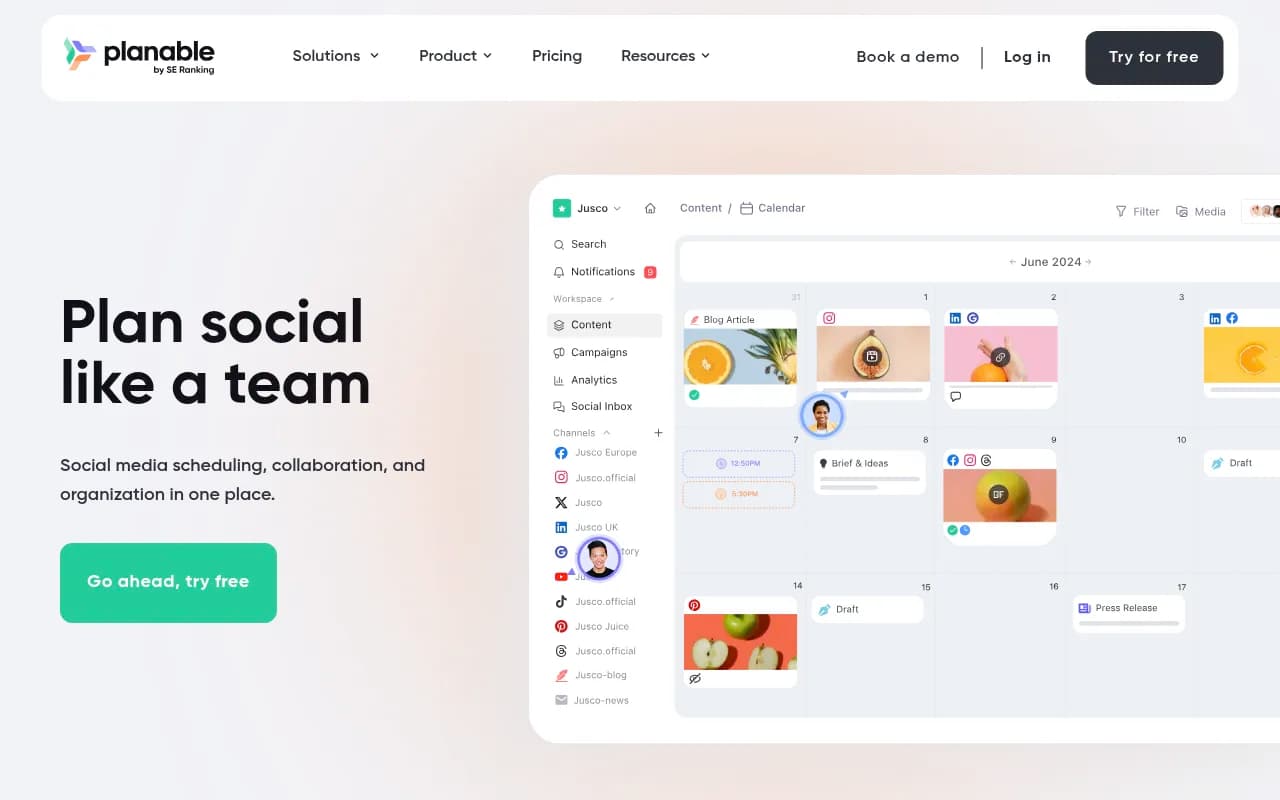
Agencies especially need to think about this. Tools like Planable are built almost entirely around the collaboration and approval workflow, which makes them excellent for agencies even if their analytics are thinner than competitors.
Question 3: What's your content volume and publishing frequency?
There's a big difference between scheduling 5 posts a week and scheduling 50. High-volume publishers need:
- Bulk upload and scheduling (CSV imports, drag-and-drop calendar)
- Content recycling or evergreen queues (so your best posts don't disappear after one publish)
- Content categories or labels to balance different post types
- Fast, keyboard-friendly interfaces
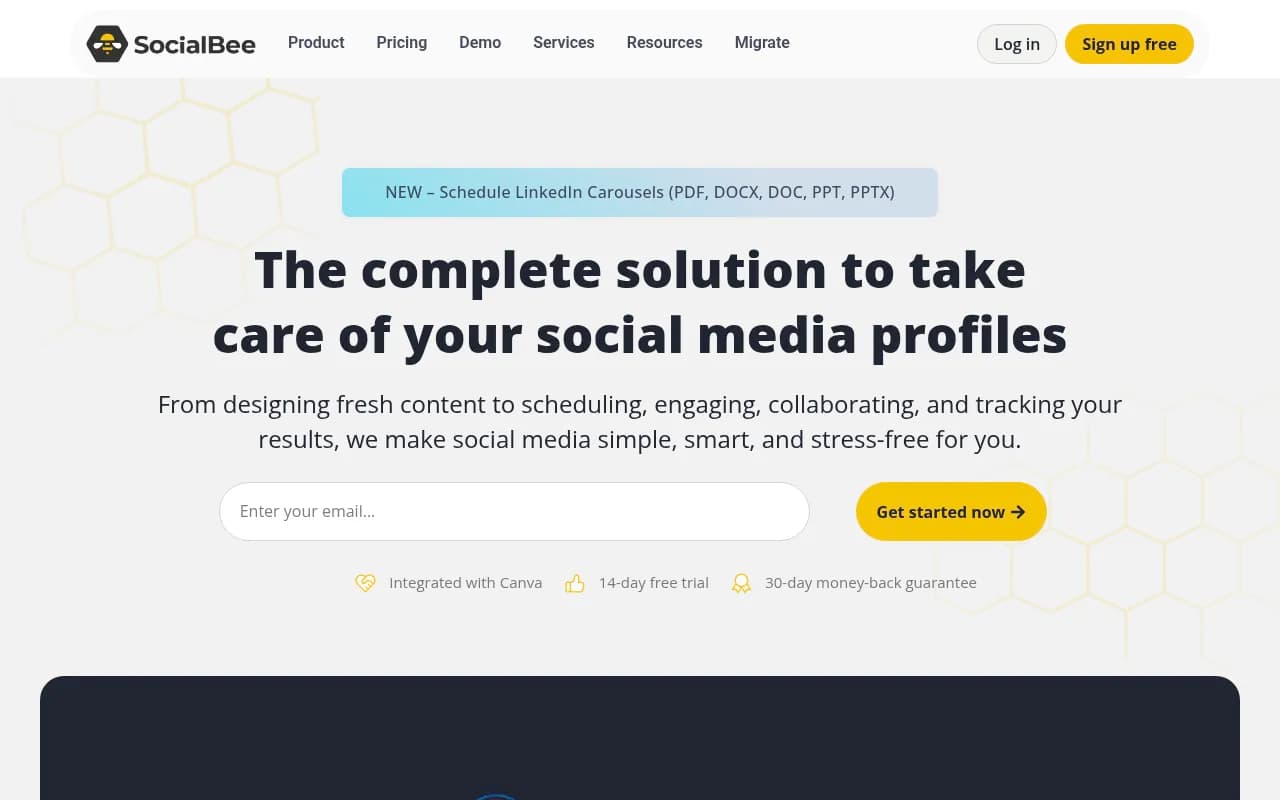
Tools like SocialBee are built around the concept of content categories and recycling queues, which is genuinely useful if you're managing a high volume of evergreen content. Buffer is cleaner and faster for lower-volume publishing but can feel limiting at scale.
Question 4: How seriously do you take analytics?
This is where the biggest gaps between tools appear.
Basic analytics -- reach, impressions, likes, shares -- are available everywhere. If that's all you need, almost any tool will do.
But if you want to understand what's actually driving growth, you need more:
- Best time to post recommendations based on your specific audience (not generic averages)
- Post-level performance breakdowns, not just account-level summaries
- Competitor benchmarking
- Custom date ranges and exportable reports
- Attribution -- which posts drove website traffic or conversions?
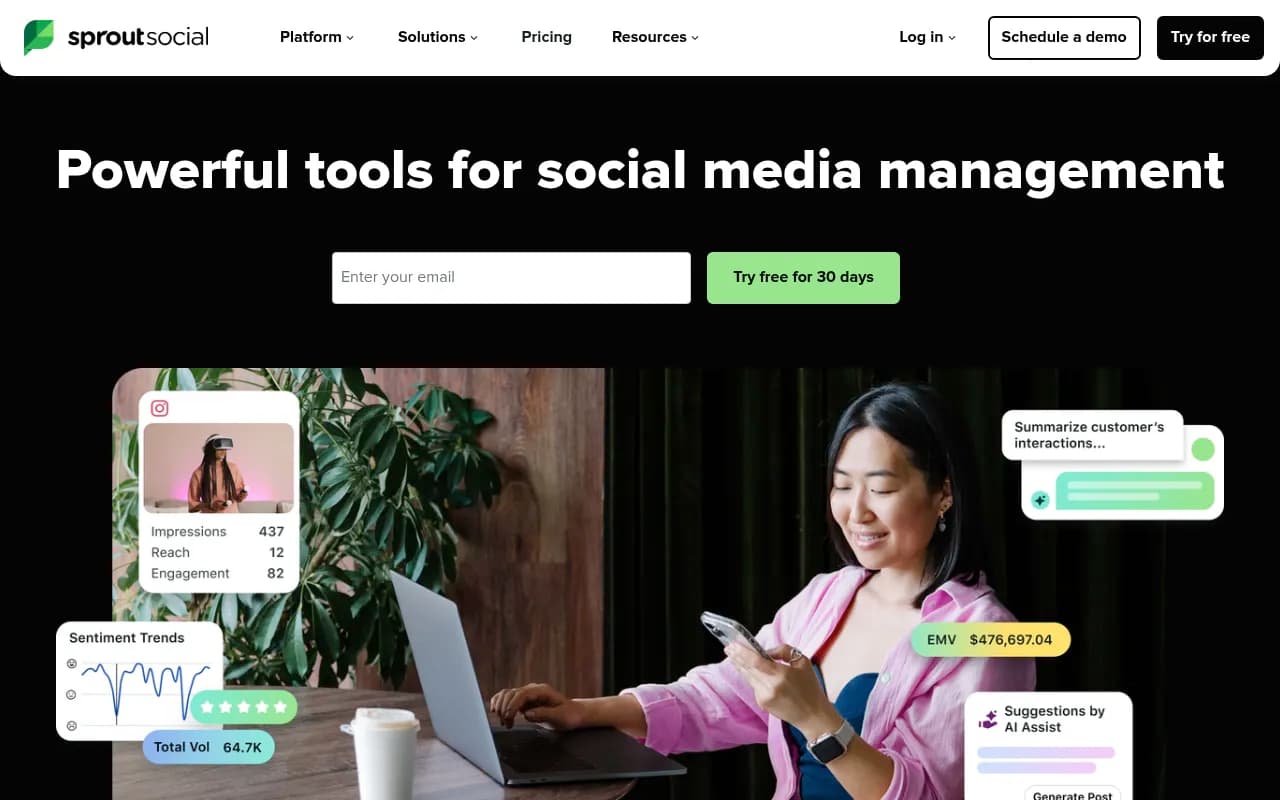
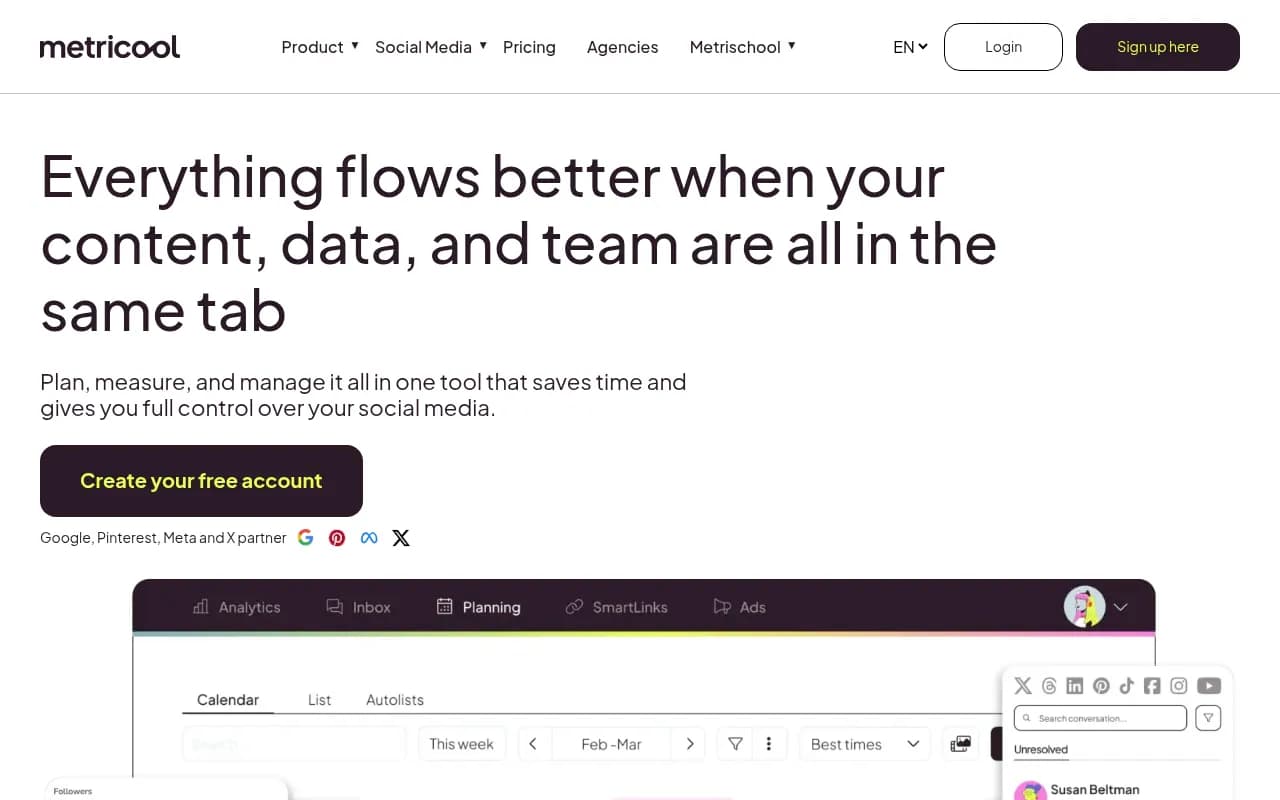
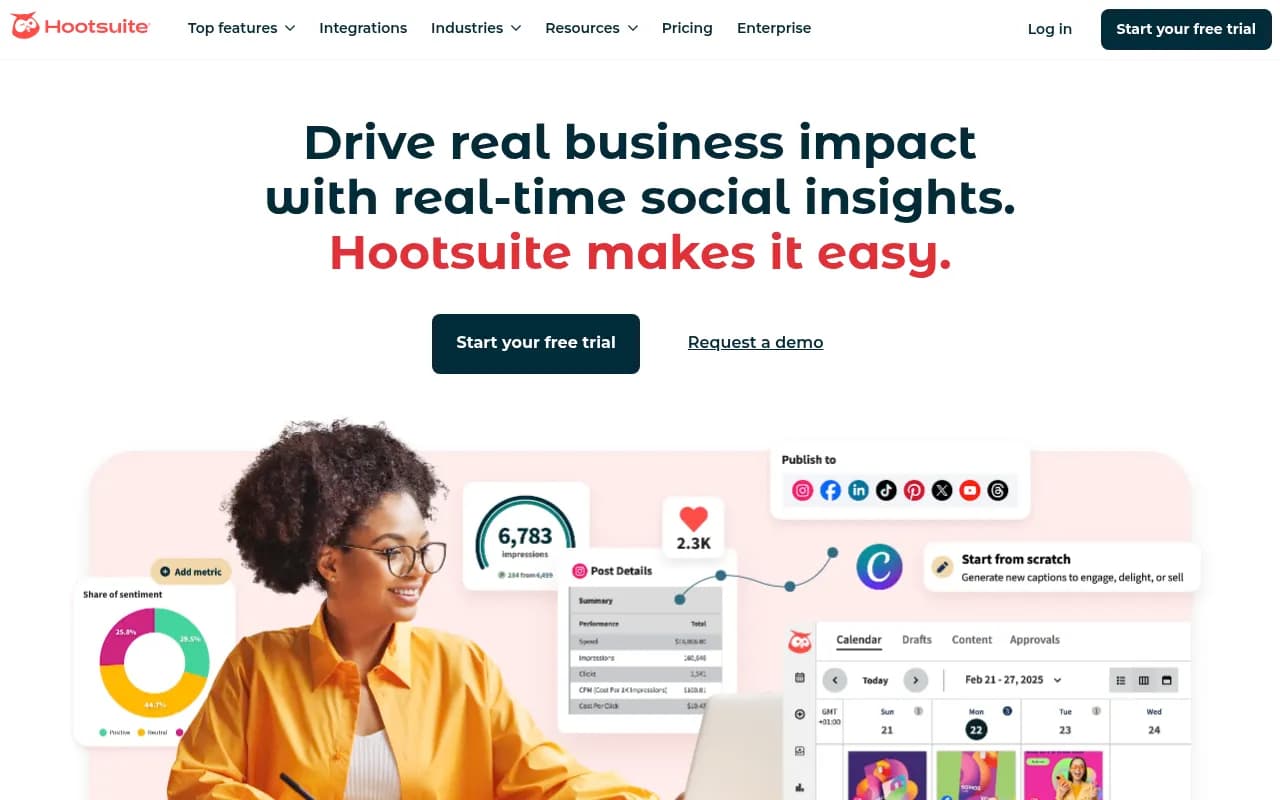
Sprout Social has the deepest analytics of any tool in this category, but you pay for it. Metricool punches above its weight on analytics for the price. Hootsuite's analytics have improved significantly but still lag behind Sprout for enterprise use cases.
If you're an agency that needs to send clients monthly reports, look specifically at reporting features: can you white-label reports? Export to PDF? Schedule automated report delivery?
Question 5: Do you need inbox management, or just scheduling?
This is the question most people skip, and it causes the most regret.
A social media scheduler posts content. A social media management platform also handles the conversations that content generates -- comments, DMs, mentions, reviews. If you're running a brand with active community engagement, ignoring inbox management means you're using two separate tools (or just not responding, which is worse).
The best tools in 2026 combine scheduling with a unified social inbox. You can see and respond to comments across all platforms from one place, assign conversations to team members, and track response times.
Tools like Sprout Social, Hootsuite, and Agorapulse have strong unified inboxes. Buffer and Later are primarily scheduling-focused and have more limited inbox features. If engagement and community management are a significant part of your role, weight this question heavily.
Question 6: What's your actual budget?
Be honest here. Not "what could I justify" but "what makes sense given my current revenue or team size."
Here's a rough breakdown of what different budget levels get you in 2026:
| Budget | What you get | Best options |
|---|---|---|
| Free | 1-3 accounts, limited posts/month, basic scheduling | Buffer free, Later free, Meta Business Suite |
| $15-$30/mo | Solo or small team, most major platforms, basic analytics | Buffer Essentials, Later Starter, Publer |
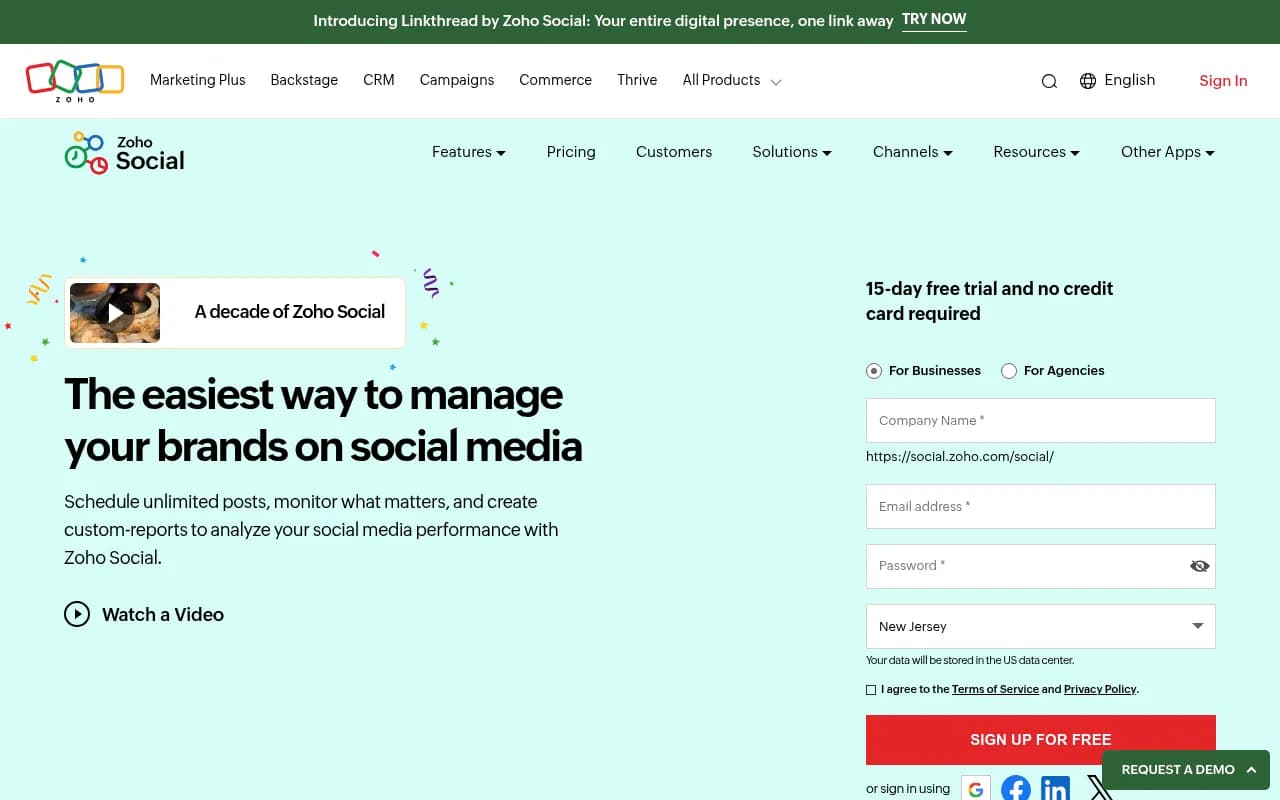
| $50-$100/mo | Small teams, better analytics, some collaboration | SocialBee, Metricool, Zoho Social |
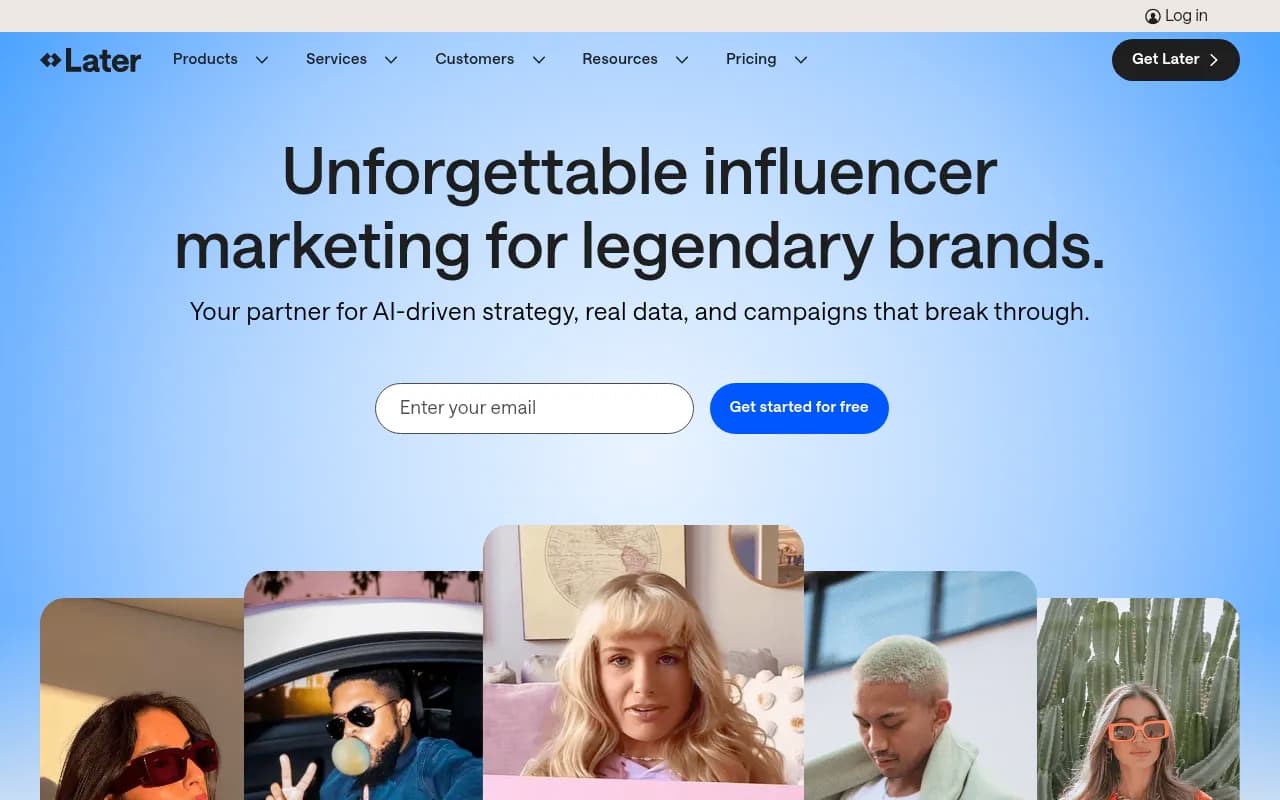
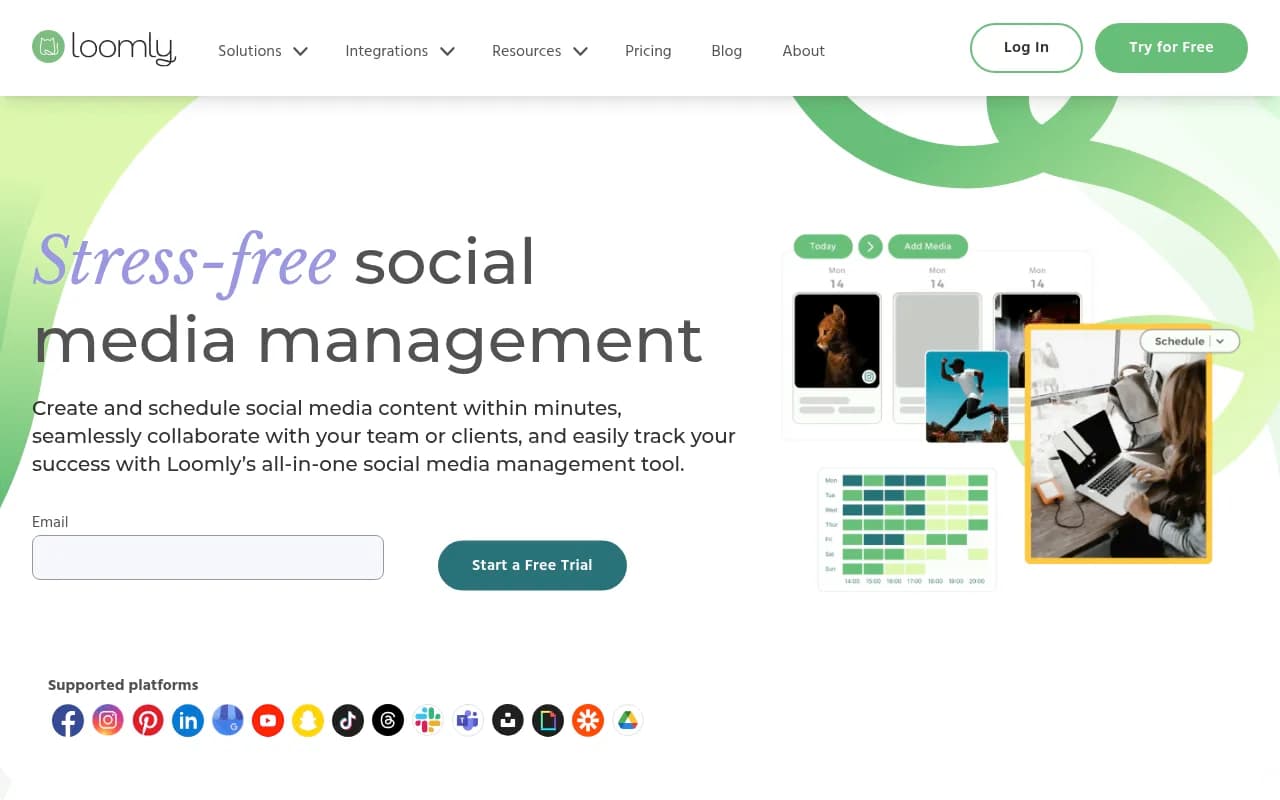
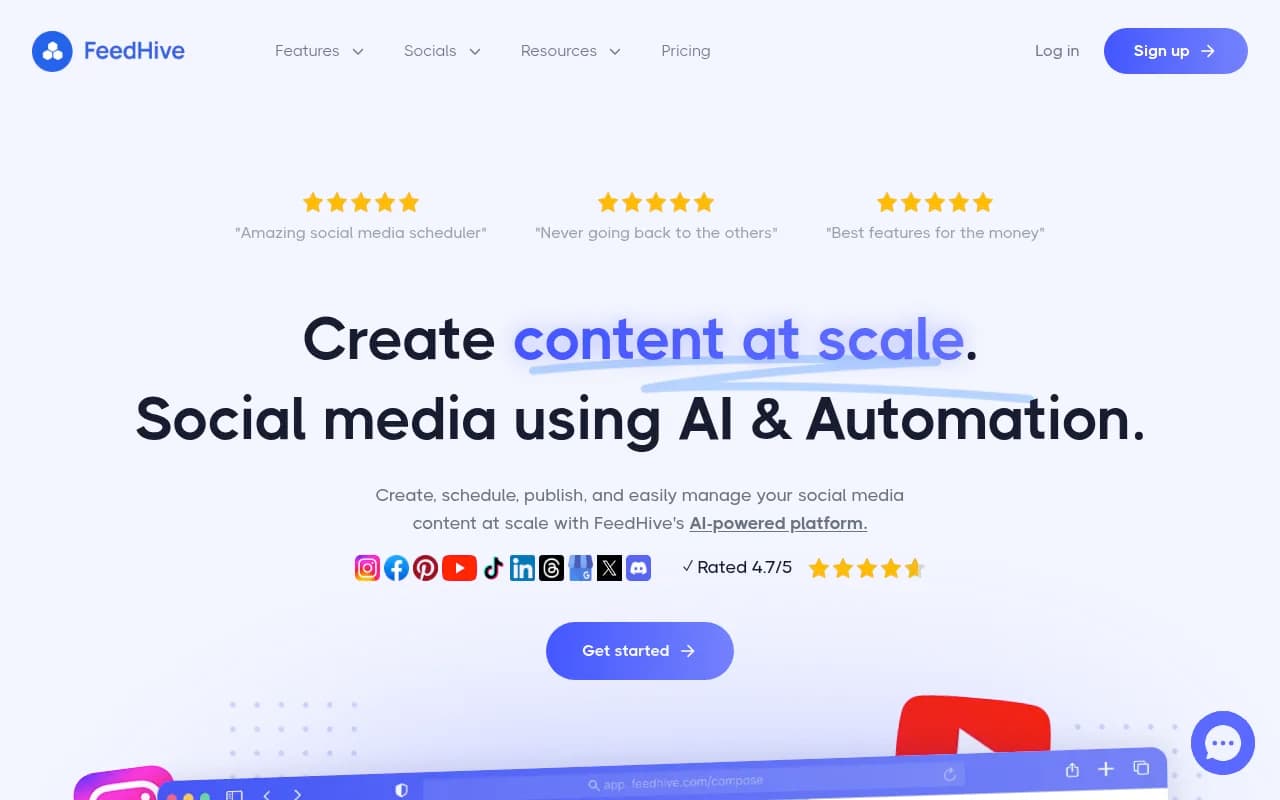
| $100-$300/mo | Agency features, approval workflows, deeper analytics | Hootsuite, Planable, Loomly, FeedHive |
| $300+/mo | Enterprise analytics, large teams, white-label reporting | Sprout Social, Agorapulse |
One thing to watch: most tools price per social profile or per user, and costs can escalate fast when you add accounts. Always calculate the real cost for your specific situation, not just the headline plan price.
Question 7: How much do AI features actually matter to you?
Every social media tool in 2026 has AI features. Most of them are variations on the same thing: AI caption generation, hashtag suggestions, and best-time-to-post recommendations.
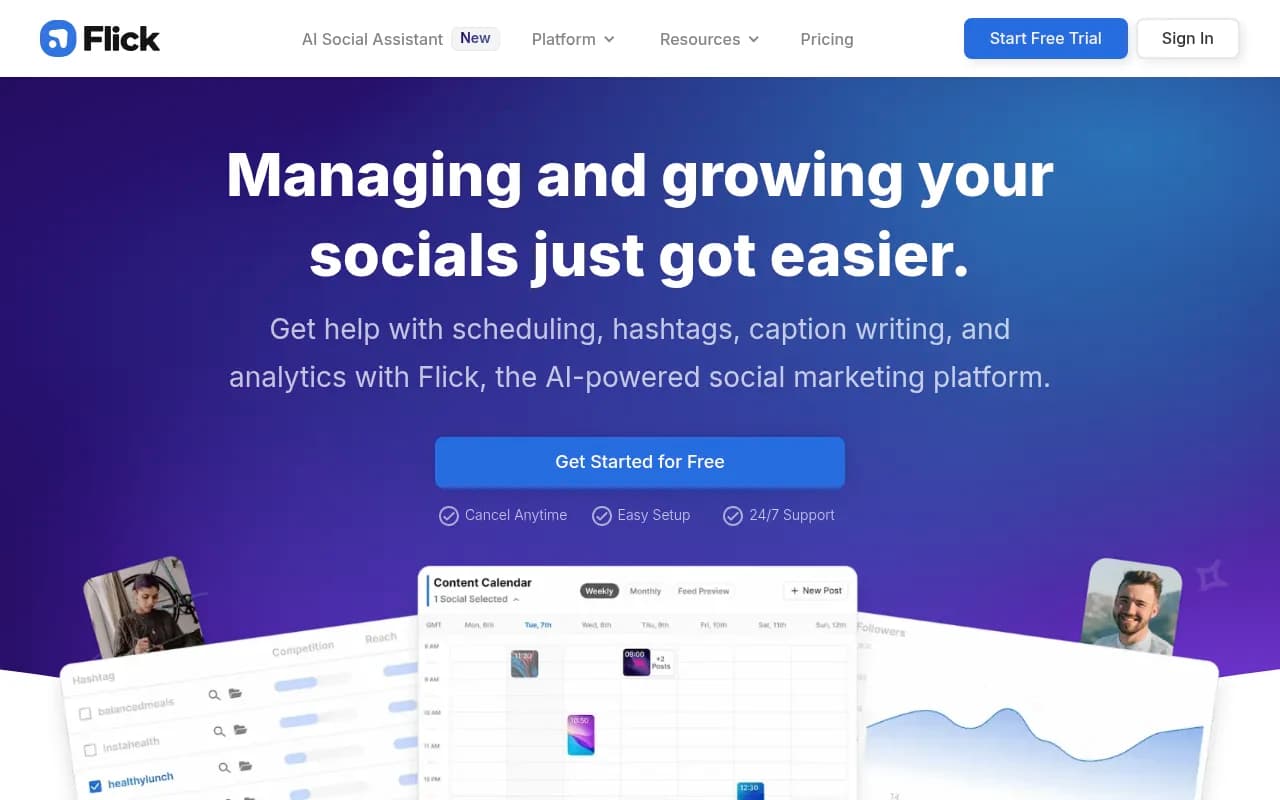
Some go further. FeedHive has content recycling logic and AI-powered content scoring. Flick positions itself as an AI copilot that helps you brainstorm, write, and schedule. SocialBee has an AI assistant for generating content variations across categories.
The honest take: AI caption generation is useful for overcoming blank-page paralysis, but it's not a differentiator. Most AI-generated captions need editing before they sound like your brand. The more valuable AI features are the ones that help you understand performance and make decisions -- predictive timing, content scoring, trend detection.
If AI-assisted content creation is a priority, look at tools that integrate it deeply into the workflow rather than bolting it on as a feature.
Putting it together: a decision matrix
Once you've answered the seven questions, you can map your answers to the right tool category:
| Your situation | Best fit |
|---|---|
| Solo creator, 2-3 platforms, low volume | Buffer, Later, Publer |
| Small team, needs collaboration | Planable, Loomly, SocialBee |
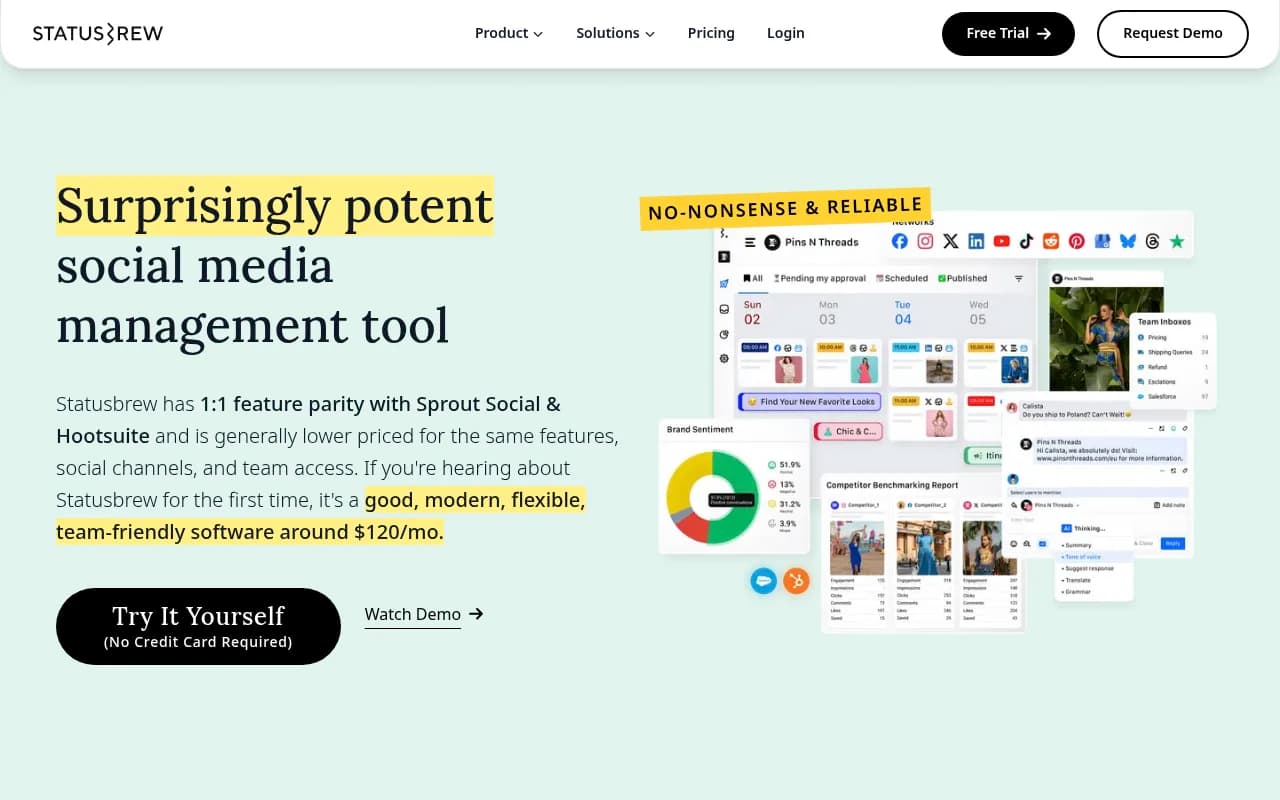
| Agency managing multiple clients | Hootsuite, Agorapulse, Statusbrew |
| High-volume publisher, needs recycling | SocialBee, FeedHive |
| Analytics-heavy brand or enterprise | Sprout Social, Hootsuite |
| Developer or API-first workflow | Zernio, custom integration |
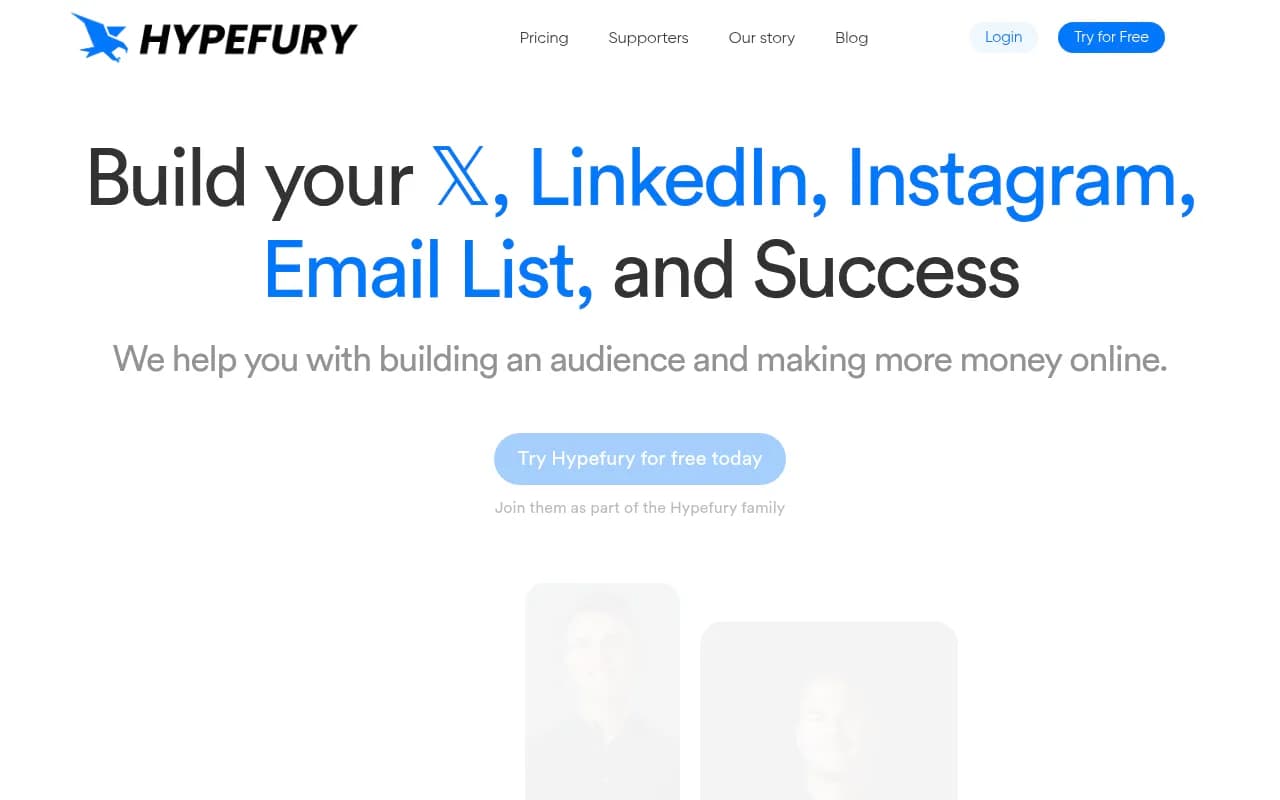
| Text-first platforms (X, Bluesky, Threads) | Hypefury, Buffer |
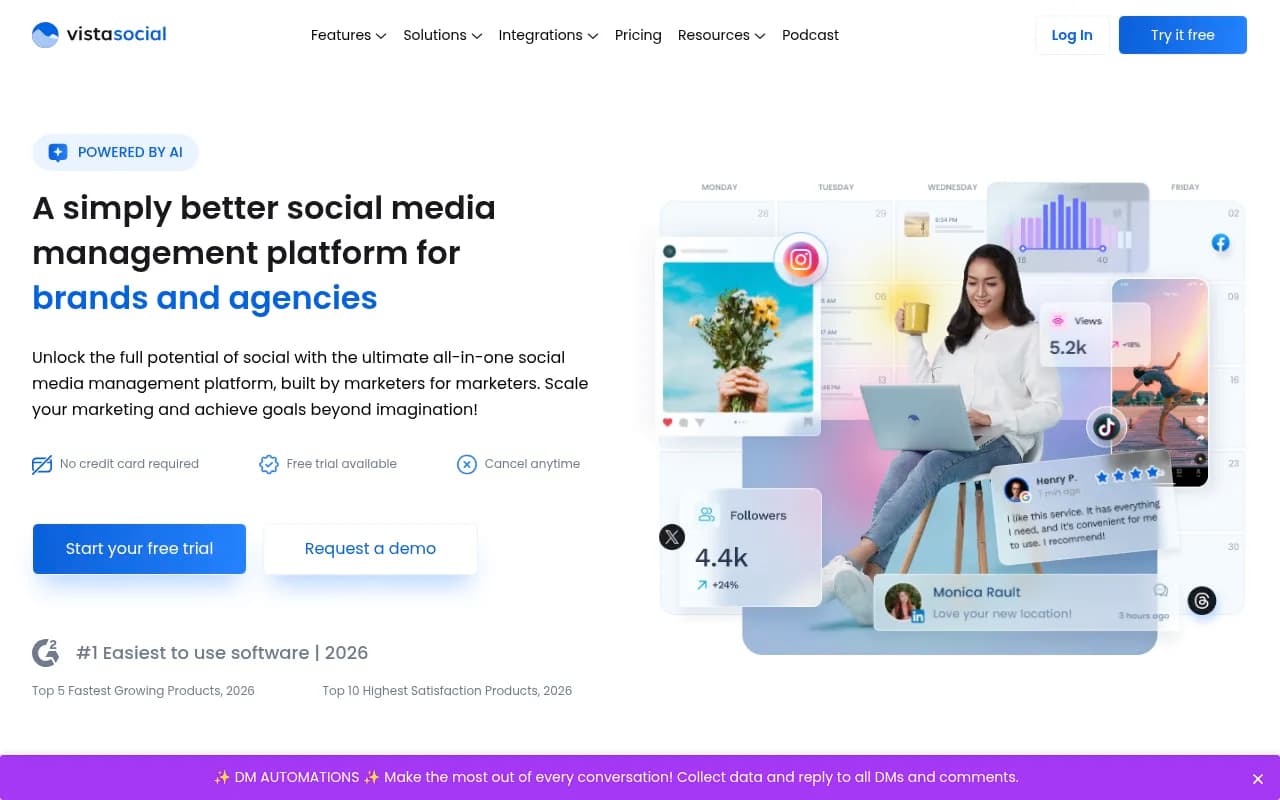
| Budget-conscious small business | Zoho Social, Vista Social, Metricool |
The features that actually separate good tools from great ones
After you've narrowed down your options using the framework above, here are the specific things worth testing in a trial:
Calendar view quality. A drag-and-drop content calendar sounds basic, but the implementation varies wildly. Some tools make rescheduling a post a three-click process; others let you drag it to a new time slot in seconds. This matters more than you'd think when you're managing a full content calendar.
Mobile app reliability. If you ever need to schedule or approve content on the go, test the mobile app specifically. Some tools have excellent web interfaces and mediocre mobile apps.
Error handling. What happens when a post fails? Does the tool notify you immediately, show you why it failed, and make it easy to retry? This is invisible until it matters, and then it matters a lot.
Platform-specific features. Can you add Instagram alt text, LinkedIn document posts, Pinterest board selection, or YouTube thumbnails from within the tool? Or does it force you to use native apps for anything beyond basic text and images?
Customer support. Check what support channels are available on your plan. Some tools gate live chat or phone support behind expensive tiers.
A note on "all-in-one" vs. specialized tools
There's a real trade-off between breadth and depth.
All-in-one tools like Hootsuite and Sprout Social try to do everything: scheduling, inbox management, analytics, listening, advertising management. They succeed reasonably well across all of these, but rarely excel at any single one.
Specialized tools do one thing exceptionally well. Planable is the best collaboration and approval tool in the category. Later has the best visual planning interface for Instagram-heavy workflows. FeedHive has the most sophisticated content recycling system.
For most teams, an all-in-one tool at the right price point makes more sense than stitching together multiple specialized tools. But if one specific capability is genuinely critical to your workflow -- say, client approval workflows for an agency -- it might be worth paying for the specialist.
Before you commit: the trial checklist
Most tools offer 14-30 day free trials. Use them properly:
- Connect all the accounts you actually use, not just one test account.
- Schedule a full week of real content, not placeholder posts.
- Test the mobile app on your actual phone.
- Try the analytics with real data from your accounts.
- If you have a team, have at least one other person use it simultaneously.
- Test the inbox management with real comments and DMs.
- Try to export a report in the format you'd send to a client or manager.
If a tool passes all seven of those tests, it'll probably work for you. If it fails on any of them, that failure will only get more annoying over time.
The bottom line
The best social media scheduling tool is the one that fits your actual workflow, not the one with the longest feature list or the highest G2 rating. A $25/month tool that your team uses consistently beats a $300/month platform that feels too complex and gets abandoned.
Answer the seven questions honestly. Run a real trial. Pick the tool that removes friction from your process rather than adding it.
The platforms you're posting to will keep changing. The AI features will keep improving. But the fundamentals -- consistency, quality, engagement -- stay the same. A good scheduling tool just makes those fundamentals easier to maintain.