Key takeaways
- ChatGPT fans out a prompt into one or more hidden web searches. For local prompts, those searches often carry city names, neighborhoods, "near me" phrasing, and the current year, and they are a free window into what the model thinks a local answer needs.
- You can extract fan-out queries with a free extractor, the browser Network tab, or a tracking platform, then filter for geo modifiers to build a local query list.
- Compare that list against your pages, Google Search Console data, and local listings to find the queries where you have no matching content.
- Treat gaps as signals, not ranking targets. A Grow and Convert study found about 60% of ChatGPT-cited sources did not rank in the top 10 pages of Google or Bing for known fan-out queries.
- Fan-out behavior changes quickly. Re-run your analysis after major ChatGPT updates, including the August 2026 site: operator rollout.
What fan-out data is, and why local queries matter
When you ask ChatGPT "where can I get a good emergency plumber in Leeds," it often doesn't answer from memory. It decides the question needs current information and fires off one or more web searches of its own. Those are fan-out queries. You never see them in the normal chat view, but they decide which pages get retrieved, and retrieval comes before citation.
For local businesses this is useful for a simple reason. Local intent is the one area where the model has to translate a vague human sentence into something very specific: a place, a service, a qualifier like "open now" or "best," and a year. The way it rewrites your prompt tells you what it thinks a good local answer is made of.
A caveat before we go further. Promptwatch's published fan-out research does not break out local or geo-modified queries, so I won't pretend there's a clean statistic for how often ChatGPT adds "near me" or a city name. What the data does give us is the general shape of fan-outs, and that shape is worth knowing.
What the measured numbers say
Promptwatch Data's ChatGPT Query Fanouts report shows average fanouts per response fell from 2.15 in early December 2025 to about 1.84 by early March 2026. Average query length dropped from about 117 characters to the high 80s, and was roughly 53 characters (6 to 8 words) once fanouts returned in April. You will see claims that a prompt triggers "3-8+" searches. The measured averages are much lower, so plan for short, keyword-like queries rather than long conversational ones.
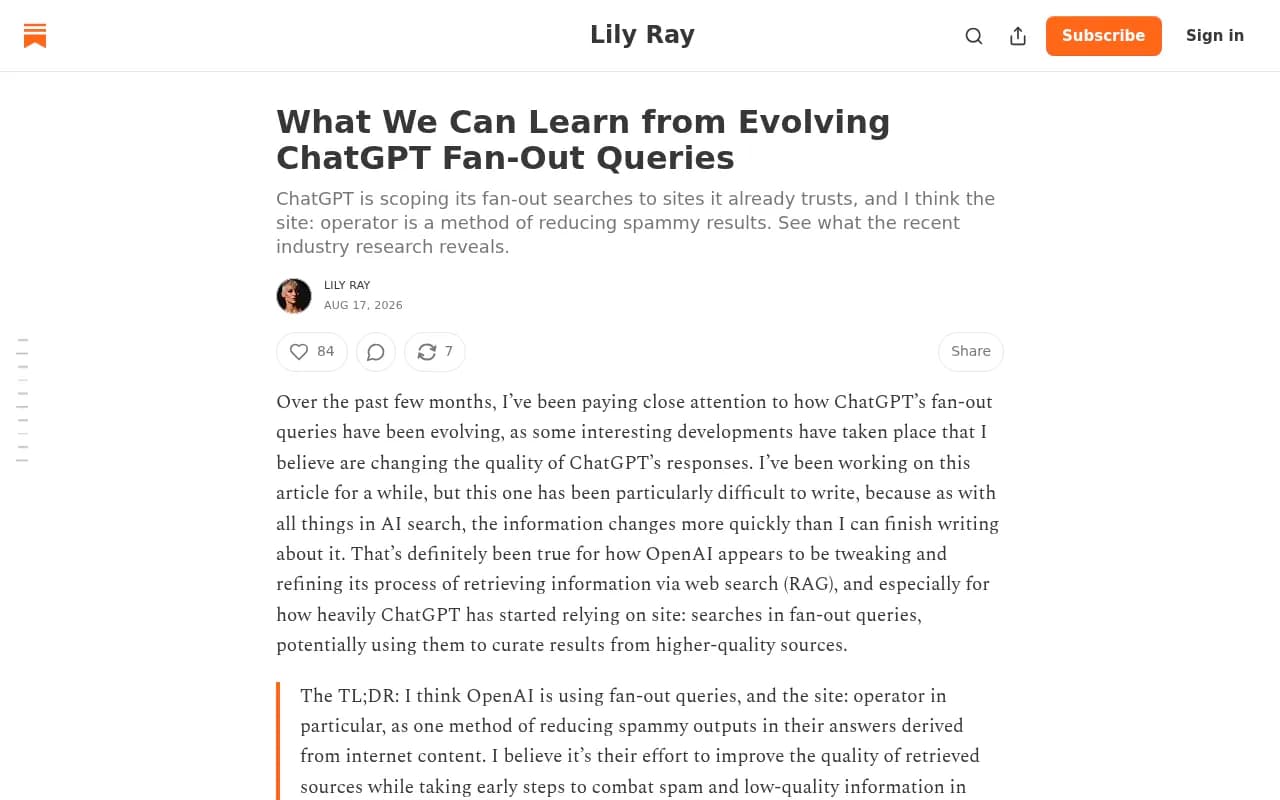
Then in August things shifted. Promptwatch's site: operator report found that on August 8, 2026, the share of fanout queries using the site: operator jumped from 0.37% to 16.8%, and average fanouts per response went from about 1.08 to about 1.83. Lily Ray's analysis of evolving fan-outs argues this is OpenAI scoping searches to sites it already trusts to reduce spammy results.
For local SEO this matters in two ways. First, a site: query against your domain can only surface pages that search engines have indexed from it, so thin location pages and unindexed pages cost you answers. Second, if ChatGPT is running site: searches against review platforms, directories, and government sources, your presence on those third-party sites is part of your local visibility too.
Step 1: Pick the local prompts worth testing
Start with real buying questions, not keywords. Write 20 to 40 prompts that a customer in your area might type into ChatGPT. Mix these types:
- Service plus place: "best family dentist in Cardiff Bay"
- Qualifier prompts: "emergency locksmith open now near Manchester Piccadilly"
- Comparison prompts: "which Brooklyn coworking spaces have private offices"
- Advice prompts: "should I hire a roofer or a general contractor for storm damage in Tampa"
- Branded prompts: "is [your business] good" and "[your business] vs [competitor]"
Peec AI's research on fan-outs notes that ChatGPT often adds words like "best" even when you didn't type them, especially on advice-style questions. Expect that to show up in your local data too.
If you have Google Search Console connected, pull your existing queries with city or neighborhood terms. They make good seeds because they reflect language you already know real people use. Google Search Console is free, and the query export is enough for this.
Step 2: Extract the fan-out queries
You have three realistic options, from cheapest to most scalable.
Manual extraction from the browser
Open ChatGPT, run a prompt that triggers search, and watch the Network tab in your browser dev tools. The fan-out queries sit inside the API calls as the answer loads. It works, but you can only do one prompt at a time and you need to know what to look for. Fine for a spot check. Painful for 40 prompts.
Free extractor tools
SE Ranking's ChatGPT Fan-Out Query Extractor lets you test up to 10 prompts at once, choose a model, and export the results as CSV. It tells you which prompts trigger a web search at all, which is useful by itself. If a local prompt doesn't trigger search, ChatGPT answers from memory and your content isn't part of the response.
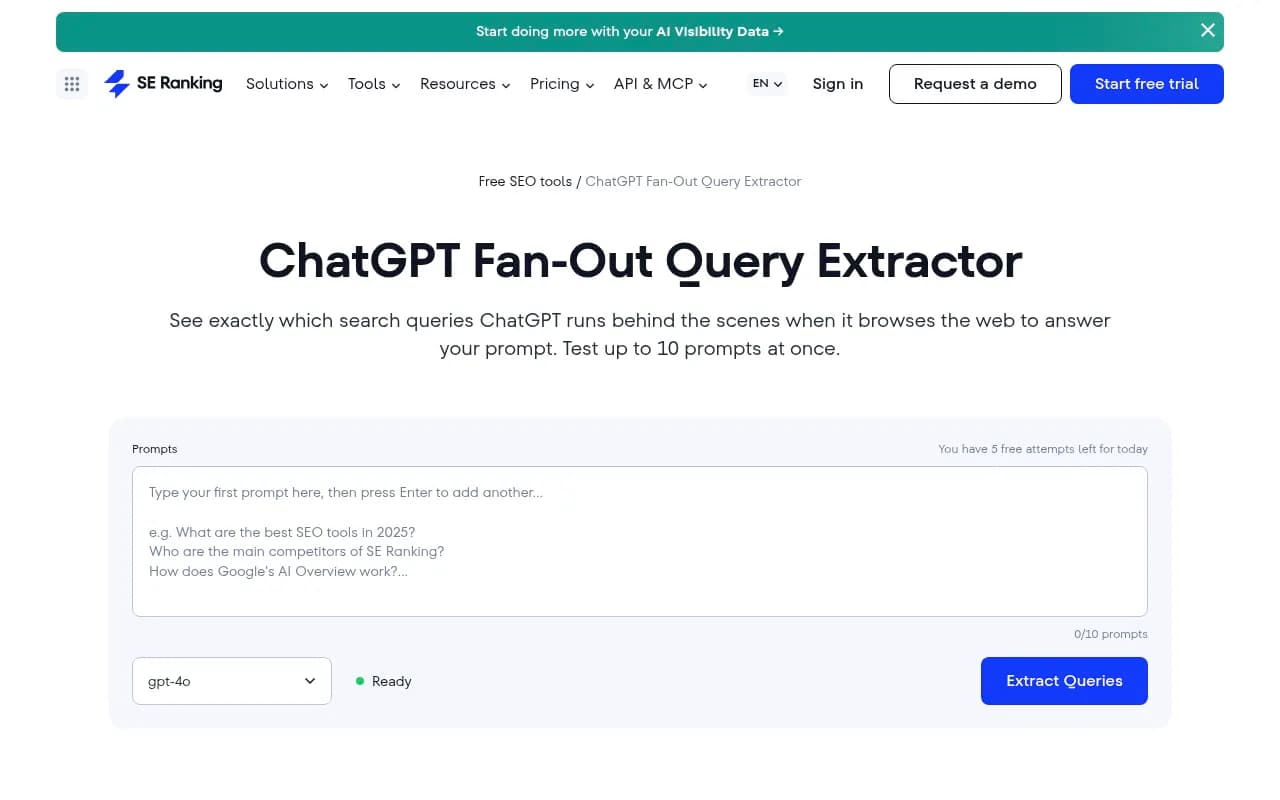
The free tier has a daily attempt limit, and it calls OpenAI's API rather than the consumer interface, so results can differ from what a real user sees. Use it for a first pass.
Platforms that track fan-outs over time
If you're going to monitor this monthly, a tracker makes more sense than a one-off export. Promptwatch tracks real ChatGPT UI responses by country, with state and city tracking on its Business plan, and shows the query fan-outs behind each prompt, which is the part you need for local work. Peec AI also shows the latest fanout queries per tracked prompt in its dashboard.


One practical note: run each prompt several times. Suganthan's test, cited in Lily Ray's article, is to run the prompts you care about five separate times and see whether your brand shows up in ChatGPT's initial searches, not just in the answer. Fan-outs vary between runs.
Step 3: Isolate the local fan-outs
Once you have a CSV, you'll have a messy list. Clean it up in a spreadsheet.
- Deduplicate. Lowercase everything and remove exact repeats.
- Tag geo modifiers. Add a column that flags city names, neighborhoods, postcodes, "near me," and state abbreviations.
- Tag intent words. Flag "best," "cheap," "open," "reviews," "emergency," "2026," and "official."
- Tag site: queries. Anything starting with site: tells you which domain the model decided to trust for that sub-question. Record those domains.
- Group into clusters. Put queries about pricing, reviews, hours, services, and comparisons in separate buckets.
The site: column is the one people skip, and I think it's the most revealing. If ChatGPT is running site: searches against a review platform or a directory for your category and city, that is a direct instruction on where you need a presence. Chris Long's approach of mining fan-outs for trust entities is built on the same idea.
| Fan-out pattern | What it tells you | Typical local action |
|---|---|---|
| City or neighborhood plus service | The model wants a place-specific page | Build or improve a location page |
| "best" plus service plus city | It wants comparison or listicle sources | Earn inclusion in roundups and directories |
| "near me" or "open now" | It wants hours, address, live data | Fix Google Business Profile and structured hours |
| Year (2026) plus service | It wants fresh content | Update dates and pricing on key pages |
| site:reviewplatform.com plus brand | It is checking a trusted third party | Build reviews on that platform |
| site:yourdomain.com plus topic | It is searching your own site | Make sure the page exists, is indexed, and is crawlable |
Step 4: Check where you don't rank or show up
Now compare the local fan-out list against what you have. For each query ask three questions.
Do you have a page for it?
Search your own site for the topic and location. If ChatGPT is generating "emergency plumber Headingley" and your site only has a generic "Leeds" page, that's a gap. A crawler like Screaming Frog can export your titles and H1s so you can match queries to pages quickly.
Does Google or Bing rank you for it?
Use Search Console and Bing Webmaster Tools to see impressions for the same queries. Bing matters more than most local marketers assume, since ChatGPT's retrieval has historically leaned on it. Missing impressions on both engines means you have no foothold at all.
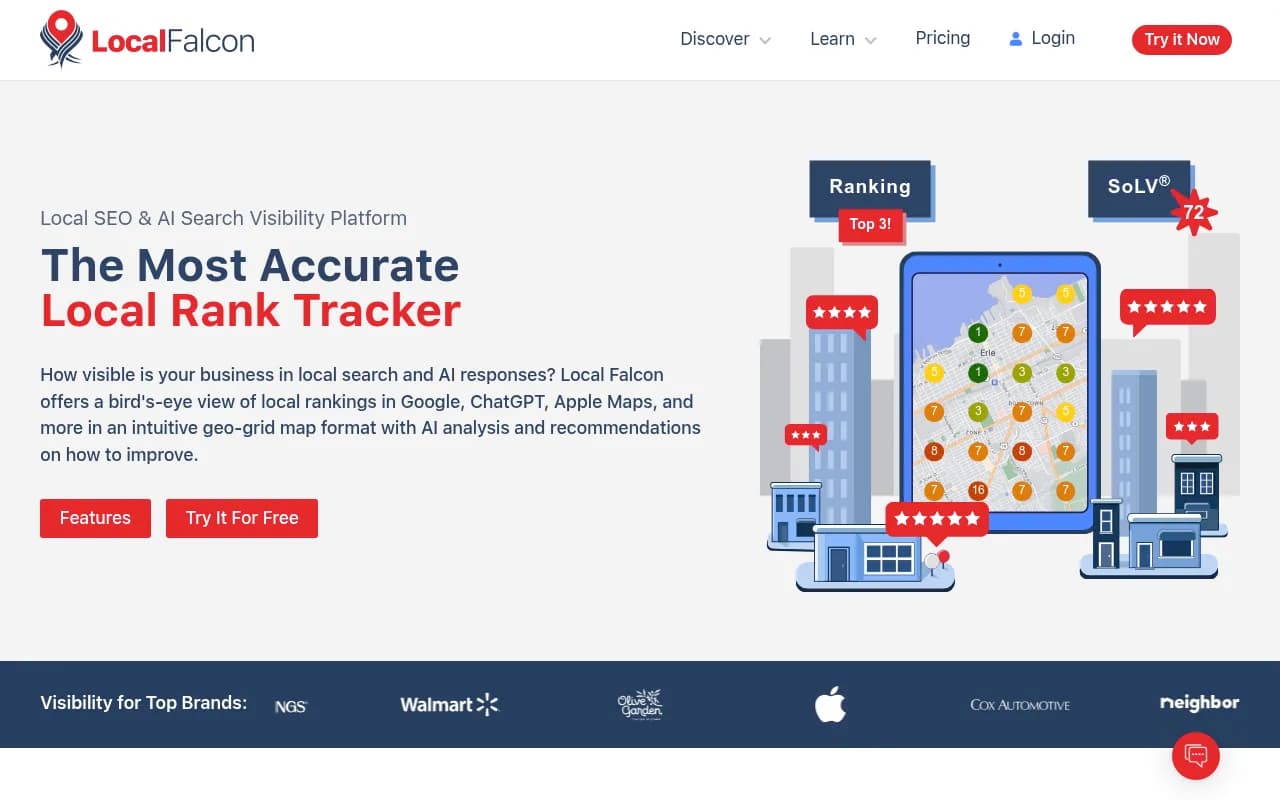
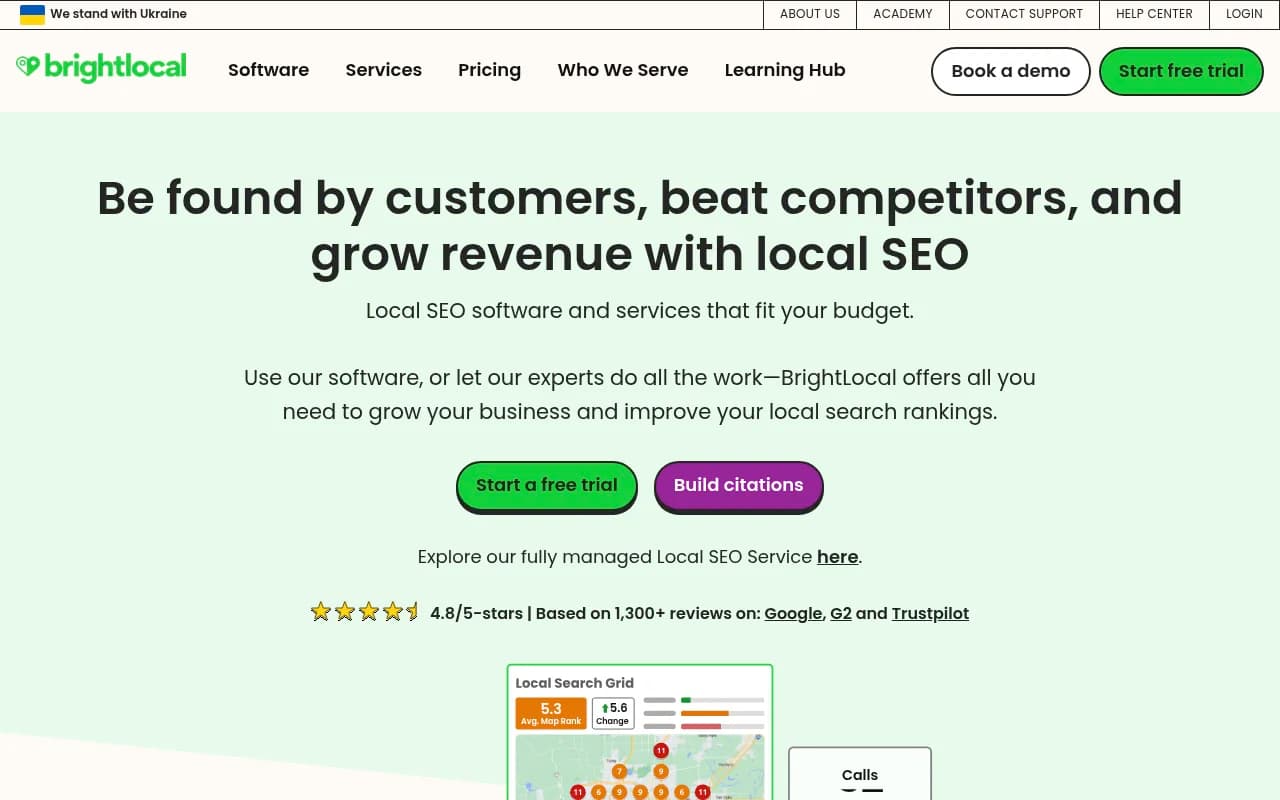
For map-style rankings, a geo grid tool like Local Falcon or a platform like BrightLocal shows where you appear across a service area. This is separate from fan-out analysis, but it is where "near me" intent gets decided.
Does the AI cite you when those searches run?
This is the real test. Track your local prompts and see whether your domain appears in the cited sources. Lily Ray's article quotes a finding that brands named in the fan-out were cited 68.9% of the time, while pages that were only fetched were cited 2.1% of the time. Being in the query matters far more than being a retrieved page. If your brand never appears in the initial searches, the fix is mostly reputation work: reviews, comparisons, local press, and listings. If it does appear but doesn't get cited, the fix is on-page, with clear claims, plain HTML, and business details high on the page.
Step 5: Prioritize the gaps
You will end up with more gaps than you can fill. Score them.
| Gap type | Effort | Likely payoff | Do first? |
|---|---|---|---|
| Missing service-plus-location page | Medium | High | Yes |
| Thin or unindexed location page | Low | High | Yes |
| Missing on a directory ChatGPT searches via site: | Medium | High | Yes |
| No reviews on a trusted platform | Medium to high | High, slow | Start now, expect delay |
| Outdated pricing or year references | Low | Medium | Yes |
| Very long-tail neighborhood variants | Low per page | Low to medium | Later, in clusters |
The Grow and Convert caveat belongs here. Their March 2026 study, run in the browser UI rather than the API, found about 60% of cited sources did not rank in the first 10 pages of Google or Bing for the known fan-out queries, and that 78% of cited sources were ordinary SEO-style content such as list posts and landing pages whether or not they ranked. Their conclusion: don't try to produce a single piece of content to rank for each specific fan-out query. That fits what I'd tell a local business too. Use the fan-out list to find topics and trust sources you're missing, not as a checklist of exact-match keywords. You also can't know the true prompts your customers type.
Step 6: Fix the gaps
Build location pages that answer the fan-out
Promptwatch's advice from its fan-out report applies directly: write headings that read like search queries, such as "Emergency plumber in Headingley, Leeds," put the entity and category first, and favor clusters of focused pages over one mega-page. Cover the sub-questions the fan-outs show: pricing, hours, service area, comparisons, and alternatives. Don't clone the same page across 50 neighborhoods with the name swapped. That is the thin content the site: scoping seems designed to filter out.
Put facts in crawlable HTML
Prices, hours, addresses, service areas, and phone numbers should be plain text on the page, not inside images or client-side rendered widgets. If ChatGPT is running site:yourdomain.com for your opening hours, it needs something to read. A Prerender service can help if your site is heavily JavaScript-based.
Show up where the model looks
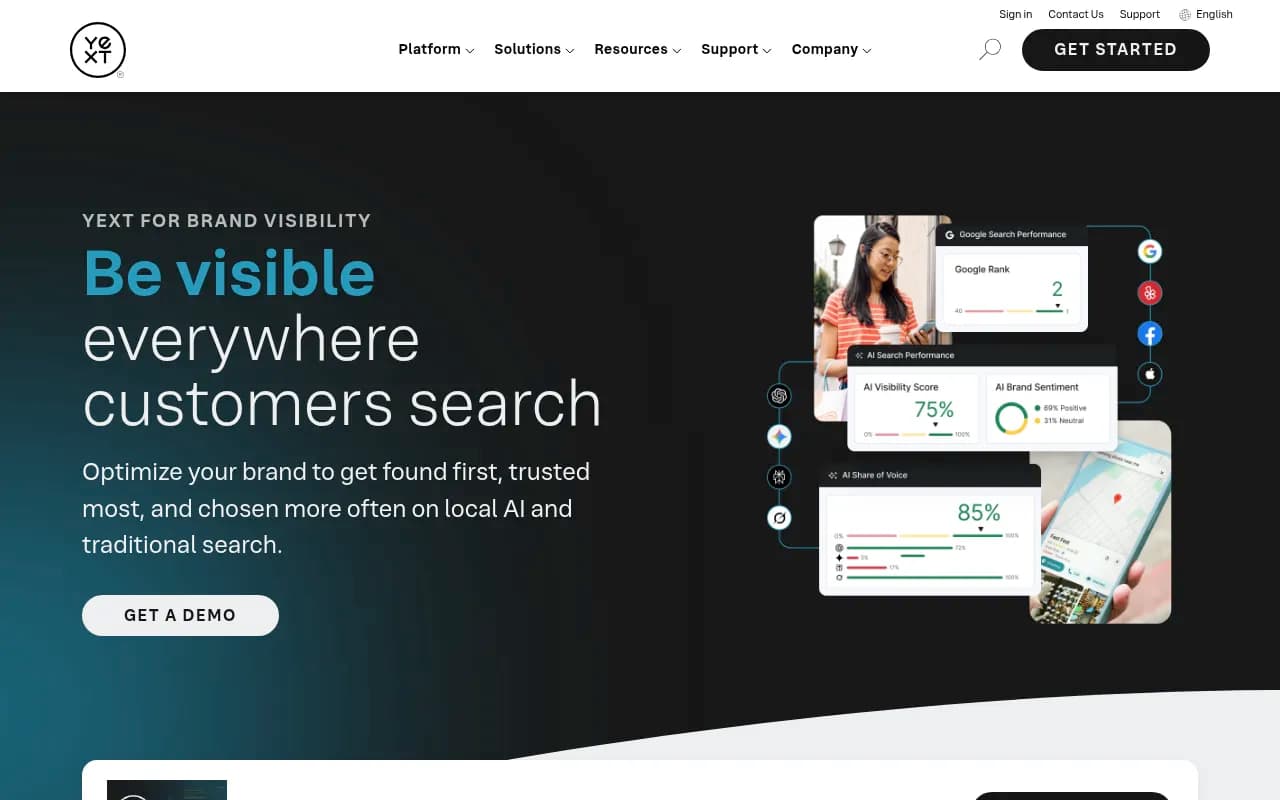
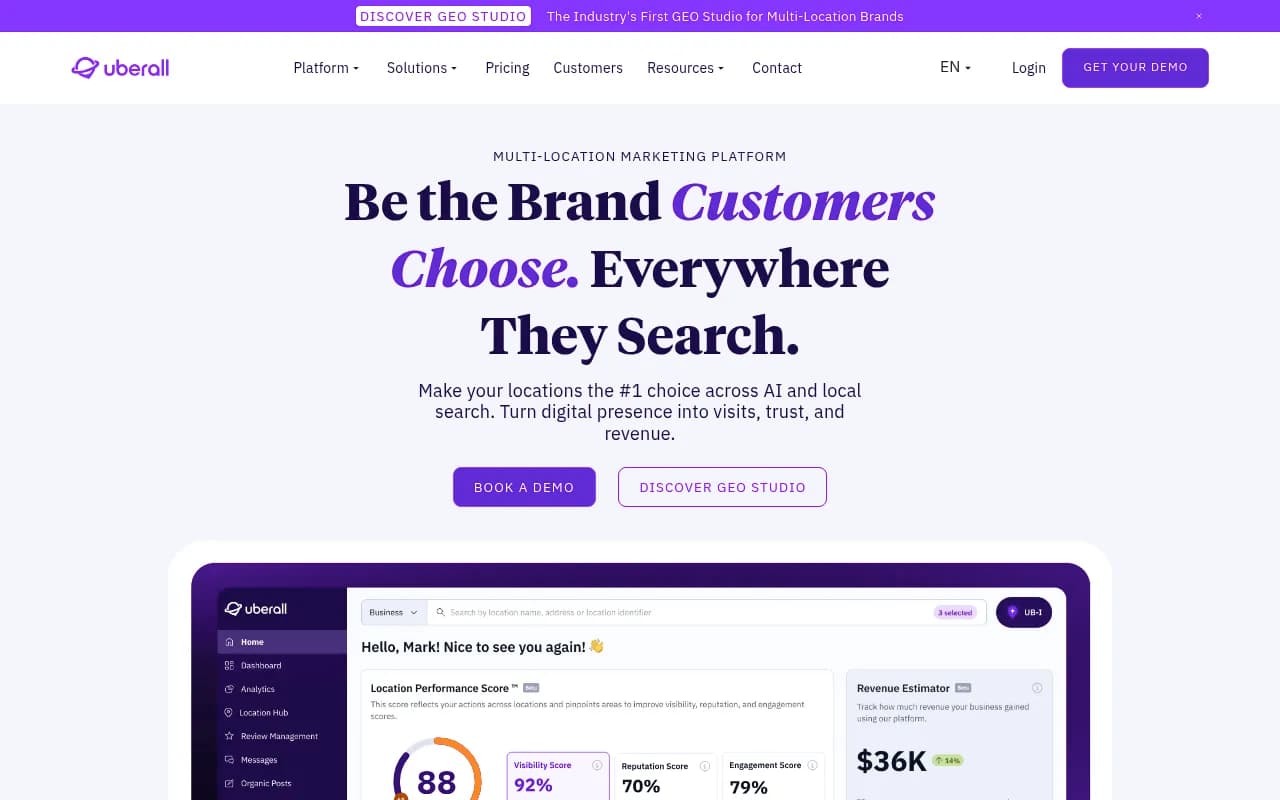
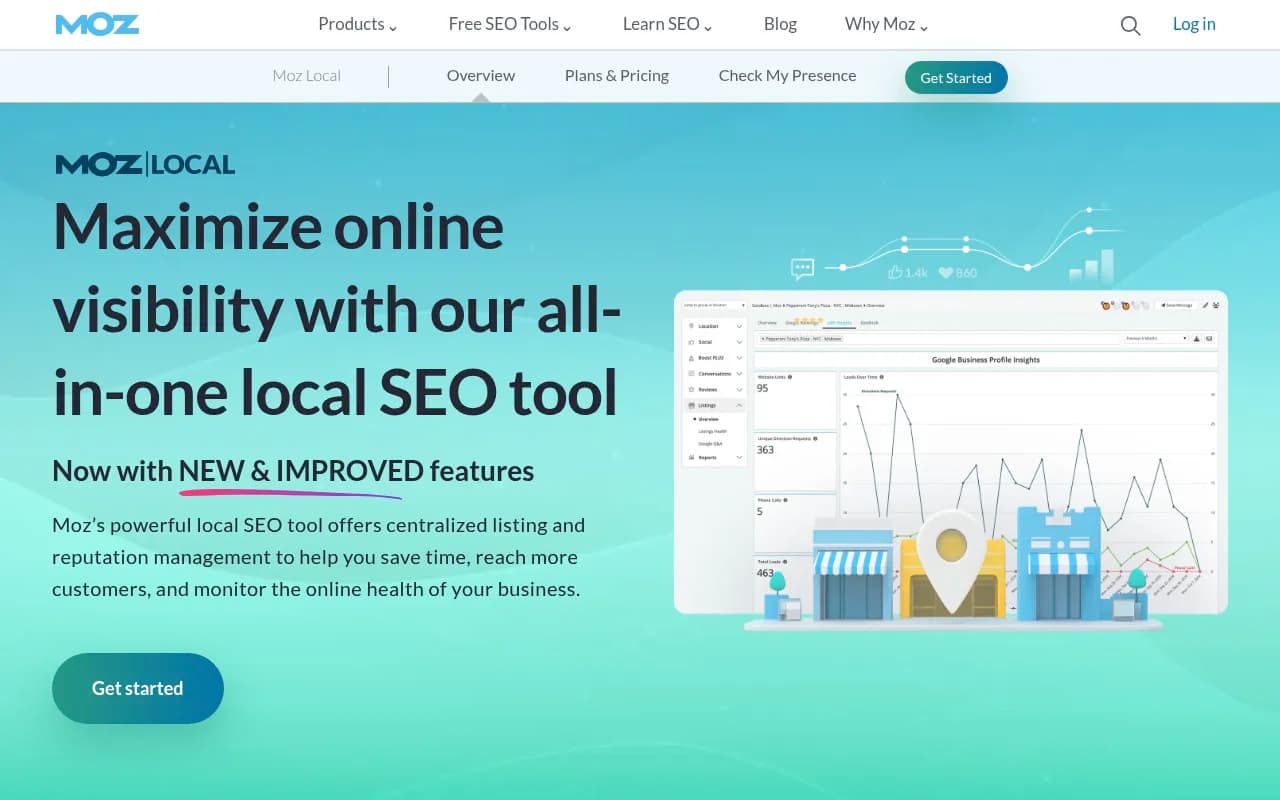
If your site: column shows review platforms and directories, claim and complete those profiles. Multi-location brands can handle this at scale with a listings platform such as Yext, Uberall, or Moz Local. Single-location businesses can usually do it by hand in an afternoon.
For reviews, a platform like Trustpilot or Birdeye can make collection routine, but only where your category actually uses that platform.
Refresh instead of rewriting
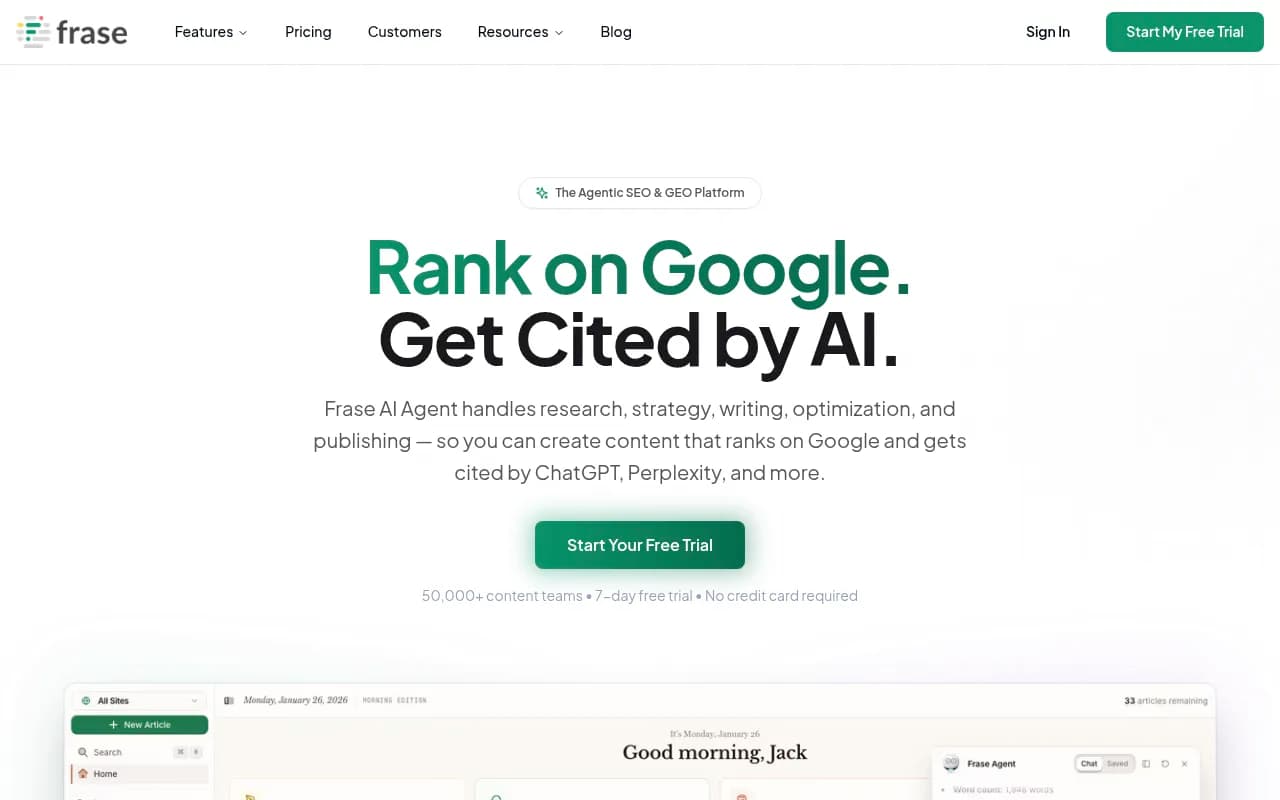
For existing pages that nearly answer the fan-out, update them. Add the year, current prices, and a short block answering the sub-question. A tool like Frase or Clearscope can help check topic coverage, though the fan-out list itself is the better brief.

Step 7: Measure and repeat
Fan-out behavior is not stable. Promptwatch's data shows the average number of fanouts per response moving from about 1.08 to about 1.83 in a single day in August, and its report says analyses built before August 8 are stale. Build a re-run into your calendar.
- Re-extract fan-outs monthly for your top 20 local prompts.
- Re-run after any major ChatGPT model or search update.
- Track whether new location pages get crawled and cited, not only whether they rank.
- Watch AI referral traffic in Google Analytics so you can tie the work to enquiries and calls.
If you want a broader list of platforms that track this kind of data, the directory at bestgeosoftware.com is a good place to compare options.
A realistic example
Say you run a physiotherapy clinic in Bristol. You test 25 prompts and extract the fan-outs. You notice:
- "physiotherapist Clifton Bristol" and "sports physio Bristol 2026" appear repeatedly, and you have no page for either.
- Several fan-outs use site: with a national health directory and a review site.
- "Open Saturday" shows up in a handful of queries, and your Saturday hours exist only in an image on your contact page.
Your to-do list writes itself: one Clifton page and one sports physio page, a directory profile cleanup, a review push on the platform ChatGPT keeps checking, and hours moved into text. None of that is exotic. The fan-out data just tells you the order.
Common mistakes
- Treating fan-out queries as exact keywords to stuff into headings.
- Testing each prompt once and trusting the result.
- Ignoring the site: queries, which show which third-party domains the model trusts.
- Generating hundreds of near-identical neighborhood pages.
- Using API-based extraction only and assuming it matches what real users see. Where possible, compare against real UI results.
Bottom line
Fan-out data won't hand you a list of local keywords to rank for, and the research says chasing exact matches is a poor bet. What it does give you is a view of how ChatGPT breaks a local question down and which sources it consults. Extract the queries, tag the geo and site: patterns, compare them against your pages and listings, and fix the gaps in order of effort versus payoff. Then run it again next month, because the behavior underneath keeps changing.