Key takeaways
- 85% of U.S. consumers now use AI tools weekly for shopping research, meaning the questions buyers ask ChatGPT or Perplexity are now a direct window into their pre-purchase intent.
- Product analytics tools like Mixpanel, Amplitude, and PostHog show you what users do inside your product -- but they won't tell you what questions drove them there in the first place.
- Combining in-product behavioral data with AI search visibility data closes that gap and reveals which features are being researched in AI before a purchase decision.
- Tracking your AI visibility (which prompts mention your product, which features competitors are cited for) is now a core part of understanding the modern buyer journey.
- The full research loop: identify AI-researched features, validate with in-product analytics, then create content that gets cited by AI models for those specific features.
Why the pre-purchase research phase has moved to AI
Not long ago, a buyer researching project management software would Google "best project management tools for remote teams," skim a few listicles, maybe read a G2 review. That still happens. But something has shifted.
According to a 2026 consumer study by ALM Corp surveying 1,030 buyers, 85% of U.S. consumers now use AI tools weekly for shopping research. They're not just Googling anymore. They're asking ChatGPT "what's the best tool for managing client projects under $50/month?" or asking Perplexity "does [your product] have a Gantt chart view?" and getting direct answers.
The problem for product and marketing teams: your product analytics platform can tell you a lot about what happens after someone lands on your site or signs up for a trial. It cannot tell you what they asked an AI model before they ever found you -- or why a competitor got cited instead of you.
That's the gap this guide is about closing.
What product analytics actually tells you (and what it misses)
Product analytics tools are genuinely powerful. Platforms like Amplitude, Mixpanel, and PostHog capture granular behavioral data: which features users click on first, where they drop off during onboarding, which cohorts convert to paid, how usage correlates with retention.
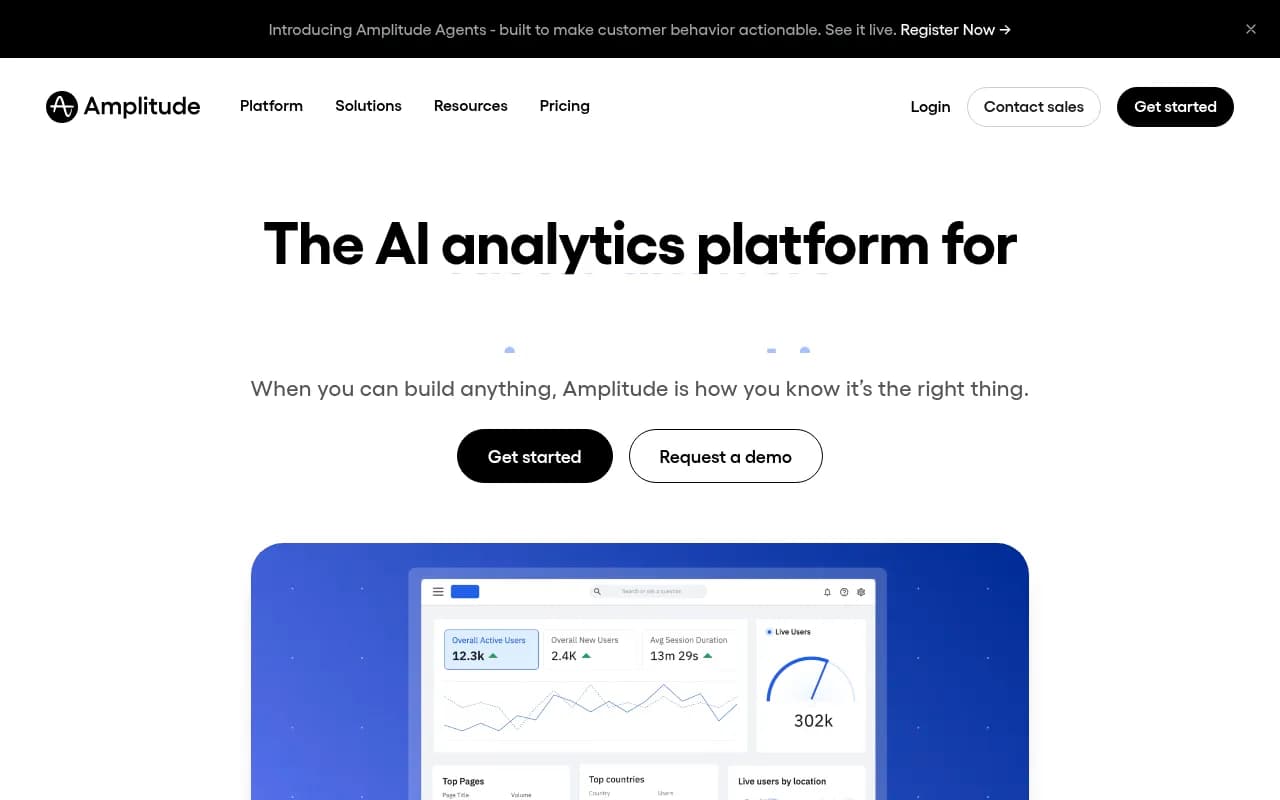
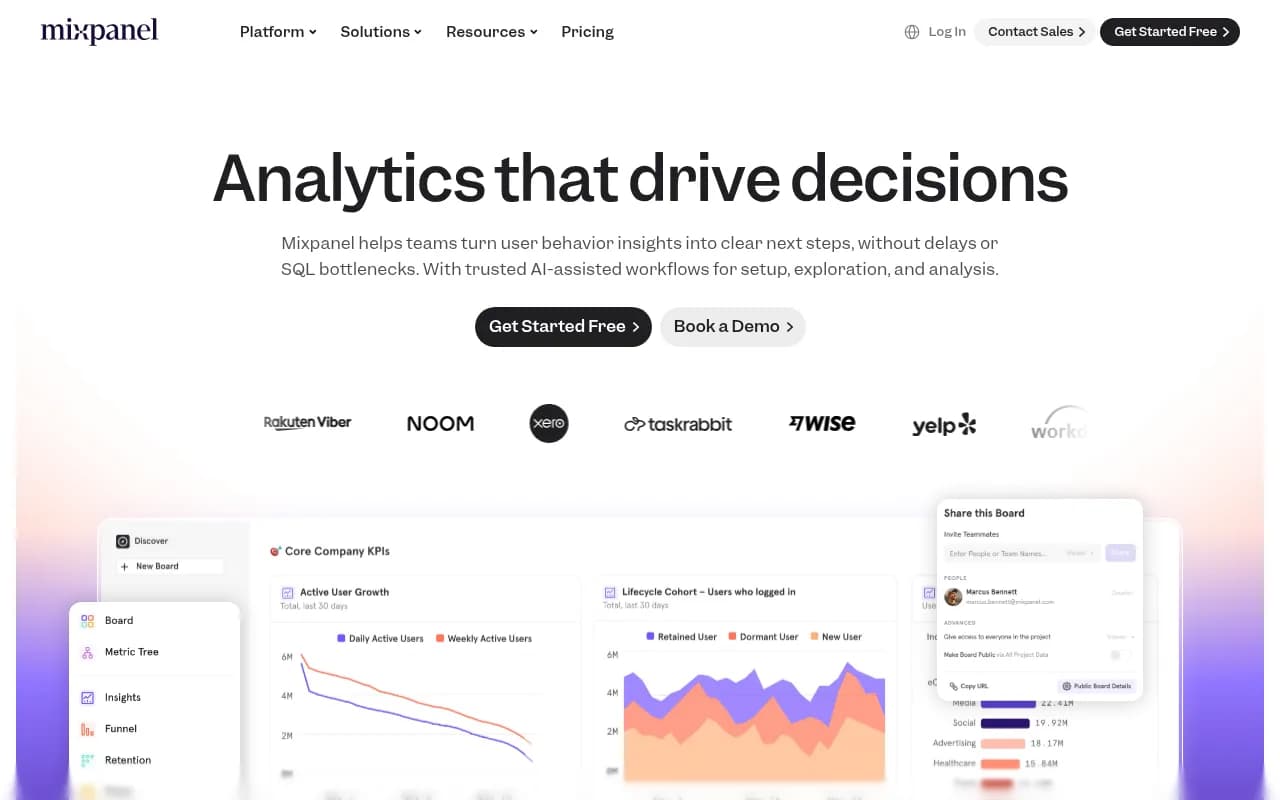
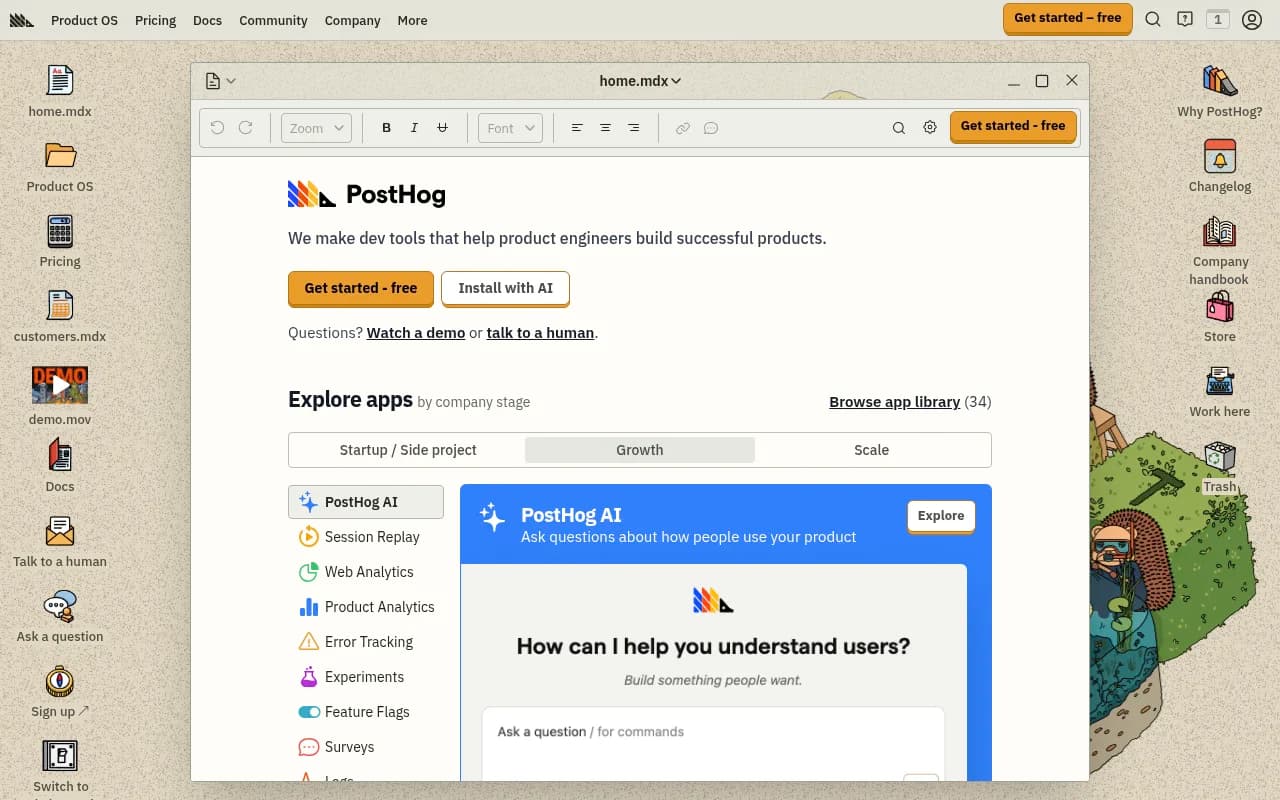
If you're running a SaaS product, this data is invaluable. You can see that users who activate Feature X within their first 7 days retain at 2x the rate of those who don't. You can identify that the reporting dashboard is the most-visited page for enterprise accounts. You can A/B test onboarding flows.
But here's what these tools can't show you:
- Which features a buyer was specifically researching in ChatGPT before they signed up
- Which competitor features were mentioned in the AI response that influenced their decision
- Why a prospect who never converted was asking Perplexity about your product's integration capabilities
- What questions AI models are answering about your product category that you're not showing up in
This is the blind spot. The buyer journey now has a significant pre-site phase that happens entirely inside AI interfaces, and traditional product analytics has no visibility into it.
Step 1: Map the AI research questions in your product category
Before you can connect AI research behavior to product analytics, you need to know what buyers are actually asking AI models about your category.
This means doing structured prompt research. Think about the questions a buyer would ask at each stage:
Awareness stage prompts:
- "What are the best tools for [use case]?"
- "How do teams typically handle [problem]?"
Consideration stage prompts:
- "Does [your product] have [specific feature]?"
- "Compare [your product] vs [competitor] for [use case]"
- "What are the limitations of [your product]?"
Decision stage prompts:
- "Is [your product] worth it for a team of 10?"
- "What do users say about [your product's] customer support?"
Run these prompts manually in ChatGPT, Perplexity, Claude, and Gemini. Note which features get mentioned in responses, which competitors appear, and crucially, which questions your product doesn't appear in at all.
For scaling this beyond manual testing, Promptwatch tracks your brand's visibility across 10 AI models and shows you exactly which prompts competitors are visible for that you're not -- their Answer Gap Analysis is built specifically for this.

Step 2: Cross-reference AI research topics with your product analytics data
Once you have a list of features and topics that buyers are researching in AI, you can start connecting them to your behavioral data. Here's how that works in practice.
Match feature research to activation events
Say your prompt research reveals that buyers frequently ask AI models about "time tracking integrations" in your product category. Now go into your product analytics platform and look at:
- What percentage of new signups activate the time tracking integration within their first week?
- Do users who activate it have higher conversion rates to paid?
- Is there a drop-off point in the integration setup flow?
If buyers are researching this feature heavily in AI but your activation rate for it is low, you have two problems: either the feature is hard to find/set up, or the AI responses about your product aren't accurately representing the feature's capabilities.
Use funnel analysis to identify "AI-researched" feature gaps
In Amplitude or Mixpanel, build a funnel from signup to first use of your most-researched features. If there's a significant drop-off, that's a signal that the feature is being researched (driving signups) but not delivering on the promise.
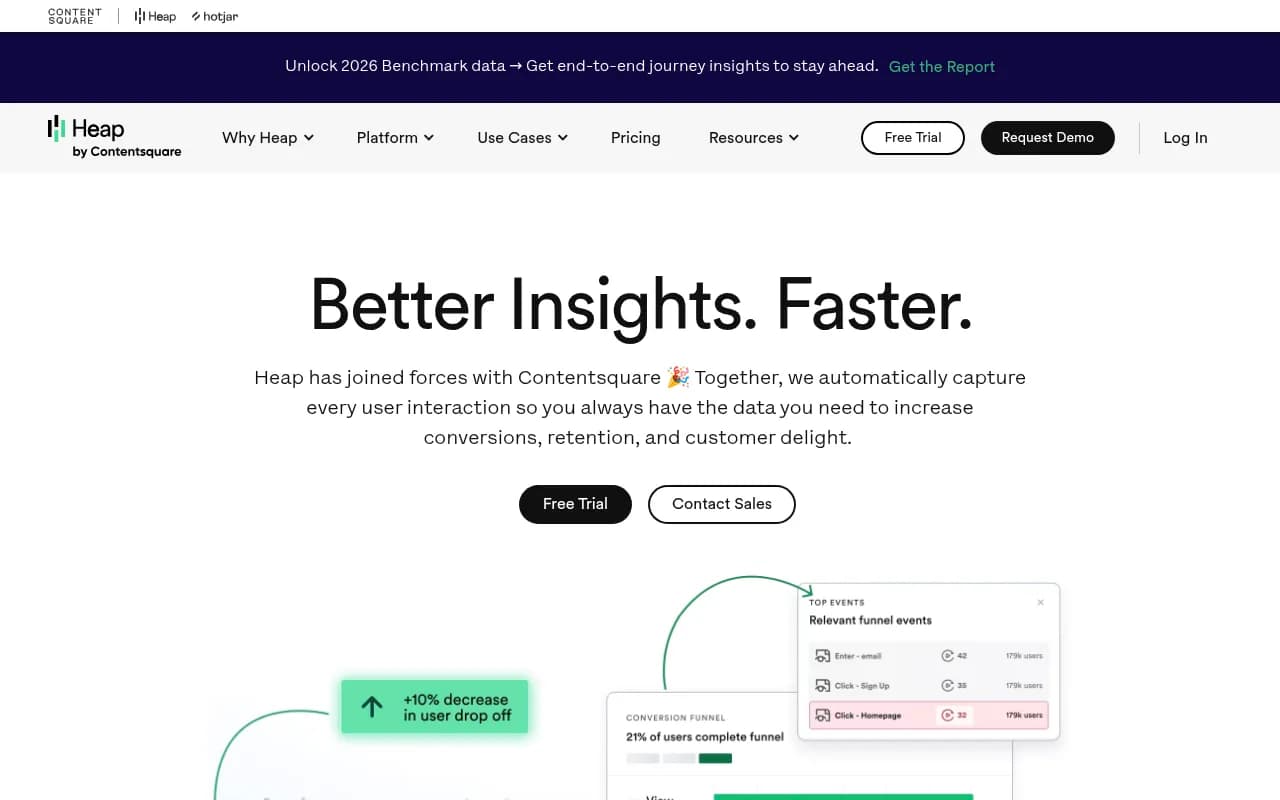
Heap is particularly useful here because it auto-captures all user interactions retroactively -- you don't have to pre-instrument events to analyze them later.
Session replay to understand intent
Tools like Fullstory let you watch session replays filtered by users who came from specific traffic sources. If you can identify traffic from AI-driven referrals (more on this below), you can watch exactly what those users do when they land on your product -- which features they look for, where they get confused, and what they do before churning or converting.
Step 3: Identify AI-driven traffic in your analytics
This is where it gets technical but also where the real insight lives.
AI models increasingly send direct traffic to websites when they cite sources. Perplexity, ChatGPT (with browsing), and Google AI Overviews all link to sources. That traffic shows up in your analytics, but it's often miscategorized as "direct" or "referral" depending on how the referrer header is passed.
To properly attribute AI-driven traffic:
Check your referral sources for domains like perplexity.ai, chat.openai.com, gemini.google.com, and claude.ai. These are direct referrals from AI interfaces.
Look at your server logs for AI crawler activity. Crawlers like GPTBot (OpenAI), ClaudeBot (Anthropic), and PerplexityBot visit your pages before they can cite them. High crawler activity on specific feature pages is a strong signal that AI models are actively reading and potentially citing those pages.
Use UTM parameters on any content you publish specifically for AI visibility. When you create a comparison page or feature explainer, tag it so you can track whether AI-referred visitors engage with it differently than organic visitors.
Google Analytics remains the baseline for traffic attribution, but it won't automatically segment AI referrals cleanly.
For deeper AI traffic attribution, platforms like Promptwatch offer server log analysis and a code snippet specifically designed to connect AI visibility to actual site traffic -- which closes the loop between "AI mentioned us" and "that drove a conversion."
Step 4: Identify which features competitors are winning on in AI
Here's an uncomfortable truth: your competitors might be getting cited for features that you also have, simply because they've published better content about those features.
This is where competitive AI visibility analysis becomes a product intelligence tool, not just a marketing tool.
Run prompts like:
- "What are the best [your product category] tools for [specific feature]?"
- "Which [product category] tool has the best [feature your product has]?"
Note which competitors appear and what specific feature claims the AI makes about them. Then ask:
- Do we have this feature?
- Is it documented clearly on our site?
- Is there content (blog posts, comparison pages, help docs) that AI models can read and cite about this feature?
If a competitor is consistently cited for "advanced reporting" and you have equally strong reporting, the problem is likely content coverage, not product capability. Your product analytics data can confirm whether the feature is actually being used (validating it's real and working), and your AI visibility data tells you whether it's being communicated effectively to AI models.
Step 5: Build a feedback loop between AI visibility and product roadmap
This is the most underused application of this whole approach.
When you systematically track which features buyers are researching in AI, you're essentially getting a real-time view of buyer priorities -- unfiltered by your own survey design or sales team's interpretation.
If buyers are consistently asking AI models "does [product category] tool have [Feature X]?" and Feature X is something you don't have, that's a product gap signal. It's the same signal you'd get from customer interviews, but at scale and without the selection bias of only talking to your existing customers.
Here's a simple workflow:
- Run a set of 20-30 "feature research" prompts across ChatGPT, Perplexity, and Gemini each month
- Log which features appear in responses, which competitors are cited for them, and whether your product is mentioned
- Cross-reference with your product analytics to see if those features are heavily used by your retained/converted users
- Feed gaps into your product roadmap and content calendar simultaneously
The product team gets real buyer intent data. The content team gets a list of features to write about. Both are working from the same source of truth.
The tools stack for this workflow
Here's a practical overview of how different tools fit into this research loop:
| Tool | What it tells you | Where it fits |
|---|---|---|
| Amplitude / Mixpanel | Feature activation, retention correlation, funnel drop-off | Post-signup behavior analysis |
| PostHog | Event tracking, session replay, feature flags | In-product behavior + experimentation |
| Fullstory / Heap | Session replay, auto-captured interactions | Understanding what AI-referred visitors do |
| Google Analytics | Traffic sources, referral attribution | Identifying AI-driven traffic |
| Promptwatch | AI visibility, competitor gaps, prompt volumes | Pre-purchase AI research tracking |
| Segment | Unified customer data across tools | Connecting the data layer |
The key insight is that no single tool covers the full picture. Product analytics tools are excellent at the post-visit, post-signup phase. AI visibility platforms cover the pre-visit, AI-research phase. Connecting them gives you a complete picture of the buyer journey.
What to do with features that are being researched but not converting
Sometimes you'll find a feature that buyers are actively researching in AI, your product has it, and it's getting cited -- but conversion rates for those users are still low.
This is a product-market fit signal worth investigating carefully. A few possibilities:
The feature exists but is hard to find. Check your product analytics for time-to-first-use on that feature. If it's high, the onboarding flow isn't surfacing it effectively. Tools like Userpilot or Appcues can help you add in-app guidance that directs users to the feature they came looking for.
The AI response is creating wrong expectations. If ChatGPT describes your feature in a way that doesn't match reality (this happens -- AI models sometimes hallucinate or use outdated information), users arrive expecting something different. Monitoring what AI models actually say about your features, not just whether they mention you, is important.
The feature is good but the surrounding experience isn't. A buyer might research "advanced reporting" in AI, find your product, activate the reporting feature, but churn because the rest of the product doesn't meet their needs. Product analytics will show you this pattern -- look for users who heavily use one feature but abandon others.
Practical prompt templates for feature research
To make this actionable, here are prompt templates you can run across AI models to surface feature research behavior in your category. Replace [CATEGORY] and [YOUR PRODUCT] with your specifics.
"What features should I look for in a [CATEGORY] tool?"
"Does [YOUR PRODUCT] support [FEATURE]?"
"What's the difference between [YOUR PRODUCT] and [COMPETITOR] for [USE CASE]?"
"Which [CATEGORY] tool is best for [SPECIFIC WORKFLOW]?"
"What are common complaints about [YOUR PRODUCT]?"
"Is [YOUR PRODUCT] good for [TEAM SIZE/TYPE]?"
Run these monthly. Track changes in which products get cited and what feature claims appear. When your product starts appearing in responses it wasn't in before, check your analytics for a corresponding uptick in traffic from AI sources and in activation rates for the mentioned features.
Putting it together: the research-to-revenue loop
The workflow described in this guide isn't a one-time project. It's a loop that compounds over time:
- Track which features buyers research in AI models (prompt monitoring)
- Check whether those features are driving activation and retention in your product (product analytics)
- Identify gaps where competitors are cited but you're not (AI visibility competitive analysis)
- Create content that accurately represents your features in a format AI models can read and cite
- Monitor whether your AI visibility for those features improves
- Watch for corresponding changes in AI-referred traffic and feature activation rates
The brands that will win in AI search aren't necessarily those with the best features. They're the ones who understand what buyers are asking AI models, have clear content that answers those questions accurately, and can measure whether that content is actually driving citations and conversions.
Product analytics gives you the "what happens after" data. AI visibility tools give you the "what happened before" data. Together, they're the closest thing to a complete picture of the modern buyer journey that currently exists.