Summary
- Manual monitoring across ChatGPT, Perplexity, and Claude can reveal basic visibility patterns but requires systematic tracking
- Free and freemium tools like Rankshift, ProductRank, and PromptReach offer limited but useful AI visibility insights
- Google Search Console now tracks AI Overview appearances alongside traditional search data
- DIY automation with browser extensions and spreadsheets can scale manual checks without subscription costs
- Reddit and forum monitoring reveals what real people ask AI engines about your category
- Open-source alternatives like Promptfoo and custom scripts provide technical teams with flexible tracking options
- Budget-conscious paid tools ($50-99/mo) deliver professional features without enterprise pricing
The AI visibility problem nobody talks about
Your brand's reputation now lives inside algorithms you can't see. A potential customer asks ChatGPT for product recommendations. Perplexity suggests your competitor. Claude mentions three alternatives but not you. And you have no idea any of this happened.
The enterprise solution is straightforward: pay $500-3000/month for a dedicated AI visibility platform. Track every mention, monitor sentiment, optimize content, close the loop. But most marketing teams don't have that budget. You're stuck wondering if you even need to care about AI search—and if you do, how to track it without breaking the bank.
Here's the reality: AI search matters more than most teams realize. ChatGPT processes millions of product recommendations daily. Google's AI Overviews appear in nearly half of all searches. Perplexity has become the research tool for a growing segment of B2B buyers. If you're invisible in these engines, you're losing customers to competitors who figured this out first.
This guide covers seven practical methods to track AI visibility without enterprise budgets. Some are free, some require minimal investment, and all of them work if you're willing to put in the effort.
Method 1: Manual monitoring with systematic tracking
The simplest approach costs nothing but time. Open ChatGPT, Perplexity, Claude, and Gemini. Ask questions your customers would ask. Track what you see.
The trick is being systematic. Most teams try this once, see mixed results, and give up. The ones who succeed treat it like a research project.
What to track manually:
- Direct brand queries: "What is [your brand]?" "Tell me about [your product]"
- Category recommendations: "Best [category] tools for [use case]"
- Comparison queries: "[Your brand] vs [competitor]"
- Problem-solution searches: "How do I [solve problem your product addresses]?"
- Feature-specific questions: "Which [category] tools have [your unique feature]?"
How to make manual tracking scalable:
Create a spreadsheet with columns for date, AI engine, query, your brand mentioned (yes/no), position if mentioned, competitors mentioned, and notes. Run the same 20-30 queries weekly across all major AI engines. You'll spot patterns within a month.
The advantage: zero cost, complete control, and you see exactly what real users see. The disadvantage: time-intensive and hard to scale beyond a few dozen queries. This works for small teams validating whether AI visibility matters before investing in tools.
Method 2: Free and freemium AI visibility tools
Several platforms offer free tiers or freemium models that deliver real value without requiring payment.
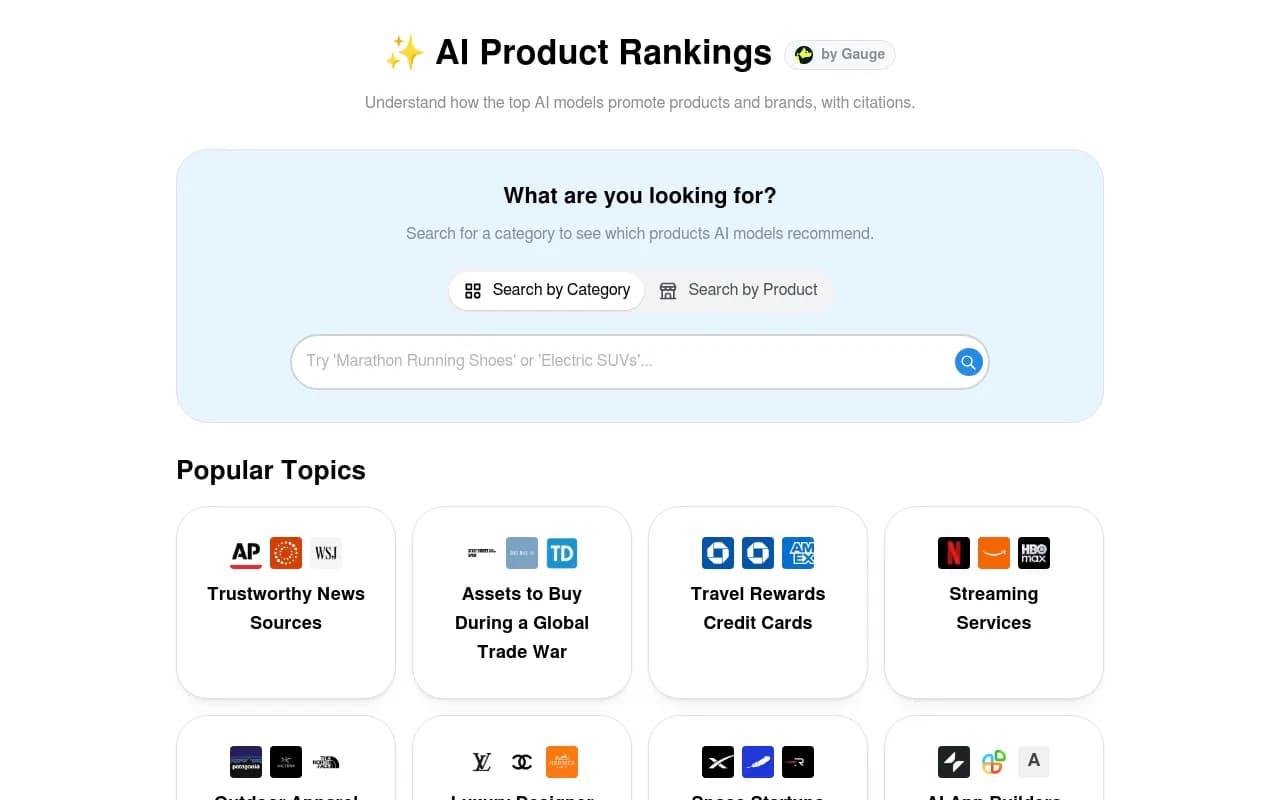
ProductRank is a completely free tool that monitors how your brand appears in AI search results. You enter your brand name and competitors, and it tracks mentions across ChatGPT and Perplexity. The interface is basic but functional.
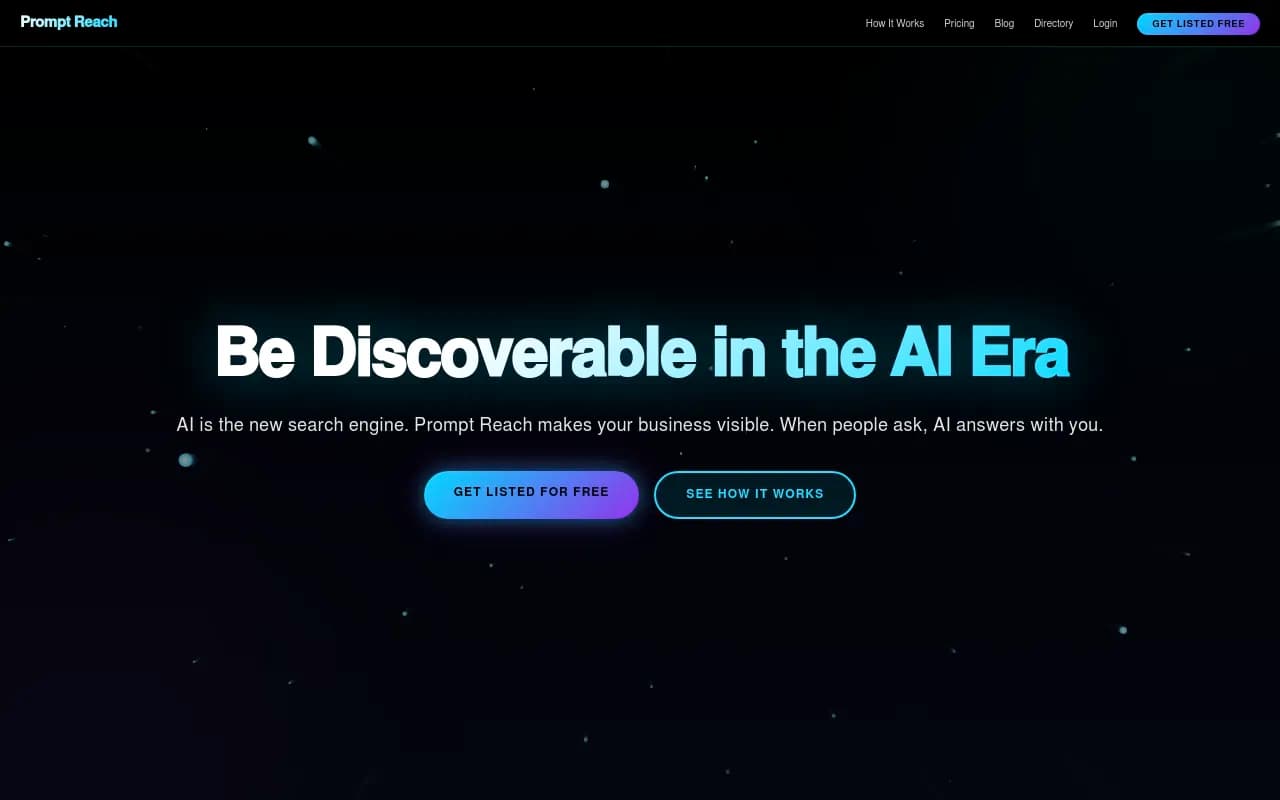
PromptReach positions itself as a free AI business directory. The claim is that listing your business makes you visible in ChatGPT. The reality is more nuanced—it's essentially a structured data play that may or may not influence AI recommendations. Worth trying since it's free, but don't expect miracles.
Rankshift offers a free tier that tracks basic brand mentions across ChatGPT and Perplexity. The free plan is limited to a handful of queries, but it's enough to validate whether you have a visibility problem.

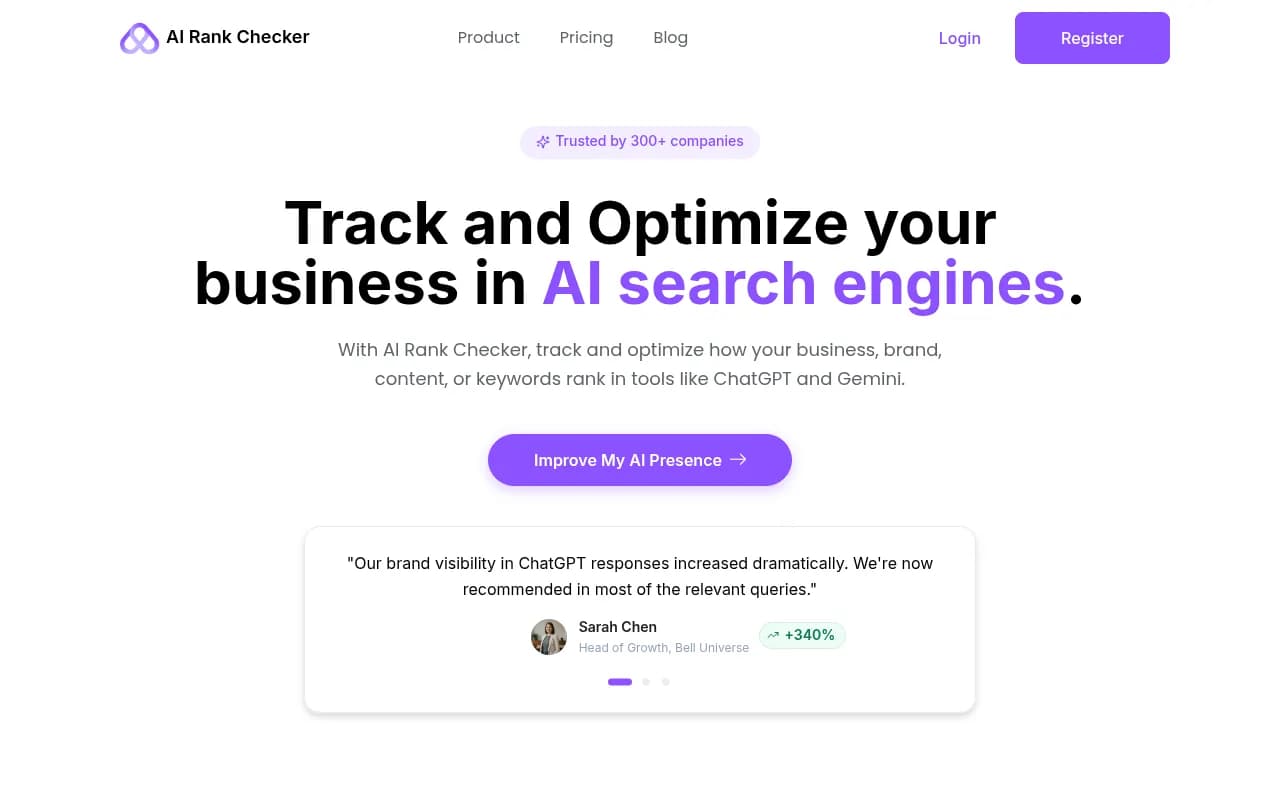
AI Rank Checker provides free spot checks of your brand's visibility across multiple AI engines. You can't track over time without upgrading, but the free checks give you a snapshot of where you stand.
The pattern with free tools: they give you enough data to identify problems but not enough to solve them systematically. Use them to validate whether AI visibility matters for your business before committing to paid solutions.
Method 3: Google Search Console for AI Overview tracking
Google Search Console now surfaces data about AI Overview appearances. If you're already using GSC (and you should be), you have access to basic AI visibility data without any additional cost.
Navigate to the Search Results report and filter by appearance type. You'll see which queries triggered AI Overviews and whether your content appeared in those overviews. This doesn't cover ChatGPT or Perplexity, but it tracks the AI search engine with the most traffic: Google.
The data is limited compared to dedicated AI visibility tools, but it's actionable. You can identify which topics trigger AI Overviews, which of your pages get cited, and where you're missing opportunities. For teams already invested in traditional SEO, this is the lowest-friction way to start tracking AI search performance.
What to look for in GSC:
- Queries with high impressions but low clicks (AI Overviews may be answering the question directly)
- Pages that appear in AI Overviews vs pages that don't
- Seasonal patterns in AI Overview appearances
- Correlation between traditional rankings and AI Overview inclusion
Method 4: DIY automation with browser extensions and scripts
If you have basic technical skills, you can automate manual monitoring without paying for enterprise tools. The approach: use browser automation to run queries and capture results.
Browser extension approach:
Tools like Selenium or Puppeteer let you script browser interactions. Write a script that opens ChatGPT, enters a query, waits for the response, and saves the result. Run this script weekly for your core queries. Store results in a spreadsheet or database.
This sounds more complex than it is. A basic Puppeteer script to query ChatGPT and log results is maybe 50 lines of code. If you're not technical, hire a freelance developer for a few hundred dollars to build it.
What you can automate:
- Running the same queries across multiple AI engines
- Extracting brand mentions and positions from responses
- Tracking changes over time
- Alerting when your brand drops out of responses
The advantage: complete customization and no recurring costs beyond minimal server fees. The disadvantage: requires technical skills or budget to hire someone who has them. This works for teams with engineering resources or a willingness to learn basic automation.
Zapier and no-code alternatives:
If coding isn't your thing, Zapier and similar platforms can connect APIs and automate workflows. Some AI engines offer APIs that let you query programmatically. You can build a workflow that runs queries, parses responses, and logs results to a Google Sheet.

Method 5: Reddit and forum monitoring for AI search insights
AI engines cite Reddit constantly. If you want to understand what influences AI recommendations, monitor the discussions AI models are reading.
Search Reddit for your category plus terms like "best," "alternatives," "recommendations," and "vs." Read the threads. Note which brands get mentioned, how people describe them, and what problems they're solving. This is the raw material AI engines use to form opinions.
Why this matters:
ChatGPT doesn't invent recommendations from nothing. It synthesizes patterns from training data and real-time sources. Reddit is one of the most influential sources. If your brand is invisible in Reddit discussions, it's likely invisible in AI recommendations.
How to track systematically:
Set up Google Alerts for your brand name plus Reddit. Use Reddit's search operators to find recent discussions in your category. Create a spreadsheet tracking which threads mention you, sentiment, and context. Do this monthly.
Bonus: engage in these discussions authentically. Answer questions, provide value, and build presence. This improves both Reddit visibility and AI visibility over time.
Method 6: Open-source and developer-focused tools
If you have technical resources, open-source tools offer enterprise-level capabilities without subscription costs.
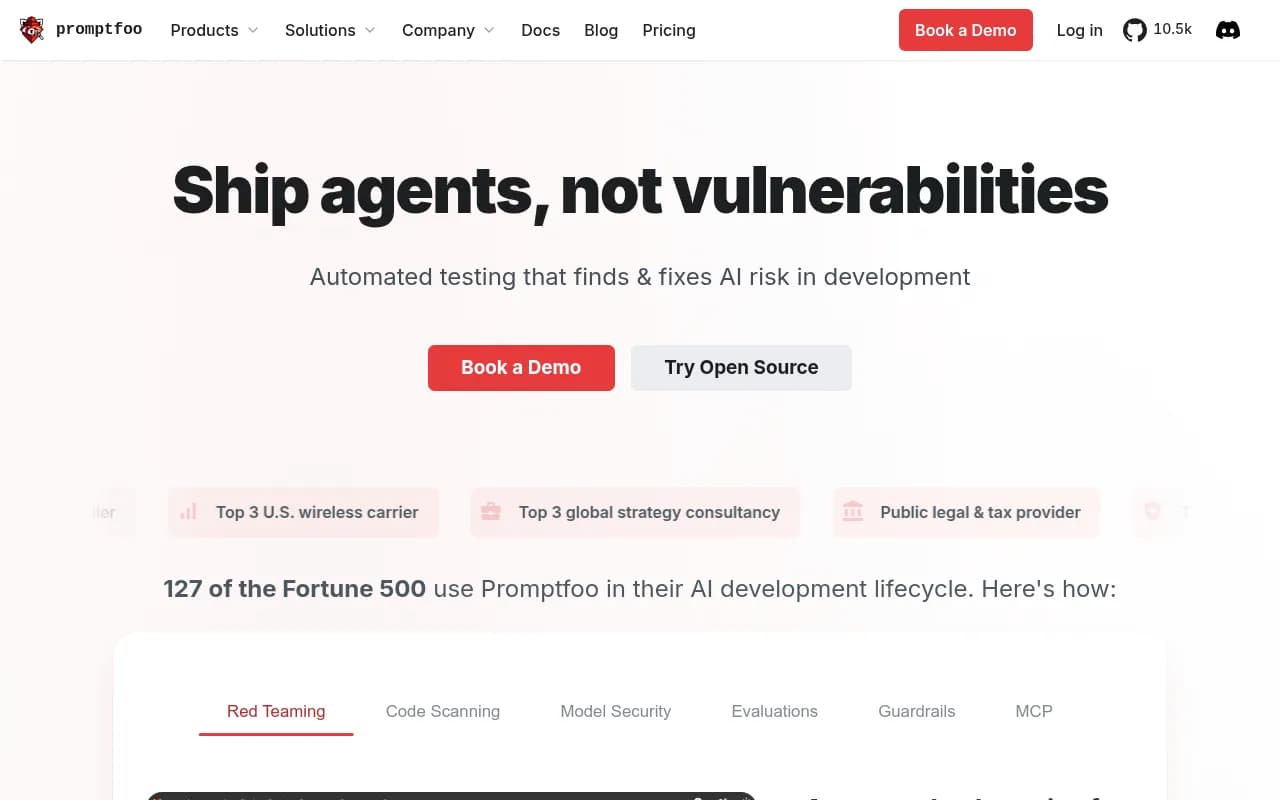
Promptfoo is an open-source LLM testing framework. While designed for prompt engineering, you can use it to systematically test how different AI models respond to queries about your brand. Run the same prompts across ChatGPT, Claude, and Gemini, compare outputs, and track changes over time.
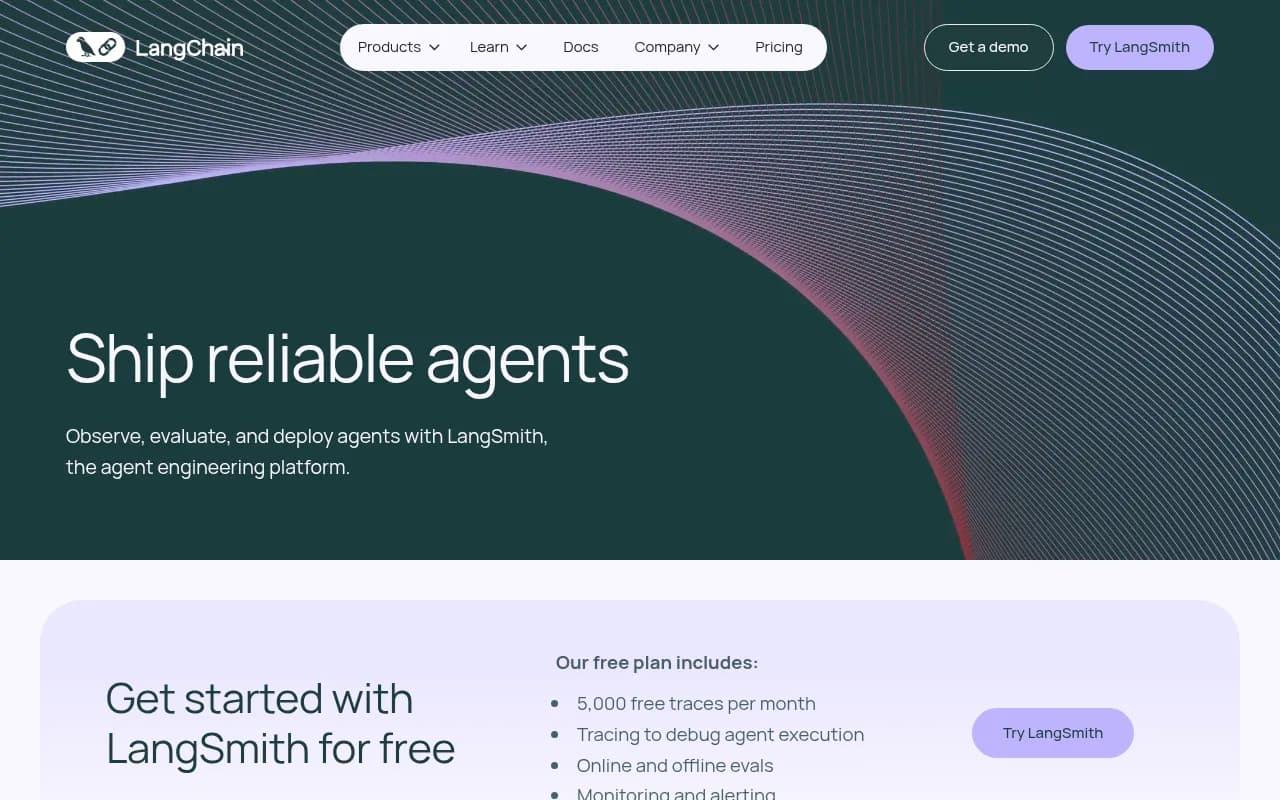
LangChain provides a framework for building LLM applications. You can create a custom monitoring script that queries multiple AI engines, parses responses, and stores results. This requires coding but gives you complete control.
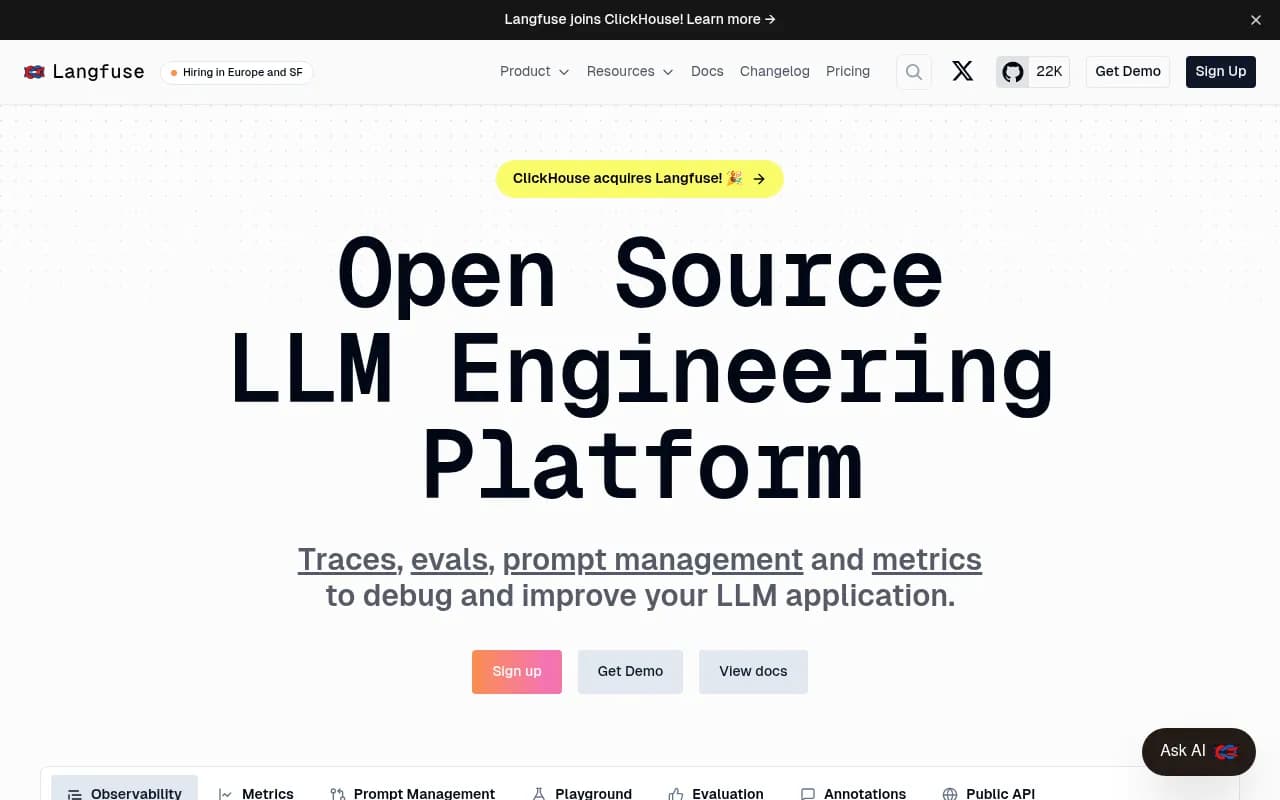
Langfuse is an open-source LLM observability platform. Originally built for monitoring production AI applications, it can be adapted to track how AI engines respond to your brand queries over time.
The pattern: these tools weren't built specifically for AI visibility tracking, but they provide the infrastructure to build your own solution. If you have a developer on your team, this is the most flexible and cost-effective approach.
Method 7: Budget-conscious paid tools ($50-99/mo)
If free tools don't cut it but enterprise pricing is out of reach, several platforms offer professional features at accessible price points.
Otterly.AI starts at $49/month and tracks brand mentions across ChatGPT, Perplexity, and Google AI Overviews. The interface is straightforward, the data is actionable, and the price is reasonable for small teams.
Otterly.AI

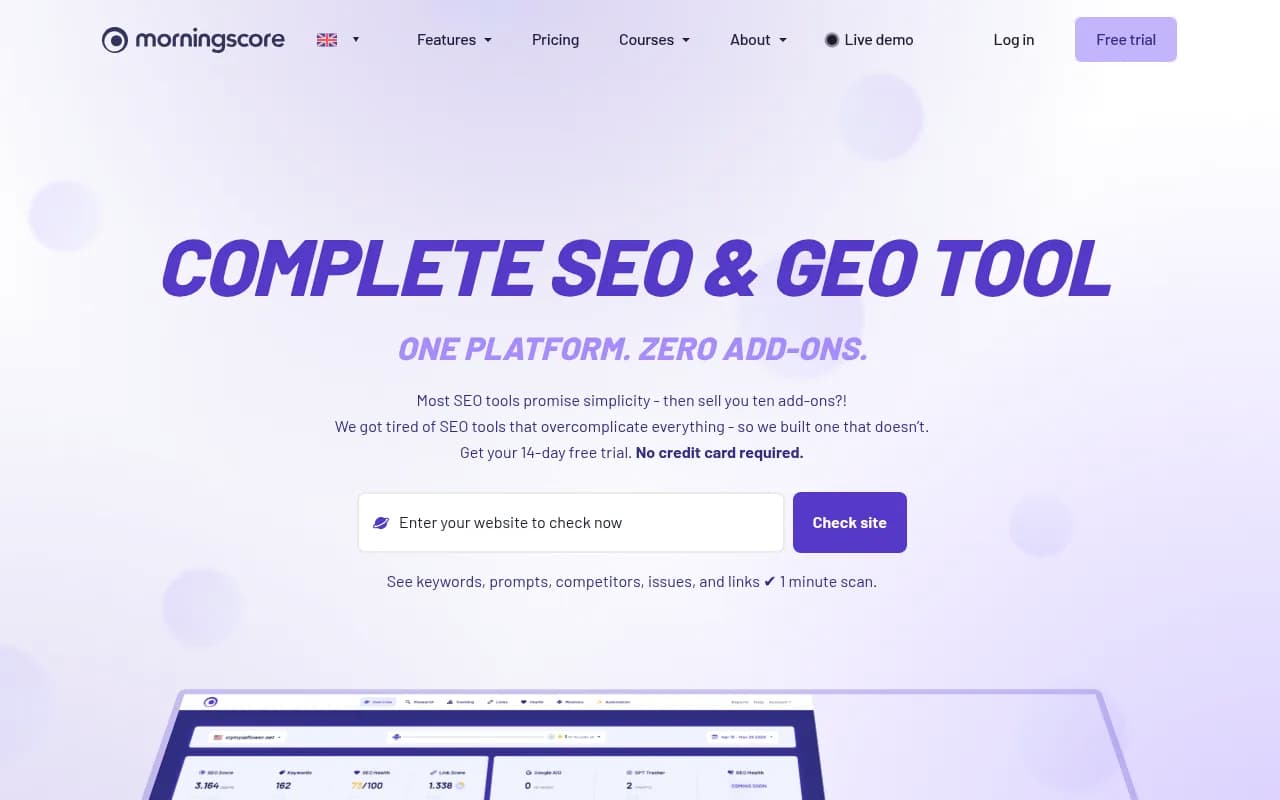
Morningscore offers an all-in-one SEO and AI visibility platform starting at $79/month. It combines traditional SEO tracking with AI search monitoring, making it a good fit for teams that want both in one tool.
Rankshift has a paid tier at $99/month that unlocks more queries and deeper tracking than the free version. It's not as feature-rich as enterprise platforms, but it covers the basics well.
Birdeye tracks brand appearances in AI-generated answers starting at $99/month. The platform is designed for reputation management, so it includes sentiment analysis and alerting features that go beyond simple visibility tracking.
These tools won't replace enterprise platforms for large organizations, but they deliver real value for small to mid-size teams. You get automated tracking, historical data, and actionable insights without the enterprise price tag.
Comparison: Free vs Budget vs Enterprise approaches
| Approach | Cost | Time investment | Data quality | Best for |
|---|---|---|---|---|
| Manual monitoring | $0 | High | Good | Validating if AI visibility matters |
| Free tools | $0 | Low | Basic | Small teams with limited budgets |
| Google Search Console | $0 | Low | Good (Google only) | Teams focused on Google AI Overviews |
| DIY automation | $0-500 | High (setup) | Excellent | Technical teams |
| Reddit monitoring | $0 | Medium | Good (qualitative) | Understanding AI training sources |
| Open-source tools | $0 | High | Excellent | Developer-heavy teams |
| Budget paid tools | $50-99/mo | Low | Good | Small teams ready to invest |
| Enterprise platforms | $500-3000/mo | Low | Excellent | Large teams with serious budgets |
When to graduate to enterprise tools
The methods above work for validating AI visibility and tracking basic metrics. But there's a point where DIY approaches stop scaling.
You should consider enterprise tools when:
- You're tracking 100+ queries regularly
- You need historical data going back months or years
- Multiple team members need access to the same data
- You want automated alerting when visibility drops
- You need to connect AI visibility to actual traffic and revenue
- Content gap analysis and optimization recommendations matter more than raw tracking
At that point, platforms like Promptwatch become worth the investment. Promptwatch doesn't just show you where you're invisible—it helps you fix it with content gap analysis, AI content generation, and page-level tracking. The platform tracks 10 AI models, processes over 1.1 billion citations, and connects visibility to actual traffic through attribution tools.

The difference between monitoring-only tools and optimization platforms: monitoring tells you what's wrong, optimization helps you fix it. Promptwatch's Answer Gap Analysis shows exactly which prompts competitors are visible for but you're not, then generates content engineered to get cited by AI models. That's the action loop most free and budget tools can't deliver.
The reality of AI visibility tracking in 2026
Tracking AI visibility without enterprise budgets is possible. It requires more effort, more manual work, and more creativity than paying for a turnkey solution. But the core insight remains: you can't optimize what you don't measure.
Start with manual monitoring to validate the problem. Graduate to free tools when manual tracking becomes unsustainable. Build automation if you have technical resources. Invest in budget paid tools when you need systematic tracking. And move to enterprise platforms when AI visibility becomes a core part of your growth strategy.
The brands winning in AI search aren't necessarily the ones with the biggest budgets. They're the ones who started tracking early, identified gaps, and systematically closed them. You can do the same—you just need to start.