Key takeaways
- Use AI for ideas, clustering, intent labeling and gap analysis. Never use it as a source of search volume or keyword difficulty.
- Any volume number a chatbot gives you is a guess dressed up as data. Validate every shortlisted keyword in a tool that pulls from real search data.
- Your own Search Console and Bing Webmaster data is the most trustworthy keyword source you have, and AI is a good way to read it faster.
- Zero-volume long-tail queries are often worth targeting, but you need a different test for them than "what does the tool say."
- AI search adds a new keyword layer (query fan-outs) that is short, shifts without notice and has no volume data at all.
Why AI keyword numbers cannot be trusted
Ask ChatGPT for "high-volume, low-competition keywords for project management software" and you will get a tidy table with monthly volumes and difficulty scores. It looks great. It is also invented.
A language model does not have access to Google's query logs. It predicts text that looks like a keyword table. The keywords themselves are often plausible, and the numbers next to them are plausible-sounding noise. The Nightwatch guide on AI keyword research says it plainly: ChatGPT is useful for seed ideas and simulating FAQs, but its keyword metrics are unreliable and need validating with a dedicated tool.
I would go a step further. Even tools that bolt an AI chat layer onto a keyword database can blur the line between what came from the database and what the model improvised. When you see a number, ask where it came from. If the answer is "the model said so," throw it out.
The good news is that the fix is simple. Split the job in two:
- AI does the thinking work: generating candidates, grouping them, labeling intent, spotting gaps.
- A real data source does the measuring work: volume, difficulty, clicks, rankings.
Everything in this guide follows that split.
What AI is actually good at
LLMs understand semantic relationships. They know that "best running shoes" and "top sneakers for jogging" share intent even though they share no words. That is hard for a database lookup to do and easy for a model.
So lean on AI for:
- Brainstorming seed terms from a product description, a customer interview transcript or a competitor page
- Clustering hundreds of keywords by topic and intent
- Classifying intent (informational, commercial, transactional, navigational)
- Rewriting the same need in the different ways real people phrase it
- Finding gaps between your content and a competitor's
- Summarizing forum threads and comment sections into language your audience uses
And keep it away from:
- Monthly search volume
- Keyword difficulty or competition scores
- Trend claims ("this keyword is growing 40%")
- Rank positions
The digitalapplied guide to AI keyword research lands in the same place: use AI for creative ideation and strategic analysis, traditional tools for data validation and competitive metrics. That is the consensus, and it is right.
A workflow that works
Step 1: Start with data you already own
Before you open a chatbot, open Google Search Console. It shows the actual queries your site appears for, including in AI-generated responses. Sort by impressions and look for queries with plenty of impressions and few clicks. Those are pages that nearly work.
Semrush's 2026 keyword research guide suggests the same starting point, and adds a useful second source: Bing Webmaster Tools now has an AI performance report showing which queries return your pages in Microsoft Copilot responses. Sort the Citations column low to high and the queries at the top are ones where you get cited, just not often. Those are cheap wins.
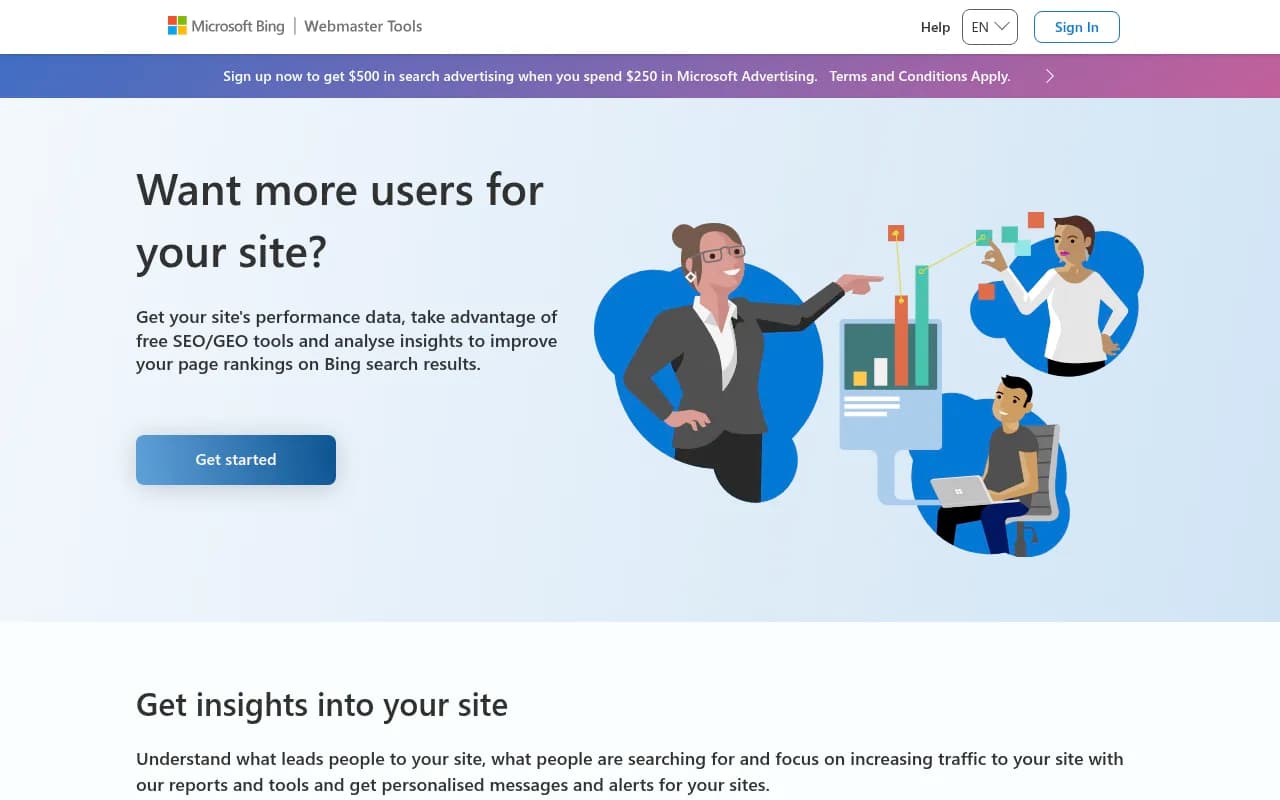
A practical AI use here: export the query list as CSV, paste it into ChatGPT or Claude, and ask it to group queries by the page they should live on and flag the ones you have no dedicated page for. You are asking the model to organize real data, not invent new data. That is the safe pattern.

If you want to go further in Search Console, regex filters can isolate queries where you sit on page two. Google already considers you relevant for those topics, so they are high-probability targets.
Step 2: Generate candidates with a good prompt
Now use the model for what it is good at. Vague prompts produce generic lists, so give it context: industry, audience, geography, business model, and two or three example keywords in the format you want.
A prompt along these lines works:
You are helping with keyword research for [business], which sells [product] to [audience] in [country].
Generate 60 search queries a real buyer might type at different stages: problem-aware, solution-aware, comparing options, ready to buy.
Return a table with columns: query, stage, likely intent, and the page type that should answer it.
Do NOT include search volume or difficulty. Do not estimate numbers.
That last line matters. If you do not tell the model to skip metrics, it will happily make some up.
Follow up by iterating. Ask it to expand the clusters that look promising, drop the irrelevant ones, and rephrase the same need the way a beginner would versus an expert.
Step 3: Mine the places where people actually talk
Some of the best keyword ideas never show up in a keyword tool because nobody has searched them enough to register. The language lives on Reddit, in support tickets, in sales call transcripts and in YouTube comments.
Copy a whole discussion thread into Claude or ChatGPT and ask for the recurring problems, the exact phrases people use, and the questions that keep coming up. Semrush notes that many of these terms will be flagged as zero volume in keyword tools. That is fine. Zero in a tool does not mean zero in real life.
If you would rather not paste threads by hand, question-focused tools can seed the list from real data:
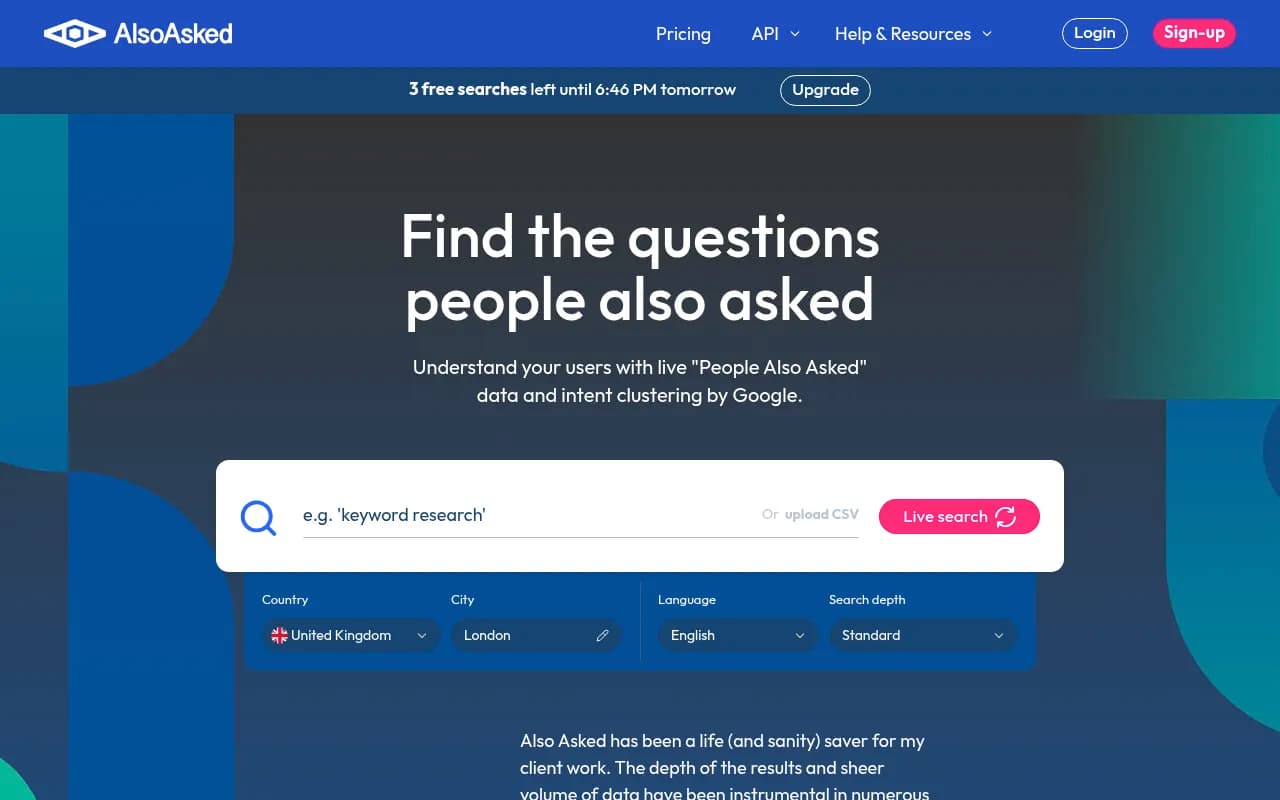
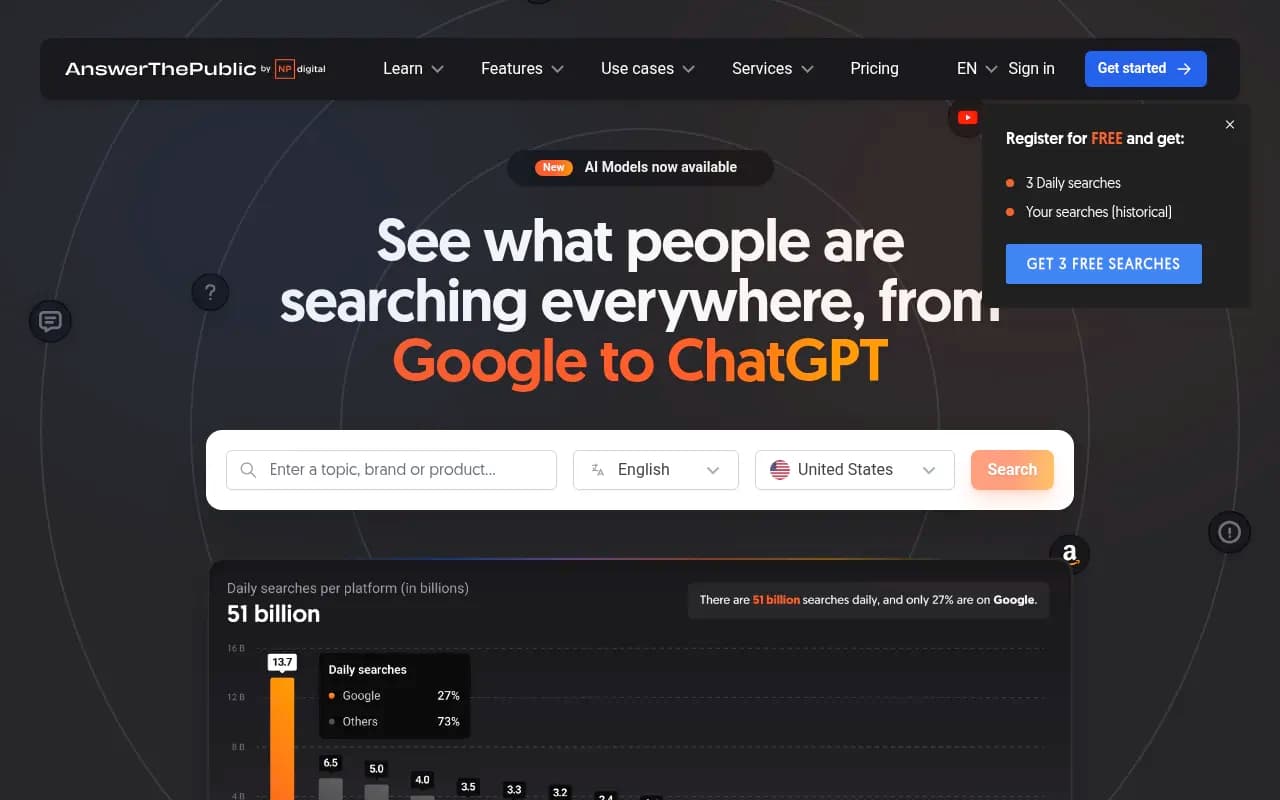
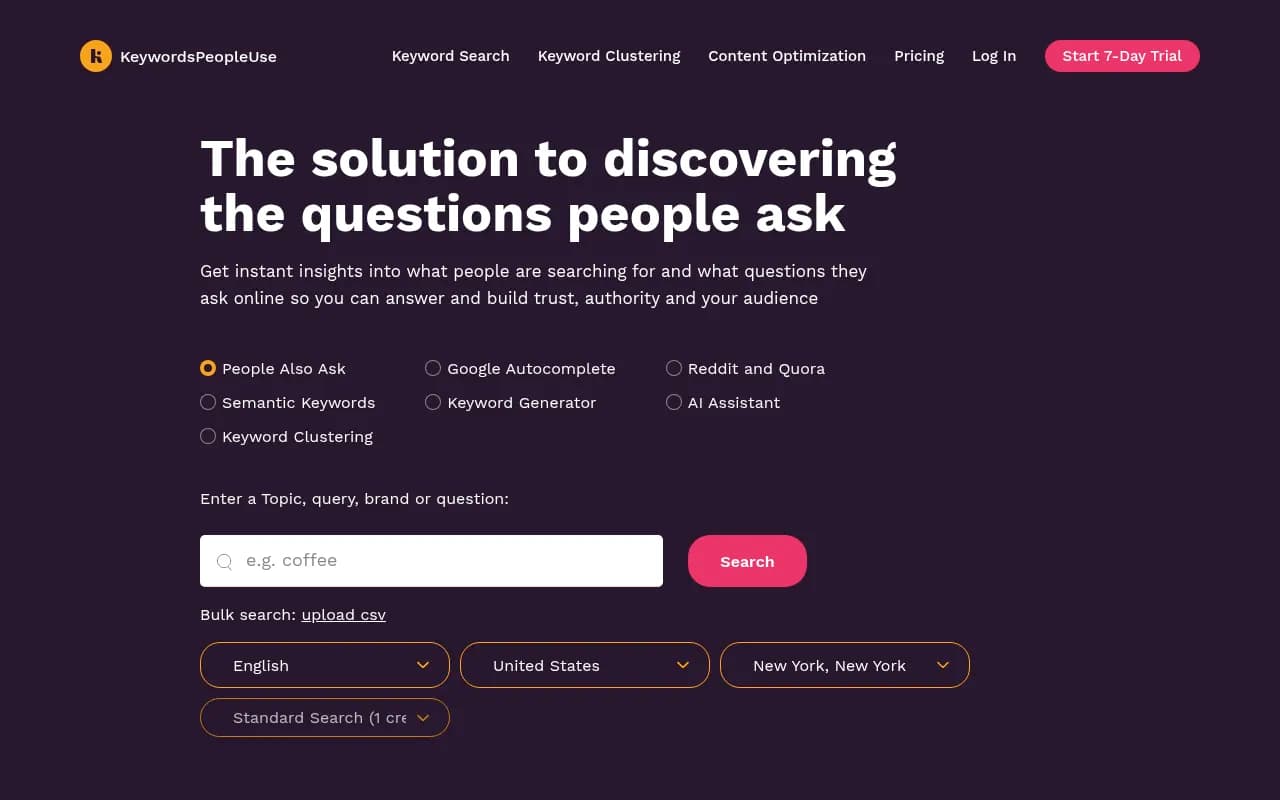
These pull actual People Also Ask data and autocomplete suggestions, so the questions are real even when the volume is thin.
Step 4: Cluster by intent
This is where AI saves hours. Dump your combined list (Search Console queries, model-generated candidates, forum phrases) into a model and ask it to group by topic and intent, then suggest one page per cluster.
Two cautions. First, models are inconsistent across long lists, so split big lists into batches and spot check. Second, a semantic cluster is not the same as a SERP cluster. Two keywords can mean the same thing to a human and still be served by completely different results pages. If you want clustering based on what Google actually ranks, a dedicated tool is more reliable:
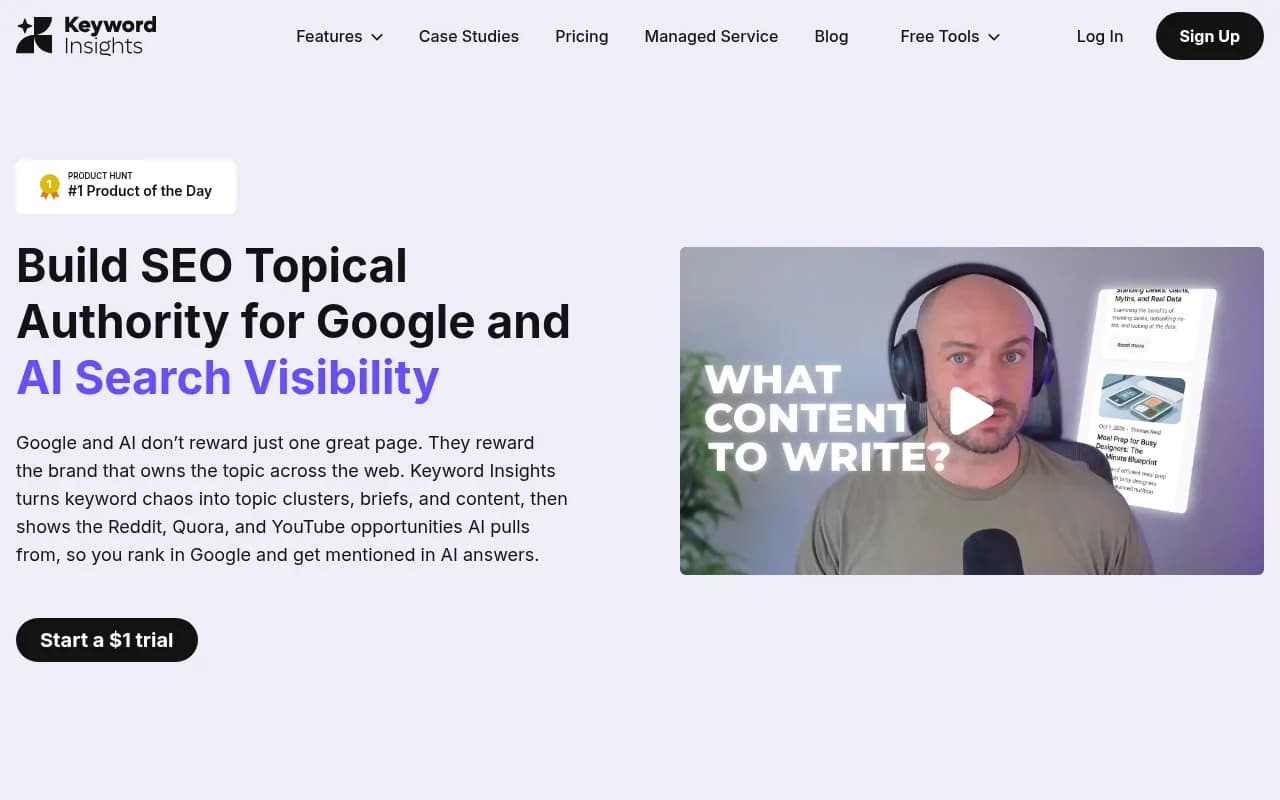
One way to use both: let the LLM do a fast first pass, then run the borderline groups through a SERP-based clusterer to decide whether they deserve one page or two.
Step 5: Validate with real volume data
Now, and only now, bring in numbers. Take the shortlist of 30 to 100 keywords that survived your filtering and run them through a tool with a real data source.
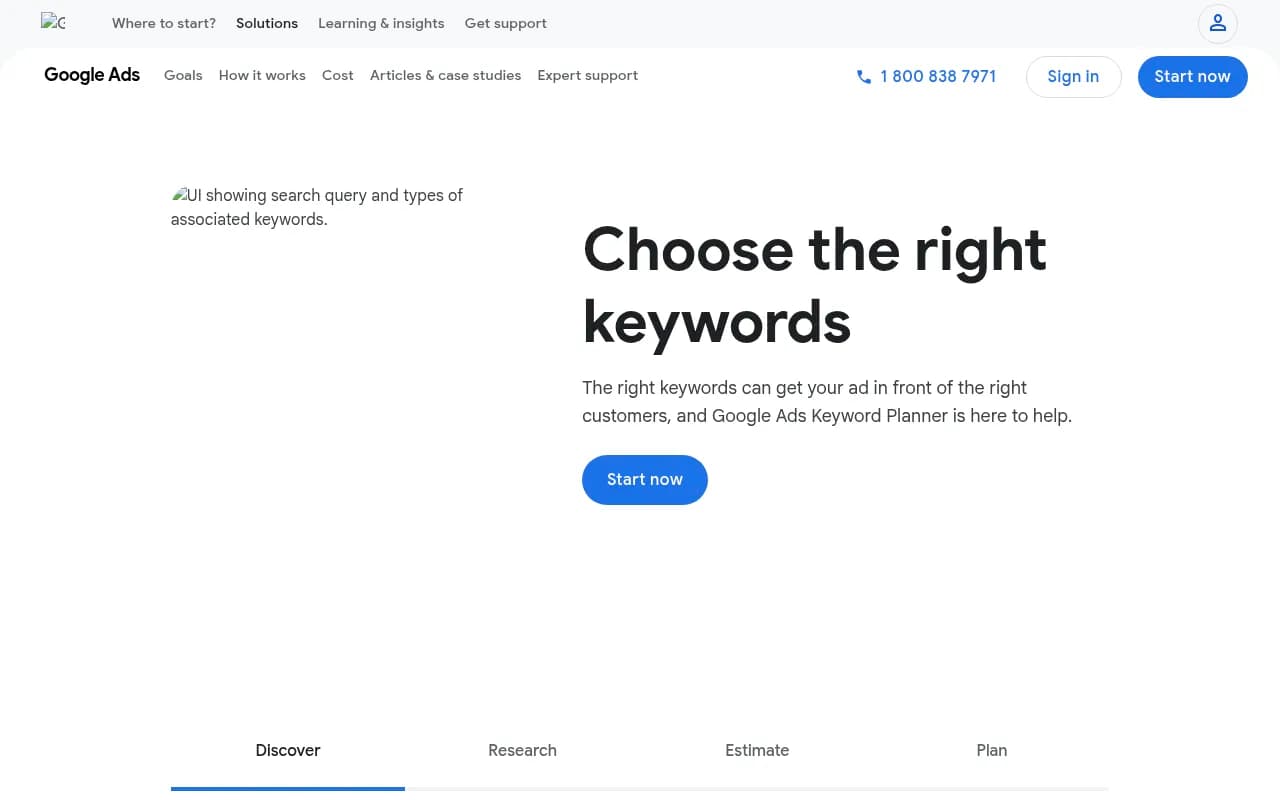

Google Keyword Planner is free and comes from Google itself, though it rounds volumes into wide ranges unless you run ads. Semrush and Ahrefs use clickstream and modeled data, so their numbers are estimates too. They are consistent estimates, which makes them useful for comparing one keyword against another even if the absolute figure is off.
What to check for each keyword:
- Is there measurable volume, or is it too thin to register?
- What does the SERP look like? Forums and thin pages mean an opening. Established brands and tools mean a fight.
- Does the intent of the ranking pages match the page you plan to write?
- Do real businesses in the space seem to care about this term?
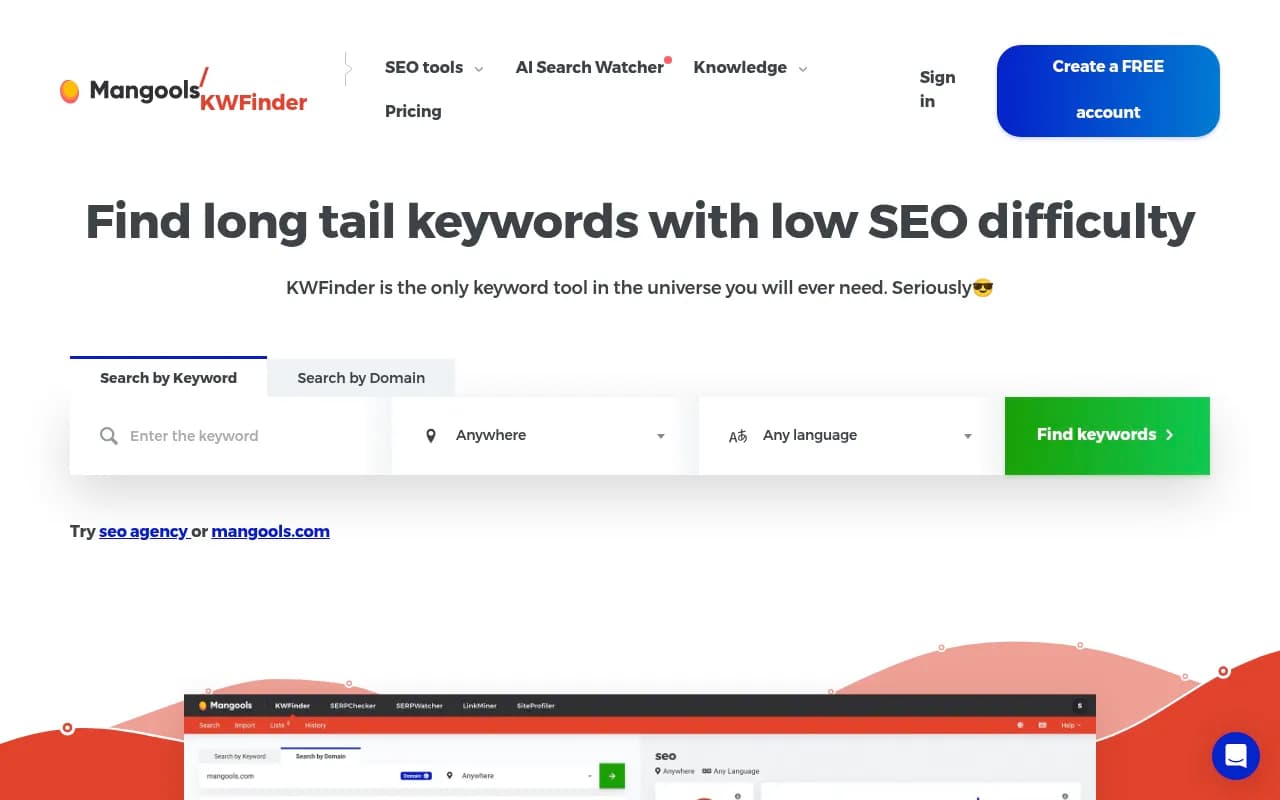
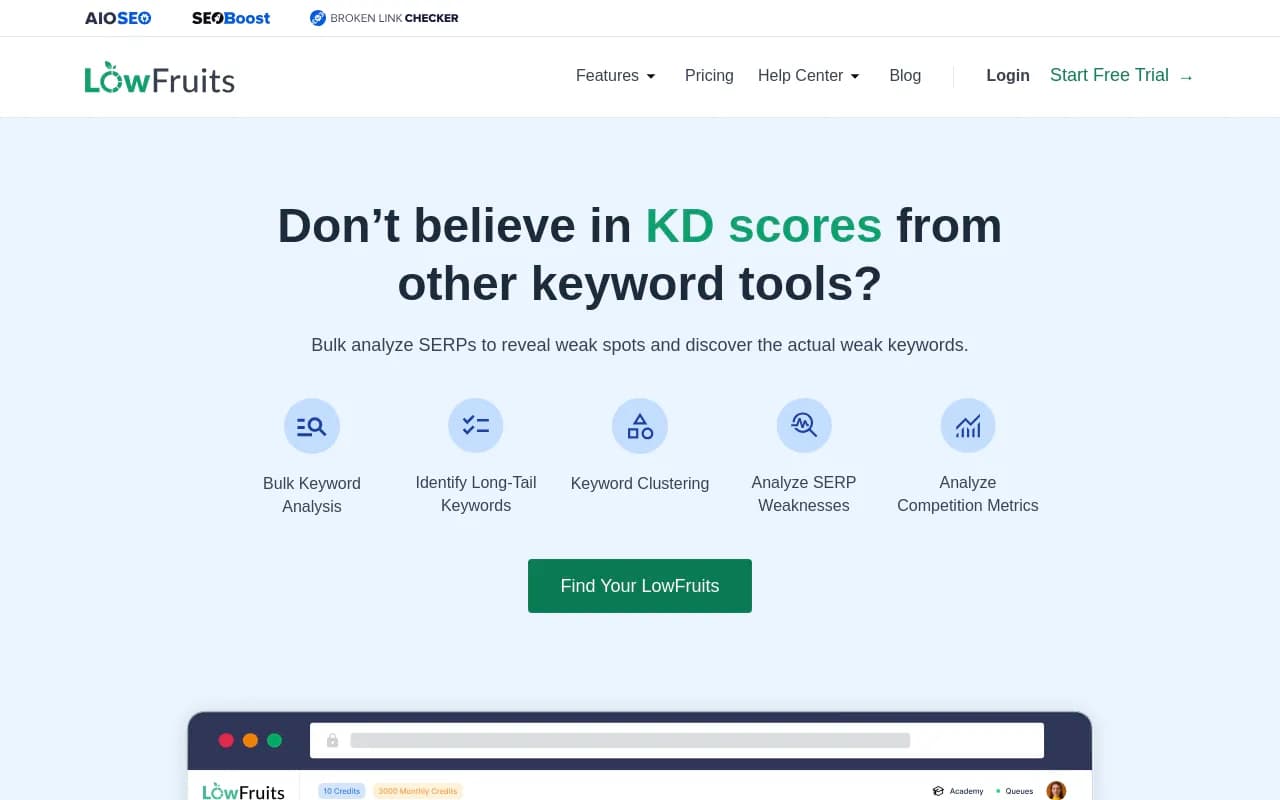
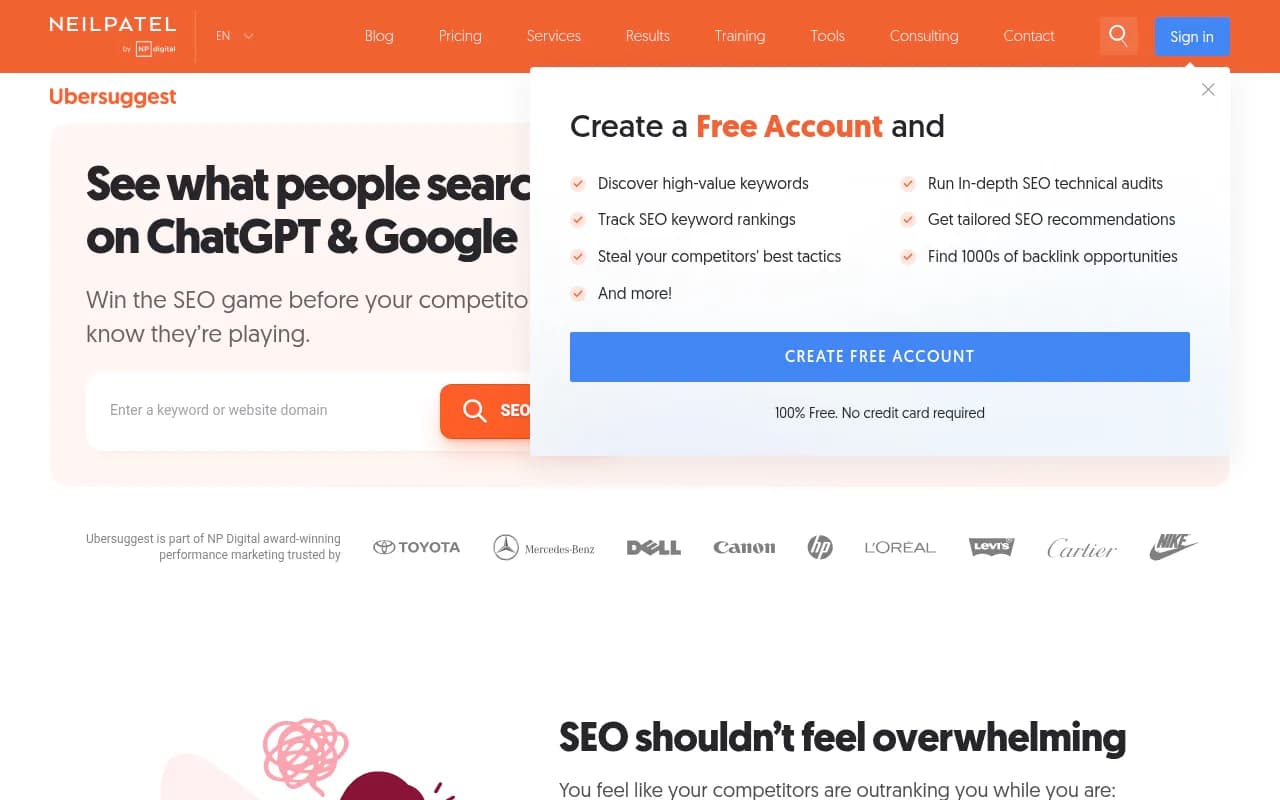
If you are on a budget, cheaper options are fine for this step:
Step 6: Run a competitor gap analysis
Export the top 500 to 1,000 ranking keywords for three to five competitors from Ahrefs, Semrush or similar. Then ask the model to compare that list against your own and surface topics they cover that you do not, grouped by theme.
Nightwatch calls competitor content gaps one of the highest-ROI uses of AI in keyword research, and I agree. The data is real because it comes from the SEO tool. The model is only doing the tedious sorting.
Comparison: which tool for which job
| Job | Best fit | Why | Watch out for |
|---|---|---|---|
| Brainstorming seeds | ChatGPT, Claude | Fast, flexible, understands context | Invented volumes and difficulty |
| Finding your own opportunities | Google Search Console, Bing Webmaster Tools | Actual query data from your site | Only shows terms you already appear for |
| Question and PAA discovery | AlsoAsked, AnswerThePublic | Real autocomplete and PAA data | Volume is thin or missing |
| Volume and difficulty | Google Keyword Planner, Semrush, Ahrefs | Real data sources, consistent scoring | All are estimates, ranges can be wide |
| SERP-based clustering | Keyword Insights | Groups by what Google ranks | Costs more than a chat prompt |
| Low-competition hunting | LowFruits, Mangools KWFinder | Looks at SERP weakness | Limited depth for big markets |
| Content briefs | Frase, Clearscope, MarketMuse | Turn the keyword into an outline | Optimizes for what already ranks |
Zero-volume keywords: when to chase them
An estimated 15% of daily searches are brand new, according to the digitalapplied guide, meaning there is no historical data for them. If you only chase terms with a volume figure, you miss that whole category.
But "zero volume" is not a free pass. Before you write a page for a zero-volume term, I would want at least two of these:
- The phrase shows up in real conversations (Reddit, support tickets, sales calls)
- It appears in your Search Console impressions, even at a low count
- Someone who searches it is clearly close to buying or solving a problem you handle
- A close variant has measurable volume
If you have none of those, you probably invented the keyword. Which is exactly the failure mode we started with.
The new keyword layer: AI query fan-outs
There is a newer wrinkle in 2026. When someone asks ChatGPT a question, the model often runs its own web searches in the background. These are called query fan-outs, and they behave like keywords: short, search-style phrases that decide which pages get pulled in.
Promptwatch Data tracks this. In its ChatGPT query fan-out report, average fan-out queries per response were 2.15 in early December and about 1.84 by early March, then 1.0 per response in April. Average fan-out query length fell from about 117 characters in December to around 53 characters (roughly 6 to 8 words) from April. Short, keyword-like phrases are what ChatGPT is searching for, which is useful to know when you write headings.
These also change without warning. On August 8, 2026, ChatGPT began using the site: operator at scale. Promptwatch Data's site: operator report shows the share of fan-outs using it jumping from 0.37% to 16.8% in a single day, with average searches per response rising from about 1.08 to about 1.83. Keyword mappings built before that date are stale.
The takeaway for keyword research: treat fan-outs as observed phrasing, not as demand. There is no volume data attached to them, and they will change again. Use them to sanity check that your headings cover the sub-questions AI asks (comparisons, pricing, alternatives, how-tos), then validate demand through the normal tools above.
Tools like Promptwatch can show the fan-out queries behind tracked prompts, along with prompt volume and difficulty estimates, so you are not guessing at what the models are searching for.

If you want to browse more options in this category, the GEO software directory at bestgeosoftware.com lists dozens of them.
Prioritizing the final list
Semrush's framing for 2026 is worth repeating: the shift is from volume-first to business-value-first. High-volume informational queries are increasingly answered inside AI features before anyone clicks. A keyword with 200 monthly searches from people ready to buy can beat one with 20,000 from people who just want a definition.
A simple scoring approach that I use:
| Factor | Question to ask | Source |
|---|---|---|
| Business value | Would a searcher here plausibly become a customer? | Your judgment, sales team |
| Demand | Is there measurable volume or a strong proxy? | Keyword tool, Search Console |
| Winnability | Are the current results weak or mismatched? | Manual SERP check |
| Intent fit | Does the format match what you can build? | SERP review |
| Existing traction | Do you already get impressions? | Search Console |
Score each from 1 to 3, add them up, and sort. It is crude on purpose. The point is to force a decision grounded in something other than the model's enthusiasm.
Common mistakes
Trusting the first table
If a chatbot gives you volume and difficulty columns, that is a red flag, not a feature. Re-prompt without them or ignore them.
Skipping the SERP check
No tool tells you the whole story about intent. Spend two minutes reading the actual results. If every page is a product category and you plan a blog post, you will lose.
Letting the model pick the winner
AI can organize options. It does not know your margins, your sales cycle or what your customers complain about on calls. Prioritizing is your job.
Never refreshing
Search behavior shifts, and so does the AI layer on top of it. Re-run Search Console and Bing checks monthly, and re-audit keyword-to-heading mapping after major ChatGPT updates.
Putting it together
Here is the whole workflow on one screen:
- Pull queries from Search Console and Bing Webmaster Tools
- Brainstorm candidates with a model, explicitly banning metrics
- Mine forums and support logs for real phrasing
- Cluster by intent, then spot check against SERPs
- Validate shortlisted keywords in Keyword Planner, Semrush or Ahrefs
- Run a competitor gap export and let AI sort it
- Score by business value, demand and winnability
- Check fan-out phrasing for the pages you plan to write
If you want a longer video walkthrough of the AI-assisted approach, Adam Enfroy's free course covers niche selection and search intent in depth, though it leans toward content-site and affiliate use cases.

The pattern holds across every source I read: AI finds and organizes, real data measures, and a human decides. Keep those roles separate and you get the speed of AI without the invented numbers.
For more tools to compare, the software directory at surferstack.com has reviews and alternatives across keyword research, content optimization and rank tracking.