Key takeaways
- Several genuinely useful free GEO tools exist in 2026, but most have real limits: snapshot audits only, no tracking over time, or capped at a handful of prompts per month.
- Free tools are best for getting a baseline and understanding where you stand. Ongoing optimization almost always requires a paid plan.
- The most useful free tools by category: Geoptie (audit), HubSpot AI Search Grader (sentiment), ProductRank (basic monitoring), AnswerThePublic (question research), and Google Search Console (traffic attribution).
- If you're serious about improving AI visibility rather than just measuring it, free tools will only take you so far. Platforms like Promptwatch go further by helping you find content gaps and actually fix them.
Most GEO platforms charge somewhere between $99 and $500 per month. That's a reasonable spend once you've committed to an AI search strategy. It's a harder sell when you're still figuring out whether your brand even shows up in ChatGPT.
The good news: there are enough free tools in 2026 to run a real GEO audit, check your visibility across a few AI engines, research the questions your audience is asking, and get a rough sense of what's missing. Some are fully free forever. Some are free tiers of paid products. Some are traditional SEO tools that happen to be useful for GEO work.
The bad news: most of them stop at "here's where you stand." They don't help you fix anything. That's worth knowing upfront so you set the right expectations.
Here's what's actually worth your time, organized by what you need to do.
Audit your AI search readiness
Before optimizing anything, you need a baseline. These tools tell you how your site currently performs in AI search.
Geoptie GEO audit
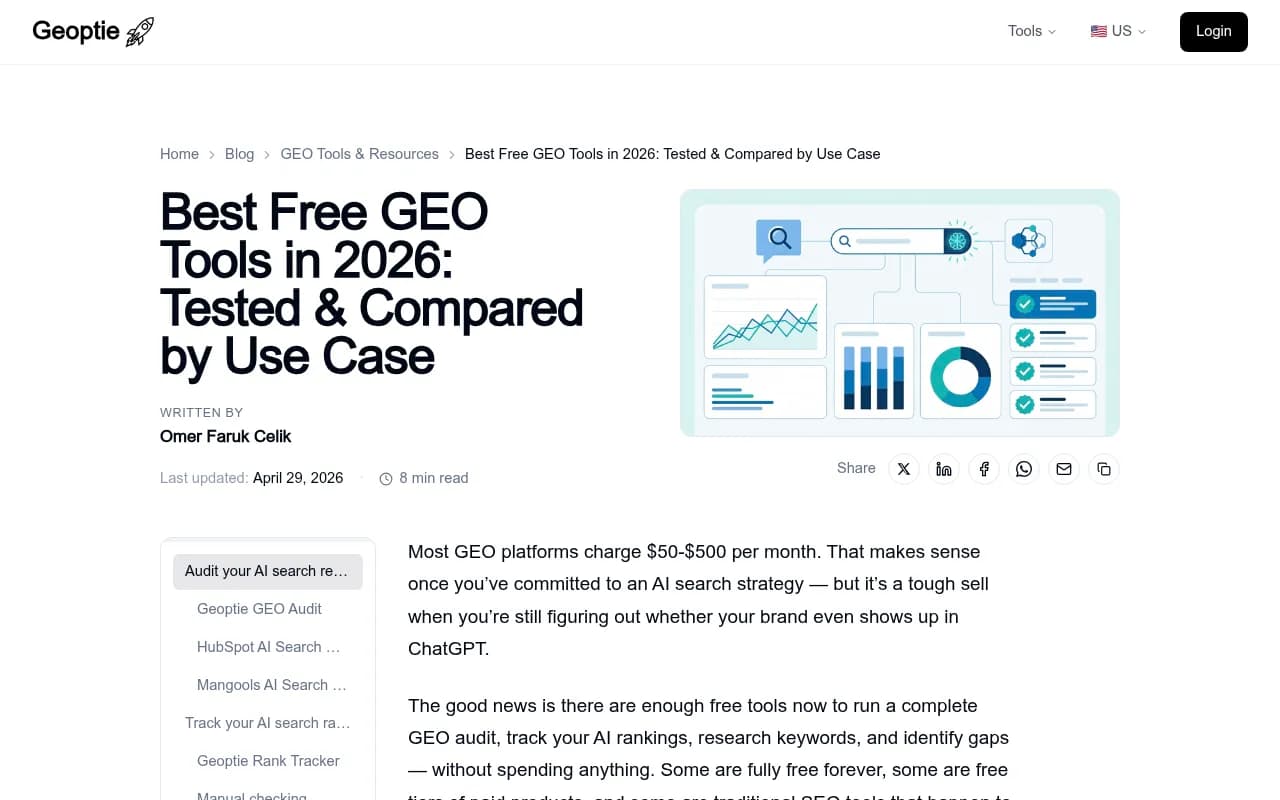
Geoptie offers a free audit that scans your website across six dimensions: citation readiness, content authority, technical optimization, structured data, content depth, and AI-friendliness. You get a score for each dimension plus specific recommendations. Takes about 30 seconds, no signup required.
It's the most detailed free audit I've found. Most other audit tools give you a single score. Geoptie breaks it down into the specific factors that determine whether AI engines will cite your content, which makes it a lot more actionable.
HubSpot AI Search Grader
HubSpot's free grader evaluates how ChatGPT, Perplexity, and Gemini perceive your brand. You get a visibility score, sentiment analysis, and basic competitive benchmarking. The sentiment angle is genuinely useful -- it doesn't just tell you whether you appear, it tells you how AI engines describe you when they do.
The limitation is that it's a one-time snapshot. You can't track changes over time or drill into specific keywords. Think of it as a second opinion, not a monitoring tool.
Mangools AI Search Grader
Mangools checks your brand across ChatGPT, Perplexity, DeepSeek, Claude, and Grok. Covers more AI engines than HubSpot's grader, though the analysis is less detailed. Good for a quick cross-platform check when you want a rough pass/fail sense of where you stand.
Practical approach: Run Geoptie's audit for the detailed breakdown, then run HubSpot's grader for the sentiment angle. Between the two you'll have a solid baseline in under five minutes.
Track your AI search visibility (free tiers)
Once you have a baseline, you'll want to track specific prompts over time. This is where free tools get thinner. Most free tiers are limited to a handful of prompts per month -- enough to experiment, not enough to run a real program.
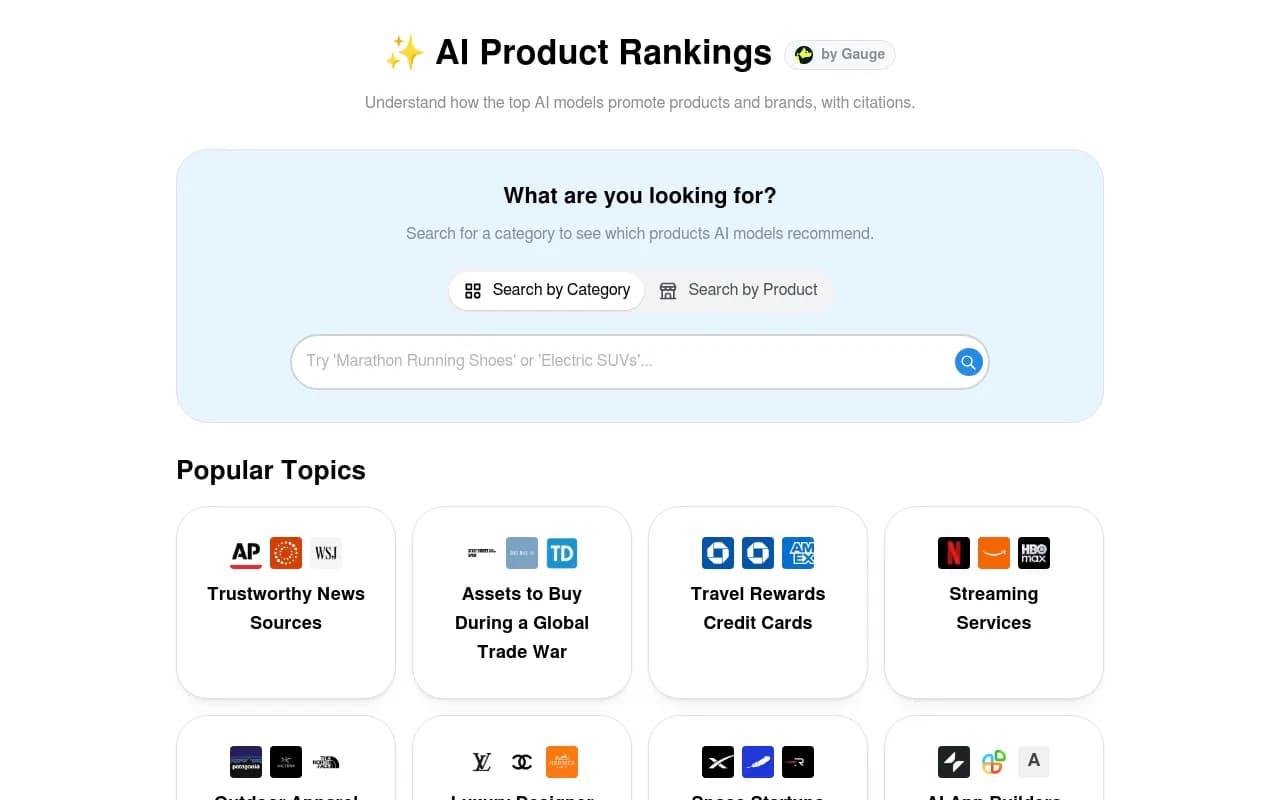
ProductRank
ProductRank is a free AI search discovery and monitoring tool. It lets you track how your brand appears across AI engines for specific queries. The free tier is limited but functional for getting started.
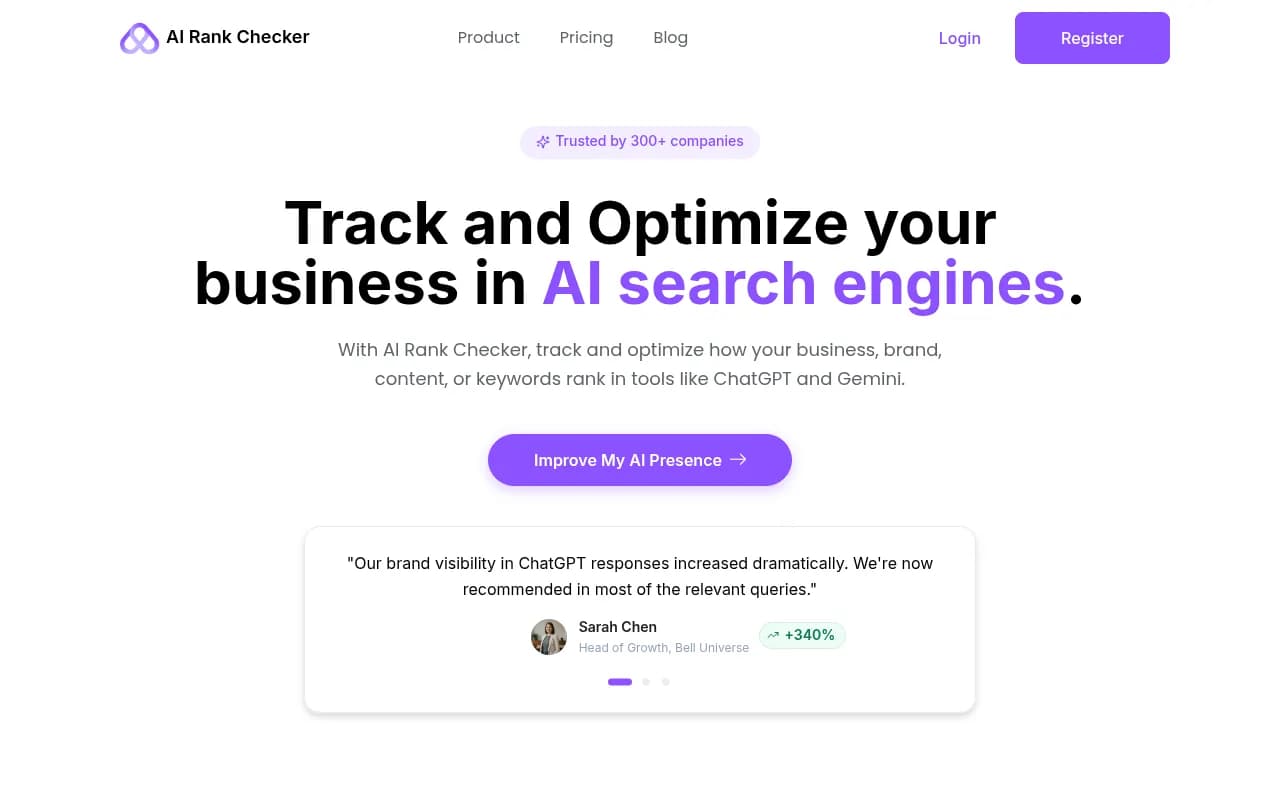
AI Rank Checker
AI Rank Checker (airankchecker.net) lets you check your brand's visibility in AI search engines. It's a simpler tool -- useful for spot-checking individual prompts rather than ongoing tracking.
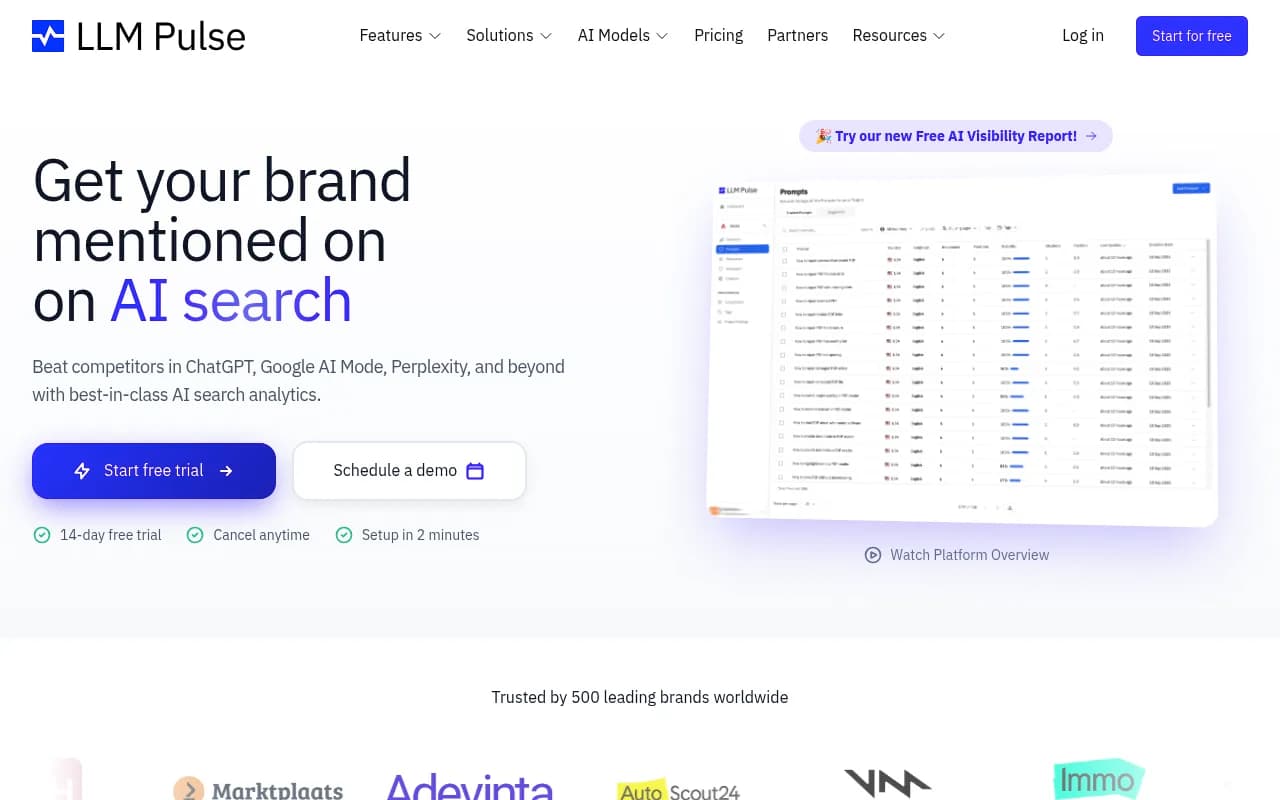
LLM Pulse
LLM Pulse offers a free tier for tracking brand visibility across ChatGPT, Perplexity, and a few other models. Good for small-scale monitoring if you're just getting started.
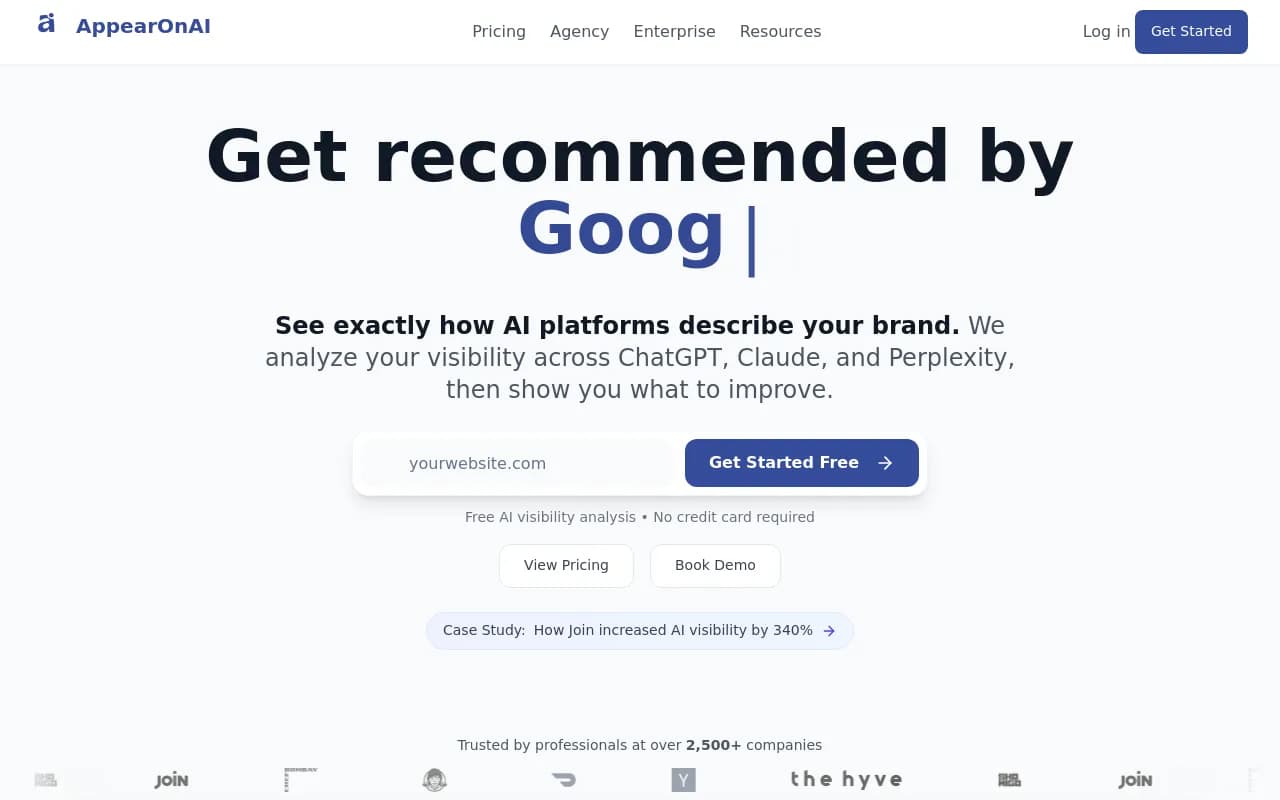
AppearOnAI
AppearOnAI positions itself as an executive AI visibility assessment platform. The free version gives you a high-level view of where your brand stands across major AI engines.
The honest reality about free monitoring: Most free tiers cap you at 5–20 prompts per month. That's fine for a sanity check. It's not enough to understand your visibility across the range of queries your customers actually use. If you find yourself needing more, tools like Promptwatch start at $99/month and cover 50 prompts with full tracking, crawler logs, and content gap analysis.

Research questions and prompts (free)
Understanding what questions people ask AI engines is foundational to GEO. These tools help you find the right prompts to target -- and most of them are genuinely free.
AnswerThePublic
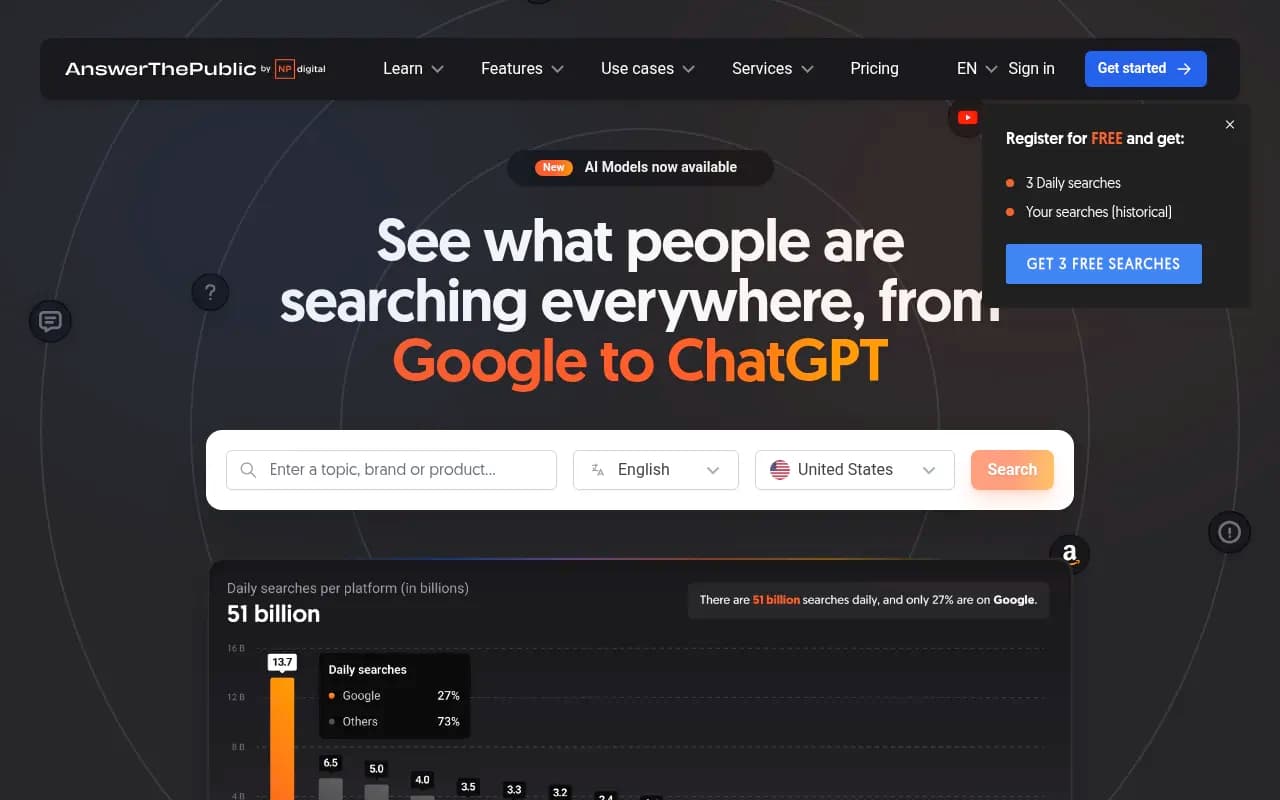
AnswerThePublic visualizes real search questions people ask about any topic. It's technically a traditional SEO tool, but the question-based format maps directly to how people prompt AI engines. The free tier gives you a limited number of searches per day, which is enough for research sessions.
AlsoAsked
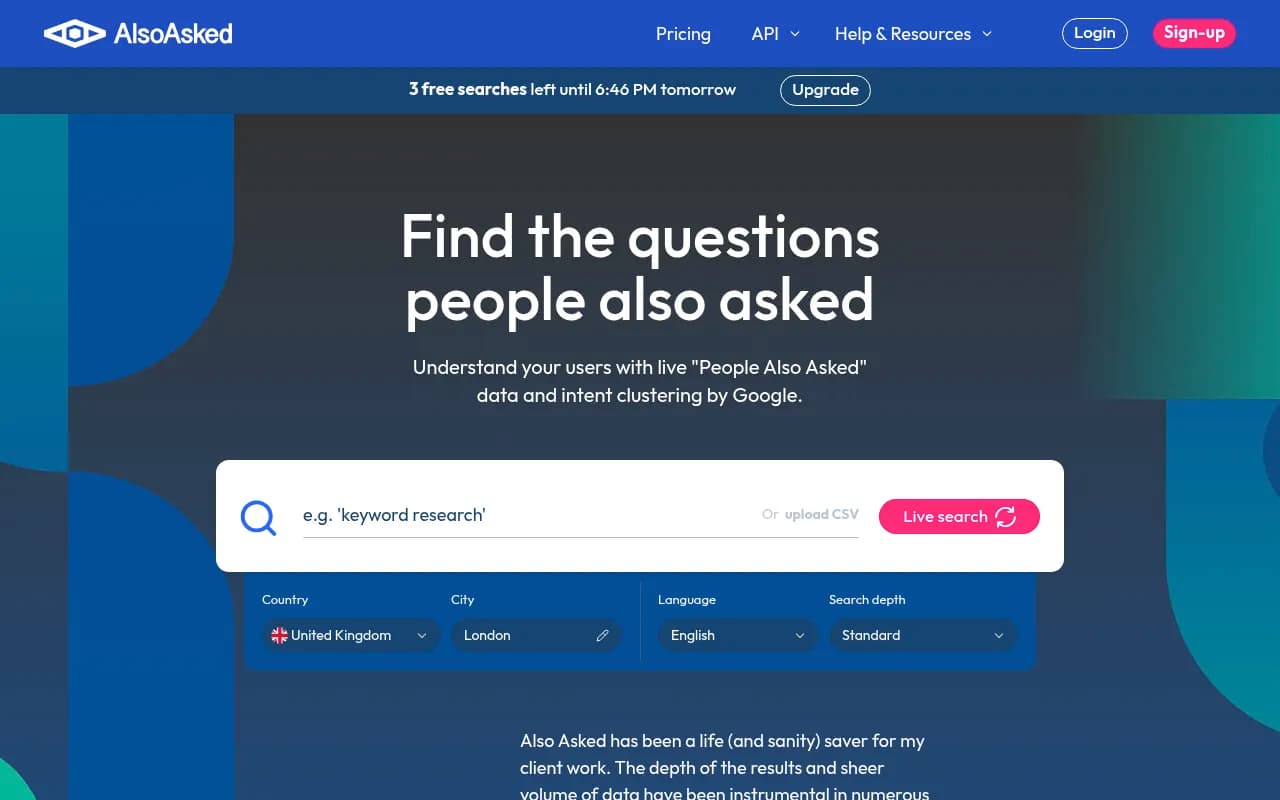
AlsoAsked surfaces live "People Also Ask" data from Google. This is useful for GEO because the questions that appear in PAA boxes often mirror what people ask ChatGPT and Perplexity. Free tier available with limited searches.
Answer Socrates
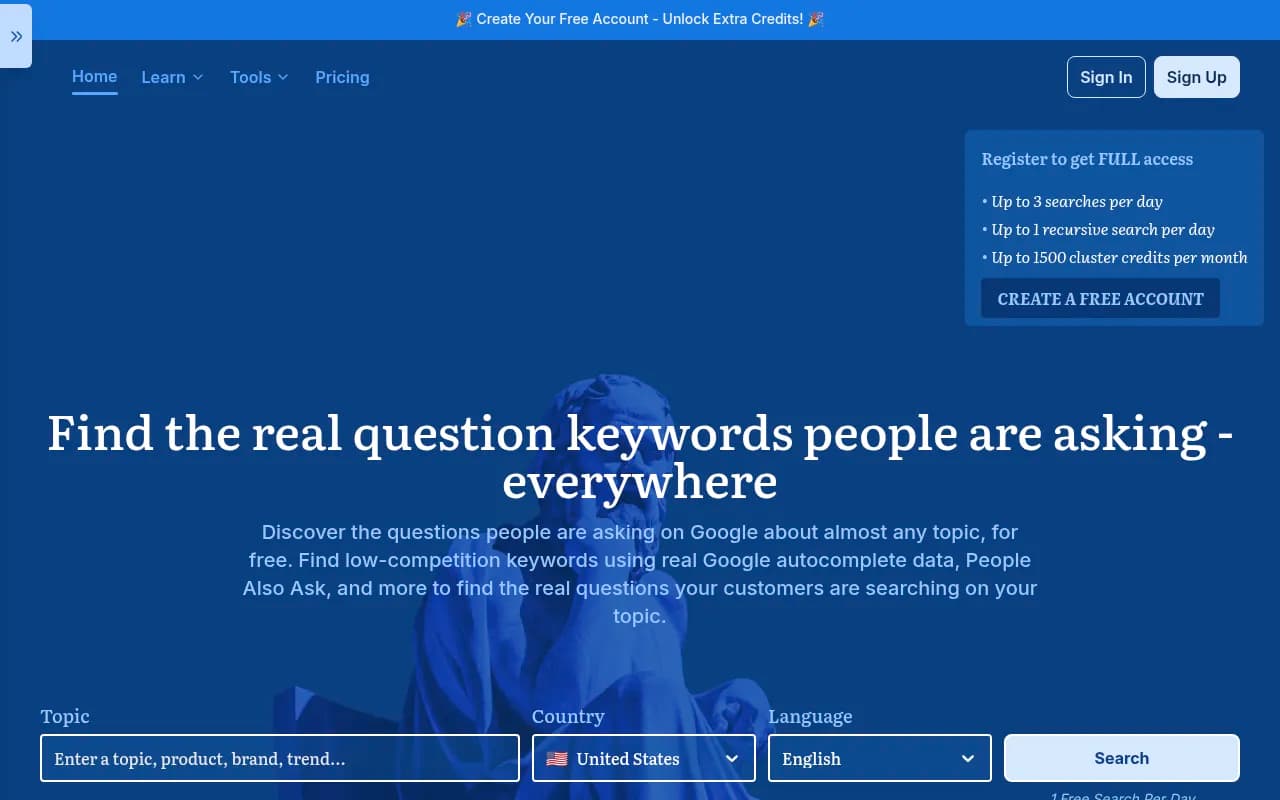
Answer Socrates is built specifically for GEO keyword discovery. It helps you find the questions people ask across search and AI engines, making it more directly relevant to GEO work than general keyword tools.
Google Trends
Free, unlimited, and underused for GEO. Google Trends shows you which topics are growing in search interest -- a reasonable proxy for what's gaining traction in AI search too. Useful for prioritizing which topics to target first.
Google Keyword Planner
Still one of the best free tools for understanding search volume. The data is Google-centric, but high-volume search queries tend to be high-volume AI prompts too. Free with a Google Ads account (you don't need to run ads).
Technical GEO checks (free)
AI engines need to be able to crawl and understand your content. These free tools help you catch technical issues that might be blocking AI visibility.
Google Search Console
Free, essential, and increasingly useful for GEO. Search Console shows you which pages Google is indexing, crawl errors, and -- as of 2026 -- some data on AI Overview appearances. It won't tell you about ChatGPT or Perplexity, but it's a solid foundation for understanding whether your content is crawlable at all.
Screaming Frog SEO Spider
The free version of Screaming Frog crawls up to 500 URLs and surfaces technical issues: broken links, missing meta tags, thin content, redirect chains. These issues affect AI crawlers the same way they affect Googlebot. If you haven't run a technical audit recently, start here.
Google PageSpeed Insights
Free and straightforward. Page speed affects crawlability and user experience, both of which matter for AI visibility. Run your key pages through PageSpeed Insights to catch obvious performance issues.
Bing Webmaster Tools
Often overlooked, but Bing Webmaster Tools is free and provides crawl data that's relevant to AI engines -- particularly Copilot, which runs on Bing's index. Worth setting up alongside Google Search Console.
Content optimization (free tiers)
Writing content that AI engines will cite requires more than just covering a topic. These tools help you optimize for depth, structure, and relevance.
Semrush (free tier)
Semrush's free tier gives you 10 requests per day across its tools, including keyword research, site audits, and some content analysis. Limited, but useful for occasional checks. The paid plans add AI search monitoring, though Semrush uses fixed prompts rather than custom ones.
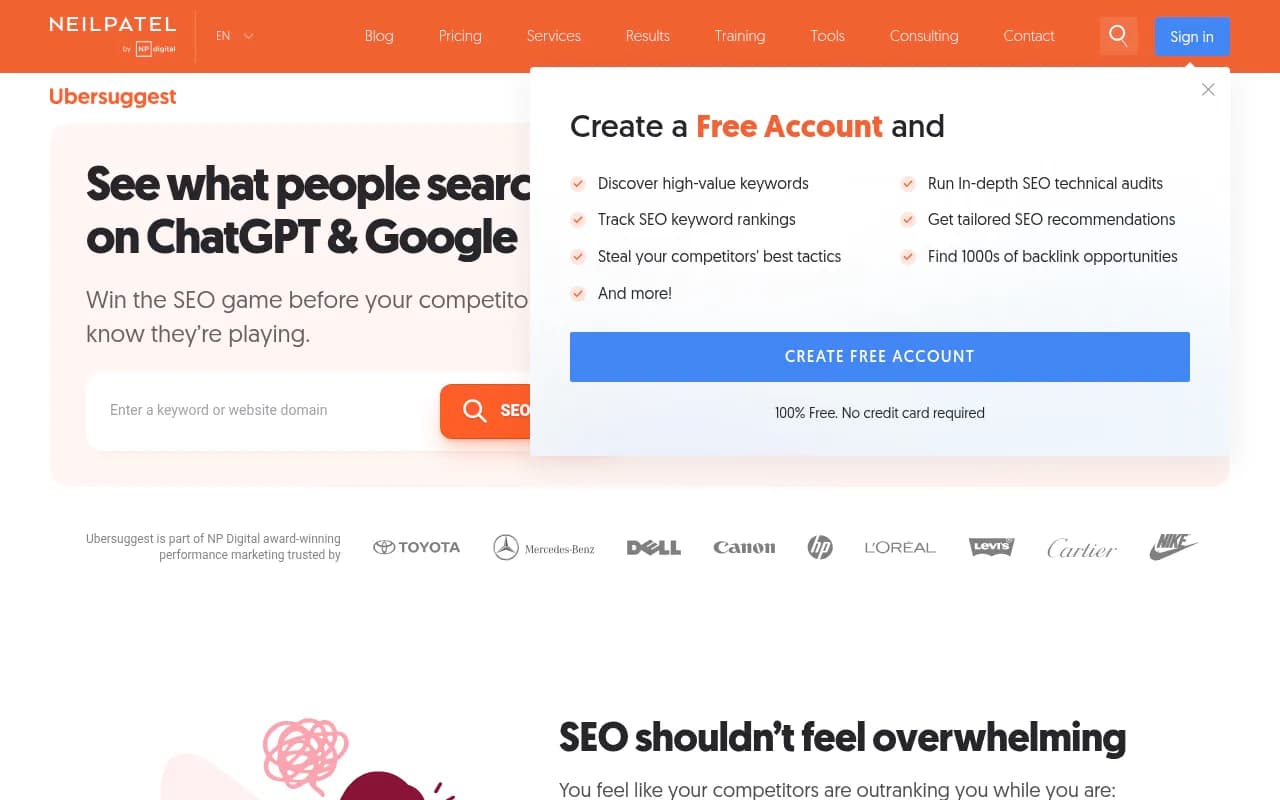
Ubersuggest
Neil Patel's Ubersuggest has a free tier that covers keyword research, content ideas, and basic site audits. Not the most powerful tool in the list, but it's genuinely free for a reasonable number of queries per day.
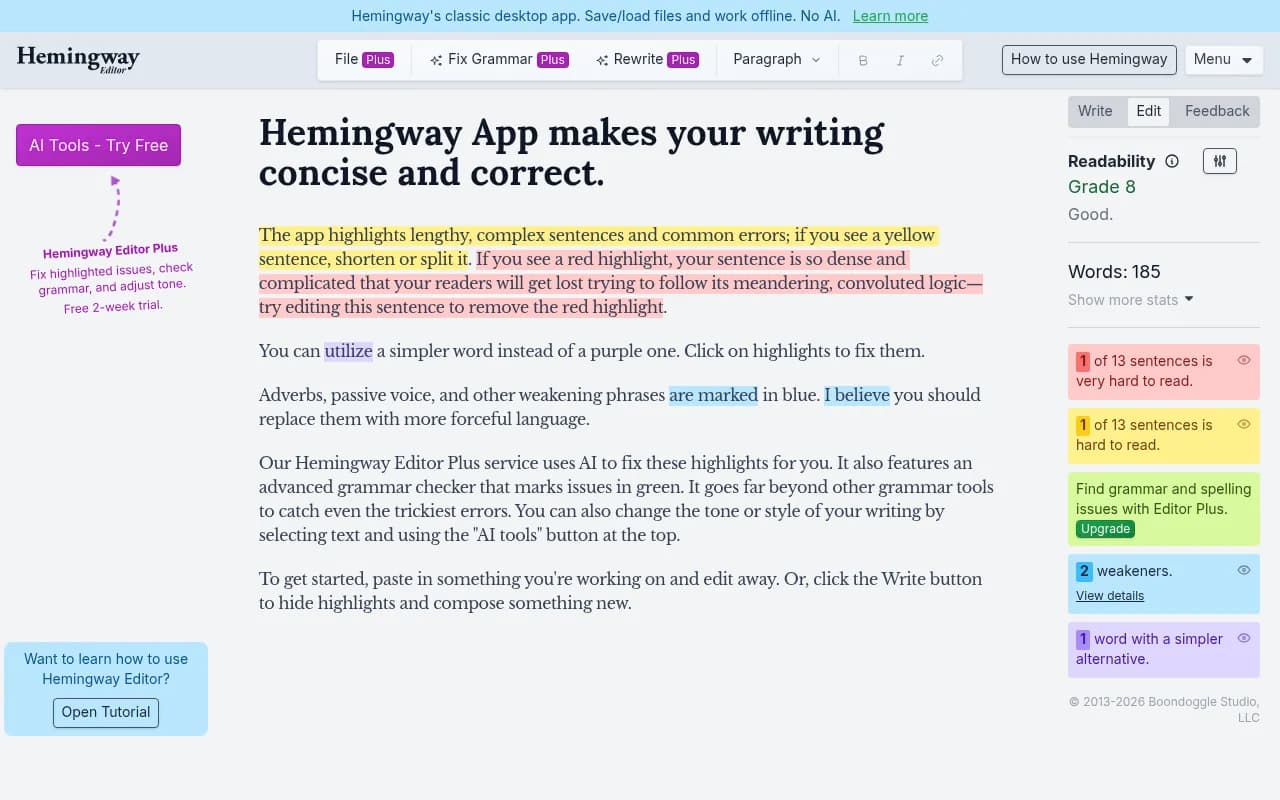
Hemingway Editor
Free in the browser. Hemingway flags overly complex sentences, passive voice, and readability issues. AI engines tend to cite content that's clear and direct -- Hemingway helps you get there.
Free tools comparison table
Here's a quick reference for what each category of free tool actually covers:
| Tool | Category | What you get free | Key limitation |
|---|---|---|---|
| Geoptie GEO Audit | Audit | Full 6-dimension audit, no signup | One-time snapshot, no tracking |
| HubSpot AI Search Grader | Audit/Sentiment | Visibility score + sentiment across 3 engines | No keyword-level detail |
| Mangools AI Search Grader | Audit | Cross-platform check across 5 engines | Basic analysis only |
| ProductRank | Monitoring | Basic AI visibility tracking | Very limited prompt count |
| AI Rank Checker | Monitoring | Spot-check individual prompts | Not for ongoing tracking |
| LLM Pulse | Monitoring | Free tier across a few models | Capped prompts per month |
| AnswerThePublic | Research | Question visualization | Limited daily searches |
| AlsoAsked | Research | Live PAA data | Limited searches on free tier |
| Answer Socrates | Research | GEO-specific question discovery | Limited free usage |
| Google Search Console | Technical | Crawl data, index coverage, some AI Overview data | Google only, no ChatGPT/Perplexity |
| Screaming Frog | Technical | Full crawl up to 500 URLs | 500 URL cap |
| Google Keyword Planner | Research | Search volume data | Google-centric, no AI-specific data |
| Semrush | Content/Research | 10 requests/day across tools | Very limited on free tier |
| Hemingway Editor | Content | Readability analysis | No SEO or GEO-specific guidance |
What free tools can't do
It's worth being direct about this. Free GEO tools in 2026 are good for:
- Getting a one-time snapshot of where you stand
- Catching obvious technical issues
- Researching what questions to target
- Doing basic readability checks
They're not good for:
- Tracking visibility changes over time across multiple AI engines
- Understanding which specific pages are being cited (and which aren't)
- Identifying the content gaps that are costing you citations
- Generating content specifically engineered to fill those gaps
- Connecting AI visibility to actual traffic and revenue
That last set of things requires a paid platform. The gap between "monitoring" and "optimizing" is real, and free tools mostly sit on the monitoring side -- and often not even ongoing monitoring, just one-time checks.
If you want to move from knowing you're invisible to actually doing something about it, platforms like Promptwatch are built around that action loop: find the gaps, create content that fills them, track the results. Most free tools (and honestly, many paid ones) stop at step one.
How to get the most out of free GEO tools
A few practical suggestions for making free tools work as a starting point:
Start with an audit, not monitoring. Before you track anything, understand your current state. Run Geoptie's free audit and HubSpot's grader. You'll know within 10 minutes whether you have fundamental issues to fix first.
Use question research tools to build a prompt list. AnswerThePublic and AlsoAsked are genuinely useful for identifying the questions your audience is asking. Build a list of 20–30 prompts that matter to your business. That list becomes your tracking foundation when you move to a paid tool.
Fix technical issues first. If Screaming Frog or Google Search Console reveals crawl errors, broken pages, or missing structured data, fix those before worrying about content. AI engines can't cite pages they can't read.
Treat free tools as a diagnostic, not a strategy. The free tools in this guide will tell you where you are. They won't tell you what to do next in any systematic way. That's the honest limitation, and it's worth knowing before you invest time in them.
The bottom line
There's a real set of free GEO tools worth using in 2026. Geoptie's audit is the best free starting point for a detailed breakdown. HubSpot's grader adds useful sentiment data. AnswerThePublic and AlsoAsked are solid for prompt research. Google Search Console and Screaming Frog cover the technical basics.
But free tools have a ceiling. They're built for discovery, not optimization. Once you know what's wrong, you need something that helps you fix it -- and that's where paid platforms earn their keep.